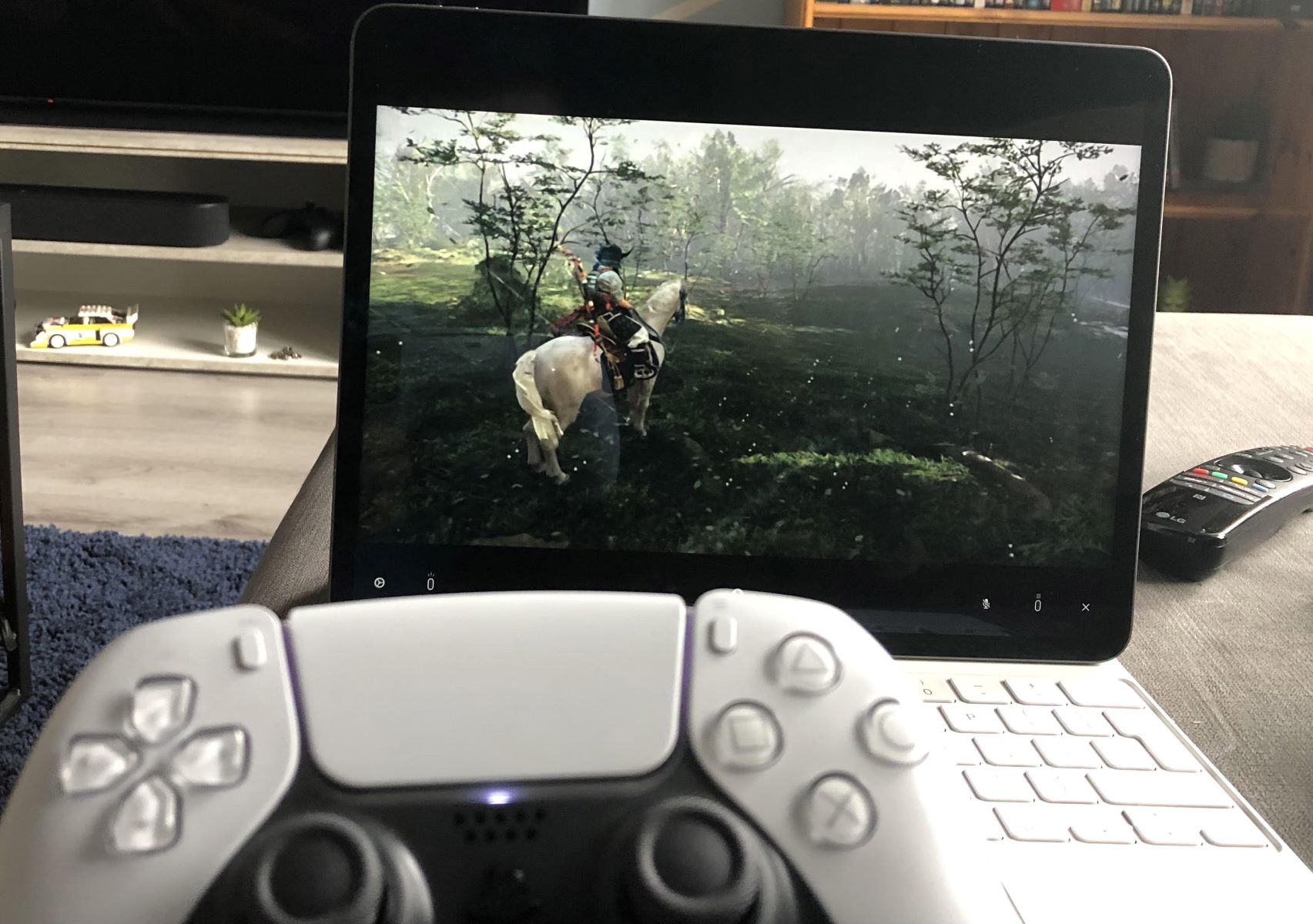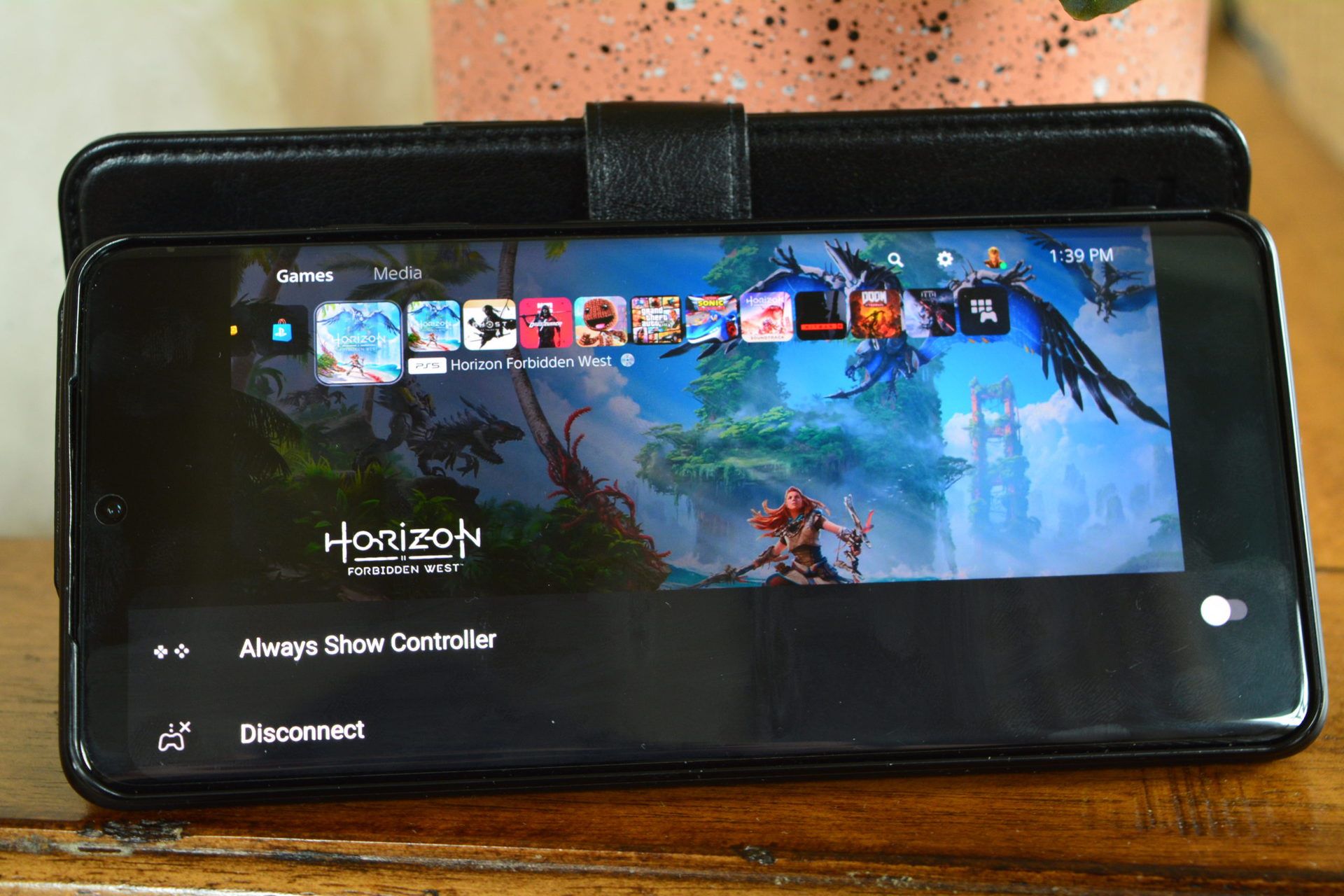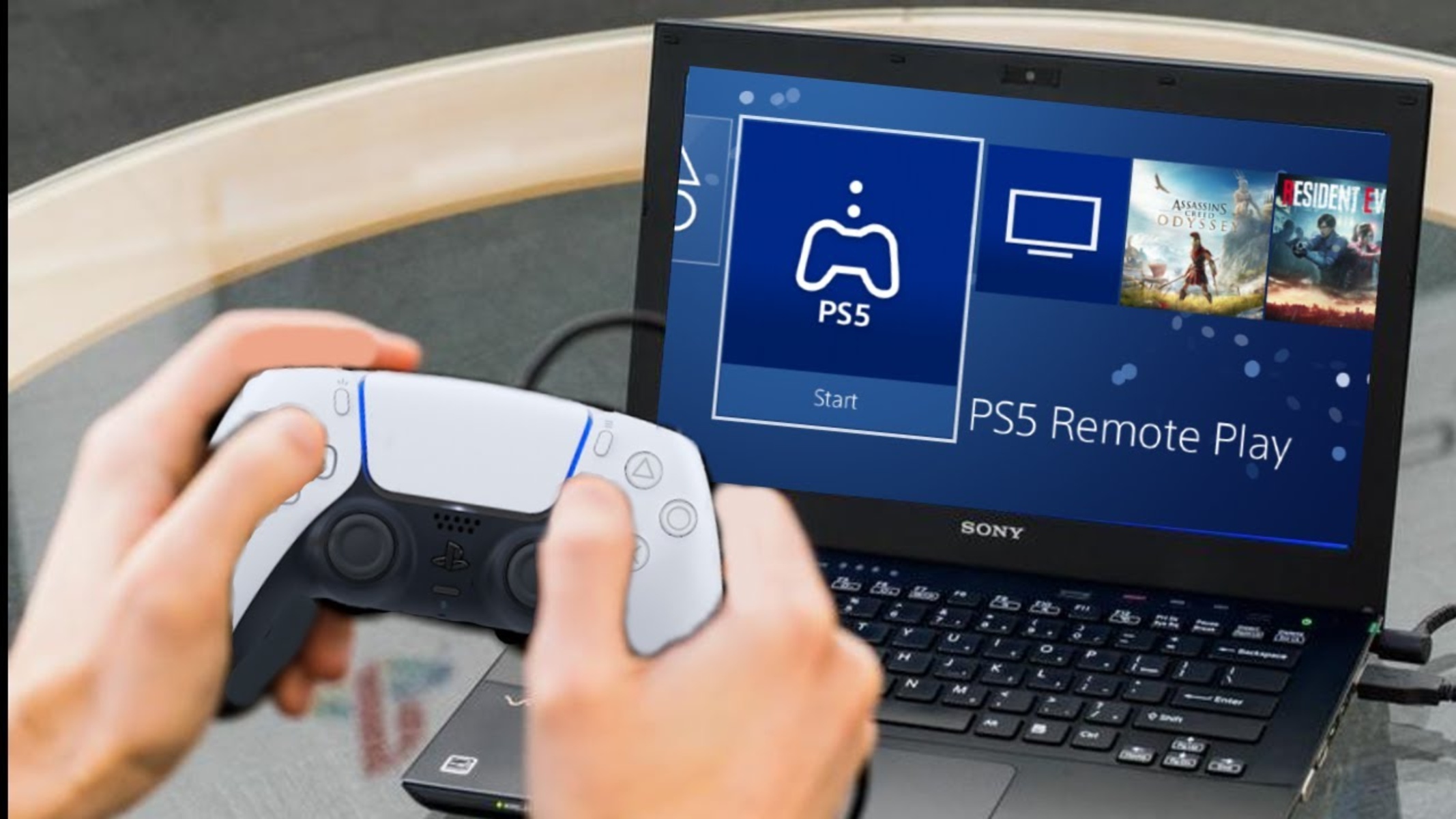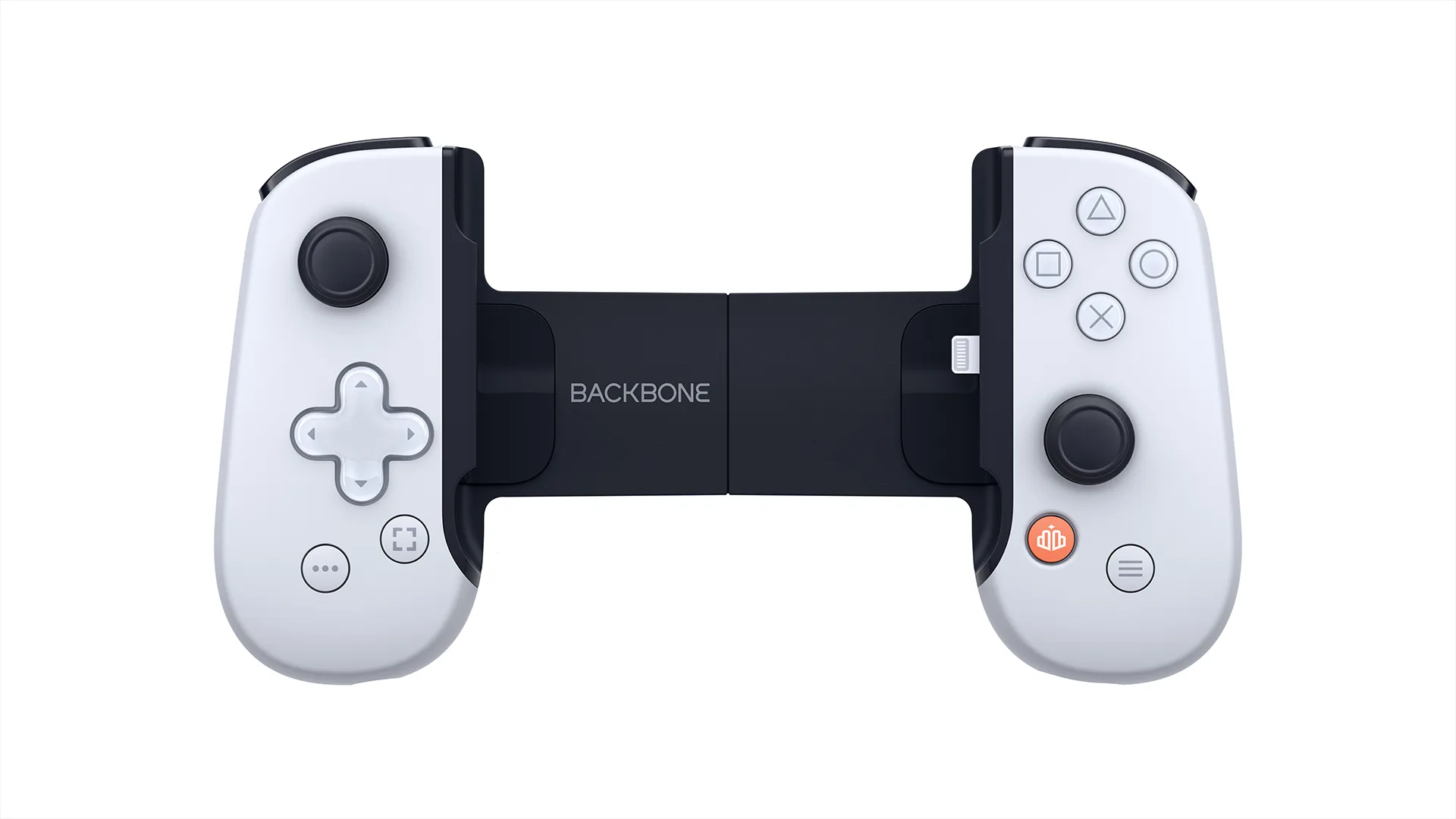
The PlayStation Backbone One controller connects directly to your phone's charging port, transforming it into a handheld gaming console for playing your PS4 or PS5 games via Remote Play. It works as a low-latency wired bridge between your mobile device and your home console, streaming gameplay directly to your screen while providing familiar PlayStation controls in your hands.
What is the PlayStation Backbone One controller?
The Backbone One PlayStation Edition is an officially licensed mobile controller that physically attaches to a compatible iPhone or Android device, turning it into a dedicated handheld gaming system. This is a hardware accessory, not a console with internal processors or storage, it relies entirely on your phone's screen and processing power, and on your PlayStation console for game execution. The controller is distinct from a console's internal hardware, serving as a high-quality input device that mimics the feel of a DualSense controller while enabling PlayStation Remote Play on the go, a setup that may evolve further once we see what a PlayStation 6 look like and its potential new remote play features. If you want to track how much time you spend in your favorite titles during these sessions, you can see hours played on PlayStation directly from your profile.
How does the PlayStation Backbone work?
The Backbone One connects directly to your phone's USB-C (for iPhone 15/16 Series and Android) or Lightning port (for older iPhones), providing a low-latency wired connection. It does not have its own battery; instead, it draws minimal power from the connected phone and features pass-through charging to allow simultaneous phone charging while you play. Its core function is as a Remote Play enabler, allowing you to stream and control your PS4 or PS5 games directly on your mobile device. The controller's physical buttons, triggers, and joysticks communicate with the PS Remote Play app through this wired link, translating your inputs into commands sent over the internet to your console.
How to set up PS Remote Play with Backbone One
Setting up Remote Play requires configuring both your console and your mobile device. Follow these steps in order:
- On your PS5 or PS4 console, go to "Settings" > "System" > "Remote Play" and turn on "Enable Remote Play".
- For Remote Play to work from Rest Mode on PS5, navigate to "Settings" > "System" > "Power Saving" > "Features Available in Rest Mode" and ensure "Stay Connected to the Internet" and "Enable Turning On PS5 from Network" are both active.
- On your mobile device, download and install the official "PS Remote Play" app from your device's app store.
- Sign in to the PS Remote Play app using the same PlayStation Network account that is active on your console.
- Attach your Backbone One controller to your phone, the app should automatically recognize it and connect to your console over the internet.
Internet requirements for a smooth experience
A high-speed internet connection is crucial for Remote Play. Sony recommends at least 5 Mbps for basic use, and 15 Mbps for optimal performance at 1080p resolution and 60 frames per second. For the best experience, connect your PlayStation console to the internet via a wired LAN cable and use a 5GHz Wi-Fi connection for your mobile device. This combination minimizes latency and packet loss, ensuring responsive gameplay.
Key features and controls of the Backbone One
Pressing the "..." (options) button on the Backbone One PlayStation Edition controller during Remote Play accesses the "create menu" on your PlayStation console, allowing you to capture screenshots or video clips. On the Android version of the controller, double-pressing the "..." button can launch the PlayStation app directly. The Backbone app organizes your gaming content library and streaming services, including direct access to PS Remote Play, making it easy to launch your games from one central hub. When considering PlayStation consoles pricing and value, the Backbone One offers a way to extend your existing console's library to a mobile form factor without buying additional hardware.
Important limitations and considerations
Remote Play is not compatible with VR games or titles requiring special peripherals other than a DualSense or DualShock controller. Additionally, Remote Play consumes a significant amount of mobile data, so you should be mindful of data caps if using a mobile data connection. A Backbone+ subscription is not required to use the Backbone One controller for playing games or for PlayStation Remote Play, the controller works fully with the free PS Remote Play app. However, using the Backbone One as a wired controller with a PC or tablet via the "Play On Any Screen" feature does require a Backbone+ subscription. The Backbone One PlayStation Edition is compatible with iPhones running iOS 15 or later and Android phones running Android 10.0 or later, provided they have a USB-C or Lightning connector.
For the wider topic, see PlayStation consoles pricing and value.