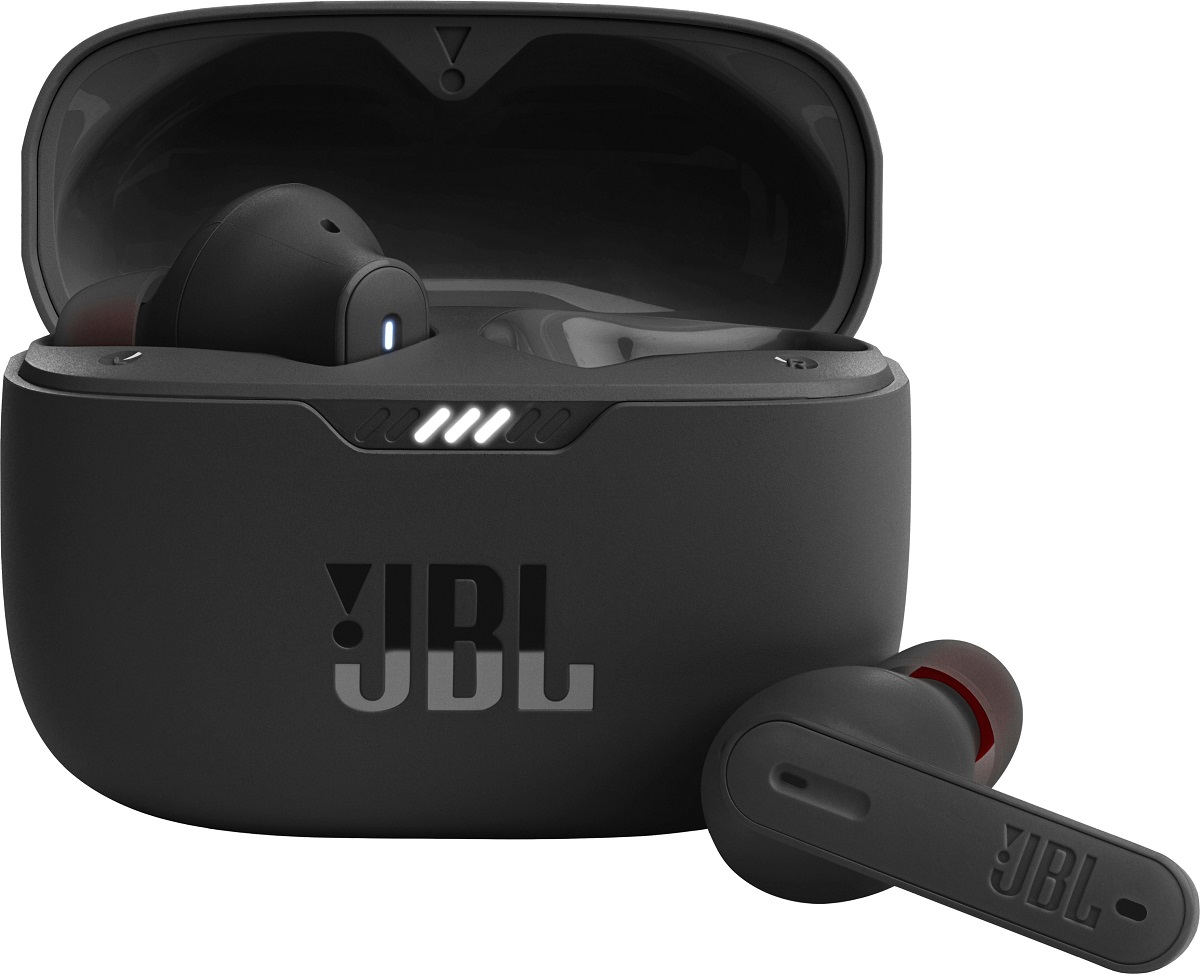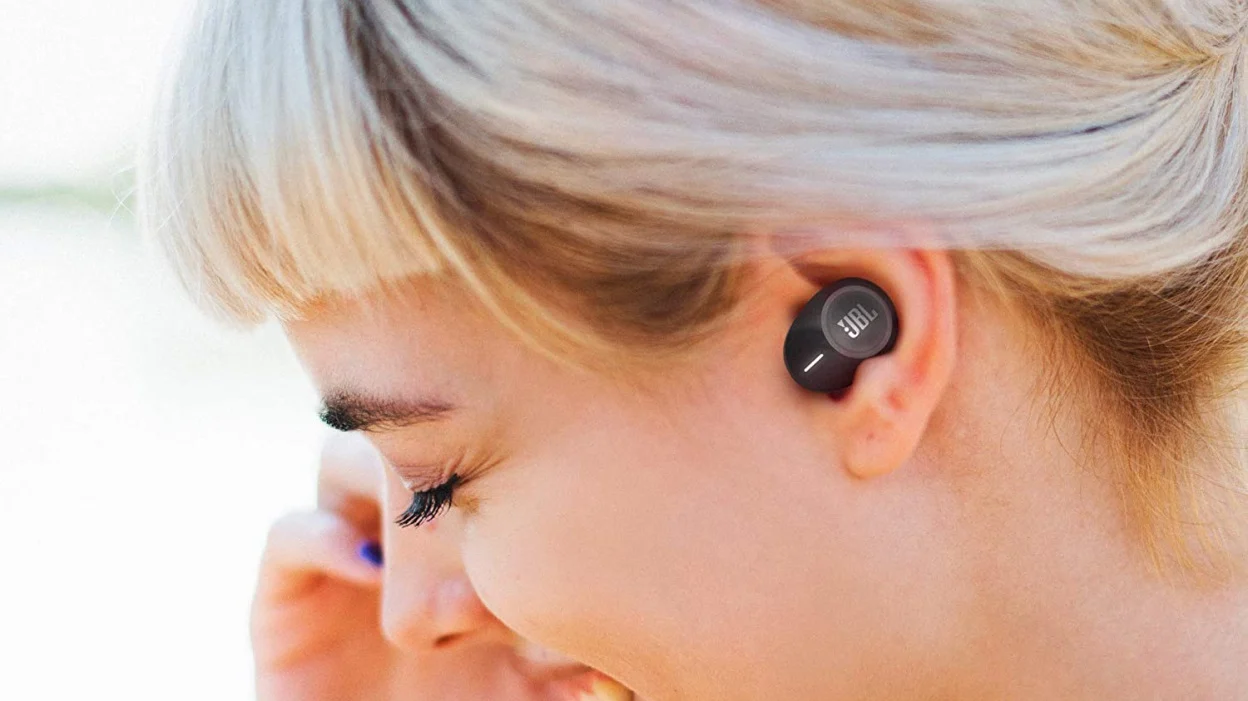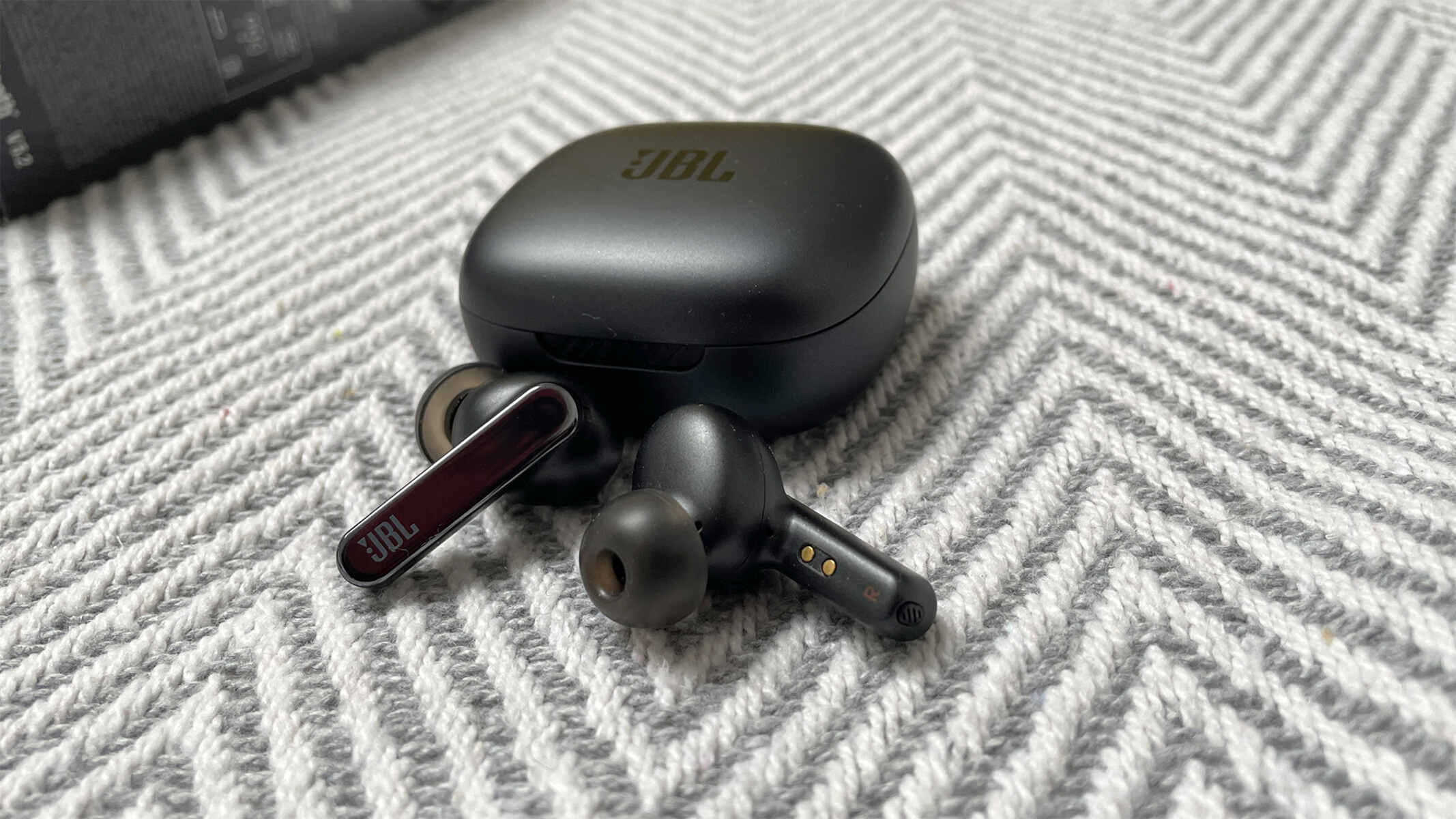
To turn on noise cancelling on JBL earbuds, open the JBL Headphones app on your mobile device and tap the "Ambient Sound Control" button, then select "Noise Cancelling" from the menu that appears. This is the primary method for most JBL earbud models, including the Live Pro 2, Tune Buds, Tune Flex, Tune 130NC TWS, and Tune 230NC TWS.
How to turn on noise cancelling on JBL earbuds with the app
The JBL Headphones app is the most reliable way to control noise cancelling on your earbuds. After opening the app, locate the "Ambient Sound Control" setting. Tap it to reveal a menu with options that typically include "Noise Cancelling," "Ambient Aware," "TalkThru," and "Off." Select "Noise Cancelling" to activate it. Some models offer additional noise cancelling modes such as "Everyday," "Travel," and "Active," which let you adjust the effect based on your activity. For example, "Travel" mode may provide stronger cancellation for airplane noise, while "Everyday" mode balances noise reduction with awareness.
How to turn on noise cancelling using the earbud touch controls
You can also turn noise cancelling on directly from the earbuds using touch controls. Depending on your model, a tap or press on the earbud will cycle through ambient sound modes. To customize which gesture activates noise cancelling, open the JBL Headphones app, go to the controls settings, and assign the "Ambient Sound Control" function to your left or right earbud. This lets you switch between "Noise Cancelling," "Ambient Aware," and "TalkThru" without reaching for your phone.
How to turn on noise cancelling from the smart charging case
For the JBL Tour Pro 2 model, you can turn noise cancelling on using the 1.45-inch touchscreen built into the smart charging case. Simply tap the screen to access ANC settings and select "Noise Cancelling" to activate it. This method works without needing your phone nearby, making it convenient for quick adjustments on the go.
How to turn on noise cancelling with a physical button
For over-ear models like the JBL Duet NC and E65BTNC, noise cancelling is activated by pressing and holding a dedicated button on the ear cup for 2-3 seconds. A white LED next to the button will light up to confirm that noise cancellation is active. This physical control provides a straightforward way to turn noise cancelling on without using an app.
Ensure a proper fit for best noise cancellation
Before relying on noise cancelling, it is critical to ensure your earbuds fit correctly. The JBL Headphones app includes a "Check my Best Fit" test that helps you select the optimal ear tip size. A proper fit minimizes sound leakage and maximizes noise isolation, which directly enhances the effectiveness of active noise cancelling. Running this test is a quick step that can significantly improve your listening experience.
Understanding noise cancelling vs. other ambient modes
To choose the right setting, it helps to understand the difference between noise cancelling and ambient sound. "Noise Cancelling" blocks out ambient noise for focused listening, while "Ambient Aware" lets in environmental sounds for safety. "TalkThru" lowers your music volume and amplifies speech, allowing quick conversations without removing your earbuds. Additionally, the difference between adaptive and active noise cancelling is that adaptive noise cancelling, found in models like the JBL Live Pro 2, automatically adjusts the cancellation level based on your surroundings, whereas standard active noise cancelling applies a consistent level. Regarding noise cancelling battery drain, yes, using noise cancelling will drain your battery faster than having it off, so plan your listening sessions accordingly. Noise cancelling is most effective at reducing low-frequency rumble, such as engine noise, rather than higher frequencies or voices.