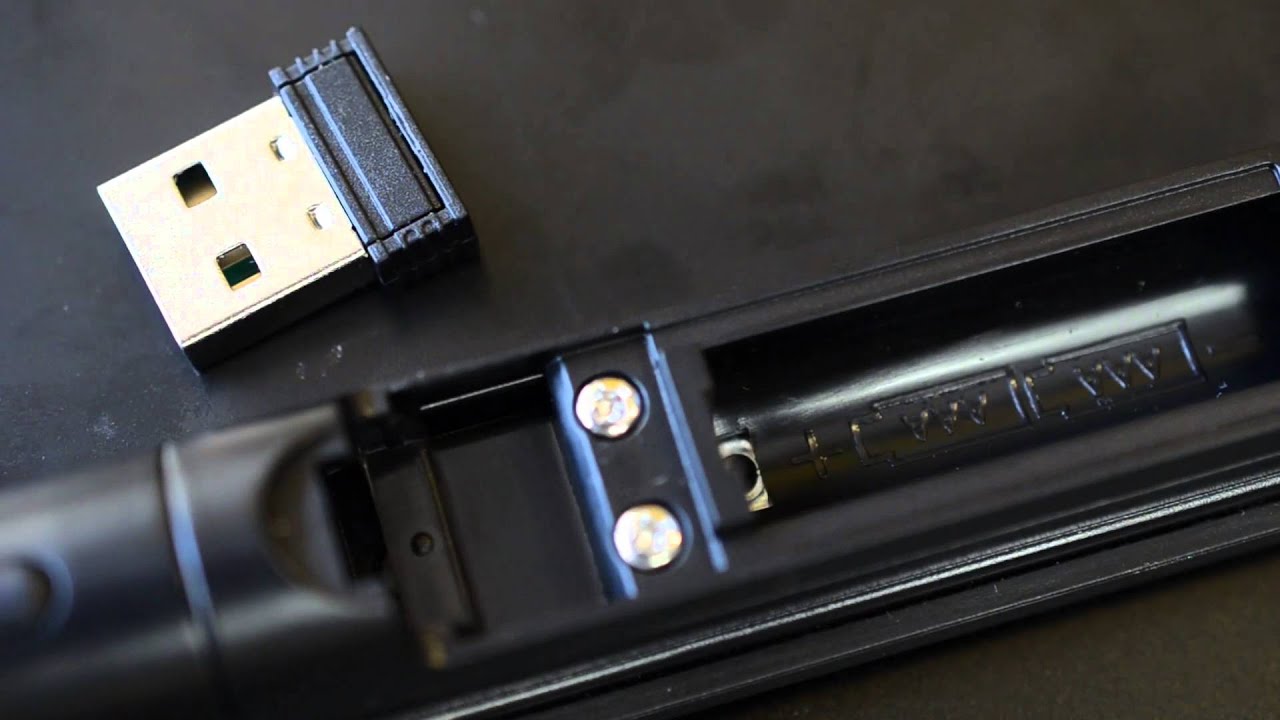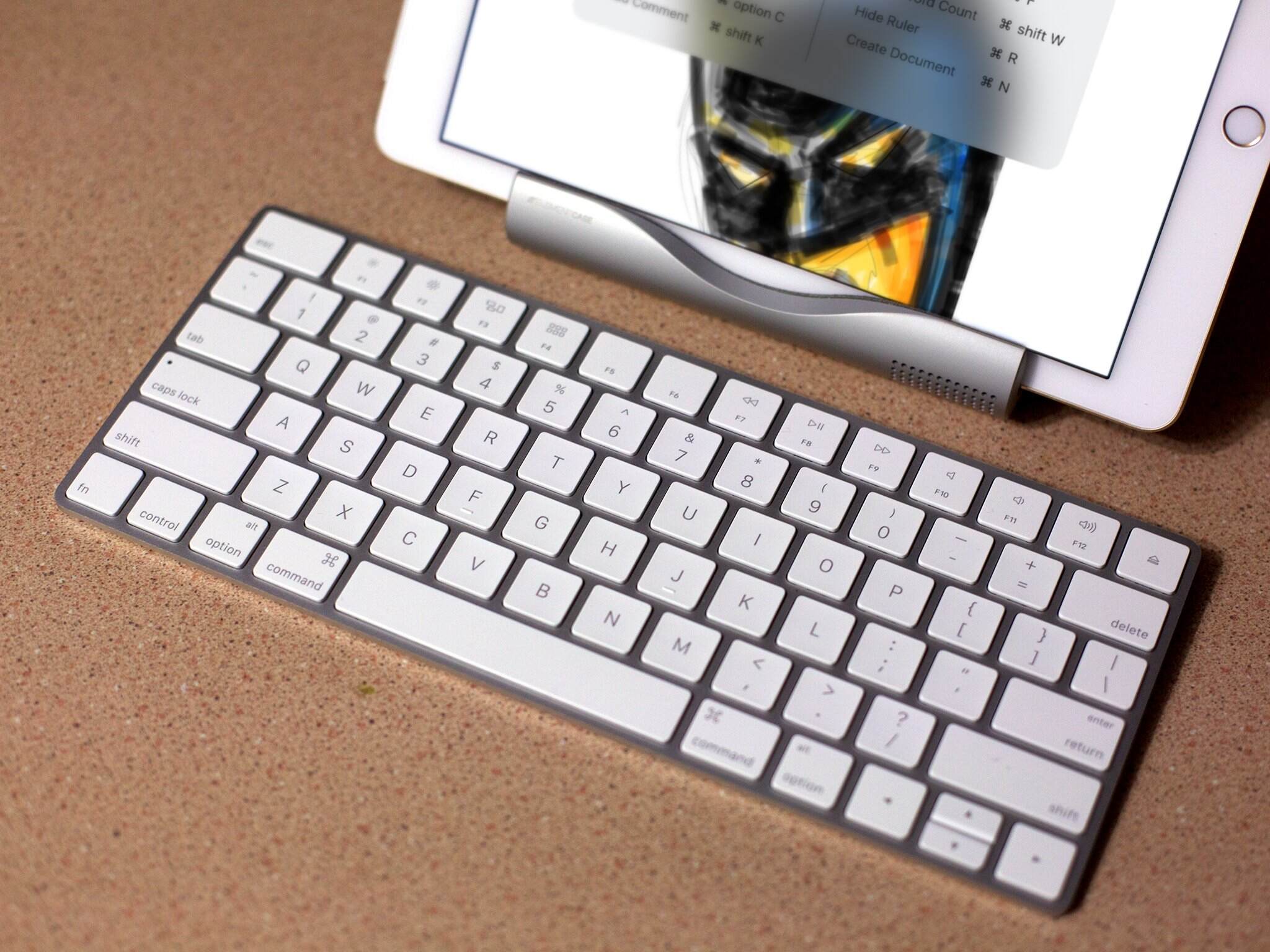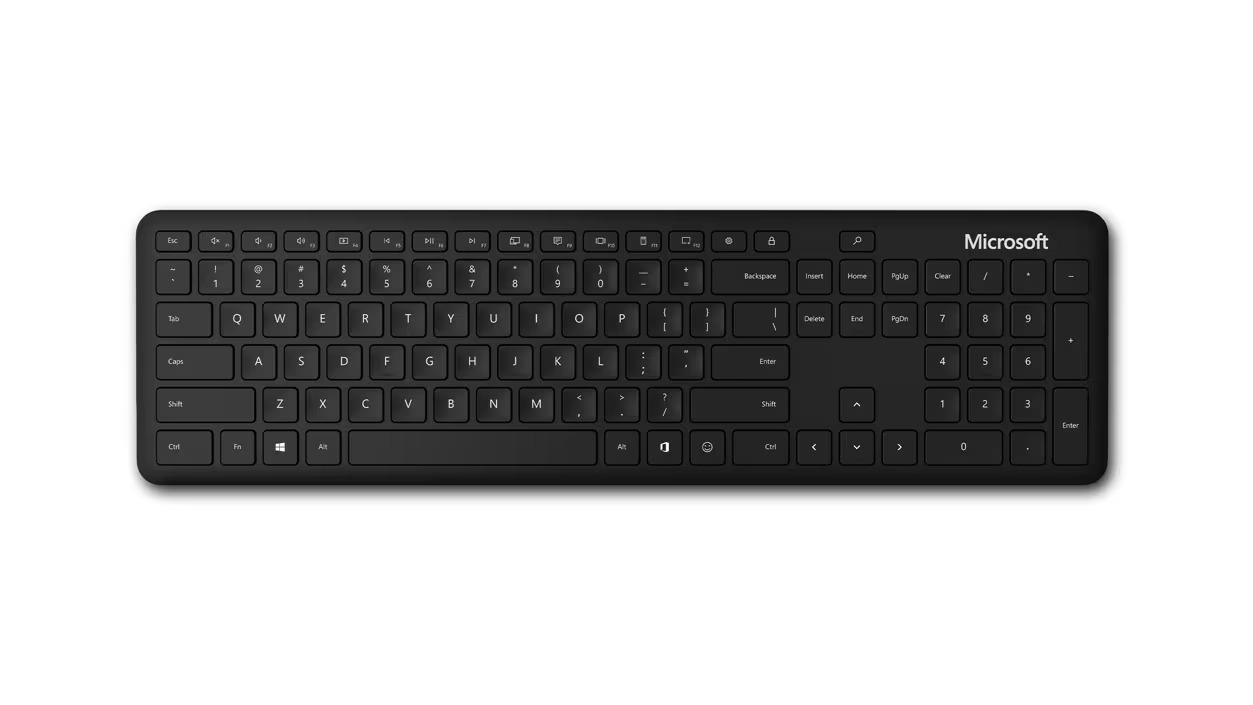
This tag collects our guides on USB receivers, the small wireless dongles that connect keyboards and mice to your computer. It is intended for anyone who has just bought a wireless peripheral, is setting one up for the first time, or is troubleshooting a connection that has stopped working. The articles here are practical, written for a general audience, and assume no prior technical knowledge.
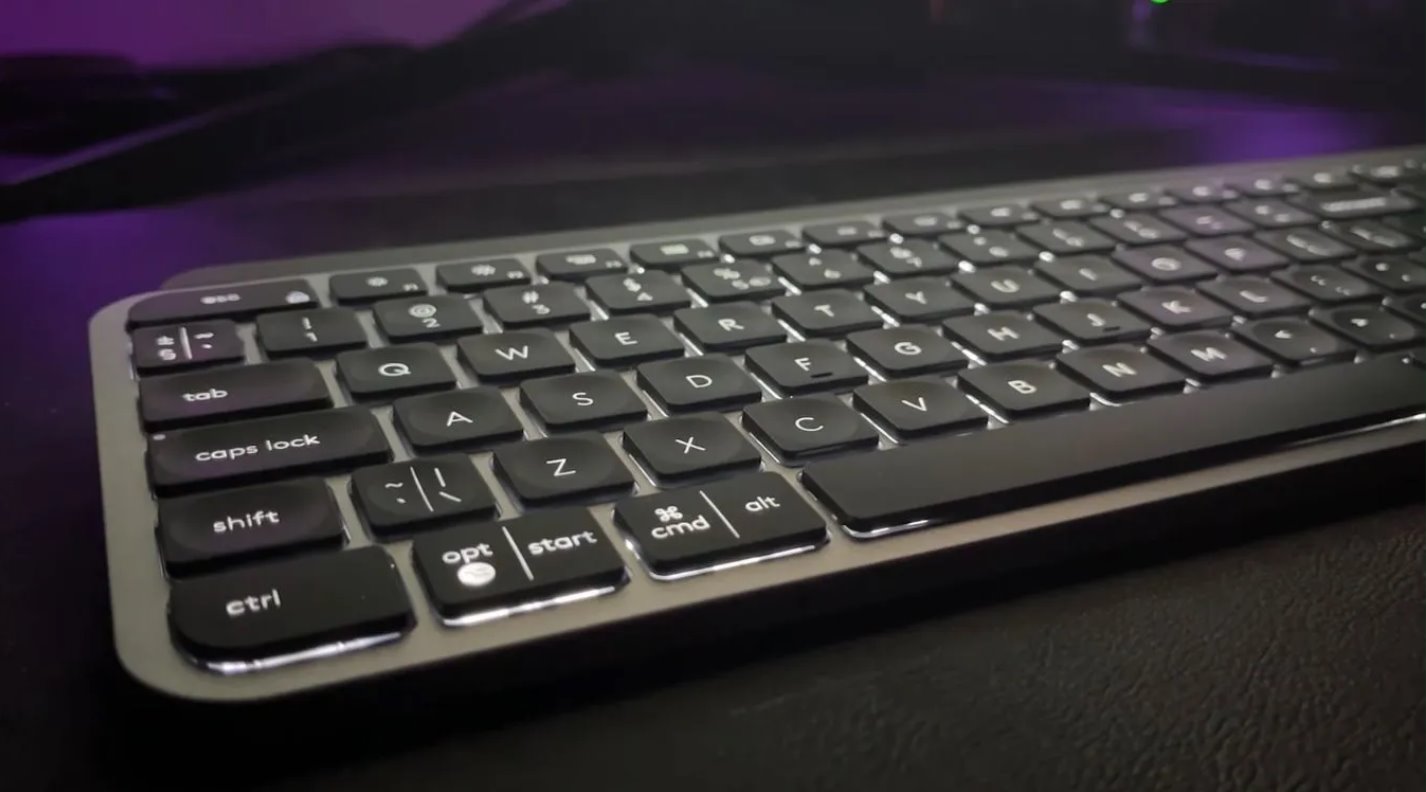
The majority of the articles solve one of two common problems. The first is initial pairing and connection: how to make a specific device, such as a Logitech MX Keys, a Dell wireless keyboard, or an HP model, recognize its receiver and establish a stable link. The second is recovery and reset. Several guides address what to do when you have lost the original USB dongle, how to reset a Logitech wireless keyboard that has stopped responding, or how to make a wireless keyboard discoverable again after it has dropped its connection. These pieces focus on legitimate repair and re-pairing steps, such as using the manufacturer’s own software or following the device’s documented reset procedure, so you can get your hardware working again without buying a replacement.
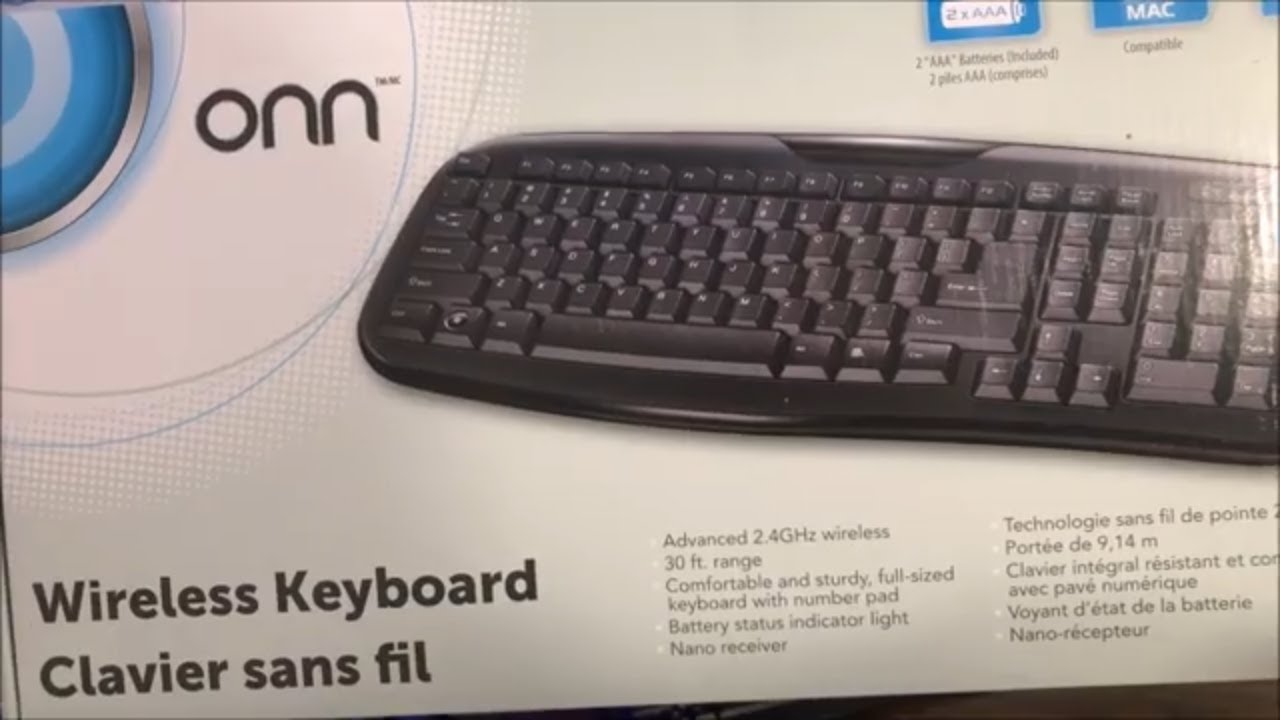
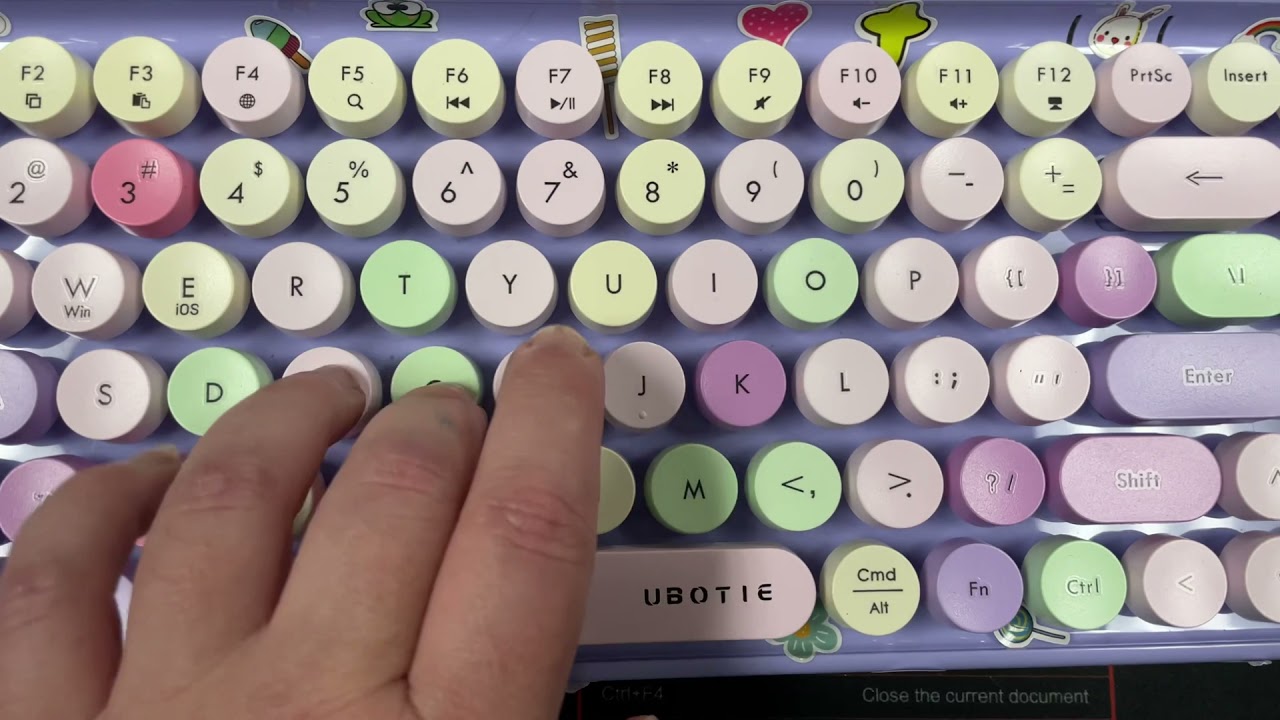
Beyond the basic setup, a few articles cover the practical side of managing multiple devices, like connecting a Logitech G305 mouse to a Mac or using a wireless keyboard with a monitor. Others address the specific quirks of budget or less common brands, including Ubotie, Seenda, and Onn. Throughout, the emphasis is on clear, safe instructions for everyday tasks, never on circumventing protections. The goal is simply to help you connect, pair, and keep your wireless gear working reliably.