21 practical guides for anyone who owns a PlayStation console or manages a PSN account. These articles are written for everyday consumers, people who just want to buy a game, fix a sign-in error, or understand their account status, without wading through jargon or risky workarounds. The content is aimed at helping you resolve common account and hardware issues on your own, safely and within Sony’s rules.
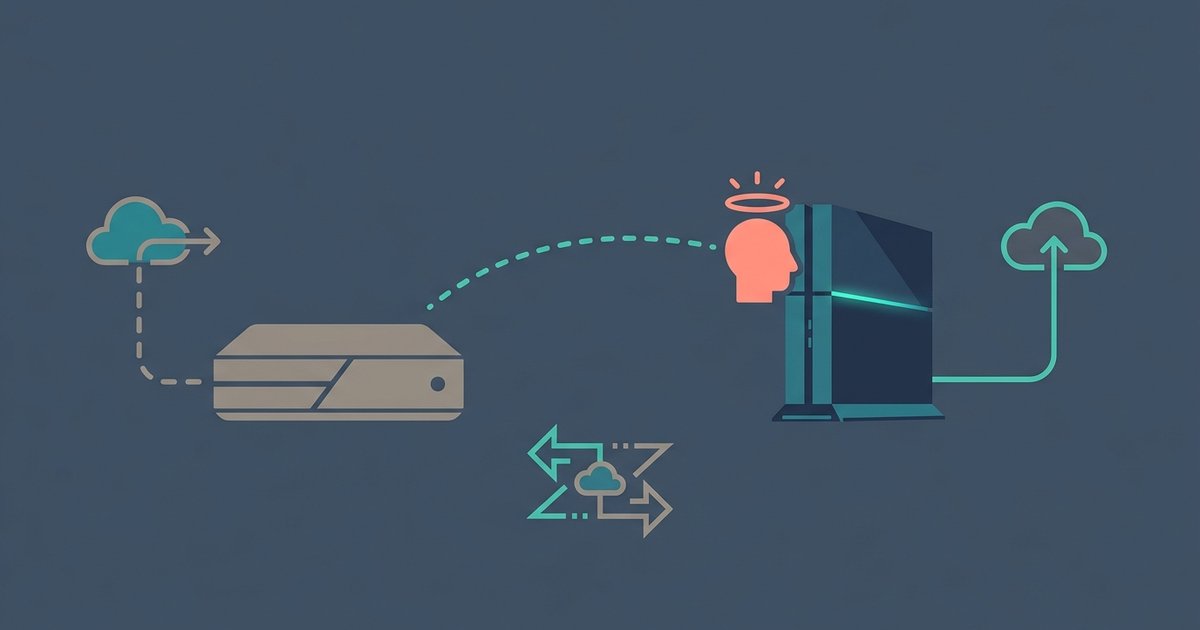
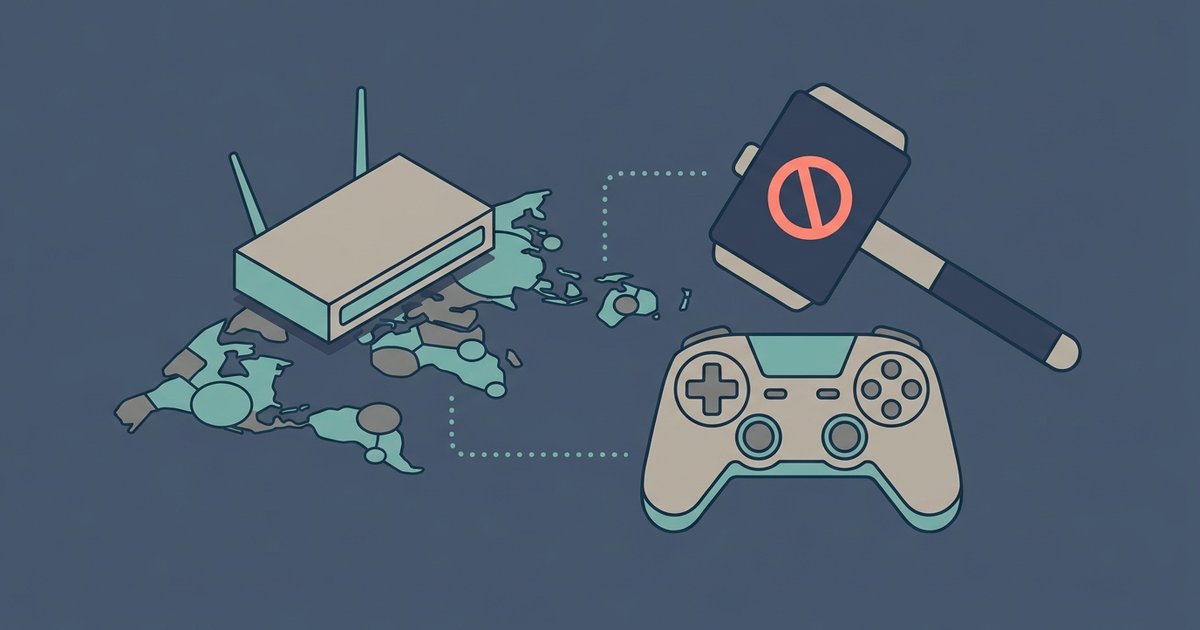
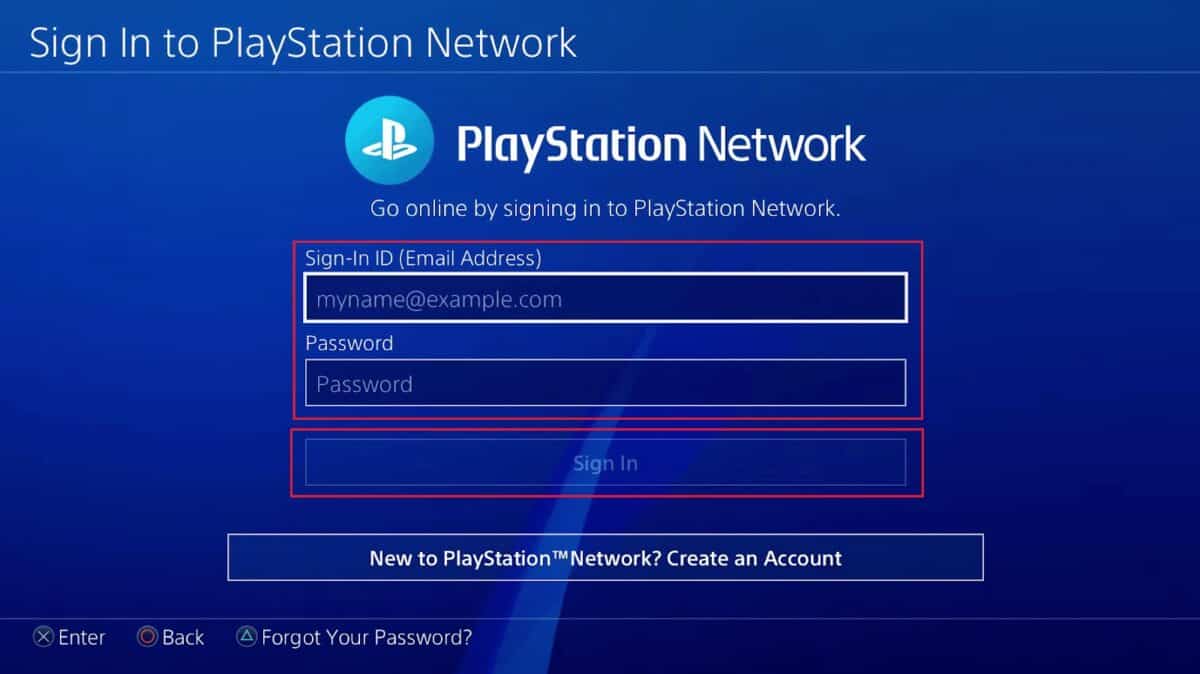
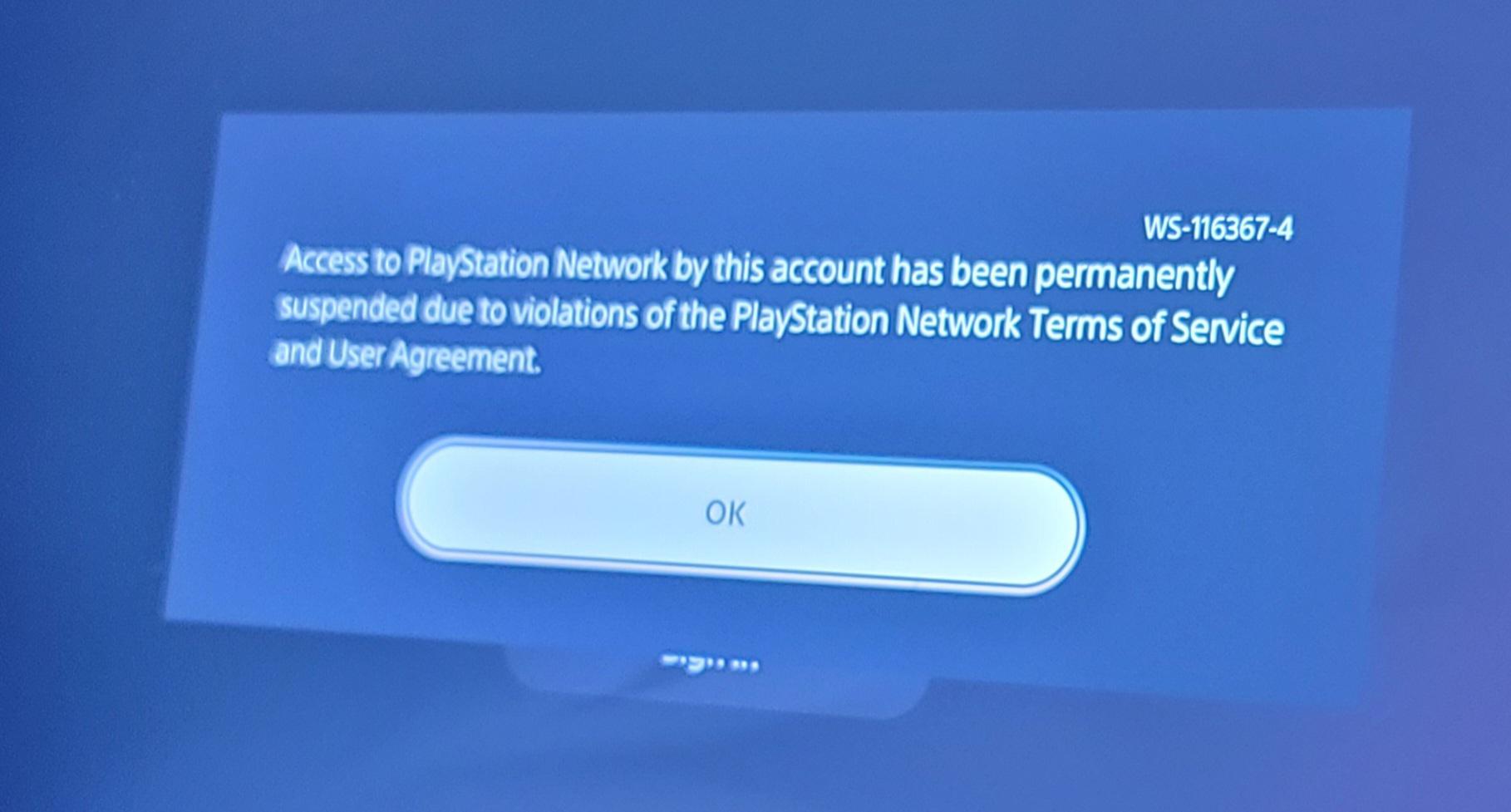
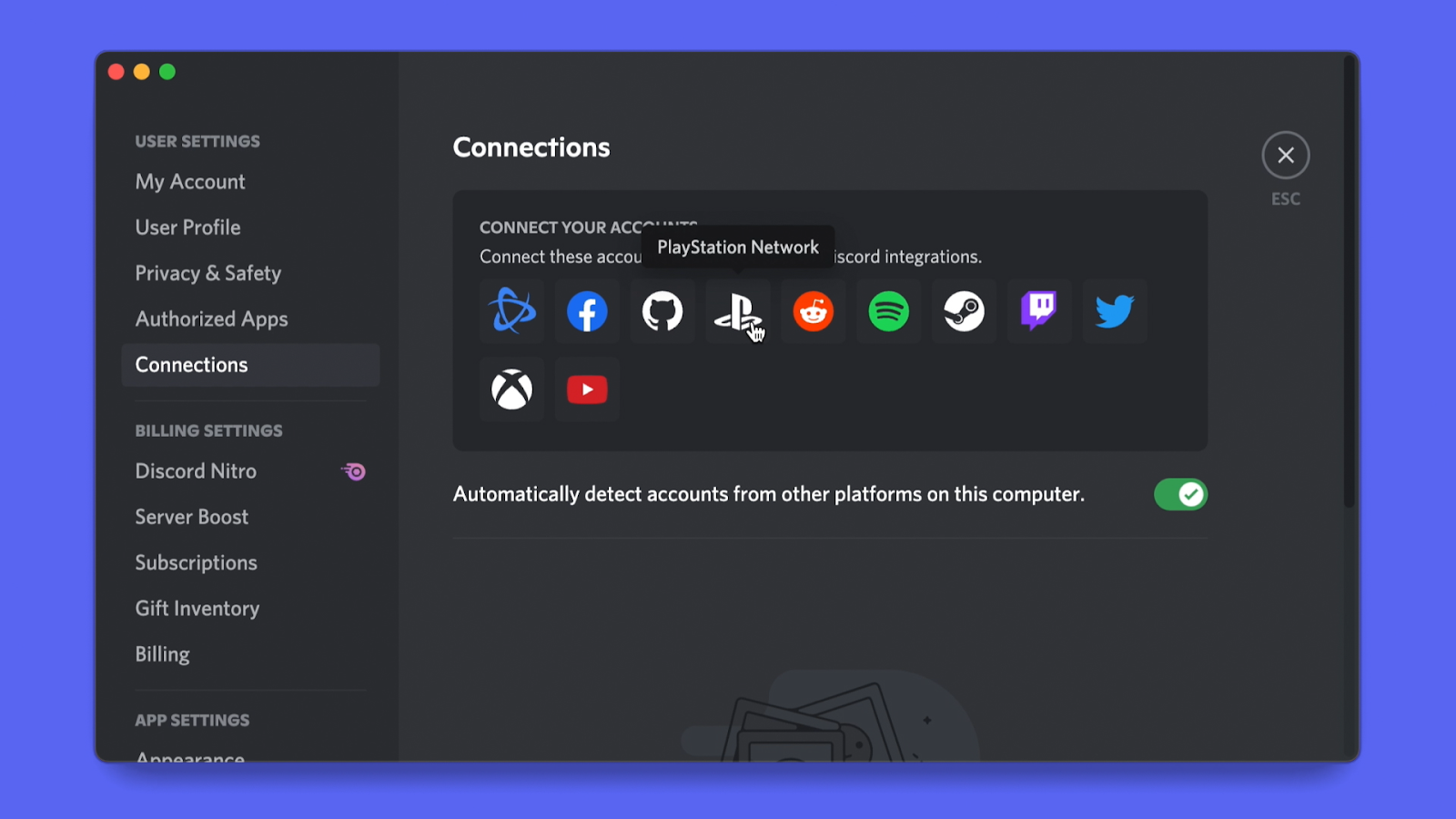
Most of the articles fall into two clear themes. The first is account and wallet management: adding funds, redeeming a gift card, checking your balance, finding your PlayStation ID, changing your email, or resetting a forgotten password. The second theme is access and troubleshooting: how to play a PS5 without an HDMI port, getting Discord onto your console, why sign-in fails, what to do about a locked or suspended account, and how to contact PlayStation support or find their live chat hours. Several pieces also address safety and policy questions, for example, explaining whether changing DNS or using a VPN to claim free games from other regions can get you banned, and how to transfer your account to a new console without the old one. These are explained as cautionary, rule-abiding overviews, not as loopholes.
Across these pages, you’ll learn how to perform specific tasks like adding funds to your PSN wallet, deactivating an old console, or unsuspending your account after a penalty. You’ll also get clear answers on how long a suspension lasts and what to do if your account is locked. The collection is a straightforward reference for keeping your PlayStation account secure, accessible, and in good standing.