Practical, everyday guides for anyone who owns, sets up, or troubleshoots a desktop display, whether it’s a basic office screen, a gaming monitor, or an ultrawide model. These articles are written for non-technical readers who want clear, step-by-step help with common tasks like connecting cables, adjusting settings, or using built-in controls. If you have ever stared at a port, a button, or an on-screen menu and wondered what it does, this tag is for you.
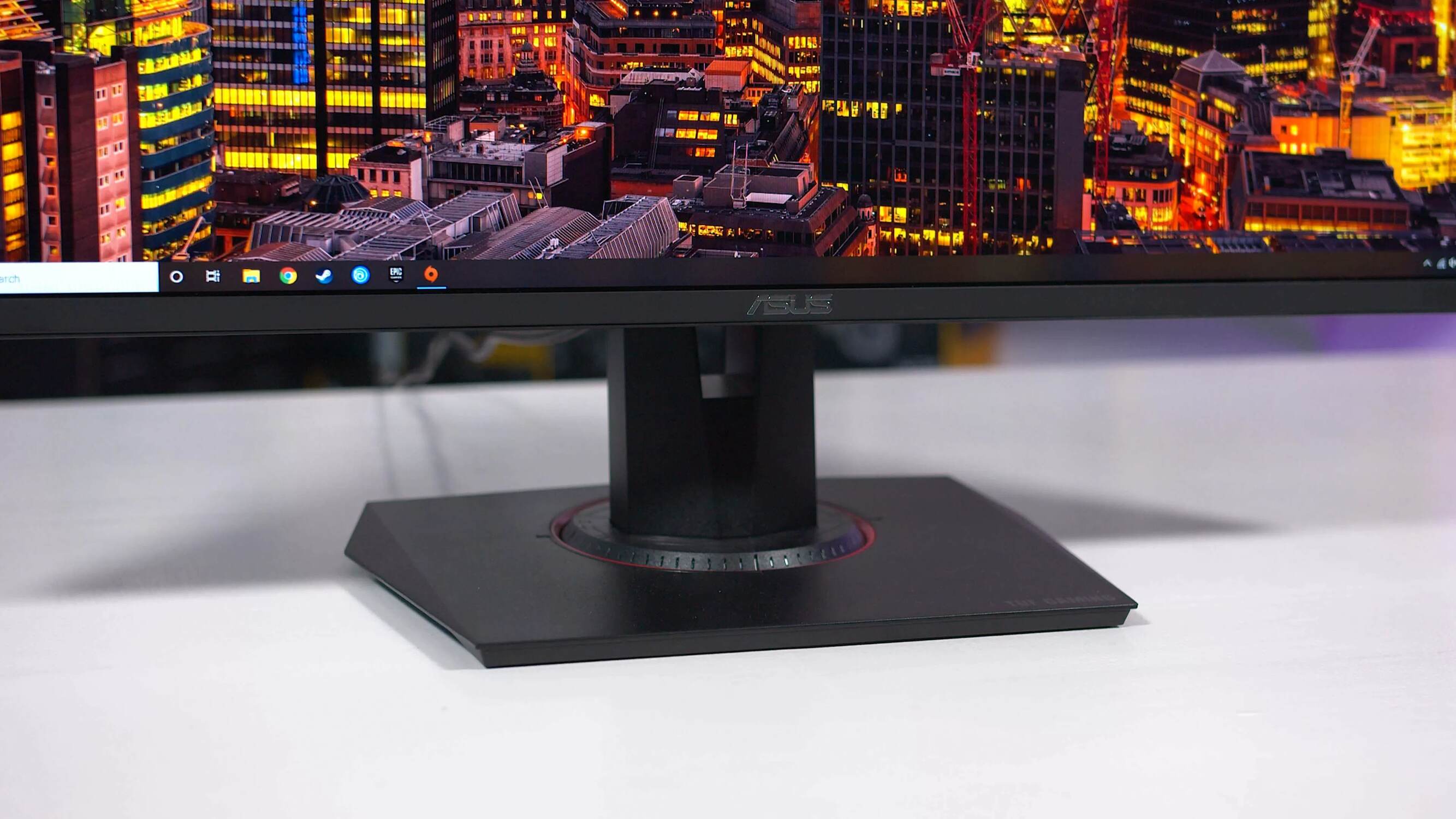
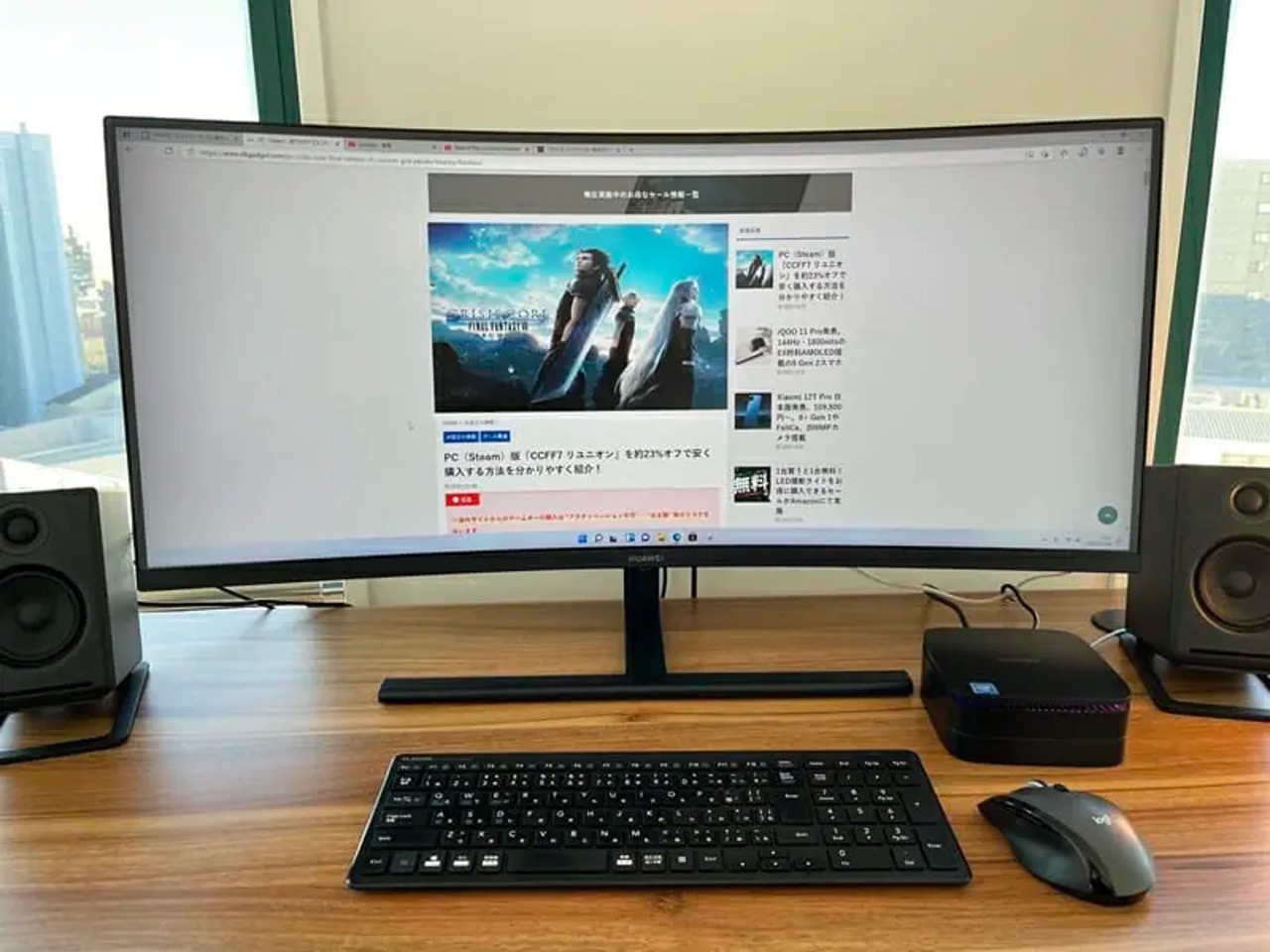
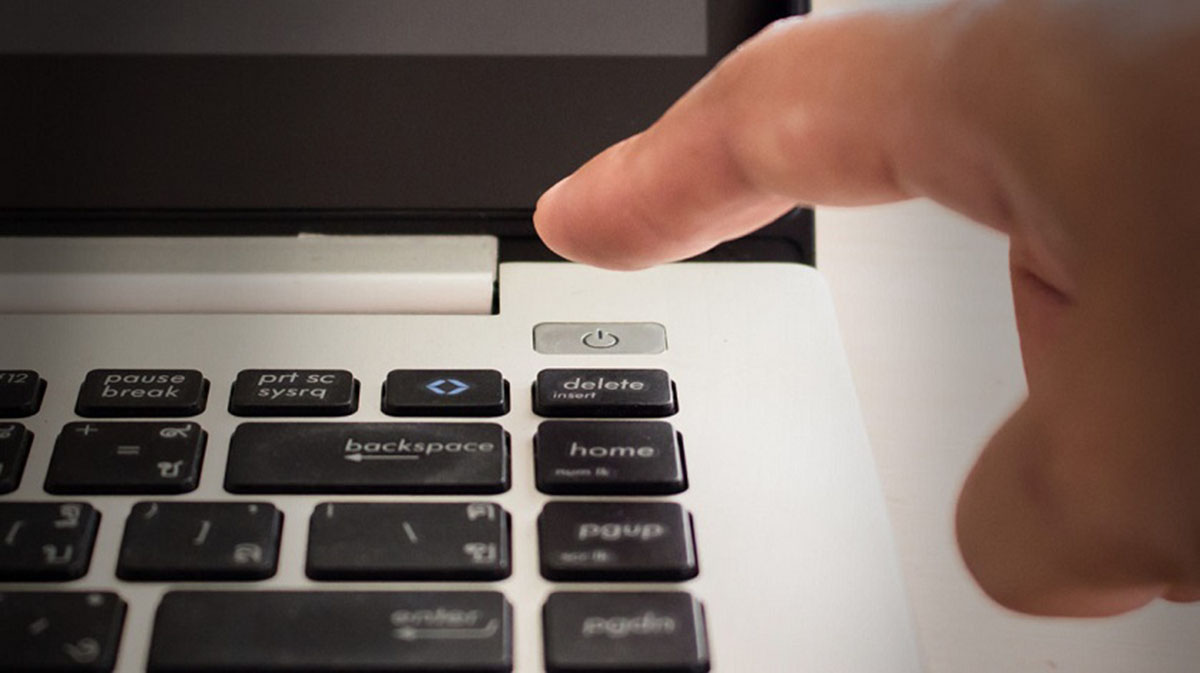
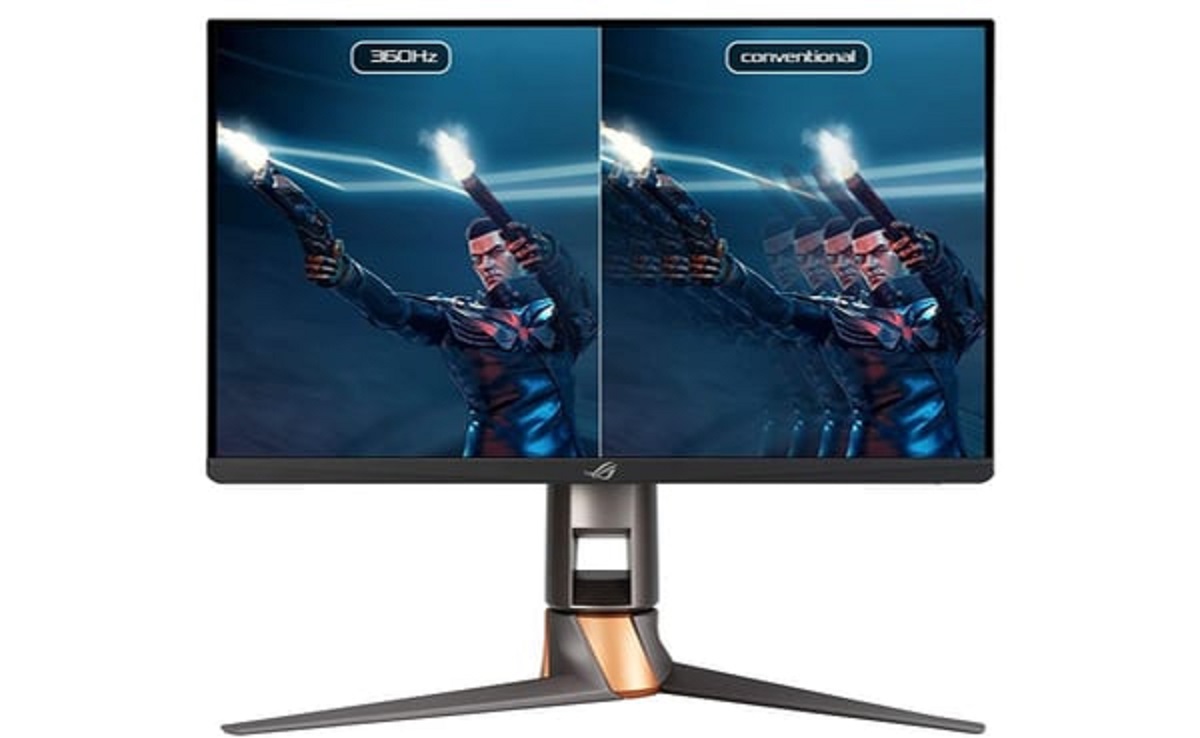
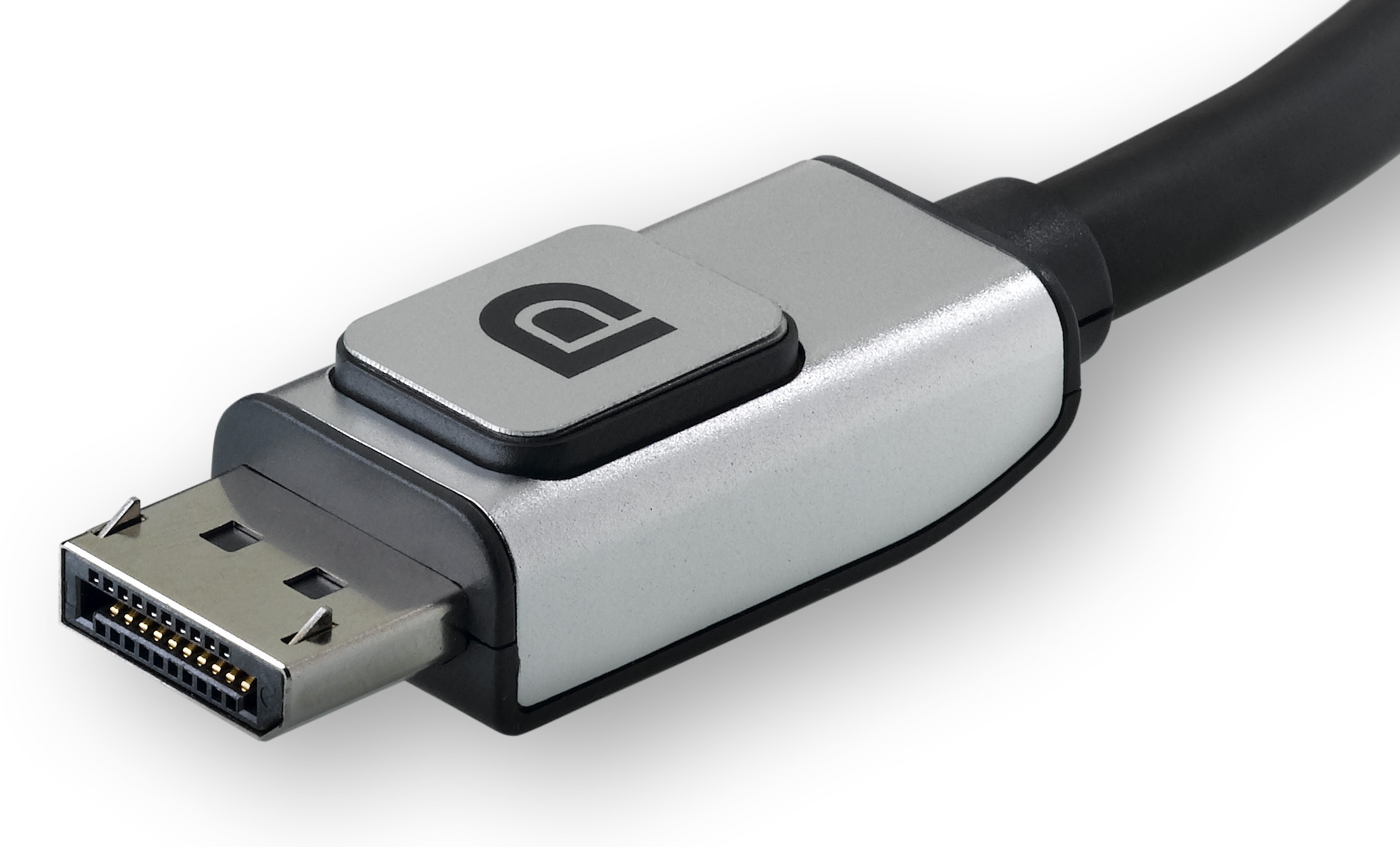
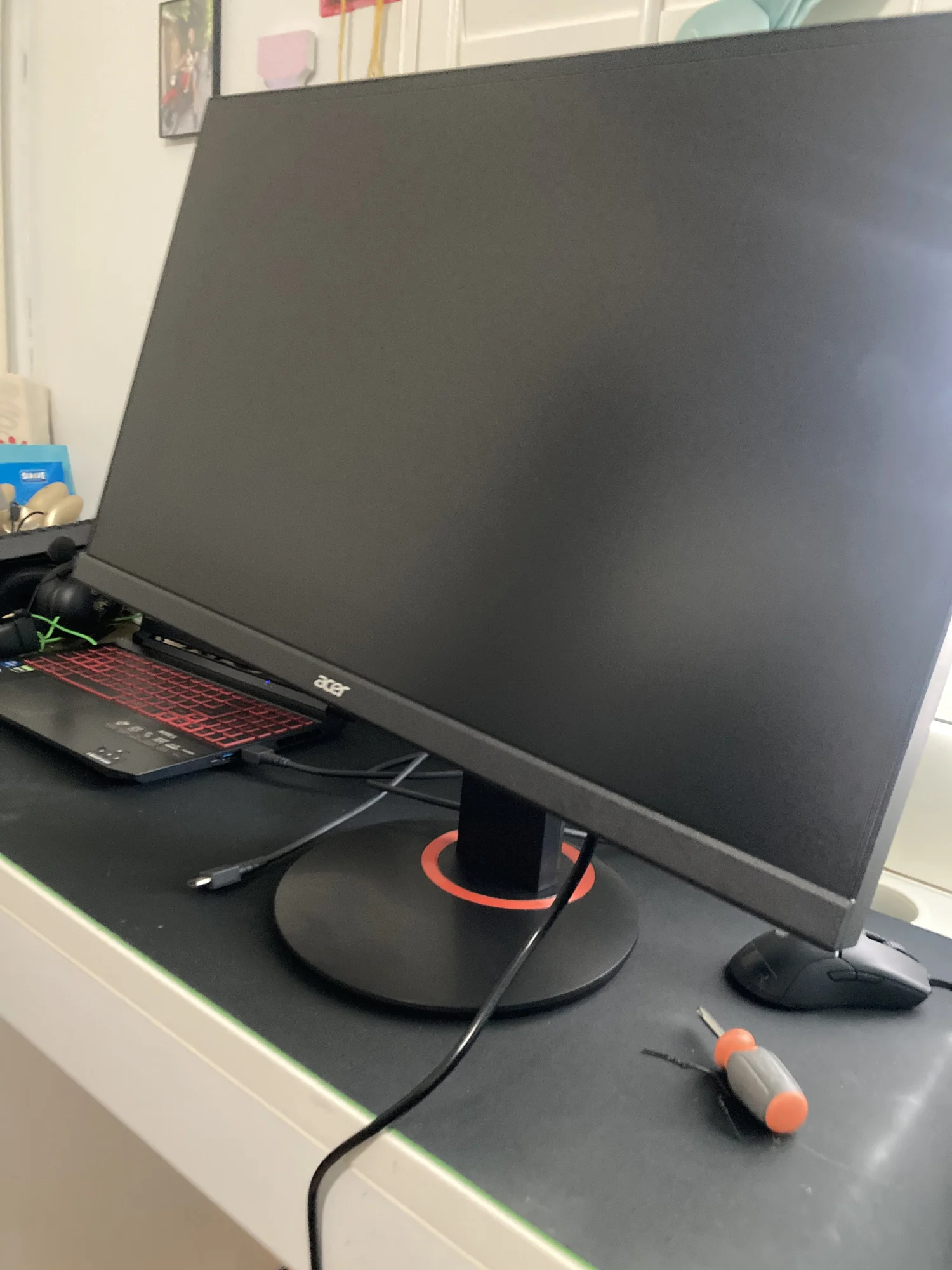
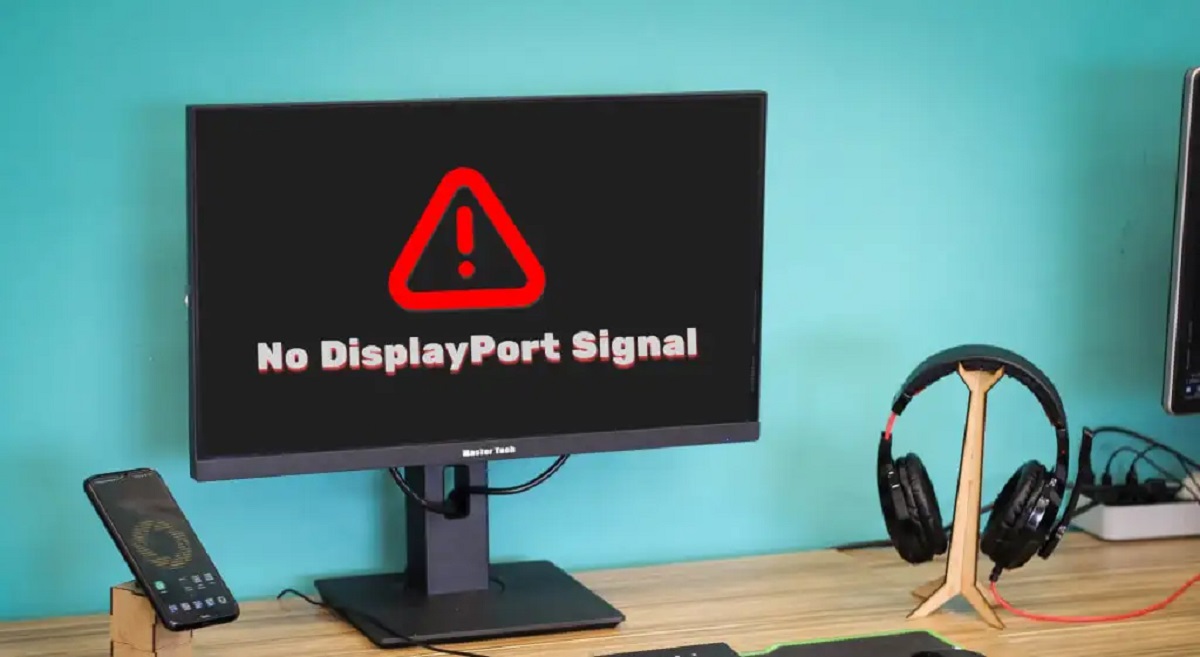
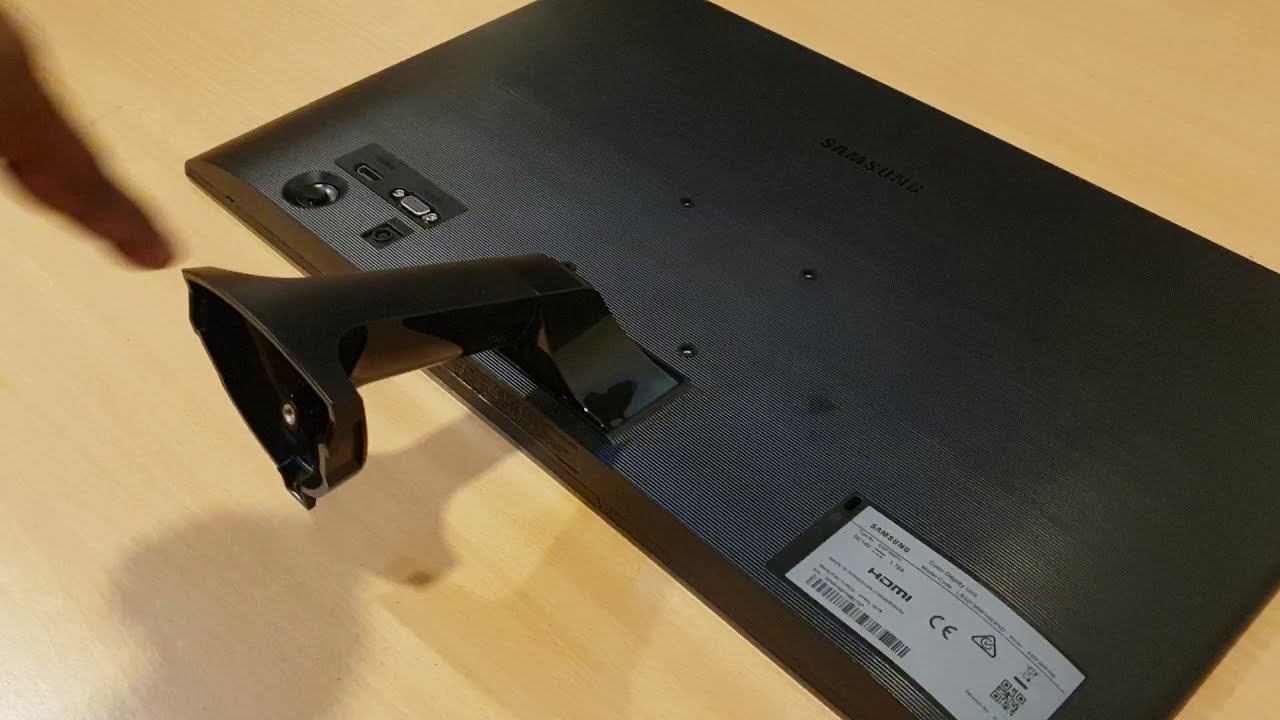
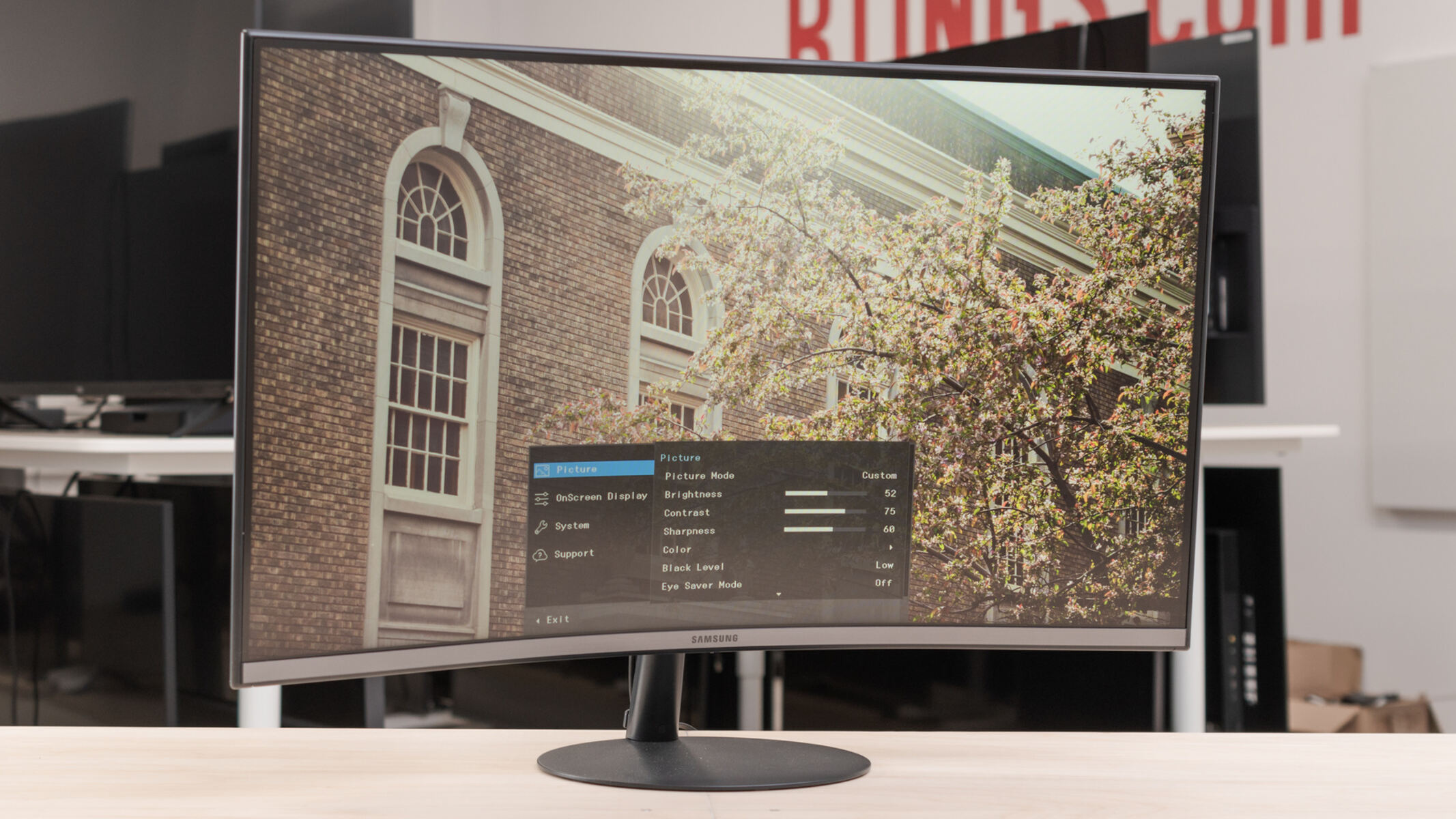
The articles fall into two main themes. First, connection and setup: they walk you through linking a monitor to a PC, laptop, or mini PC using HDMI or DisplayPort, including specific cases like hooking an HDMI laptop to a DisplayPort monitor or connecting a Samsung monitor to a PC. Second, everyday operation and controls: these guides explain how to turn on specific models (Acer, Dell, Samsung), how to remove a monitor stand safely, and how to adjust volume on an ASUS TUF Gaming monitor. A third, smaller theme is understanding display jargon, articles explain what “DP” means on a Dell monitor, what “Hz” refers to, and what the “DP signal” error indicates.
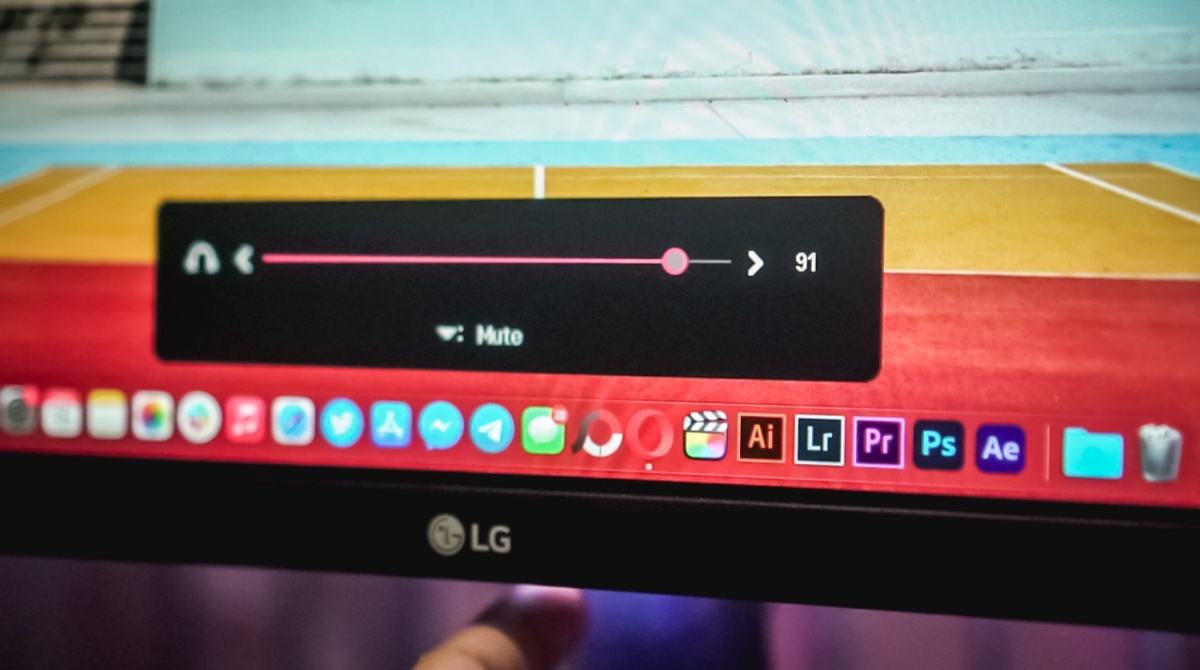
Several articles also address practical quirks, such as getting sound from an LG Ultrawide monitor (which often requires a specific audio output setting) or turning down the volume on a gaming display. The tone throughout is instructional and safety-conscious: for example, the guide on removing a Samsung stand emphasizes supporting the panel properly, while the DP signal article helps you diagnose a blank screen without suggesting any risky workarounds. These are straightforward, legitimate fixes for common display problems.