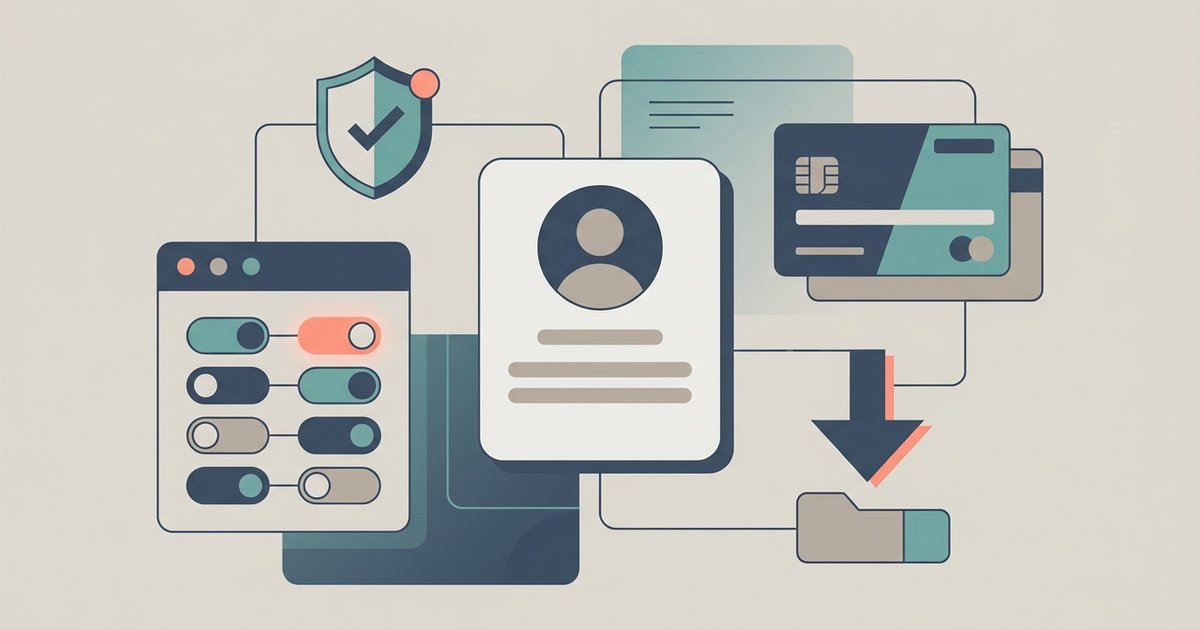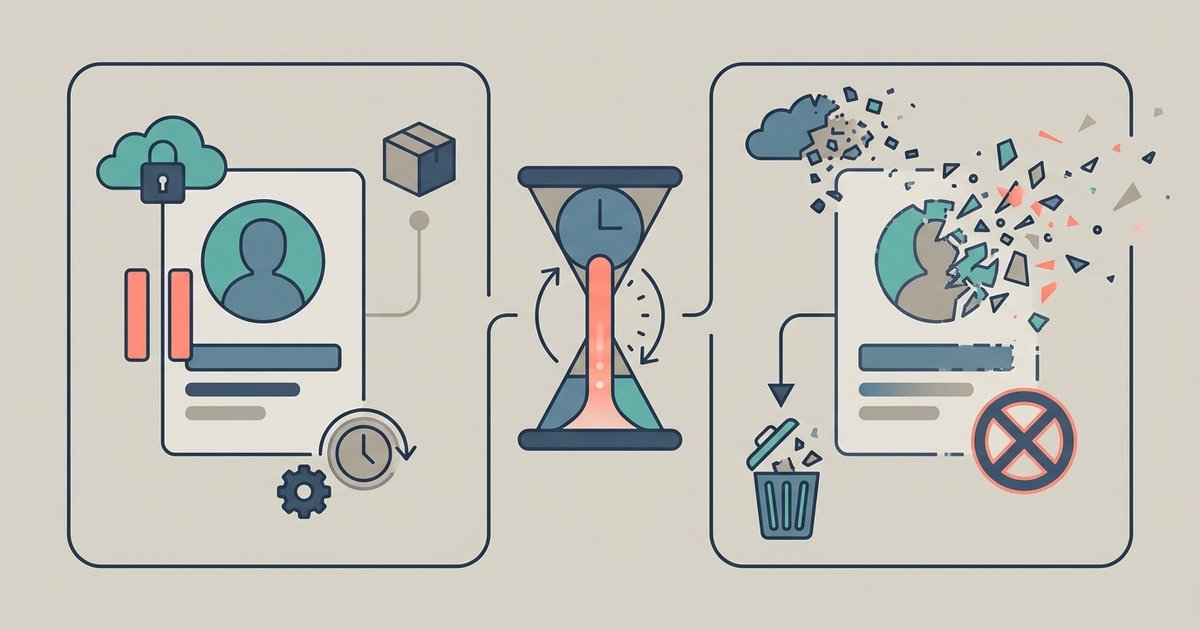
Facebook can build you a downloadable archive of the information it holds about your account, using the export tool inside Accounts Center. You choose which categories to include, how far back to go, and whether you want a readable HTML version or a machine-readable JSON one. The archive arrives as a ZIP file, and the download link stays live for four days before it expires.
Where the export tool is
On a computer, click your profile picture in the top right, choose Settings & privacy, then Settings, then look for Download Your Information or Export your information. Inside Accounts Center, open Your information and permissions, then Export your information. Some regions label it Accounts Centre, and the mobile apps reach the same screen through the menu icon instead of a profile picture. If the wording differs on your account, look for the section about your information rather than trying to match an exact path, because Meta reorganizes these menus regularly.
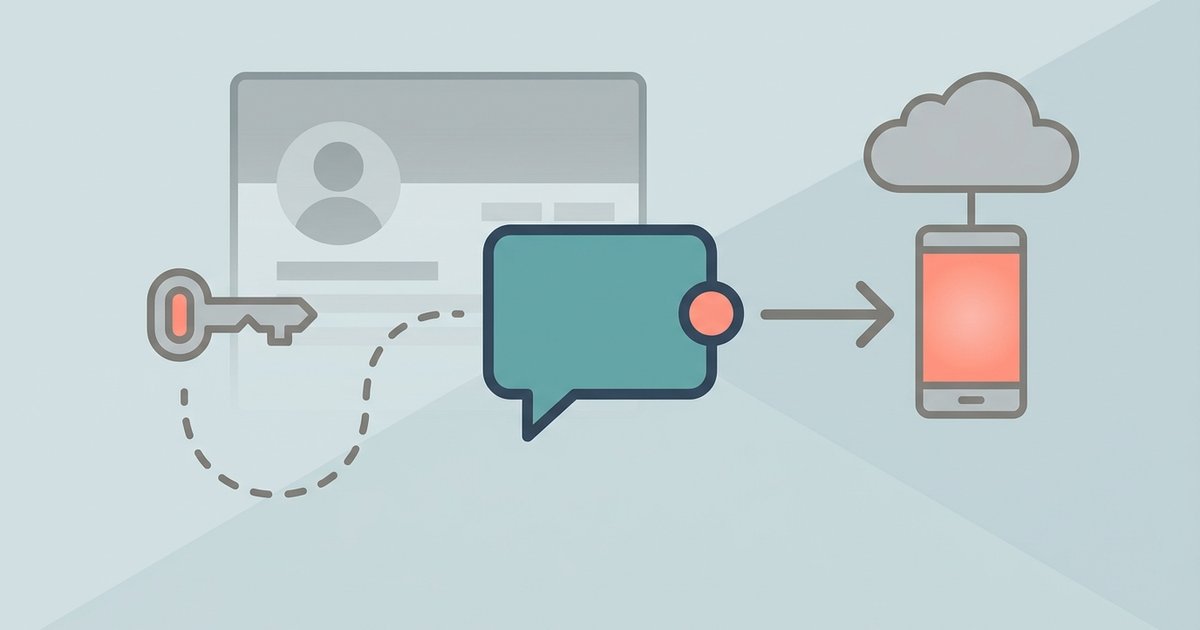
Once you are in, you pick the profile you want to export from and then choose a destination. Exporting to device produces a file you download yourself. Exporting to an external service sends the data directly to another company's platform, which is the route to use if your goal is moving photos or posts somewhere else rather than reading them.
Choosing what goes in
You can request everything or select specific information types. Selecting fewer types produces a smaller file that finishes faster, which matters more than people expect on an account that has been active for a decade. You also set a date range, so you can pull a single year rather than your whole history if you are after something specific like the posts from one period.
Media quality is a separate choice. High-quality photos and videos make the archive much larger and slower to build. If you want the archive to read your text content, low or medium quality is fine. If the point is rescuing your photos, pick the higher setting and accept the wait.
HTML or JSON
The format choice is the one people most often get wrong, so it is worth being clear about what each is for.
| Format | What it is | Use it when |
|---|---|---|
| HTML | An easy-to-view version with an index page you open in a web browser | You want to read, search or archive your own history |
| JSON | A machine-readable version structured for software | You are transferring the data to another service or processing it with a script |
HTML is the default choice for almost everyone. It unpacks into folders of web pages you click through offline, with no internet connection needed once the ZIP is extracted. JSON is only worth choosing if something else is going to read the files, and it is noticeably harder to skim by hand.
How long it takes and how you are told
The archive is not generated instantly. Facebook builds it in the background and the wait depends on how much you asked for, how much media is involved and how large the account is. A narrow request covering one category and one year can be ready quickly. A full export with high-quality media from a long-running account can take considerably longer, and there is no way to speed it up.
When the file is ready, Facebook sends an email and posts a notification in the app. You then download it from the available downloads area, and you will be asked for your password before the download starts. Facebook may add further verification steps. The download stays available for four days, after which it expires and you have to request it again, so it is worth acting on the notification rather than leaving it for the weekend.
If a request stalls or fails
Large requests sometimes fail partway through, and the usual cause is size. If an export never completes, cancel it and request the same data in smaller pieces: one category at a time, or one year at a time, at a lower media quality. Several small archives are more likely to finish than one enormous one, and they download faster on a slow connection.
It is also worth checking that you are exporting from the profile you think you are. If your account is linked to others in Accounts Center, the export screen asks you to pick a profile first, and picking the wrong one produces an archive that looks oddly empty.
What the archive contains
The export covers the main categories Facebook stores against your account. Expect to find:
- Your Facebook activity, including posts you created, photos you were tagged in and groups you belong to
- Personal information you provided when setting up and maintaining the account
- Connections, including friends and followers
- Logged information such as search history
- Security and login records
- Information about apps and websites off Facebook that are connected to your account
- Preferences and customization settings
- Ads information, including your interactions with ads and advertisers
- Data logs of other details associated with the account
If you export to an external service rather than to your device, you can also move the original media you shared, meaning photos and videos at their uploaded quality rather than a compressed copy.
What the archive does not contain
This is the part that surprises people who download their data expecting a complete record. Content you deleted is not there, because it was removed from Facebook's servers. Information other people shared that involves you is not yours to export, so someone else's photo that you were tagged in belongs to their account rather than yours. Facebook also says you may not find everything going back to the day you joined, so older material can simply be missing.
If you run several profiles, ads information from additional profiles comes out through the main profile's export rather than each profile's own. And the archive is a snapshot of what Facebook holds and chooses to make available through this tool, not a complete inventory of every inference or record Meta has ever associated with you. It is a useful and substantial copy of your account, but treat it as that rather than as full disclosure.
Opening and storing the file
The download is a ZIP file, sometimes split into several parts for large accounts. Extract it before you try to browse it, then open the index file in a browser to navigate the HTML version. It is unencrypted, and it contains your messages, your search history and your contact details, so where you put it matters. An archive sitting in a shared downloads folder or a synced cloud drive is a real exposure, and a copy on an old laptop you later sell is worse.
Keep it somewhere you control, on encrypted storage if you have it, and delete the copies you no longer need. If you requested the export as a step toward deleting your account, check that the archive actually opens and contains what you wanted before you start the deletion, because once deletion completes you cannot go back for a second attempt. Requesting a narrow export first, to confirm the process works, then a full one, costs an extra wait but avoids that risk.
\nRelated reading: Facebook Guide: Privacy, Payments and Settings and How to Stop Facebook Tracking You for Ads.