The Short Answer
The best AI writing workspace depends on what you write and how you write it. If you need a flexible all-rounder that mixes notes, databases and light AI drafting, Notion fits most people. If you think in linked ideas and want AI inside a local, private vault, Obsidian is the one. If you are writing a long manuscript and need serious project management tools with light AI help, Scrivener is built for that. And if your whole process is turning messy notes into polished long-form drafts with AI as your main thinking partner, a dedicated workspace like STRUT handles that end-to-end.
What An AI Writing Workspace Actually Does
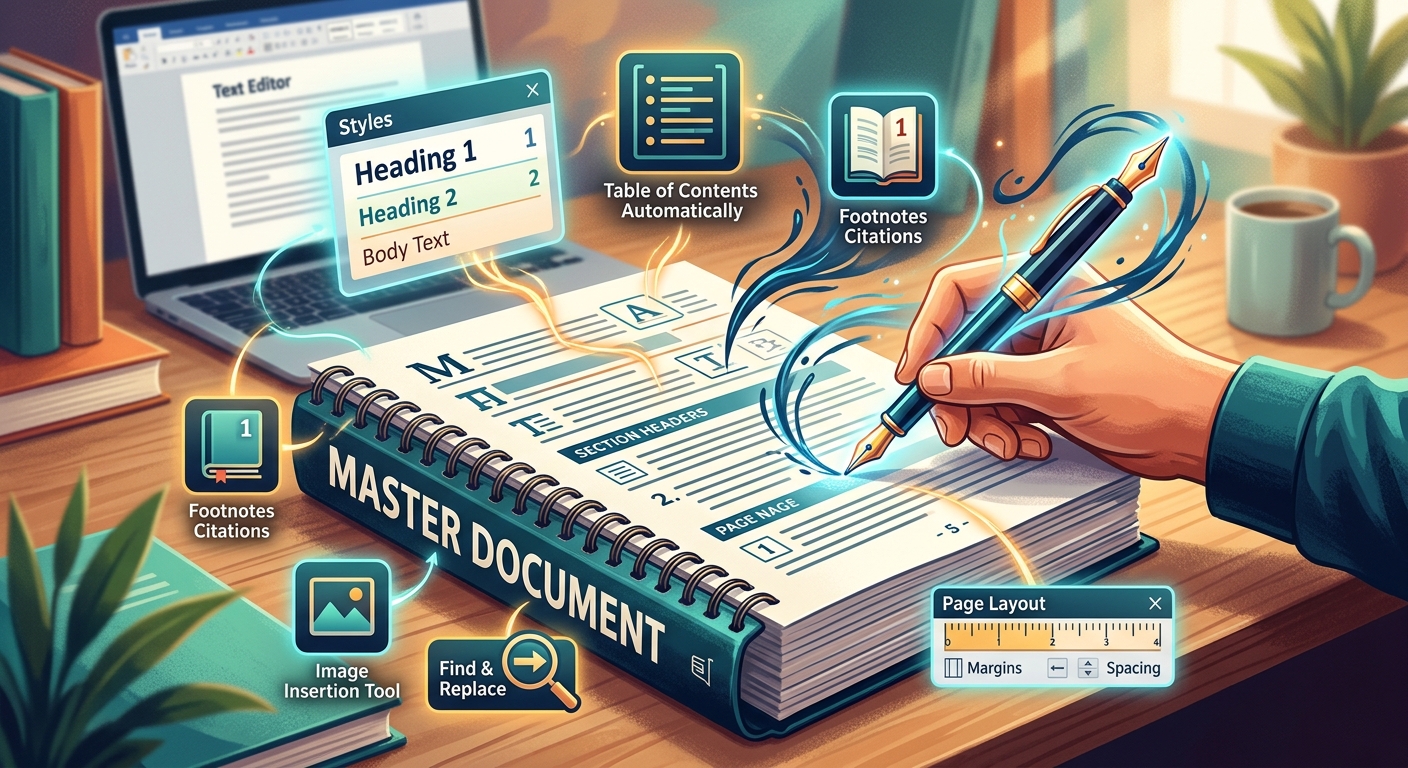
An AI writing workspace is not a chatbot in a sidebar. It is a full environment where you capture notes, organize ideas, draft, edit and refine, with AI woven into each step. The AI should help you move from scattered thoughts to finished text without breaking your flow. That means it can rewrite a sentence in place, suggest the next paragraph, pull key points from a messy note, or help you restructure a section. The workspace part matters just as much: you need a place to store research, see your structure, and move pieces around without losing track of things.
Notion: The Flexible All-Rounder
Notion started as a notes and docs tool and grew into a workspace where you can build almost anything. Its AI features now let you draft, summarize, translate and edit inside any page. You can ask it to write a first draft from a prompt, turn bullet points into prose, or tighten up a paragraph you have already written.
Where Notion shines is variety. You can mix writing with databases, task boards, calendars and team wikis. If you are writing a blog post while tracking your content calendar and storing interview notes in the same place, that is where Notion makes sense. The AI works across all of it, so you can summarize a database of research notes or generate a draft from a set of project specs.
The trade-off is focus. Notion is a generalist. It does many things well, but it is not built specifically for long-form writing. The AI is helpful for short to medium pieces, but it does not have deep tools for managing a 60,000-word manuscript or understanding the full context of a book-length project. For standalone articles, newsletters and collaborative docs, it is strong. For a novel or a thesis, it can feel like you are fitting the work into a tool that was not designed for it.
Learn more about how it works on the Notion help site.
Obsidian: The Thinking Writer's Vault
Obsidian works on a completely different philosophy. Your writing lives in plain text files on your computer, and you link them together like a personal Wikipedia. The AI comes through community plugins and add-ons, not a built-in corporate feature set. That means you can choose exactly which AI tools to connect and how they behave.
This approach appeals to writers who want privacy, control and longevity. Your files are yours forever, readable by any text editor, not locked inside a cloud service. The linking system lets you build a web of ideas over time. You might link a character note to every scene they appear in, or connect research notes to the chapters that use them. Over months and years, that network becomes more valuable than any single document.
The AI experience here is more hands-on. You might install a plugin that lets you select text and ask for a rewrite, or one that generates summaries of linked notes. It is powerful but requires setup. Obsidian rewards people who enjoy tinkering and want their workspace to grow with their thinking. It is less suited to someone who wants to open an app and start drafting with AI immediately.
For long-form projects, Obsidian can work, but it lacks the structured manuscript tools that dedicated writing software provides. You can build something similar with plugins and folders, but it takes effort. The strength is in the connections between ideas, not in compiling a finished document for submission.
See what is possible on the Obsidian help site.
Scrivener: The Manuscript Powerhouse
Scrivener is built for one thing: writing long documents. It gives you a binder where you organize chapters and scenes, a corkboard for arranging index cards, and a research folder that holds everything from PDFs to web pages. You write in sections, move them around freely, and compile the whole thing into a formatted manuscript when you are done.
Its AI features are newer and more limited than the other tools here. Scrivener does not generate text for you or rewrite your sentences. What it offers is AI-powered organizational help: summarizing a document, suggesting keywords, or helping you find patterns in your draft. Think of it as a smart assistant for managing your project, not a co-writer.
Where Scrivener wins is project management for serious long-form work. If you are writing a novel, a dissertation or a nonfiction book, the tools for tracking status, setting word count targets per session, and viewing your structure at a glance are unmatched. The learning curve is real. Scrivener has more features than most people will ever use, and the interface can feel dense. But for writers who need that level of control, nothing else comes close.
It is not the right choice for short-form writing, quick drafts or heavy AI collaboration. If you mostly write articles, blog posts or business documents, Scrivener will feel like overkill. Its AI is there to support the organizational side of writing, not to help you generate prose.
Explore the details on the Scrivener site.
Dedicated AI Writing Workspaces: Built For The Full Flow
Some workspaces are designed from the ground up for writing with AI as a core partner, not an add-on. These tools treat the entire process as a collaboration between you and the AI: capturing rough notes, shaping them into structure, drafting sections, and refining the final piece.
A tool like STRUT fits this category. It is built specifically for turning raw notes into long-form essays, articles, reports and manuscripts. Instead of starting with a blank page, you can drop in voice memos, bullet points, snippets and half-formed ideas, then let the AI help you find the thread and build a draft. The workspace keeps your notes, outline and draft visible together, so you always see how the finished piece connects back to your original thinking.
This approach works best when your writing process is messy at the start. If you collect ideas over time, talk things through, and need help shaping that material into something coherent, a dedicated AI workspace handles that transition better than tools that expect you to start with a clean outline or a blank document.
The trade-off is that these tools do not try to be everything. They will not replace your project management software, your database of contacts or your daily task list. They focus on the writing itself, from first scattered thought to final polished draft.
How To Choose Without Overthinking It
Start with what you actually write, not what you imagine you might write someday.
- If your work is mostly short to medium pieces, you collaborate with others, and you want one tool for writing and project tracking, try Notion.
- If you build a personal knowledge base over time, care about owning your files, and are willing to set up your own AI tools, Obsidian is your match.
- If you are deep into a book, thesis or long manuscript and need serious organizational muscle with light AI support, Scrivener is the standard for a reason.
- If your process starts with scattered notes and you want AI to help you shape them into polished long-form drafts without switching between tools, a dedicated workspace like STRUT handles that specific workflow.
Pick the one that matches how you already think and work. The best tool is the one that disappears while you write.
Frequently asked questions
Can I use Obsidian's AI features without installing plugins?
No. Obsidian does not include built-in AI writing features. All AI functionality comes through community plugins and add-ons that you must find, install and configure yourself. This gives you control over which tools you use and how they behave, but it means there is no ready-to-use AI when you first open the app.
Does Scrivener's AI actually write content for me?
No. Scrivener's AI does not generate text or rewrite sentences. It provides organizational support like summarizing documents, suggesting keywords and helping you spot patterns in your draft. Think of it as a smart assistant for managing your manuscript rather than a co-writer that produces prose.
What type of writer is Notion's AI least suited for?
Notion's AI is least suited for writers working on book-length projects like novels, dissertations or theses. It lacks the deep tools needed to manage a 60,000-word manuscript or understand the full context of a long-form project. For standalone articles, newsletters and collaborative docs, it performs much better.
How does a dedicated AI workspace handle my rough notes differently than Notion?
A dedicated AI workspace lets you drop in voice memos, bullet points and half-formed ideas directly, then uses AI to find the thread and build a draft from that raw material. Your notes, outline and draft stay visible together so you can see how the finished piece connects back to your original thinking.
\nRelated reading: Who Owns What You Write In An AI Writing Tool and How To Organise Research Notes Before You Start Writing.