If your mobile hotspot has slowed to a crawl, the cause is almost certainly carrier throttling, and bypass hotspot throttling requires understanding that account-level speed limits cannot be tricked with VPNs or proxies. Carriers reduce your hotspot speeds after you exhaust the plan’s monthly high-speed data allowance, and the only reliable fixes involve paying for more data, upgrading your plan, or switching to USB tethering. Here’s what actually works and what doesn’t.
Why your hotspot slows down: understanding carrier throttling
Mobile carriers impose hotspot restrictions as a standard practice, including data caps and speed throttling, and attempting to bypass these limits often violates their terms of service. After you use up your plan’s monthly high-speed hotspot allowance, your speeds are reduced for the remainder of the billing cycle. The throttled speed varies by carrier and plan: Cricket Wireless and AT&T drop you to 128 Kbps, Verizon and T-Mobile throttle to 600 Kbps, and Verizon’s 5G Ultra Wideband can keep you at up to 3 Mbps. For example, some Verizon plans include 10 GB (Simplicity), 30 GB (Unlimited Plus), or up to 200 GB (Unlimited Ultimate) of high-speed hotspot data before throttling kicks in.
Techniques that do not bypass hotspot throttling
Many common suggestions for avoiding throttling simply do not work because the speed limit is applied at your account level, not to individual data packets. A VPN encrypts your traffic and hides its contents, but your carrier still sees that you are using hotspot data and applies the throttle regardless. Proxy servers, DNS tunneling, Tor, and obfuscation techniques all face the same fundamental problem: they change how your traffic looks, not how much hotspot data you have consumed. Since the carrier measures your usage against your plan’s allowance, no amount of traffic disguising will restore your original speeds. These methods might bypass content filtering on public Wi-Fi, but they cannot circumvent account-level speed throttling imposed by your cellular provider.
Legitimate workarounds for hotspot throttling
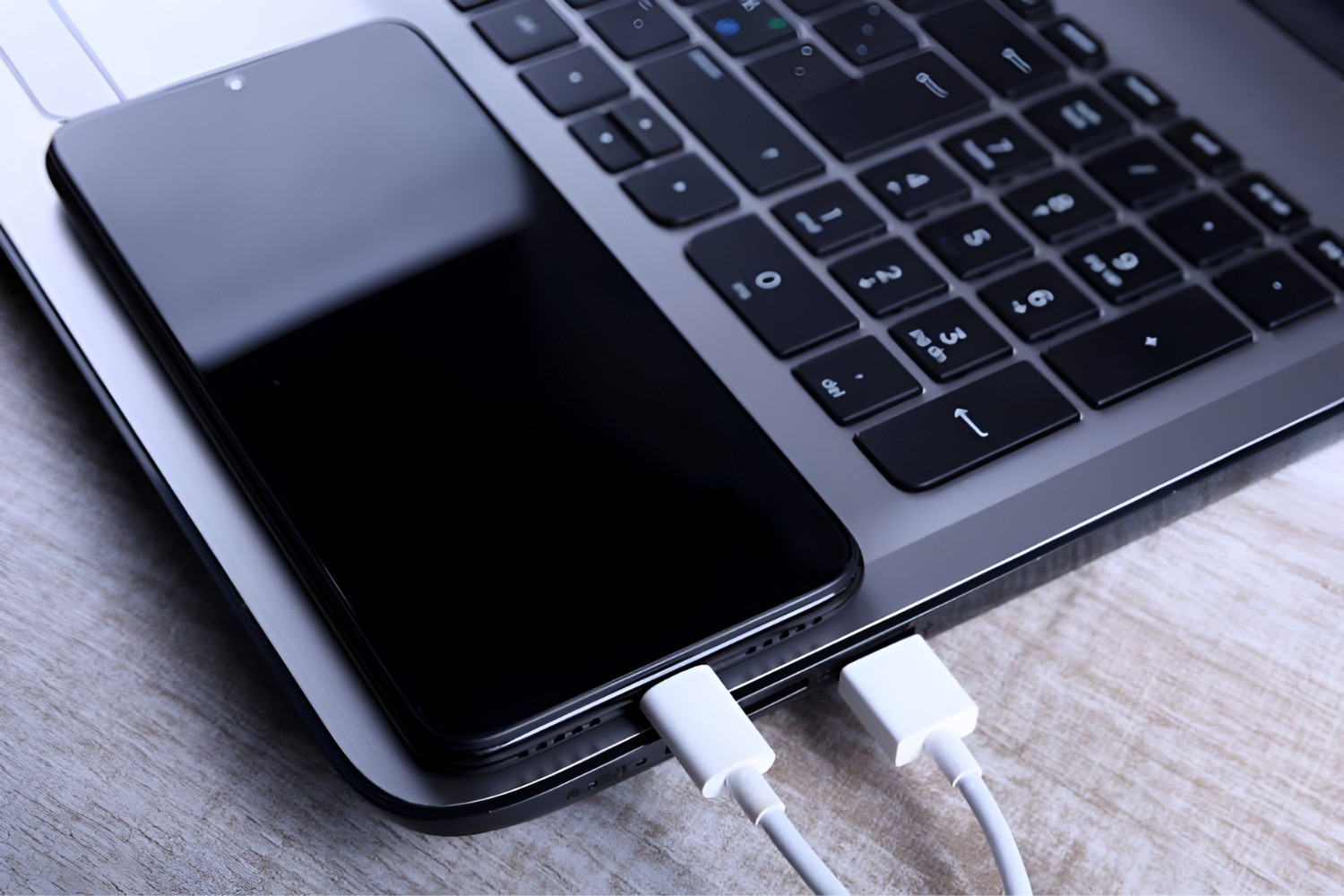
The only dependable way to restore high-speed hotspot access after throttling is to purchase more data or change your plan. Verizon offers optional “100 GB Mobile Hotspot” and “Unlimited Mobile Hotspot” perks for an additional monthly charge on eligible plans, which give you a fresh high-speed allowance. Upgrading to a plan with a larger built-in hotspot allowance, such as Verizon’s Unlimited Ultimate with up to 200 GB, also solves the problem for users who consistently exceed their cap. Another alternative is USB tethering, which shares your phone’s cellular connection with a computer via a cable rather than Wi-Fi. On Android, you can turn on USB tethering by connecting the phone to another device with a USB cable, swiping down from the top of the screen, touching and holding Hotspot, and then turning on USB tethering. This method does not increase your data allowance, but it can provide a more stable connection and avoids the Wi-Fi radio’s power draw, which may help you manage your remaining data more efficiently.
Managing hotspot connections and data usage
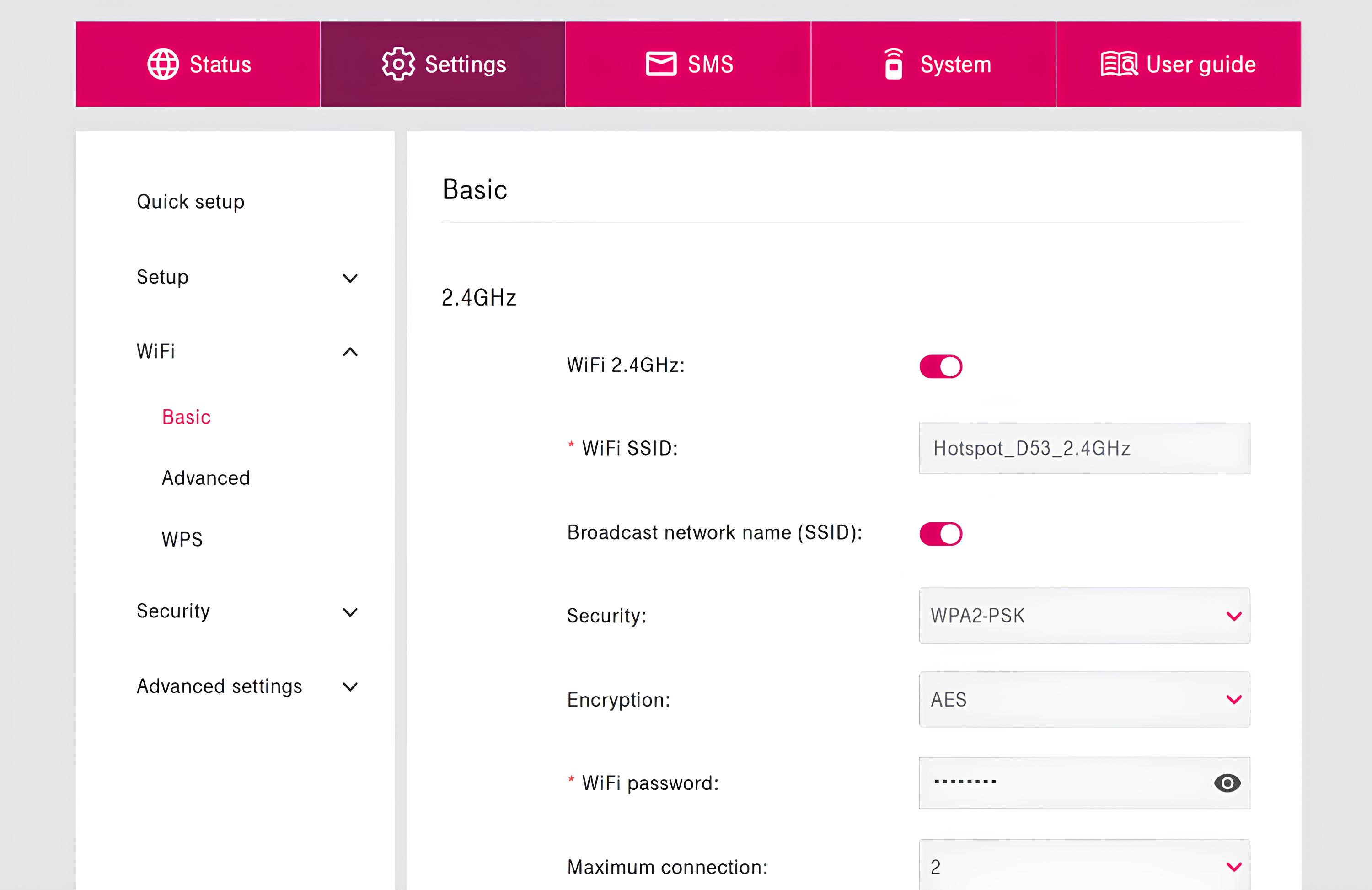
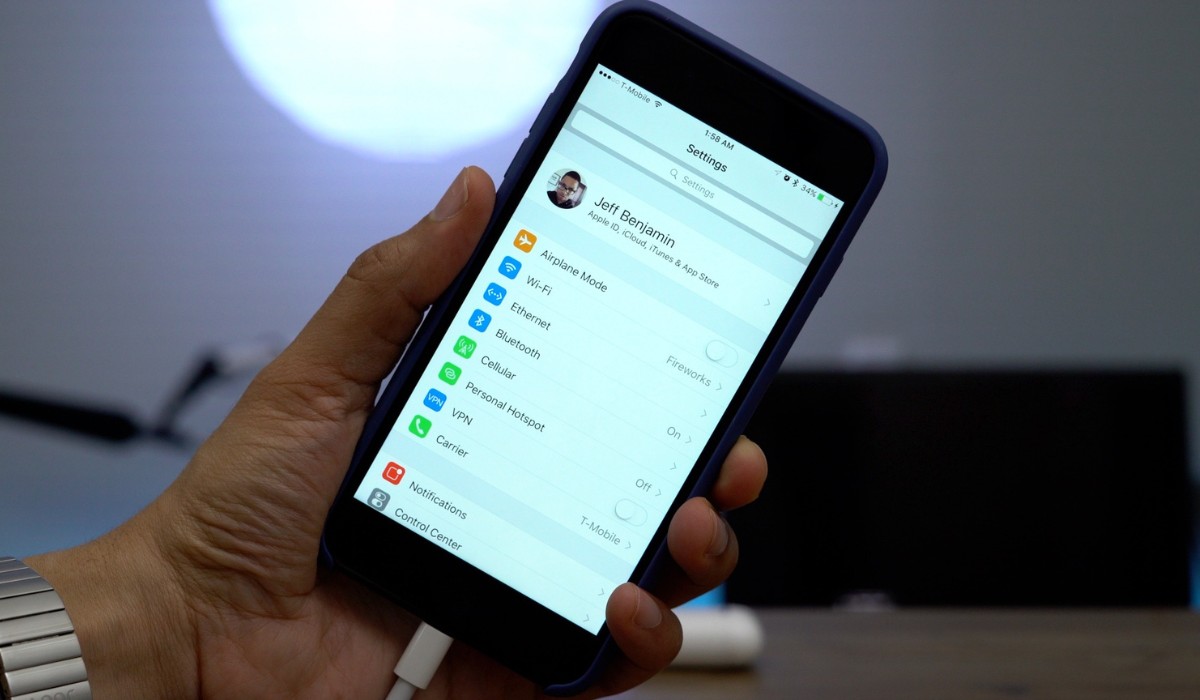
Staying within your data cap requires active management of connected devices and their consumption. iPhone hotspots typically allow around 5 to 10 simultaneous connections, depending on the model and carrier, so check your settings to see how many devices are attached. Change your Wi-Fi password regularly to prevent unauthorized users from draining your allowance, and disconnect devices from the Personal Hotspot settings menu when they are not in use. Some Android phones can share mobile data by Wi-Fi, Bluetooth, or USB, giving you flexibility in how you connect. On networks where you control the router or Mi-Fi device, MAC address filtering can restrict connectivity to specific Windows devices, preventing unknown gadgets from joining and consuming your data. For example, Jamf Protect documentation recommends configuring MAC address filtering on Mi-Fi devices or limiting Wi-Fi connectivity to specific Windows devices to restrict unauthorized tethering to corporate cellular data plans.
What to expect from throttled hotspot speeds
When your hotspot is throttled to 128 Kbps to 3 Mbps, real-world usability drops dramatically. At 128 Kbps, you can send and receive text-based emails, load simple web pages with images disabled, and use messaging apps, but video streaming, large file downloads, and video calls will buffer endlessly or fail outright. At 600 Kbps, basic web browsing and email remain workable, and you might manage low-resolution audio streaming, but anything data-heavy is impractical. At 3 Mbps, you can stream standard-definition video on one device, browse comfortably, and use VoIP calls, though multiple devices will strain the connection. To plan around this limitation, prioritize essential tasks like checking email and sending messages, preload maps or documents while on faster networks, and defer large downloads until your billing cycle resets and your high-speed allowance renews. If you frequently hit the cap, consider using a phone hotspot with any device only for critical tasks, connecting mobile hotspot to PC with USB for a more stable link, or keeping personal hotspot always on only when you have a generous data plan, since an always-on hotspot will consume your allowance faster than on-demand use.