You can download movies and shows on Max using the Max mobile app on supported phones and tablets, making them available for offline viewing without an internet connection. Whether you are on a plane, commuting, or in a spot with weak signal, the download on Max feature lets you watch your favorite content anytime, anywhere.
What you need to download on Max
The Max app's download feature is designed for mobile devices. Supported devices include Apple iPhone, iPad, iPod Touch, most Android phones and tablets, and Amazon Fire tablets. Downloads are not supported on computers (Windows, Mac, laptops) or TV devices, though you can still download movies on HBO max on laptop using an Android emulator. The total number of downloads you can have at one time depends on your subscription plan. The "Basic with Ads" plan does not allow any downloads. The "Standard" or "Standard with Ads" plan allows up to 30 downloads at one time across all phones and tablets signed in to your account. The "Premium" plan allows up to 100 downloads at one time across all phones and tablets signed in to your account. The total download limit is shared across all devices signed into your account, not a separate limit per device. If you are looking for ways to save on your subscription, you can get HBO Max for free with AT&T as part of certain wireless or internet plans.
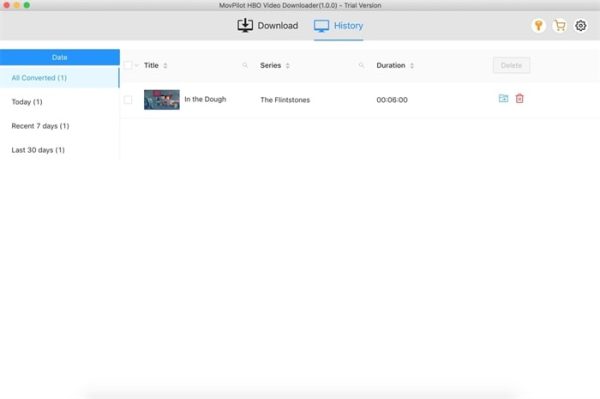
How to download movies and shows on the Max app
Downloading content using the official app is straightforward. Follow these steps:
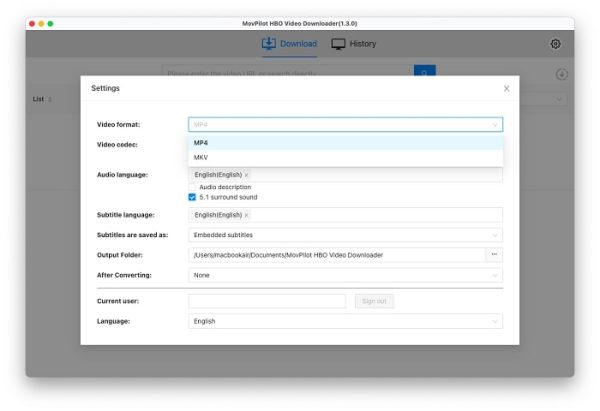
- Open the Max mobile app and sign in to your account.
- Search for the movie or TV show you want to download and tap on its title to open the overview page.
- Tap the Download icon on the overview page and wait for the download to begin.
- Once the download is completed, go to your profile icon and tap on Downloads to find your saved content.
How to manage your Max downloads
Managing your saved content is simple. To delete a download, go to the Downloads icon, choose the Download complete icon (checkmark) next to the title, and then select Delete Download. This frees up space on your device for new content. If a download expires, it can usually be renewed by connecting to the internet and tapping the Renew Download button. A key limitation to keep in mind is that downloads are stored on your phone or tablet's internal storage and cannot be saved to an SD card. Plan your downloads accordingly to avoid running out of space.
\nRelated reading: How To Download From Paramount Plus and How To Download Movies On YouTube To Watch Offline.