You cannot play Fortnite on PC without the Epic Games Launcher through any official download method, but you can play Fortnite without epic games by using a cloud gaming service like Xbox Cloud Gaming or Amazon Luna, which streams the game to your browser without requiring a local installation.
Can you play Fortnite on PC without the Epic Games Launcher?
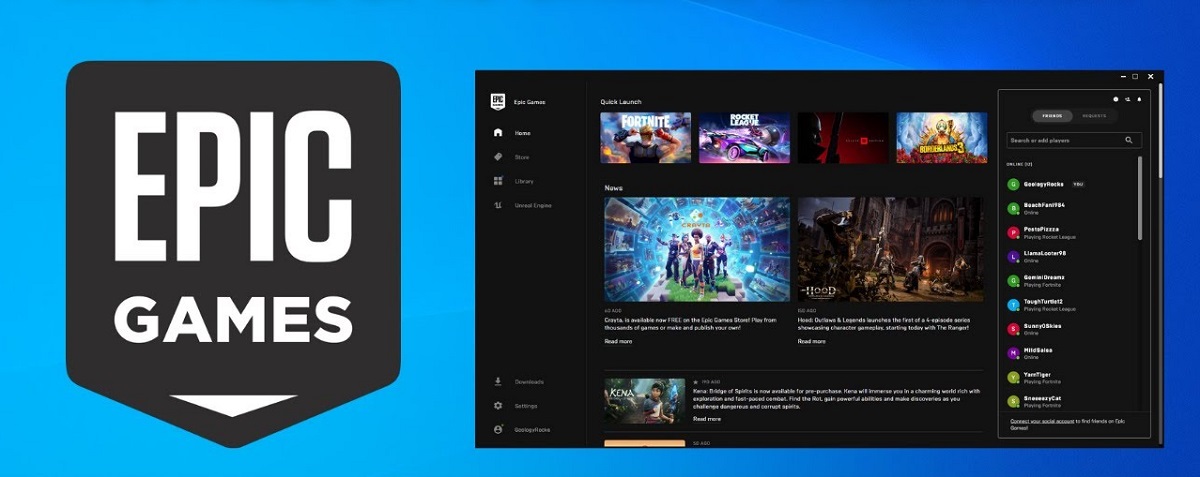
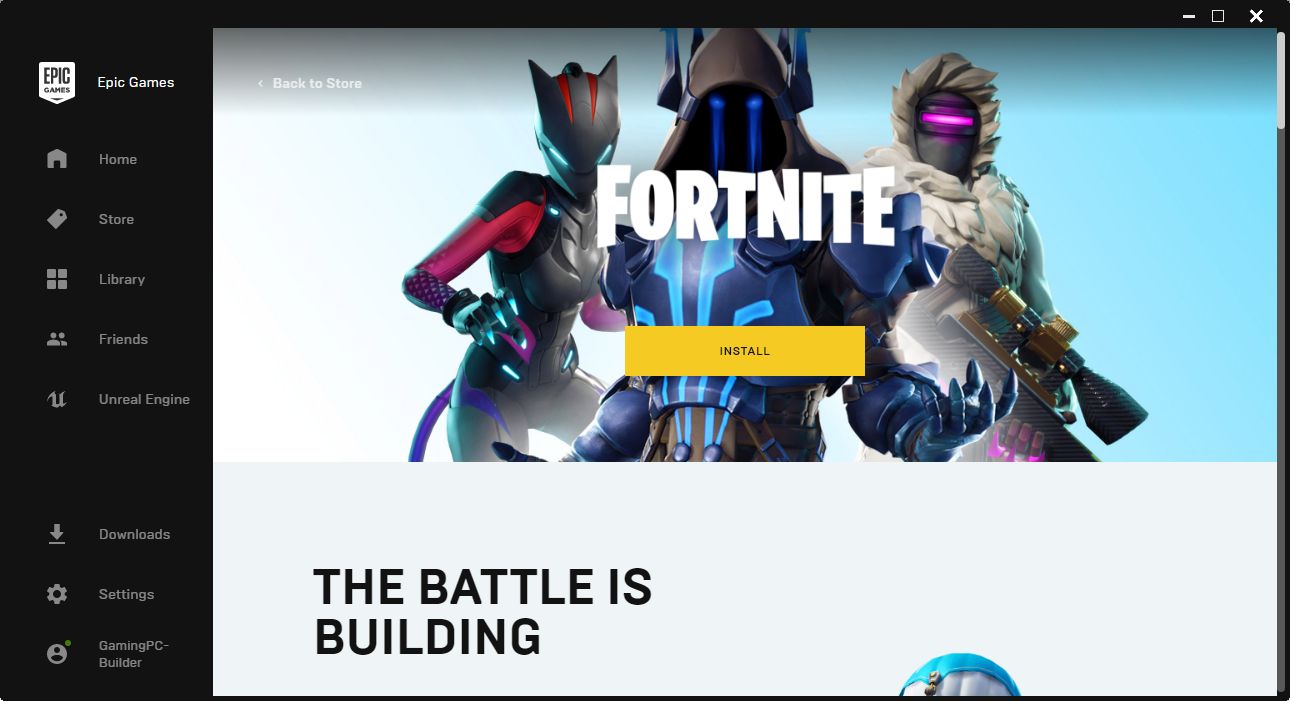
There is no officially supported method to directly download and install the native Fortnite PC client without using the Epic Games Launcher. The official and primary method to download and install Fortnite on PC is through the Epic Games Launcher, which you can get from the official download epic page to ensure you avoid harmful fake installers. However, you can still play Fortnite on PC without a local installation by using cloud gaming services such as Xbox Cloud Gaming or Amazon Luna. These services stream the game directly to your browser, bypassing the need for any launcher or local game files. If you do use the official launcher, you can estimate the Fortnite download time based on your connection speed.
Official method: using the Epic Games Launcher
If you are open to using the standard, supported way, the official process is straightforward. To download Fortnite officially, users must first download and install the Epic Games Launcher. After installing the launcher, users log into their Epic Games account, search for Fortnite in the store, and click "Get" or "Install" to add it to their library and begin the download. Before installing, ensure your PC meets the minimum requirements: Windows 10, Version 22H2 (64-bit) or Windows 10 Enterprise, Version 21H2 (64-bit); a Core i3-3225 3.3 GHz processor; 8 GB RAM; an Intel HD 4000 or AMD Radeon Vega 8 video card; and at least 30 GB of free storage space, with an NVMe Solid State Drive recommended for better performance.
How to play Fortnite without the launcher using cloud gaming
Cloud gaming is the only legitimate alternative to a local launcher-free installation. You do not need to download or install any game files, and your PC only needs a stable internet connection and a compatible browser. Here is how to access Fortnite via cloud gaming:
- Sign up for a subscription to Xbox Cloud Gaming (requires Xbox Game Pass Ultimate) or Amazon Luna (requires a Luna+ subscription or a Prime Gaming account during promotional periods).
- Navigate to the cloud gaming service's website and log in with your account.
- Search for Fortnite in the service's game library and select it.
- Click the "Play" button to start streaming.
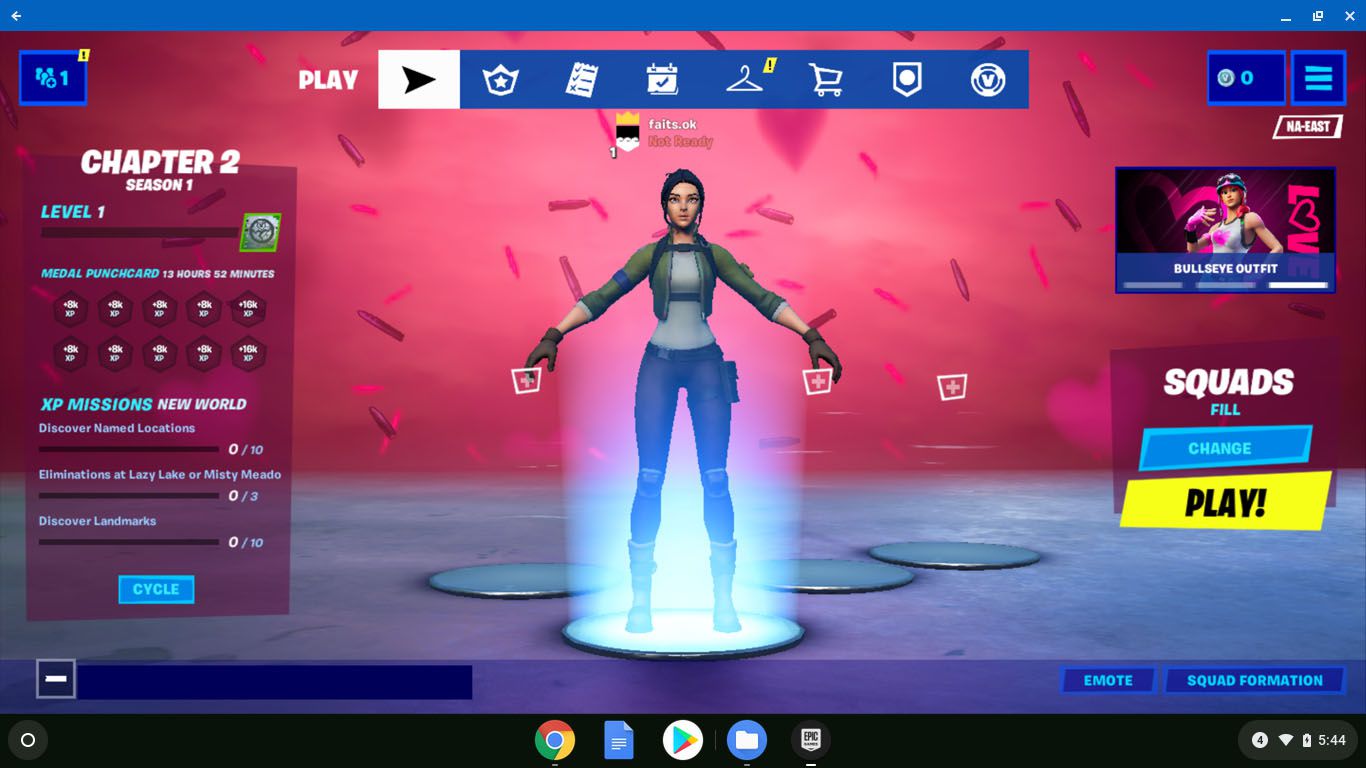
Your Epic Games account progress, skins, and V-Bucks carry over as long as you log in with the same account within the cloud gaming session.
Risks of unofficial 'no launcher' methods
Any third-party download claiming to bypass the Epic Games Launcher carries significant risks. These unofficial methods often distribute malware or scams designed to steal your personal information or Epic Games account credentials. Additionally, using unauthorized software to modify or install Fortnite can result in a permanent ban from the game, as it violates Epic Games' terms of service. There is no safe or legitimate way to download the native Fortnite client outside of the official launcher, and any website or video promising a direct installer should be avoided entirely.