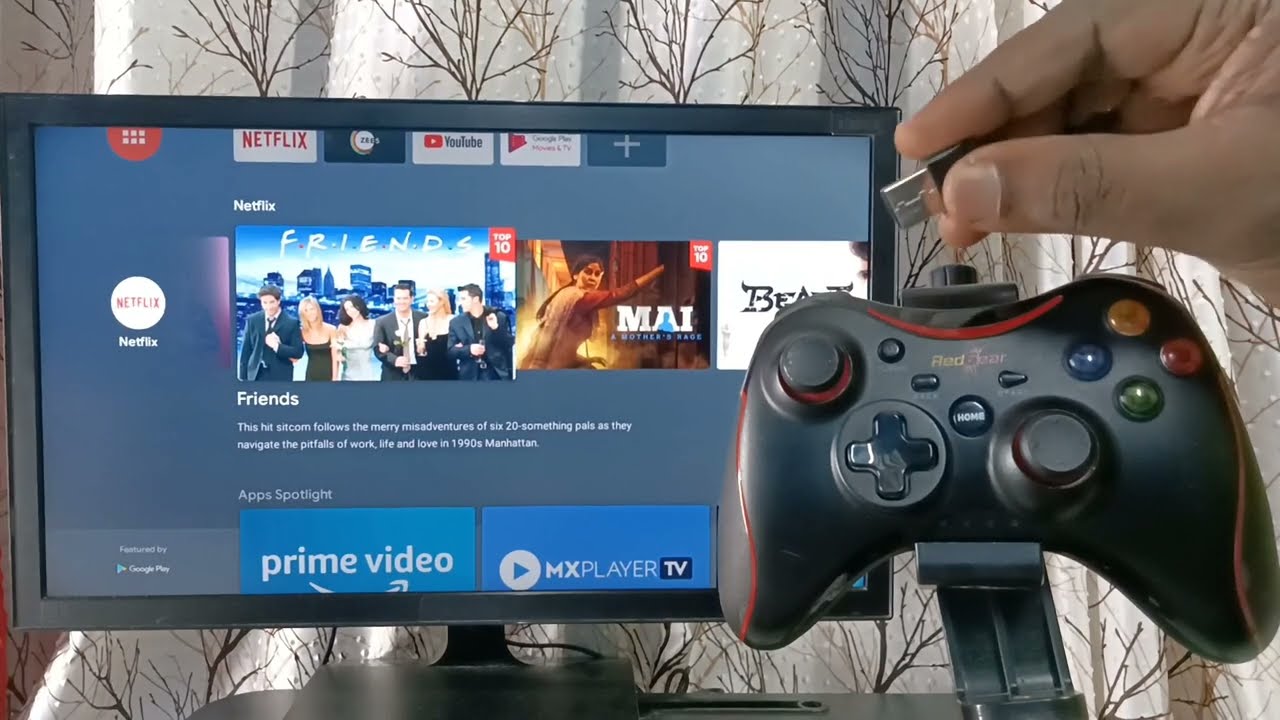
The best cloud gaming services let you play high-end video games on almost any device without needing a powerful console or gaming PC, though you will still need the best streaming device to ensure a stable, low-latency connection on your TV. These platforms stream the game from remote servers directly to your screen, with the top options offering features like 4K resolution, access to hundreds of titles, and flexible pricing to match different gaming habits.
What are the best cloud gaming services?
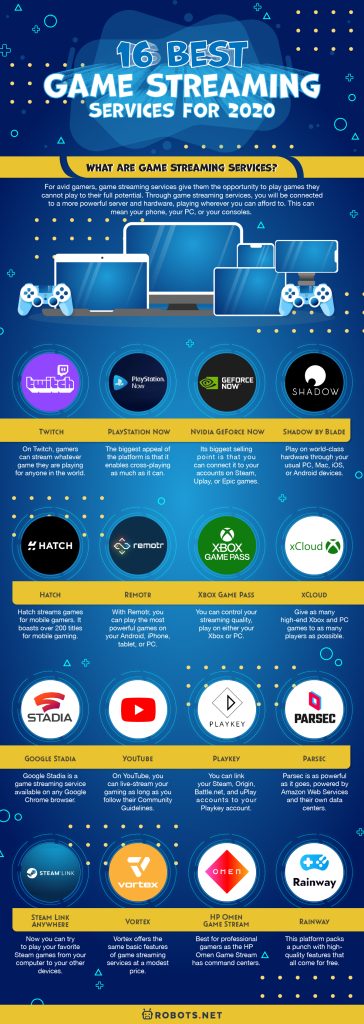
Cloud gaming, also known as game streaming, removes the need for expensive hardware by running games on powerful remote servers and sending the video to your device over the internet. The 16 services below represent the current market leaders, each with a unique approach to game libraries, performance, and pricing. The following table provides a quick comparison of their standout features, starting price, and primary platform.
| Service | Best feature | Starting price | Primary platform |
|---|---|---|---|
| Nvidia GeForce Now | Stream games you already own from Steam, Epic, and GOG | Free tier available | PC, Mac, Android, iOS, Shield TV |
| Xbox Cloud Gaming (xCloud) | Hundreds of games included with Game Pass Ultimate, day-one releases | Included with Game Pass Ultimate | Xbox, PC, phones, Smart TVs |
| Amazon Luna | Channel-based subscriptions and low-latency Luna Controller | Luna+ subscription | Fire TV, PC, Mac, iOS, Android |
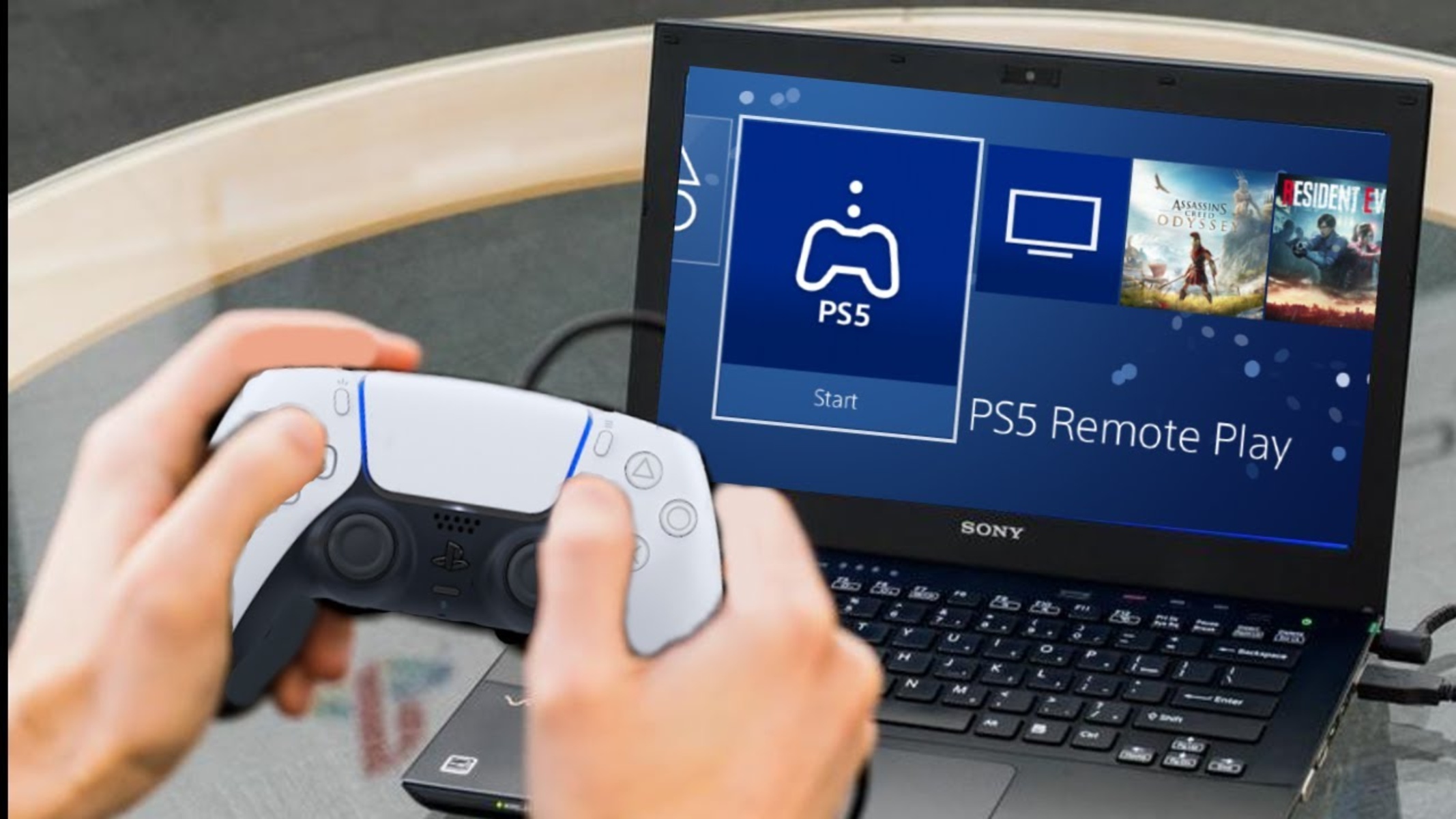
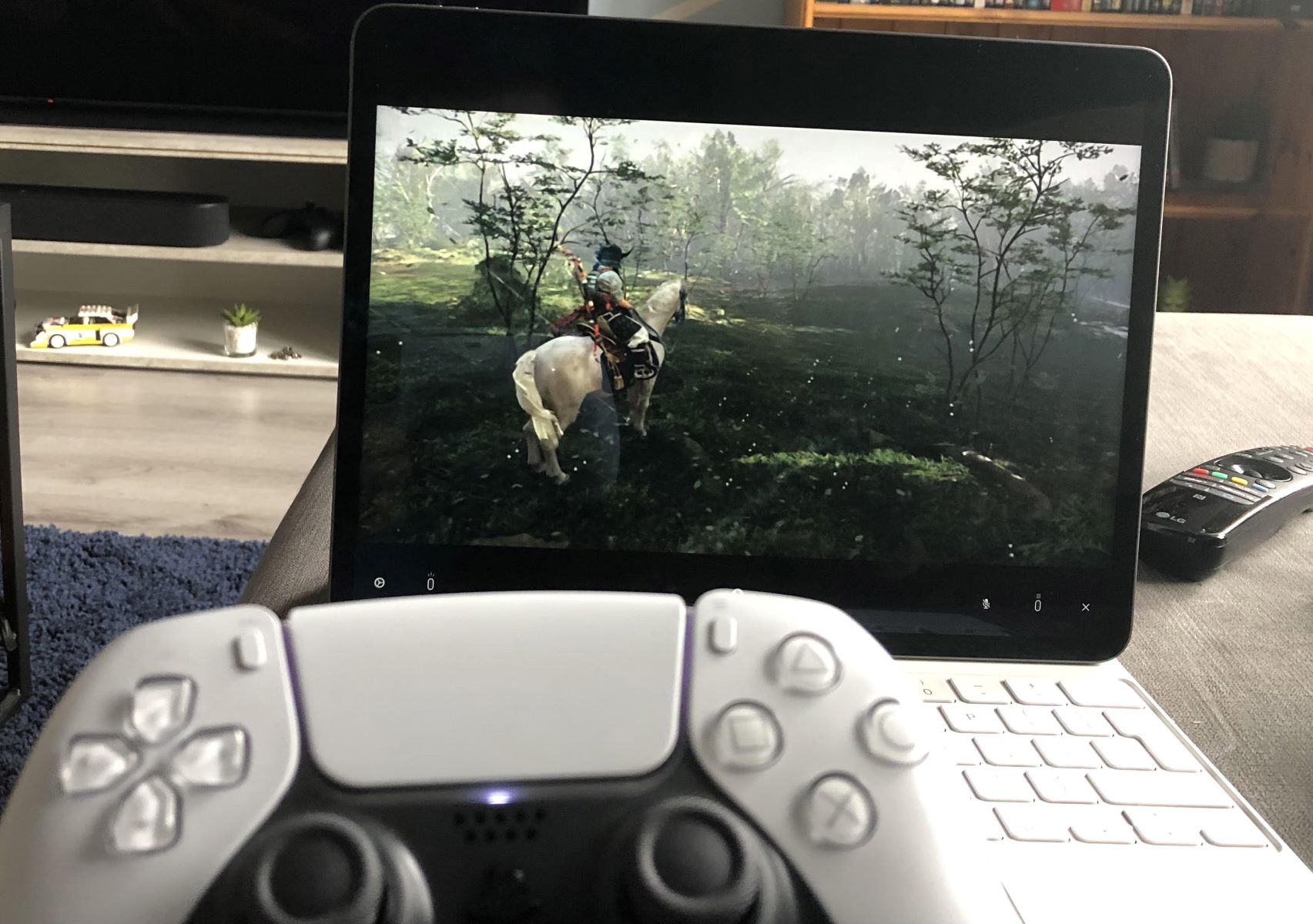
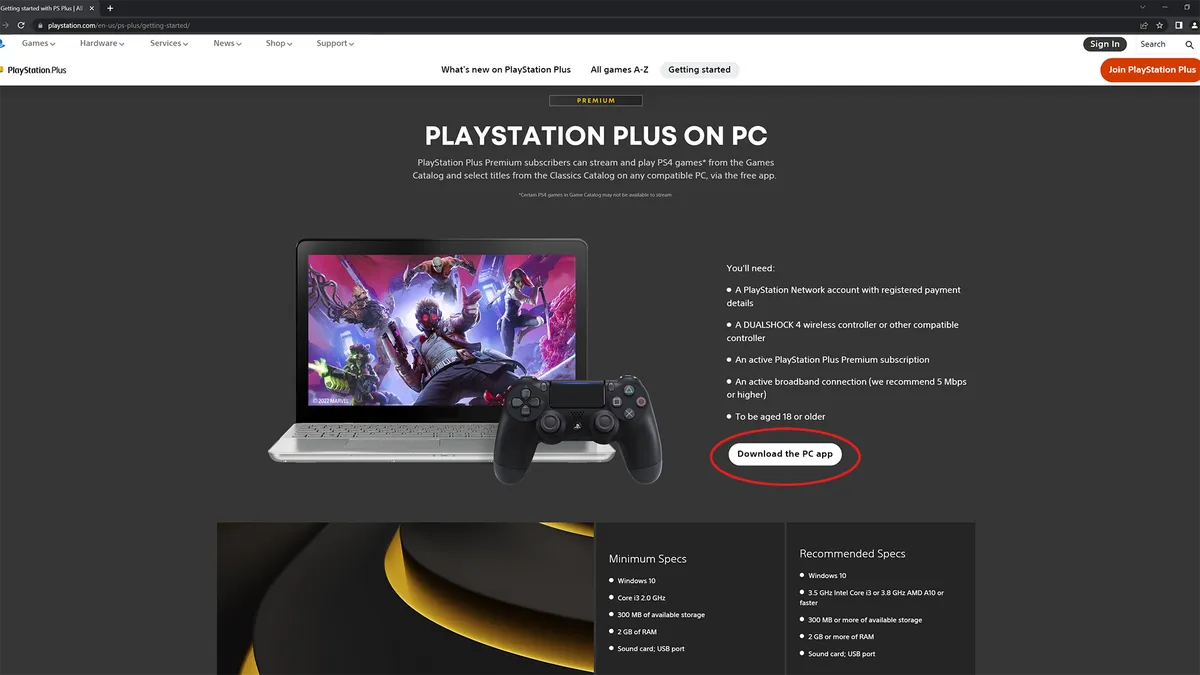
| PlayStation Plus Premium | Stream PS5 games from your personal library | PS Plus Premium membership | PS5, PlayStation Portal |
| Shadow PC | Full Windows 11 cloud PC to install any game or software | Neo Lite around $22.49/month | Windows, Mac, Android, iOS, tvOS |
| Boosteroid | Budget-friendly with unlimited playtime | Monthly subscription | PC, Mac, Android, TV |
| Blacknut | Family-friendly catalog of over 1,000 games | Solo plan around €9.99/month | Smart TVs, browsers, phones |
| Antstream Arcade | Over 1,400 retro classic games with challenge modes | Free tier with ads, premium from $3.99/month | Xbox, PlayStation, PC, mobile |
| AirGPU | Pay-as-you-go cloud PC with hourly rates | From $0.65/hour | PC, Mac, Android |
| Maximum Settings | Bare metal dedicated servers for low latency | Monthly packages with daily hours | PC, Mac, phones, tablets |
| Paperspace | On-demand cloud machines with powerful GPUs, billed per second | From $0.45/hour | PC, Mac (technical users) |
| Vagon Cloud Computer | Per-minute billing for a full Windows desktop | Starting around $0.99/hour | PC, Mac, browser |
| Netflix Games (Streaming) | Early-stage cloud streaming included with Netflix subscription | Included with Netflix | Netflix app on various devices |
| Cloud Deck | Customizable virtual machines for gaming | Subscription or hourly | PC, Mac |
| Ubitus | White-label backend powering other major streaming services | Varies by partner | Partner platforms |
| Highscore | Active cloud gaming service in the current market | Subscription | PC, mobile |
Nvidia GeForce Now
Nvidia GeForce Now stands out because it lets you stream PC games you already own from digital storefronts like Steam, Epic Games Store, and GOG. Instead of paying for a separate library, you connect your existing accounts and play the titles you have already purchased. This is the reason you want it: you can play the PC games you already own without buying them again. The service offers a free tier with limited session lengths and paid tiers, including an Ultimate membership that provides up to 4K resolution at 120 frames per second on native PC and Mac applications. GeForce Now is available on an extensive range of devices, including Windows PCs, macOS, Linux (beta), Android, iOS/iPadOS, ChromeOS, Nvidia Shield TV, Tizen, WebOS, Steam Deck, Steam Machine, and VR/MR headsets like Apple Vision Pro and Meta Quest. Nvidia recommends an internet speed of 15-25 Mbps for 1080p gaming and 45-50 Mbps or higher for 4K or high frame rates.
Xbox Cloud Gaming (xCloud)
Xbox Cloud Gaming is included with an Xbox Game Pass Ultimate subscription, giving you access to hundreds of games from the Game Pass library, including all Xbox Game Studios and Bethesda titles on release day. This is the reason you want it: you get a huge library of games, including day-one releases, as part of one subscription. The service supports Android phones and tablets (Android 12.0+), iPhones and iPads (via Safari), Windows PCs (through the Xbox app or a browser), Xbox Series X|S and Xbox One consoles, select Samsung and LG Smart TVs, Meta Quest VR headsets, and Fire TV devices. A supported Bluetooth controller is required for most titles. Microsoft recommends an internet connection of at least 10 Mbps, preferably with 5 GHz Wi-Fi, and the service streams at up to 1440p on Xbox Series X|S and Xbox One consoles. To automatically share your favorite cloud gaming discoveries with your audience, you can set up automated feeds using rss feed creators for your blog or website.
Amazon Luna
Amazon Luna is a cloud gaming platform that offers games through its Luna+ paid subscription, as well as channels like Ubisoft+ and Jackbox Games. This is the reason you want it: you can pick and choose game channels to match your interests, and the optional Luna Controller connects directly to Amazon's cloud servers via Wi-Fi for reduced latency. Luna is compatible with Windows, macOS, ChromeOS, Amazon Fire TV, iOS/iPadOS (as a progressive web app), Android, Fire Tablets, select Samsung and LG Smart TVs, and Comcast Devices. Amazon recommends a sustained internet speed of at least 10 Mbps for the best gaming experience.
PlayStation Plus Premium
Users can stream eligible digital PS5 games from their personal library with a PlayStation Plus Premium membership. This is the reason you want it: you can stream your own PS5 game library to a PS5 console or the PlayStation Portal remote player. Cloud streaming for PlayStation Plus Premium is available on PS5 consoles and the PlayStation Portal. A minimum internet speed of 5 Mbps is needed to establish a cloud streaming session, with 7 Mbps recommended for 720p and 13 Mbps for 1080p streaming.
Shadow PC
Shadow PC provides remote access to a full Windows PC in the cloud, allowing you to install any game from any digital storefront like Steam, Epic Games, or GOG, as well as other software. This is the reason you want it: you get a complete, high-performance Windows computer in the cloud that can run any game or application you want. Shadow PC is available on Windows (8.1, 10, 11), macOS, Ubuntu, Android/Android TV, iOS/iPadOS, tvOS, and Raspberry Pi. Pricing includes monthly subscription tiers with varying GPU, RAM, and CPU configurations, including new Lite plans with a 120-hour monthly cap. The service offers up to 4K streaming and features like H265 encoding, dual-screen support, and VR on higher tiers.
Boosteroid
Boosteroid is a cloud gaming service known for its budget-friendly pricing and unlimited monthly playtime. This is the reason you want it: you can play for as long as you want each month without worrying about hitting a time cap. Boosteroid allows users to stream and play PC games they already own from various launchers. The service recommends a minimum stable internet speed of 15 Mbps for 1080p gaming, with 25 Mbps or higher ideal for consistent quality, and 64 Mbps or higher for 4K streaming.
Blacknut
Blacknut is a cloud gaming service focused on a family-friendly catalog of over 1,000 games, including indie titles and partnerships with publishers like Ubisoft. This is the reason you want it: it offers a safe, curated library of games suitable for all ages, with no downloads or installations required. Blacknut games run on the service's servers and are available on browsers, smartphones, Smart TVs (Samsung Tizen, LG WebOS, Android TV, Fire TV, Titan OS, VIDAA OS), and streaming devices. Pricing includes Solo plans for one simultaneous screen and Family plans for up to five independent profiles. Blacknut streams up to 1080p, with 4K streaming available under optimal conditions, and recommends a minimum connection speed of 15 Mbps.
Antstream Arcade
Antstream Arcade specializes in retro gaming, offering a library of over 1,400 officially licensed classic games from platforms like Arcades, Atari, Commodore 64, Amiga, Sega Genesis, Nintendo (NES), and PlayStation. This is the reason you want it: you can play thousands of classic games from your childhood with online leaderboards, challenges, and cloud saves. The service provides online profiles, high scores, cloud saves, and new mini-games and challenges for classic titles. Antstream Arcade is available on PC, Mac, Linux, Android, Android TV, Fire TV, Samsung TV, Xbox One, Xbox Series X/S, iOS, PlayStation 4, and PlayStation 5. Pricing includes a free tier with ads and limited challenges, or premium memberships for unlimited access.
AirGPU
AirGPU offers a cloud PC for gaming with a pay-as-you-go pricing model based on hourly usage of hardware specs, plus a monthly fee for SSD cloud storage. This is the reason you want it: you only pay for the time you actually play, with no long-term commitment, and you can choose from different GPU tiers to match your budget and performance needs. Hourly rates vary by GPU tier, starting from $0.65/hour for a Tesla T4 up to $1.55/hour for an RTX A5000. Users can install all their games and other software from platforms like Steam and Epic Games Launcher, and stream up to 4K resolution. AirGPU recommends an internet connection of at least 10 Mbit/s download and 2 Mbit/s upload.
Maximum Settings
Maximum Settings provides dedicated cloud-based gaming PCs utilizing bare metal technology for direct access to physical hardware, aiming for low latency and lag-free gaming. This is the reason you want it: you get a dedicated physical machine rather than a shared virtual server, which can provide more consistent performance. Users can install any game from any game store and stream up to 4K resolution. The service is available on desktops, laptops, Macs, smartphones, Android devices, and tablets. Pricing involves monthly packages with allocated daily usage hours.
Paperspace
Paperspace provides cloud machines with a wide range of GPUs, billed by the hour, and is suitable for technical users comfortable with configuring a machine. This is the reason you want it: you have complete control over your hardware configuration, with access to powerful GPUs like the H100, and you are billed per second for maximum flexibility. On-demand rates for Paperspace GPUs range from $0.45/hr for an M4000 to $5.95/hr for an H100, with some high-end GPUs requiring a Growth-plan subscription. Paperspace offers various GPU models, including RTX A4000, A5000, and H100.
Vagon Cloud Computer
Vagon Cloud Computer offers a full Windows gaming PC in the cloud, billed by the minute, starting around $0.99 per hour. This is the reason you want it: you can run any software, including games from any store, mods, and emulators, and you only pay for the exact time you use it. Vagon allows users to install any software, providing a complete desktop experience.
Netflix Games (Streaming)
Netflix Games is expanding its gaming offerings, with some titles available for streaming directly through the Netflix app on various devices. This is the reason you want it: if you already have a Netflix subscription, you can try cloud gaming at no additional cost. The service is still in its early stages of expansion into cloud game streaming.
Cloud Deck
Cloud Deck is a cloud gaming service that provides customizable virtual machines for gaming, similar to Shadow PC and AirGPU. This is the reason you want it: it offers a direct alternative to other full-cloud-PC services, giving you flexibility in choosing your virtual hardware.
Ubitus
Ubitus is a cloud gaming provider that often partners with other companies to power their streaming services, making it a significant backend player in the industry. This is the reason you want it: you may already be using Ubitus technology through another service, as it powers the streaming for many major platforms.
Highscore
Highscore is identified as another active cloud gaming service available in the current market. This is the reason you want it: it represents another option to consider when comparing the breadth of available cloud gaming platforms.
How to choose a cloud gaming service
Selecting the right cloud gaming service depends on your priorities. First, consider the game library model. Services like GeForce Now and Boosteroid let you stream games you already own from stores like Steam and Epic, while Xbox Cloud Gaming and Amazon Luna offer subscription-based libraries. Shadow PC, AirGPU, and Vagon provide a full cloud computer where you can install anything. Second, check your device ecosystem. Most services support phones, tablets, PCs, and Smart TVs, but some have specific limitations. Third, evaluate your internet connection. Higher resolutions like 4K require faster speeds, typically 45 Mbps or more, while 1080p gaming can work on 15-25 Mbps connections. Finally, compare pricing models. Subscription services offer predictable monthly costs, while pay-as-you-go options like AirGPU and Paperspace charge by the hour, which can be more economical for light or occasional use.