This tag collects six practical guides for anyone who plays Fortnite or wants to start, whether you are a long-time player managing your accounts or a newcomer figuring out where and how to install the game. The articles are written for everyday users on consoles, PCs, and phones, with an emphasis on clear, step-by-step instructions that avoid technical jargon.
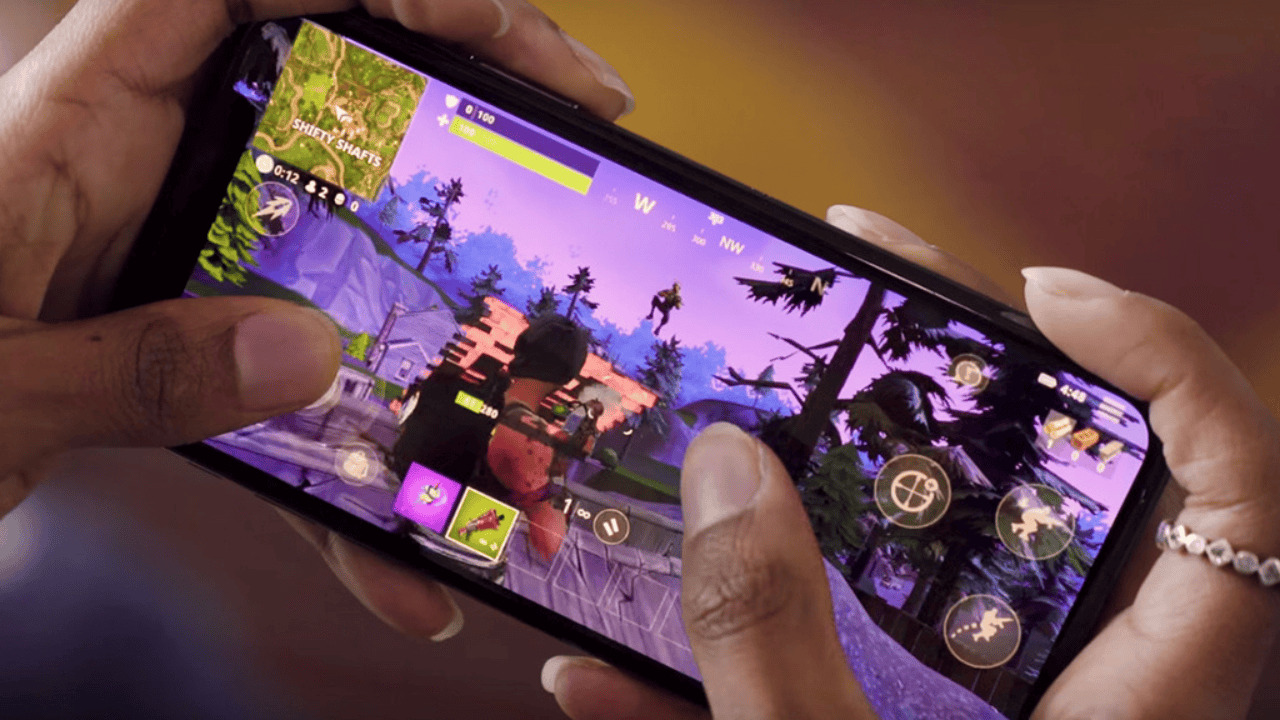
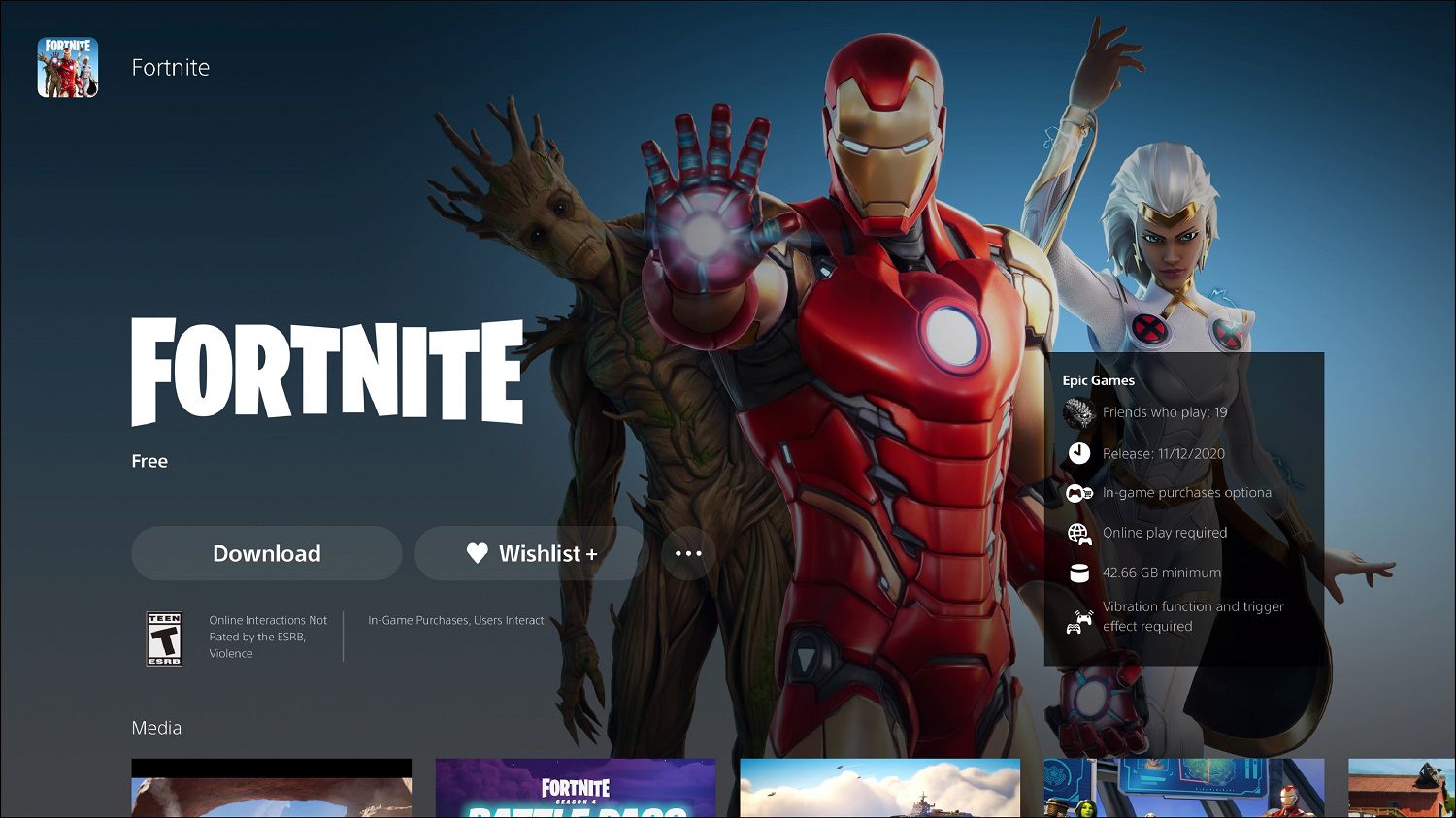
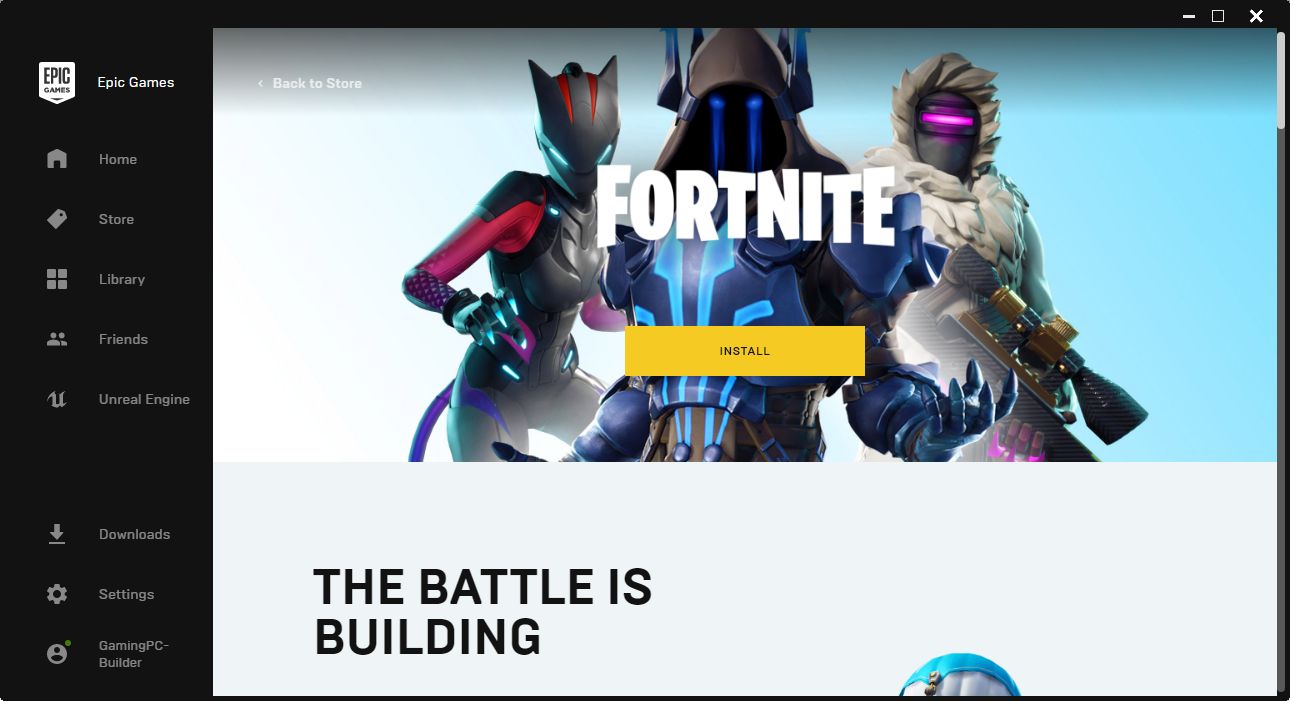
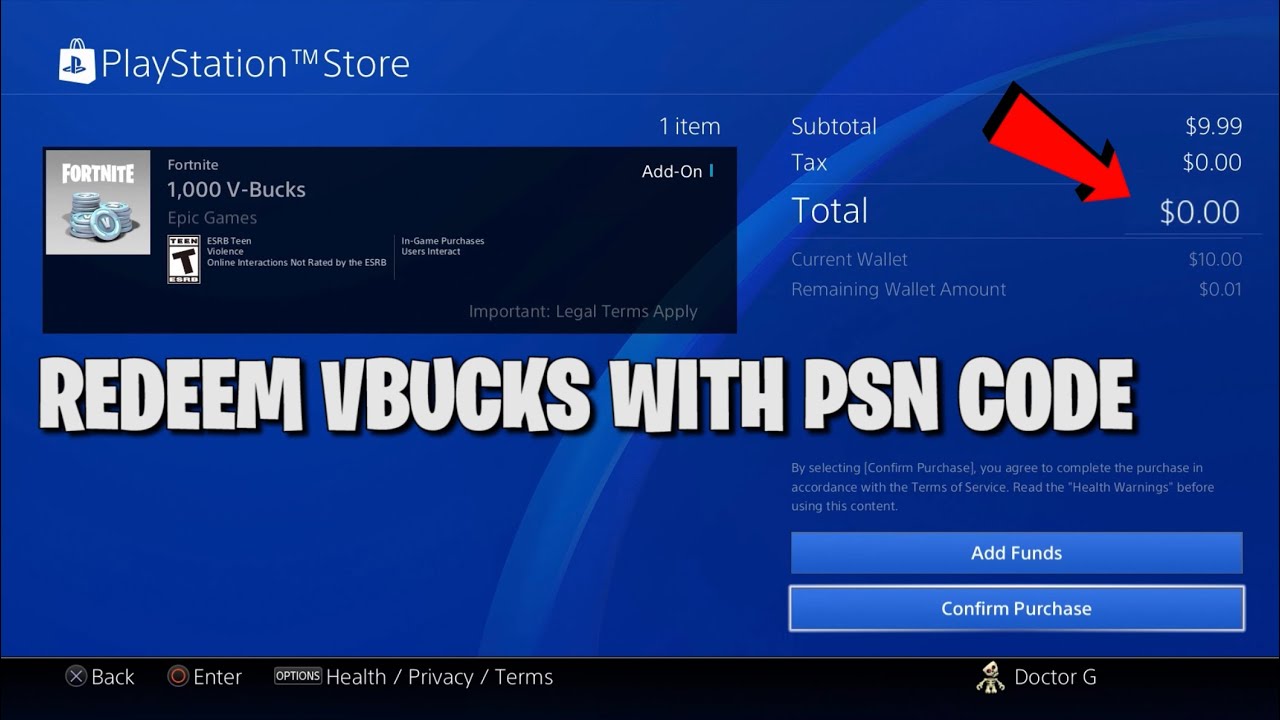
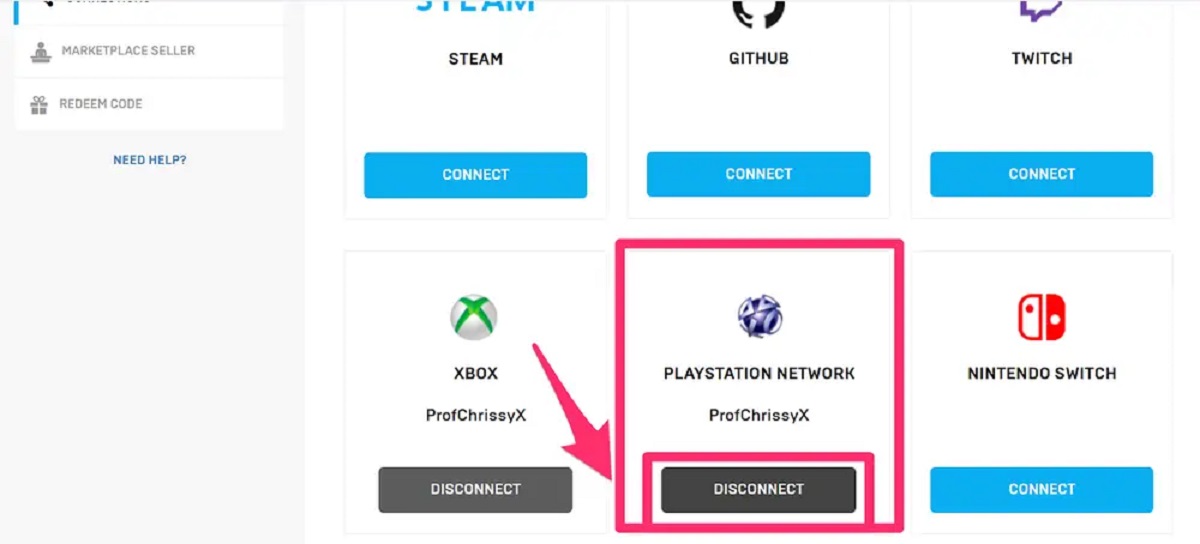
The first group of articles focuses on getting the game onto your device through official channels. “How To Download Fortnite On PC Without Epic Games” and “How To Download Fortnite On Your Phone” walk you through legitimate installation paths, while “How Long Does It Take For Fortnite To Download” helps you plan for file sizes and internet speeds. A second theme centers on managing your accounts and in-game purchases safely. “How To Unlink PlayStation Account From Epic Games” explains a common account-linking fix, and “How To Redeem V Bucks On PlayStation” shows the correct way to use your currency without falling for scams. Finally, “15 Best Free Games That You Can Claim From Epic Games” broadens the scope, helping you find other free titles you already have access to through the same launcher, useful if you want to expand your library without spending money.
Across these pieces, the goal is to help you complete everyday tasks: installing the game, linking or unlinking accounts, redeeming V-Bucks, and discovering free games. The articles treat safety and legal alternatives as the default, guiding you through official methods rather than shortcuts.