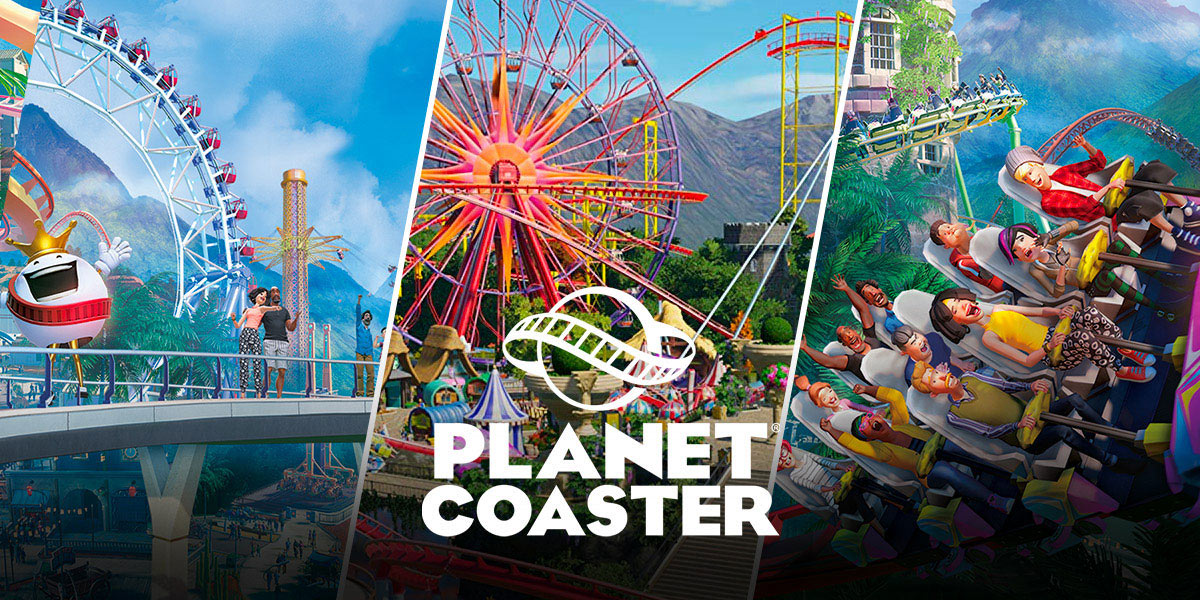
Is it possible to get planet coaster free?
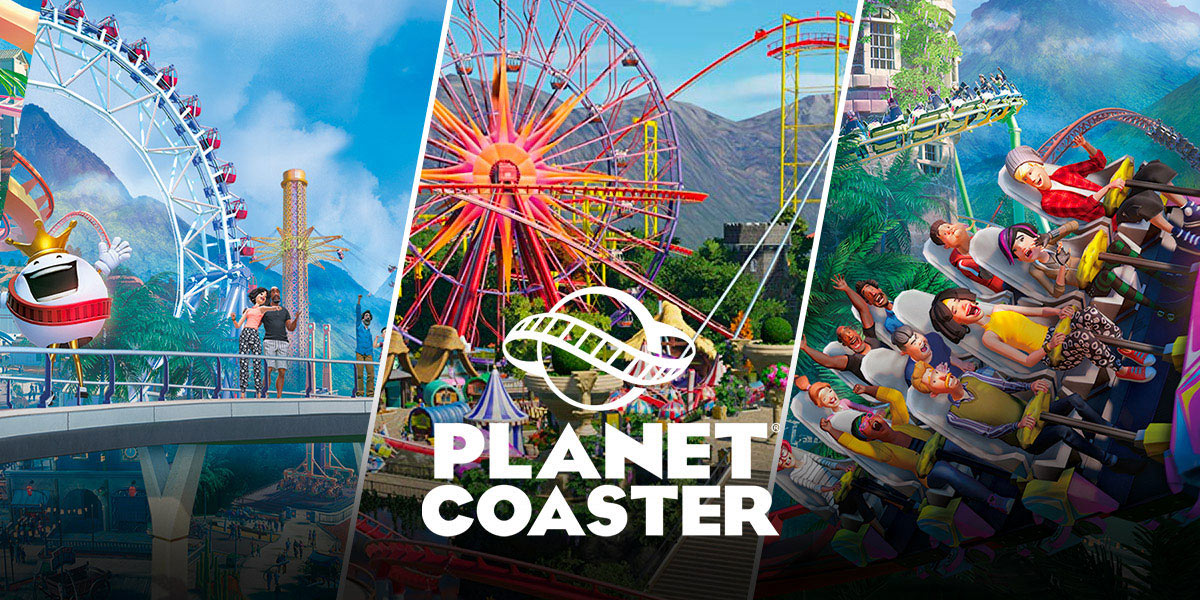
Yes, it is possible to get Planet Coaster free, but only through specific, time-limited methods, not as an always-available option. The game is a paid title on Steam and consoles, but a verified giveaway on the Digiphile platform in March 2026 provided Steam keys at no cost, and an alternative method lets you earn the game indirectly through a mobile app.
Method 1: The verified Digiphile giveaway (expired March 2026)
The most direct way to get Planet Coaster free was through a limited-time promotion on Digiphile, which ended on March 18, 2026, or while stock lasted. This offer granted the base game to anyone with a Digiphile account linked to a verified Steam account. If you were lucky enough to catch it, here is exactly how the claim process worked.
- Visit the Digiphile giveaway page while the promotion was active.
- Log in to your Digiphile account, or create a new one if you didn’t have it yet.
- Select the free tier for Planet Coaster on the giveaway page.
- Complete the checkout process, no payment was required at any step.
- Retrieve the Steam key from your Digiphile library after checkout.
- Open the Steam client, go to “Activate a Product on Steam,” and enter the key to add the game permanently.
This method was the only verified instance where the full base game was given away at no cost. The requirement of a verified Steam account meant you couldn’t use throwaway accounts, but the process itself took under five minutes if you had your credentials ready.
Method 2: Earn Planet Coaster with the Snakzy app
If you missed the Digiphile giveaway, you can still get Planet Coaster free by earning it indirectly through the Snakzy mobile app. This method doesn’t hand you a key directly; instead, it rewards you for playing mobile games, and those rewards convert into funds you can use to buy the game on Eneba. It’s slower than a giveaway, but it’s a legitimate path that doesn’t require spending your own money.
- Download the Snakzy app from your device’s official app store.
- Create an account and browse the available mobile games listed in the app.
- Play those games to accumulate coins, each game has different earning rates, but consistent play adds up.
- Once you have enough coins, trade them for a gift card or transfer the balance to an Eneba wallet.
- Use the Eneba wallet funds to purchase a Planet Coaster Steam key from the marketplace.
This method works because Eneba frequently runs promotions where you can apply wallet funds toward games like Planet Coaster. The trade-off is time: you’ll spend hours playing mobile games to earn the equivalent of the game’s price. But if you enjoy mobile gaming anyway, it’s a zero-cost way to get the park builder without ever opening your wallet.
What to avoid when searching for free games
When you search for ways to get Planet Coaster free, you’ll likely stumble across offers that look similar but aren’t the real deal. One common trap is confusing Planet Coaster with RollerCoaster Tycoon 3, a different theme park simulation game that was previously offered for free on the Epic Games Store. That giveaway was real, but it doesn’t include Planet Coaster, and claiming it won’t put the game in your Steam library. Similarly, treat any claims about “Planet Coaster 2” being free with caution, the sequel is a separate paid product, and official sources only list it as a paid release. Always check the store page you’re on: if it says “Planet Coaster” but the URL or description mentions a different title, you’re likely looking at a bait-and-switch.
Planet Coaster minimum system requirements
Before you invest time in any free method, make sure your PC can actually run the game. The verified minimum specs for Planet Coaster are modest but not ancient: you’ll need Windows 7 (SP1+), 8.1, or 10 in 64-bit, an Intel i5-2300 or AMD FX-4300 processor, 8 GB of RAM, an nVidia GTX 560 (2GB) or AMD Radeon 7850 (2GB) graphics card, DirectX Version 11, and 8 GB of available storage. If your machine meets or exceeds these, you’re good to go. If not, you’ll be better off saving for an upgrade first, because even a free copy won’t run smoothly on weaker hardware. Check your system specs before you claim any key, and you’ll avoid the frustration of a game that won’t launch.
\nRelated reading: How to Change Steam Install Location: Mac and PC, How To Raise Paths In Planet Coaster, and Where Can I Play Age Of Empires For Free.