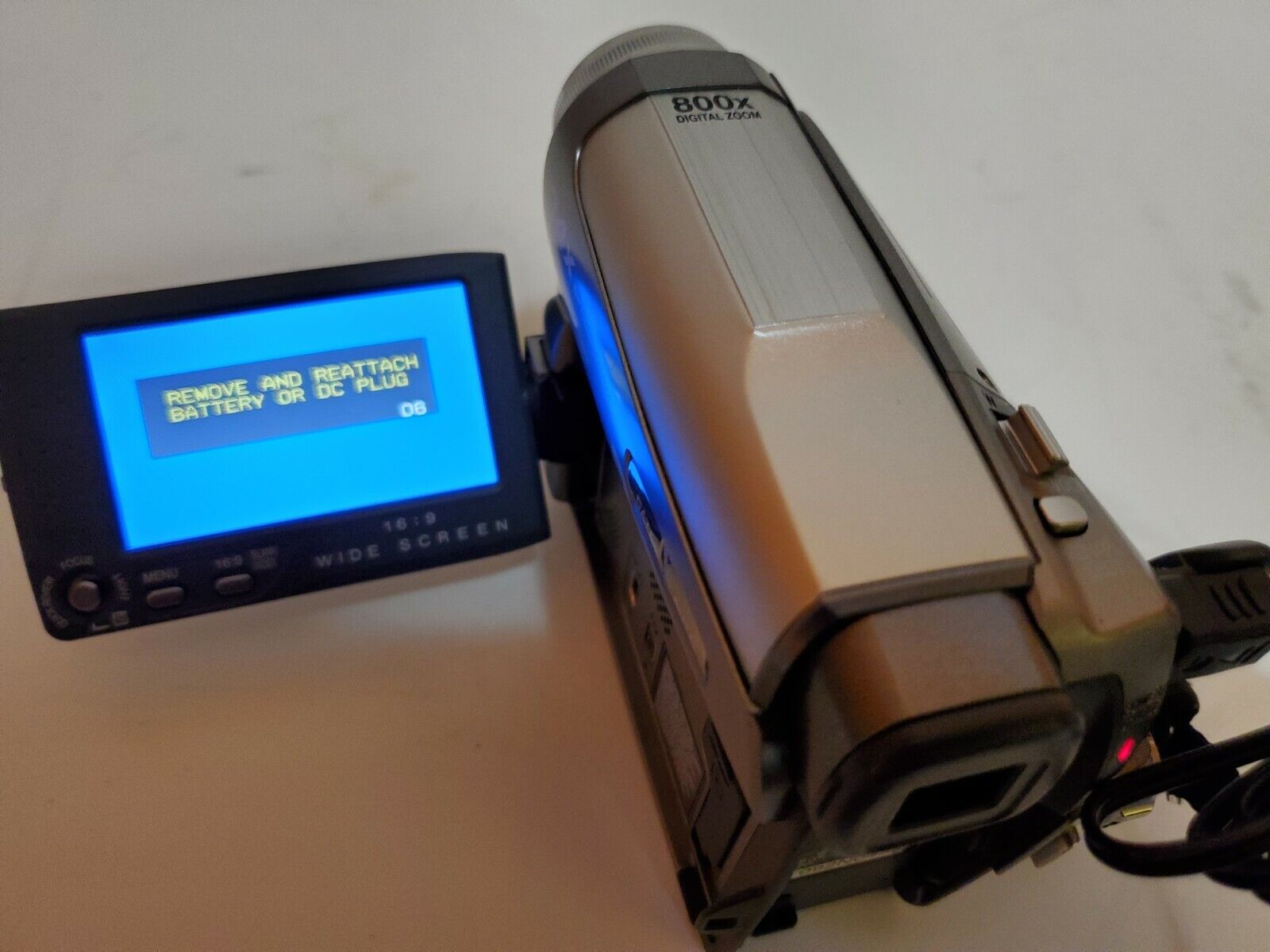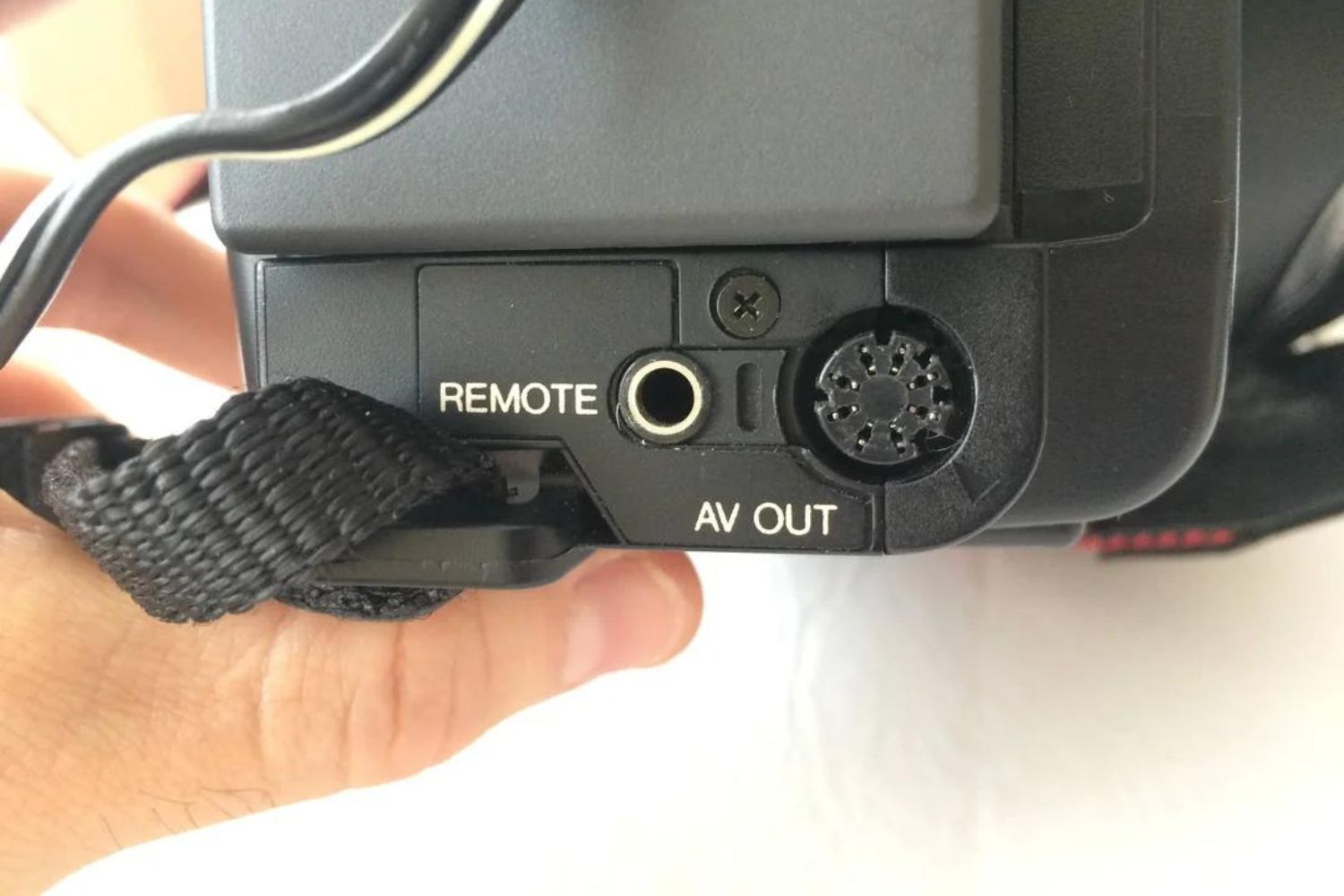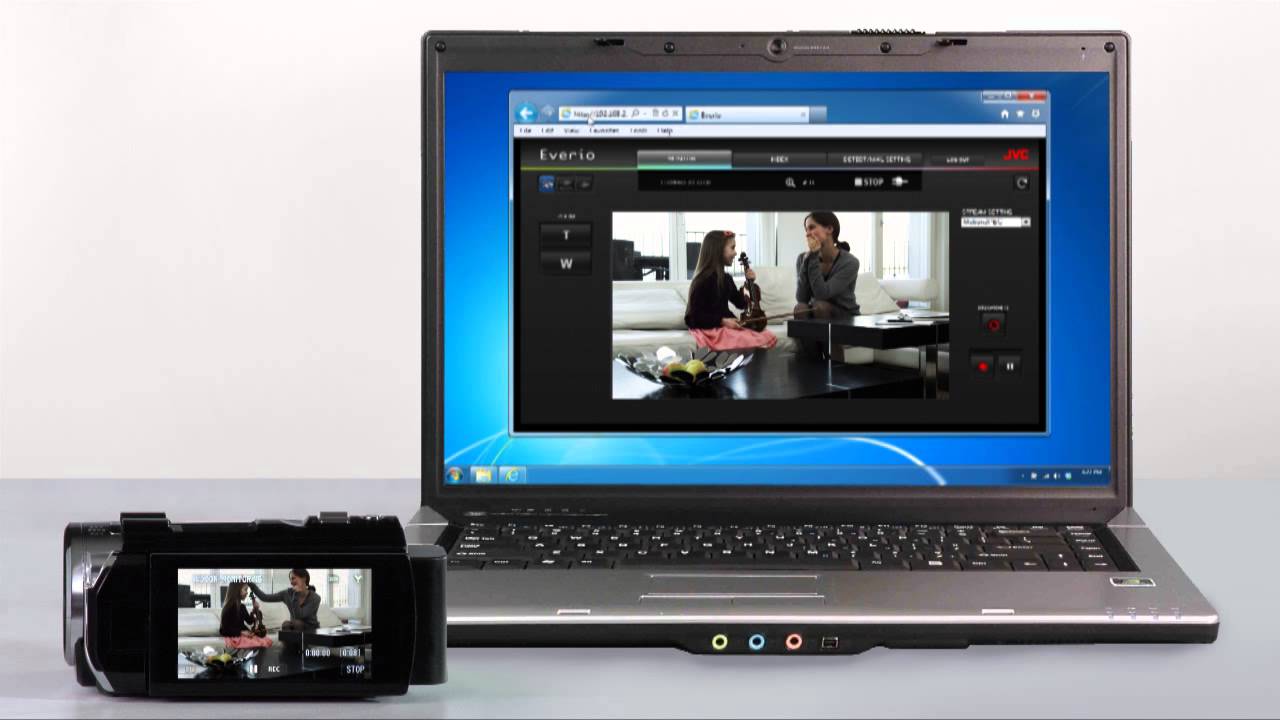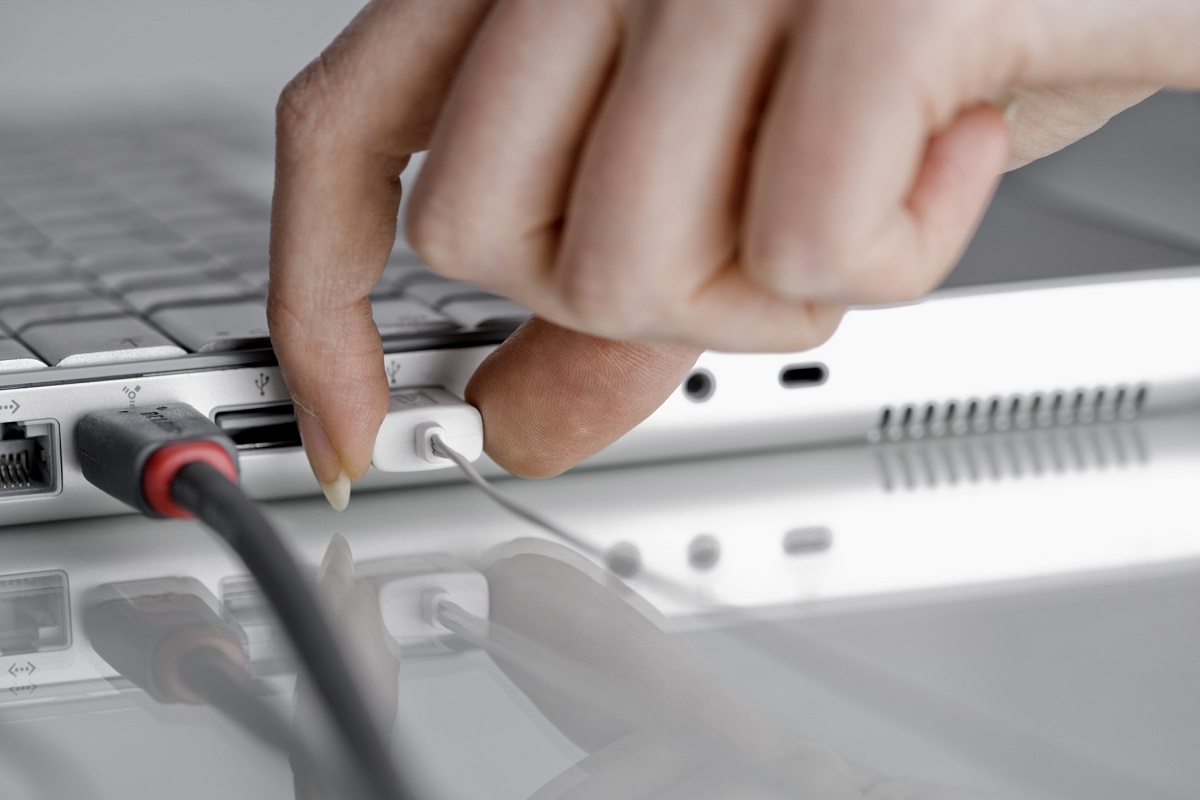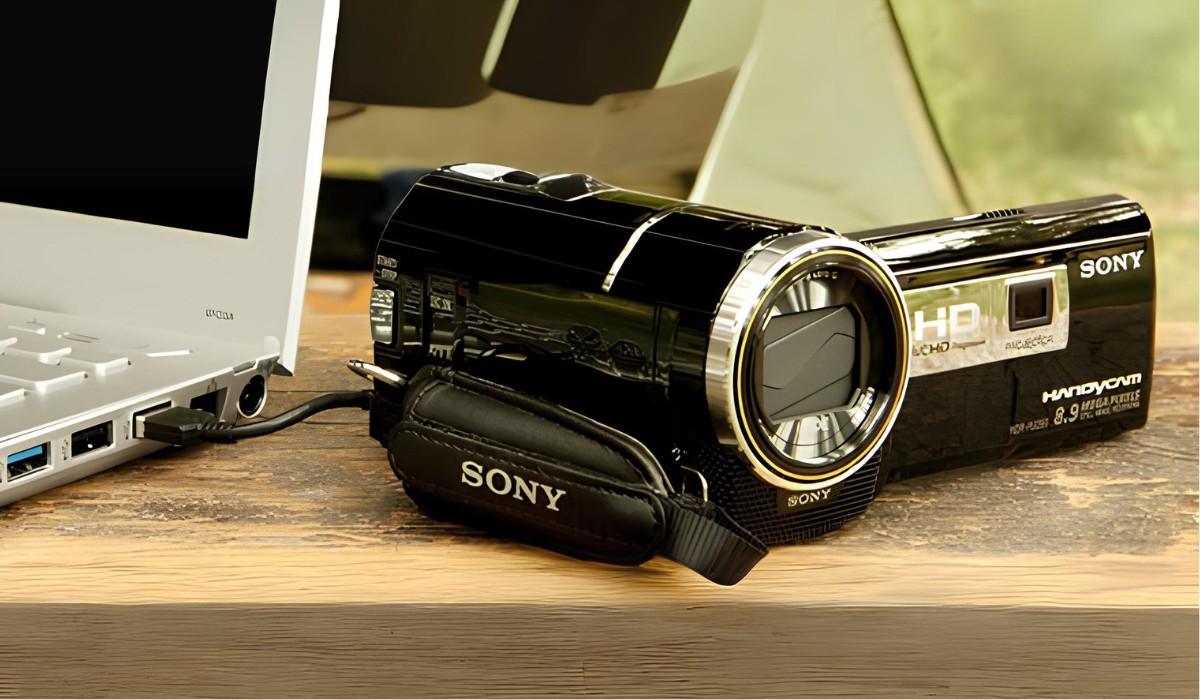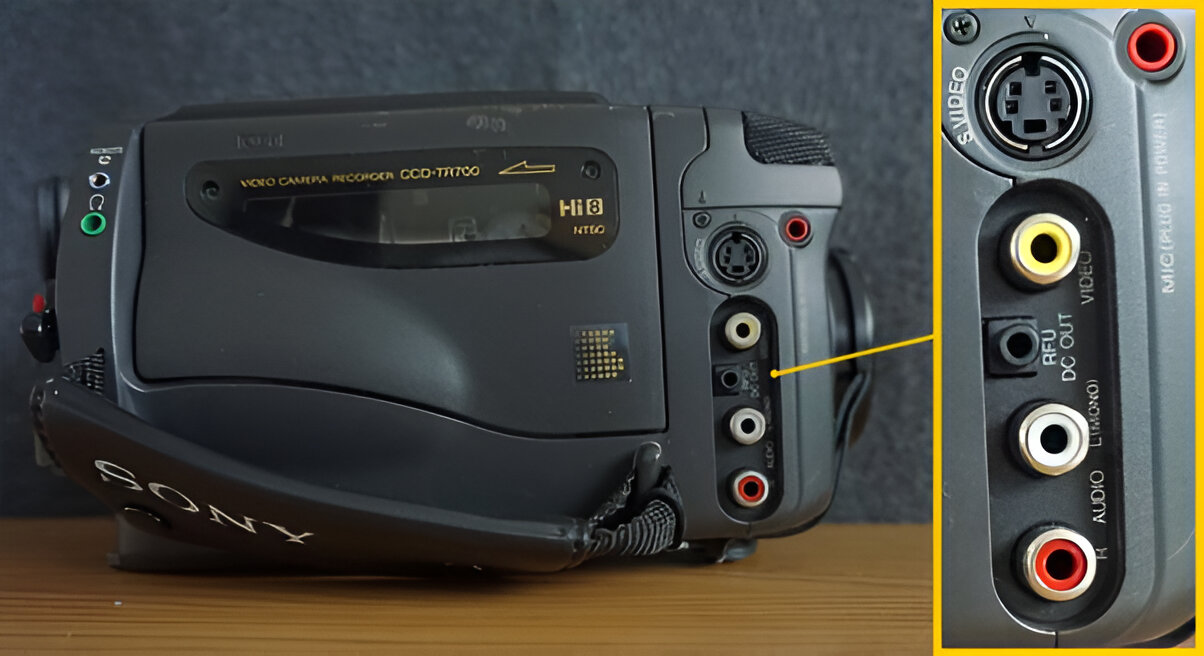
The RFU DC OUT plug on a Sony camcorder is a specialized jack that supplies DC power to the proprietary RFU adaptor, not an independent audio/video output. Its sole purpose is to power that adaptor so you can connect the camcorder to an older TV's antenna input for playback on a standard television.
What is the RFU DC OUT plug on a Sony camcorder?
The RFU DC OUT plug is a power-only connection point on select Sony camcorders, designed exclusively for attaching the supplied RFU adaptor. This adaptor converts the camcorder's video and audio signals into an RF (radio frequency) signal that a vintage TV can receive through its antenna terminal. Without the RFU adaptor, the DC OUT jack does nothing on its own, it carries no picture or sound. The adaptor itself handles the signal conversion, while the jack simply provides the electricity the adaptor needs to operate. If you are searching for a direct A/V output, look for the camcorder's separate A/V or S-Video ports instead; the RFU DC OUT plug is only a power feed for this specific accessory.
How to connect your Sony camcorder to a TV using the RFU adaptor
Connecting your Sony camcorder to an older TV with the RFU adaptor is a straightforward, verified process. Follow these steps exactly to get playback working on channel 3 or 4.
- Plug the end of the RFU adaptor marked "OUT" into the antenna input on your TV. This is the same round coaxial connector where your home antenna or cable box would normally attach.
- Set the channel selector on the RFU adaptor to either "3 CH" or "4 CH". Then tune your TV to the same channel (3 or 4) that you selected on the adaptor.
- Turn on the camcorder in playback mode. You should now see your tapes on the TV screen. To switch back to regular broadcast TV, just change the TV channel to the other number (if you used 3, switch to 4, or vice versa) without touching any cables.
This setup allows you to switch between TV broadcasting and home video playback without re-wiring, because the adaptor passes the antenna signal through to the TV when the camcorder is off or not in playback mode. The channel selector on the adaptor and the TV must match, or you will see static instead of your video.
Why your RFU adaptor may not work in a different country
The supplied RFU adaptor may only be usable in the country where the camcorder was purchased, and this is a verified limitation you need to know before traveling or buying used gear internationally. This limitation is due to variations in electricity and TV color systems across different countries. If you plug a Japanese or European RFU adaptor into a US TV, you will likely get a black-and-white picture, rolling image, or no signal at all. Before purchasing a camcorder or RFU adaptor from another country, check both the voltage rating and the color system (NTSC vs. PAL) on the equipment labels to avoid a frustrating incompatibility.
Connecting to modern TVs without an RF antenna input
If your TV does not have a coaxial antenna input, which is common on flat-panel and smart TVs made in the last decade, the RFU adaptor cannot help you directly, and you will need a different approach. The RFU DC OUT plug and its adaptor are strictly for analog RF connections, which modern displays no longer include. For these newer TVs, you will need to use the camcorder's A/V output (usually a 3.5mm jack or composite cables) with an analog-to-digital converter, or use a dedicated video capture device that connects via HDMI or USB. The next logical step is to read the sibling article on connecting an old camcorder to a smart TV, which covers the specific converters, cables, and settings you will need for a clear picture on a modern display without an RF input.
\nRelated reading: How To Get JVC Camcorder Out Of Safeguard Mode, What Is AV Out On Camcorder, and JVC Camcorder: How To Transfer To Computer.