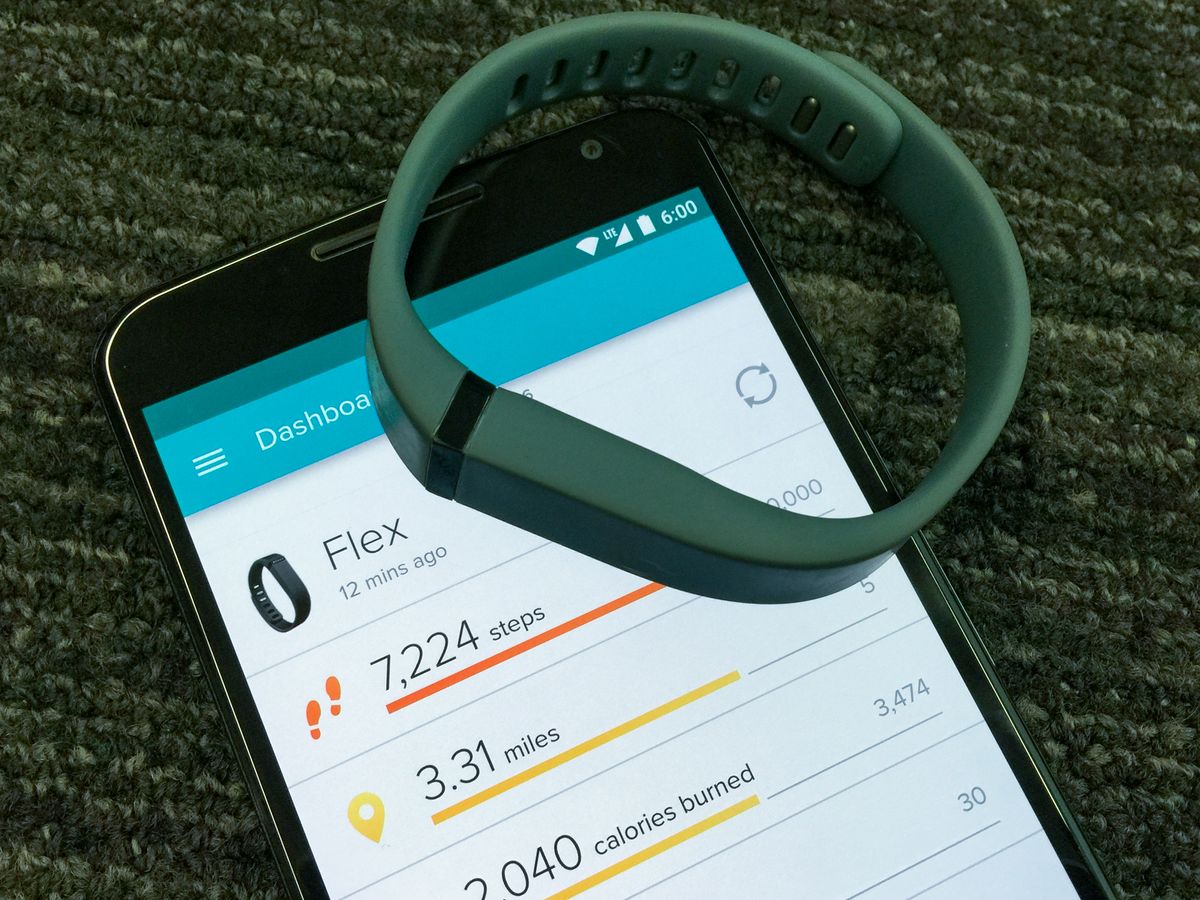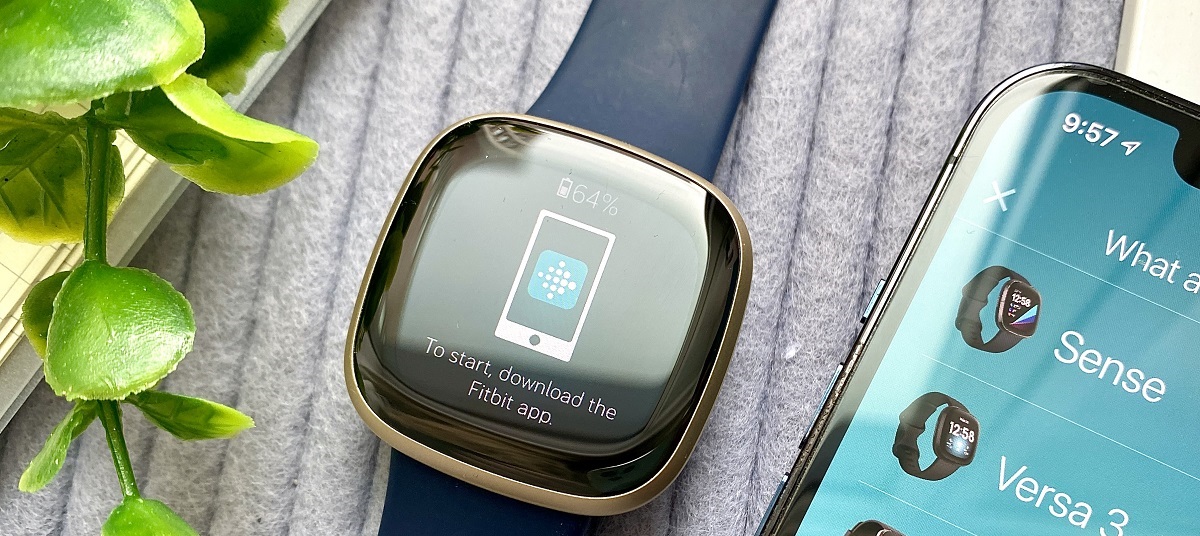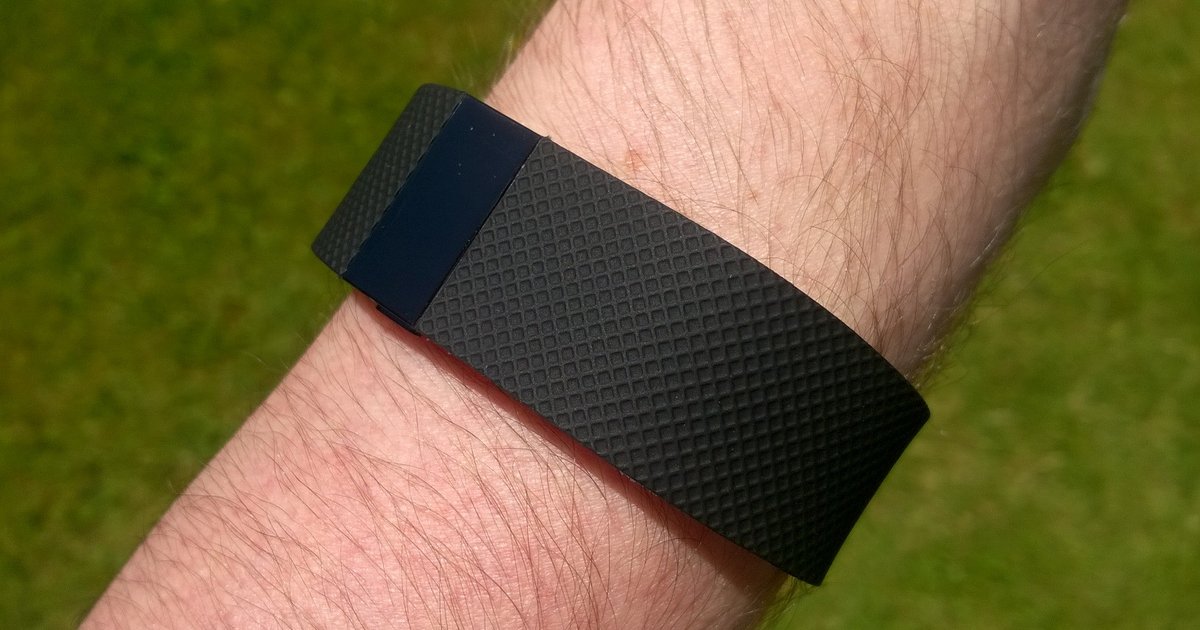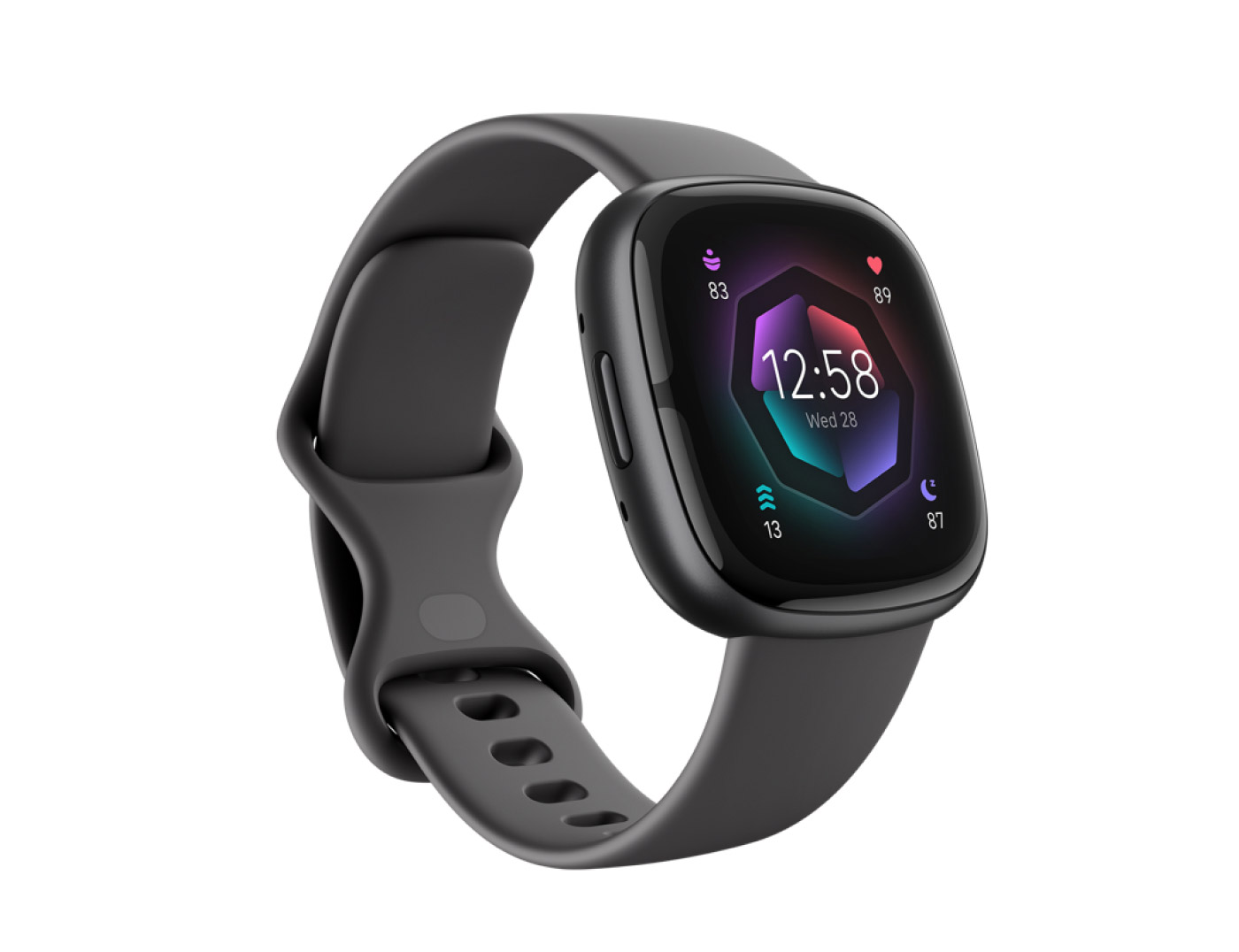
The truth about Fitbit repair is that Fitbit doesn’t really offer a traditional repair service. Instead, the official policy for a broken or malfunctioning device is to process a warranty replacement or, if your device is out of warranty, to offer you a discount on a new replacement unit. So, when you’re looking for a “Fitbit repair,” your primary path is always through Fitbit’s customer support for a swap, not a fix.
Common Fitbit issues needing a Fitbit repair
Before you contact anyone, identify the specific problem. Most issues fall into a few common categories, which helps you determine if you need a warranty claim, a discount replacement, or just a quick DIY fix. Typical Fitbit problems include:
- Battery drain: The device loses charge in a few hours instead of days.
- Screen damage: Cracked, scratched, or unresponsive displays.
- Syncing issues: The Fitbit won’t connect to your phone or fails to update data.
- Charging failures: The device doesn’t respond when placed on the charger, often due to dirty contacts.
- Strap wear and tear: The band is torn, stretched, or the clasp is broken.
- Software glitches: Freezing, unresponsive buttons, or a black screen.
Once you know the symptom, you can move forward with the correct solution.
Step 1: Check your Fitbit warranty and coverage
Your first move is to confirm whether your device is still under warranty. Fitbit’s standard warranty covers new devices for one year from the date of purchase in the USA and two years in the European Economic Area (EEA). If you bought a certified refurbished Fitbit directly from Fitbit, it carries a 90-day warranty.
The warranty covers defects in materials and workmanship under normal use. This means issues like a battery that dies prematurely, a screen that fails, or internal component failures are typically covered. However, the warranty explicitly does not cover accidental damage (dropping the device, water damage) or cosmetic damage like scratches and dents. Also, any damage caused by unauthorized servicing, alteration, or the use of third-party parts will void the warranty.
Step 2: How to claim your Fitbit warranty replacement
If your issue is covered, the process is straightforward but requires you to go through official channels. Here’s the step-by-step method:
Contact Fitbit Customer Support directly
You cannot walk into a store for a warranty repair. You must contact Fitbit Customer Support via their website or the Fitbit app to initiate a claim. They will guide you through the process and issue a return authorization if your device qualifies.
Have your information ready
To speed things up, have your name, contact information, device serial number (found in Settings > About on the device or the original packaging), and proof of purchase available. Without the serial number or proof of purchase, the claim process will be delayed.
Back up your data first
Before you send your device anywhere, sync it to your Fitbit app and back up any data you want to keep. It is your responsibility to back up data before sending the device for service, as data loss is likely during the replacement process.
What to do if your Fitbit is out of warranty
If your Fitbit is out of warranty or the damage isn’t covered (like a cracked screen from a drop), Fitbit still has a solution. They do not offer repairs, but they will typically offer you a discounted replacement device. This discount usually ranges from 35% to 75% off the price of a new model.
To get this offer, you still need to contact Fitbit Customer Support and explain the issue. They will verify your device’s serial number and confirm it’s out of warranty. Once confirmed, they will provide a unique discount code or link for you to purchase a replacement at a reduced price. This is the only official “repair” option for out-of-warranty devices, as Fitbit does not have a factory repair service for individual units.
Third-party repair options and their risks
You might be tempted to take your Fitbit to a local electronics repair shop. While this is a valid alternative, you need to be aware of the significant risks. Verified facts confirm that any servicing or repair performed by anyone other than Fitbit-authorized technicians voids the warranty. If your device is still under warranty, a third-party repair will permanently cancel that coverage.
Furthermore, Fitbit devices contain complex integrated components. Spare parts for cracked screens or faulty batteries may not be available to third-party shops in all regions. In many cases, the repair is not technically possible outside of Fitbit’s factory conditions because the components are so tightly integrated. So, while a local shop might claim they can fix it, they may not be able to source genuine parts, and the repair could fail or cause further damage.
Safe DIY Fitbit fixes you can try at home
Before you give up on your device, there are several non-invasive, warranty-safe troubleshooting steps you can try. These fixes do not void your warranty because they don’t involve opening the device or modifying hardware.
- Band replacement: Replacing a worn-out strap is safe and easy. Most Fitbit models have quick-release levers, so you can swap the band without any tools.
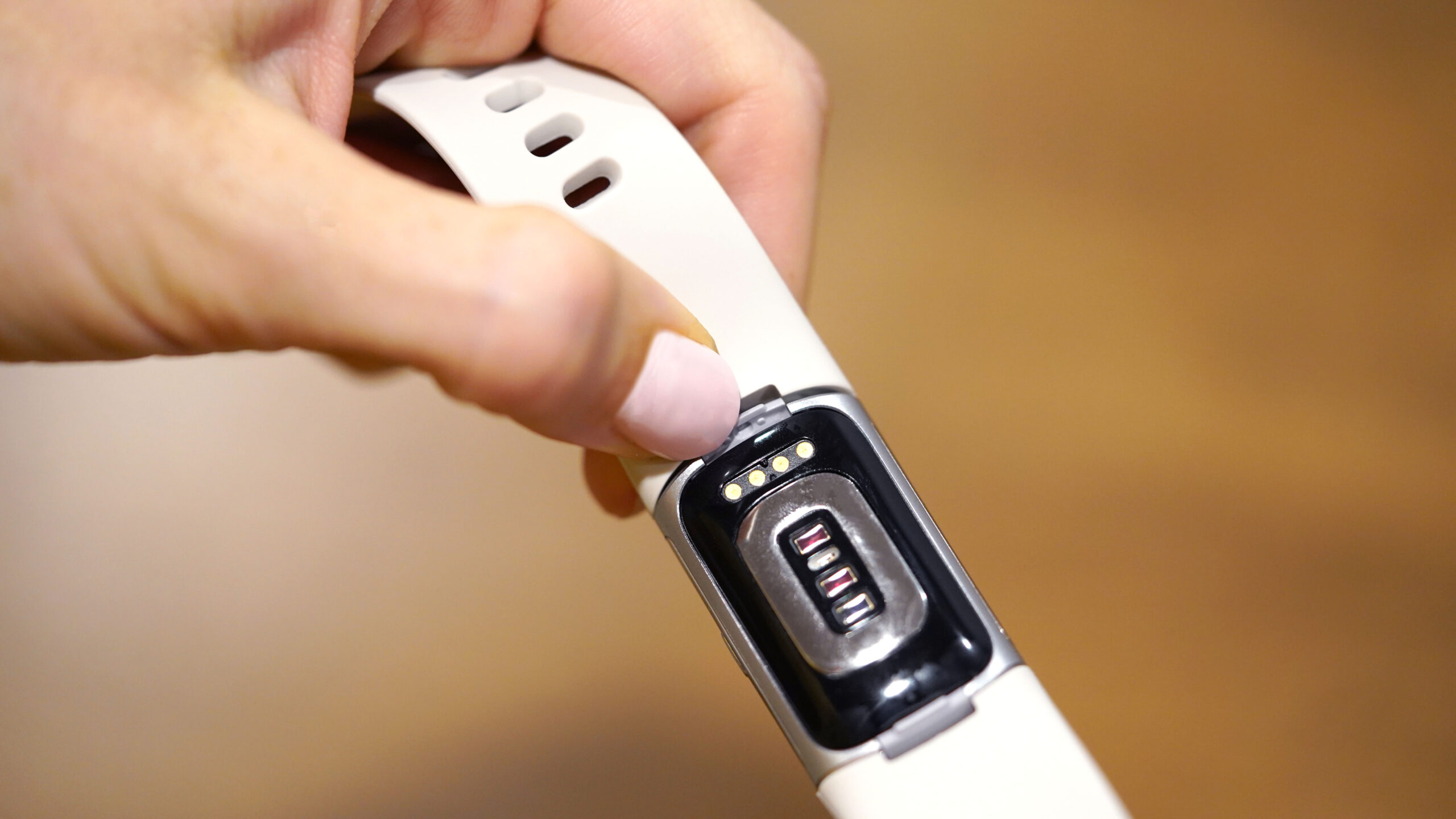
- Charging port cleaning: If your Fitbit isn’t charging, use a soft, dry brush or compressed air to gently clean the gold contacts on the back of the device and the charger pins. Debris often blocks the connection.
- Performing a restart: A simple restart can fix many glitches. This is a soft reset and does not erase data.
- Applying a screen protector: If you have minor scratches, apply a new screen protector to prevent further damage and improve visibility. This is a cosmetic fix, not a repair of a cracked screen.
- Updating firmware: Ensure your Fitbit is running the latest firmware. Open the Fitbit app, go to the device settings, and check for updates. This can resolve software bugs causing syncing issues or battery drain.
These DIY steps are limited to external maintenance and software troubleshooting. If the screen is physically cracked or the battery is swollen, these fixes won’t help, and you’ll need to pursue the official replacement or discount route.
For the wider topic, see Fitbit setup and syncing.
\nRelated reading: Versa 2 Solutions: Troubleshooting Tips To Fix Your Fitbit Versa 2 and Vibration Vanish: Troubleshooting Why Your Fitbit Does Not Vibrate When You Get A Message.