To perform an aria air sync, you need to use the Google Health app on your phone via Bluetooth, not Wi-Fi. This step-by-step guide covers everything from first-time setup to troubleshooting when your scale stops syncing.
Before you begin your aria air sync: What's in the box, battery installation, safety warnings, and the key fact that syn
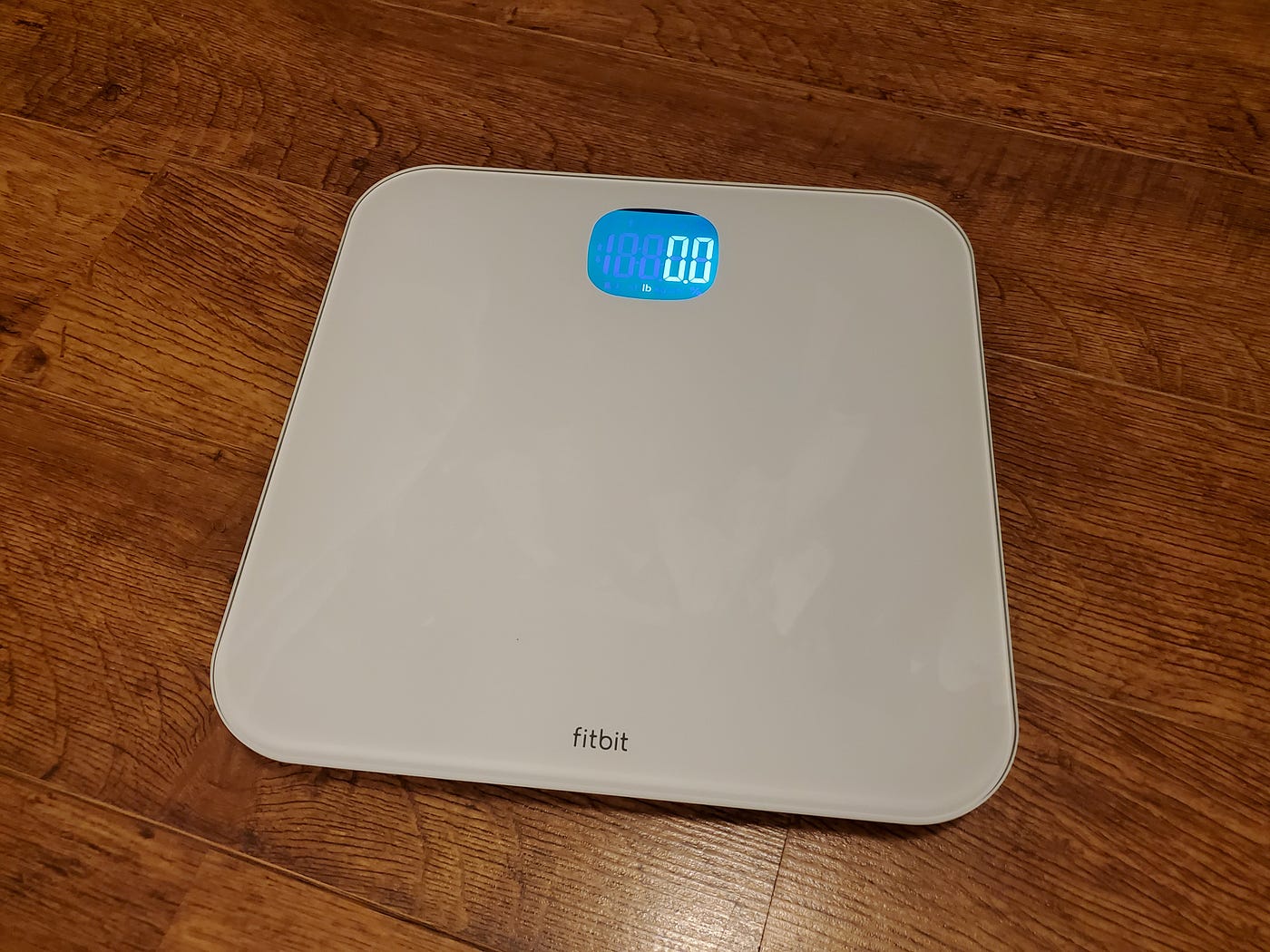
Inside the box, you will find the Fitbit Aria Air scale and three AAA batteries. To power the scale, open the battery compartment on its back, insert the batteries, and pull the plastic tab to turn it on. For safety, do not use the Aria Air if you have a pacemaker or other internal medical device, if you are pregnant, or for children under 13 years of age. Unlike the Fitbit Aria and Aria 2 models, the Aria Air does not use Wi-Fi for syncing data; it relies entirely on Bluetooth Low Energy (BLE) to communicate with the Google Health app on your mobile device.
Step 1: Download and open the Google Health app
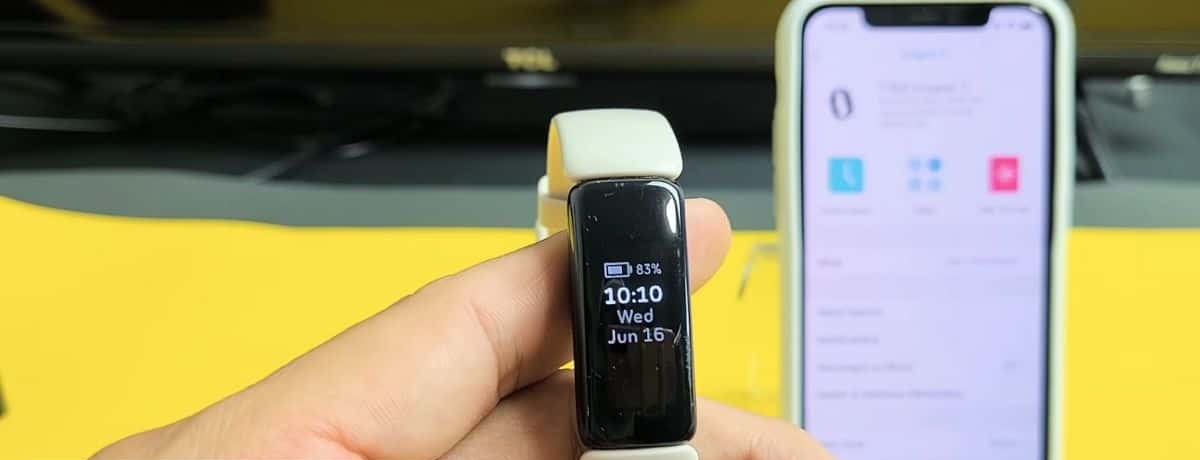
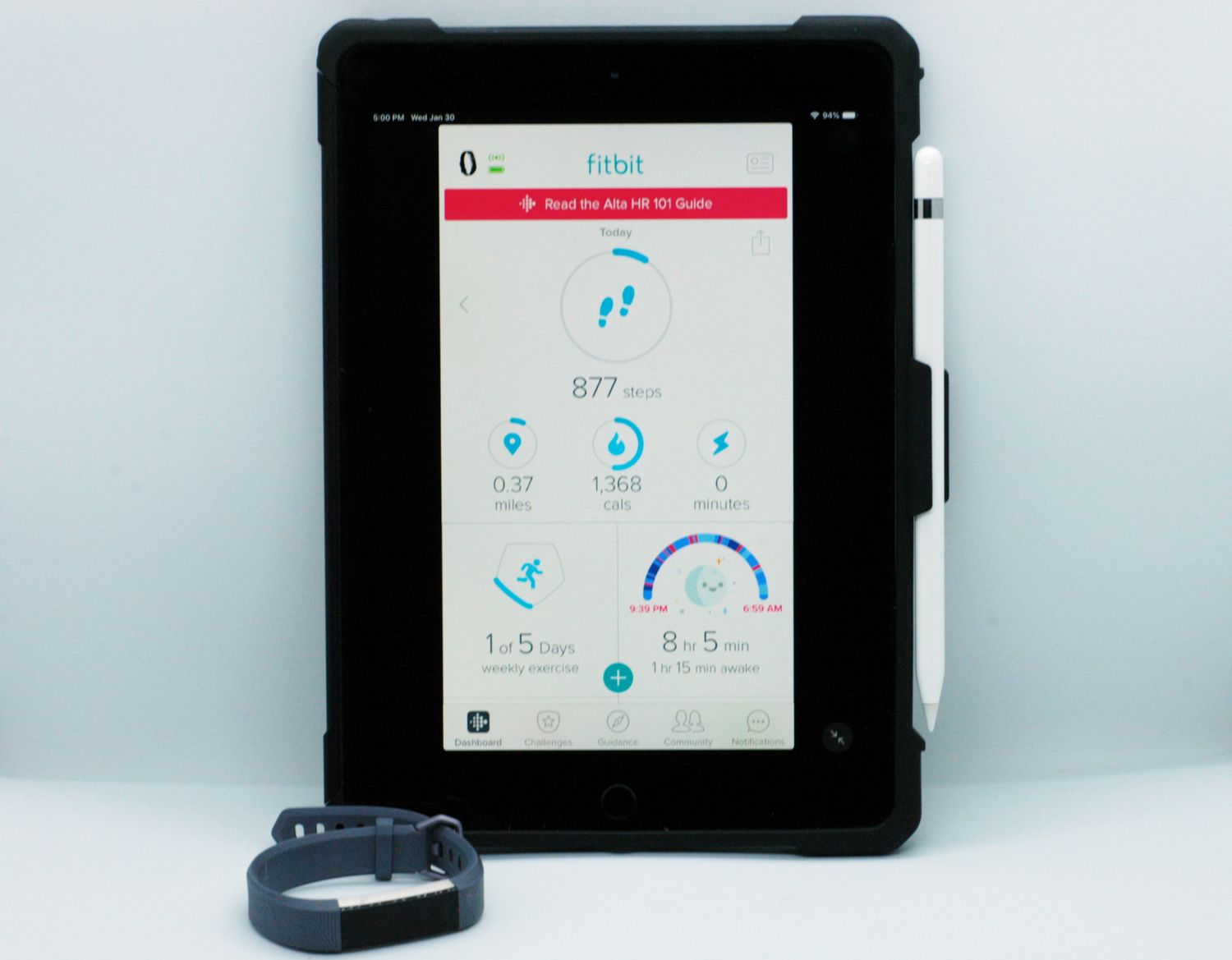
Downloading the correct app is the first step. Go to the Apple App Store (for iPhones and iPads) or the Google Play Store (for Android devices) and search for the Google Health app. Install it, then open the app. You will need to either log in to your existing Fitbit or Google account, or tap "Join Fitbit" to create a new one. This app is the central hub for all your Fitbit setup and syncing needs.
Step 2: Pair your Aria Air with the app
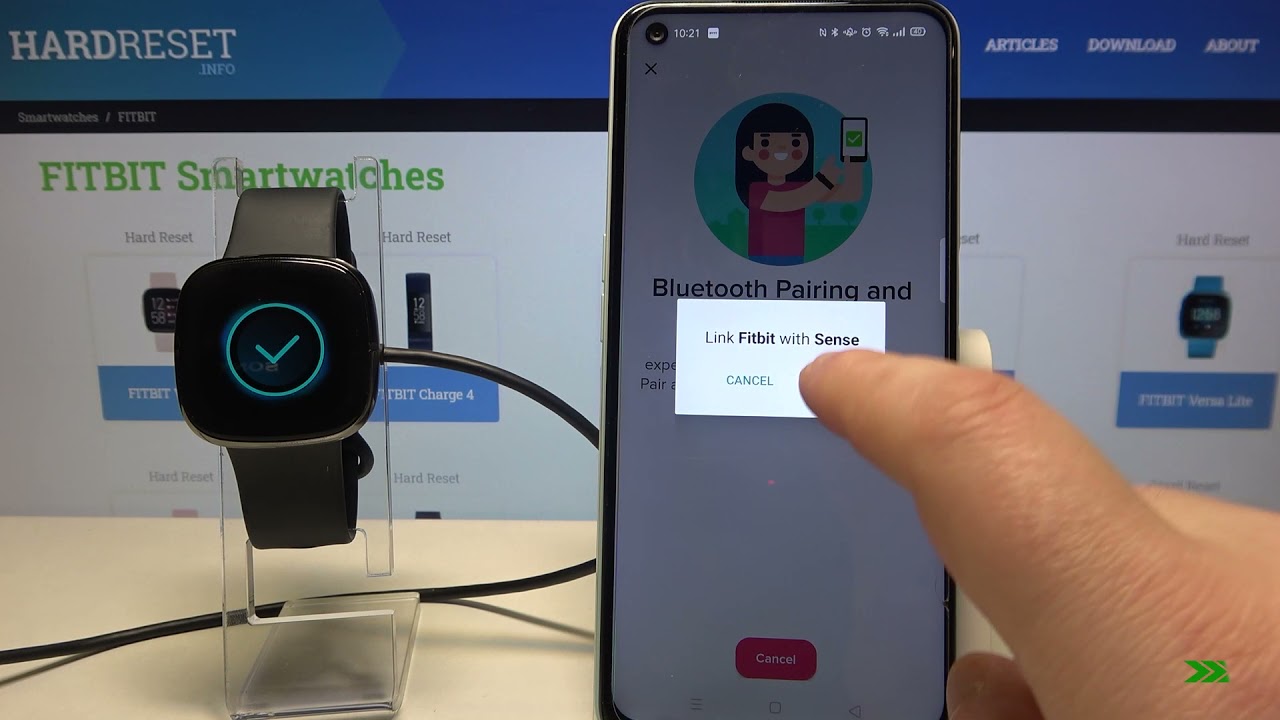
Once you are logged into the Google Health app, navigate to "Set Up a Device" (or go to "Connections" then "Connect a Pixel or Fitbit smartwatch or tracker, or a scale"). From the list of available devices, select "Aria Air." The app will then guide you through the on-screen Bluetooth pairing instructions. Make sure your phone's Bluetooth is enabled and the scale is nearby during this process.
Step 3: Take your first synced weigh-in
For accurate readings, place the scale on a hard, flat surface, never on carpet. Step onto the scale barefoot with dry feet. The scale can accurately measure weights over 10 lbs (9 kg) up to a maximum of 397 lbs (180 kg). To ensure the data syncs, keep your phone's Bluetooth turned on and the Google Health app open or running in the background. When you step on the scale, the weight data will automatically transfer to the app. Data from the Aria Air continues to sync throughout the day whenever the device is nearby.
Troubleshooting common aria air sync issues
If your scale stops syncing, start with the verified restart procedure: remove the Aria Air from the Fitbit app, restart your phone, and then attempt the setup process again. Also check that your phone's Bluetooth is enabled and that the scale has fresh batteries. Replacing the three AAA batteries can resolve many connectivity problems. If the scale still does not sync, repeat the full pairing process from Step 2.
For the wider topic, see Fitbit setup and syncing.
\nRelated reading: Phone Finder Frustration: Troubleshooting Why Your Fitbit Can't Find Your Phone and Vibration Vanish: Troubleshooting Why Your Fitbit Does Not Vibrate When You Get A Message.