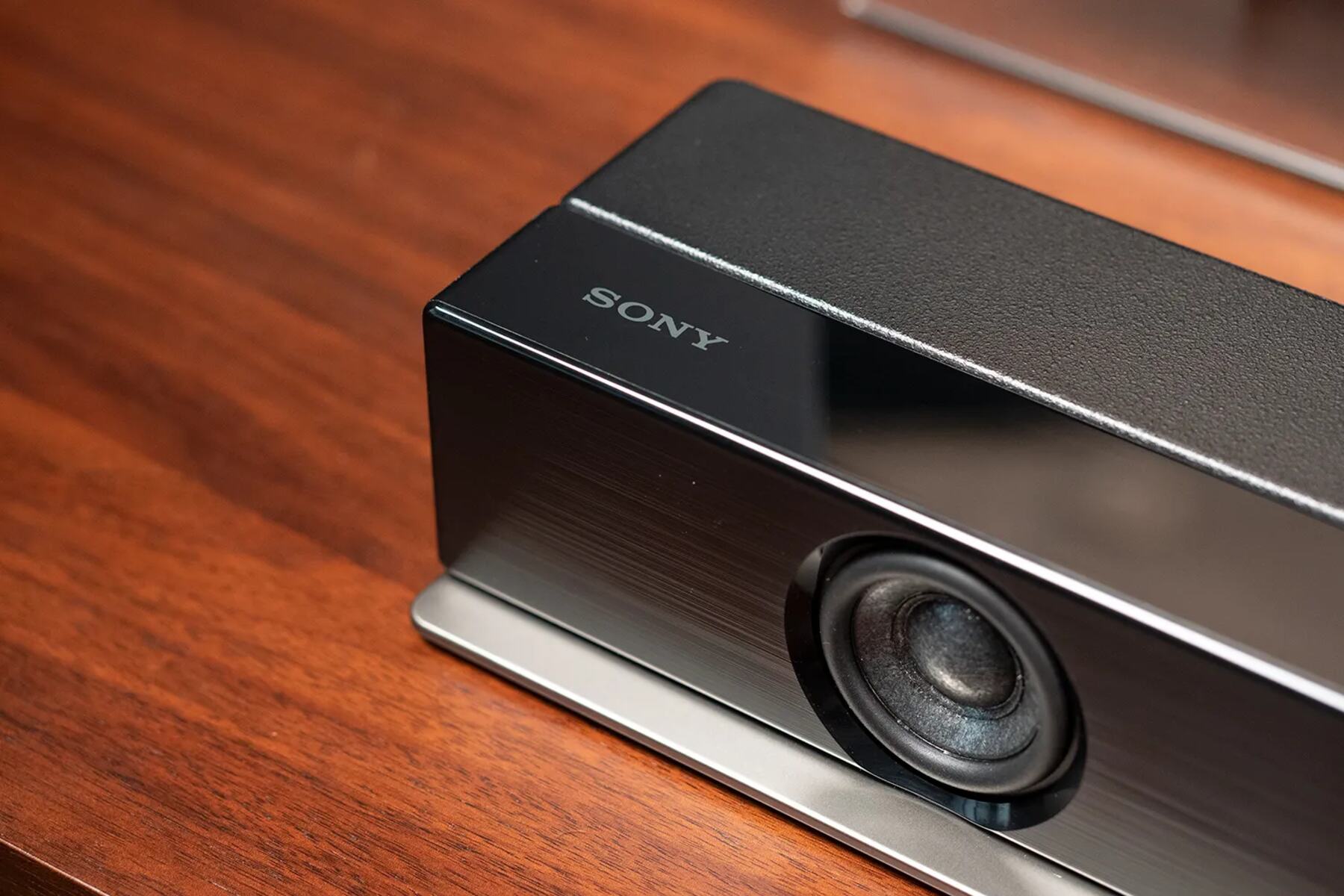
To find your soundbar IR profile, start by checking the user manual for a list of infrared codes, as this is the most reliable first step. If you have lost the original remote or want to consolidate control, identifying the correct IR profile is essential for programming a universal remote or integrating the soundbar into a smart home system.
How to find a soundbar IR profile in the manual
The printed or PDF user manual that came with your soundbar is the best place to start. Manufacturers typically include a dedicated section listing the IR codes for every function, such as power, volume, and input selection.
- Locate the manual. If you do not have the physical copy, search online for the exact brand and model number followed by "user manual PDF".
- Open the manual and look for a section titled "Remote control codes", "IR codes", or "Programming". This section often appears near the troubleshooting or specifications pages.
- Find the specific code or list of codes for your soundbar model.
Using the manual gives you the exact codes from the manufacturer, eliminating any guesswork. This method works even if you no longer have the original remote.
How to find a soundbar IR profile with a universal remote
If you have a universal remote, you can find the soundbar IR profile using one of two distinct methods: direct code entry or automatic code search.
Direct code entry
- Turn on your soundbar manually or with its original remote.
- Consult the code list that came with your universal remote. This list groups codes by brand and sometimes by model.
- Enter the first code for your soundbar's brand using the remote's keypad.
- Test basic functions like power and volume. If they work, the correct IR profile is found. If not, repeat with the next code in the list.
Automatic code search
- Put your universal remote into code search mode. This usually involves pressing and holding a device button until a light stays on.
- Point the remote at the soundbar and press the power button repeatedly. The remote will cycle through its internal code library, sending a different IR profile each time.
- When the soundbar turns off, press the "Enter" or "OK" button to lock in that code. The IR profile is now stored.
Both methods rely on the universal remote's built-in database of IR profiles. Direct entry is faster if you have the correct code, while automatic search is useful when the code list is missing.
How to find a soundbar IR profile with a learning device
An IR learning device, such as a programmable hub or learning remote, can capture the exact IR codes from your soundbar's original remote control. This is the most precise method because it records the actual signals your remote sends.
- Place the learning device and the original soundbar remote facing each other, with the IR emitters aligned. Follow the device's instructions to enter learning mode.
- Press a button on the original remote, such as "Power". The learning device will capture that IR signal.
- Repeat for every function you want to control: volume up, volume down, input, mute, and any other settings.
- Save the captured codes as a new IR profile in the learning device. You can then assign this profile to a button or command in your smart home system or universal remote.
This method works even if your soundbar is from an obscure brand or an older model not listed in universal remote databases. It also gives you full control over which functions are included in the profile.
What to do if you still can't find the IR profile
If none of the above methods succeed, try these troubleshooting tips.
First, check for a hidden IR sensor. Some soundbars have the IR receiver behind a dark plastic panel or a grille. If the sensor is blocked by furniture or the soundbar's placement, the remote signal may not reach it. This is the same line-of-sight challenge you face with the ir sensor on LG OLED TV. Reposition the soundbar or use an IR extender to bypass the obstruction.
Second, try codes for the parent brand. Many soundbars are made by parent companies that also produce TVs or other audio equipment. For example, if your soundbar is a lesser-known model from a major TV manufacturer, the IR profile for that manufacturer's TVs sometimes works. Test codes for the parent brand first.
\nRelated reading: How To Pair A Vizio Remote To A Soundbar and How Do I Update My Polk Soundbar.