Why your measure smartphone screen size might not match the spec
The most direct way to measure smartphone screen size is to take a ruler and measure the diagonal distance from one corner of the display to the opposite corner, in inches. However, the number you get may be slightly smaller than the specification listed by the manufacturer, because manufacturers often state that the screen has rounded corners, and the advertised diagonal size is measured as if it were a standard rectangle. This means the actual viewable area is slightly less than the official spec, so if you are buying a screen protector, expect it to cover the full flat panel but not the very edges of the glass. If an app's interface feels cramped, you might need to change Facebook screen size on tablet to improve visibility.
Method 1: Measure the screen size diagonally with a ruler
This is the classic corner-to-corner measurement of the flat display area, excluding bezels. It gives you the number that most people mean when they ask “what’s the screen size?” and it is the fastest manual method.
- Turn off the smartphone so the screen is black and easier to see.
- Place the smartphone on a flat, stable surface.
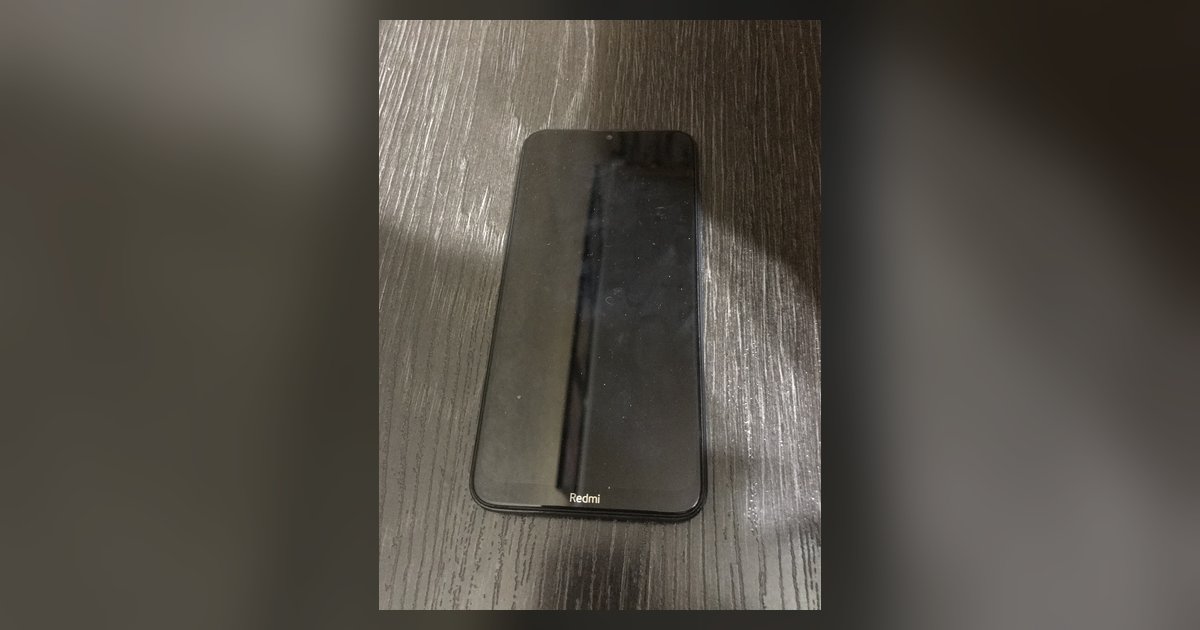
- Take a ruler or measuring tape and place the zero mark exactly at the bottom-left corner of the visible display area (not the bezel or frame).
- Keep the ruler straight and aligned with the edges of the screen, not the device body.
- Read the measurement in inches. This is your screen diagonal.
Only measure the lit pixel area, not the black border around it. If your phone has curved edges, measure across the flat portion of the glass, not the curved sides, because the curved portion is not part of the standard rectangle used in official specs.
Method 2: Calculate screen size from width and height
If you want a more precise measurement that accounts for the exact dimensions of the display panel, you can measure the width and height separately and then use the Pythagorean theorem to find the diagonal. This is useful when the diagonal measurement is hard to take due to rounded corners or when you want to verify the manufacturer’s number.
- Turn off the phone and place it on a flat surface.
- Measure the width of the visible display area horizontally, from the left edge of the lit pixels to the right edge.
- Note the width in inches.
- Measure the height of the visible display area vertically, from the top edge of the lit pixels to the bottom edge.
- Note the height in inches.
- Square the width, square the height, add the two numbers together, and take the square root of the sum. The result is the diagonal screen size.
For example, if the width is 2.5 inches and the height is 5.4 inches, the diagonal is the square root of (6.25 + 29.16), which equals the square root of 35.41, or about 5.95 inches. This method is accurate for flat displays, but it does not account for rounded corners, so the calculated diagonal may still be slightly larger than the visible area.
Method 3: Check the built-in display settings
The most reliable way to get the exact screen size is to read it directly from the phone’s own settings, because the manufacturer has already measured it and stored the value in the software. This method requires no tools and no manual measurement.
- Open the “Settings” app on your smartphone.
- Navigate to “About Phone” or “Display,” depending on your device’s brand and model, though screen size in inches is rarely listed here on most phones.
- Read the value shown in inches.
This number is the official specification, so it will match what you see on the box or the product page. Note that this value is the standard rectangle measurement, not the actual visible area after rounded corners are taken into account. For most purposes, such as buying a case or a screen protector, the built-in setting is all you need.
Method 4: Use a reliable online screen size tool
If you don’t have a ruler handy, or if you want a quick check without doing math, you can use an online tool that calculates screen size from a photo. These tools work by comparing the phone in your image to a known reference object, such as a coin or a ruler.
- Take a clear photo of your phone lying flat on a surface, with a coin or a ruler placed next to it in the same plane.
- Upload the photo to a reputable online screen size calculator.
- Follow the tool’s instructions to mark the reference object and the display corners.
- Read the calculated diagonal size.
Only use tools from well-known tech sites or manufacturer support pages, because random calculators can give inaccurate results. Cross-check the result with one of the manual methods if you need high precision.
Special case: Measuring a foldable phone’s two screens
For foldable phones, there are often two screen sizes: a smaller outer cover screen and a larger internal screen when unfolded. You need to measure each one separately using the diagonal method, because they are physically distinct displays with different dimensions.
- Close the phone and measure the cover screen diagonally from corner to corner of its visible display area.
- Open the phone fully and measure the internal screen diagonally from corner to corner of its visible display area.
- Record both measurements in inches.
The cover screen is usually smaller, and the internal screen is the larger one that you use when the device is unfolded. Both measurements are important if you are buying a case or a protector for a foldable, because the two screens have different sizes and shapes.
Quick tips to get an accurate measurement every time
To ensure your manual measurements are as precise as possible, follow these practical steps. Use a flat surface so the ruler sits evenly against the glass. Remove any case or screen protector before measuring, because these add thickness and can obscure the true edges of the display. Measure only the lit pixel area, not the bezel or the frame, and ignore any rounded corners when reading the diagonal. If you are using an online tool, take the photo directly from above the phone to avoid perspective distortion, and always include a coin or ruler in the frame for scale. Taking multiple measurements with different methods and comparing the results will help you catch errors, and the built-in setting should always be your final reference if you need the official number. Finally, remember that screen size alone does not tell you the full display story, resolution, aspect ratio, and pixel density also affect how sharp and spacious the screen looks, so use the diagonal measurement as one factor among several when comparing phones or deciding whether a new case will fit. Even a correct diagonal measurement can still lead to tempered glass screen protector fit issues if the protector's design ignores curved edges or notch cutouts. If you ever need to make a smartphone from scratch or repair one, knowing the exact screen diagonal is essential for ordering a compatible replacement panel, and the same measurement techniques apply to any phone you work on.