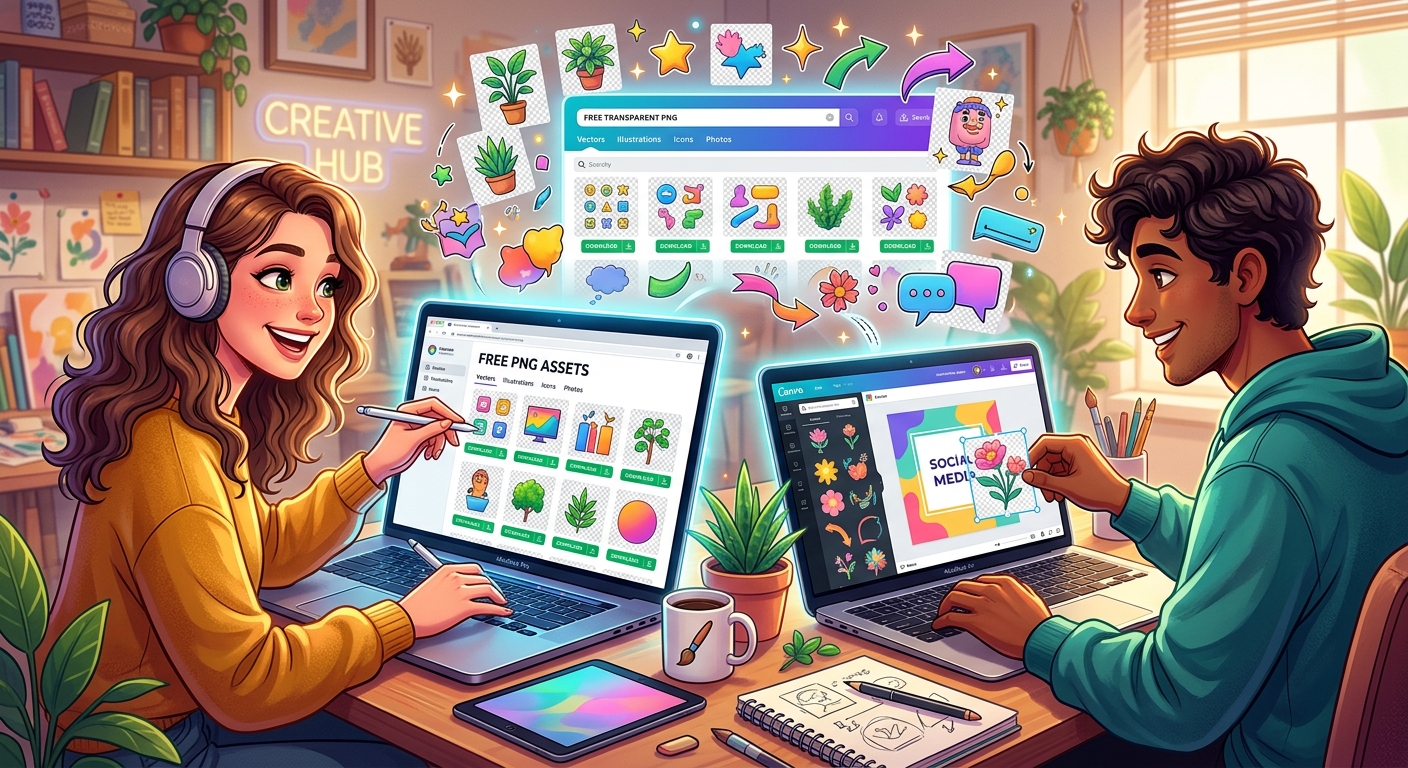
If you make things for a living, or even just for the love of it, you already know how much time gets swallowed by the image hunt. A good PNG can finish a composition in seconds. A bad one, or worse, a missing one, can send a project sideways for hours. The smartest creators have figured out that the search itself is a skill, and knowing where to look matters just as much as knowing what you need.
The smart image search is about strategy, not luck.
- Community-validated assets save time by surfacing what already works across real projects.
- Fresh upload feeds give you access to imagery that hasn't been saturated across the web yet.
- Choosing the right browsing strategy before you start searching cuts your production time significantly.
Why PNG Specifically?
Before getting into browsing strategies, it's worth being clear about why so many designers reach for PNG files over other formats. The Portable Network Graphics format was designed to support lossless compression and transparency, two features that make it indispensable for layered design work.
When you drop a PNG onto a slide, a social post, or a web layout, the transparent background means no awkward white box around your asset. The image sits cleanly on whatever is underneath. That's why designers working in Photoshop, Canva, Figma, and similar tools treat PNGs as the default file type for decorative elements, icons, illustrations, and cutout photography.
JPEG doesn't do transparency. GIF does, but with limited color depth. WebP is gaining traction for web performance, but tool support isn't universal yet. For most visual projects, PNG remains the practical default.
The Two Browsing Strategies That Actually Work
Not all image libraries are built the same way, and not all browsing sessions have the same goal. Experienced creators tend to split their asset hunting into two distinct modes depending on what a project demands.
The first mode is validation-based. You need something that works, something you can trust will read well with an audience, and you need it fast. This is where browsing popular PNGs pays off. These are the assets that have accumulated downloads, views, and engagement across a real user base. They're not popular because an algorithm decided they should be. They're popular because actual designers kept reaching for them.
The second mode is originality-based. You're working on something where visual freshness matters. Maybe you're a content creator building a personal brand and you can't afford to use the same stock graphic that every other creator in your niche already has on their channel art. In this case, browsing newest PNGs is the right starting point. These uploads haven't had time to get overused. You're more likely to find something that still feels distinctive.
What Makes Community-Validated Assets Worth Trusting
There's a reasonable skepticism around "most popular" lists. In a lot of contexts, popularity just means something was promoted heavily, not that it's actually good. Image libraries with genuine community engagement work differently.
When a PNG accumulates downloads across thousands of distinct projects, it tells you a few things:
- The file is technically clean. Broken transparency, low resolution, and jagged edges don't survive in popular use.
- The subject matter is broadly useful. Niche assets with odd cropping don't become widely downloaded.
- The style translates across contexts. If an illustration only looks good in one very specific layout, it won't keep getting reused.
This is the signal that popular lists carry when they're built on real usage data rather than promotional placement. You're getting the collective judgment of a large group of working creators distilled into a ranked list. That's genuinely useful when you're under a deadline.
When Fresh Uploads Give You a Real Edge
Creators who build audiences online have a different problem than designers who work on internal corporate materials. For content creators, distinctiveness is part of the product. If your thumbnail uses the same PNG illustration that fifty other YouTubers in your category already have, it erodes the visual identity you're trying to build.
This is why the newest uploads section of a well-maintained image library is more than just a curiosity. It's a legitimate strategy for staying ahead of saturation.
Here are some cases where browsing new arrivals is the smarter choice:
- You're building a brand identity and need assets no one in your space has used yet.
- You run a blog or newsletter and publish frequently enough that your audience would notice repeated visual elements.
- You're creating sponsored content where the brand you're working with has strict requirements around asset originality.
- You want to be early on a visual style before it becomes a cliche.
How to Search More Efficiently
Whether you're browsing by popularity or by freshness, a few habits make the process faster.
- Start with category, not keyword. Broad keyword searches return too many results. Start by narrowing to a category or use case, then filter from there.
- Download at full resolution immediately. If you find something you might use, save it now. Libraries update, and an asset that's available today may be removed or replaced later.
- Keep a working folder. Don't search fresh every time. Build a local folder of assets you've already vetted and know you trust. Designers who work at volume treat their local asset libraries like a toolkit.
- Check the license before every use. Even on free image sites, license terms vary. Some assets are fine for commercial use, others are personal use only. A few seconds of checking saves significant problems later.
- Use both browsing strategies in the same session. Start with validated picks to find a solid base asset, then dip into new arrivals to find something that adds visual contrast or originality to the composition.
The Practical Difference Between the Two Feeds
It might be tempting to think of a popular list and a new arrivals list as basically the same thing with different sorting. They're not. They serve genuinely different purposes and attract different types of creators.
Popular lists function as a quality filter. The crowd has already done the quality control work for you. New arrivals function as an opportunity surface. The crowd hasn't gotten there yet, which is exactly why it's interesting.
Designers working on client deliverables often lean toward popular. The assets are proven, the file quality has been tested in real projects, and there's less risk of a surprise during the production phase. Content creators and brand builders often lean toward new arrivals, because standing out visually is part of what they're paid for.
Neither approach is wrong. The best creators know which one to reach for depending on what a specific project actually needs.
The Role of PNG Libraries in the Modern Creative Workflow
The way visual content is produced has changed significantly. The history of graphic design shows that professional image creation was once a highly specialized and expensive process. That barrier has dropped substantially. Tools are more accessible, distribution is faster, and the demand for visual content has grown to the point where individual creators are producing at volumes that used to require entire teams.
This shift has made free image libraries a genuine part of the professional workflow, not just a resource for hobbyists or people who can't afford better. When a solo creator is producing multiple pieces of content per week, the ability to find a clean, properly formatted PNG in under two minutes is a real competitive advantage.
The format plays into this directly. Because PNG supports transparency natively and compresses without quality loss, a single well-made PNG can be dropped into almost any layout without preparation work. There's no clipping, no background removal, no format conversion needed. That time savings compounds when you're working at scale.
Finding Your Rhythm With Visual Asset Sourcing
The creators who have the smoothest workflow around visual assets aren't the ones with the biggest budgets. They're the ones who have developed a clear sense of what they need before they start searching, and who know which browsing strategy suits each type of project.
Proven, community-tested images give you reliability. New, under-the-radar uploads give you originality. Using both, intentionally and at the right moments, is how you build a visual content practice that's both efficient and distinctive.
The search is a skill. The sooner you treat it that way, the faster everything else gets.
\nRelated reading: How Using Temporary Email Addresses Keeps Your Inbox Spam-Free, AI Writing: How It’s Changing the Way We Create Content, and Where to Find GIFs Online: GIFDB, GIFimage, GIPHY and Tenor Compared.