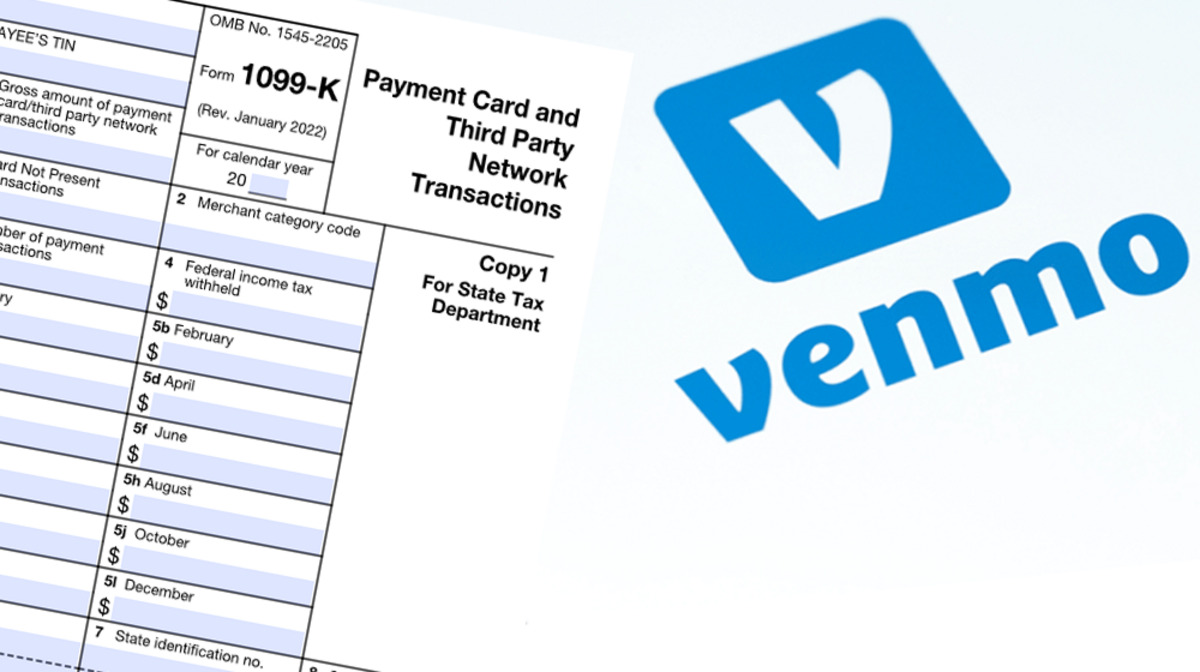
Venmo sends Form 1099-K by January 31st for users who meet the federal threshold of over $20,000 in goods and services payments and 200+ transactions in the previous calendar year. This is the direct answer to when Venmo sends 1099 forms, and it applies to tax documents for the previous year that arrive in January or February.
The 2025 federal 1099-K threshold for Venmo
For the 2025 calendar year and beyond, the federal threshold to trigger a 1099-K from Venmo is more than $20,000 in gross payments for goods and services AND more than 200 separate transactions. This is the current rule you need to know because the lower $600 threshold that was proposed has been repealed. The "dreaded Venmo $600 rule" for federal 1099-K reporting was repealed by the One Big Beautiful Bill Act in July 2025 and is no longer in effect for tax years beyond 2024; the federal threshold has reverted to $20,000 and 200 transactions. If you cross both of these bars in a calendar year, Venmo will issue your Form 1099-K by January 31st of the following year.
State 1099-K thresholds can be lower
You need to check your state's rules because some states have lower 1099-K reporting thresholds than the federal limits, with some as low as $600 (e.g., Maryland, Massachusetts, Vermont, Virginia) or $1,000 and 4+ transactions (Illinois). If you live in one of these states, Venmo may issue a 1099-K even if you fall below the $20,000 and 200 transaction federal threshold.
Personal vs. goods and services payments on Venmo
Personal payments, such as those between friends and family for gifts, splitting bills, or reimbursements, are not considered taxable income and are not reported on Form 1099-K. This is the crucial distinction: only payments you receive for goods and services (like selling an item or getting paid for freelance work) count toward the 1099-K threshold. Venmo categorizes these payments differently, so if you only send money to roommates for rent or split dinner checks, you will not receive a 1099-K regardless of the amount.
What happens if you don't provide your tax info
If you meet the reporting threshold but have not provided your tax information, Venmo is required to withhold 24% of those payments for goods and services and send it to the IRS for backup withholding. This means Venmo will automatically take nearly a quarter of your eligible payments and remit them to the government until you provide your taxpayer identification number. To avoid this, make sure your tax info is complete in your Venmo account before you hit the $20,000 and 200 transaction mark.
How to access your Venmo 1099-K form
To access your 1099-K in the Venmo app, go to the "Me" tab, tap the "Settings" gear, then "Tax Documents," and tap the "Download" button for the desired form. On the Venmo website, you can access your 1099-K by clicking "Settings" in the sidebar, then "Tax Documents," and clicking the "Download" button. Venmo will notify you in the app and send an email when your tax documents are available, so you don't need to check manually every day. By default, Venmo issues tax documents electronically, but users who created their account before July 22, 2022, may also receive physical documents by mail.
How to correct an error on your Venmo 1099-K
Corrections to Form 1099-K for the current tax year can be requested from the Venmo website (not the app) by selecting "Make changes" next to the document. If you spot an incorrect amount or wrong payer information, go to Settings > Tax Documents on the website, find the form, and use the "Make changes" option to submit your correction request. Venmo will then process the update and issue a corrected form if needed.
\nRelated reading: Does Zelle Report Transactions To The IRS, How To Add Friend On Venmo, and How Do You Block Someone On Venmo.