What a McAfee dark web alert really means
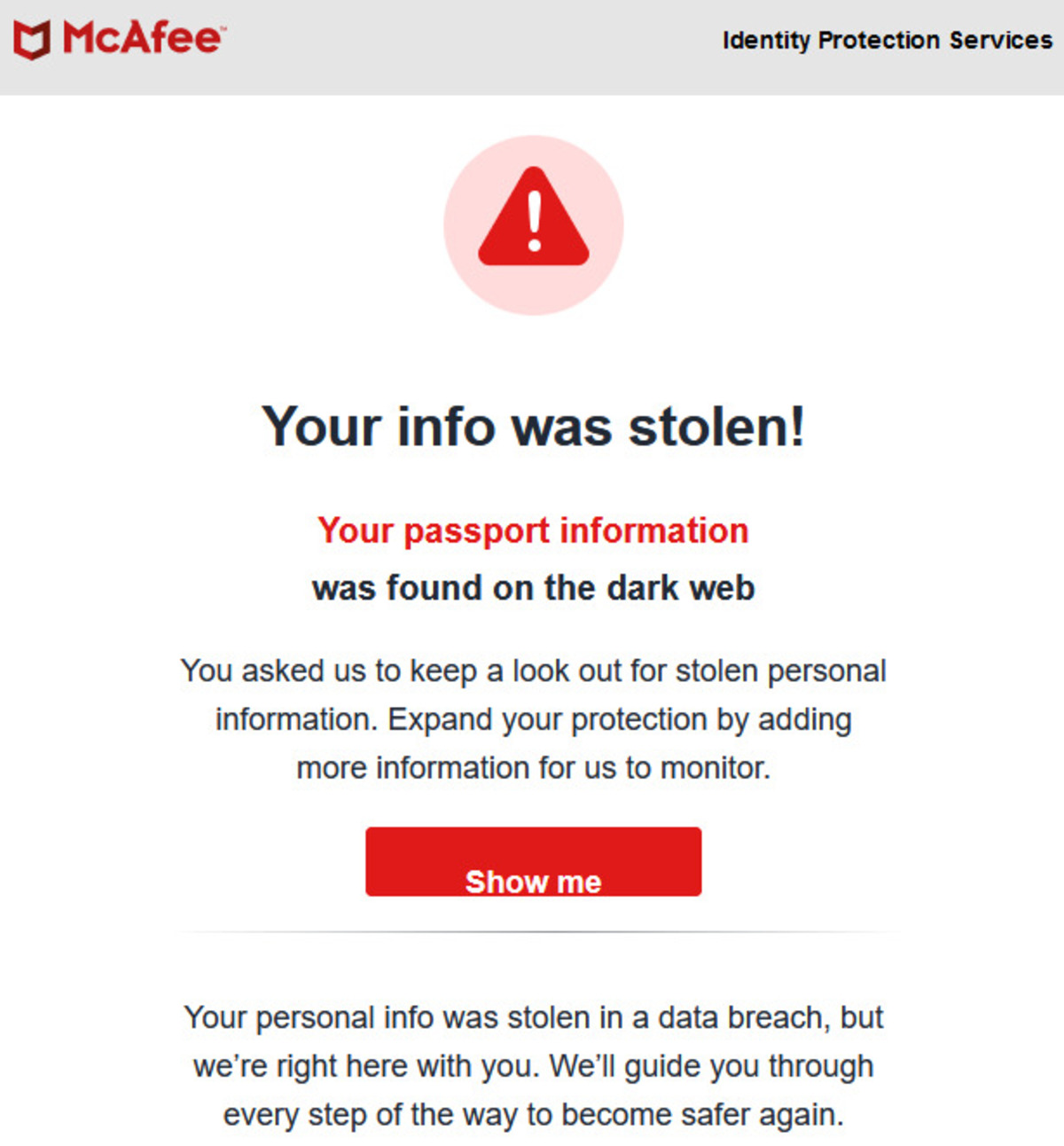
When McAfee says your info is on the dark web, it means the company's automated scanners found personal data matching your identity, such as your email, phone number, or financial details, being traded, sold, or exposed on hidden criminal marketplaces. This McAfee dark web alert is not a hack of your device; it signals that your data was likely compromised in a data breach from a company you use, via infostealer malware, or through a phishing attack. McAfee Identity Monitoring scans for up to 60 unique types of personal data, including email addresses, Social Security numbers, driver's license numbers, passport numbers, tax IDs, dates of birth, credit card numbers, and bank account details. The critical fact to understand immediately: once your information is copied and shared on the dark web, it cannot be permanently deleted. No monitoring service, including McAfee, can scrub that data from criminal servers. What the alert does give you is a head start to lock down your accounts before criminals can use what they've bought, and understanding how thieves buy credit cards on dark web markets reveals exactly why freezing your credit file is urgent.
Why you received this alert
Your data ended up on the dark web through one of several common scenarios. Understanding which one applies helps you assess your risk level. The most likely causes include:
- Data breaches: A company you do business with suffered a security breach, and cybercriminals stole customer records containing your information.
- Infostealer malware: Malicious software infected your computer or phone and silently harvested saved passwords, cookies, and personal files.
- Phishing attacks: You clicked a link or entered credentials on a fake website that impersonated a legitimate service, handing your data directly to attackers.
- Social engineering: Someone manipulated you over the phone or via email into voluntarily revealing sensitive details.
- Credential stuffing: You reused a password from an older breach, and criminals tested it across other sites until they found matches.
None of these scenarios means a criminal is actively using your identity right now, but it does mean your data is in circulation and at risk of exploitation.
Immediate steps to take after a McAfee dark web alert
Time matters. The faster you act, the less damage a criminal can do. Follow these steps in order:
- Open McAfee's in-app "fast guidance": The Identity Monitoring feature provides step-by-step instructions tailored to the specific data points that were exposed. Follow it first, it's designed for exactly this situation.
- Change passwords on affected accounts: Start with the email address that appeared in the alert, then change passwords for any account that uses that email or username as login. Create strong, unique passwords for each, do not reuse any old password.
- Enable two-factor authentication (2FA): Turn on 2FA for every critical account: email, banking, social media, and shopping. This adds a second verification step that blocks most unauthorized access even if a criminal has your password.
- Check financial statements: Review your bank accounts, credit cards, and payment apps for unauthorized transactions. If you see anything suspicious, contact your financial institution immediately to report it and freeze the affected card.
- Place a fraud alert or credit freeze: If your Social Security number or financial data was exposed, contact one of the three major credit bureaus, Equifax, Experian, or TransUnion. A fraud alert requires lenders to verify your identity before extending credit; a credit freeze blocks new credit accounts entirely. Both are free and can be done online.
What to do if your SSN was exposed
An exposed Social Security number carries the highest risk because it can be used to open new accounts, file fraudulent tax returns, or obtain medical care in your name. In addition to the fraud alert or freeze, monitor your credit reports from all three bureaus over the next several months and consider filing a report with the Federal Trade Commission at IdentityTheft.gov.
How to check your McAfee Identity Monitoring for details
To see exactly what data was compromised, open the McAfee Security app on your device, sign in, and tap "Identity Monitoring" under "Personal info." From there, tap "Find breaches" under "Get 24/7 monitoring for breaches." This will display a list of breaches where your data appeared, along with the specific data points that were exposed.
You can also check via the McAfee Protection Center by going to protection.mcafee.com, signing in, and clicking "My protection tab" > "Identity Monitoring." Both methods show the same breach details, including the source of the leak and the date it was discovered. McAfee claims its service can alert you to compromised data an average of 10 months earlier than similar services, so the information you see here is likely fresher than what you'd find elsewhere.
How to protect your information from future exposure
One alert is a warning, not a life sentence. Turn this reactive scare into a long-term security plan with these measures:
- Use a password manager: Generate and store unique, complex passwords for every account. This eliminates password reuse, the single biggest factor in credential-stuffing attacks.
- Enable 2FA everywhere: Prioritize email, banking, and any account that stores payment information. Use an authenticator app rather than SMS when available.
- Practice safe browsing: Only enter personal data on sites with "https" in the URL and a padlock icon. Avoid clicking links in unsolicited emails or messages, navigate to websites directly instead.
- Keep software updated: Update your operating system, browser, and antivirus software regularly to patch vulnerabilities that infostealer malware exploits.
- Secure your home network: Use a strong Wi-Fi password and WPA2 or WPA3 encryption to prevent eavesdropping on your traffic.
- Limit information sharing: Reduce the personal details you post on social media. Cybercriminals use these details for targeted phishing and social engineering.
If you want to understand the threat landscape better, you can research how criminals operate, but be careful. To get to the dark web on DuckDuckGo, you'd need the Tor browser, and that's not a step you should take casually. The risks are real: the dangers of the dark web include malware, scams, and exposure to illegal content that can have legal consequences. Your best defense is staying off it entirely and letting McAfee's monitoring do the watching for you. McAfee's identity theft protection is bundled with McAfee+ subscription plans (Premium, Advanced, Ultimate) and works across Windows, macOS, iOS, Android, and Chromebook platforms, so you're covered on every device you use.
For the wider topic, see get to the dark web on DuckDuckGo.