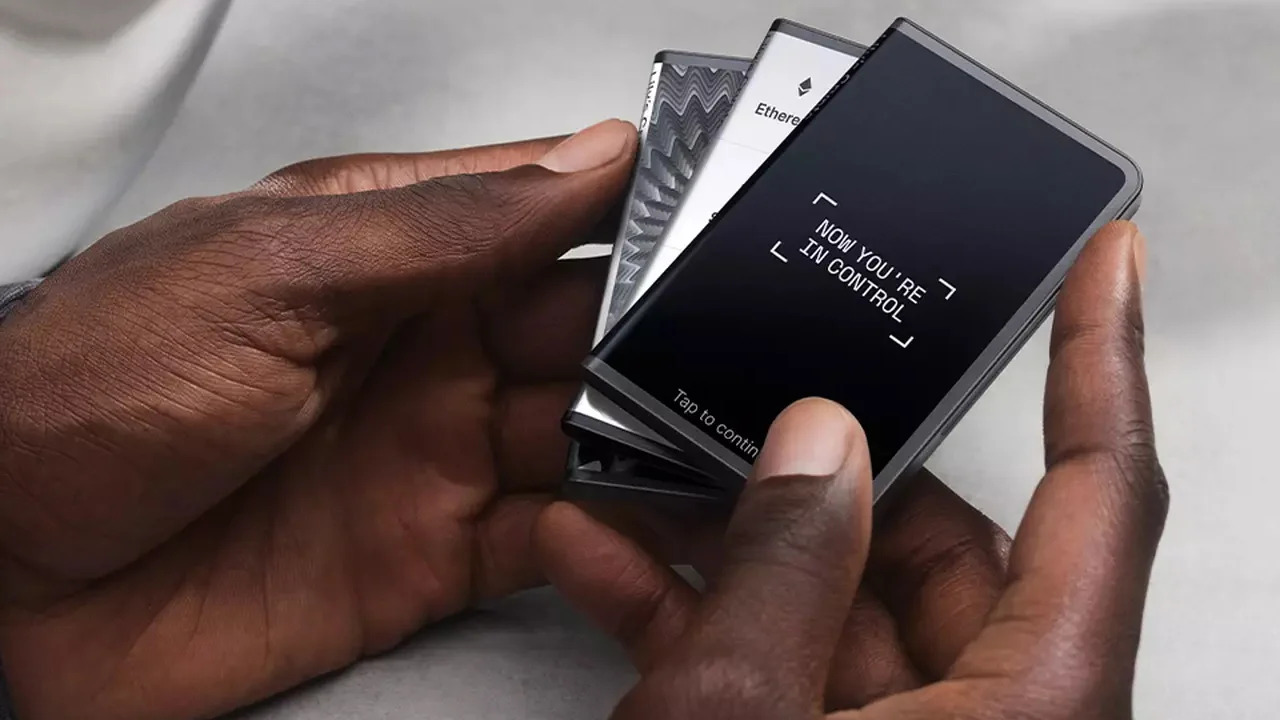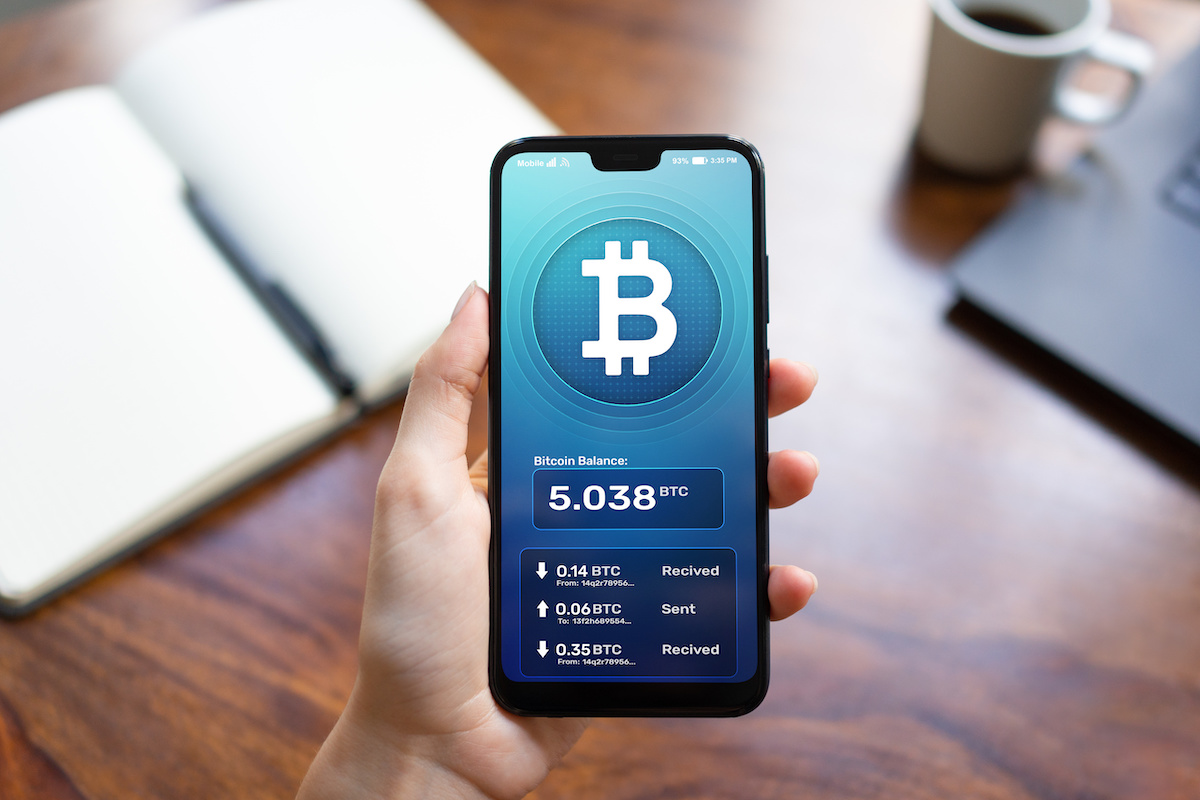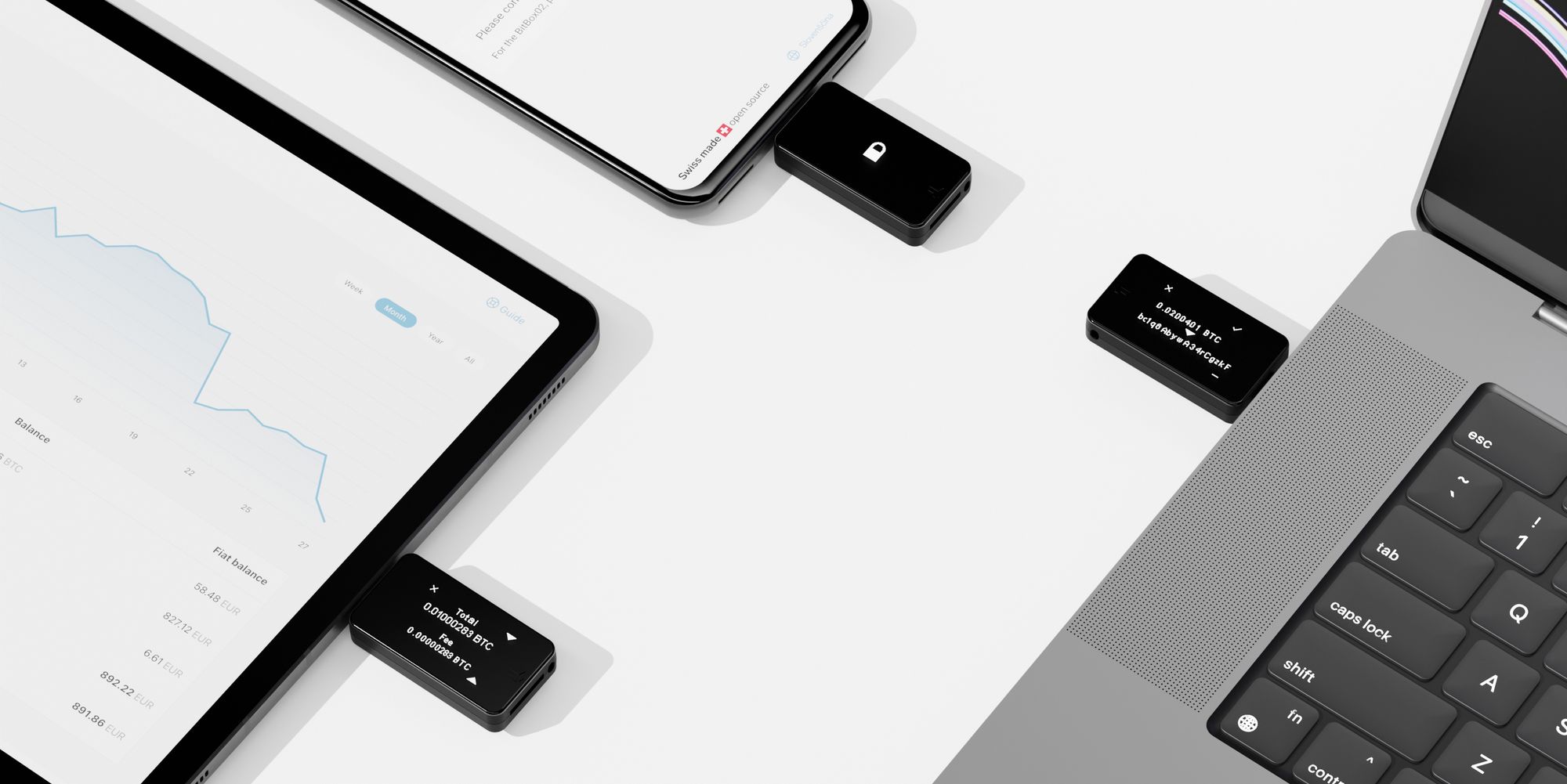
To transfer crypto to a hardware wallet, you move your digital assets from an exchange or software wallet into a secure, offline device that stores your private keys. This process gives you full control over your funds by removing them from internet-connected platforms where they are vulnerable to hacks.
Before you transfer crypto to a hardware wallet
Before you send any significant amount, complete a critical pre-transfer checklist. First, perform a small test transaction with a minimal amount of the cryptocurrency you intend to move. This confirms that the address is correct and the network is functioning properly without risking your full balance. Second, check network compatibility: ensure the hardware wallet supports the specific cryptocurrency and blockchain (e.g., Bitcoin on the Bitcoin network, not an ERC-20 token version). Third, be aware of withdrawal fees that the exchange or source wallet charges, as these can vary significantly and affect the net amount you receive. Once your funds arrive safely, you can store bitcoin with a long-term security strategy that protects against both theft and physical damage.
Set up and access your hardware wallet
Begin by connecting the hardware wallet to your computer or mobile device using the provided cable. The companion app will guide you through creating a PIN code that protects the device from physical access. Write the recovery seed phrase down on the provided recovery card and store it in a secure, fireproof location; never store it digitally or photograph it.
- Connect the hardware wallet to your computer or mobile device.
- Create a PIN code on the device screen.
- Write down the recovery seed phrase on the provided card and verify it by entering a few words as prompted.
- Install and open the companion wallet software on your computer or mobile device.
- Access your wallet by entering your PIN when prompted by the software.
Get your hardware wallet's receiving address
Within the hardware wallet's companion app, navigate to the "Receive" or "Accounts" section for the specific cryptocurrency you want to transfer. The app will display a public address, a long string of letters and numbers, that serves as the destination for your funds. For security, always verify this address on the hardware wallet's screen itself, not just on the computer or phone display. The device will show the same address, confirming that no malware has altered it.
- Open the companion app and select the cryptocurrency you want to receive.
- Click "Receive" to generate a public address.
- Check that the address on the computer screen matches the address displayed on the hardware wallet's screen.
- Copy the address or use the QR code if available.
Initiate the transfer from your existing wallet or exchange
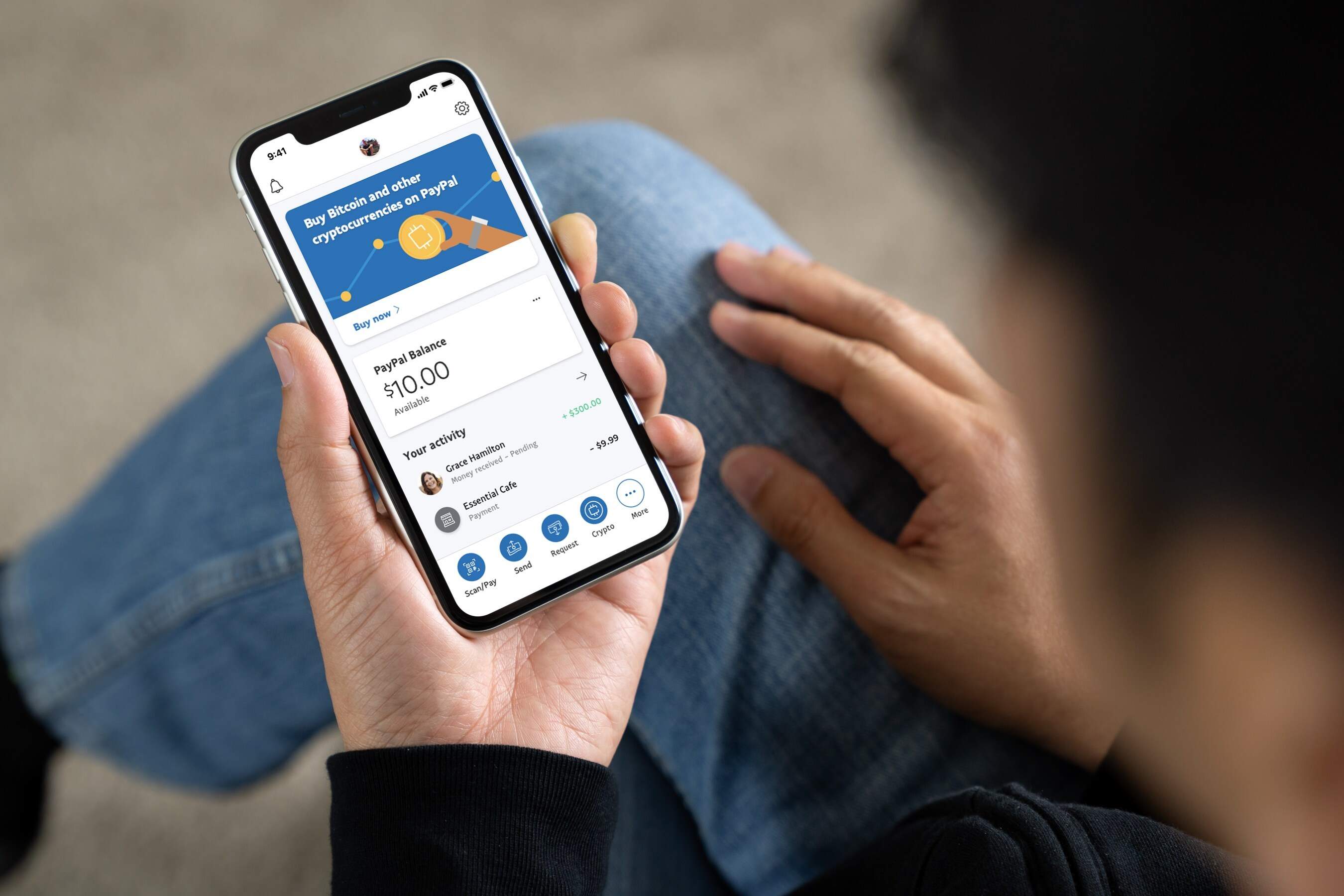
Log into the exchange or software wallet where your crypto currently sits. Navigate to the "Send," "Withdraw," or "Transfer" function. Paste the hardware wallet's receiving address into the destination field, ensuring no extra spaces or characters are included. Double-check the address character by character against what the hardware wallet displayed, this is your final safeguard against sending funds to the wrong place. Enter the amount you wish to transfer (or use the test amount first) and confirm the transaction. Once the transfer is complete, you can use a crypto hardware wallet to securely manage and spend those funds offline.
- Log in to your exchange or software wallet.
- Find the "Send" or "Withdraw" option in the account menu.
- Paste the hardware wallet's verified receiving address into the destination field.
- Enter the transfer amount and review any network fees shown.
- Confirm the transaction and approve it if a two-factor authentication prompt appears.
Confirm the transaction and verify receipt
After initiating the transfer, you can check its progress on a blockchain explorer by searching for the transaction ID (TXID) provided by the source platform. This shows the number of confirmations the transaction has received, which increases as new blocks are added to the chain. Once the transaction shows at least one confirmation, open your hardware wallet's companion app and check that the updated balance for the corresponding cryptocurrency appears correctly. The funds are now stored offline on your hardware wallet.
- Copy the transaction ID from the exchange or wallet's confirmation screen.
- Paste it into a blockchain explorer for the relevant cryptocurrency to see confirmations.
- Open your hardware wallet's companion app and verify the new balance matches the amount sent.
- Disconnect the hardware wallet from your computer or mobile device.
Secure your hardware wallet for the long term
Store the physical hardware wallet in a safe or lockbox to protect it from theft, fire, or water damage. Keep the recovery seed phrase backup, written on durable materials like metal or fireproof paper, in a separate, equally secure location. Never store the seed phrase in the same place as the device itself, as this defeats the purpose of a redundant backup. With these precautions, your crypto remains accessible only to you and resilient against most physical and digital threats.
\nRelated reading: Why Does Blockchain Use So Much Energy.