To get a fly out of an LED TV screen, the single most important rule is to never press, poke, or squish the display panel. The only safe path is to use light, gravity, and patience to coax the insect out through existing vents or gaps without ever touching the screen surface.
How to get a fly out of an LED TV screen: the one rule that matters most
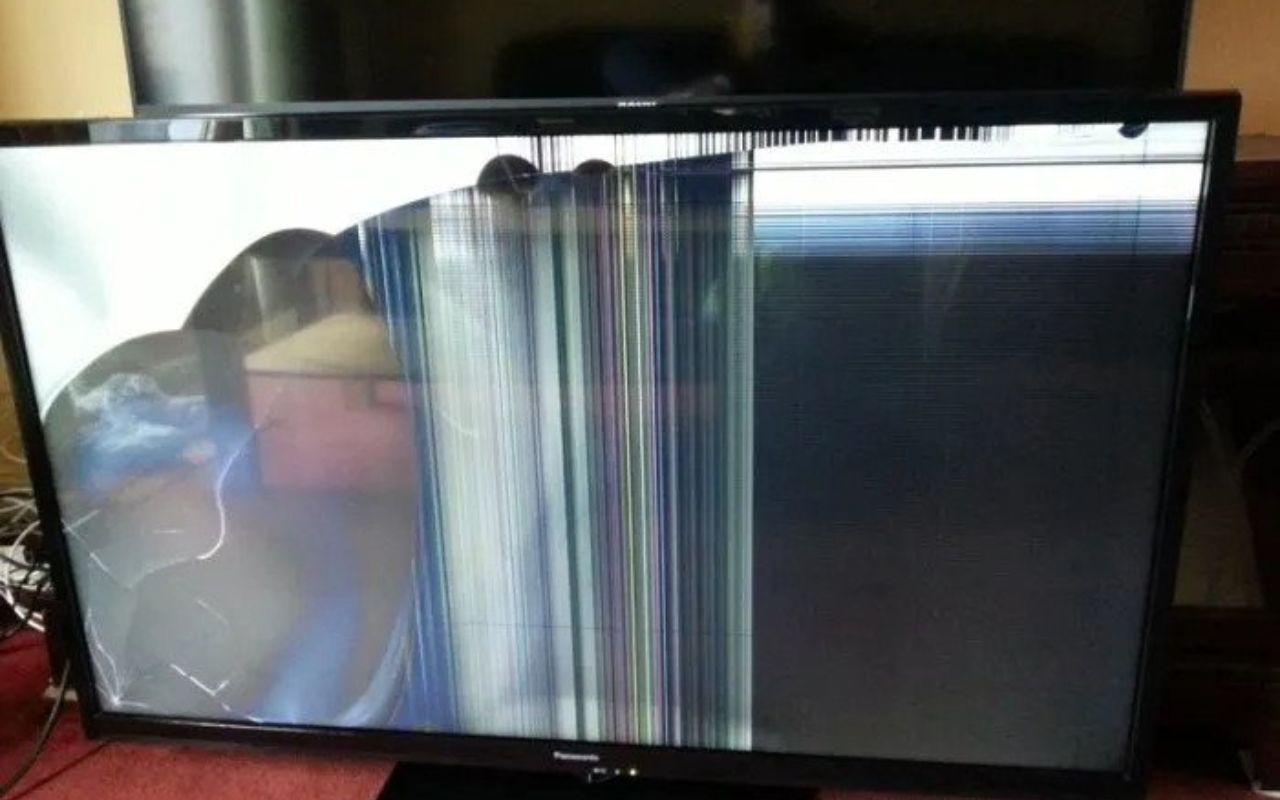
Before attempting any removal method, understand that the display is a precision assembly of fragile layers. Pressing on the screen, even lightly, to try to trap or guide a fly can permanently crush pixels, leaving dark smears or discolored spots that are visible whenever the TV is on. Poking with any object risks cracking the panel or pushing the insect deeper into the internal layers. Squishing the bug against the screen can also smear its body fluids across the surface, creating an even worse cosmetic problem. The rule is absolute: never touch the screen area where the insect is located.
Why flies get inside your TV
Flies and other small insects are naturally drawn to the warmth and light emitted by an operating LED TV. Most LED TVs are not fully sealed, they have small vents, bezel seams, and gaps for airflow and assembly, which provide easy entry points for tiny bugs. Once inside, insects often crawl between the outer protective cover and the actual display panel, or slip between diffuser layers and polarizing filters. Because these layers are tightly stacked, the fly can become trapped with no clear path back to the vent it entered through, leaving it visible as a dark moving speck on your screen.
Is the fly alive or dead?
Your removal strategy depends entirely on whether the insect is still moving. If you see it crawling, buzzing, or changing position, it is alive and can be lured out. If it is stationary, appears dried out, or has been trapped for more than a day, it is likely dead and requires a different approach. Live insects respond to light and warmth; dead ones do not. Attempting to lure a dead fly with a flashlight will fail, and trying to tap out a live fly risks crushing it. Check for movement over a few minutes, and shine a bright light at the screen to see if the bug shifts position.
How to remove a live fly from your TV screen
Act quickly while the fly is still active, but do not rush the process.
Step 1: Turn the TV off immediately
Switch off the TV and unplug it from the wall. Removing the light and heat that attracted the fly will make it less comfortable and more likely to move toward an exit.
Step 2: Use a flashlight at an edge or vent
Take a bright flashlight and hold it near the bezel edge, vent, or any gap on the side of the TV where the fly is located. Insects naturally move toward brighter light, so the flashlight beam can lure the fly out of its hiding spot. Move the light slowly along the edges until you see the fly following it.
Step 3: Gently tilt the TV for gravity
With the TV unplugged and supported, carefully tilt the entire unit about 20-30 degrees so the fly’s location is above a vent or bezel seam. Gravity will help the insect walk downward toward the opening. Keep the flashlight shining at that exit point to encourage it to crawl out. This may take several minutes, so be patient and avoid any sudden movements.
How to remove a dead fly from your TV screen
If the fly is already dead, you cannot lure it, you must use gravity and vibration to dislodge it.
Step 1: Keep the TV off and unplugged
Ensure the TV is completely powered down and disconnected from the outlet. This eliminates any electrical risk while you handle the unit.
Step 2: Let the body dry completely
A fresh dead body is moist and can smear across the internal layers if it shifts. Drying makes it brittle and less likely to leave residue.
Step 3: Reposition the screen for gravity
With the TV face-up on a soft surface, slowly rotate or tilt it so the dead fly is positioned above a vent or bezel gap. The goal is to let gravity pull the body downward toward an opening.
Step 4: Lightly tap the frame or back housing only
Using your knuckle or a soft rubber mallet, give gentle taps to the outer plastic frame or the back panel, never the screen itself. The vibration can dislodge the dried body and let it fall toward the vent. Tap in short bursts, then check if the fly has moved. Repeat as needed, but stop if the bug does not shift after several attempts.
Methods to avoid
Many common household tools can cause serious damage to an LED TV. Never use a vacuum cleaner directly on the screen, the suction can build static electricity that damages pixels, and the nozzle can scratch the surface. Compressed air should also be avoided; short bursts at the vents may push the insect deeper into the display layers, and the condensation can leave moisture spots. Fly swatters are an absolute no-go, one swing can crack the panel or shatter internal components. Wiping the screen with any cloth while the fly is trapped risks smearing the bug or pressing it against the layers, causing permanent marks. If you feel tempted to use any of these, remember that the cost of repair is far higher than the cost of patience.
When to call a professional
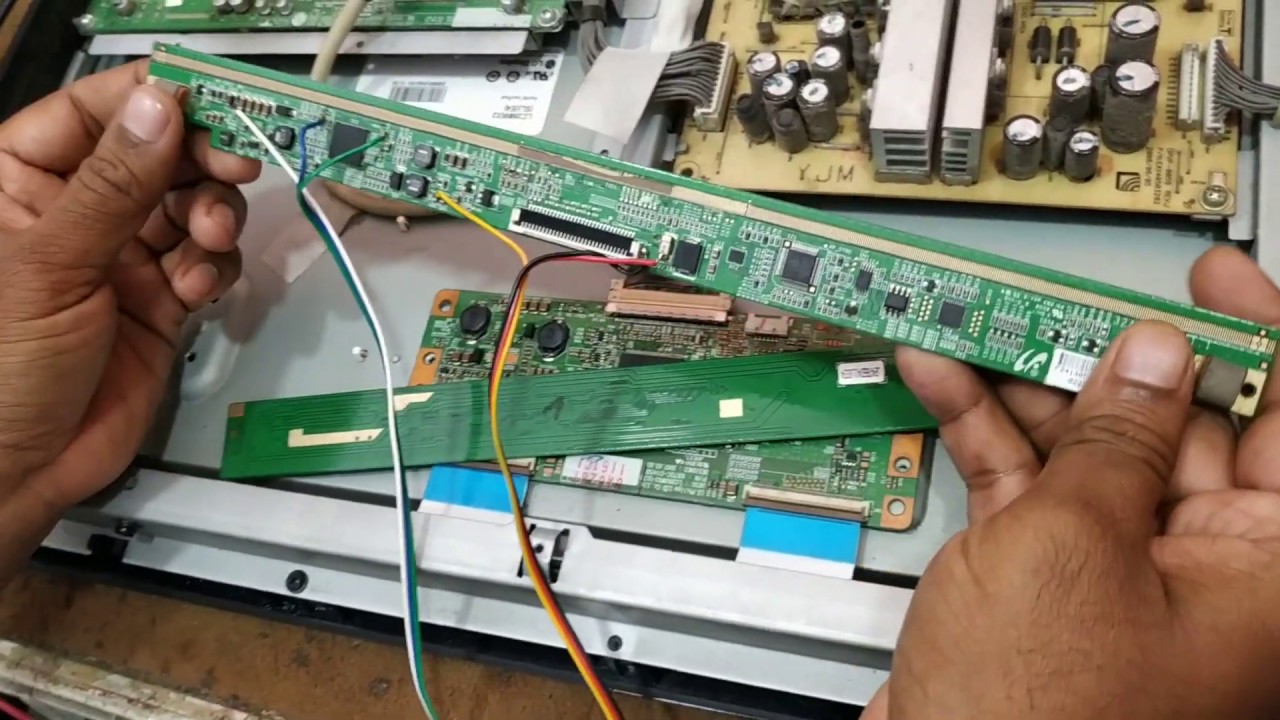
If you have tried the flashlight and gravity methods for a live fly, or the tapping method for a dead one, and the insect remains visible, it is time to call a professional TV repair technician. A technician has specialized tools to safely disassemble the display stack, remove the insect, and reassemble the TV without damaging the delicate layers. This is not a DIY job, opening the panel yourself voids the warranty and risks permanent damage. Note that manufacturer warranties from Samsung, Sony, and Hisense do not cover insect infestations; they classify bugs as an external factor, similar to dust or liquid ingress.
How to prevent flies from entering your TV
Prevention is the best strategy. Seal any visible gaps around the TV’s bezel and back panel with silicone or electrical tape, but avoid blocking ventilation holes. Install fine mesh screens on Windows and doors near the TV area to reduce insect entry. Keep the room clean, flies are attracted to food crumbs, garbage, and pet waste, so wipe down surfaces and empty bins regularly. When the TV is not in use, turn it off completely and unplug it to eliminate the warmth and light that draw insects. Consider using a fan near the TV; the airflow makes it harder for flies to land on or enter the unit. If you live in an area with high insect activity, a simple fabric cover over the TV when it’s off can block most entry points. These steps will dramatically reduce the chances of ever needing to get a fly out of your LED TV screen again.
\nRelated reading: How To Fix Fading Screen LED TV, Which Is Better: Crystal Or LED TV, and How To Fix Ghosting On LED TV.