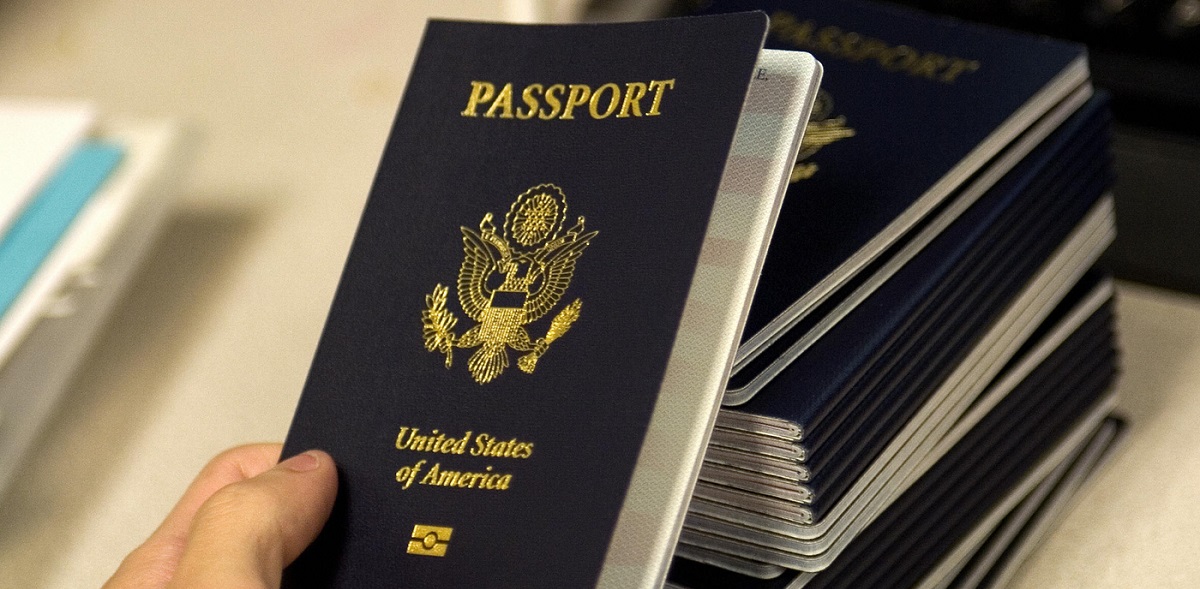
To disable an RFID chip, you must match the method to the tag type: passive low/high-frequency (LF/HF) chips require physical destruction or signal blocking, passive UHF EPC Gen2 tags can be permanently killed via a software command, and active battery-powered tags are neutralized by removing their power source. If you are specifically concerned about your travel document, knowing the exact location of the rfid chip in us passport lets you target the chip precisely without destroying the passport. For most searchers with a passive tag in a credit card or access badge, the fastest reliable approach is physically destroying the antenna or chip, while a microwave offers a hands-off alternative with notable safety risks.
What you'll need to know before you disable a rfid chip
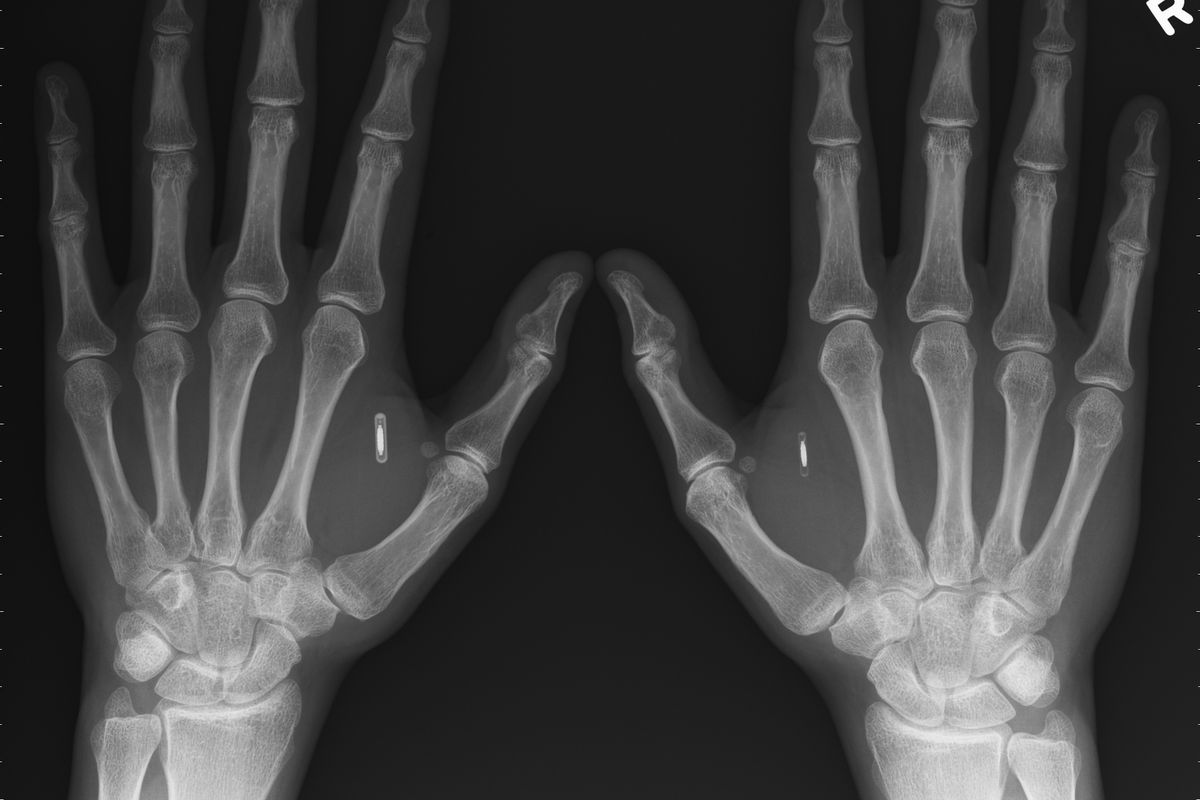
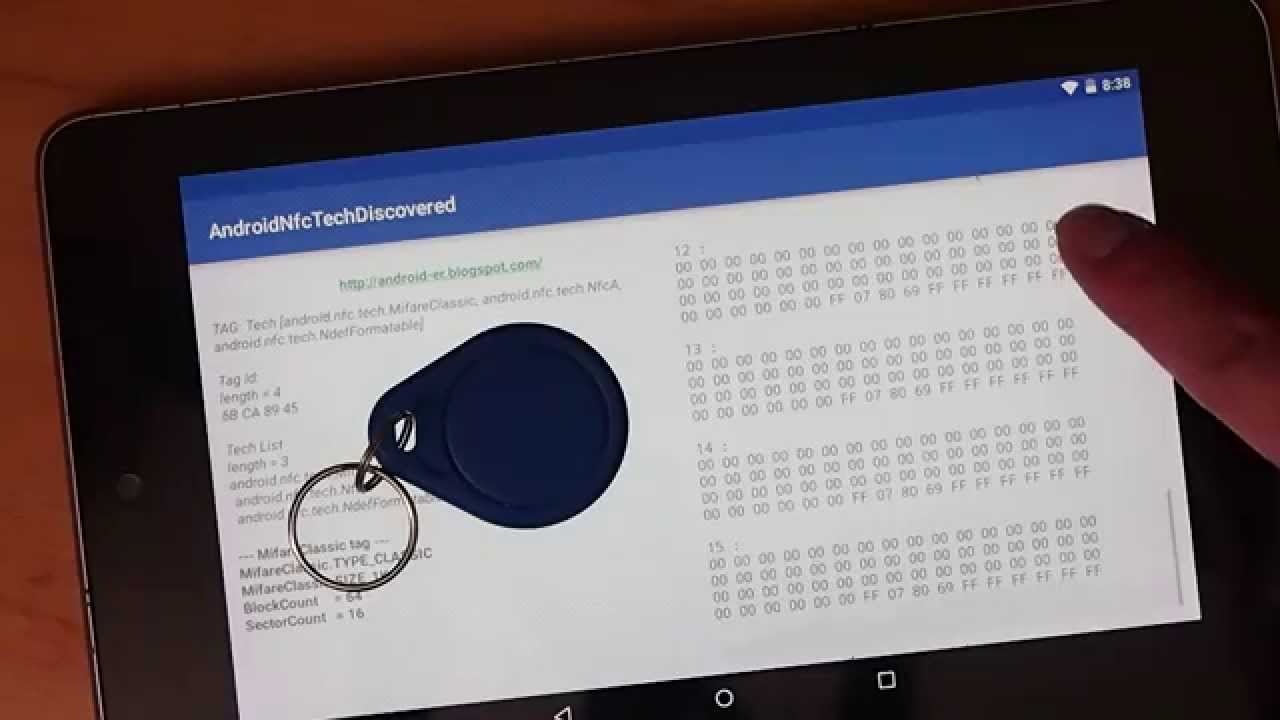
RFID chips fall into three functional categories, and each demands a different disabling strategy. Passive LF/HF tags (125 kHz, 13.56 MHz) used in access badges, passports, and credit cards have no internal power and are energized by the reader's field; they are best neutralized by physically breaking the antenna or chip. Passive UHF tags (860-960 MHz) following the EPC Gen2 standard often include a built-in "kill" command that can permanently disable them via software. Active RFID tags contain a battery and continuously broadcast; removing that battery is the only guaranteed way to stop them. Knowing which type you hold determines whether you need a tool, a reader, or simply your hands, so first check for an RFID chip to identify what you're dealing with.
Why would someone want to disable an RFID chip?
Privacy concerns top the list, RFID chips can be scanned surreptitiously, leaking personal data without your knowledge. Data security matters when a chip stores financial details or ID numbers that hackers might clone. Tracking avoidance appeals to those who don't want employers, marketers, or authorities monitoring their movements. Preventing unauthorized access is critical when a lost or stolen badge could let someone into secure areas. Counterfeit prevention drives manufacturers to kill tags on high-value goods so fakes can't be authenticated. In every case, disabling the chip removes the vulnerability at the source.
Use the kill command for EPC Gen2 UHF tags
The most elegant permanent solution for passive UHF tags is the software-based kill command, defined in the ISO 18000-6C standard. This method requires a compatible RFID reader and the correct access password or security credentials for the specific tag. When executed, the kill command sends a unique instruction that permanently disables the chip's logic, making it unresponsive to any future reader forever.
- Obtain an RFID reader that supports the EPC Gen2 kill command (most industrial handheld or desktop readers do).
- Power on the reader and connect it to a computer with the manufacturer's software.
- Place the tag within the reader's read range (typically 1-3 feet).
- Enter the tag's access password (often printed on the label or provided by the issuer).
- Select the "Kill" function in the software and confirm the action.
- Verify success by attempting to read the tag again, it should return zero data.
This method is clean, fast, and leaves the physical item intact, making it ideal for product packaging or ID badges where you don't want visible damage. However, without the correct password, the kill command will fail, so it only works on tags you own or have explicit permission to disable.
Physically destroy the chip or antenna
If you lack a reader or password, physical destruction is the most universally effective fallback. The key is breaking the antenna's conductive path or shattering the silicon chip itself. Cutting, puncturing, crushing, or hammering the tag's components will permanently interrupt its ability to harvest power or transmit data. A precise method is zapping the chip with electricity, static discharge from a fingertip or carefully touching bare extension cord wires to the microchip or antenna leads will fry the circuitry. For a credit card, use scissors to cut through the embedded antenna loop (usually visible as a thin metallic line around the card edge). For a badge, punch a hole directly through the chip area with a nail or drill. Always wear eye protection and avoid touching live wires with wet hands.
Disable active RFID tags by removing the battery
Active tags, commonly used in vehicle toll transponders, asset trackers, and some warehouse pallets, contain a small lithium battery that powers continuous transmission. Removing that battery renders the tag completely inert, as there is no internal power source to drive the radio. Open the tag's enclosure (usually a snap-fit or screw-sealed plastic case), locate the coin-cell or cylindrical battery, and pry it out. If the battery is soldered, clip the leads with wire cutters. Overloading the circuits with electricity, by touching both battery terminals with a wire, also destroys the tag's electronics, but this carries a burn or fire risk and should only be done with proper safety gear. Battery removal is clean, reversible if you reinstall a fresh battery, and leaves the tag's housing intact for disposal or recycling.
Use a microwave to fry the chip (with caution)
A microwave oven generates intense electromagnetic radiation that can induce destructive voltages in the chip's internal circuitry. This method works on both passive and active tags, but it is risky and should be your last resort. The steps are straightforward but demand strict attention to safety.
- Place the item containing the RFID chip in a microwave-safe container (glass or ceramic, never metal).
- Set the microwave to its highest power level and run it for 5-10 seconds only.
- Remove the item immediately, it may be hot, and let it cool completely.
- Test the chip with an RFID reader; if it no longer responds, the job is done.
Never microwave items with exposed metal, batteries (active tags), or liquids, as this can cause arcing, fire, or explosion. The microwave radiation can also damage the oven's magnetron if run empty. If the item is a credit card with a magnetic stripe or an ID with a hologram, microwaving will likely destroy those features too. Use this method only on disposable items you don't mind ruining.
Block the signal as a temporary alternative
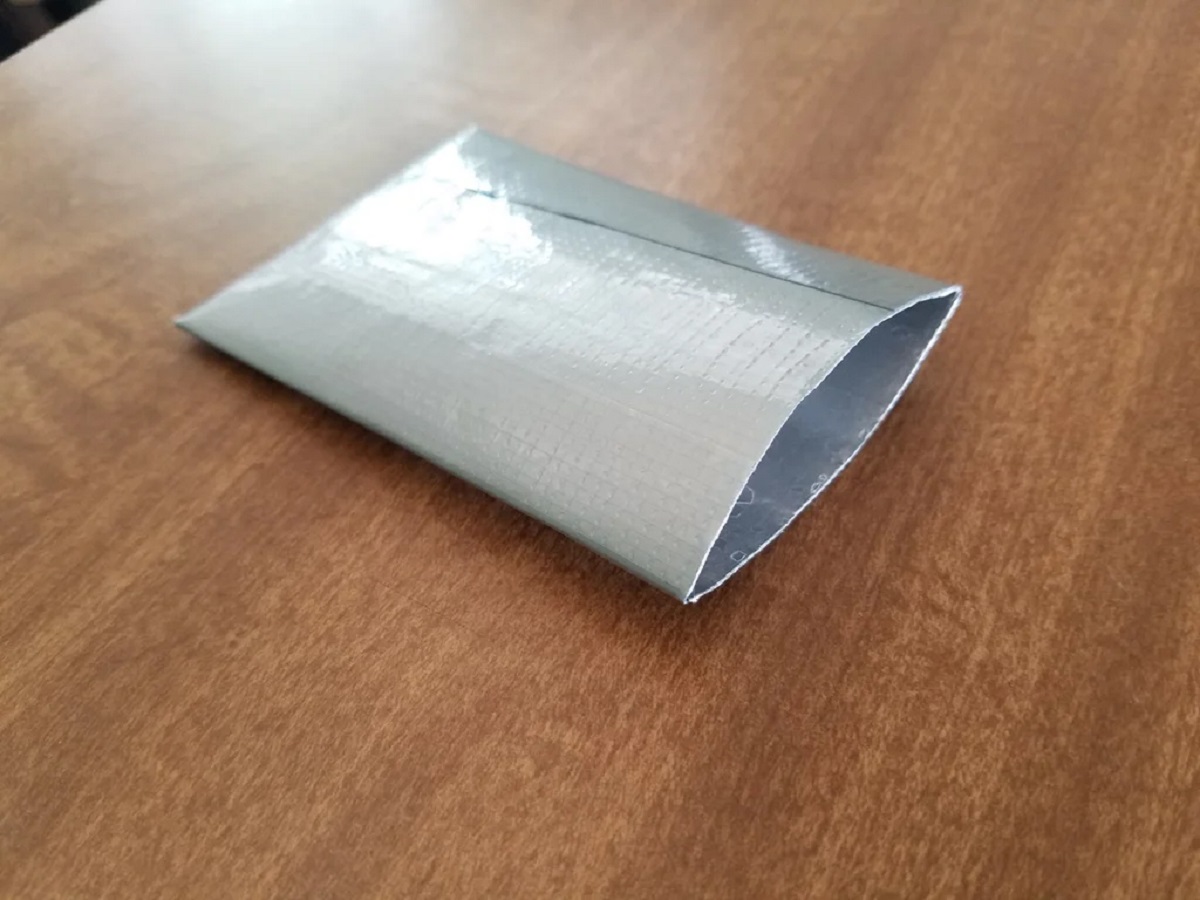
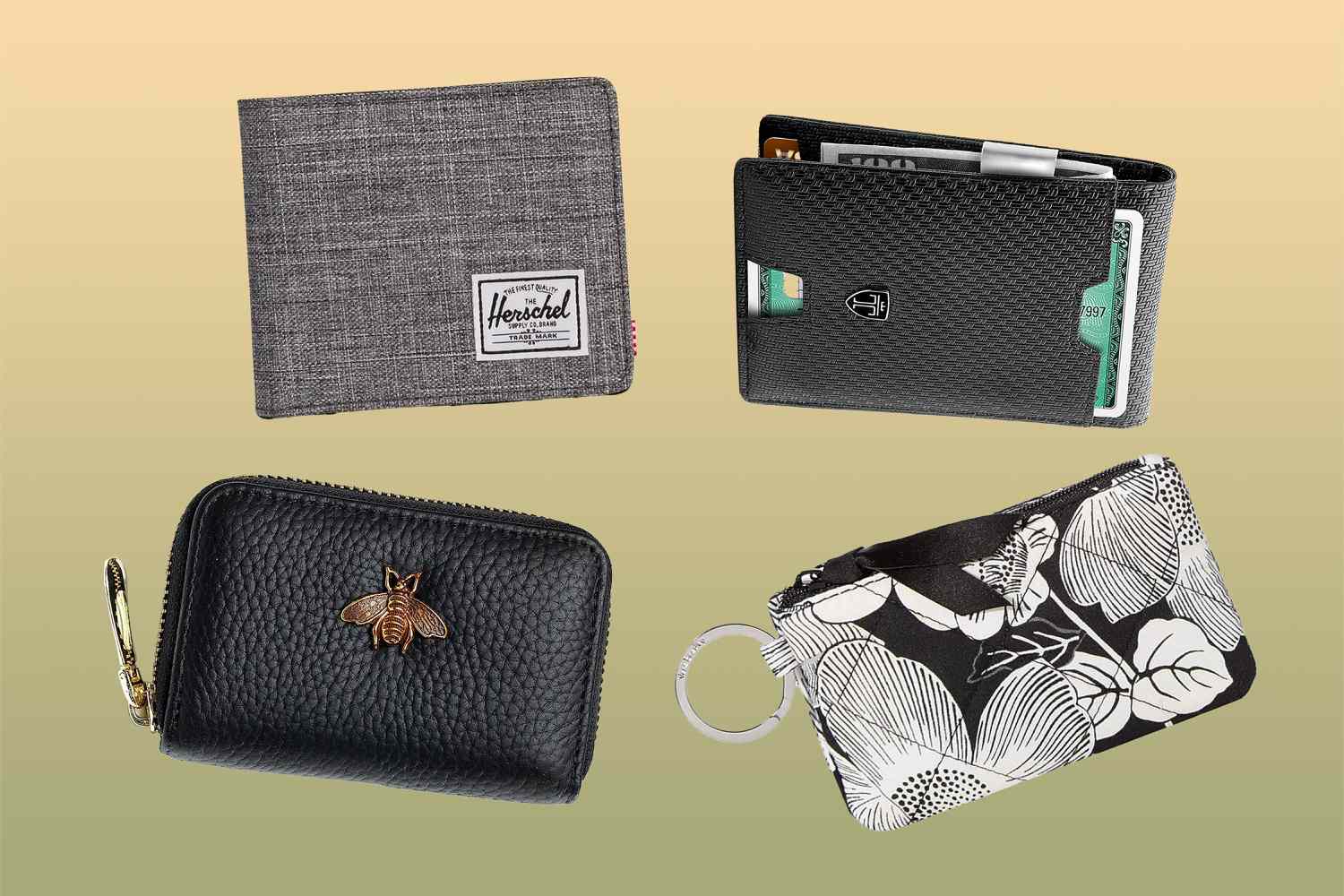
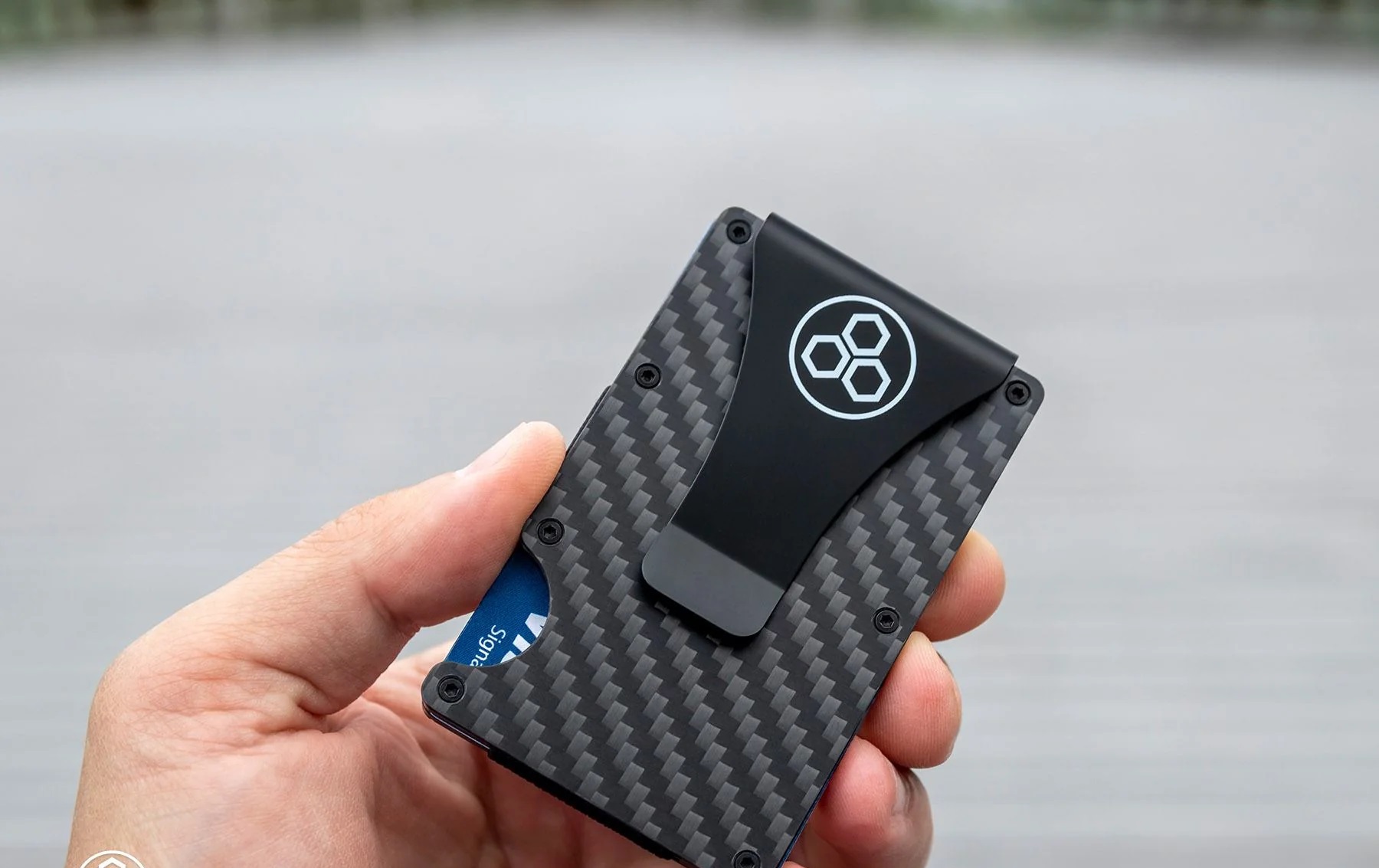
If you need to stop RFID reading without permanent damage, shielding blocks the radio waves before they reach the chip. Wrapping the item in aluminum foil, using commercial RFID-blocking sleeves, or placing it inside a metal-lined wallet creates a Faraday cage that absorbs or reflects the reader's signal. This does not disable the chip, it remains fully functional, but it prevents unauthorized scans while the shield is in place. To make rfid protector at home, cut two layers of heavy-duty aluminum foil slightly larger than the item, sandwich the card between them, and tape the edges shut. Test the shield by attempting to read the card with your phone's NFC reader or a store scanner; if it fails, the block works. Remember that this is a temporary fix, remove the shield and the chip is readable again.
Potential risks and legal considerations
Before you disable any RFID chip, weigh these consequences carefully. Damage to the item is almost certain with physical or microwave methods, a credit card becomes unusable, a badge may crack, and a product label is destroyed. Effectiveness varies by tag type: freezing rarely works on modern chips, and some UHF tags are built to resist physical stress. Jurisdictional laws often regulate tampering with RFID in official documents (passports, driver's licenses) or government-issued IDs, deactivating these may be a criminal offense. Safety hazards include electric shock from extension cord zapping, fire from microwaving metal or batteries, and burns from hot components. Unintended access loss occurs when you kill a workplace entry badge and can no longer enter secure areas. Finally, data stored on the chip may be irretrievably lost, if the tag holds monetary value (transit cards, loyalty points), you forfeit that balance. Always confirm ownership and legal right before proceeding, and when in doubt, consult the issuing authority or a professional RFID technician.