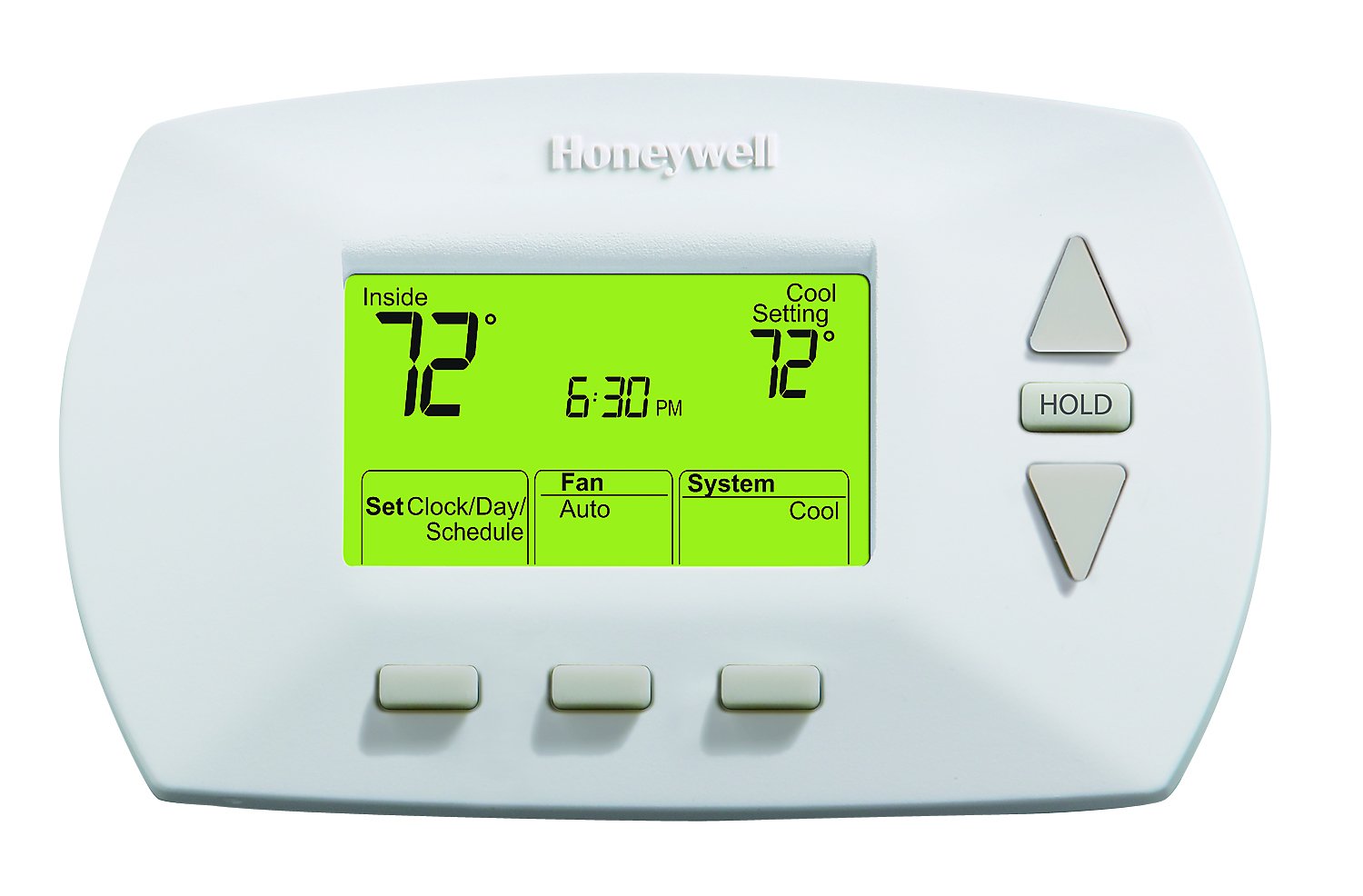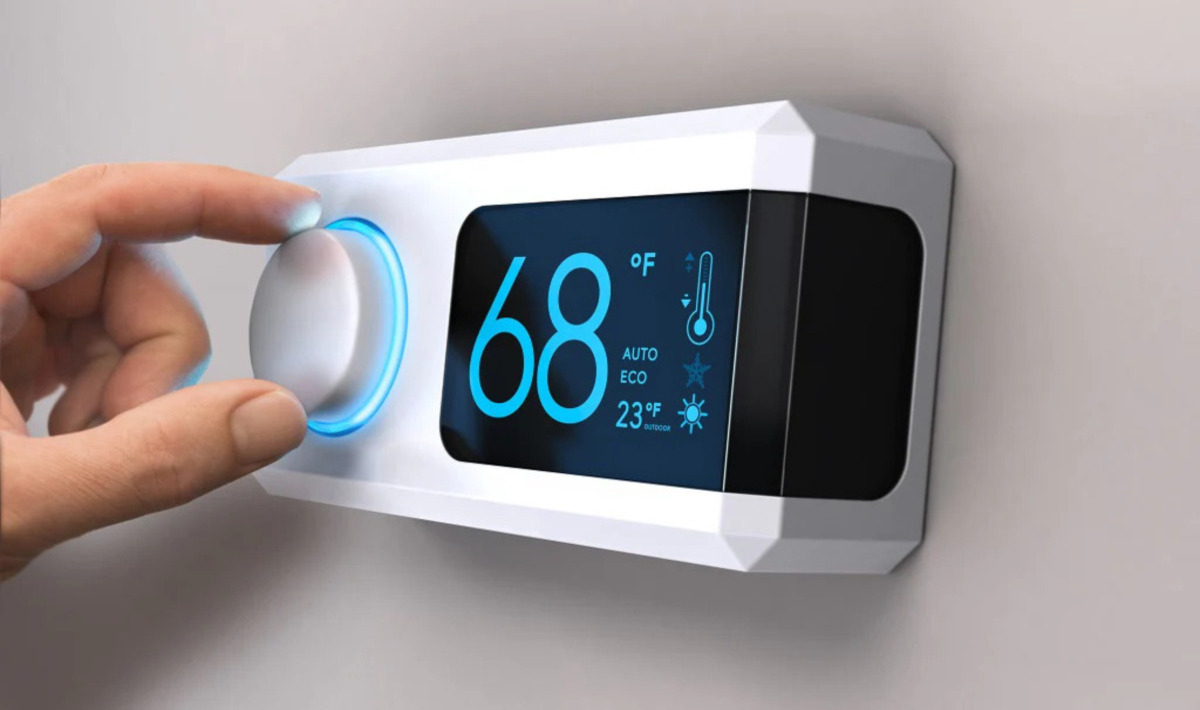
Baseboard heater thermostats work as high-voltage switches that directly control the electrical current flowing to your heater. They measure the room's air temperature against your chosen setting, then turn the power on or off to maintain that temperature. This on/off cycling drives natural convection, cool air enters the bottom of the heater, warms over the element, and rises, creating a steady, comfortable heat without any fans or blowers.
How baseboard heater thermostats work: the core mechanism
At its simplest, a baseboard heater thermostat is a line-voltage switch. Unlike central heating thermostats that signal a furnace or boiler, this device sits directly in the electrical circuit feeding your heater. When the room temperature falls below the setpoint you've dialed in, the thermostat closes its internal contacts and sends full line voltage to the heating element. Once the room reaches your desired temperature, it opens those contacts and cuts the power. This cycle repeats continuously, keeping the room within a narrow temperature band around your setting.
The key to understanding this system is recognizing that the thermostat doesn't modulate heat output, it's either fully on or fully off. You get consistent warmth without the rapid temperature swings you might expect from a simple switch.
The key components inside your thermostat
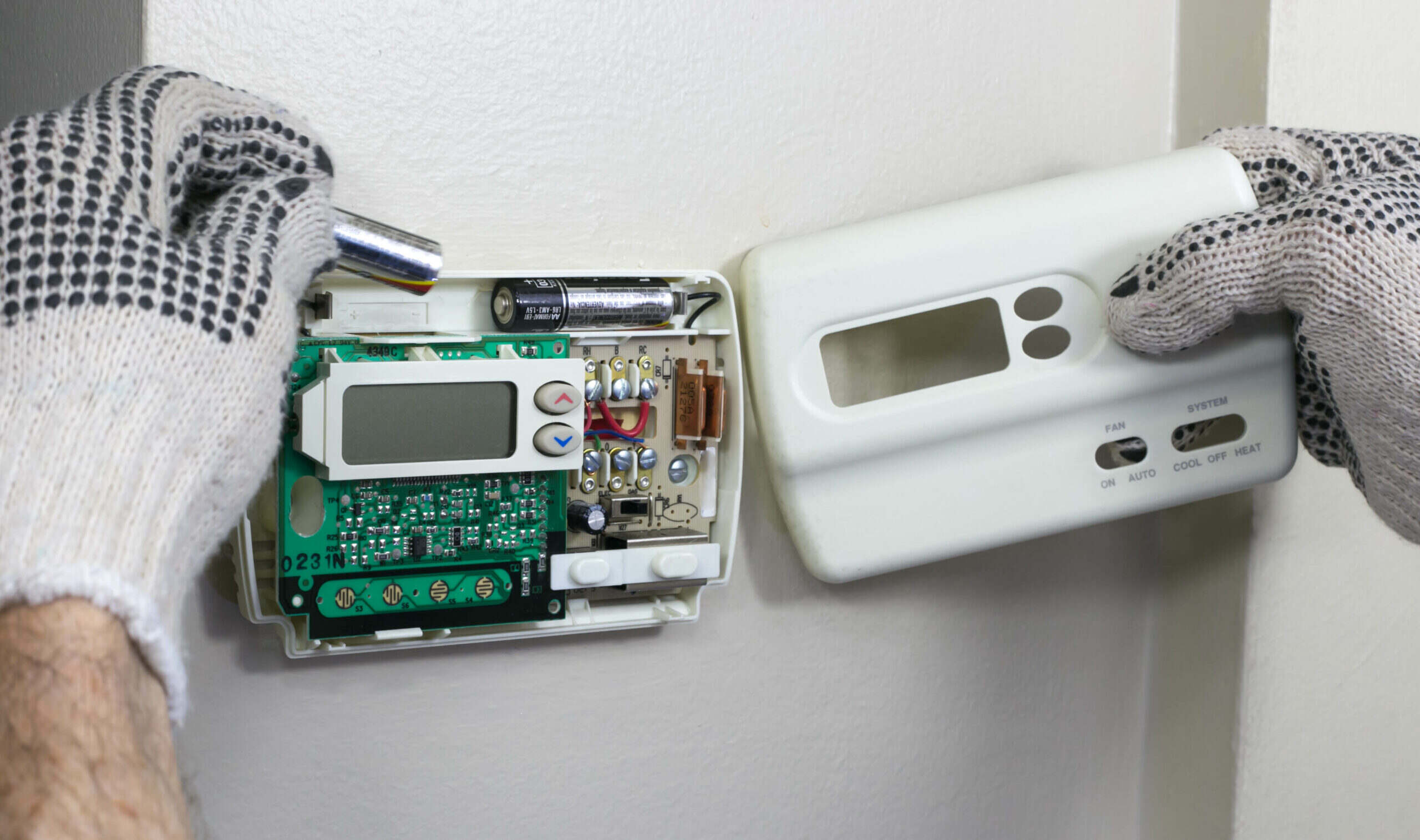
Three primary components work together inside every baseboard heater thermostat. The temperature sensor is the sensing element, usually a bimetal strip, a gas-filled bellows, or an electronic thermistor, that physically reacts to changes in room temperature. The control panel is what you interact with: a dial, lever, or digital keypad that sets your desired temperature. The relay (or switch mechanism) is the actual high-voltage switch that makes or breaks the electrical circuit to the heater.
Here's how they work in sequence: the sensor detects the current room temperature, the control panel holds your setpoint, and when those two values differ, the relay opens or closes. In mechanical thermostats, the bimetal strip itself physically moves the switch contacts. In digital models, the thermistor sends a signal to a small circuit board that activates the relay. Either way, the result is the same, the relay handles the high-voltage load while the sensor and control panel operate on the logic side.
Single-pole vs. double-pole: a critical safety difference
This distinction matters for both safety and convenience. A single-pole thermostat (SPST) breaks only one side of the 120V or 240V circuit. This means the heater is never fully de-energized unless you also trip the circuit breaker. A double-pole thermostat (DPST) breaks both legs of the circuit simultaneously. Its marked "OFF" position completely isolates the heater from power, making it safe to work on the unit without killing the breaker.
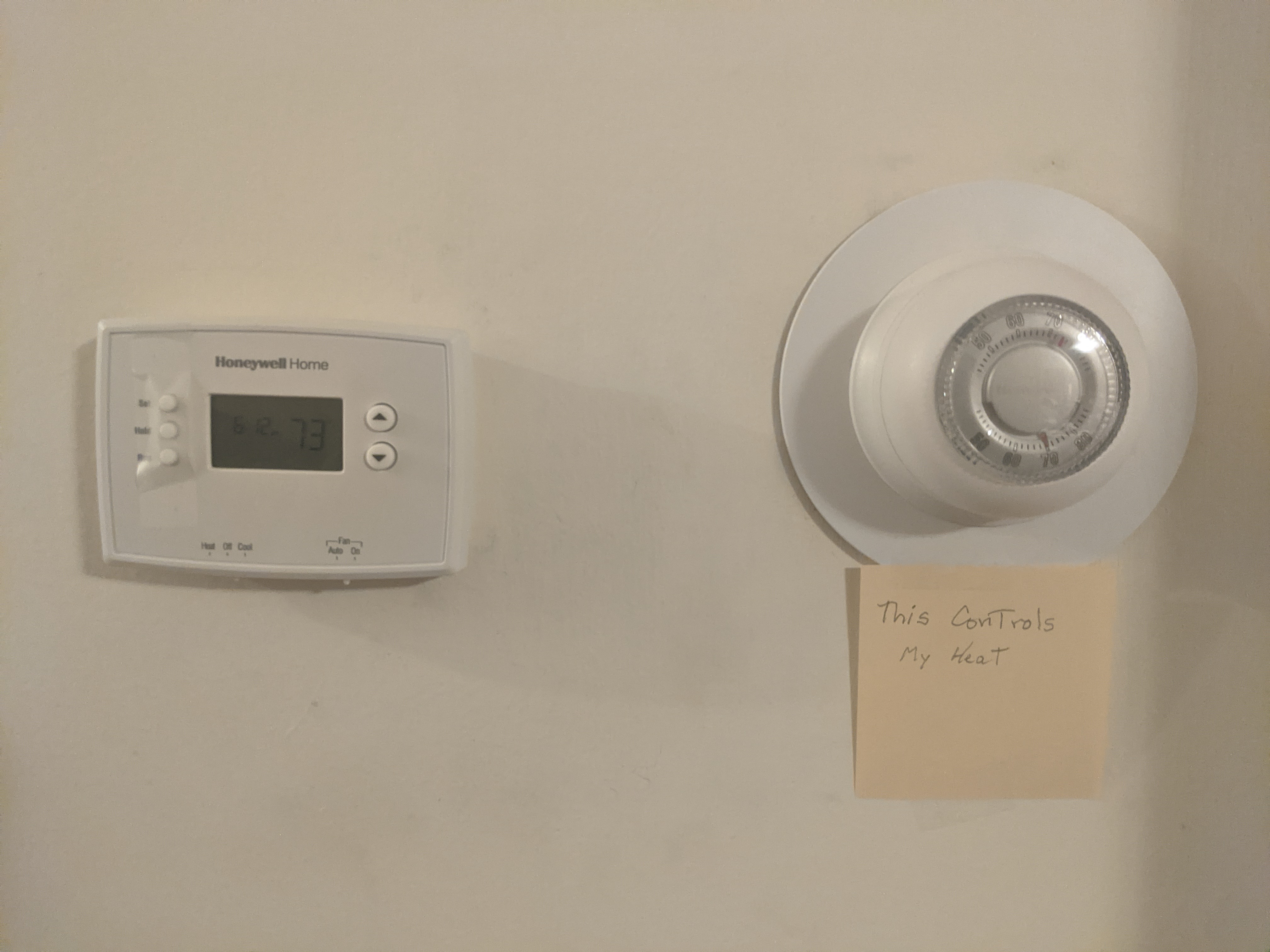
For any maintenance or cleaning that involves opening the heater housing, a double-pole thermostat is the safer choice. Always verify with a voltage tester before touching any wiring. This is also the reason for two home thermostats in some installations, one in the living area and one in the bedroom, so you can control different zones independently while keeping both circuits safe.
Wall-mounted vs. unit-mounted thermostat controls
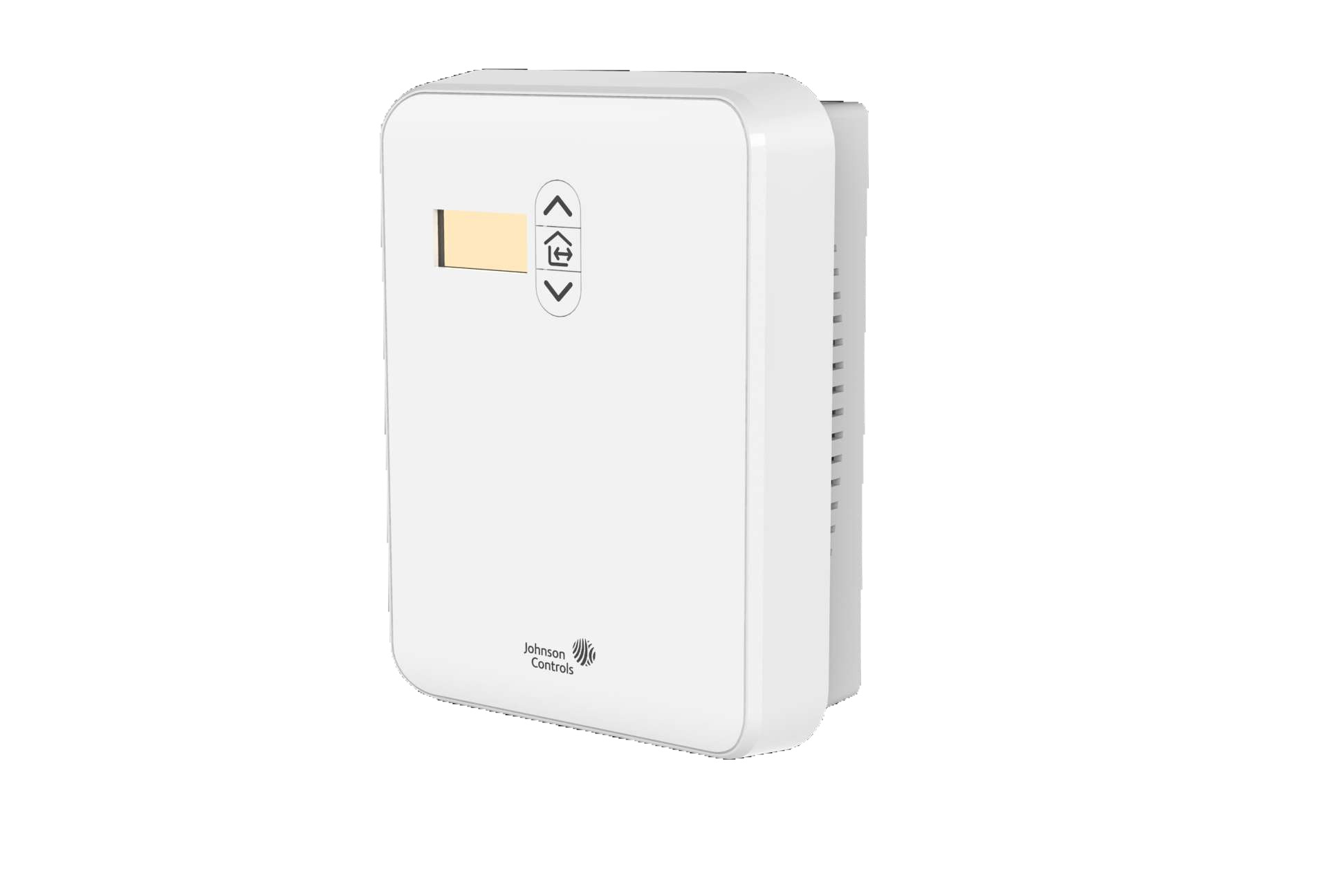
Baseboard heater thermostats come in two physical configurations, and each senses temperature differently. Wall-mounted thermostats are installed on a wall, typically 4 to 5 feet above the floor, away from direct heat sources. They sense the average room air temperature, which makes them more accurate for whole-room comfort. Unit-mounted thermostats attach directly to the baseboard heater housing itself. These sense the air temperature right at the heater's intake, which means they react more quickly to changes but can be influenced by the heat radiating from the unit itself.
The choice between them affects how your room feels. Wall-mounted units give a more stable, room-wide reading but can be slower to respond. Unit-mounted units are easier to install and are often found on smaller heaters, but they may cause the room to feel cooler because the thermostat shuts off when it senses heat from the heater rather than the actual room temperature. For best results, avoid placing furniture or curtains near either type, blocked airflow will cause inaccurate readings and uneven heating.
Matching your thermostat to your heater's electrical load
Before purchasing any thermostat, you must match it to your heater's electrical specifications. Every line-voltage thermostat is rated for a specific voltage (120V or 240V) and a maximum current (measured in amps). Running a heater that exceeds the thermostat's rating will cause premature failure or, worse, an electrical fire. Check the wattage stamped on your heater and the voltage at your circuit breaker, then calculate the current draw using the formula: amps = watts ÷ volts.
Industry best practice is to choose a thermostat rated for about 80% greater performance than the total wattage of your heaters. This headroom prevents the thermostat from operating at its maximum limit for extended periods, extending its lifespan and reducing the risk of contact welding or switch failure. If you're installing a smart thermostat, always verify it's specifically rated for line-voltage baseboard systems, most standard smart thermostats are designed for low-voltage HVAC systems and won't work safely here.
Simple troubleshooting for common thermostat problems
When your baseboard heater isn't behaving, start with these three checks before calling a professional.
No power at all? First, check the circuit breaker serving the heater. A tripped breaker is the most common cause of a dead heater. If the breaker is fine, verify the thermostat's wiring connections are tight, loose wires can create an open circuit.
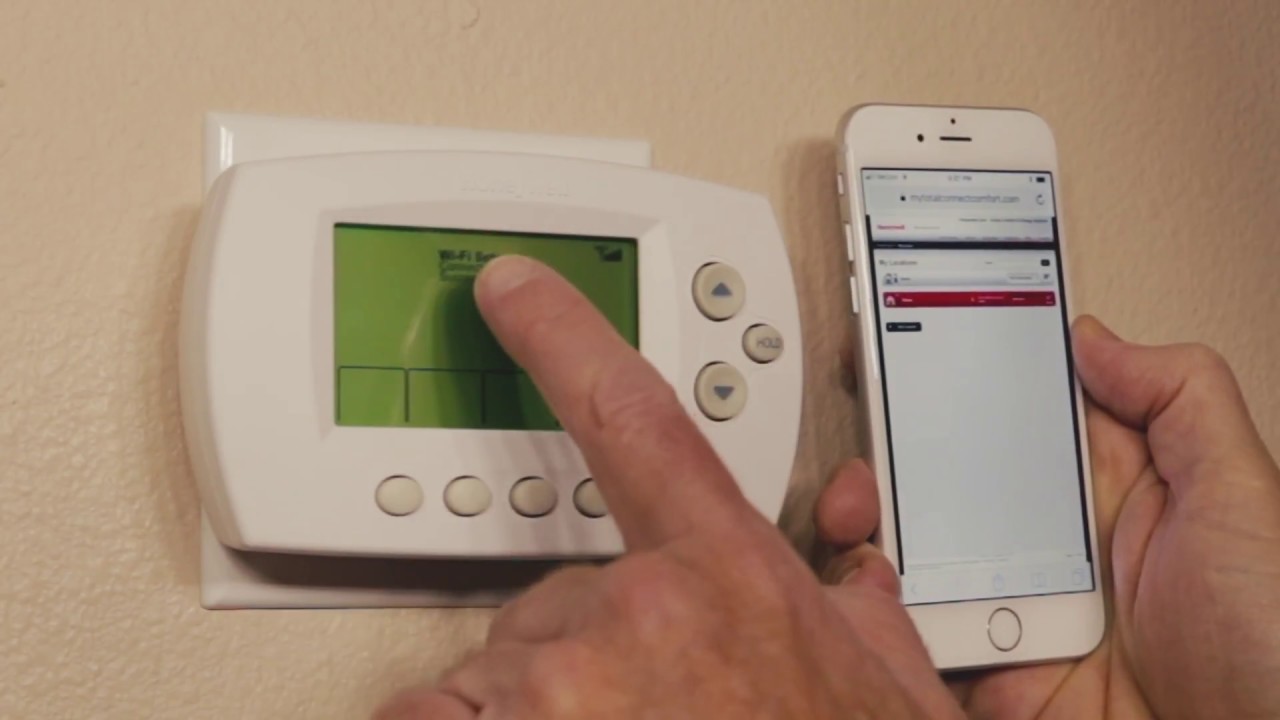
Inaccurate temperature readings? Dust and debris on the temperature sensor can insulate it from the true room air, causing it to run longer than needed. Gently clean the sensor with a soft, dry cloth. Also, check that no furniture, drapes, or electronics are sitting near the thermostat, these can create microclimates that fool the sensor. If you're trying to set up wifi on honeywell thermostat, make sure the device is within range of your router and that the sensor isn't being affected by a nearby heat source.
Uneven heating across rooms? Look for airflow obstructions at the base of the heater. Carpets, rugs, or furniture pushed against the unit will block natural convection, causing hot spots and cold spots. Move anything within 6 inches of the heater's intake and outlet. If the problem persists after these checks, the thermostat's internal relay may be failing, which is a job for a qualified electrician.
\nRelated reading: Where To Buy Honeywell Thermostats.