To screen mirror iPhone to TCL TV, both devices must support Apple's AirPlay 2 and be on the same Wi-Fi network. You can start mirroring from your iPhone's Control Center...
How to pair HoloLens with Visual Studio Pairing HoloLens with Visual Studio is the process of establishing a trusted connection between your device and your PC so you can deploy...
To scan and email a document with your HP printer, you need to use the HP Smart app while your printer and computer are connected to the same Wi-Fi network....
When your Wi-Fi stops working, the cause is often a temporary glitch, an incorrect password, or a signal issue, not a hardware failure. If your device is showing "wifi not...
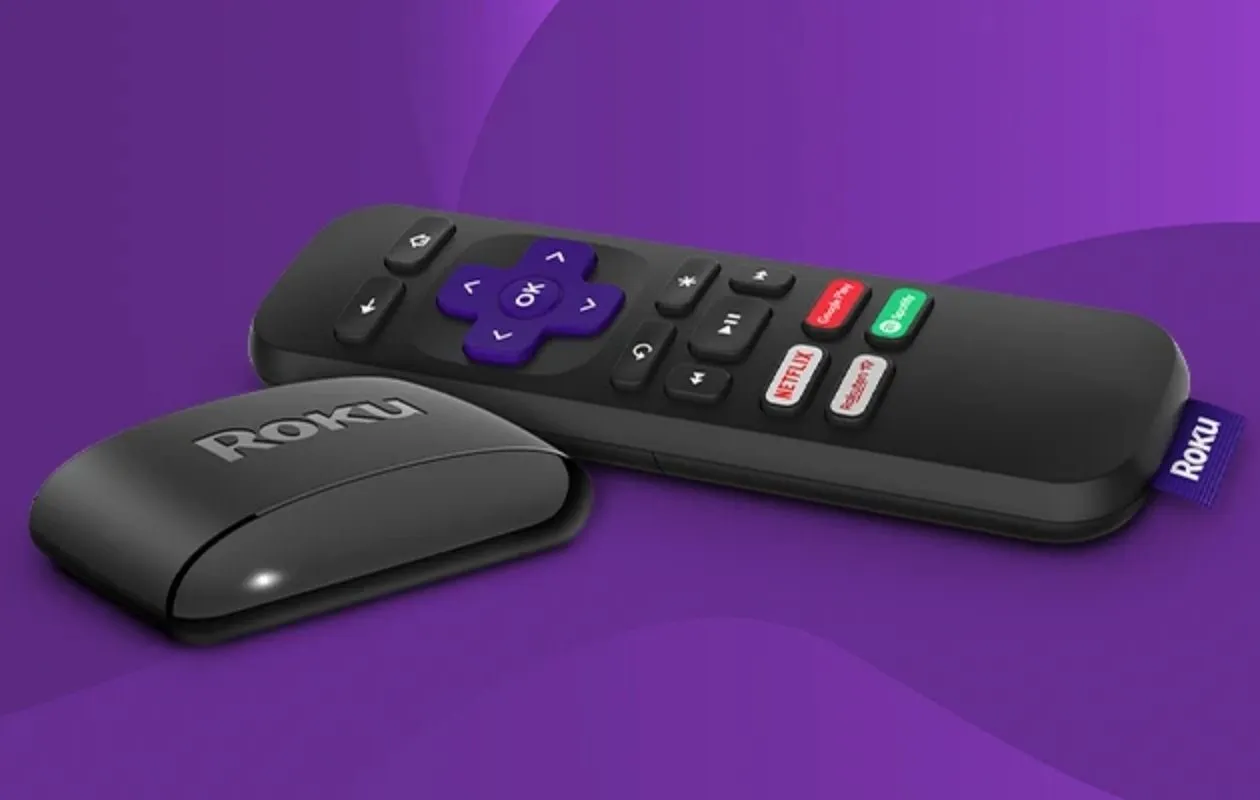
The simplest way to connect Roku remote without WiFi is to use a standard infrared (IR) remote, which requires no network connection at all. If you have a simple Roku...
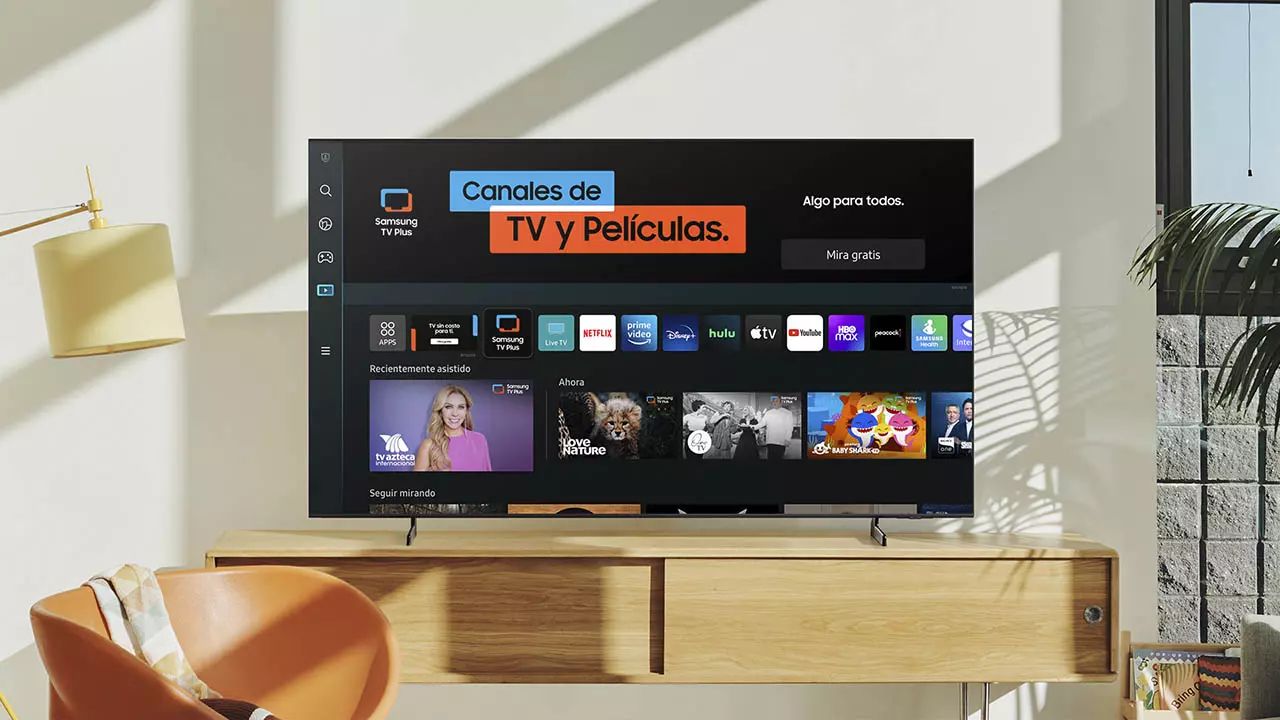
You can setup Samsung smart TV without remote by using the Samsung SmartThings app on your smartphone. This method lets you connect your TV to Wi-Fi and control it entirely...
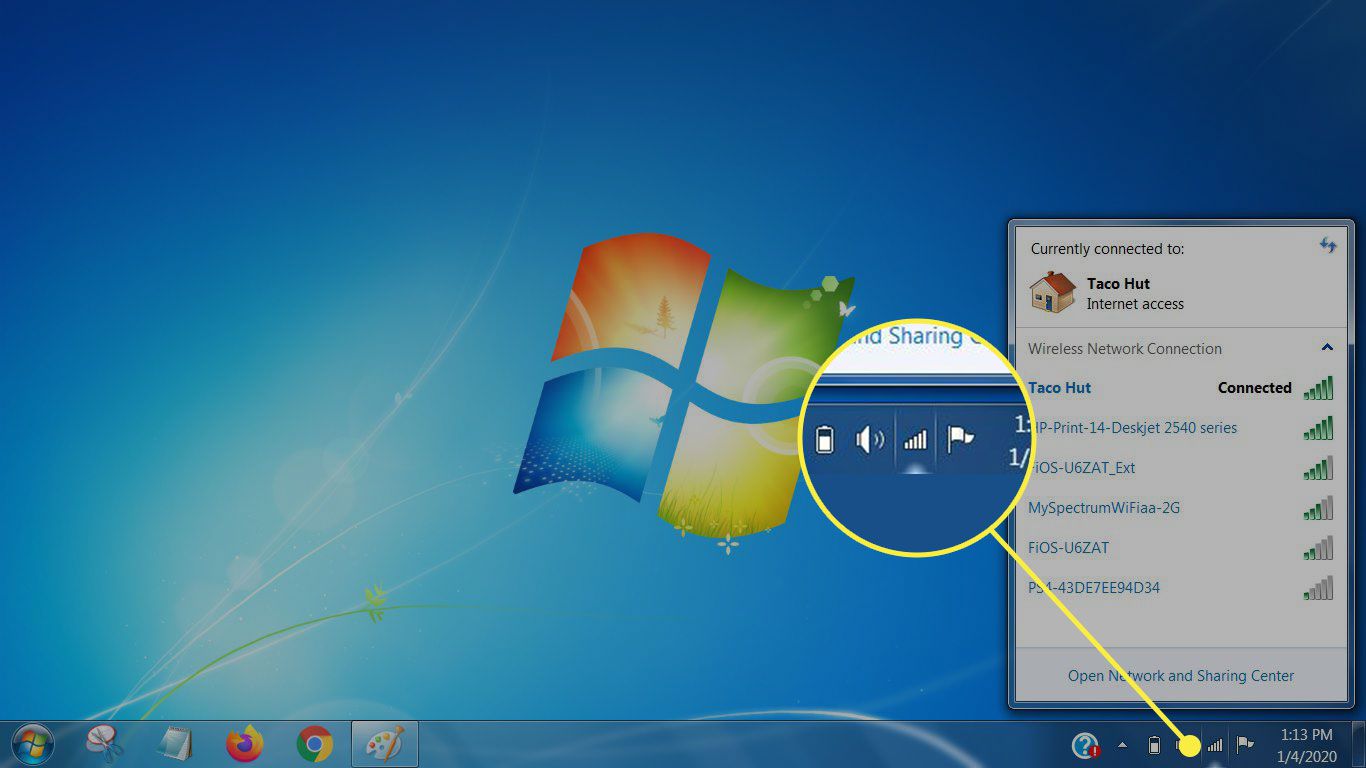
To connect smart TV to wifi with login, you need to handle a captive portal, a network that requires you to sign in through a web page before granting internet...
You cannot see the Wi-Fi password on most smart TVs from Samsung, Sony, LG, and Roku because their operating systems hide it for security reasons. Instead of searching for a...
If your LG smart TV won't connect to the internet, the problem is almost always a temporary network glitch, an incorrect settings entry, or outdated firmware, not a dead TV....
To use Wi-Fi on Samsung smart TV, press the Home button on your remote, then navigate to Settings and select Network. From there, choose Wireless and pick your network name...
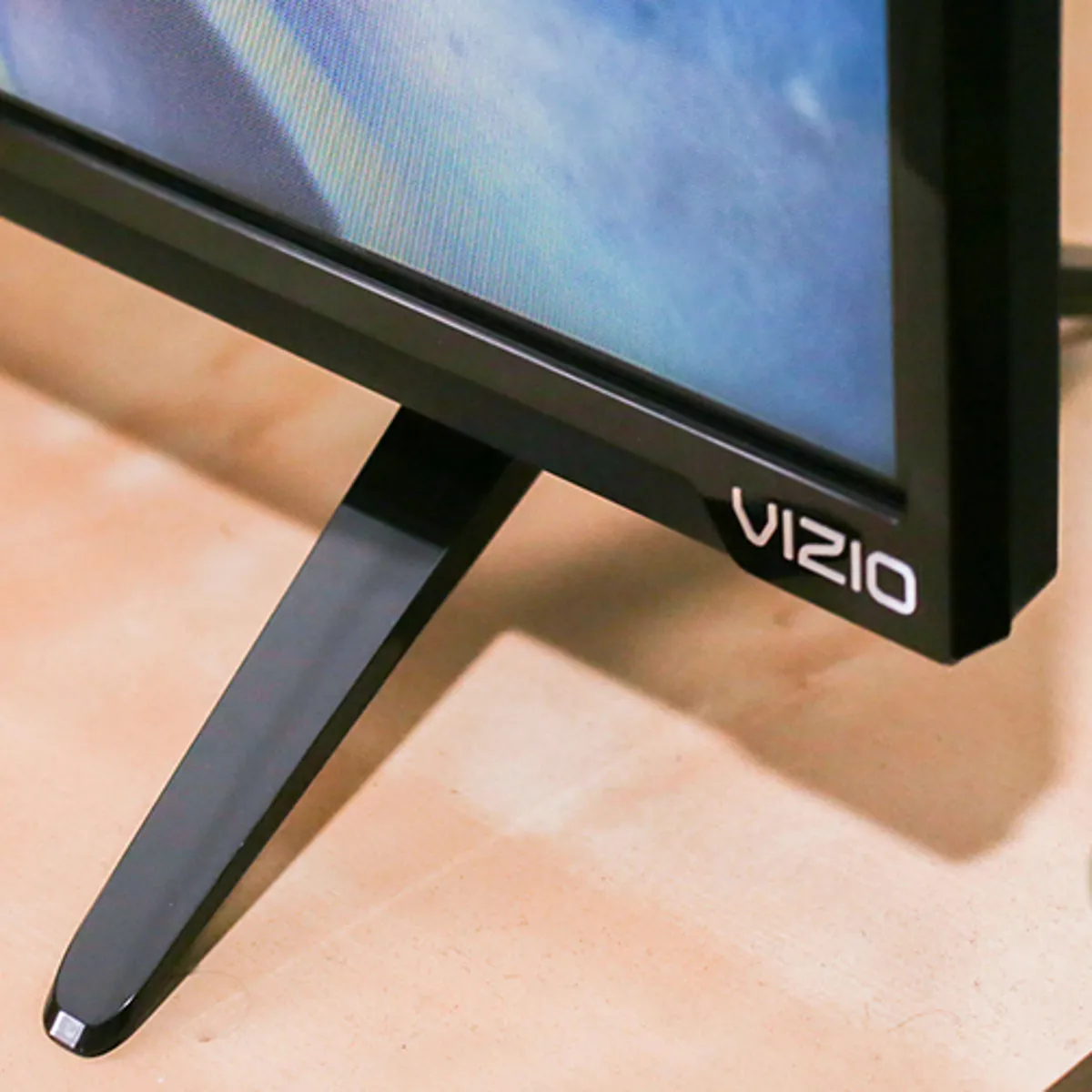
You can quickly tell if your Vizio TV is a smart TV by checking for built-in internet connectivity and pre-installed streaming apps. If your Vizio TV has a Wi-Fi or...
To disable VPN on smart TV, open the VPN app you installed on the TV itself and tap the Disconnect button, that’s the fastest fix for most people. If the...
This website uses cookies so that we can provide you with the best user experience possible. Cookie information is stored in your browser and performs functions such as recognising you when you return to our website and helping our team to understand which sections of the website you find most interesting and useful.
Strictly Necessary Cookies
Strictly Necessary Cookie should be enabled at all times so that we can save your preferences for cookie settings.
If you disable this cookie, we will not be able to save your preferences. This means that every time you visit this website you will need to enable or disable cookies again.