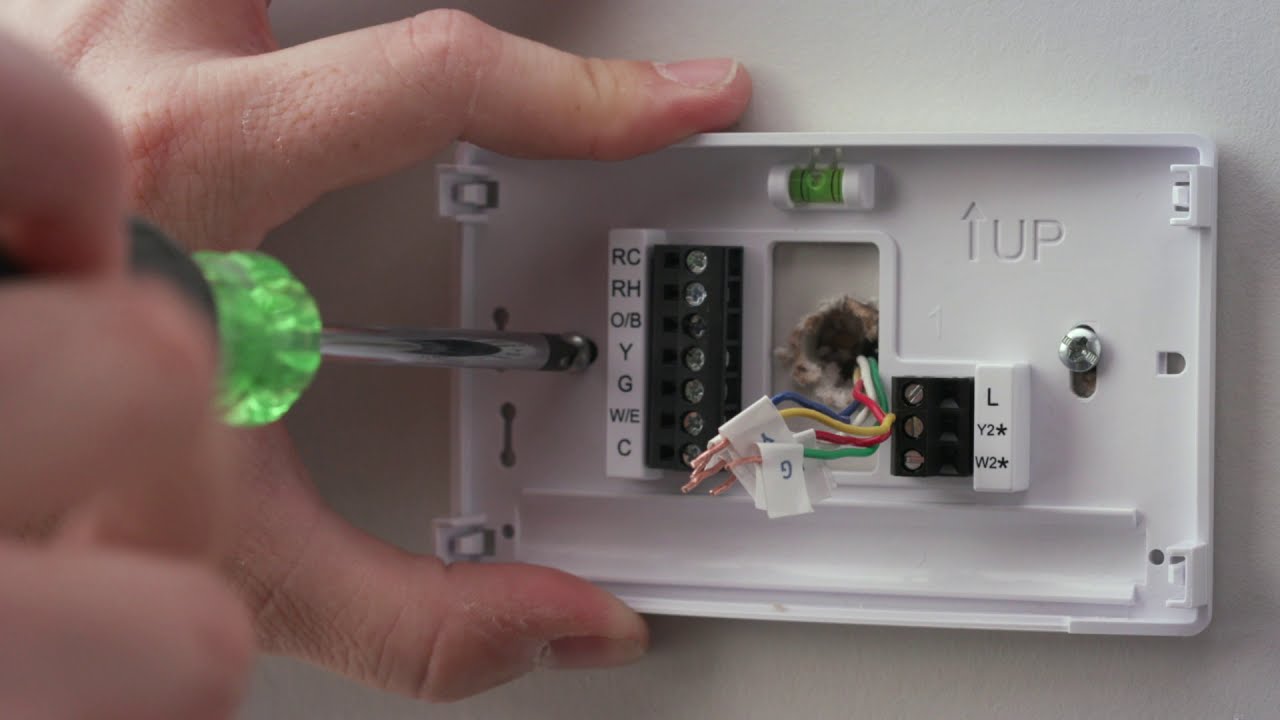
How To Install Sensi Smart Thermostat To install a Sensi Smart Thermostat, you must first verify your HVAC system is compatible, then label and disconnect the old wires, mount the...
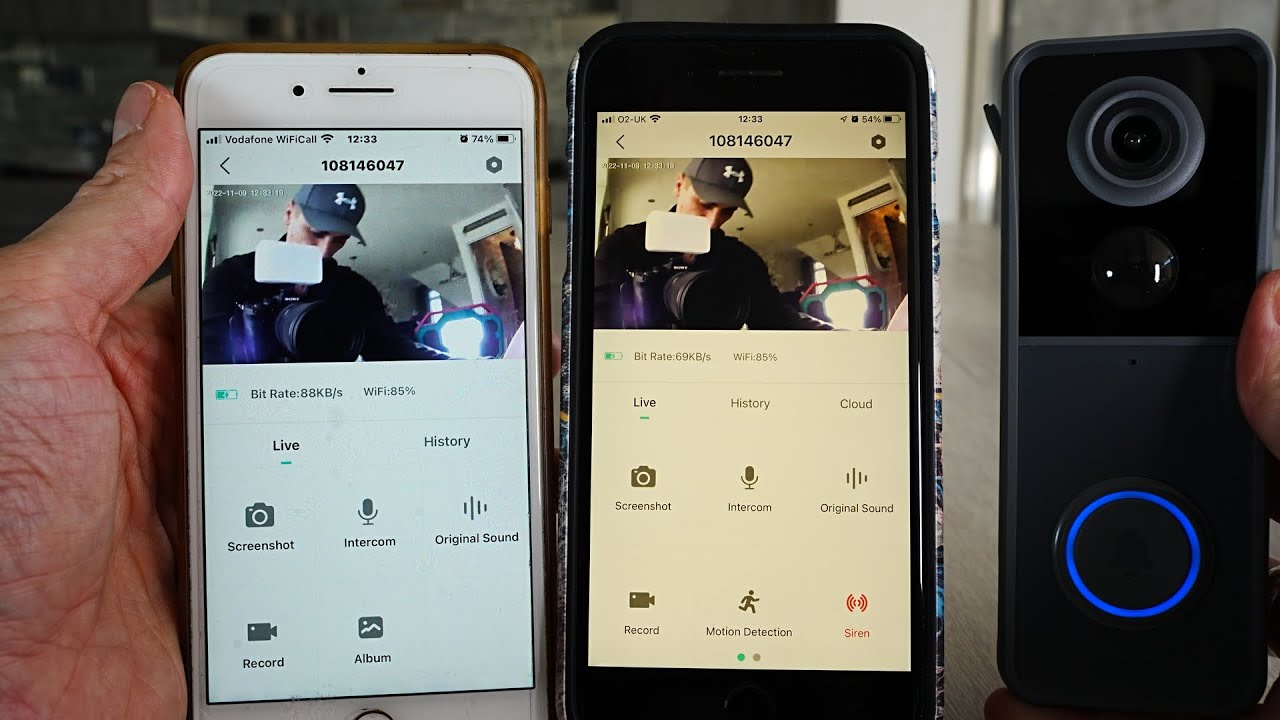
To connect a Ring Video Doorbell to multiple phones, you add each person to your Ring account as a Shared User through the Ring app. This gives them their own...
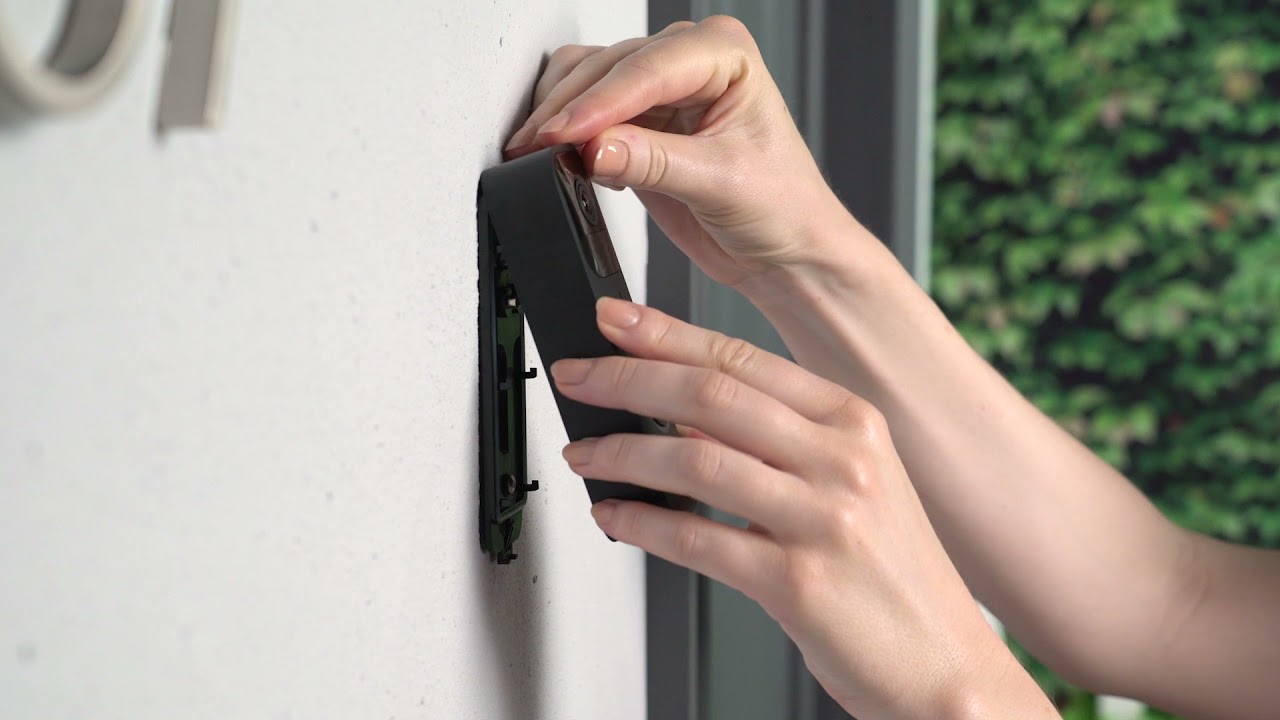
To install a Blink Video Doorbell, you will physically mount the device and pair it with the Blink Home Monitor app over a 2.4GHz Wi-Fi network. This guide covers both...
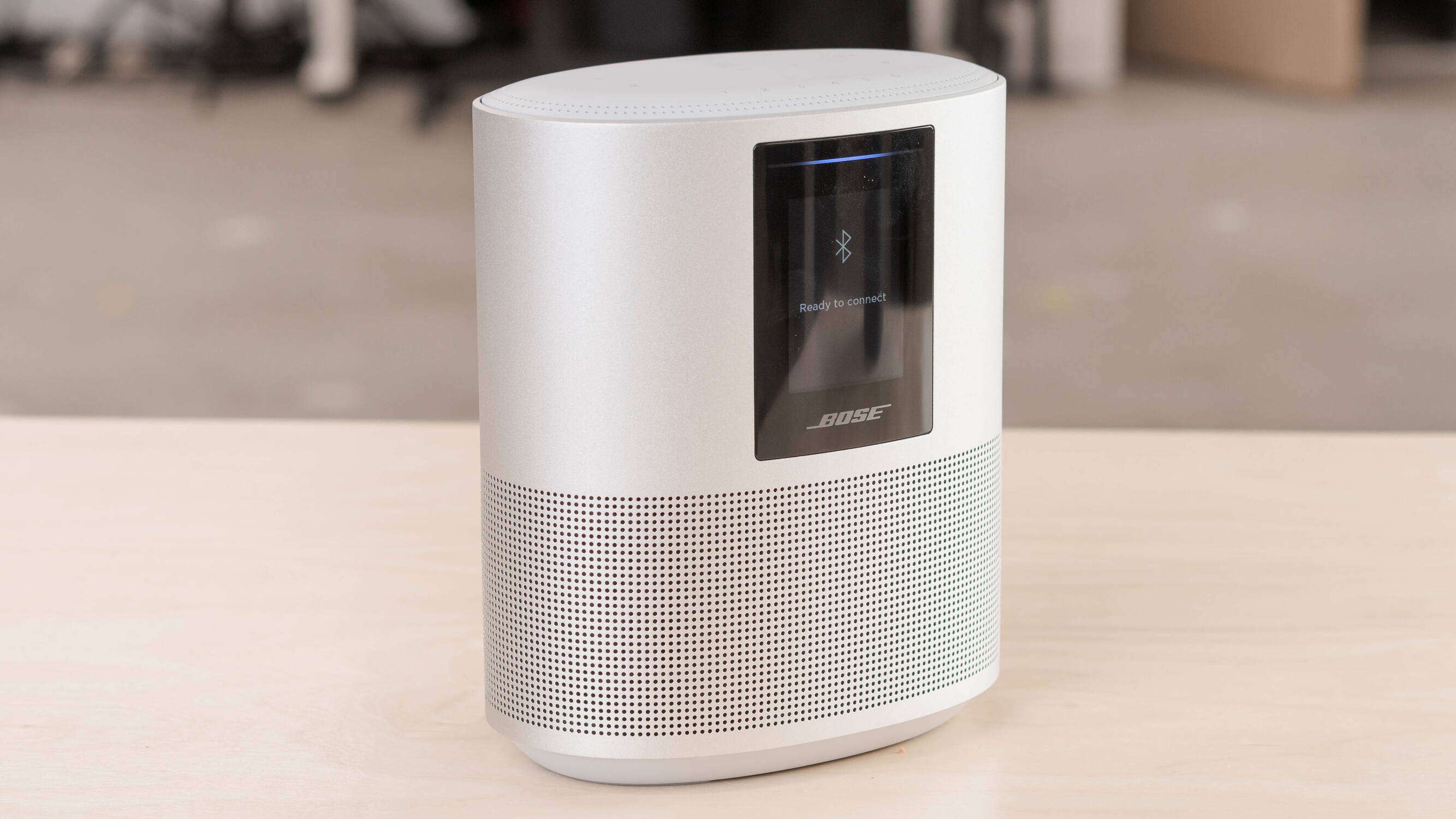
To reset a Bose smart speaker, you first need to decide whether a simple reboot or a full factory restore is needed. A soft reset corrects minor glitches without clearing...
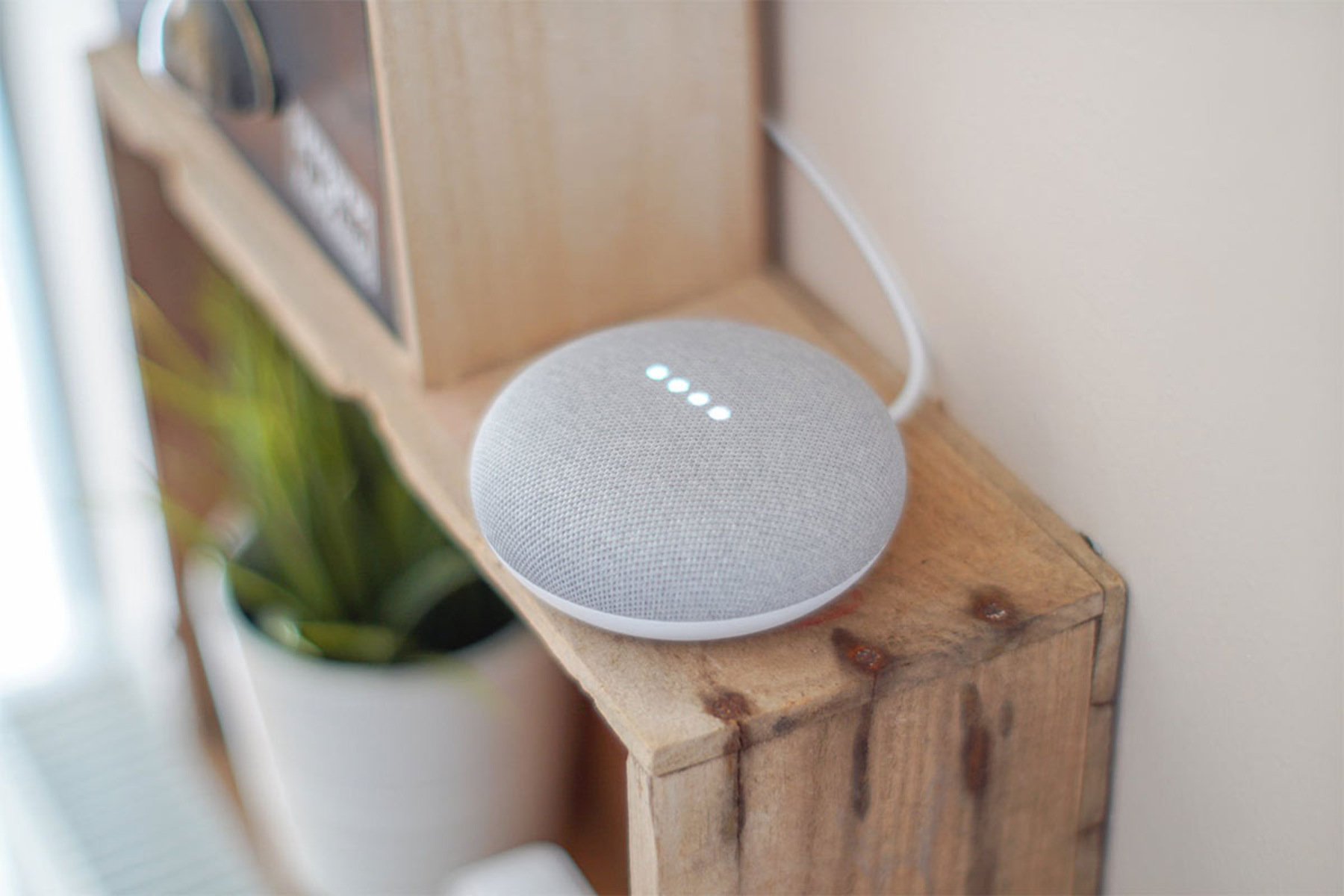
To connect your Google smart speaker to Wi-Fi, you'll use the Google Home app on your phone or tablet, the same app at the heart of building your own helpful...
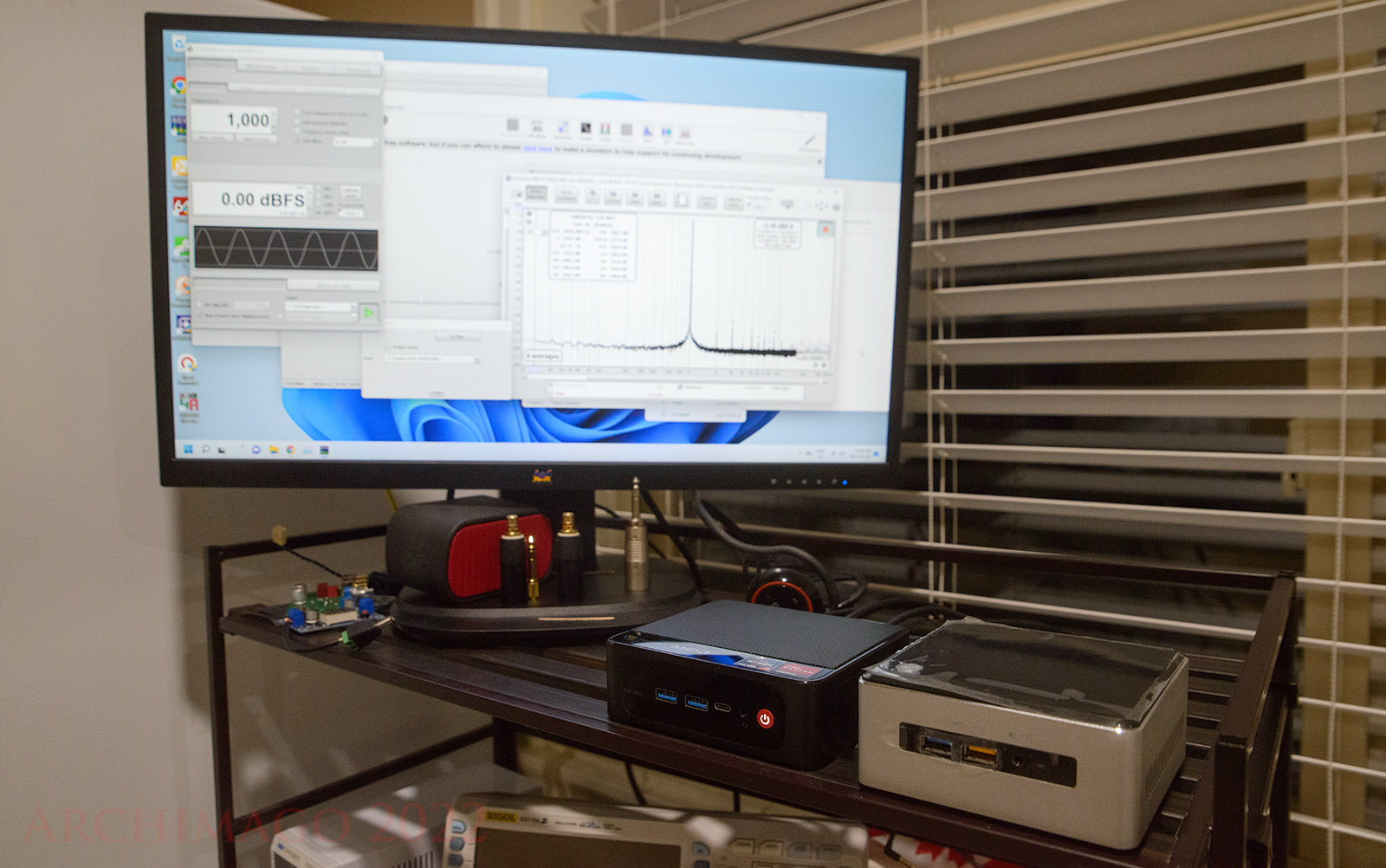
To set up your Beelink Mini PC, you need to make the physical connections first and then complete the initial Windows configuration on the first boot. This guide walks you...
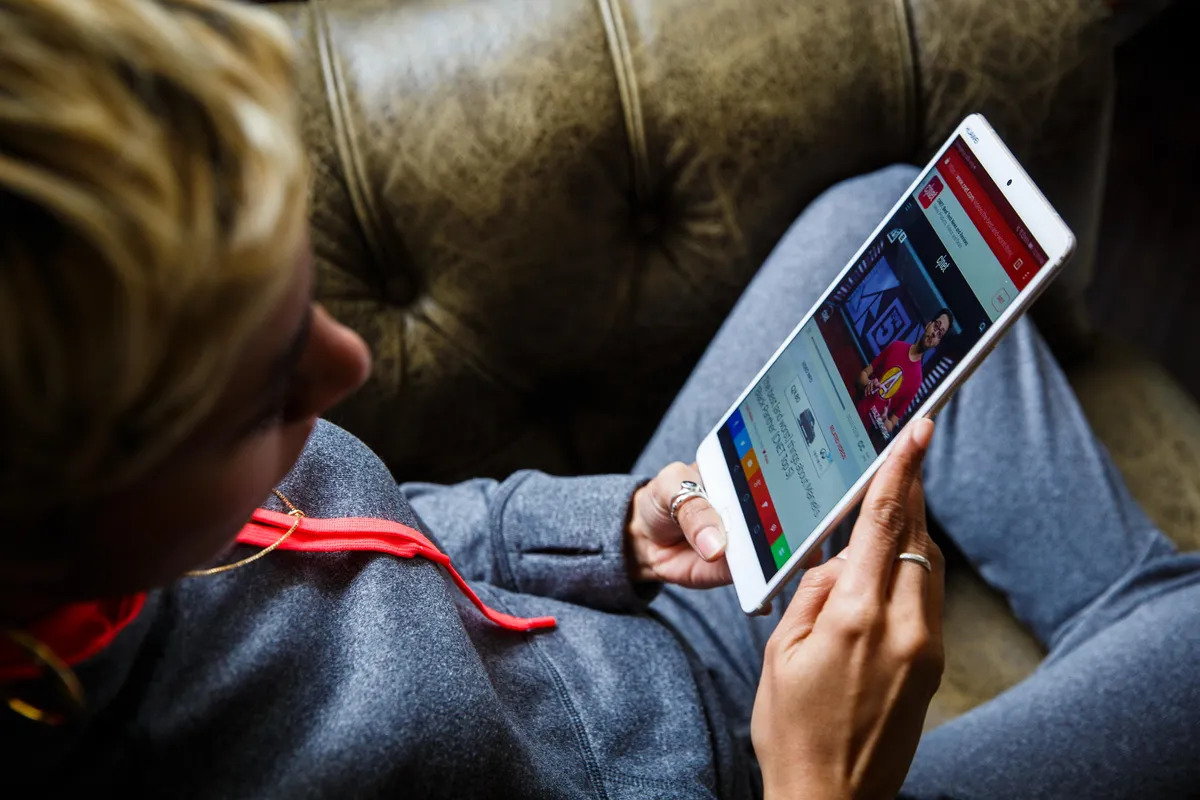
If you're wondering "why cant I watch videos on my android tablet," the most common culprits are a glitched video app cache, an unsupported video format, or a weak internet...
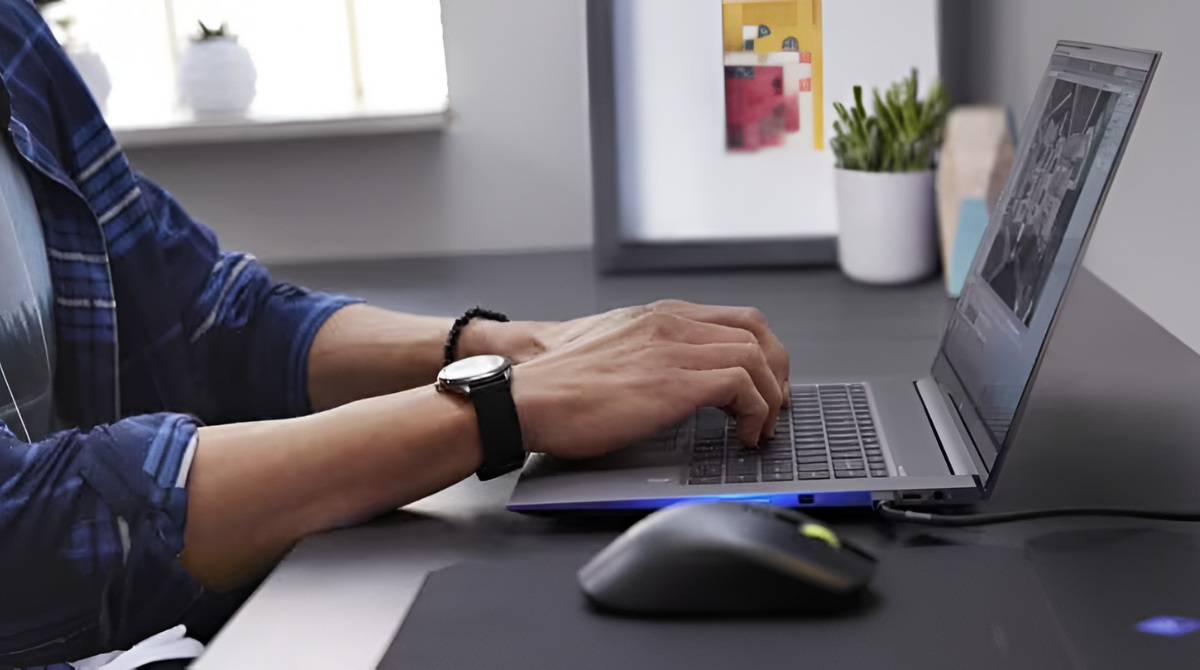
The fastest way to turn on wifi on an HP Ultrabook is to click the network icon (the small globe or signal bars) in the lower-right corner of your screen,...
To fix an authentication problem on your tablet, you need to resolve a Wi-Fi connection failure, not a device lockout. This fix authentication problem tablet guide will walk you through...
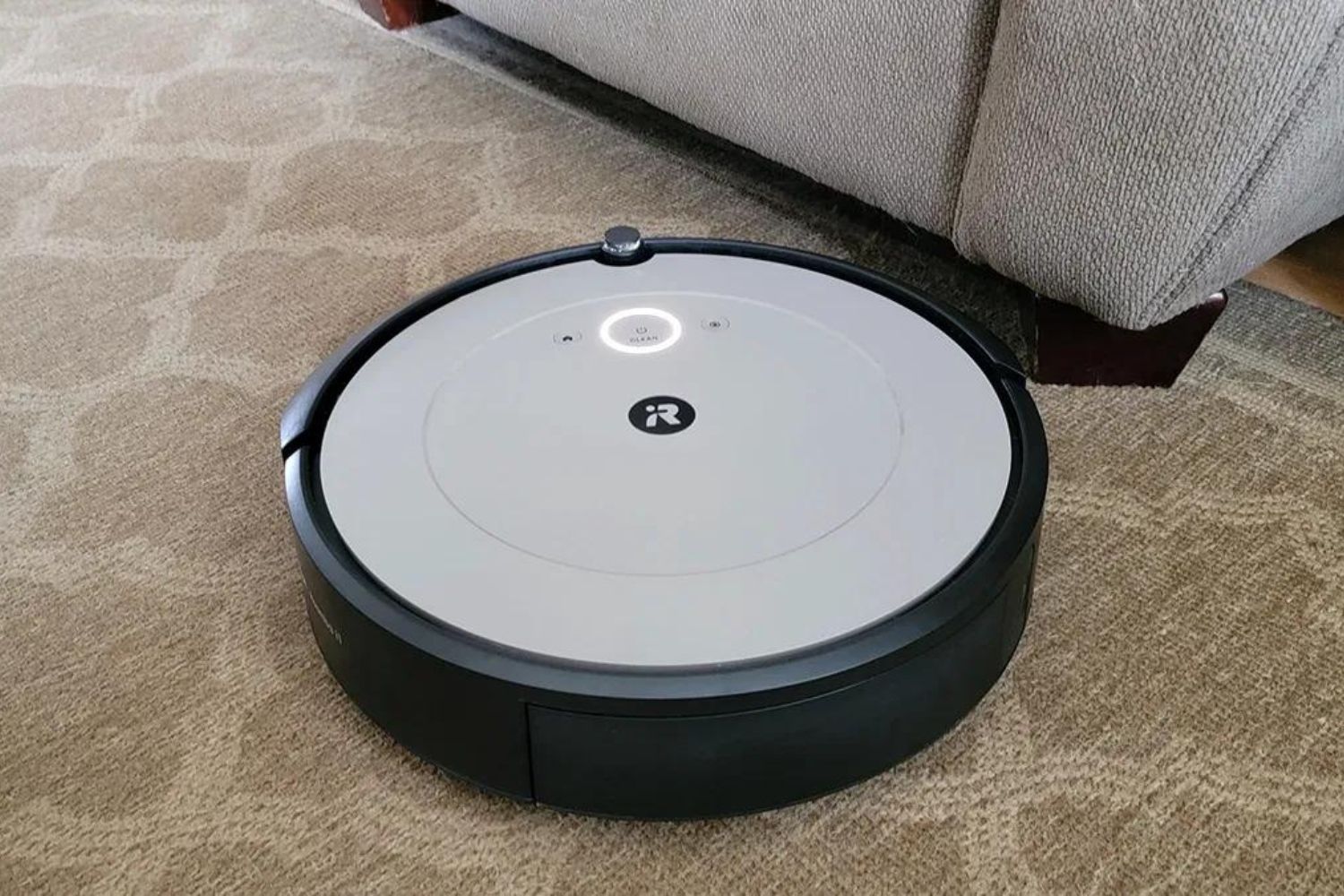
To reset robot vacuum cleaner, start with a soft reset: remove it from the dock and press and hold the power, clean, or start button for 3-10 seconds until it...
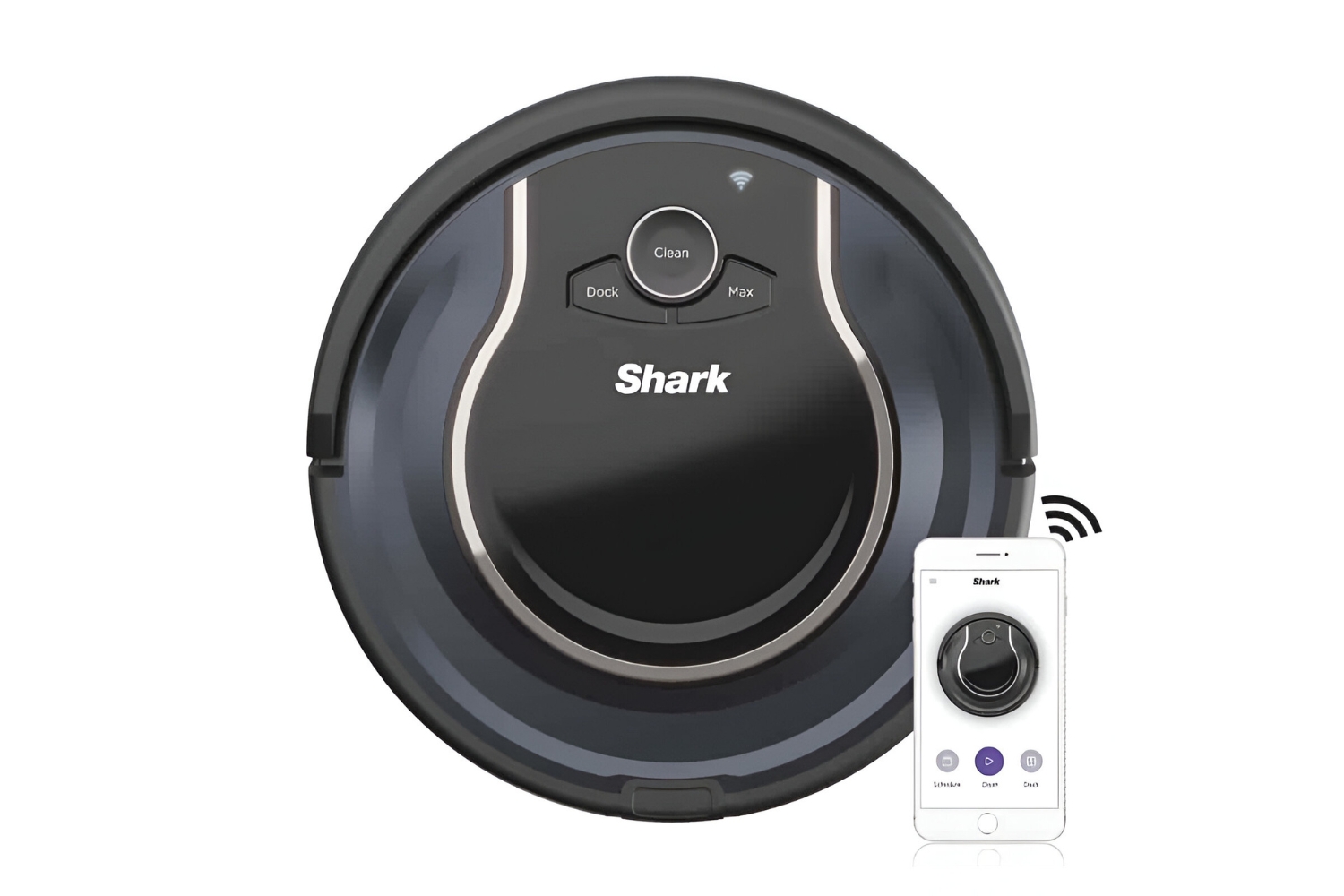
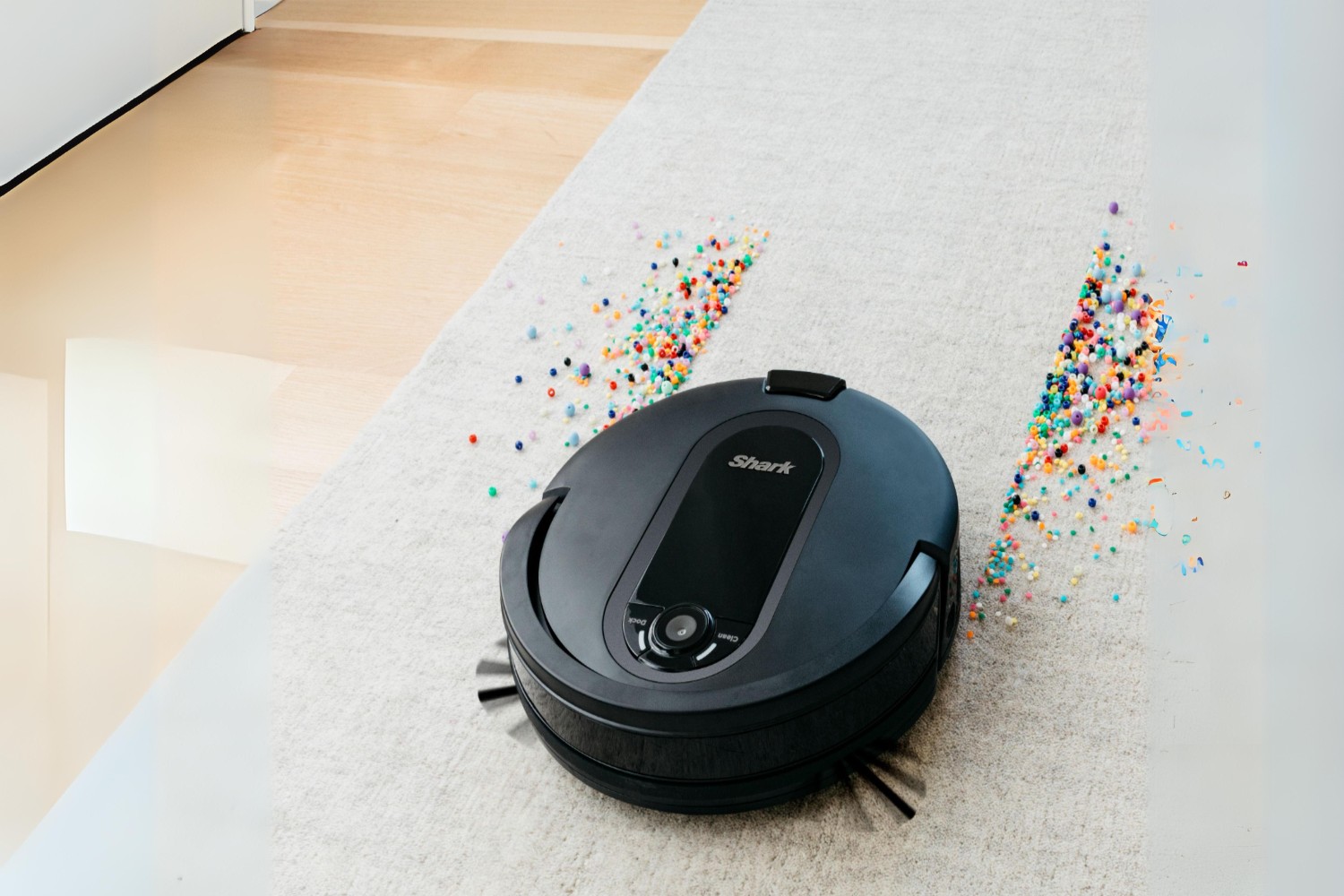
To hard reset Shark robot vacuum, you can either perform a quick restart that clears minor glitches without losing your data, or a full factory reset that erases all saved...
To reconnect your Shark robot vacuum to Wi-Fi after a router or password change, you must use the SharkClean app to re-add the device as if it were new. The...
This website uses cookies so that we can provide you with the best user experience possible. Cookie information is stored in your browser and performs functions such as recognising you when you return to our website and helping our team to understand which sections of the website you find most interesting and useful.
Strictly Necessary Cookies
Strictly Necessary Cookie should be enabled at all times so that we can save your preferences for cookie settings.
If you disable this cookie, we will not be able to save your preferences. This means that every time you visit this website you will need to enable or disable cookies again.