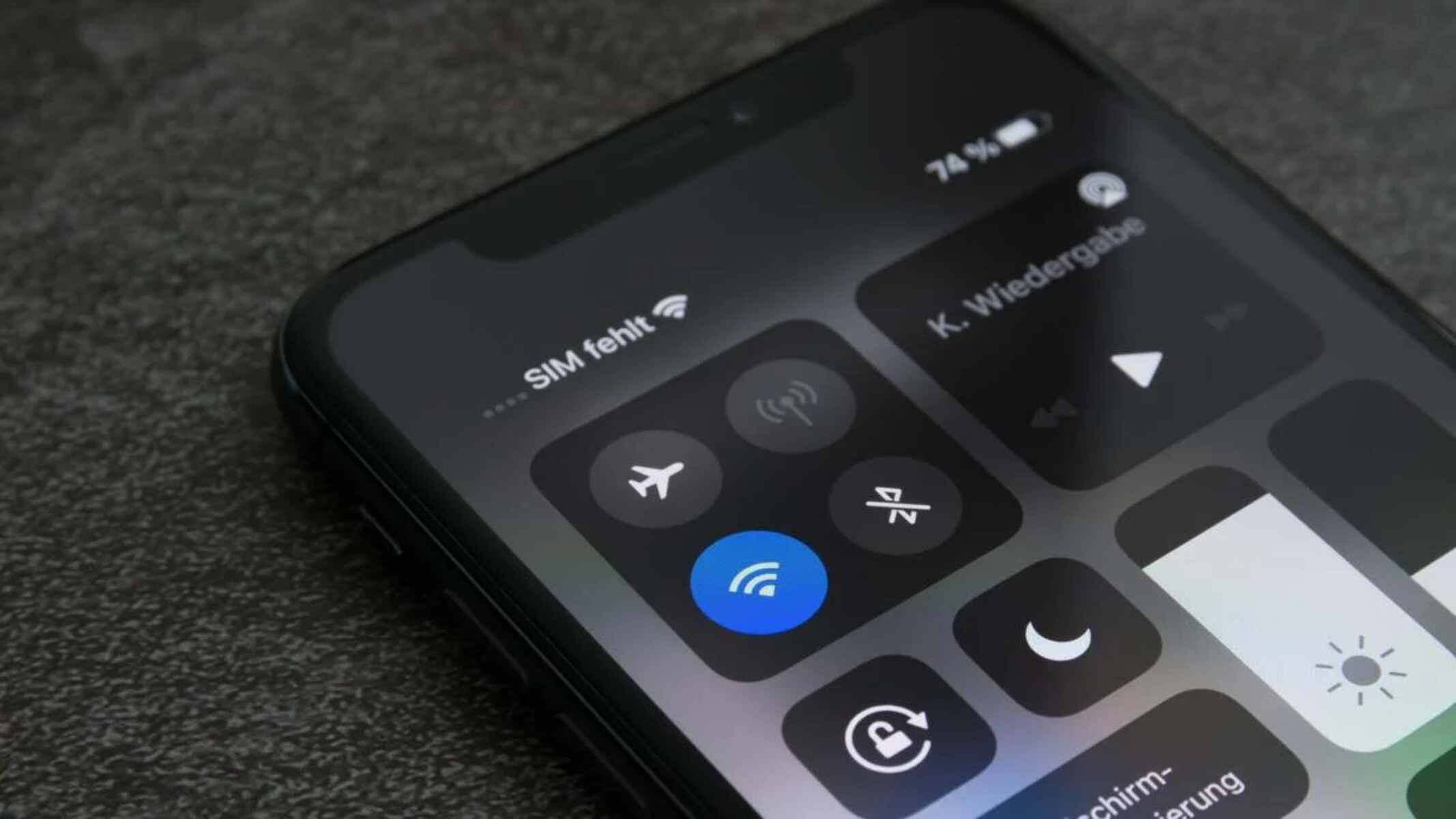
Wi-Fi Assist is the iPhone feature that automatically switches to cellular data when your Wi-Fi connection is weak or unreliable, and it’s turned on by default. This means your iPhone...
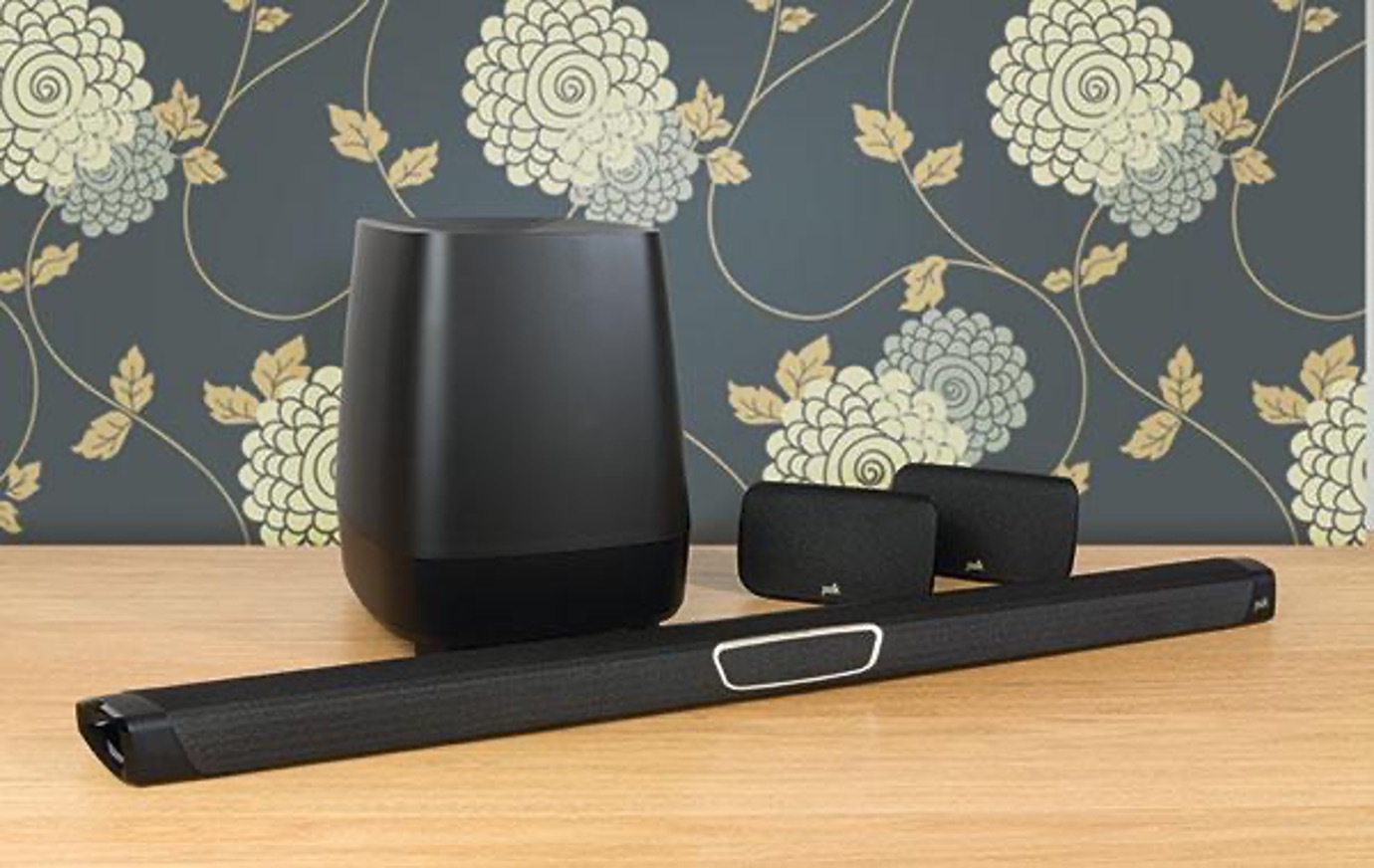
To update my Polk soundbar, the easiest path depends on your model: most current Polk soundbars like the MagniFi Max and MagniFi Mini update themselves automatically overnight when connected to...
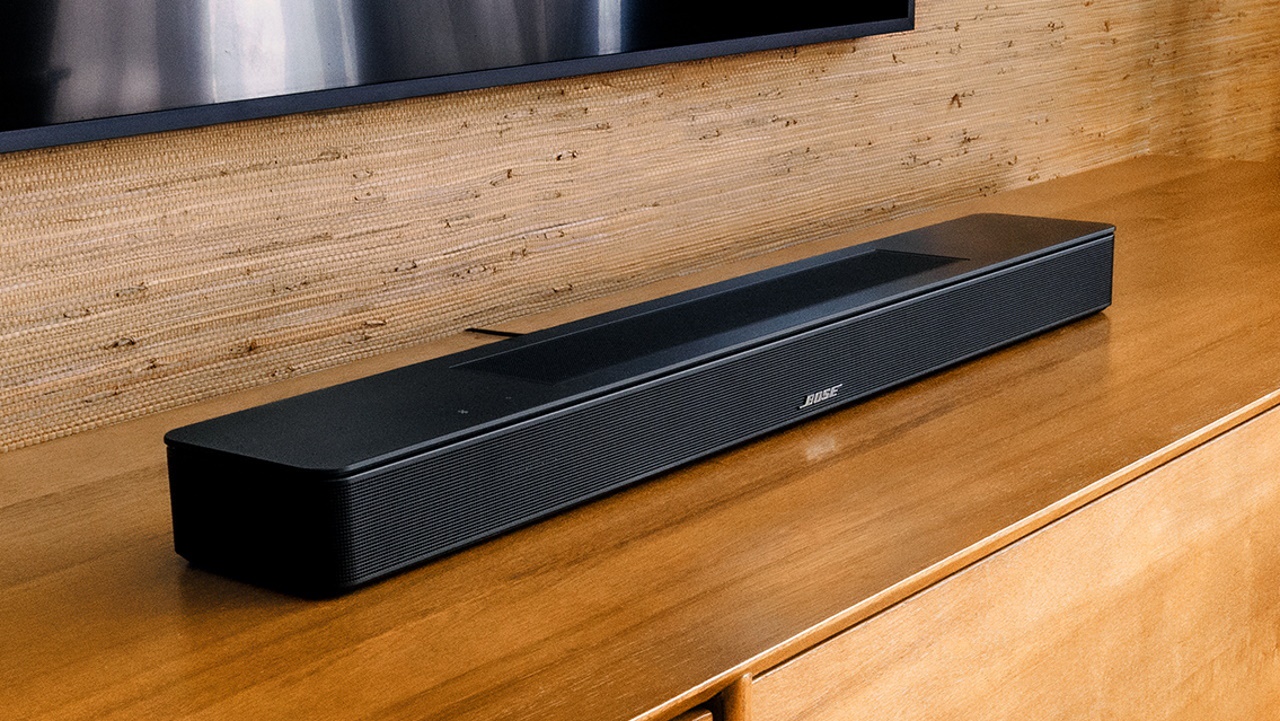
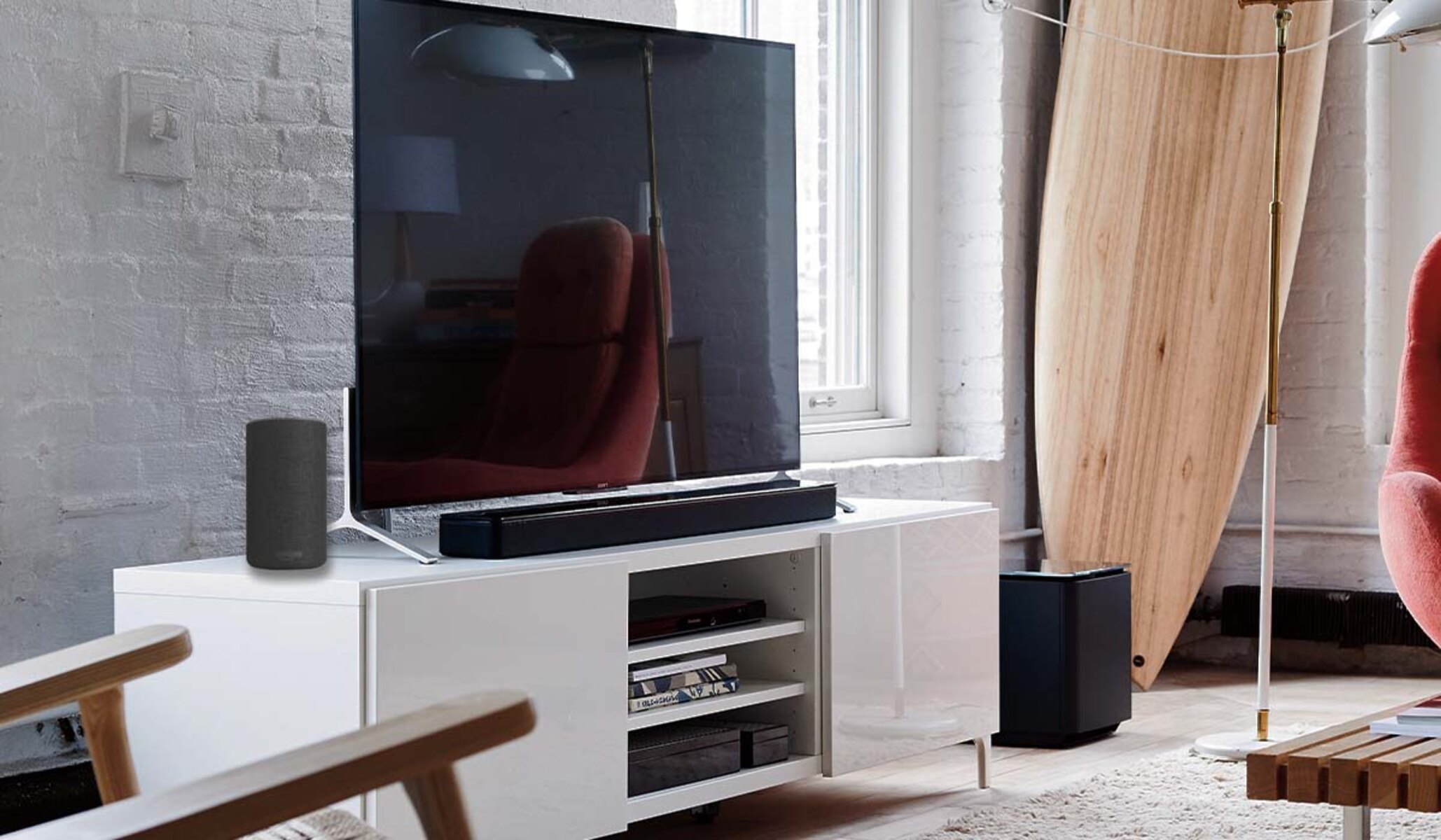
A solid orange light on your Bose soundbar means one of two things, depending on your model. If you own a Smart Soundbar 900, 700, or similar model, the bose...
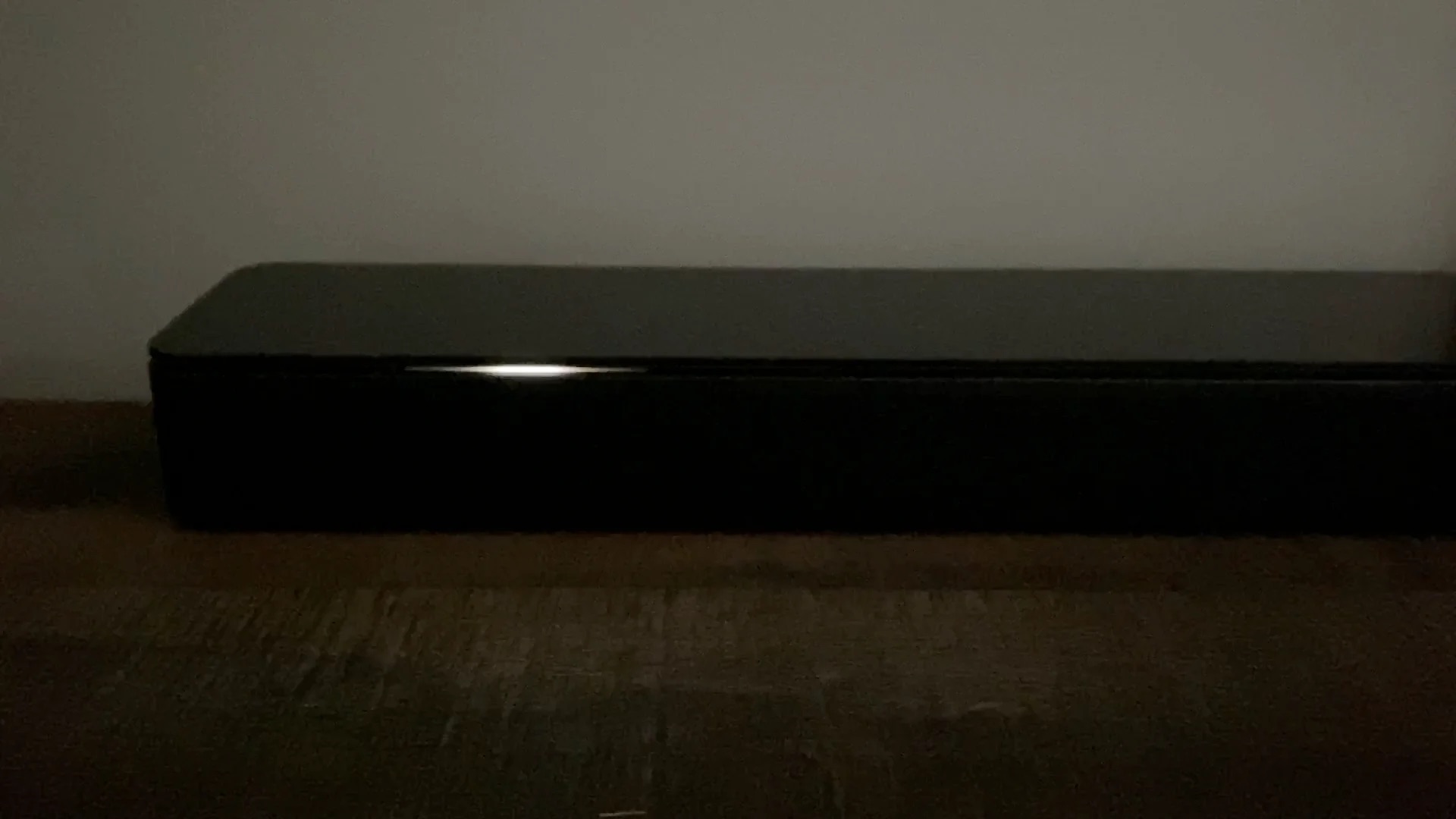
A flashing white light on a Bose soundbar is the device's primary way of communicating its current state, most commonly indicating a startup sequence, an active software update, or a...
To connect Alexa to a soundbar, you have two main paths: pair your Echo device to a Bluetooth or AUX soundbar for louder audio, or activate the Alexa features already...
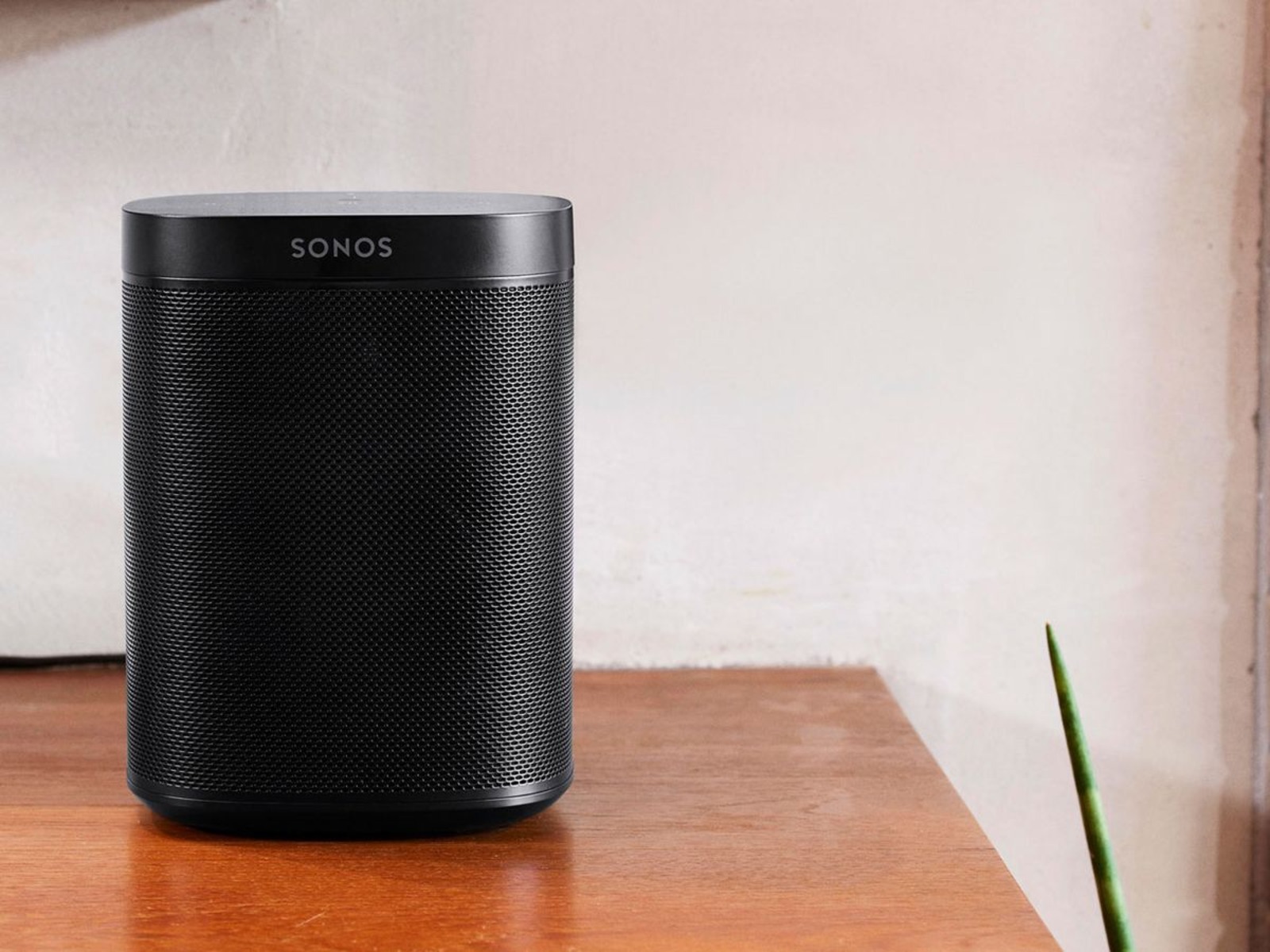
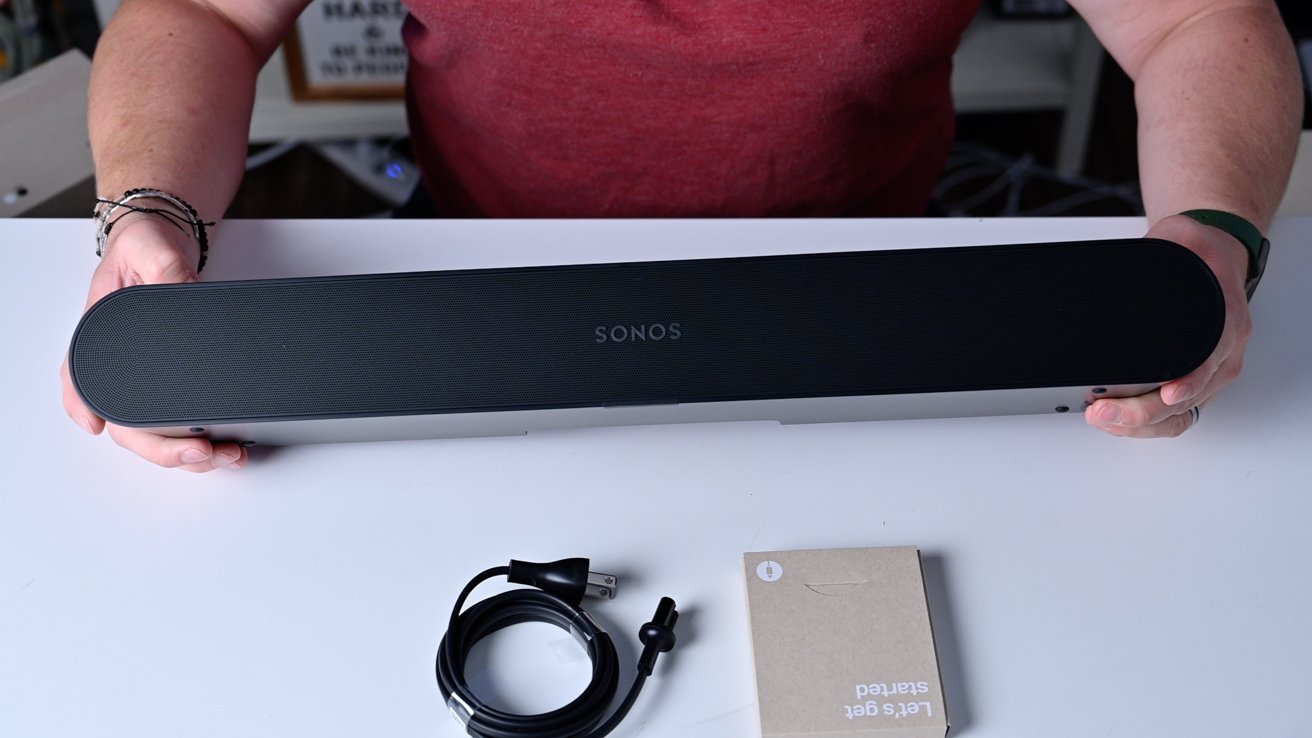
To reset a Sonos soundbar, you can use either the Sonos app for a soft reset or the physical buttons on the device for a full factory reset. The method...
To connect a Sonos soundbar to Bluetooth, you first need to know which model you own, because only the Arc Ultra and Beam Ultra have built-in Bluetooth. For those models,...
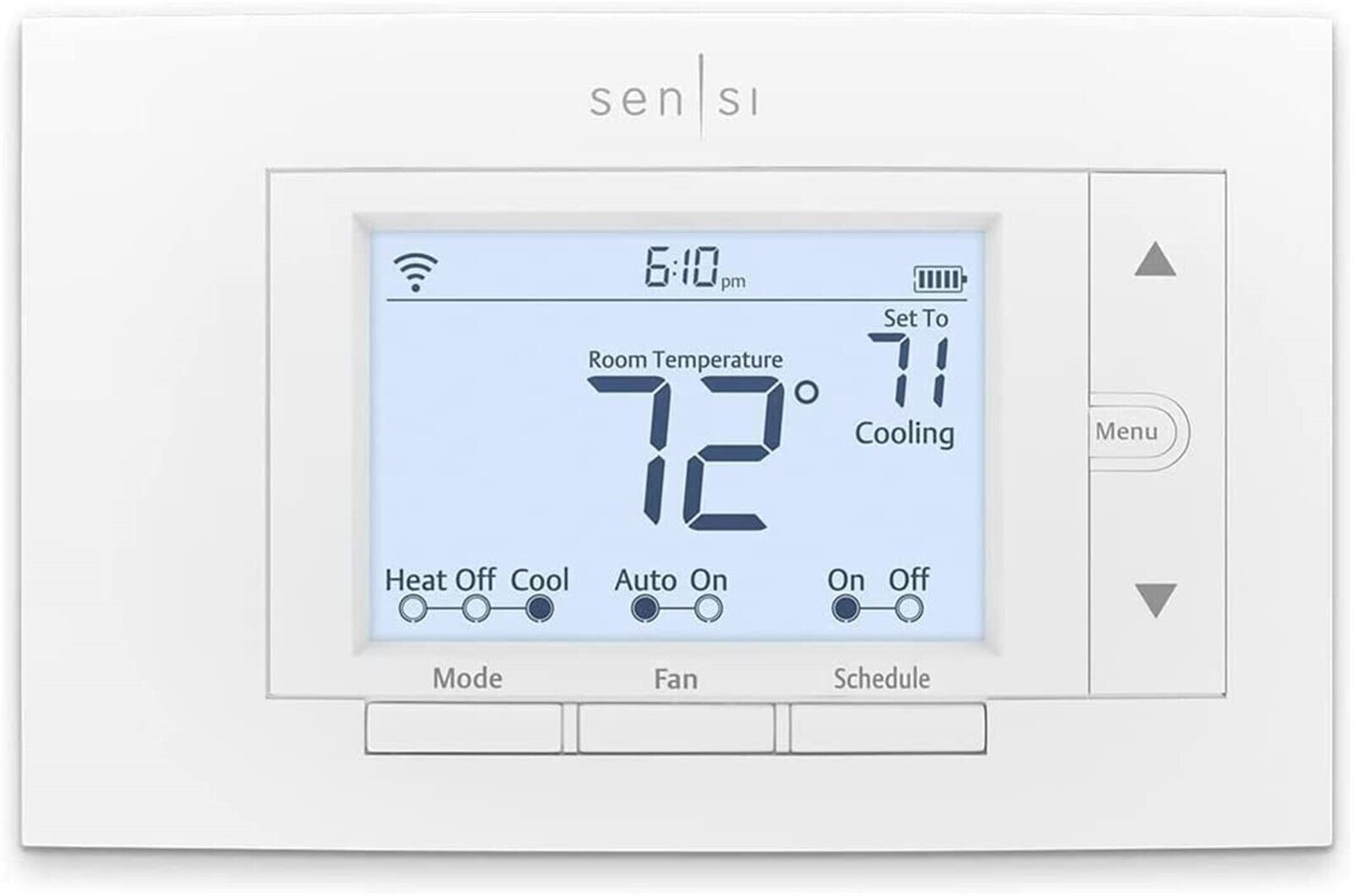
Why you might need to reset your Sensi smart thermostat To reset a smart thermostat, you need to know the exact button sequence or menu path for your specific Sensi...
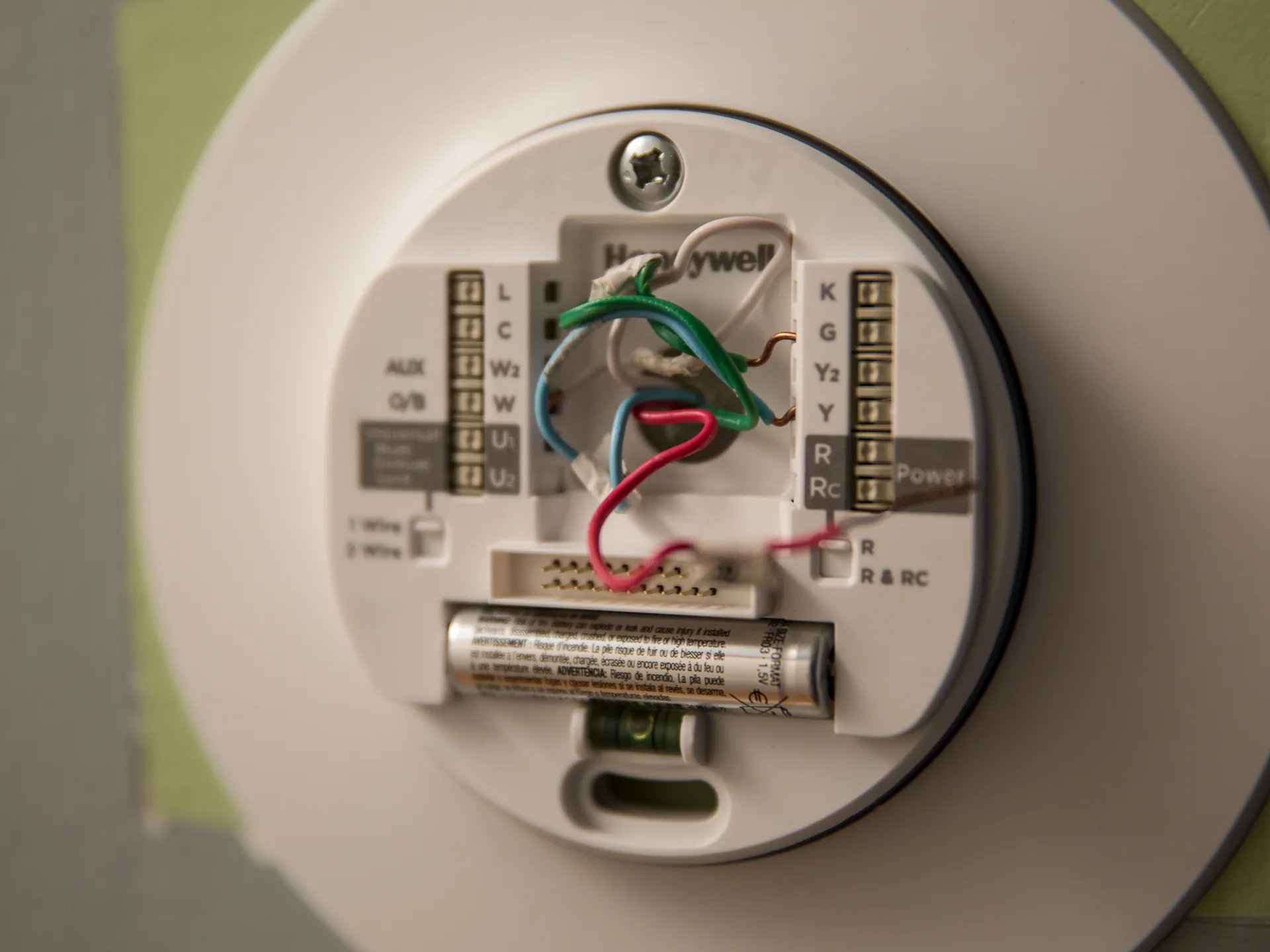
Meeting the smart thermostat wiring requirements for most standard home HVAC systems involves just four wires: R (power), W (heat), Y (cool), and G (fan). However, almost all Wi-Fi-enabled smart...
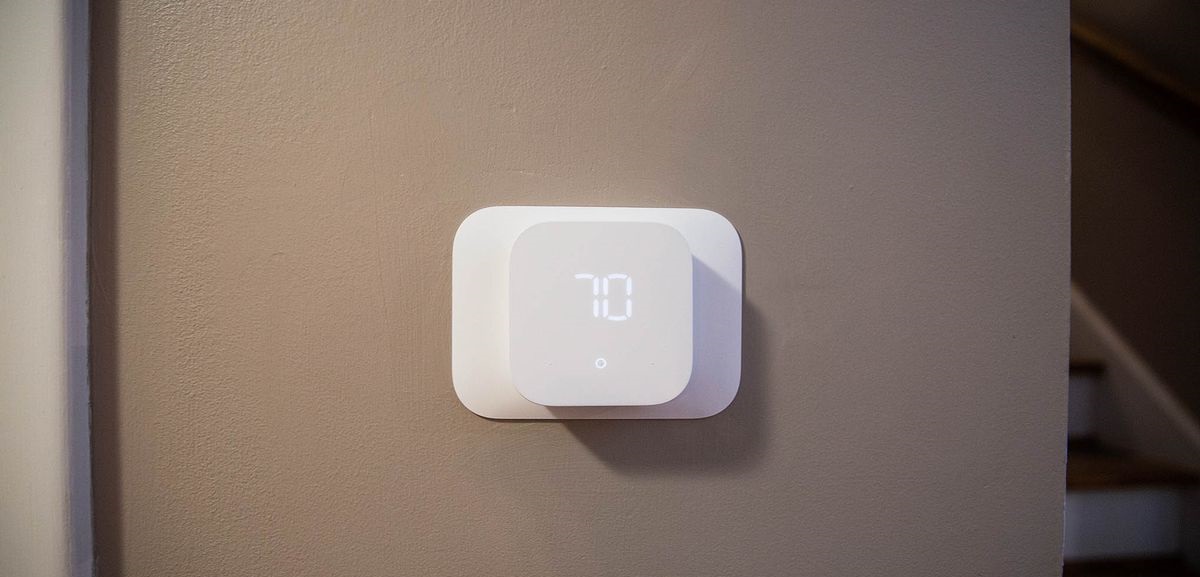
To use Amazon Echo with a smart thermostat, you need to connect the thermostat to Alexa through the Alexa app, then use voice commands to adjust temperature, set schedules, and...
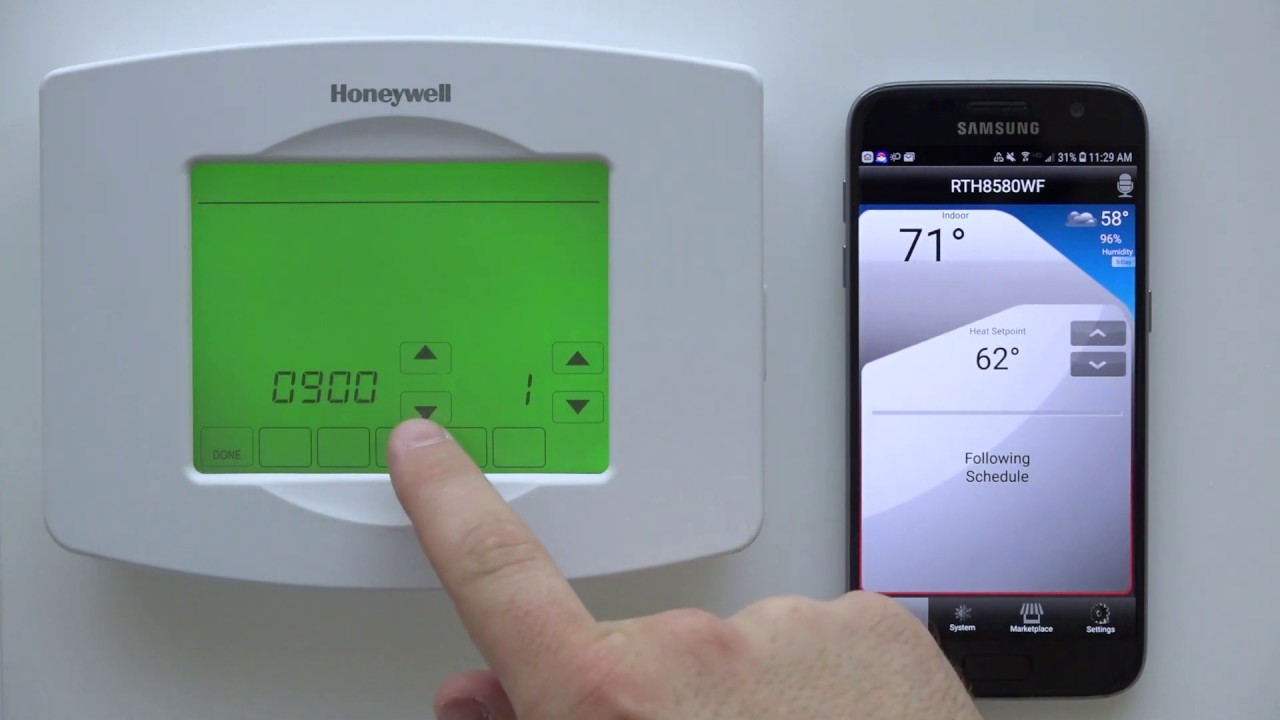
To connect your Honeywell smart thermostat to Wi-Fi, you need to confirm your home network operates on a 2.4 GHz frequency and have your smartphone or tablet ready. If you...
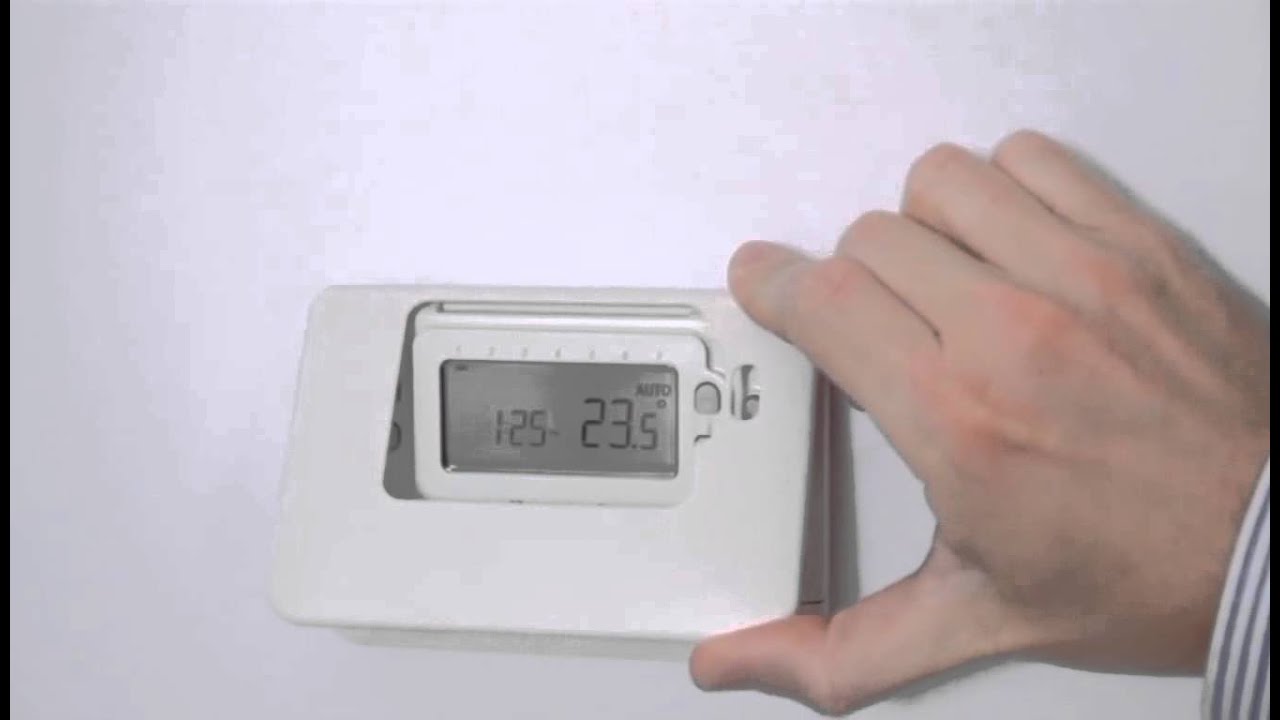
To set the time on a Honeywell smart thermostat, you first need to determine if your model is connected to Wi-Fi. If it is, the time syncs automatically and manual...
This website uses cookies so that we can provide you with the best user experience possible. Cookie information is stored in your browser and performs functions such as recognising you when you return to our website and helping our team to understand which sections of the website you find most interesting and useful.
Strictly Necessary Cookies
Strictly Necessary Cookie should be enabled at all times so that we can save your preferences for cookie settings.
If you disable this cookie, we will not be able to save your preferences. This means that every time you visit this website you will need to enable or disable cookies again.