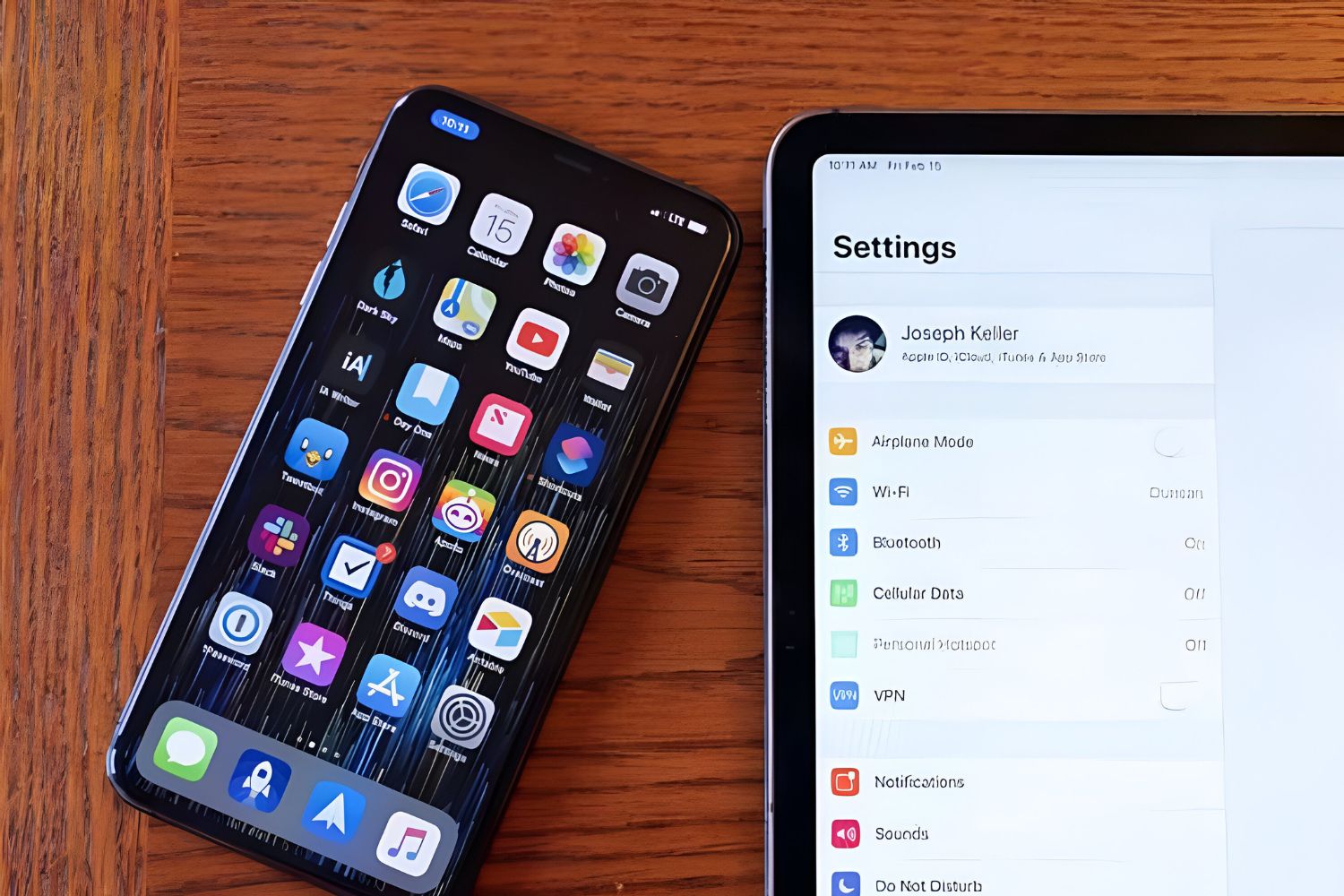
Linking iPad to iPhone hotspot is the fastest way to get your tablet online when no Wi‑Fi is available. If you and your iPhone are signed into the same Apple...
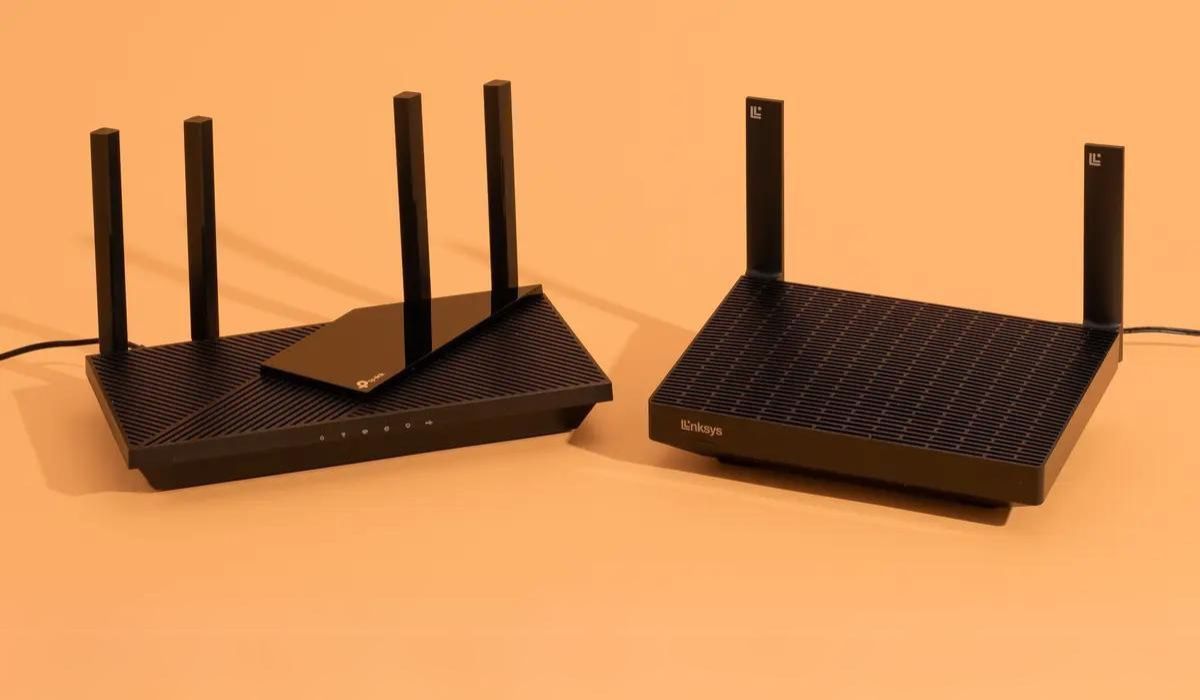
To connect a router to a hotspot, you have two reliable methods: using the router's Wi-Fi as WAN mode (often called WISP or Repeater mode) or using a USB cable...
To prevent iPhone hotspot from turning off, keep the Personal Hotspot settings screen open in the foreground on your iPhone. This is the most reliable way to maintain the broadcast...
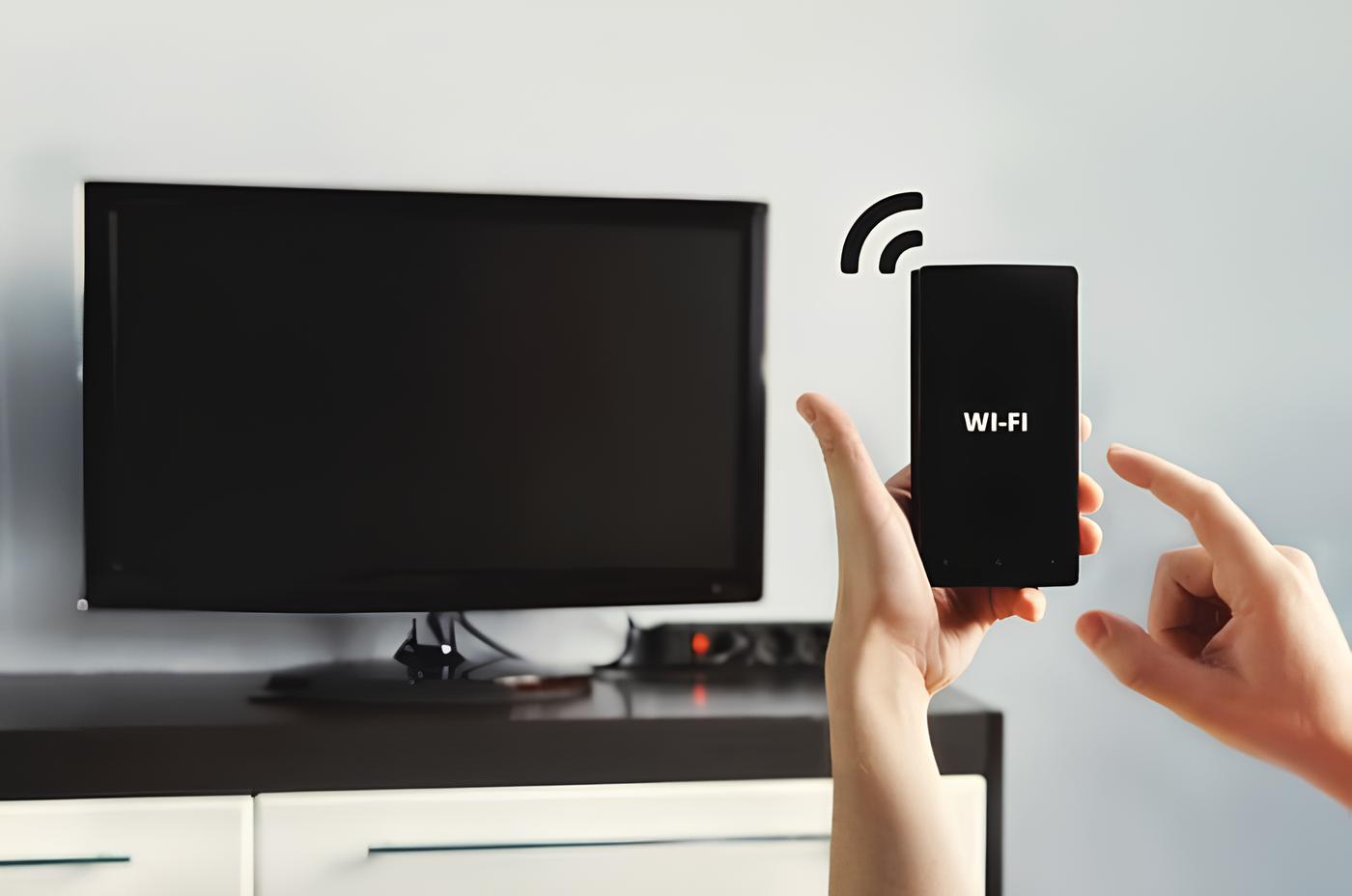
To connect your LG Smart TV to a mobile hotspot, you’ll enable the hotspot on your phone, then use your TV’s Wi-Fi menu to join that network, no router or...
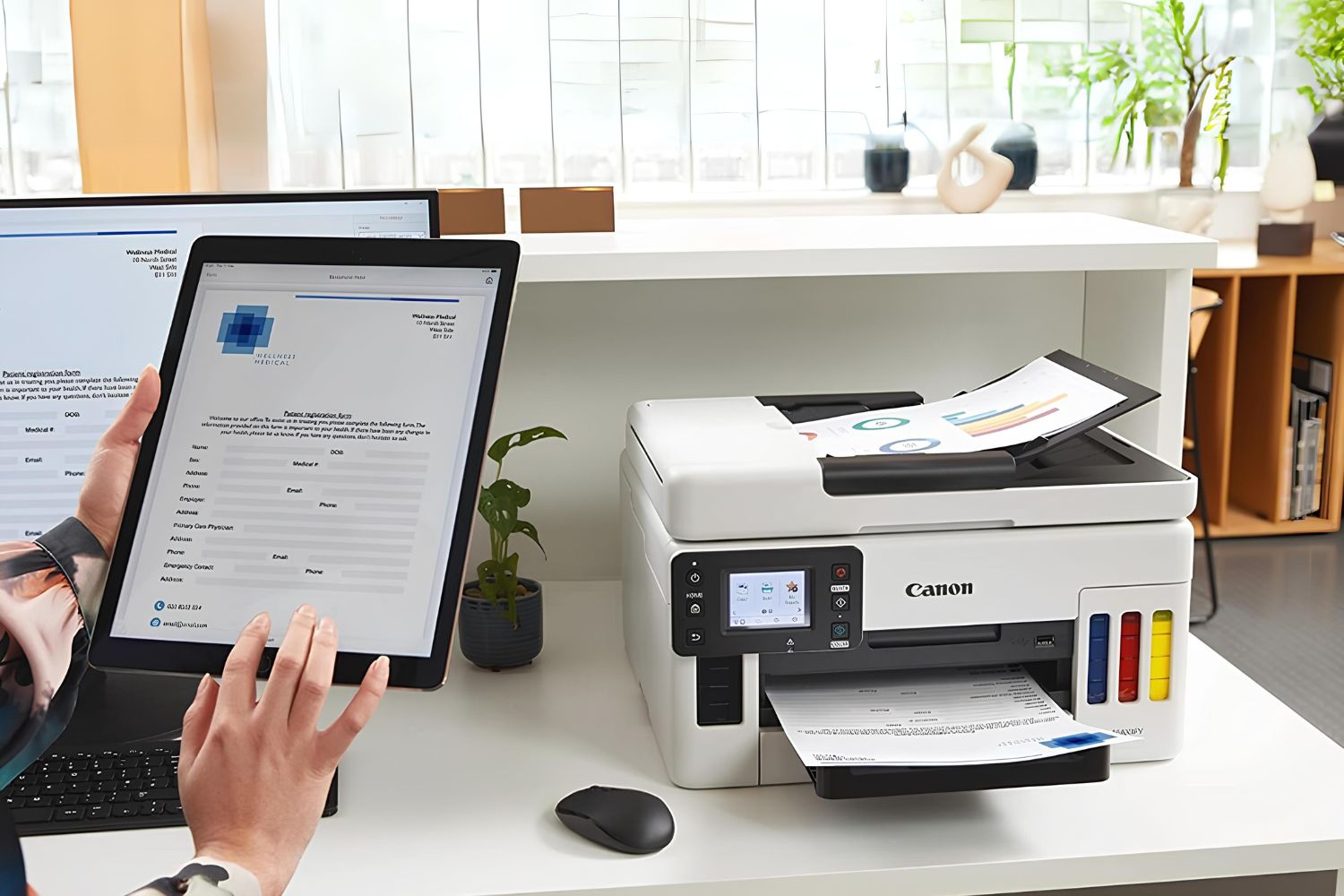
To connect printer to hotspot, you need to turn on the printer, access its wireless settings, and select the hotspot network from the list of available Wi-Fi networks. This process...
To connect PS5 to Xfinity hotspot, navigate to Settings on your PS5 home screen, then select Network, Settings, and Set up Internet Connection. This process lets you sign in through...
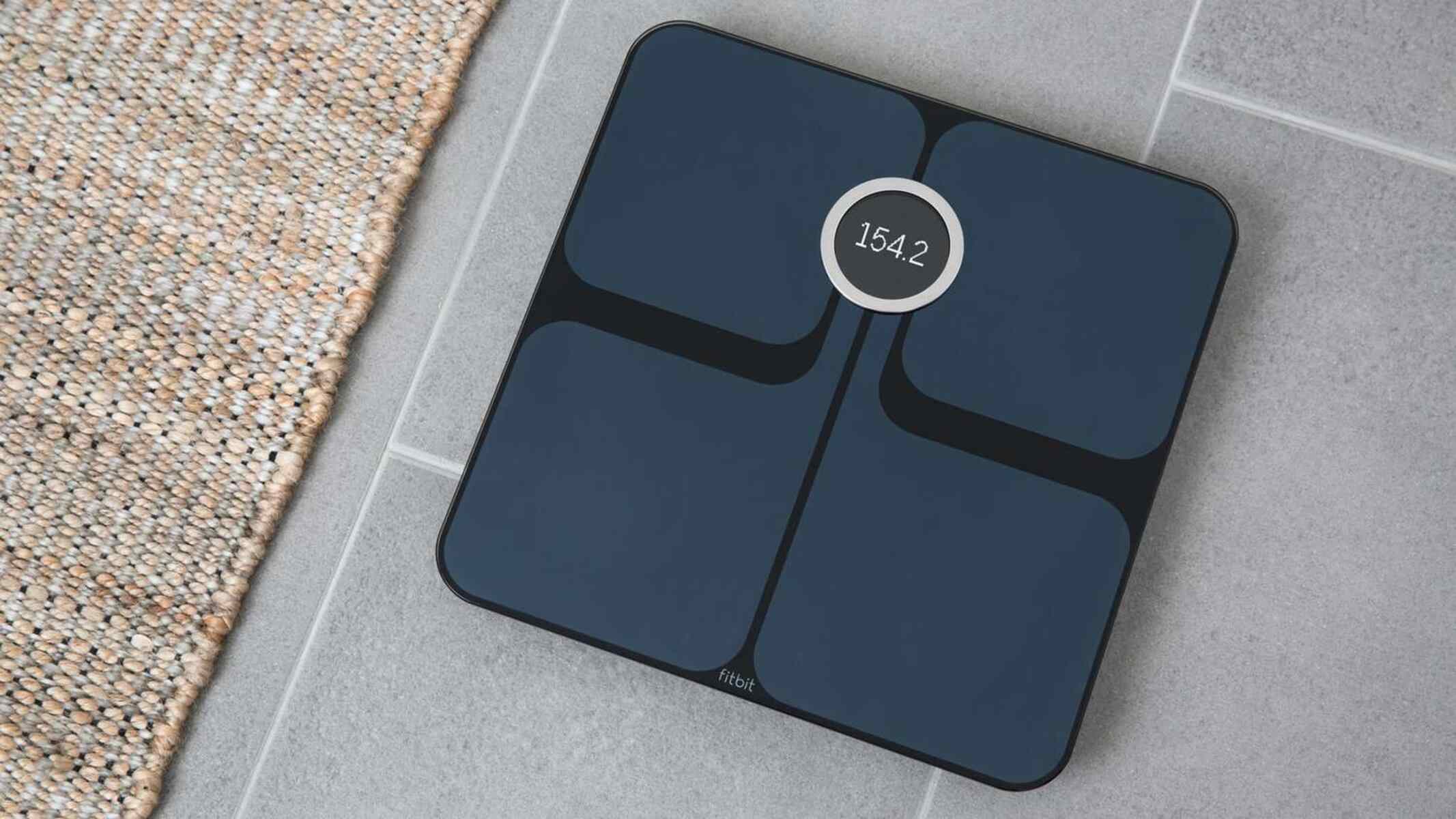
To change your Fitbit Aria WiFi settings, you must connect the scale to a 2.4 GHz network that supports the correct security protocols. Whether you have moved to a new...
Building your own smartwatch from scratch is a rewarding DIY electronics project that gives you a fully functional, personalized wearable. This diy smartwatch creation guide walks you through the entire...
To use your Canon EOS Rebel T7, start by charging the battery, inserting it and an SD card, attaching the lens, and powering on, then set the language, date, and...
How to use a DSLR camera with an iPhone: A brief, practical introduction To use a DSLR camera with an iPhone, you have two reliable paths: connect wirelessly through the...
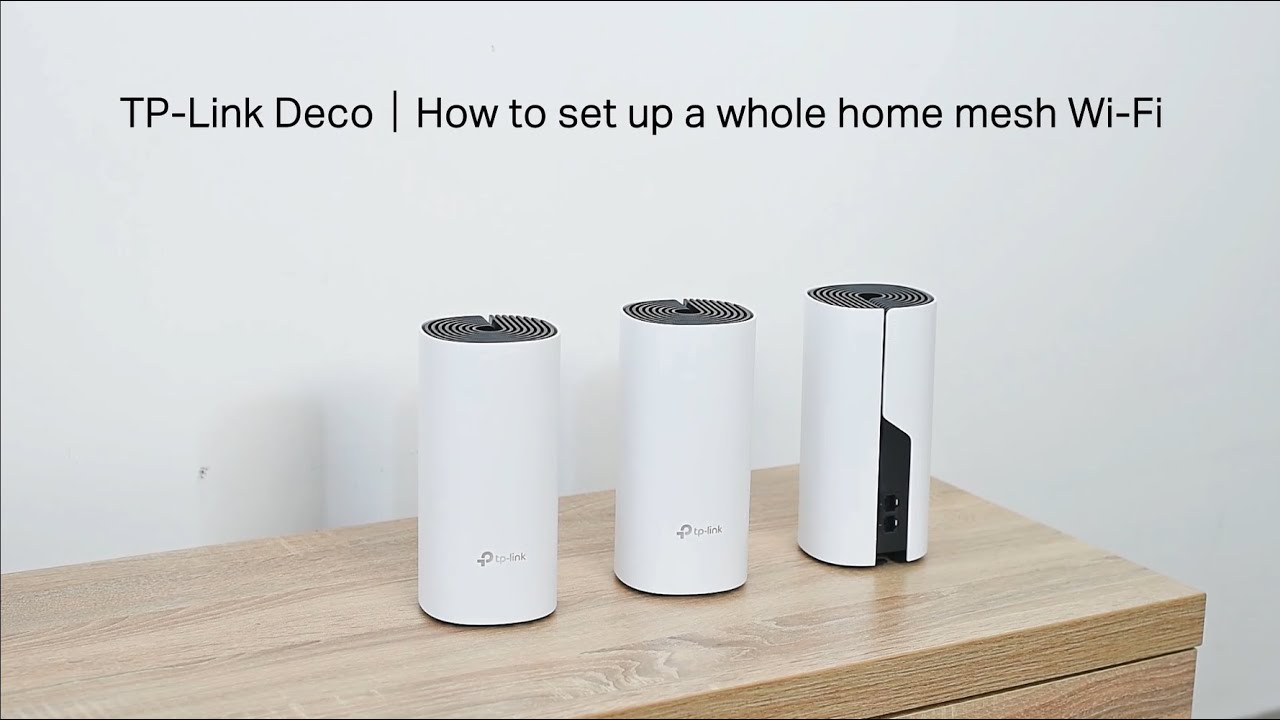
To set up TP-Link Deco, start by disabling Power-Saving mode on your phone and, for iOS 14 and above, enabling Local Network permission. Then, download the Deco app from Google...
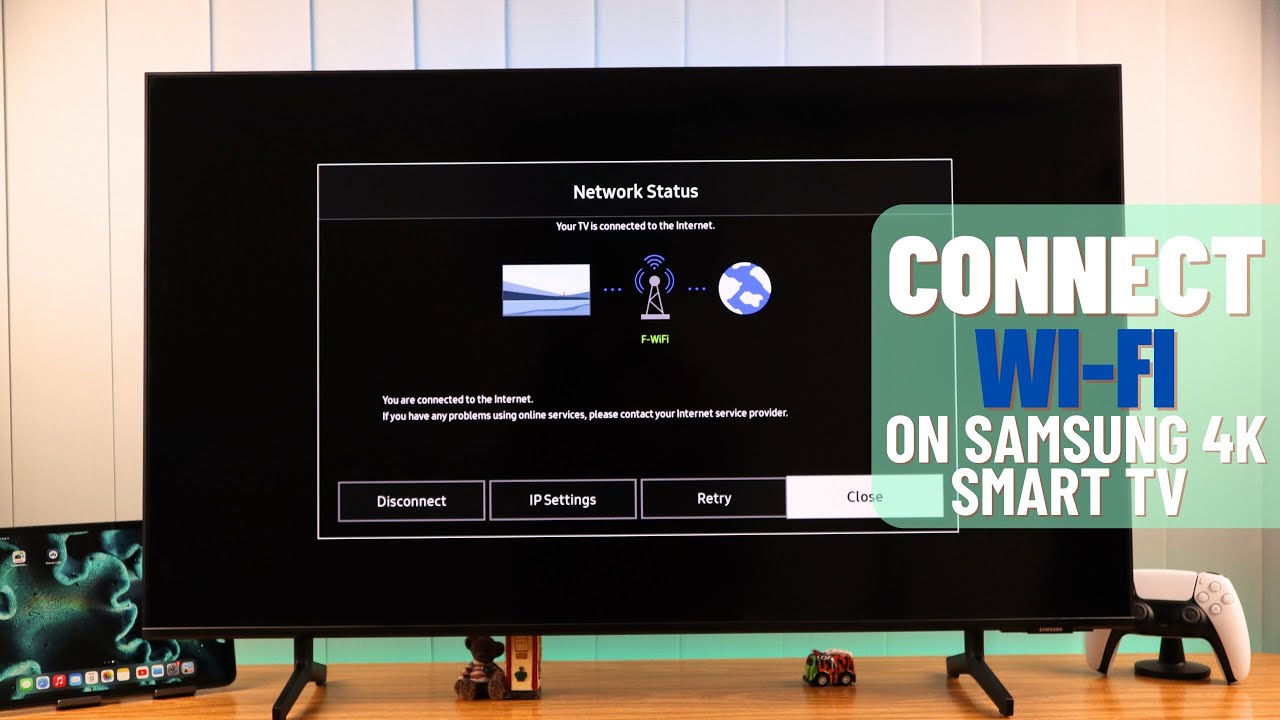
To connect Samsung Smart TV to internet, use either a wireless Wi-Fi connection or a wired Ethernet cable. This guide walks you through both methods, from prerequisites to troubleshooting, so...
This website uses cookies so that we can provide you with the best user experience possible. Cookie information is stored in your browser and performs functions such as recognising you when you return to our website and helping our team to understand which sections of the website you find most interesting and useful.
Strictly Necessary Cookies
Strictly Necessary Cookie should be enabled at all times so that we can save your preferences for cookie settings.
If you disable this cookie, we will not be able to save your preferences. This means that every time you visit this website you will need to enable or disable cookies again.