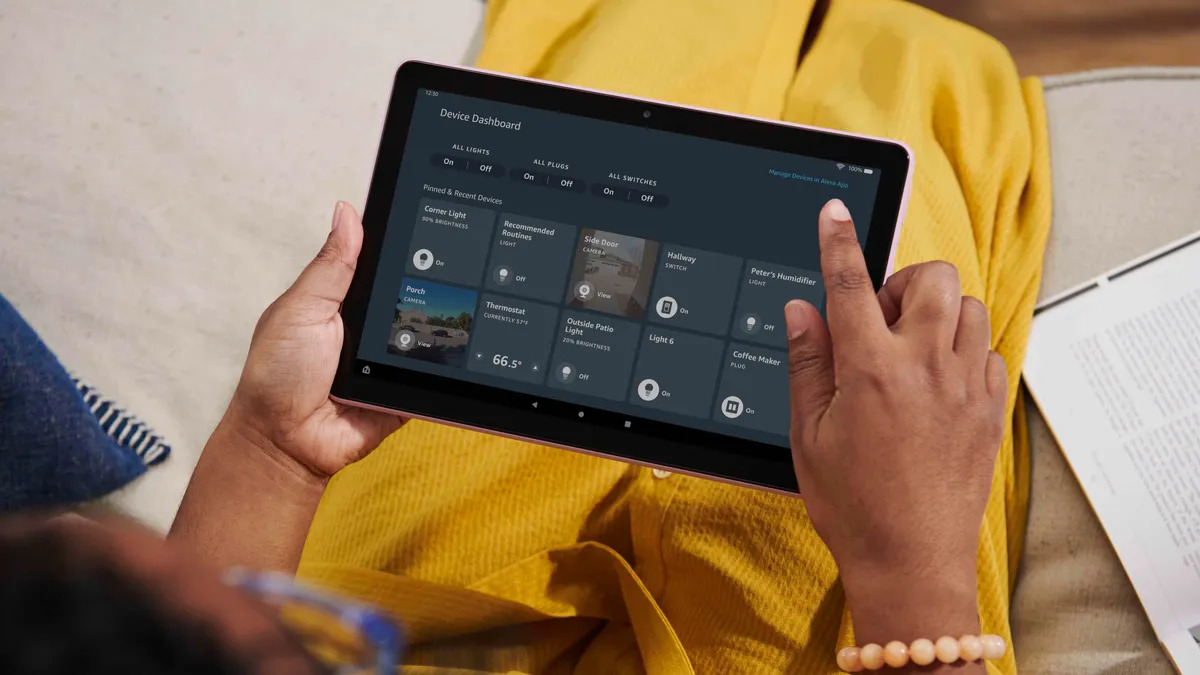
To browse internet on Amazon Fire tablet, you need to connect to a Wi-Fi network and then use the pre-installed Silk browser. These two steps unlock the full web, from...
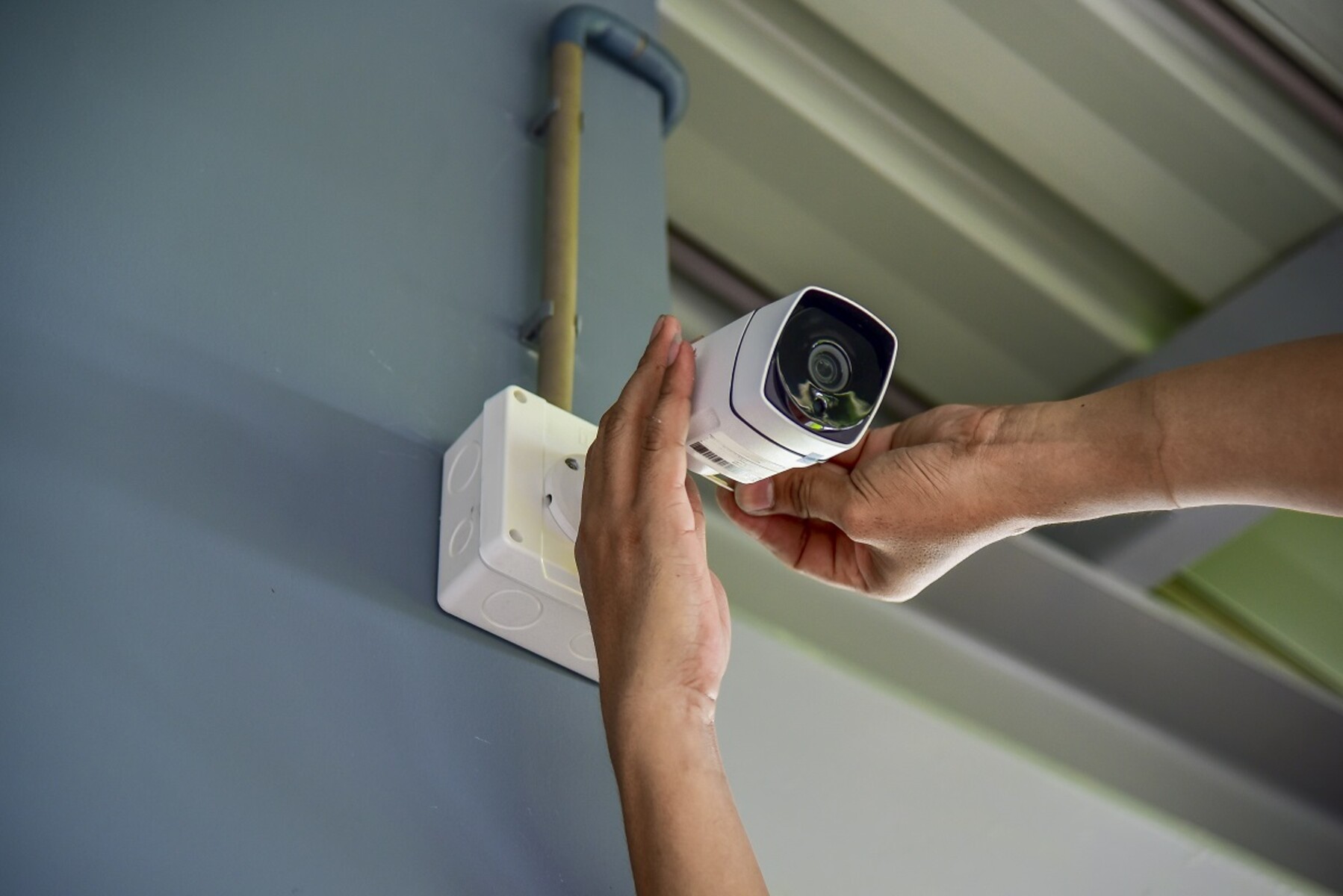
To set up home security cameras, start by unboxing the camera and downloading the manufacturer's app to create an account, then power on the camera to check its status light...
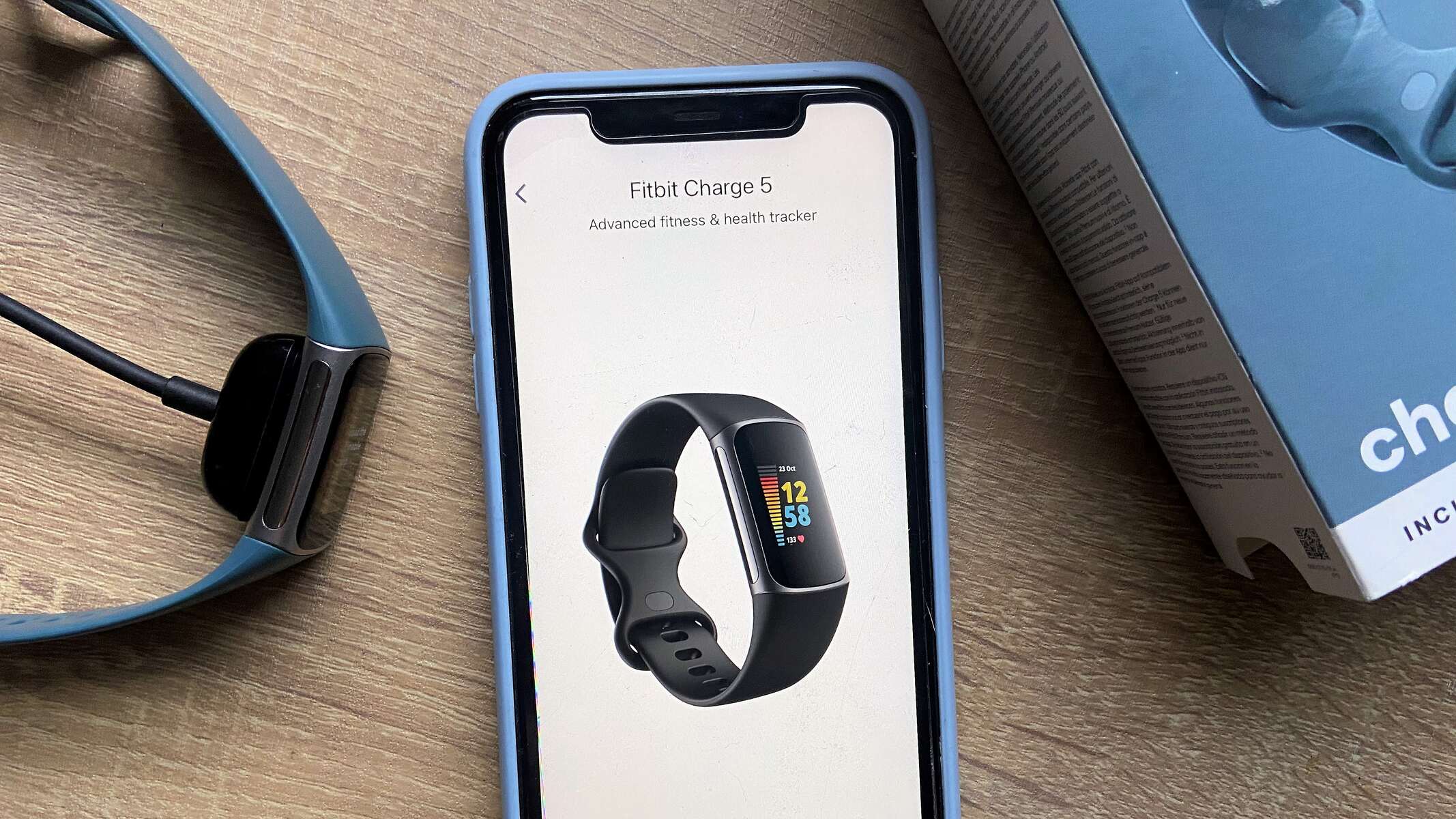
You can use a Fitbit without a smartphone for daily activity tracking, sleep monitoring, and heart rate insights, but the device still needs a phone or computer for its initial...
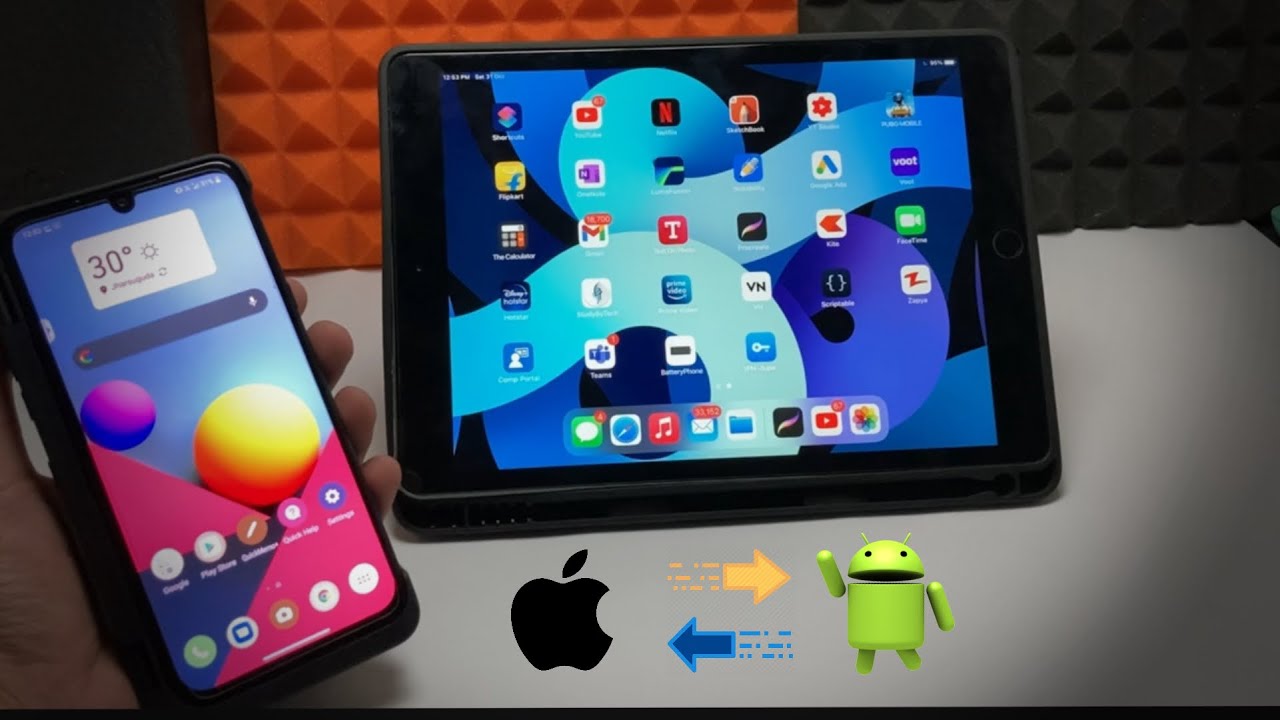
The fastest way to transfer files from android phone to tablet is to use Quick Share, a built-in wireless feature that requires no cables or computer. This method works on...
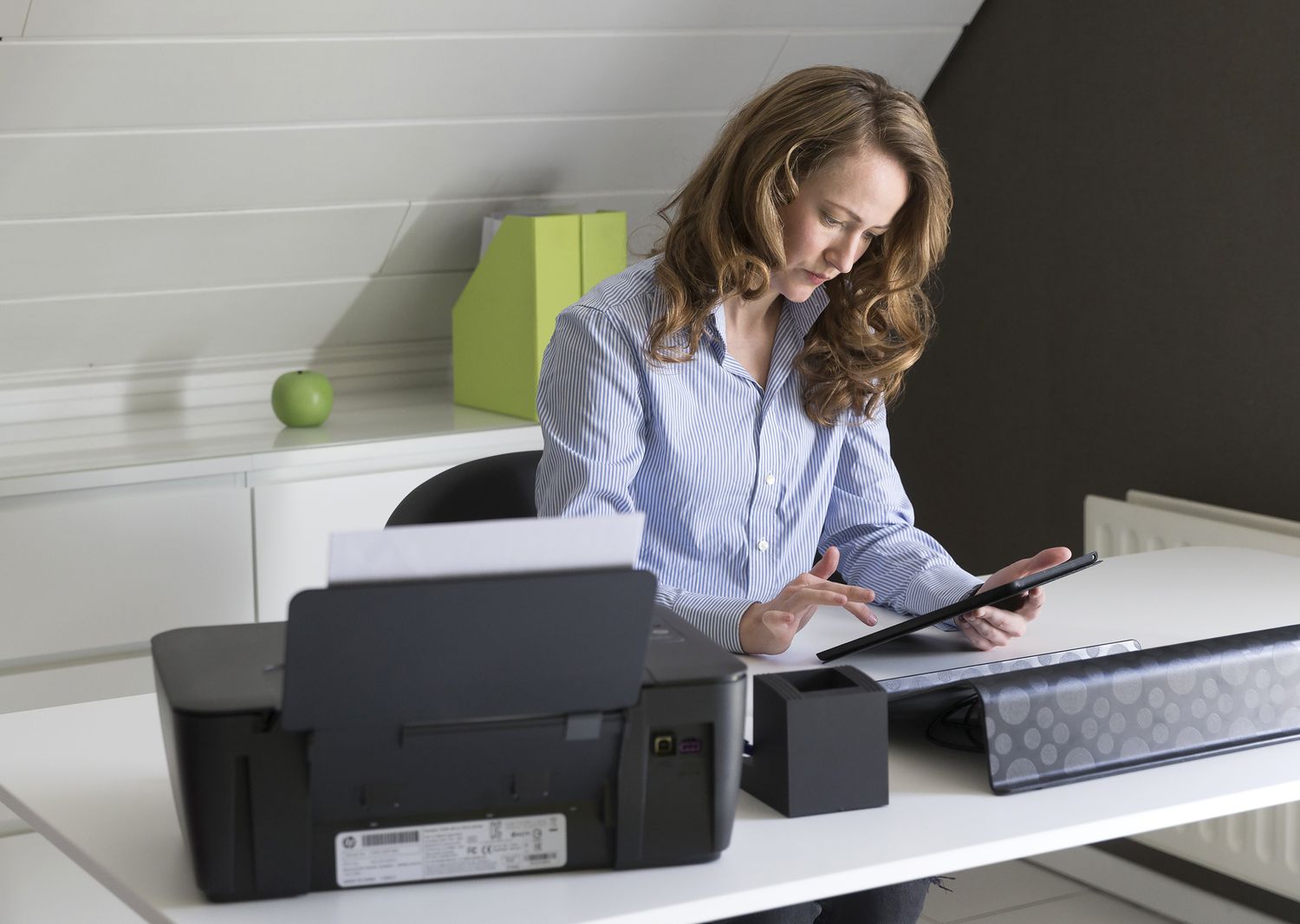
To print from tablet to wireless printer, both devices must be connected to the same Wi-Fi network, and your tablet should support a built-in printing method like Apple AirPrint or...
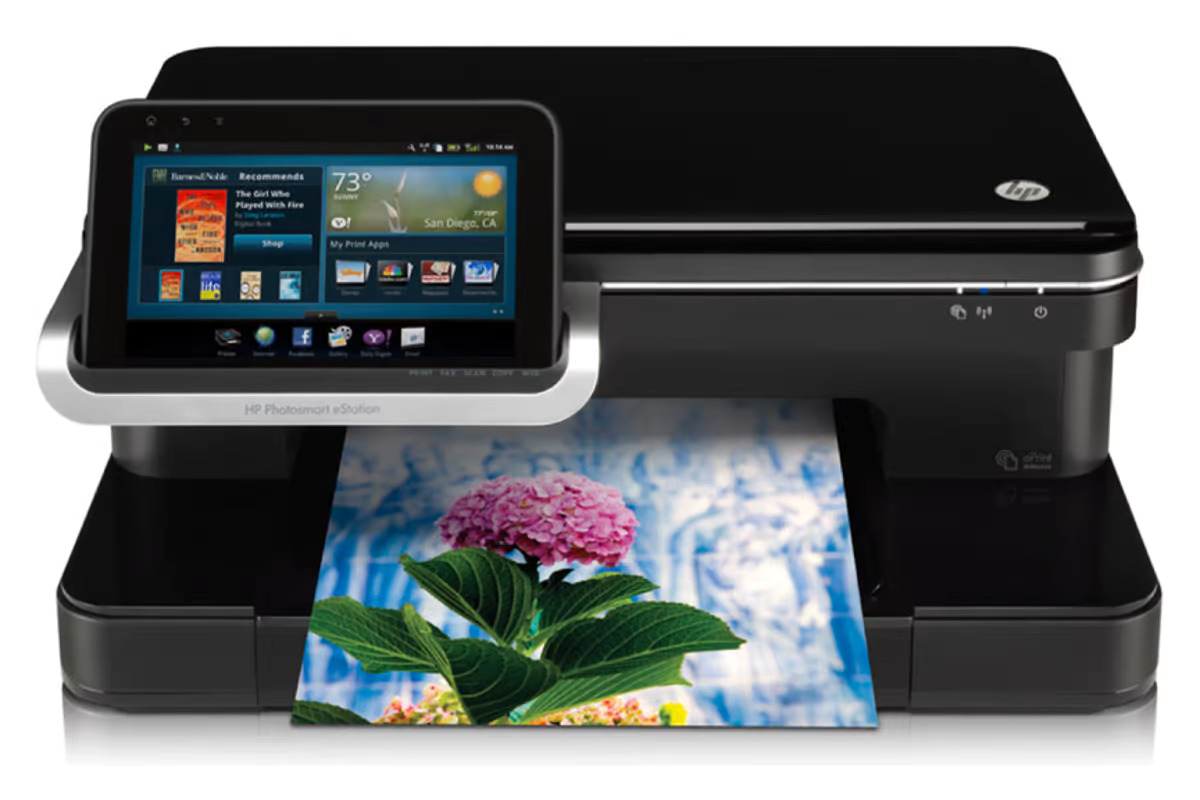
To connect a tablet to a printer wirelessly, the most reliable method is to use built-in printing services like Apple's AirPrint for iPads or the Mopria Print Service for Android...
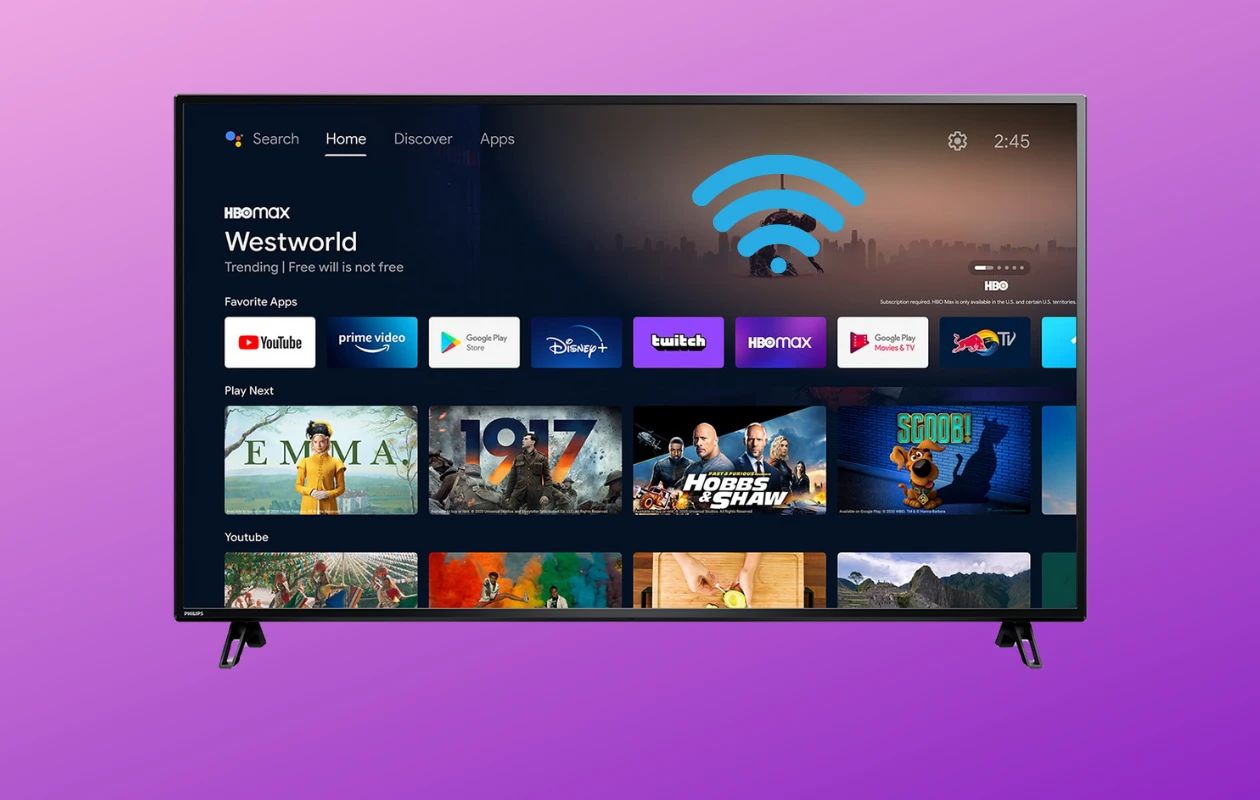
To connect to a Philips Smart TV, you need to put the TV on the same network as your router, then use the on-screen menus to select your Wi-Fi network...
Smart TV buffering happens when your internet connection, Wi-Fi signal, or the TV itself can't keep up with the video stream, causing the picture to pause while more data loads....
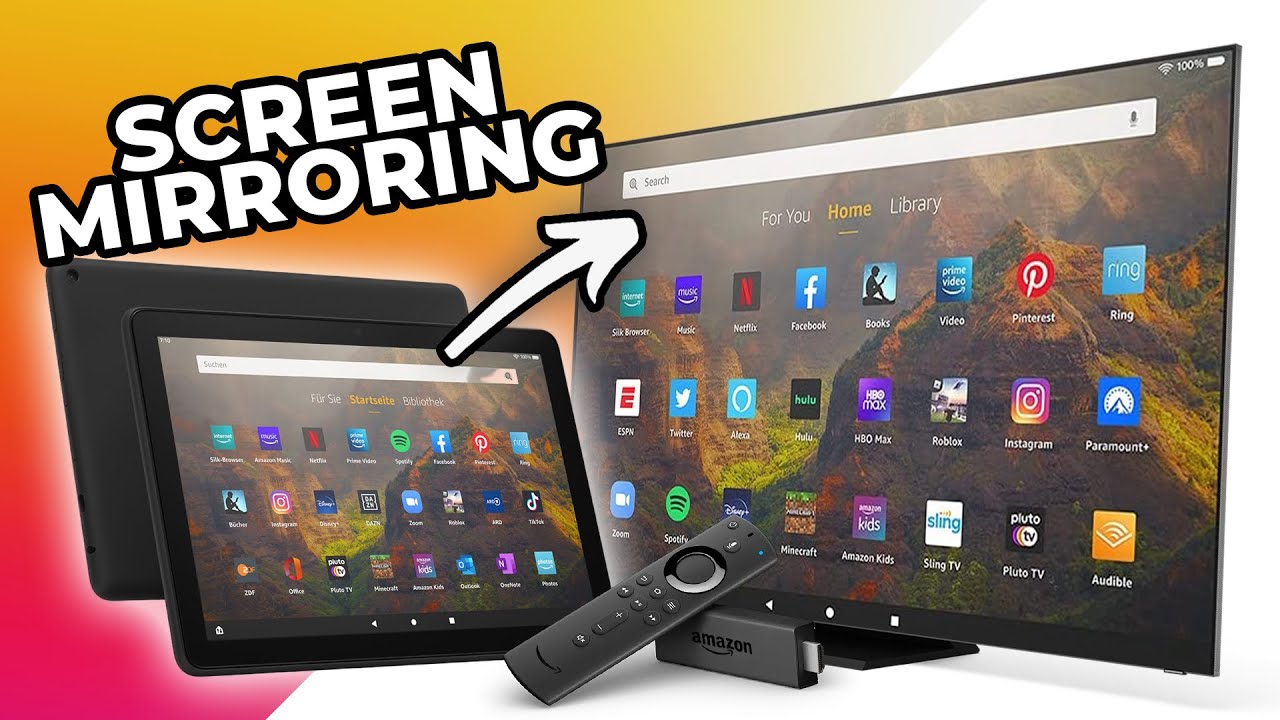
To screen mirror an Amazon Fire Tablet 10, you need a compatible TV or streaming device that supports Miracast, ensure both devices are on the same Wi-Fi network, and use...
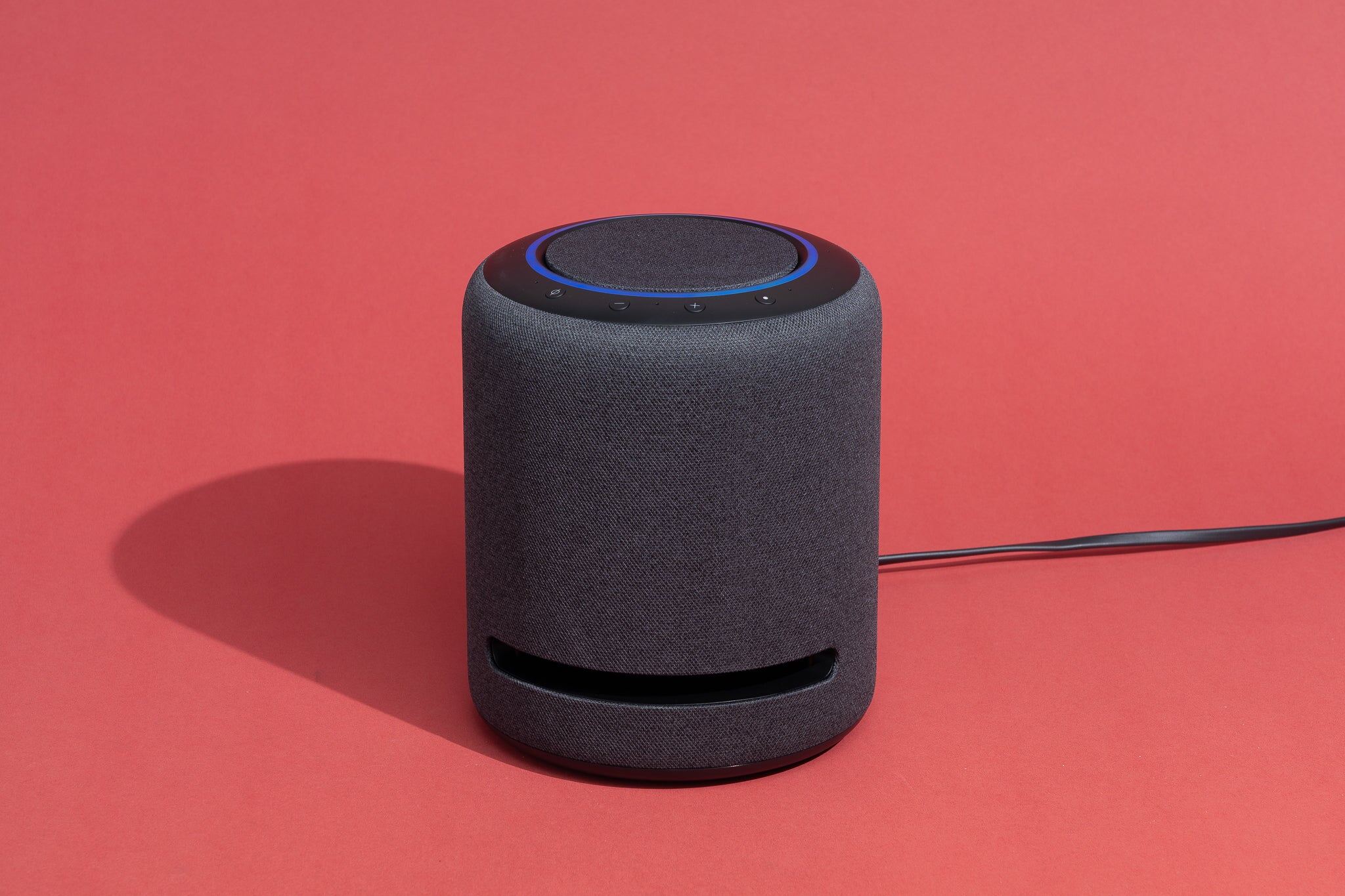
You can set up Alexa without a smartphone by using a computer with a web browser. This guide walks you through the complete process for setting up Alexa using only...
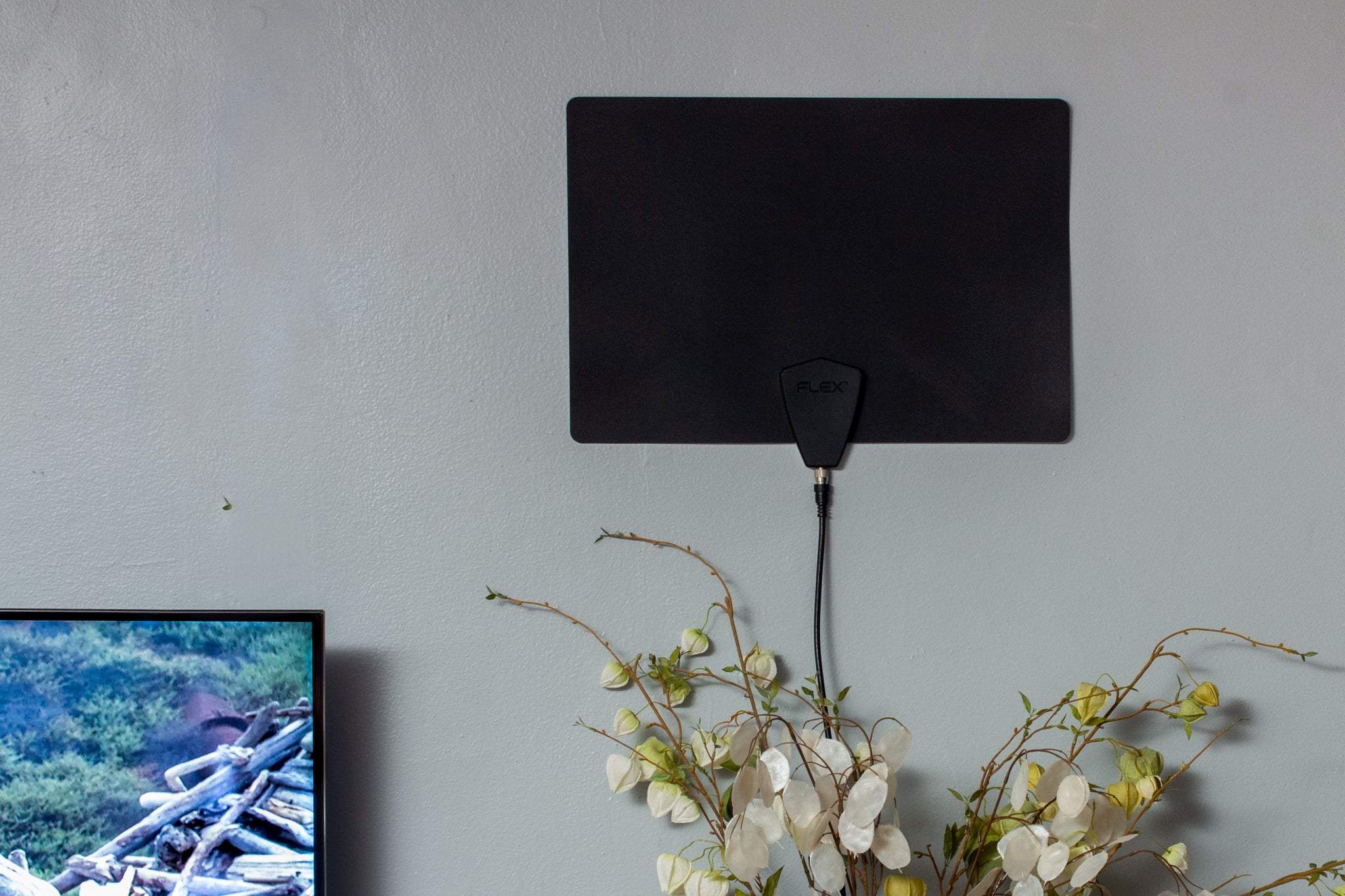
To connect a TV antenna to a TV wirelessly, you need to stream the signal over your home Wi-Fi network using a network-connected tuner rather than a point-to-point wireless HDMI...
This website uses cookies so that we can provide you with the best user experience possible. Cookie information is stored in your browser and performs functions such as recognising you when you return to our website and helping our team to understand which sections of the website you find most interesting and useful.
Strictly Necessary Cookies
Strictly Necessary Cookie should be enabled at all times so that we can save your preferences for cookie settings.
If you disable this cookie, we will not be able to save your preferences. This means that every time you visit this website you will need to enable or disable cookies again.