To install nba league pass on LG smart TV, you need to open the LG Content Store, search for the NBA League Pass app, and install it directly onto your...
To get CNN on your Samsung Smart TV, use the on-screen Apps store to download and install the CNN app directly. This straightforward process requires no extra devices, just your...
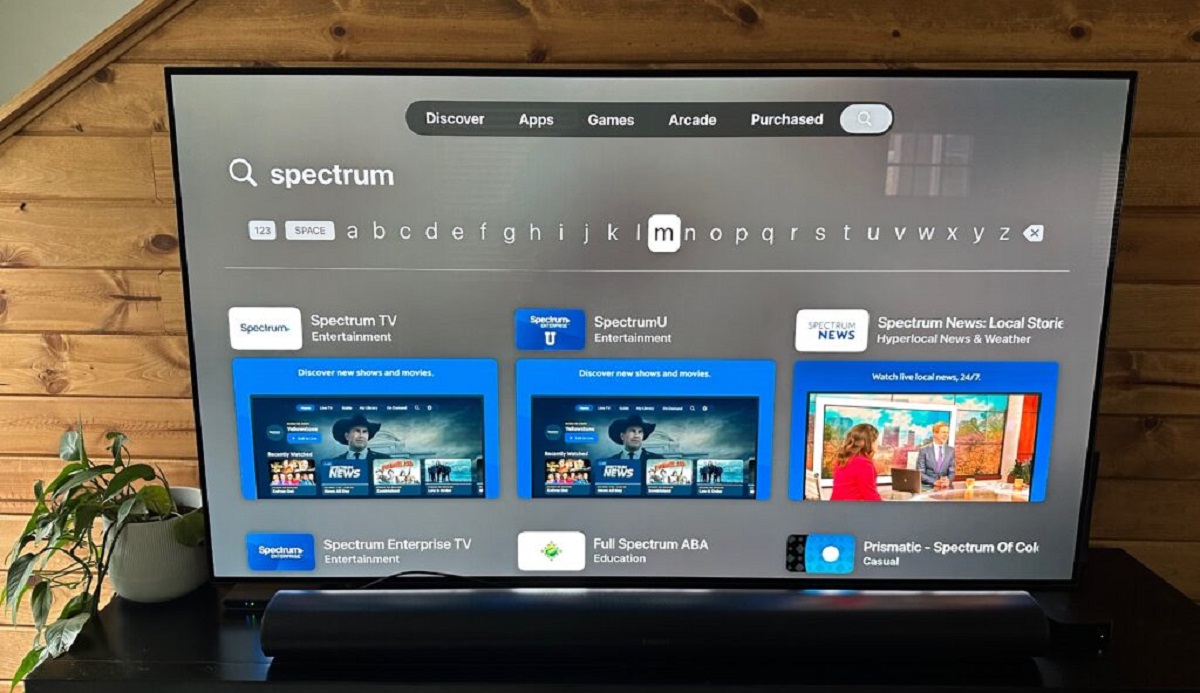
To get the Spectrum TV app on your LG Smart TV, press the Home button on your remote, open the LG Content Store, search for "Spectrum TV," install it, and...
To connect your old camcorder to a smart TV, you need to identify your camcorder's output port, get the right cable, and then switch the TV to the correct input....
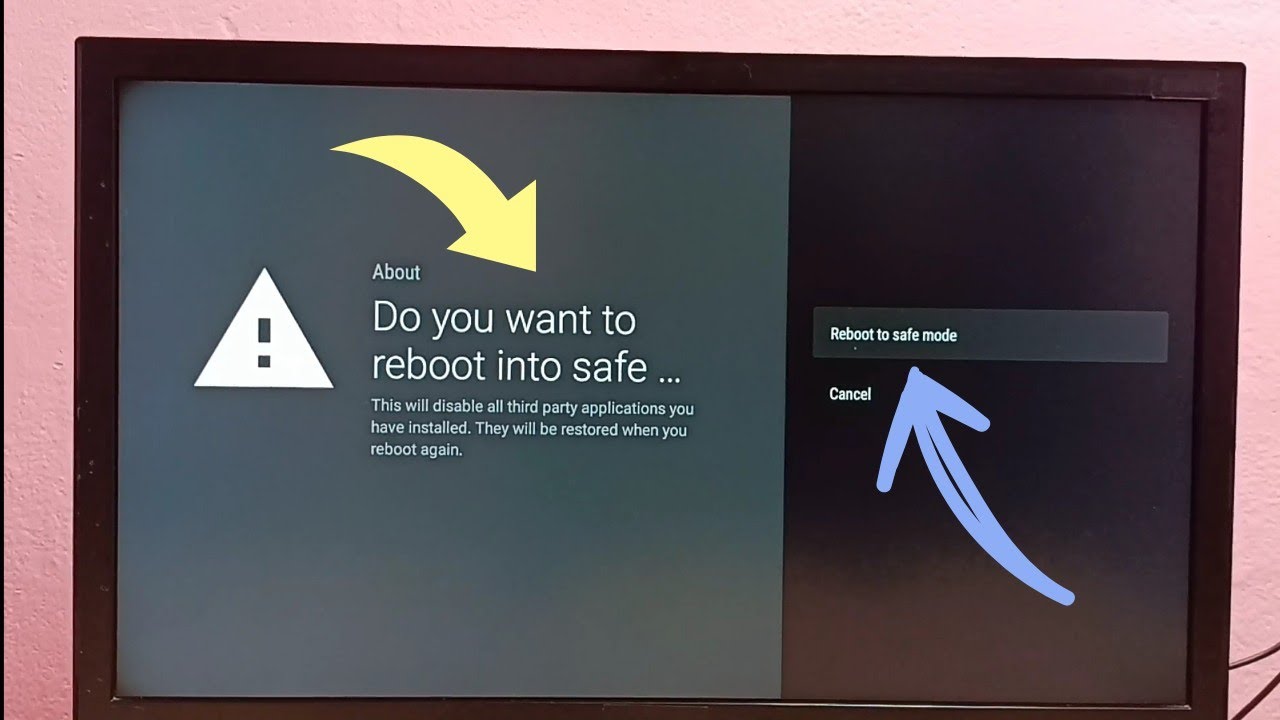
To turn off safe mode on your Philips smart TV, you need to uninstall the faulty app that triggered it or perform a specific restart. Safe Mode temporarily disables third-party...
To get teletext on smart TV, press the TEXT button on your remote control, this is a built-in feature, not an app you download. If your remote lacks a dedicated...
If your LG Smart TV is not playing sound, the quickest way to find the cause is to run the built-in Sound Test. This diagnostic instantly tells you whether the...
How To Play Video Files On Smart TV To play video files on smart TV, the most reliable method is connecting a USB drive formatted in FAT32 or exFAT directly...
To get cowboy channel on your smart TV, you need the Cowboy Channel+ app, which costs $9.99 per month. The app works best on Roku, Fire TV, and Apple TV,...
If your Samsung smart TV is glitching, the fix is often simpler than you think, most random freezes, lag, or erratic behavior come from temporary memory buildup or a minor...
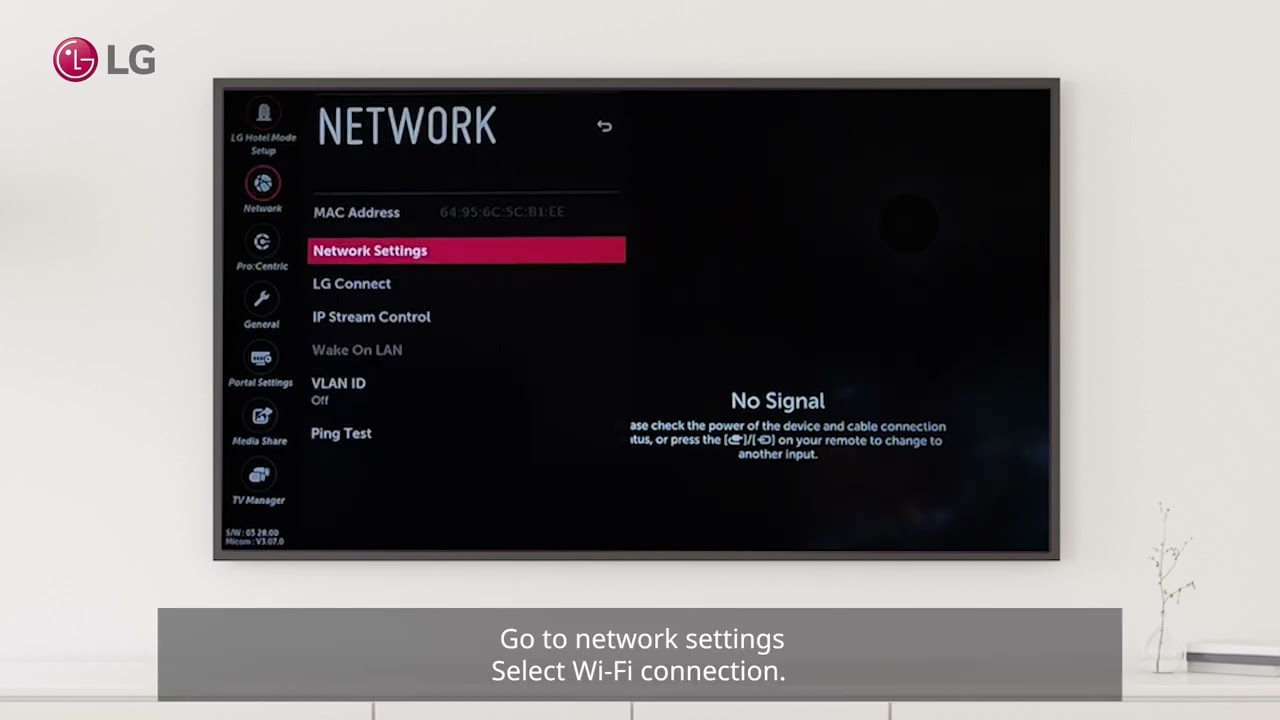
To set up wireless internet on your LG Smart TV, press the Settings (gear) button on your remote, go to All Settings, then navigate to General > Network (on webOS...
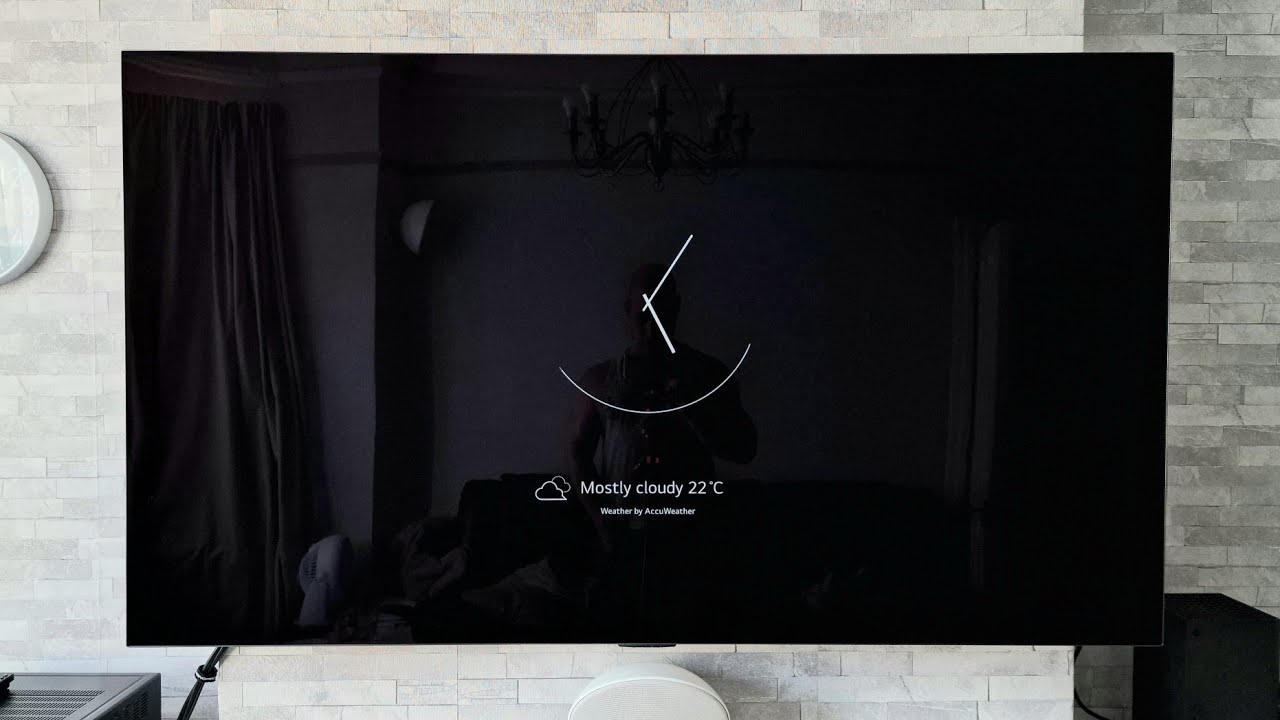
You can display a clock on an LG Smart TV primarily through the screen saver feature, which shows the time after a period of inactivity, rather than as a persistent...
This website uses cookies so that we can provide you with the best user experience possible. Cookie information is stored in your browser and performs functions such as recognising you when you return to our website and helping our team to understand which sections of the website you find most interesting and useful.
Strictly Necessary Cookies
Strictly Necessary Cookie should be enabled at all times so that we can save your preferences for cookie settings.
If you disable this cookie, we will not be able to save your preferences. This means that every time you visit this website you will need to enable or disable cookies again.