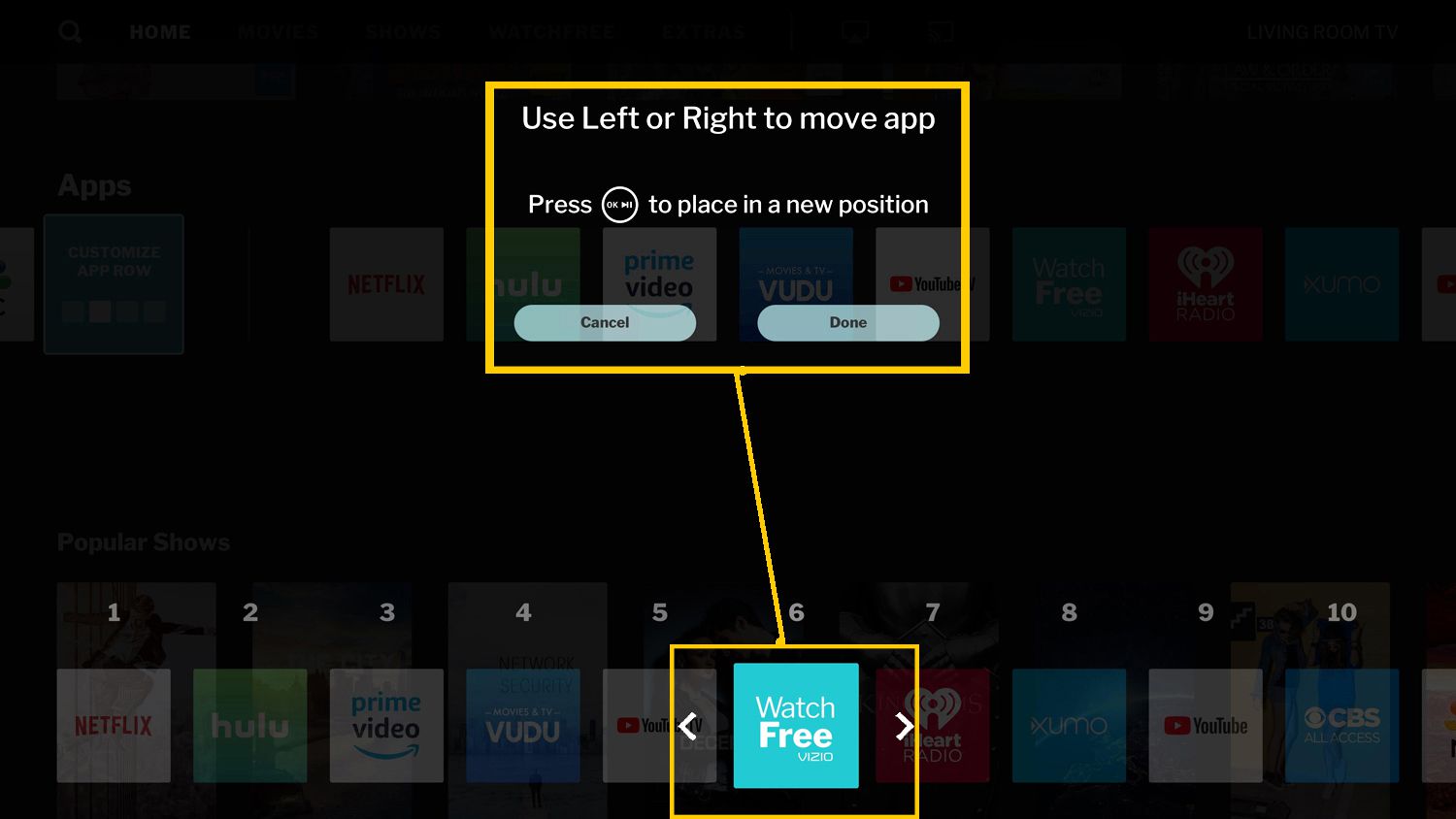
To rearrange apps on your Vizio Smart TV, start from the home screen and press the left arrow on your remote to open the main menu. This direct remote-based method...
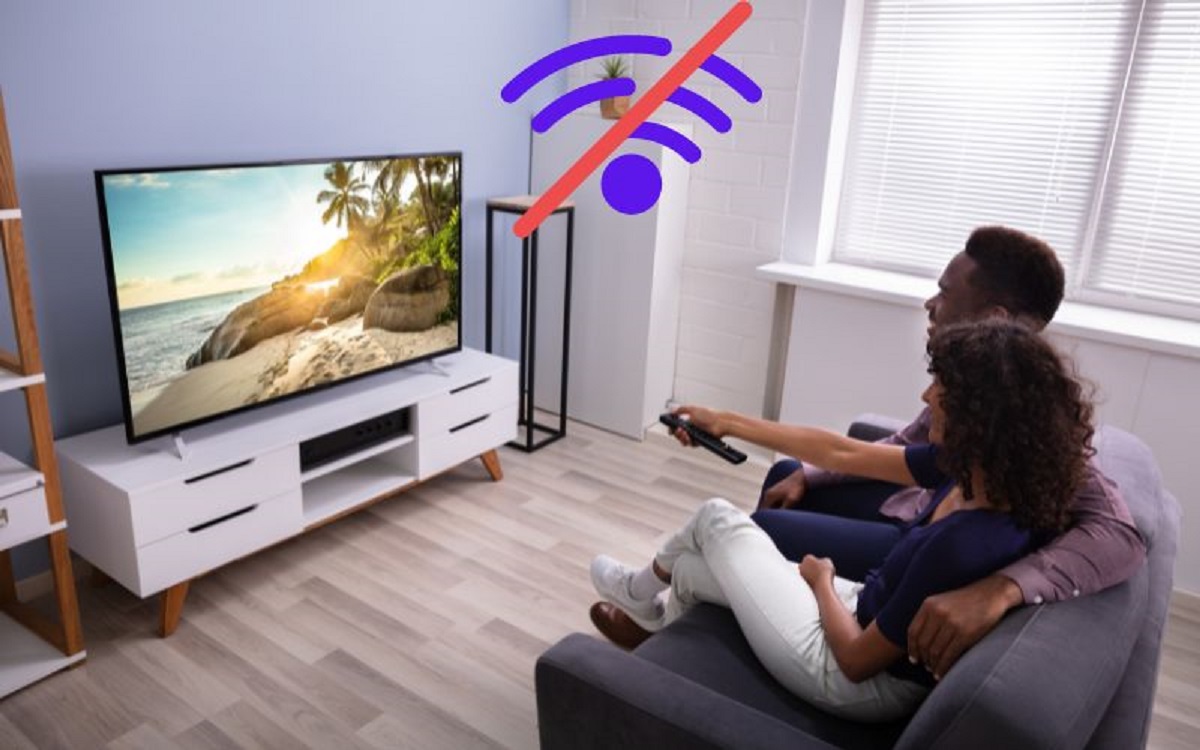
You can set up a smart TV without internet by selecting “Skip,” “Set Up Later,” or “Skip Wi-Fi Setup” when prompted during the initial power-on sequence, then connecting an antenna,...
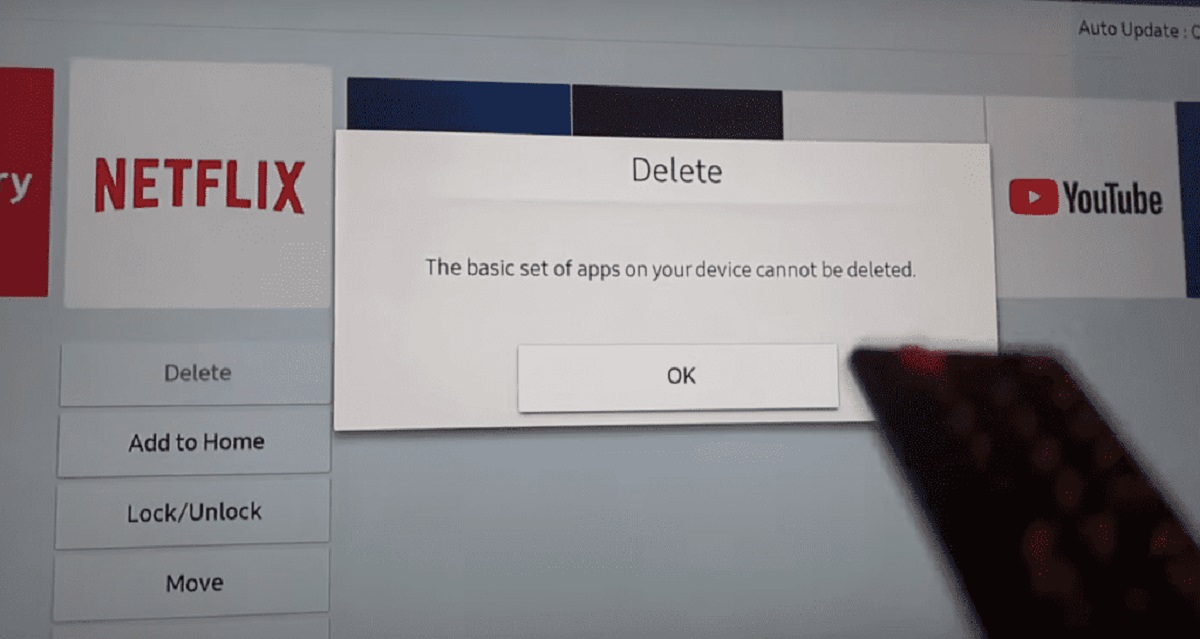
To uninstall YouTube TV on Samsung Smart TV, press the Home button on your remote, open Apps, select App Settings, choose YouTube TV, and pick Delete or Uninstall. This removes...
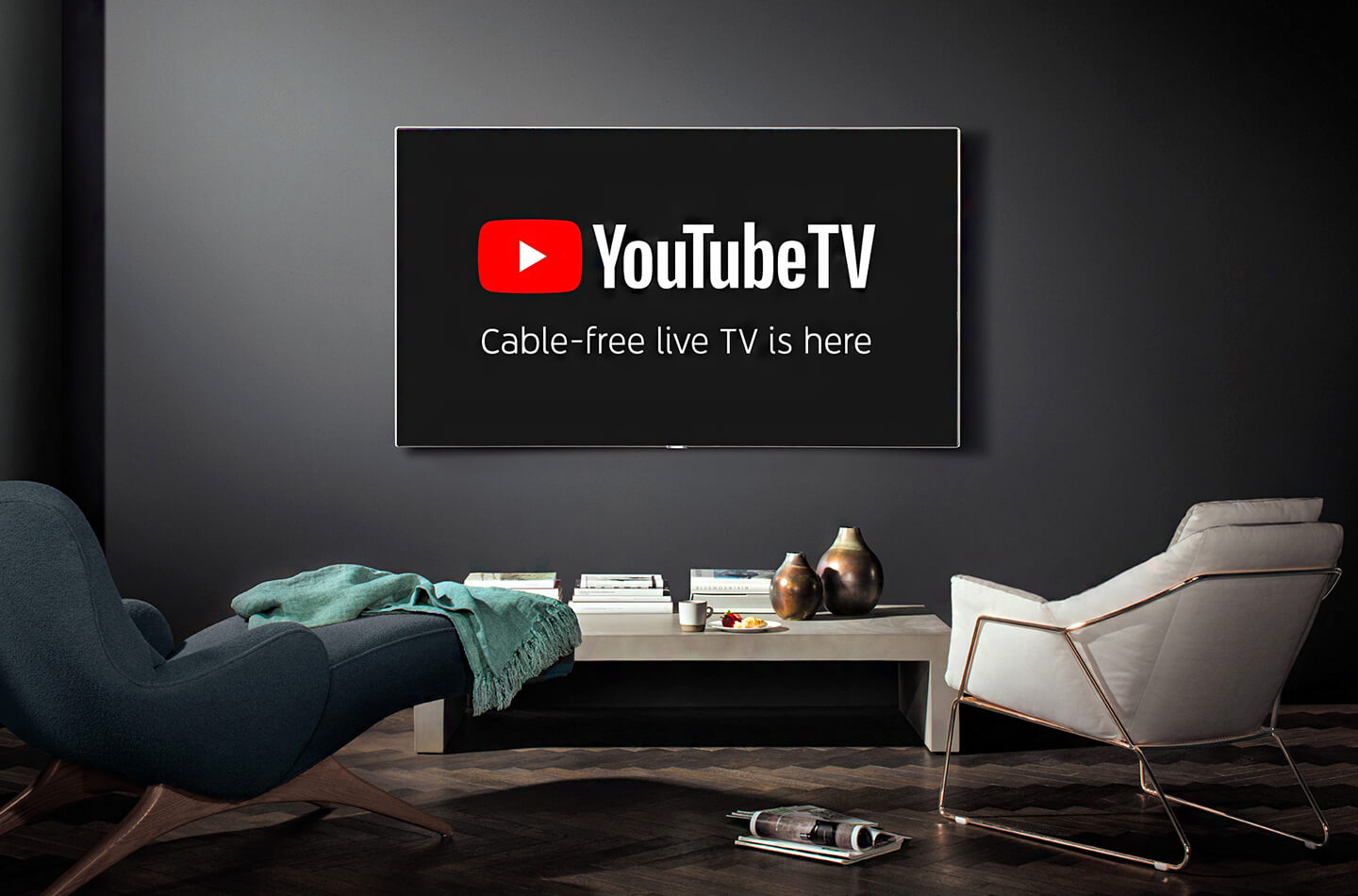
On virtually every modern smart TV, the YouTube app is already pre-installed, so you may not need to download anything at all. If it's missing from your home screen, you...
If YouTube keeps stopping on your smart TV, you are likely dealing with a network instability issue or outdated software on your device. These two factors cause the vast majority...
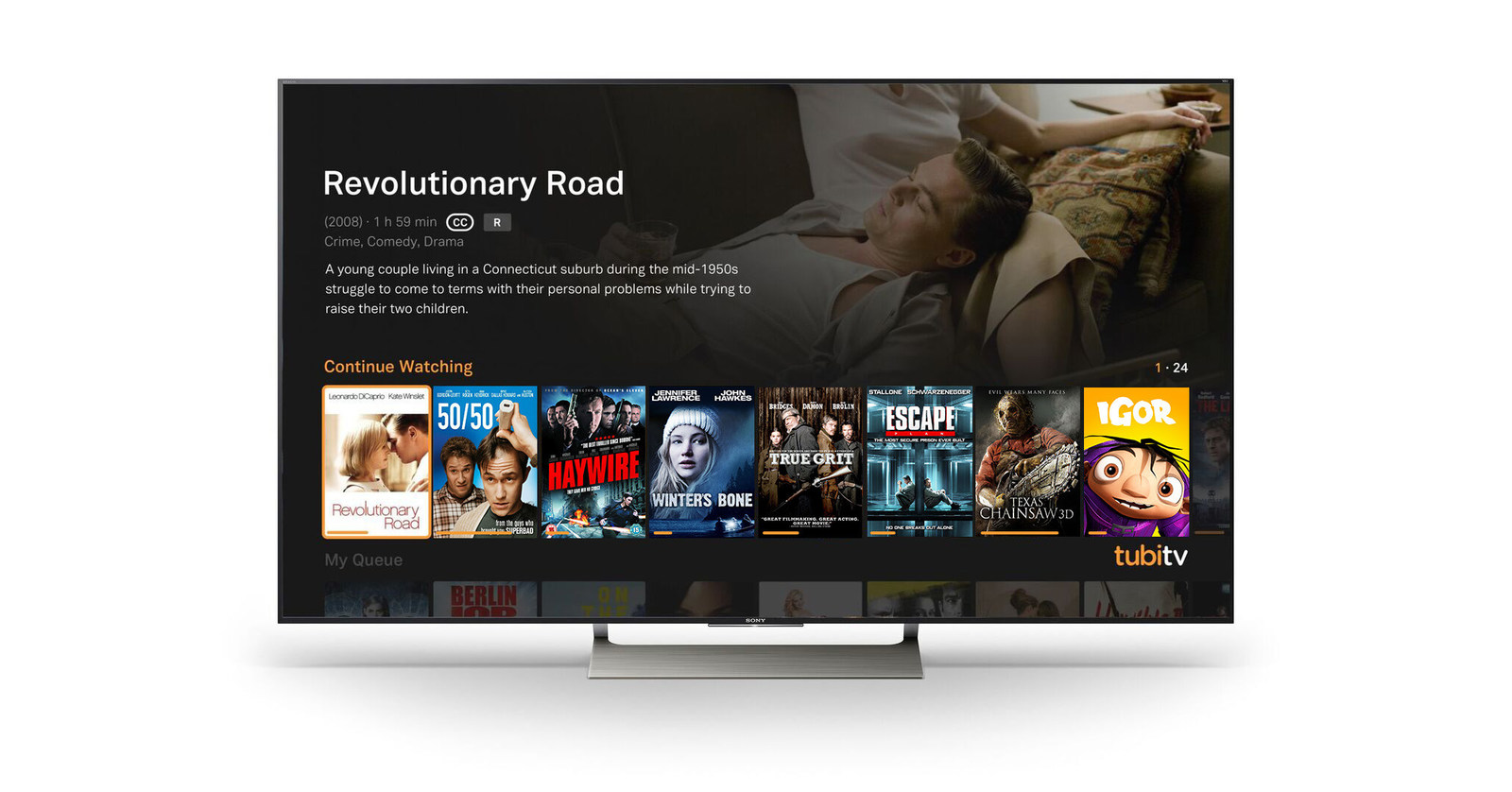
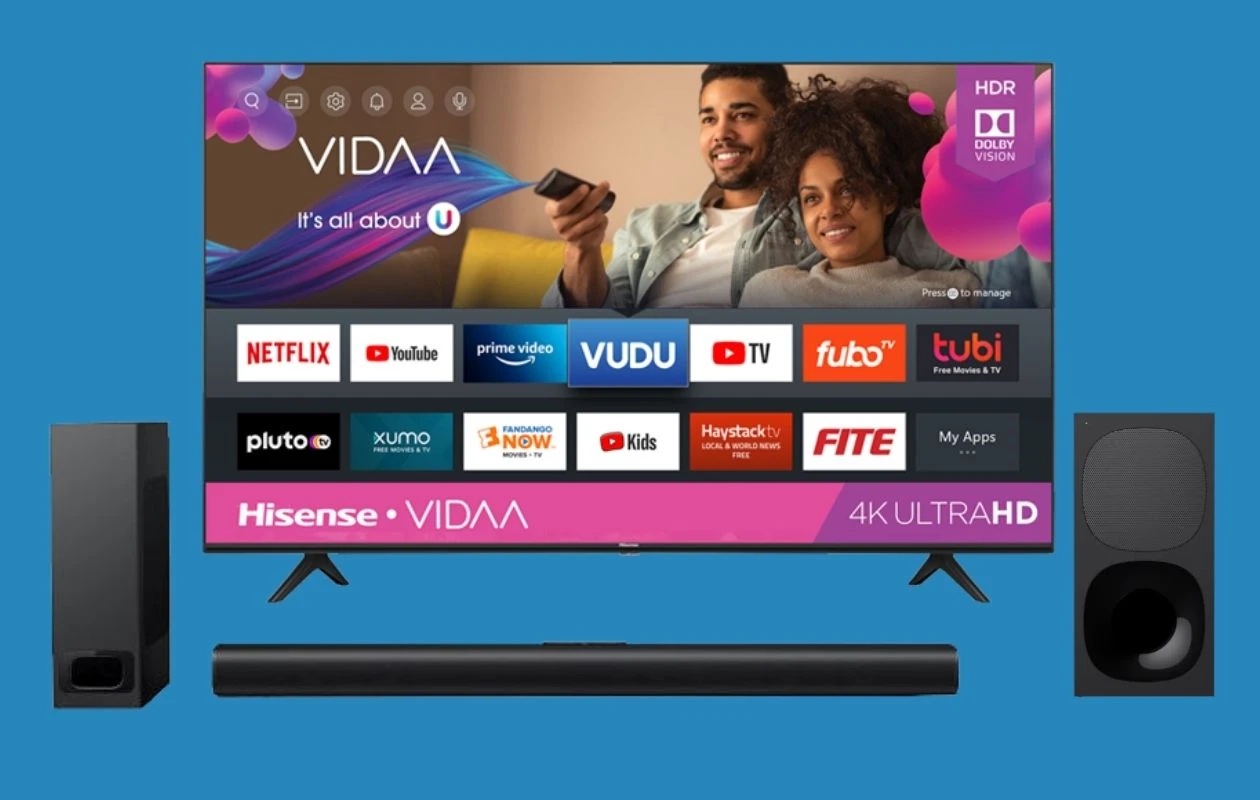
If you see that button, pressing it will bring up an on-screen home screen filled with app icons like Netflix, YouTube, and Hulu, which is a clear sign that your...
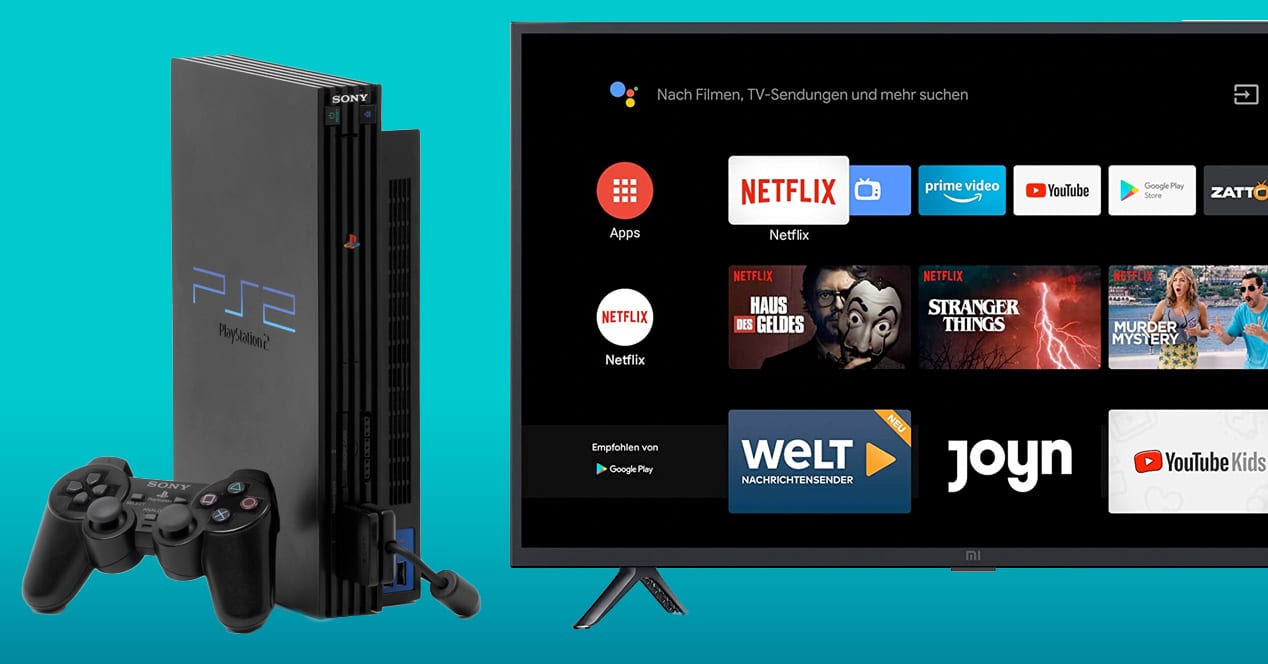
To hook up a PS2 to a smart TV, you'll connect the console's AV MULTI OUT port to your TV using either the original composite cable (yellow, red, white) or...
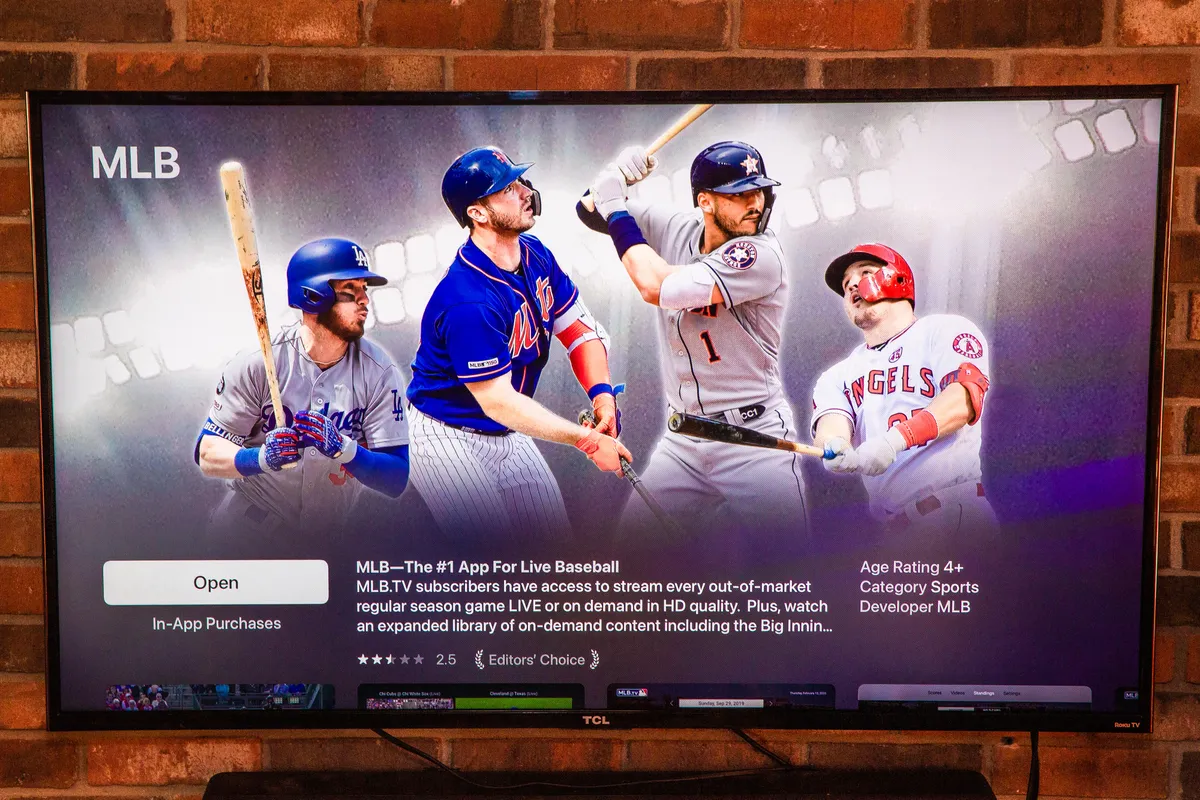
Get the MLB.TV app on your specific TV To watch MLB.TV on my smart TV, start by pressing the Home button on your remote and navigating to the smart hub...
To add Bluetooth to a TV that lacks it, the most reliable solution is to use an external Bluetooth transmitter that plugs into your TV's audio output, not a USB...
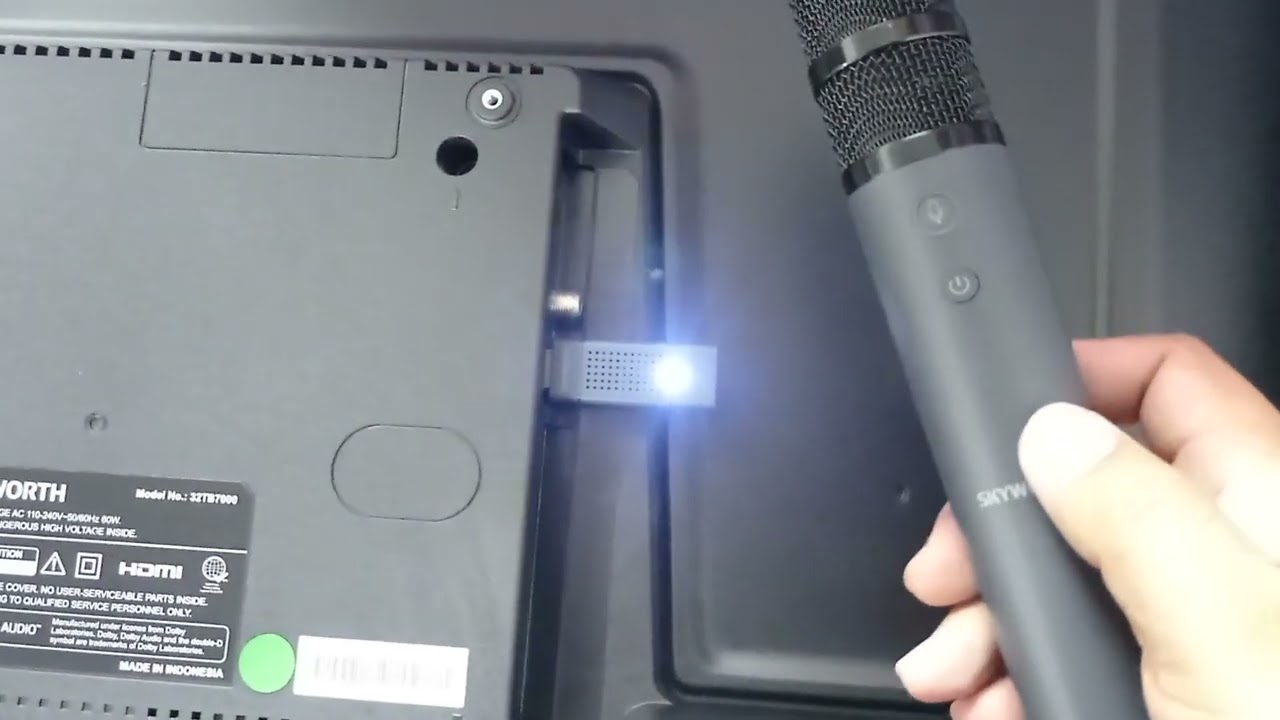
To connect a wireless microphone to a smart TV, you must use a workaround because most smart TVs do not have a dedicated microphone input for karaoke or voice amplification....
This website uses cookies so that we can provide you with the best user experience possible. Cookie information is stored in your browser and performs functions such as recognising you when you return to our website and helping our team to understand which sections of the website you find most interesting and useful.
Strictly Necessary Cookies
Strictly Necessary Cookie should be enabled at all times so that we can save your preferences for cookie settings.
If you disable this cookie, we will not be able to save your preferences. This means that every time you visit this website you will need to enable or disable cookies again.