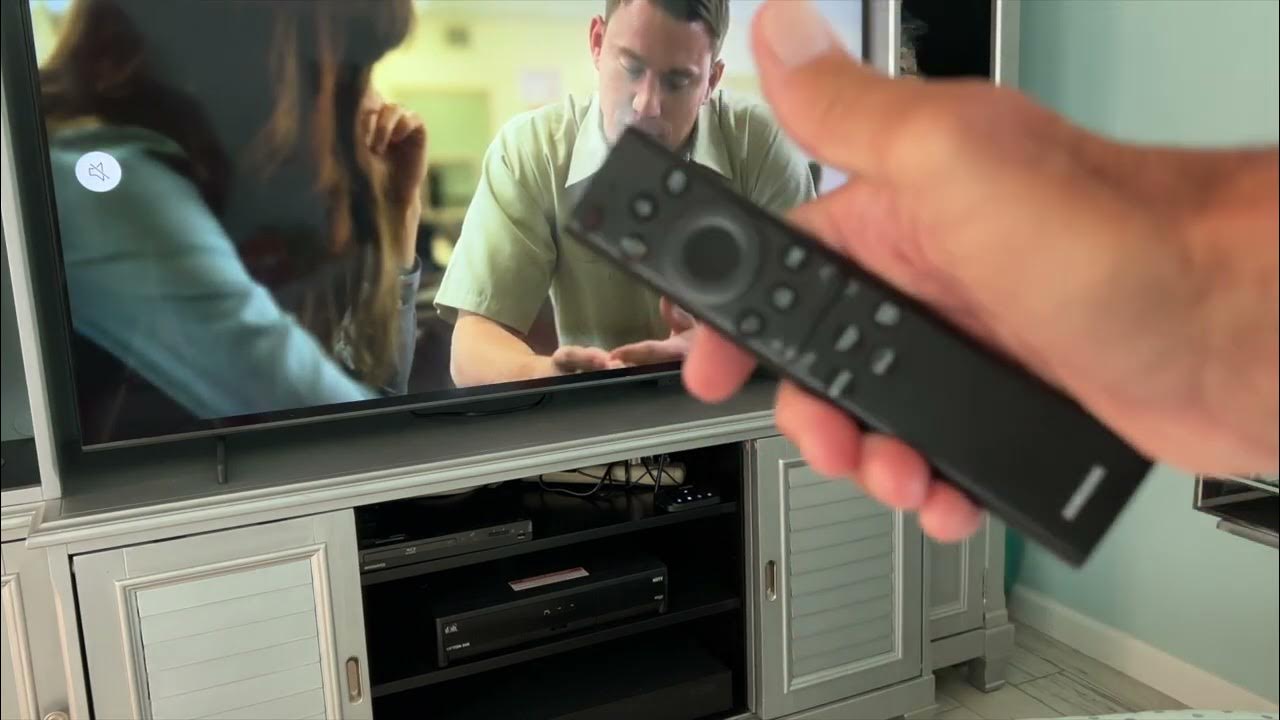
To turn off captions on smart TV, press the dedicated "CC" button on your remote, it's usually labeled with a small rectangle and two lines, and select "Off" from the...
Typing a capital letter on a smart TV’s on-screen keyboard can feel like a test of patience, especially when you just need to enter a password or search for a...
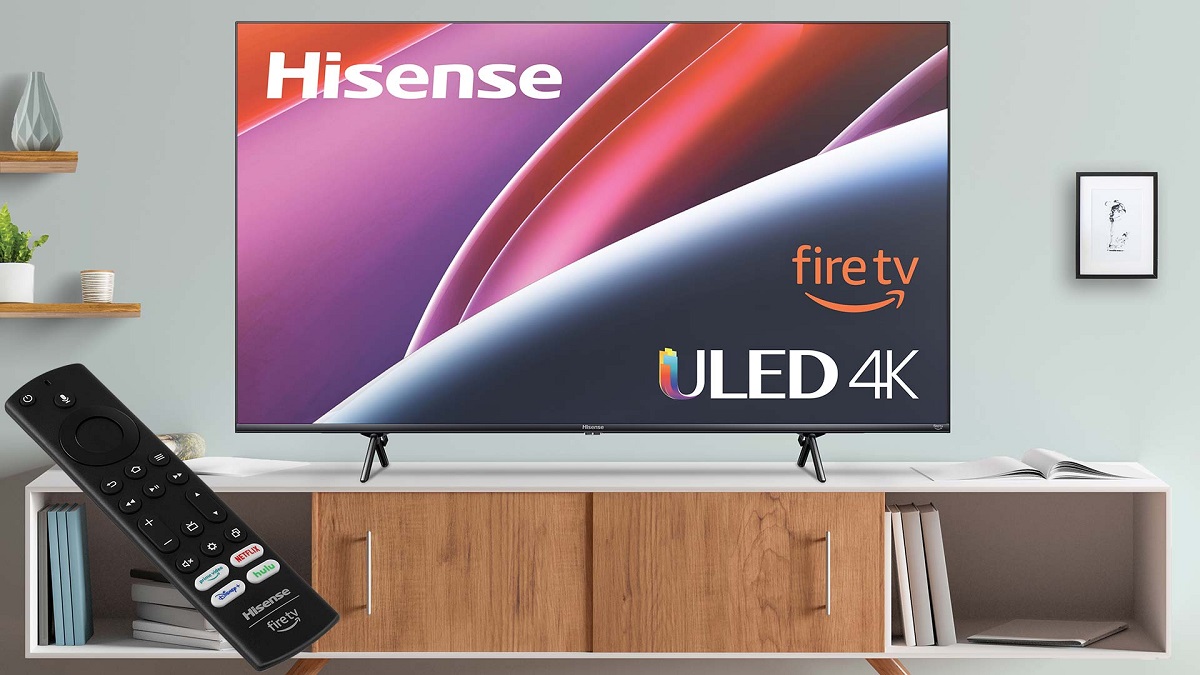
To change the aspect ratio on your Hisense TV, you adjust the "Aspect Ratio" setting in the picture menu. This is the definitive way to fix a stretched picture, remove...
To adjust picture size on your Vizio smart TV, press the Menu button or the Gear icon on your remote. From there, you can navigate to the aspect ratio settings...
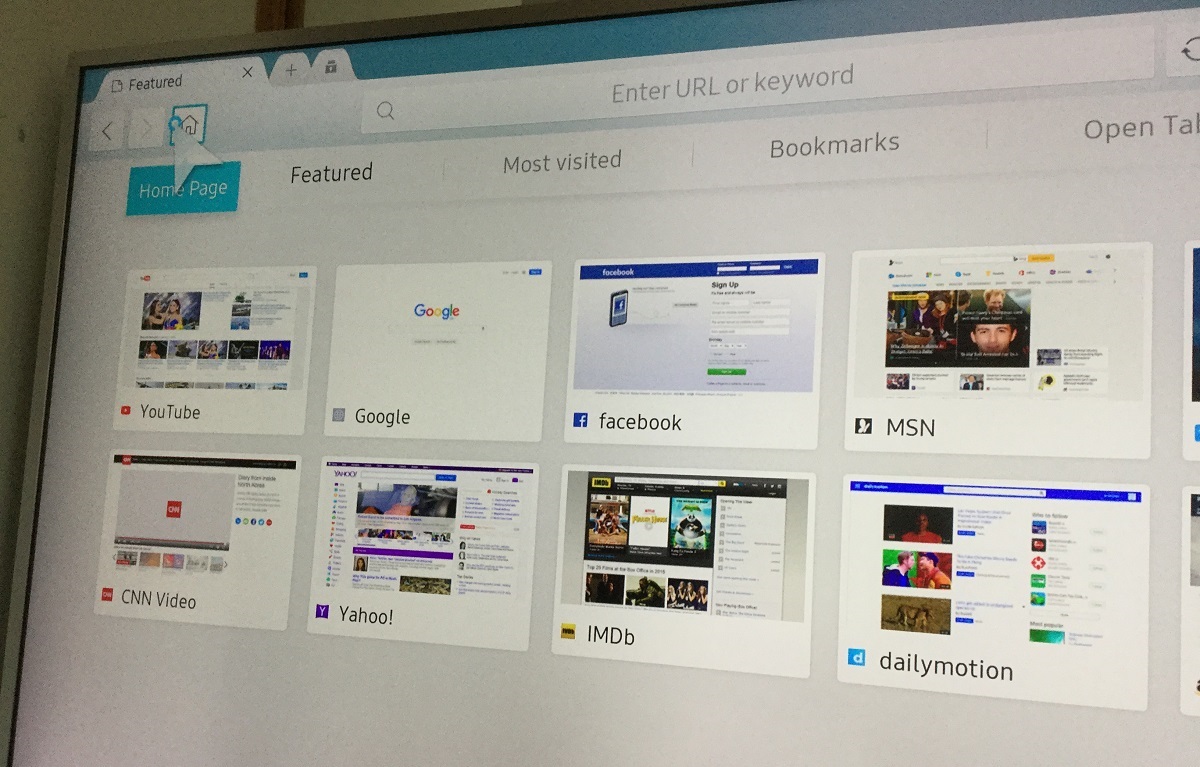
Accessing the web browser on your Samsung Smart TV To open the web browser on Samsung Smart TV, press the Smart Hub or Home button on your remote control, then...
The Samsung smart TV virtual keyboard appears automatically on your screen whenever you select a text input field, such as a search bar or login box. You can then use...
To get EWTN on your smart TV, the fastest and most reliable method is to install the free EWTN app directly from your television’s app store. You can get EWTN...
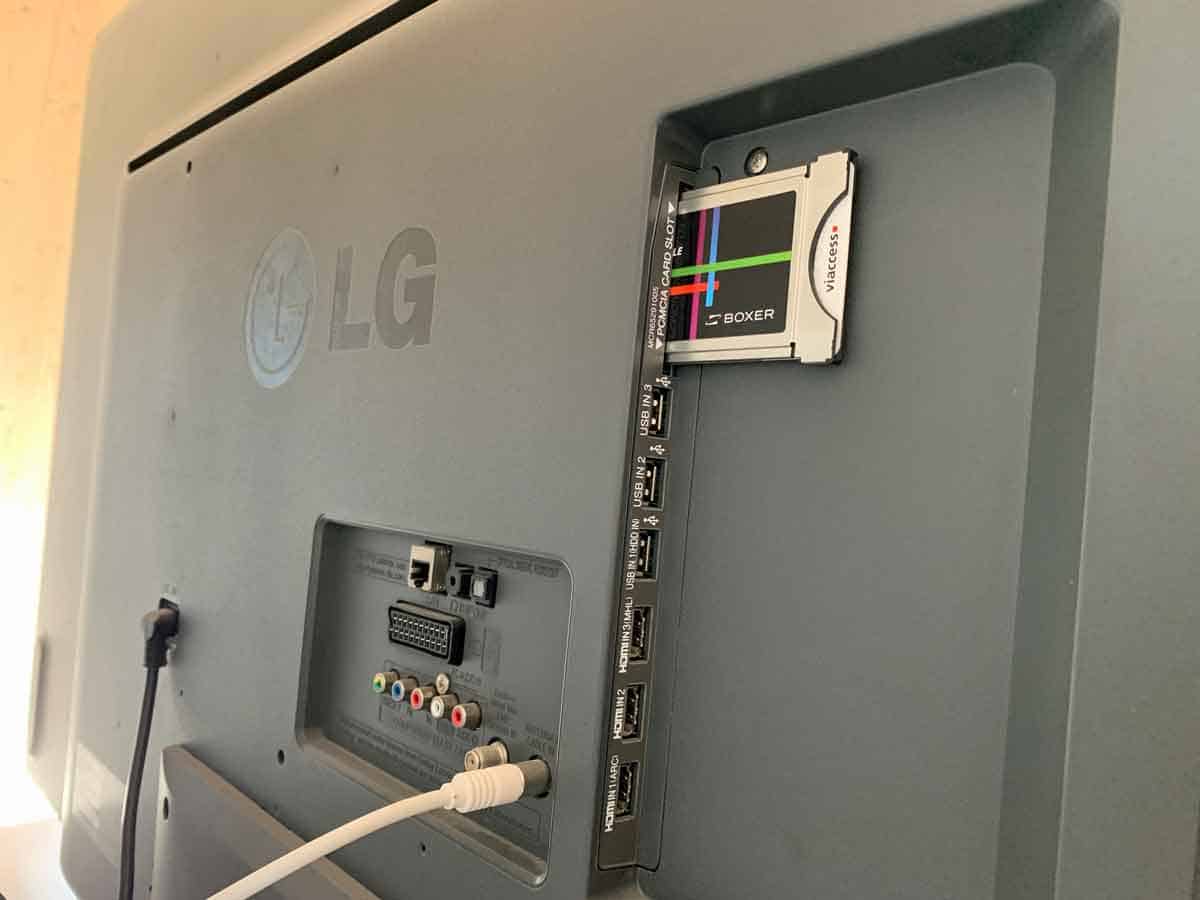
To tell if your LG TV is a smart TV, start by pressing the Mute button on your remote control three times quickly; if a menu with model and software...
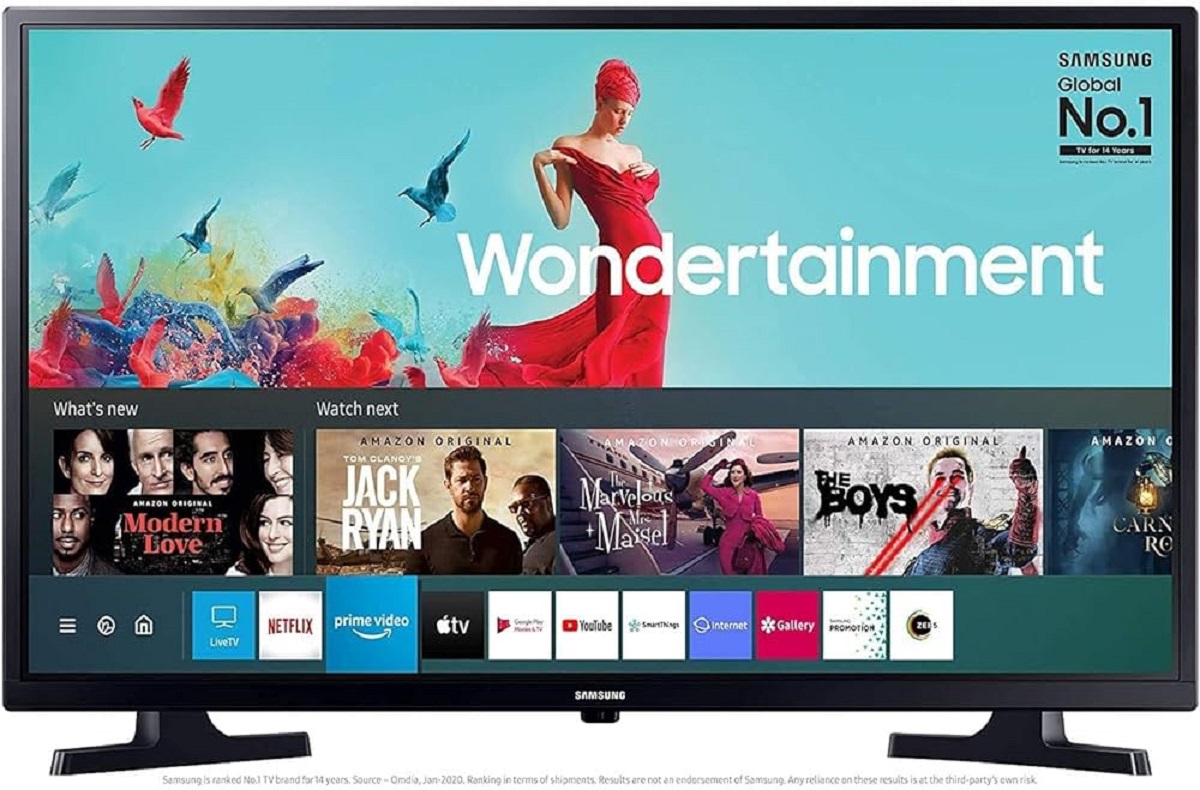
The home button on a Samsung smart TV remote is the button marked with a house icon or labeled "Smart Hub." Pressing this button opens the Smart Hub, the central...
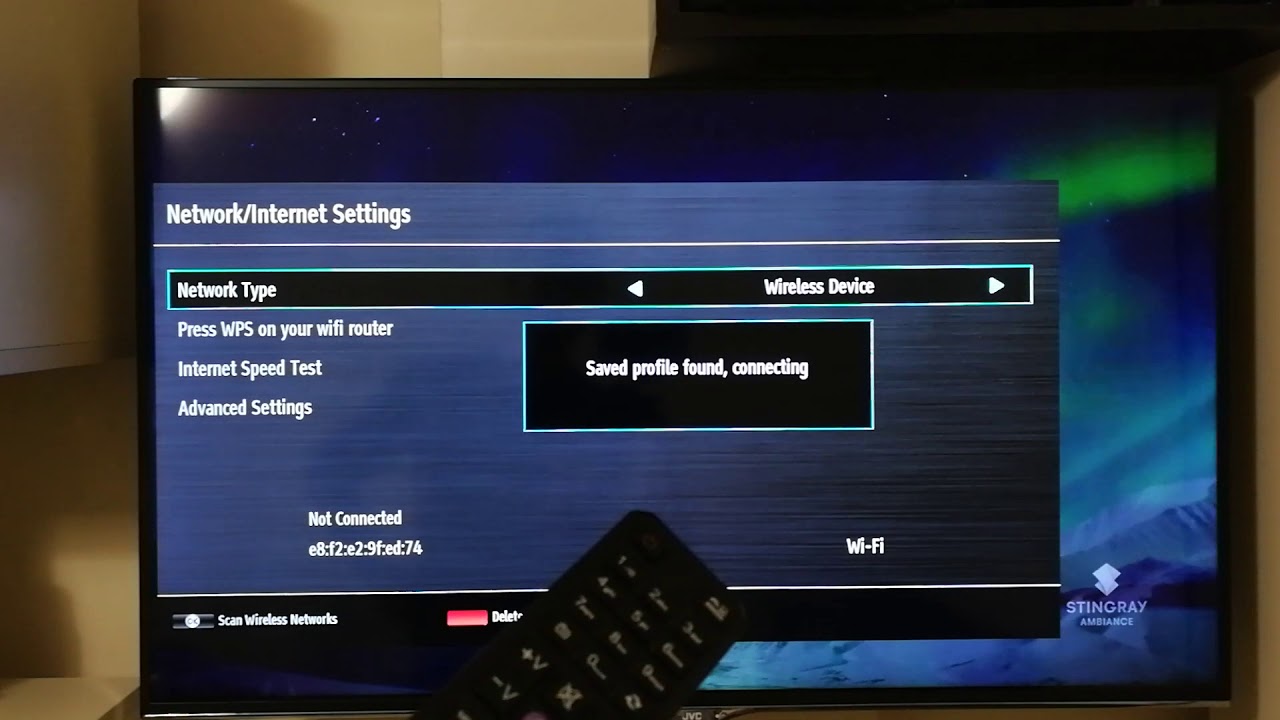
To connect your JVC Smart TV to WiFi wirelessly, turn on your router, open the Settings menu on the TV, go to Network, select Wireless, choose your network, enter the...
To play Quiplash on your smart TV, you need to display the game on your television screen while using your phone or tablet as a controller. Since a standalone 'Quiplash'...
This website uses cookies so that we can provide you with the best user experience possible. Cookie information is stored in your browser and performs functions such as recognising you when you return to our website and helping our team to understand which sections of the website you find most interesting and useful.
Strictly Necessary Cookies
Strictly Necessary Cookie should be enabled at all times so that we can save your preferences for cookie settings.
If you disable this cookie, we will not be able to save your preferences. This means that every time you visit this website you will need to enable or disable cookies again.