To gain deeper control over your Android device, you need to know how to root an Android phone, not jailbreak it. Rooting is the Android equivalent of jailbreaking, granting you...
To connect your phone to your TV wirelessly, both devices must be on the same Wi-Fi network. This allows you to stream videos, mirror your screen, or cast content from...
You can watch HBO Max by installing the HBO Max app on a supported device or by visiting HBOMax.com on a computer. This direct answer covers where you can watch...
To access Amazon Music, you need an Amazon account and can then stream on the web, through a mobile or desktop app, or on devices like Alexa, Fire TV, and...
Before you start: how to turn on subtitles vs. captions vs. audio descriptions If you need to turn on subtitles, streaming platforms and device makers use overlapping terms that can...
To cast Oculus Quest 2 to TV, the most direct method is to use the headset's built-in casting feature to send your gameplay wirelessly to a Chromecast device or a...
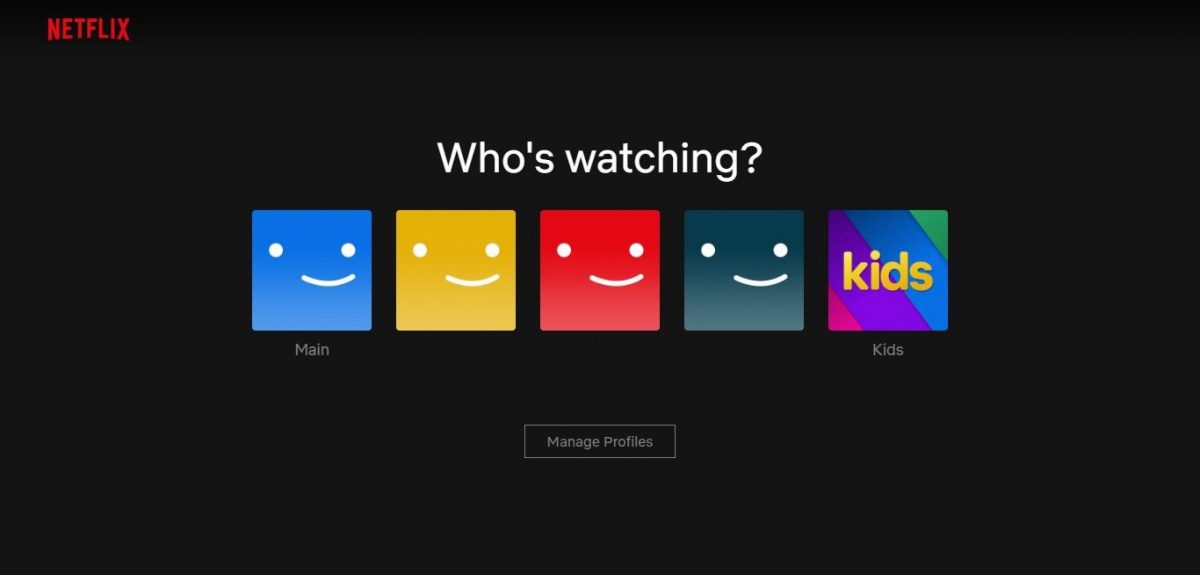
To change accounts on Netflix, you must sign out of the current account and then sign in with a different email and password. This process works the same whether you...
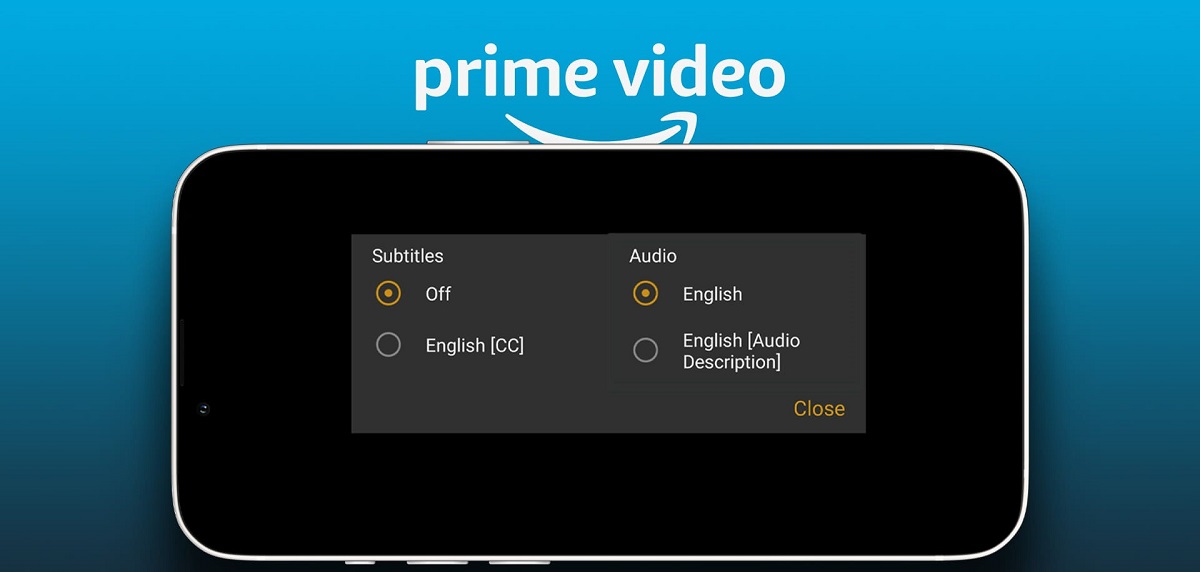
How to turn subtitles off prime video during playback To turn subtitles off prime video, start playback of any title and tap or click the screen to reveal the playback...
To turn subtitles on Peacock, start playing your movie or show, then pause or tap the screen to bring up the playback controls. Look for the "Audio & Subtitles" speech...
To cast from MacBook to TV, the simplest method is using Apple's built-in AirPlay wireless feature, which requires no extra cables or apps. Alternatively, you can use a standard HDMI...
This website uses cookies so that we can provide you with the best user experience possible. Cookie information is stored in your browser and performs functions such as recognising you when you return to our website and helping our team to understand which sections of the website you find most interesting and useful.
Strictly Necessary Cookies
Strictly Necessary Cookie should be enabled at all times so that we can save your preferences for cookie settings.
If you disable this cookie, we will not be able to save your preferences. This means that every time you visit this website you will need to enable or disable cookies again.