To connect your smart TV to WiFi, you need your wireless network name (SSID) and its case-sensitive password, then navigate your TV's settings menu to select your network and enter...
To download Netflix on Samsung TV, press the Home button on your remote, open the Apps section, search for “Netflix,” and select Install, or simply check if the app is...
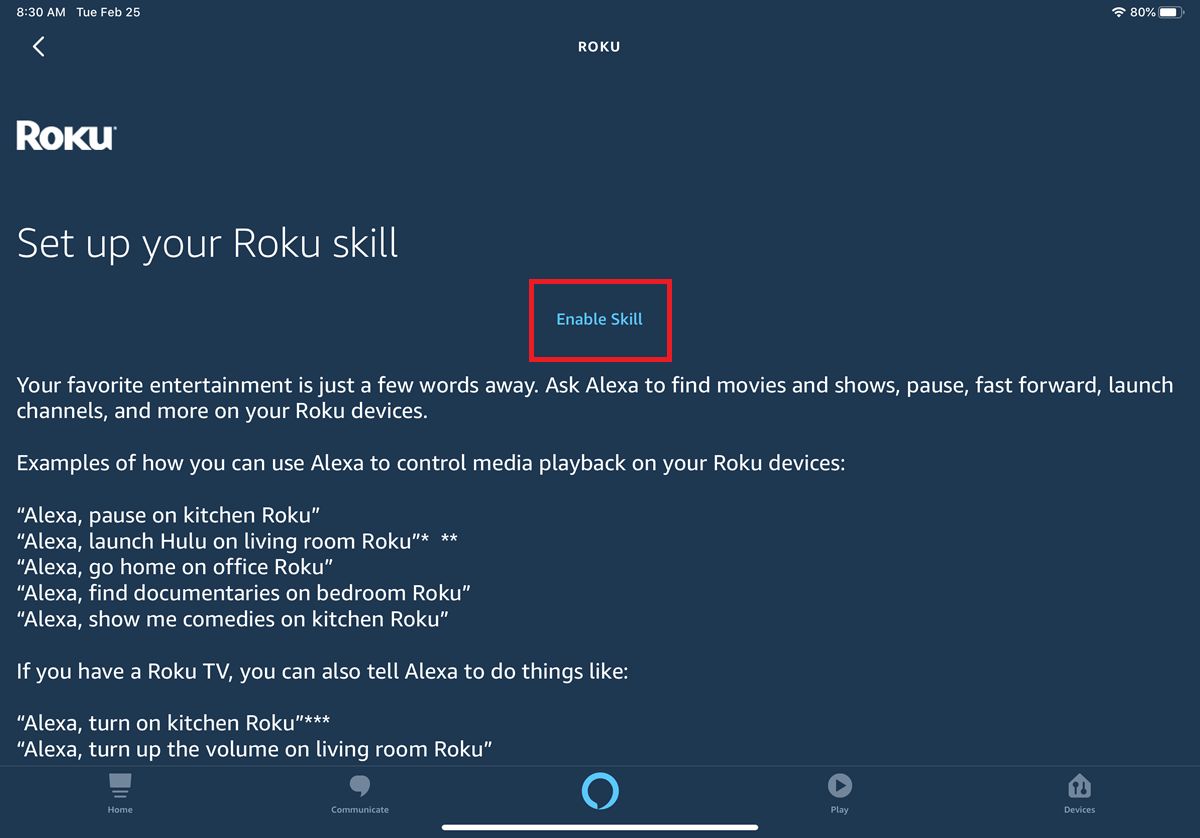
To connect Roku TV to Alexa, you need a Roku device running Roku OS 9.1 or higher, a free Roku account, an Alexa-enabled device like an Echo or Echo Dot,...
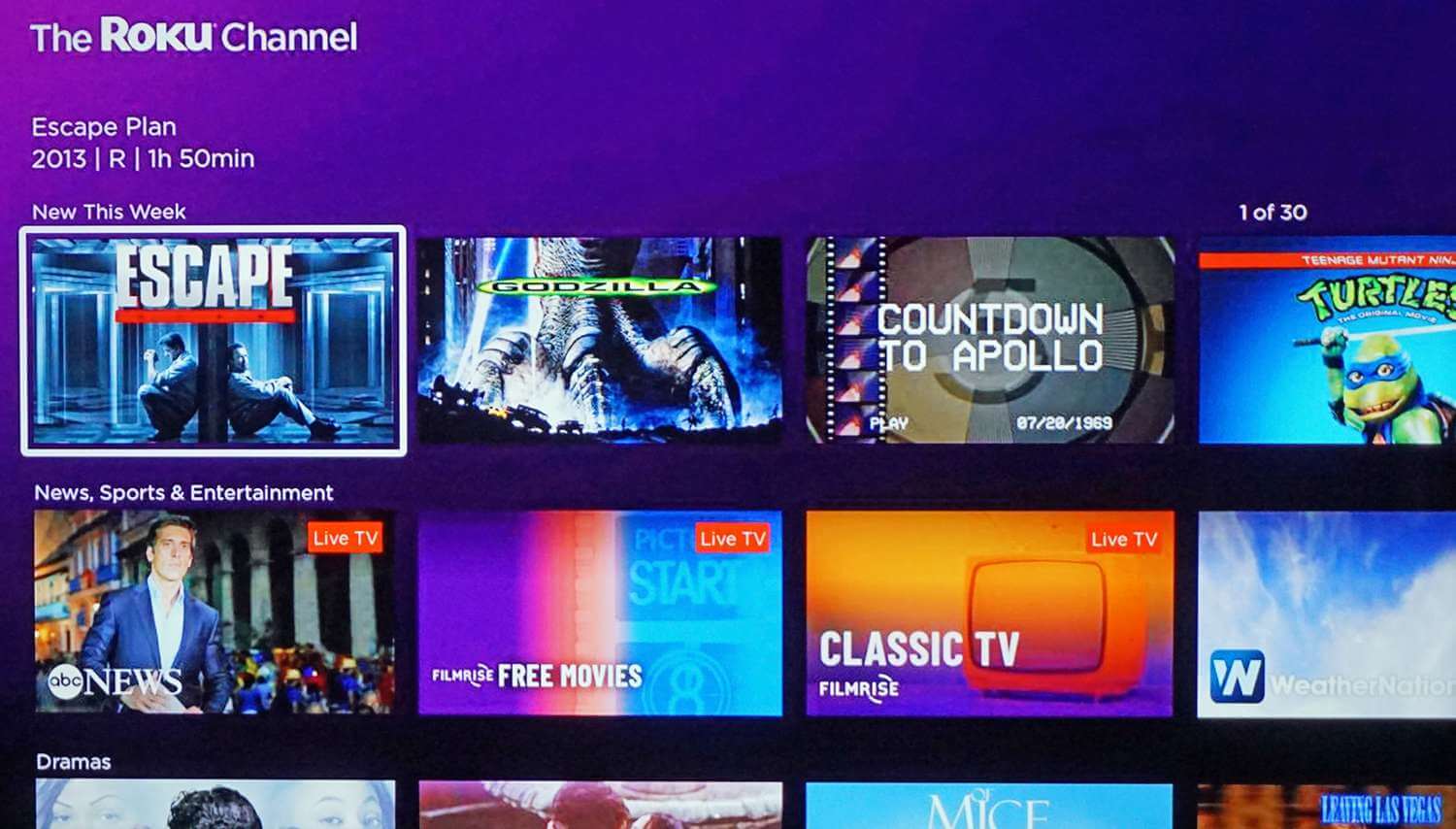
A Roku TV costs between $99.99 and $1,149.99 for Roku-branded Select Series models, with the price driven primarily by screen size and resolution. If you are wondering how much a...
To block apps on Roku TV, you must understand that Roku's built-in parental controls do not block individual streaming apps like Netflix or YouTube. Instead, they limit content on the...
How to sideload apps on Roku TV: a step-by-step guide To sideload apps on Roku TV, you enable Developer Mode and use the Development Application Installer to upload a channel...
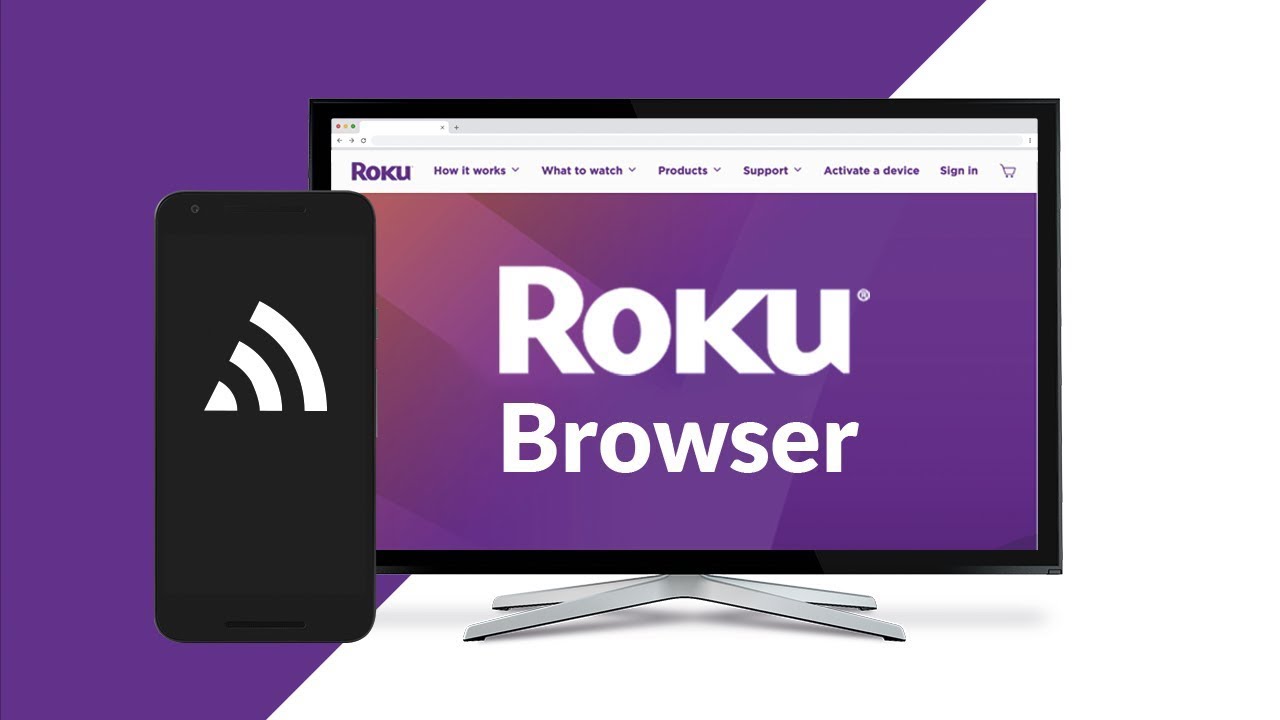
You cannot download a full internet browser on Roku TV because the Roku operating system is designed exclusively for streaming channels, not general web browsing. If you need an internet...
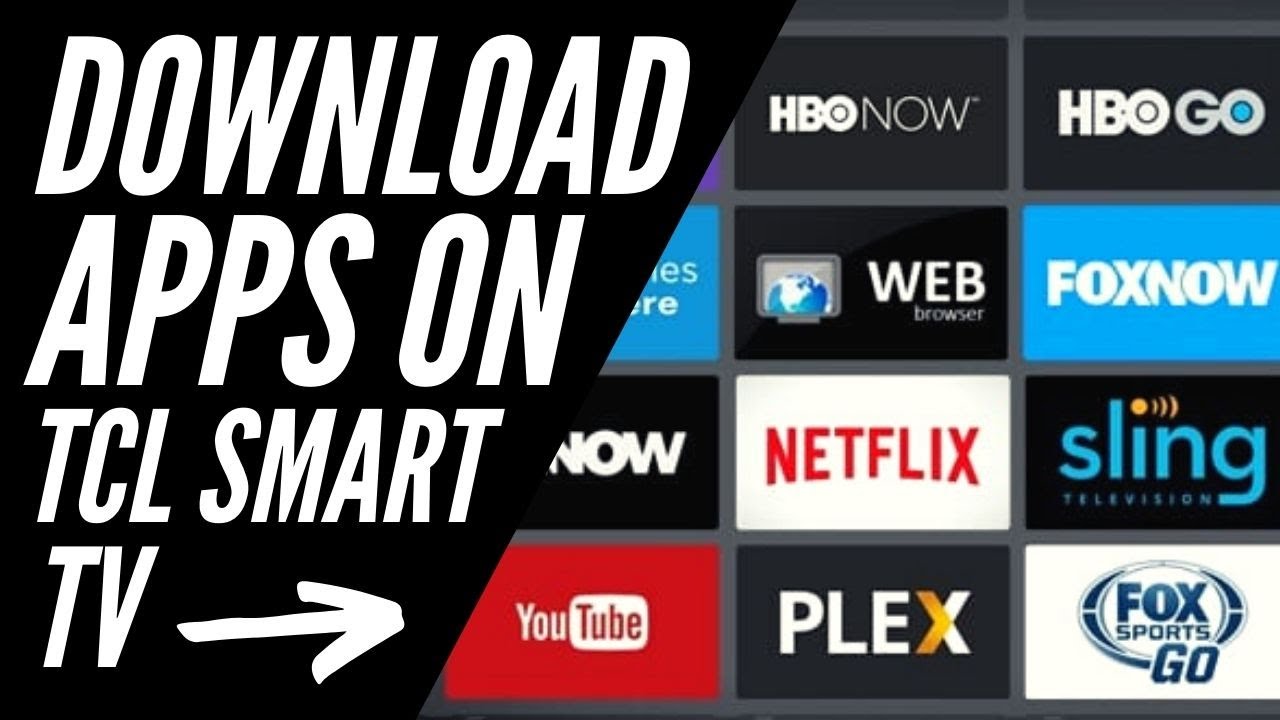
To download an app on a TCL TV, you must first know which operating system your TV uses, because the process differs completely between Roku, Android/Google TV, and Fire TV...
To install Apollo TV on a smart TV, you need a compatible device and an active subscription paid for with Bitcoin. This guide covers the only native method for Android...
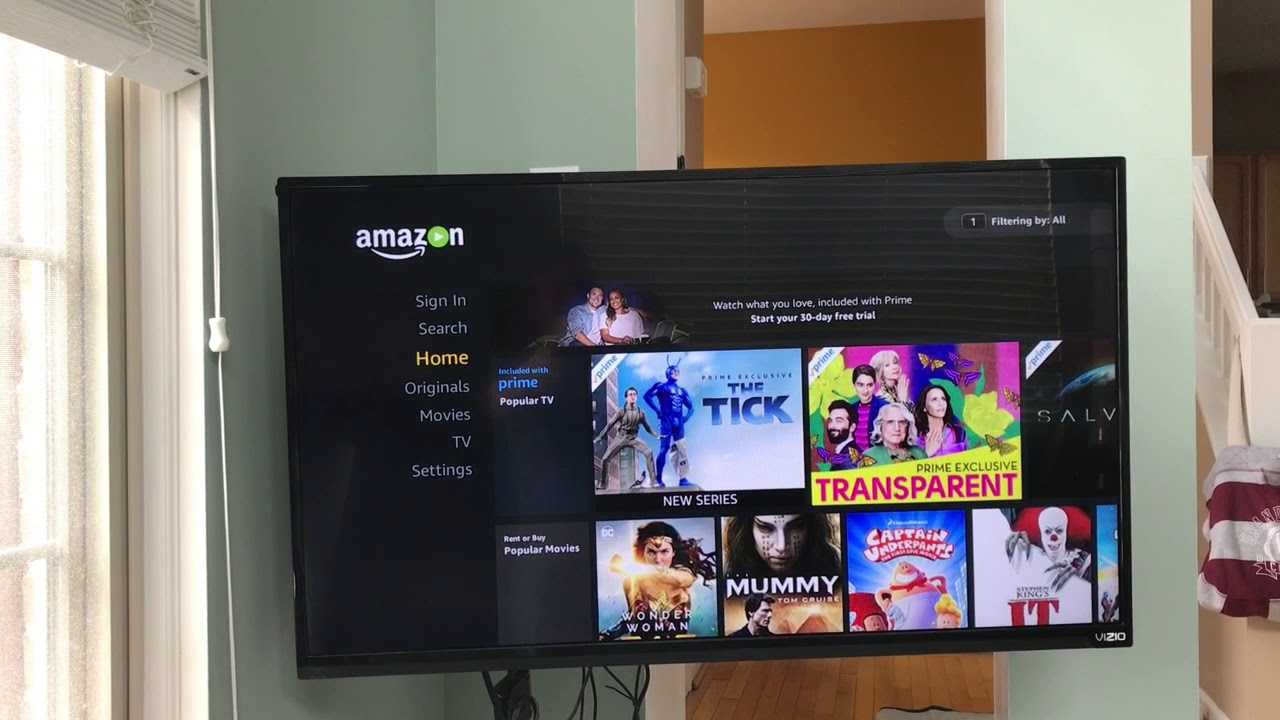
To log into Amazon Prime on TV, open the Prime Video app on your smart TV or streaming device and choose a sign-in method. The fastest way is to use...
You can watch Ted Lasso without Apple TV by using the Apple TV+ app on a device you already own, not the Apple TV set-top box. The Apple TV+ service...
To turn on closed caption on Amazon Prime, start playing a title that supports subtitles or captions and access the playback menu. During playback, tap your device's screen, move your...
This website uses cookies so that we can provide you with the best user experience possible. Cookie information is stored in your browser and performs functions such as recognising you when you return to our website and helping our team to understand which sections of the website you find most interesting and useful.
Strictly Necessary Cookies
Strictly Necessary Cookie should be enabled at all times so that we can save your preferences for cookie settings.
If you disable this cookie, we will not be able to save your preferences. This means that every time you visit this website you will need to enable or disable cookies again.