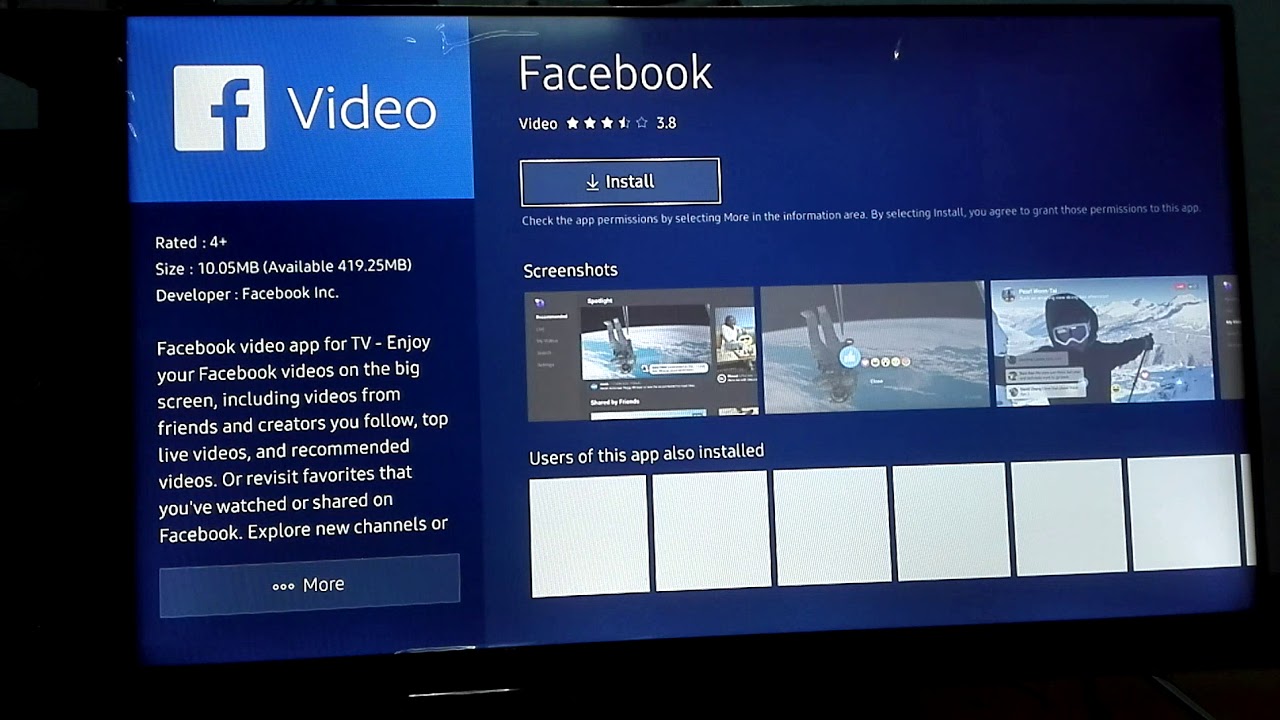
You cannot install Facebook on a smart TV anymore, because there is no working Facebook app for TVs to install. Meta has ended service for the Facebook Watch TV app,...
To setup smart TV with Dish, connect the Dish receiver to the TV using an HDMI cable, then select the correct HDMI input on the TV remote. This lets you...
To make Netflix full screen on Smart TV, you need to change your TV's picture or display settings, not the Netflix app. The black bars or stretched picture you're seeing...
Whether you can remove YouTube from a smart TV depends entirely on whether the app was pre-installed by the manufacturer or downloaded by you. Pre-installed YouTube apps often cannot be...
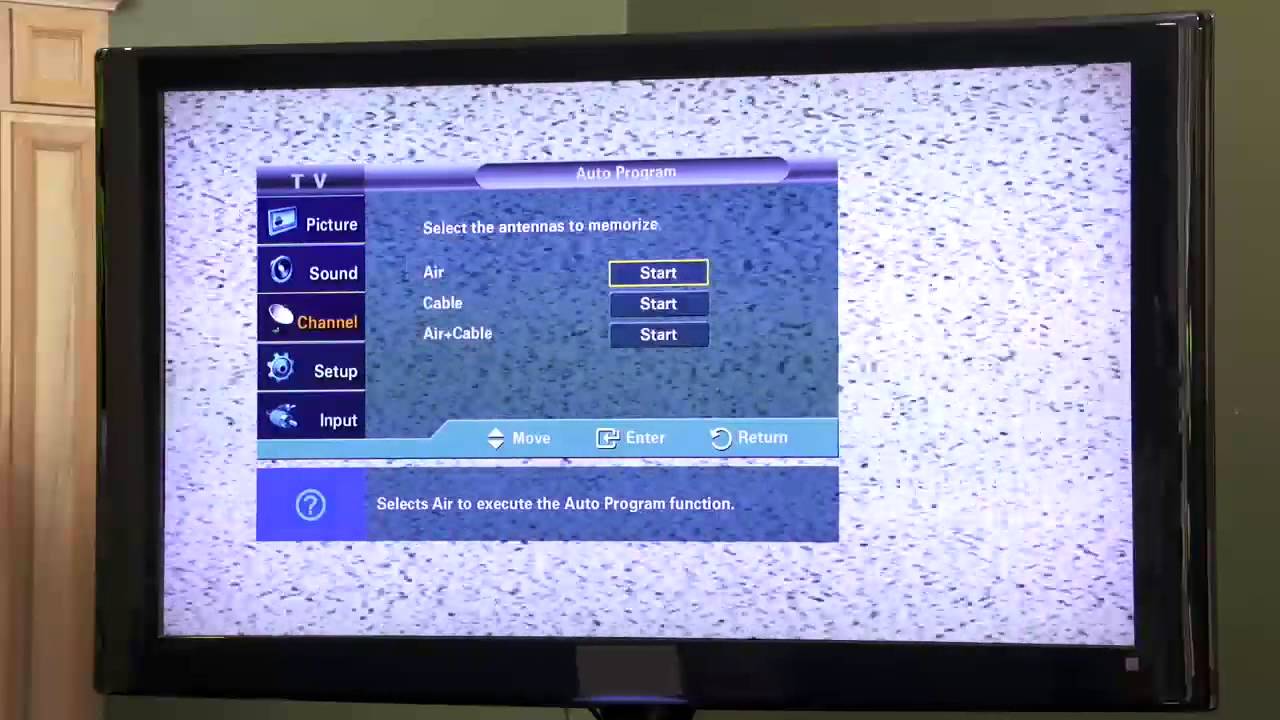
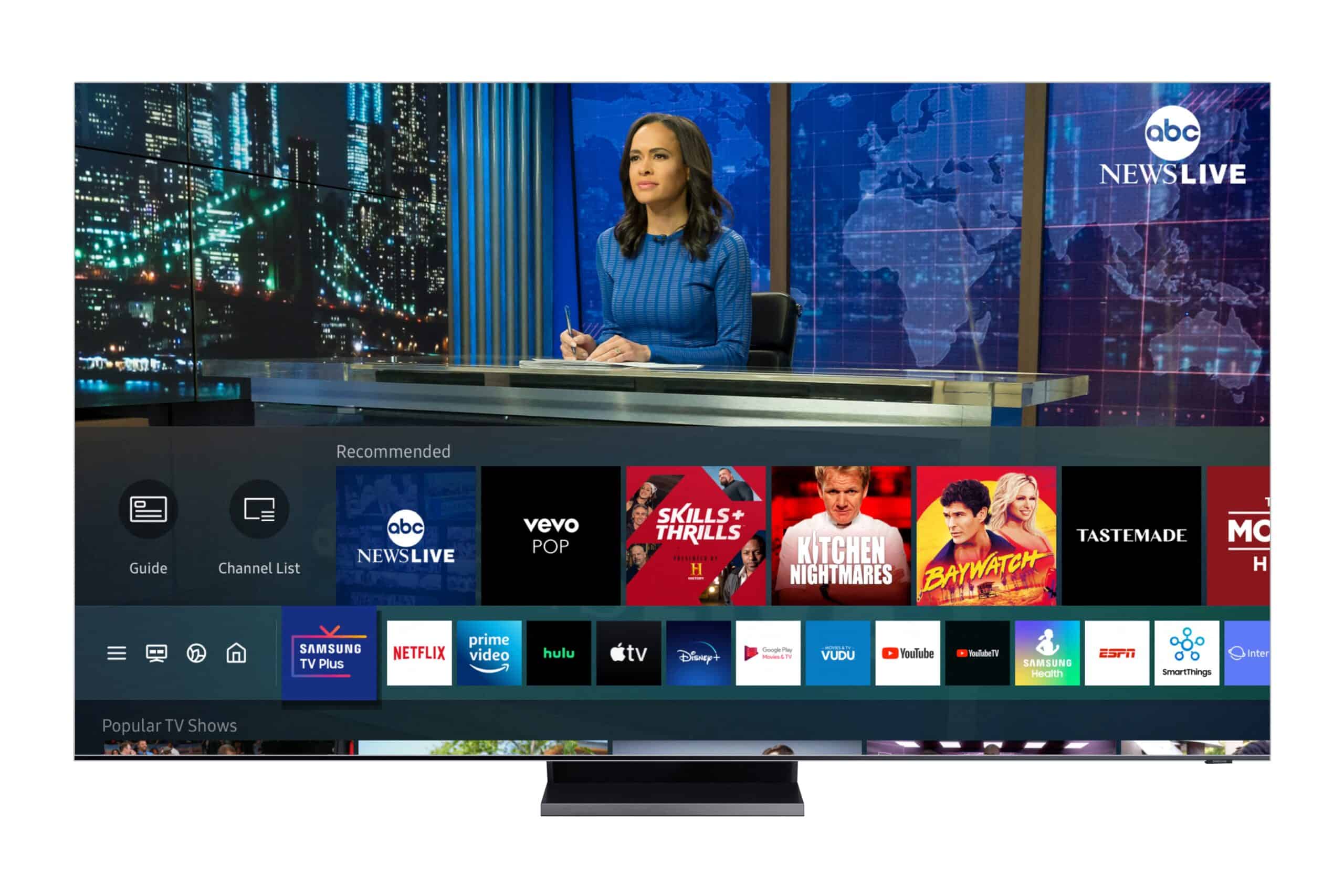
Is my TV a Tizen smart TV If you use a Tizen smart TV, you already own a Samsung television, as this operating system is exclusive to that brand. If...
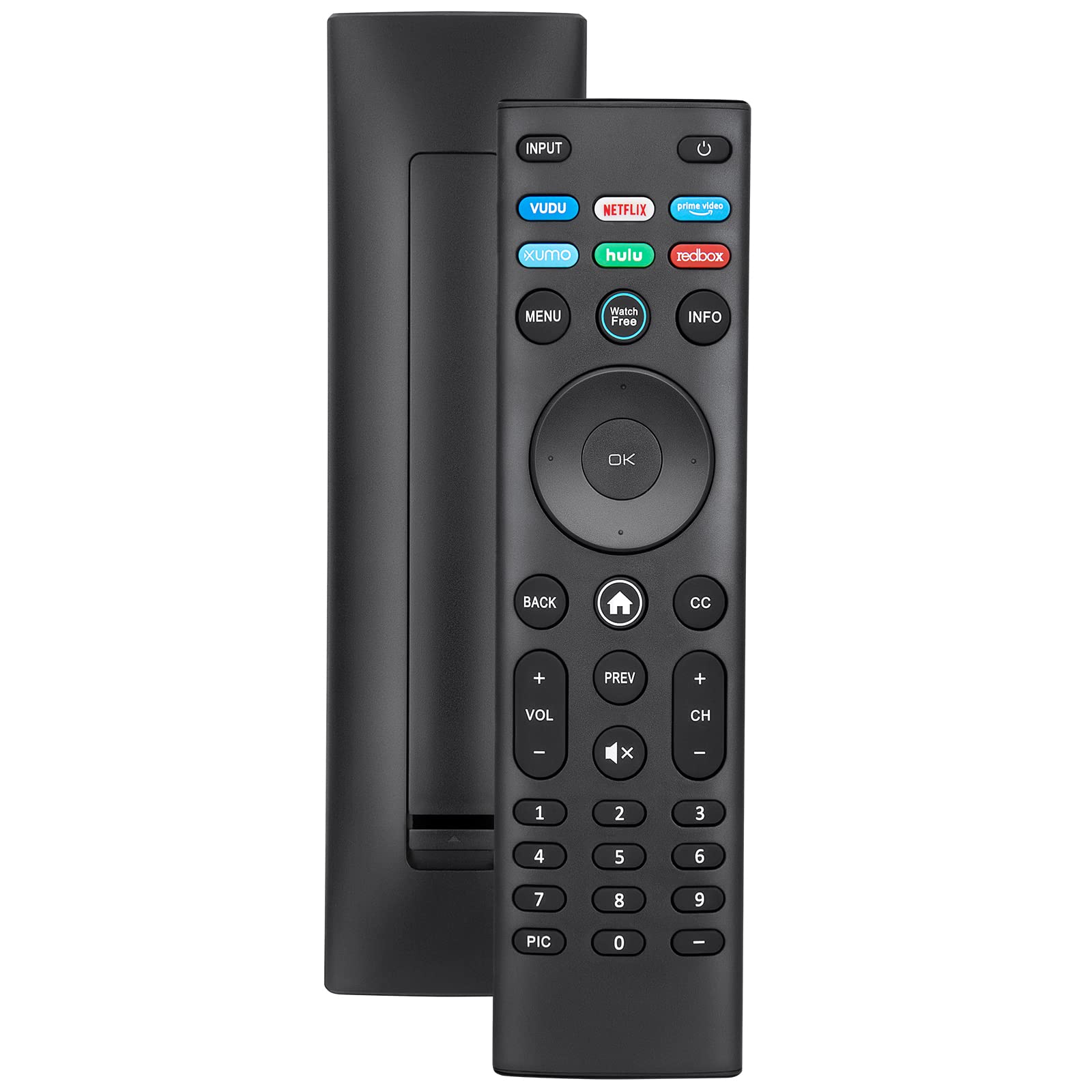
The best replacement for a lost or broken Vizio remote control for smart TV is either the official VIZIO XRT140 or XRT136 model, or the free VIZIO Mobile App for...
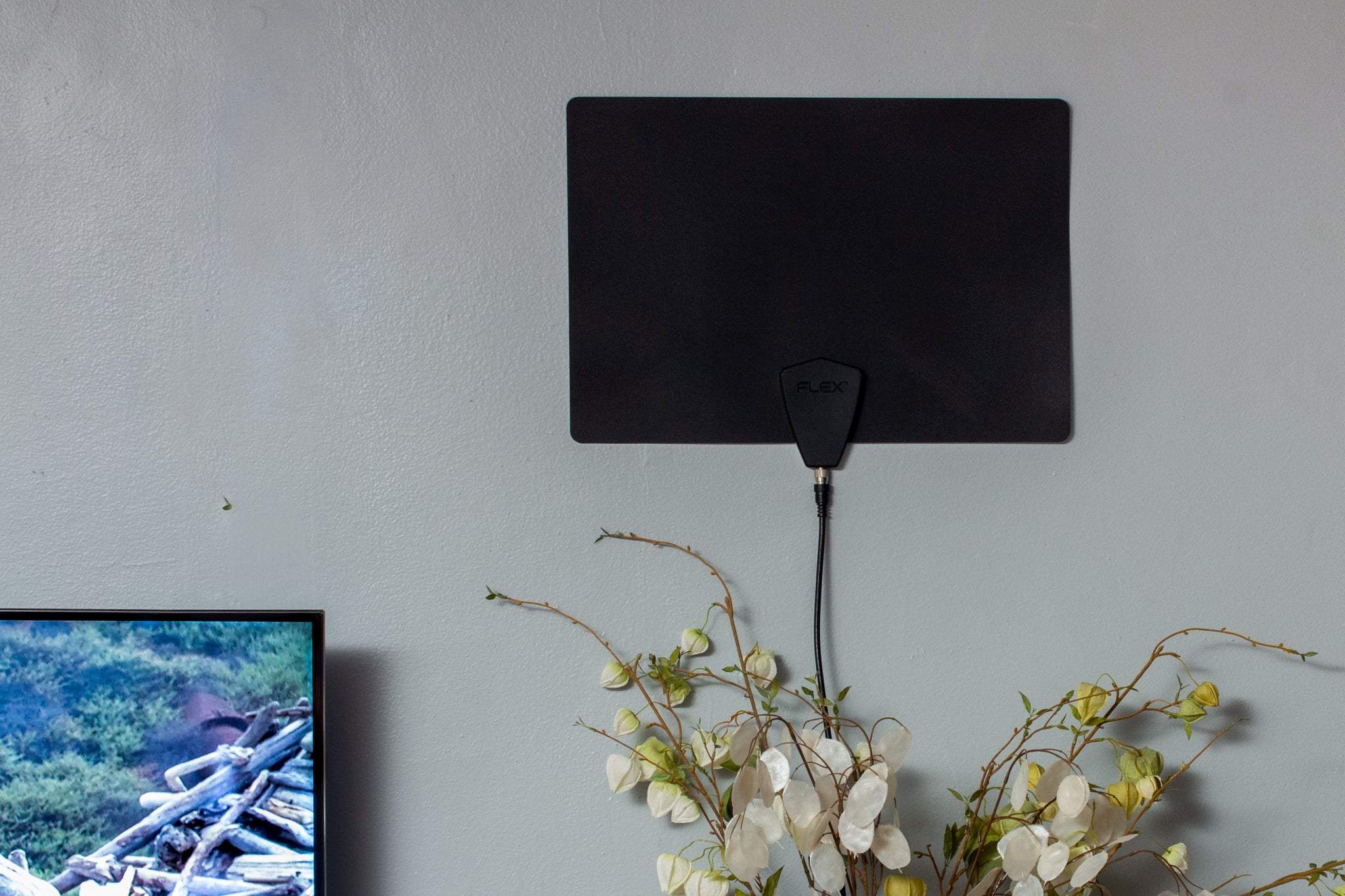
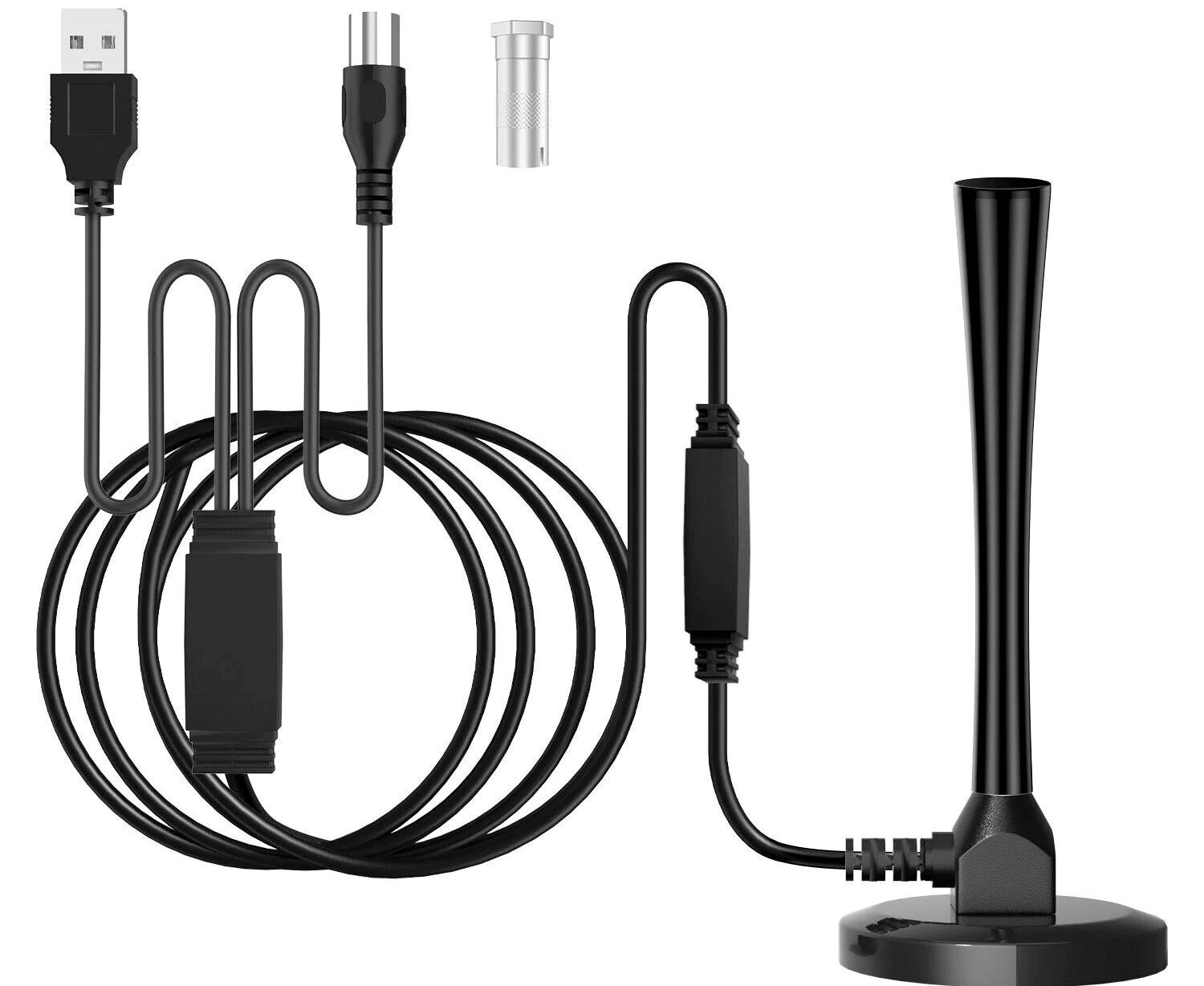
To connect a TV antenna to a TV wirelessly, you need to stream the signal over your home Wi-Fi network using a network-connected tuner rather than a point-to-point wireless HDMI...
If you're looking for the best TV antenna at walmart, the Antennas Direct ClearStream Eclipse is the top choice for most shoppers because it balances strong reception, flexible amplification, and...
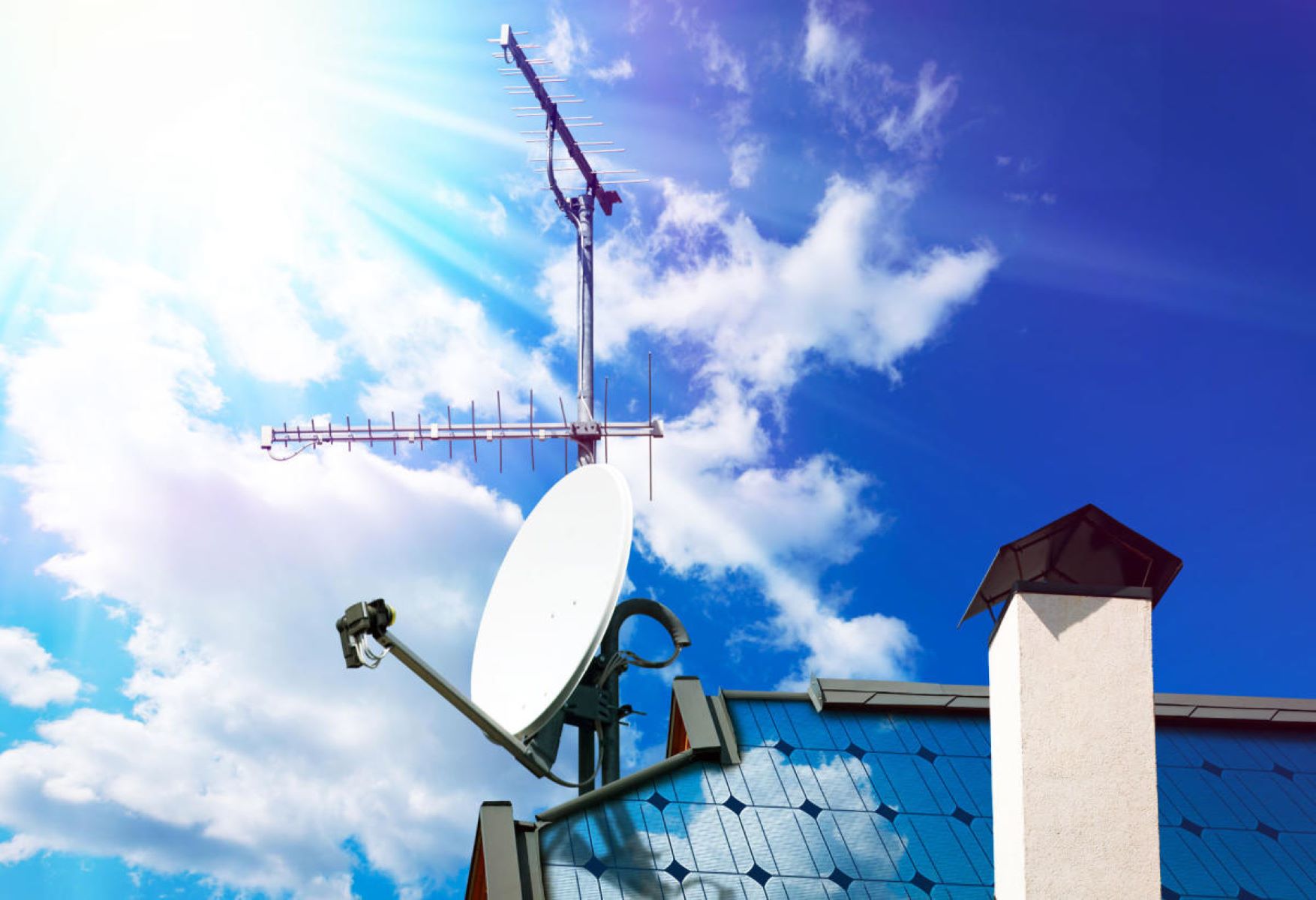
Figure out which way to point your TV antenna before you buy or build anything Before you figure out which way to point your TV antenna, confirm what your TV...
This website uses cookies so that we can provide you with the best user experience possible. Cookie information is stored in your browser and performs functions such as recognising you when you return to our website and helping our team to understand which sections of the website you find most interesting and useful.
Strictly Necessary Cookies
Strictly Necessary Cookie should be enabled at all times so that we can save your preferences for cookie settings.
If you disable this cookie, we will not be able to save your preferences. This means that every time you visit this website you will need to enable or disable cookies again.