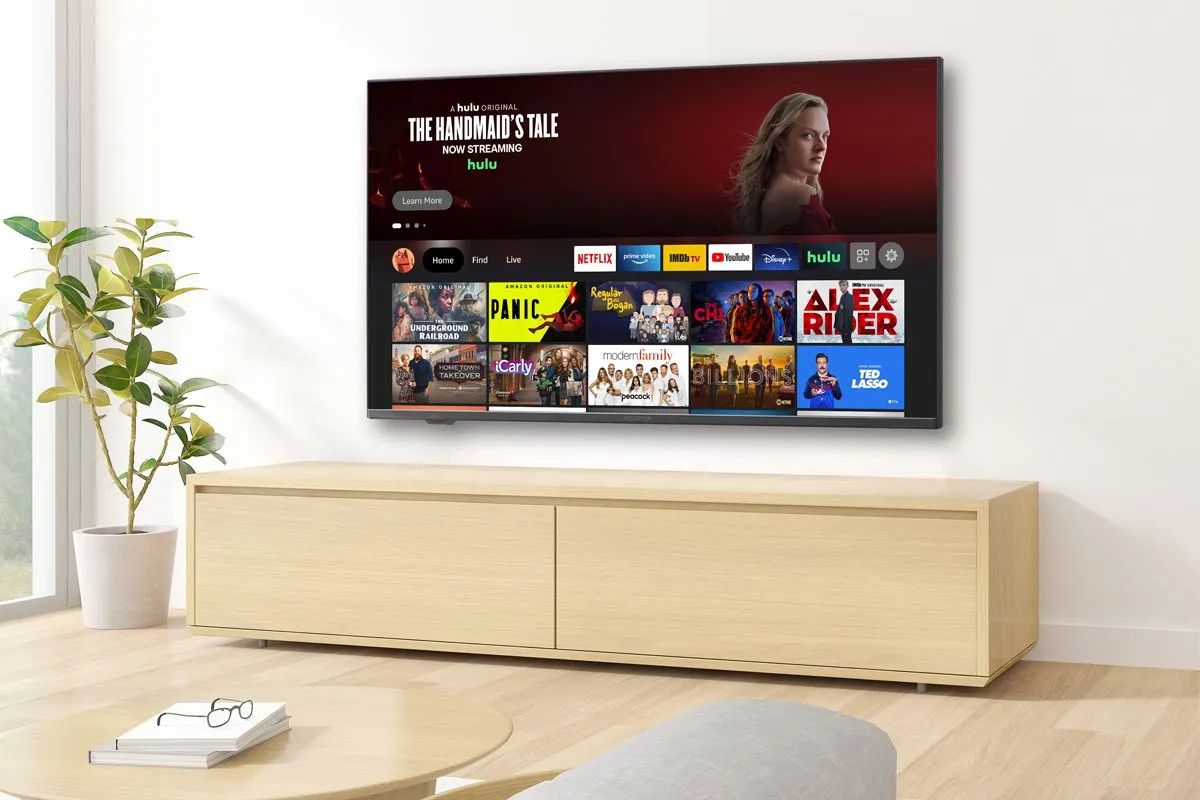
To use Hisense smart TV without remote, start by finding the physical button built into the television. A short press powers the TV on or off, and a long press...
You cannot uninstall preloaded apps on a Hisense Smart TV. Only apps you have installed yourself can be removed, which means the factory-installed apps that came with the television are...
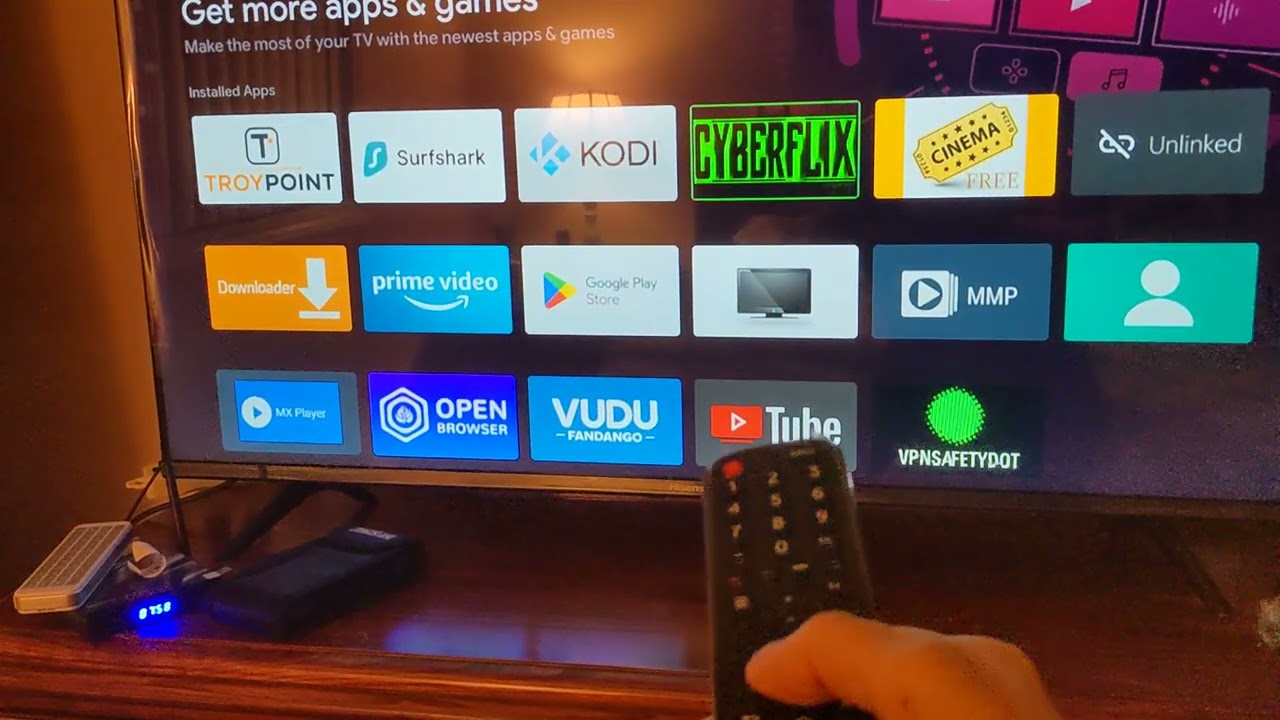
To sideload apps on a smart TV means installing third-party applications that aren't available in the official app store, using the TV's built-in Developer Mode. This is what most people...
You can use a smart TV without internet by playing personal media files directly from a USB drive, connecting external devices via HDMI, or using a digital antenna for live...
To play Jackbox on your smart TV, the easiest method depends on what hardware you already own, but in every case players use their phones as controllers by visiting Jackbox.TV....
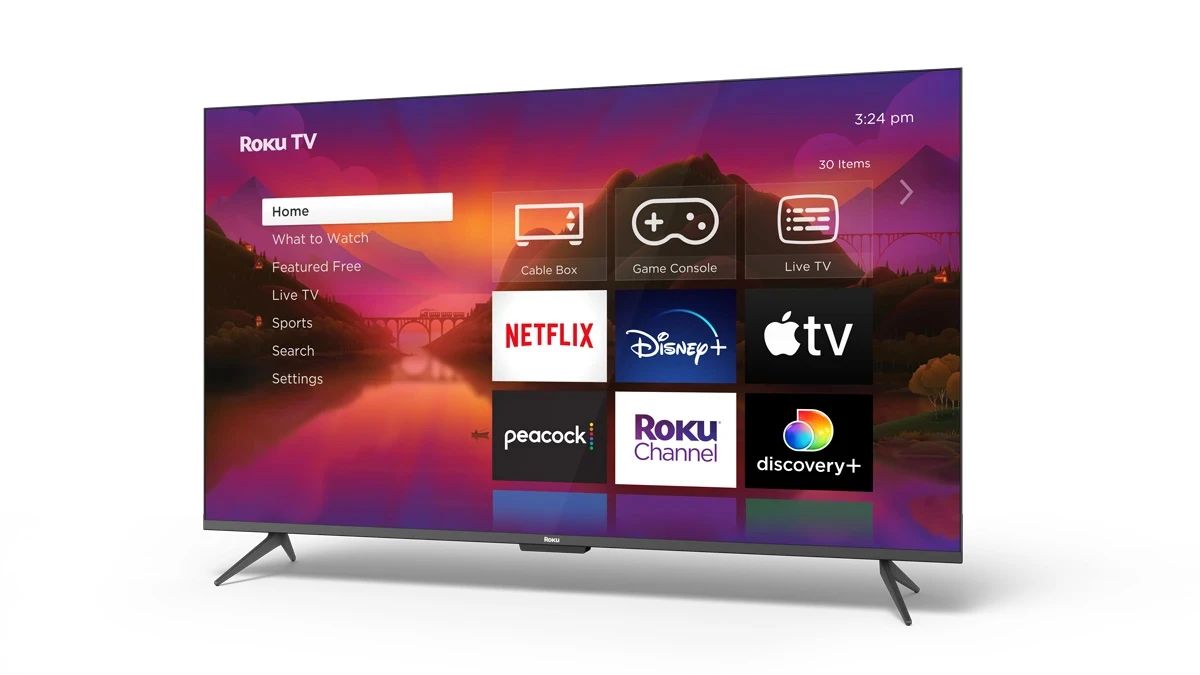
To get Roku on my smart TV, you either set up a Roku-branded TV or add a Roku streaming device to an existing smart TV. The steps differ depending on...
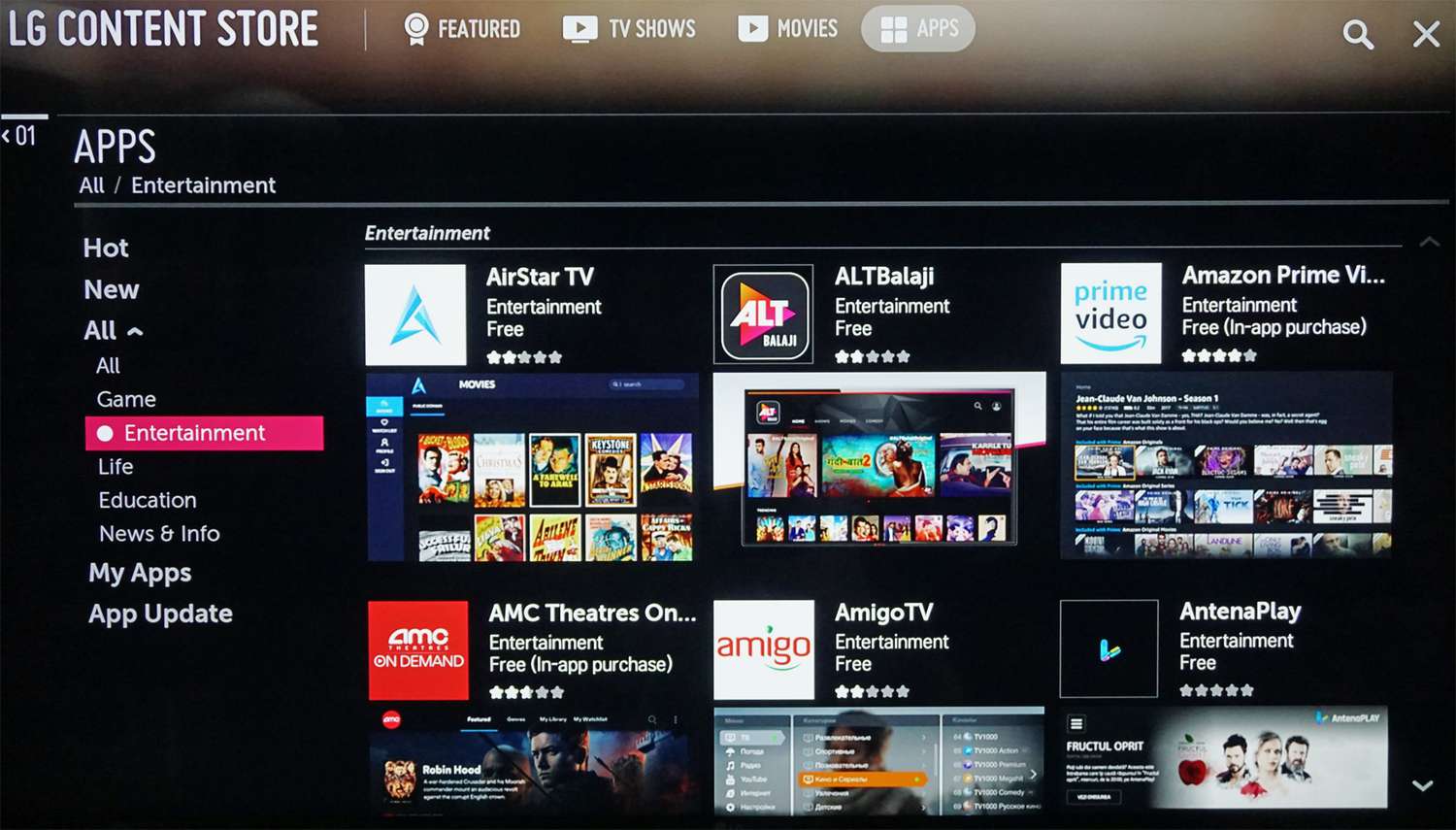
To add YouTube TV to an LG smart TV, you download the YouTube TV app from the LG Content Store on your television. The process takes only a few minutes...
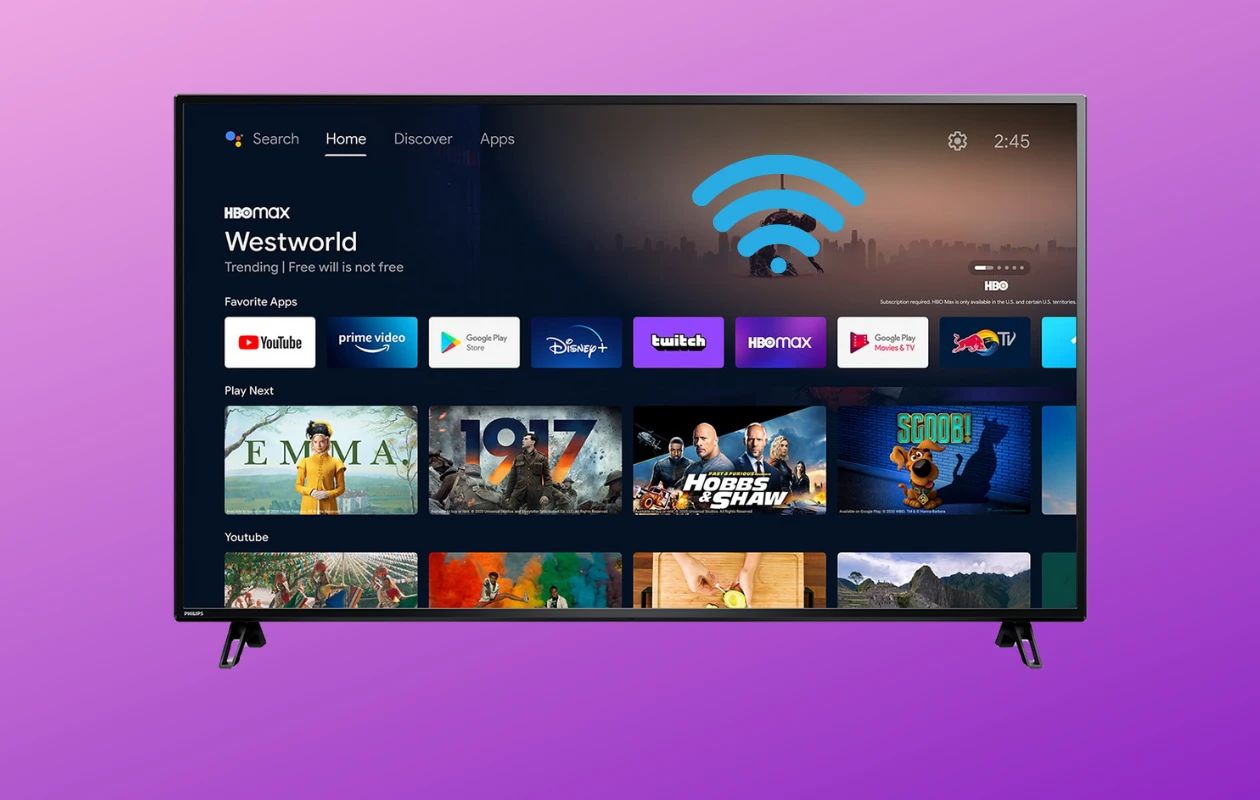
To connect to a Philips Smart TV, you need to put the TV on the same network as your router, then use the on-screen menus to select your Wi-Fi network...
Smart TV buffering happens when your internet connection, Wi-Fi signal, or the TV itself can't keep up with the video stream, causing the picture to pause while more data loads....
This website uses cookies so that we can provide you with the best user experience possible. Cookie information is stored in your browser and performs functions such as recognising you when you return to our website and helping our team to understand which sections of the website you find most interesting and useful.
Strictly Necessary Cookies
Strictly Necessary Cookie should be enabled at all times so that we can save your preferences for cookie settings.
If you disable this cookie, we will not be able to save your preferences. This means that every time you visit this website you will need to enable or disable cookies again.