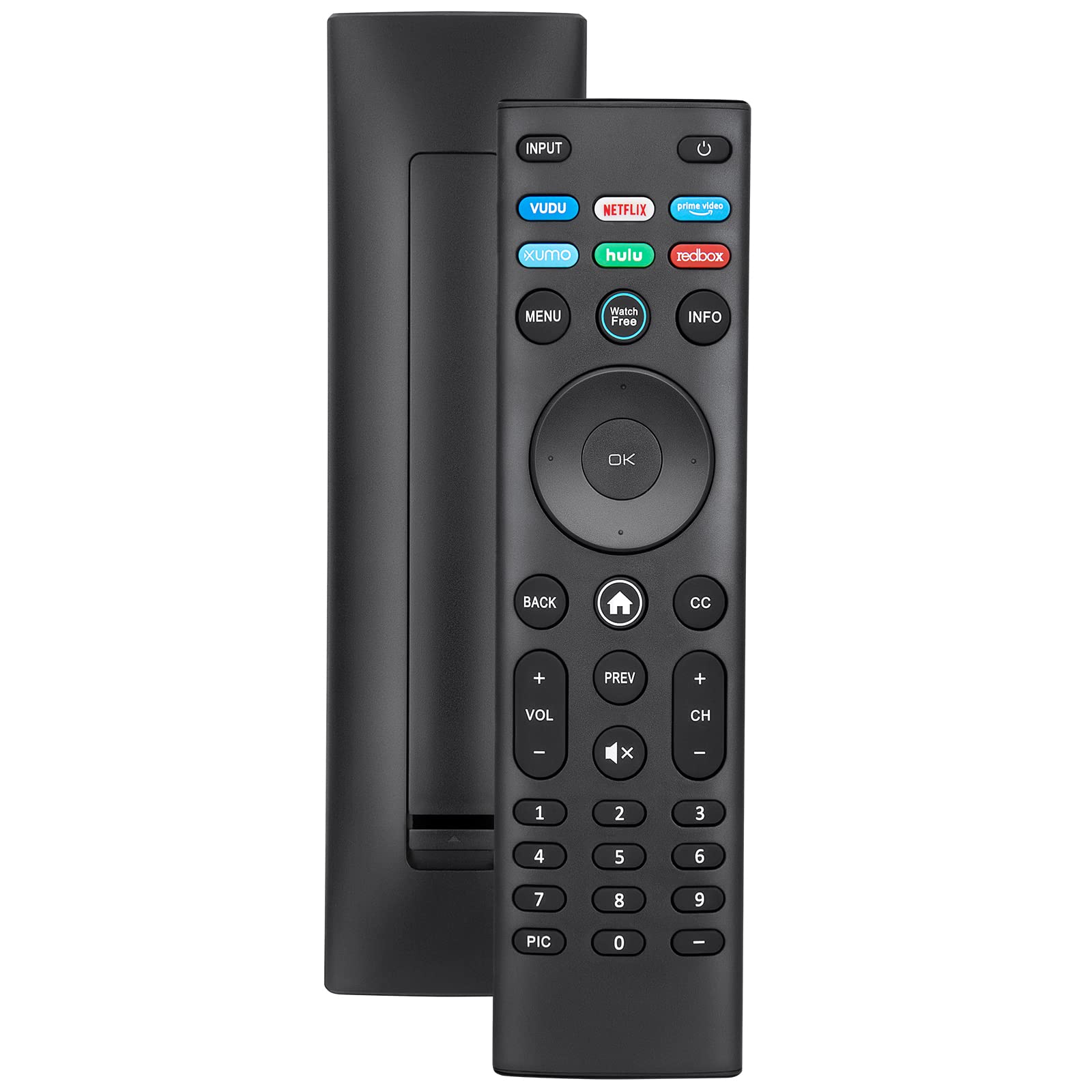
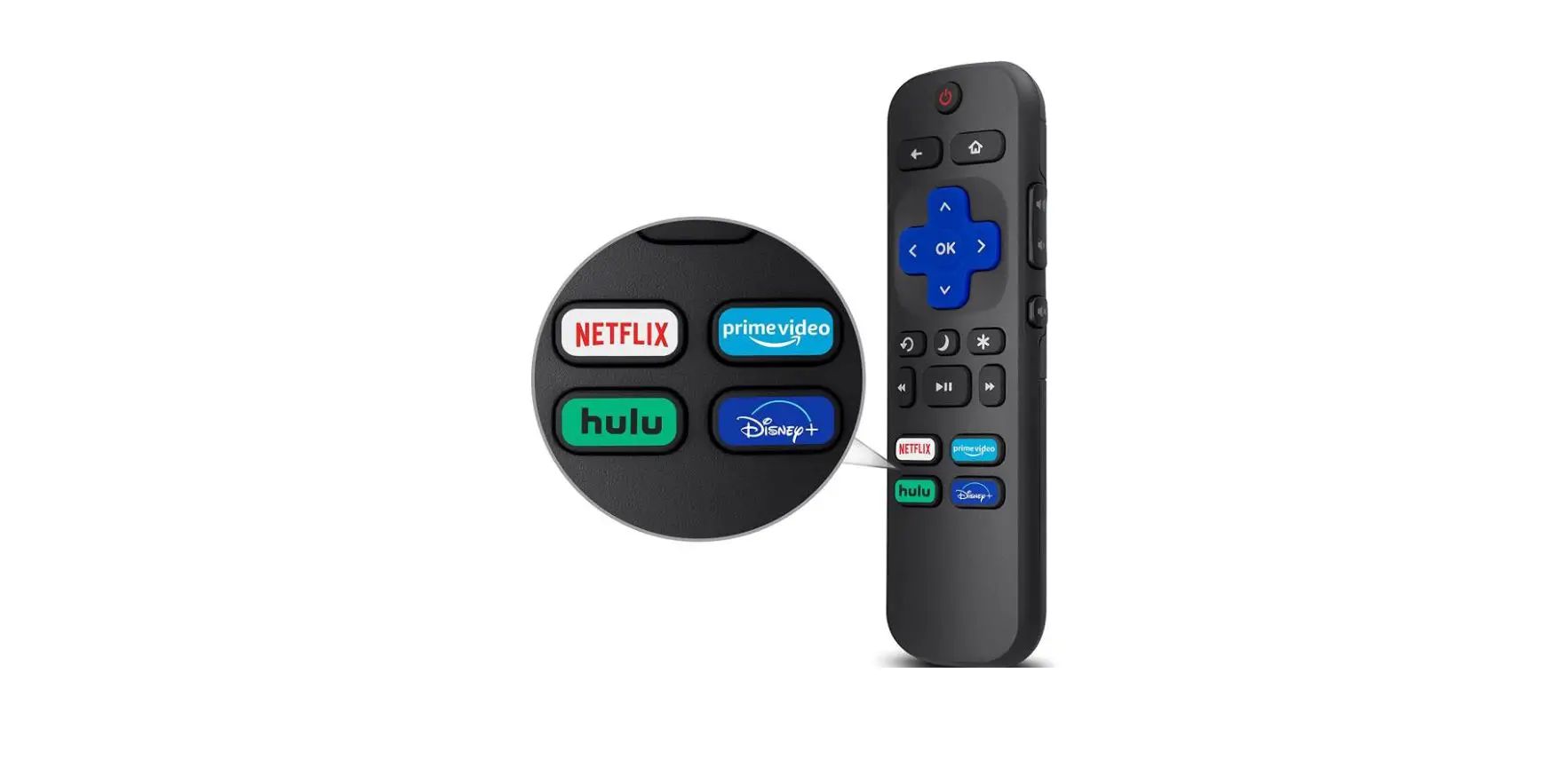
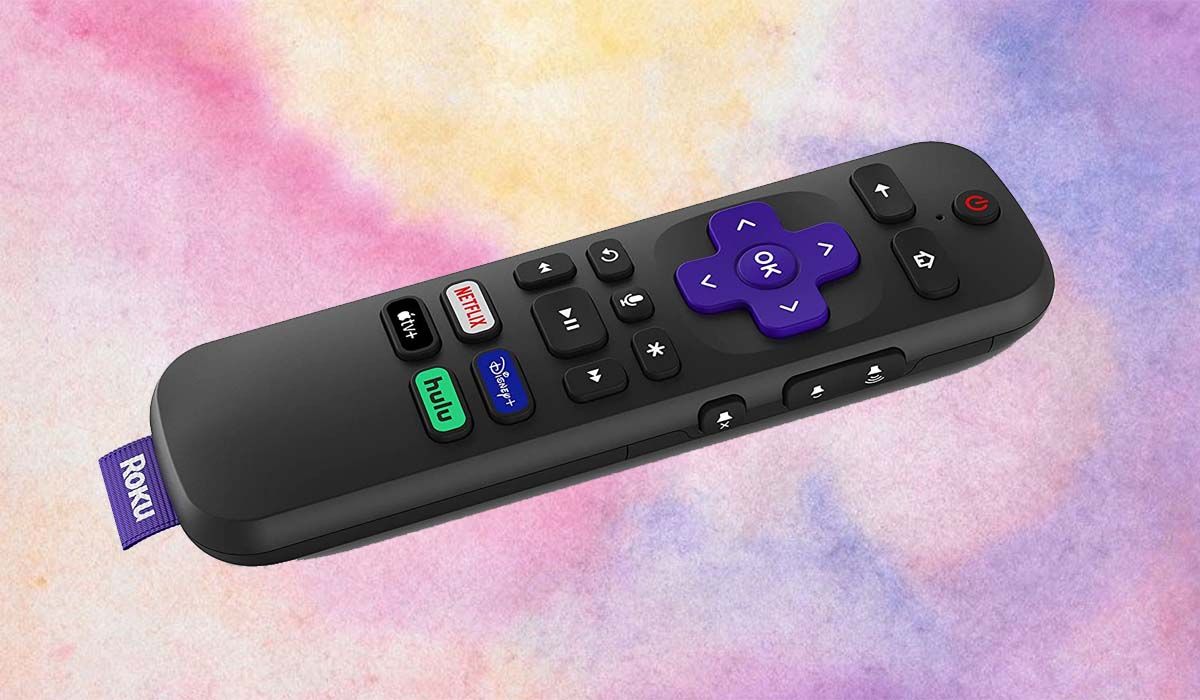
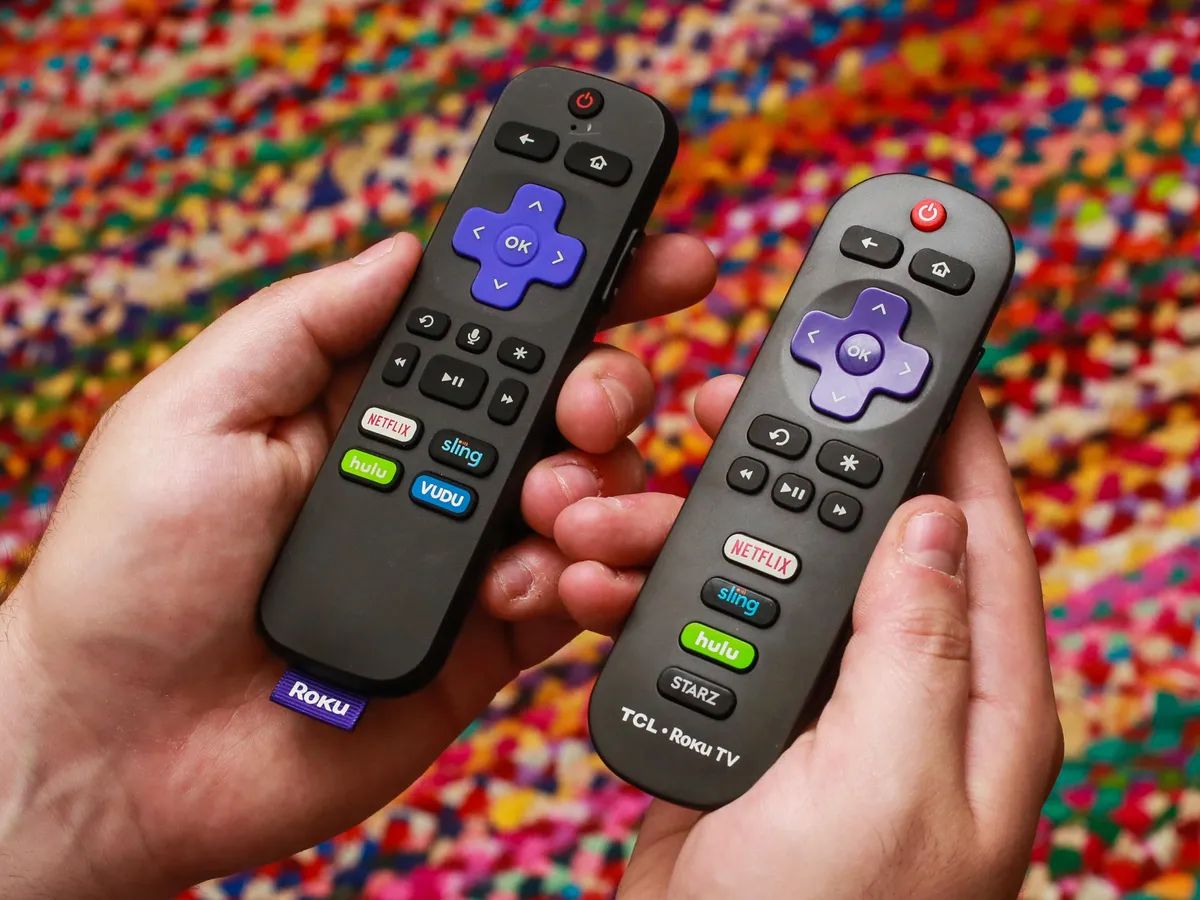
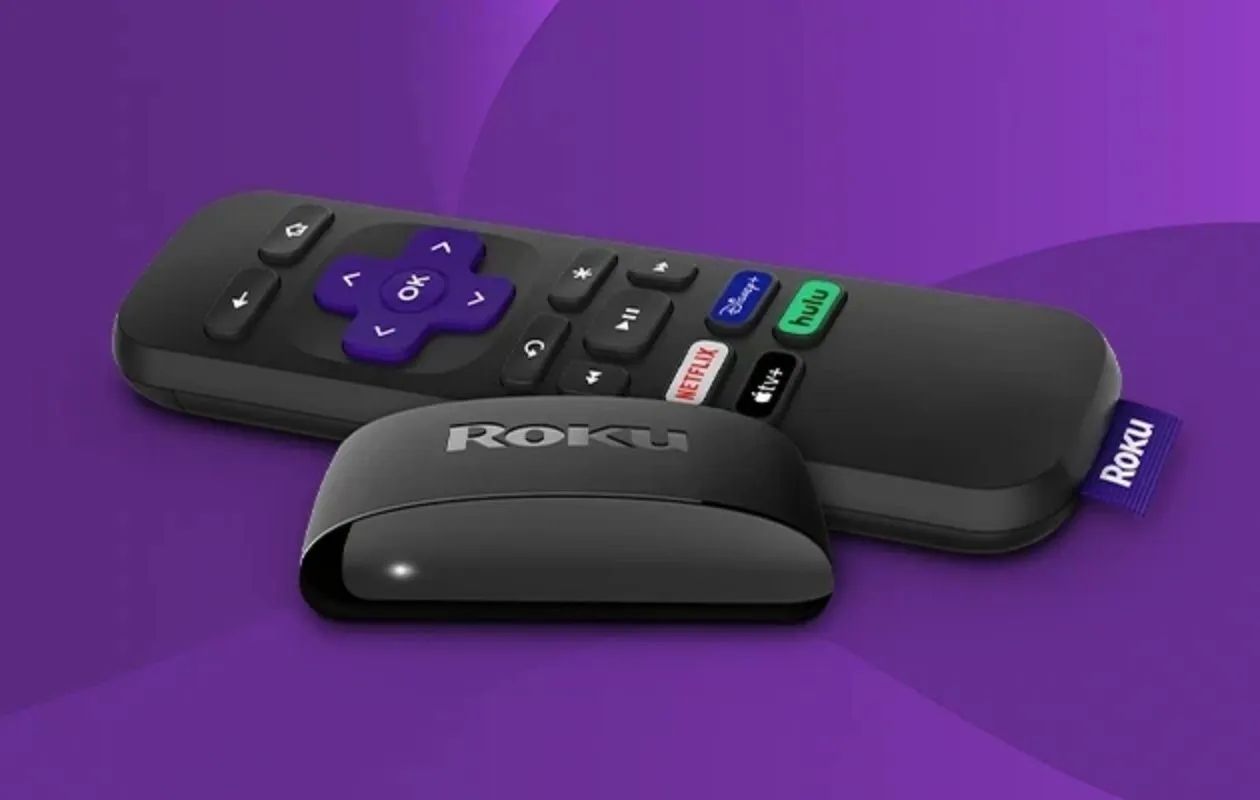
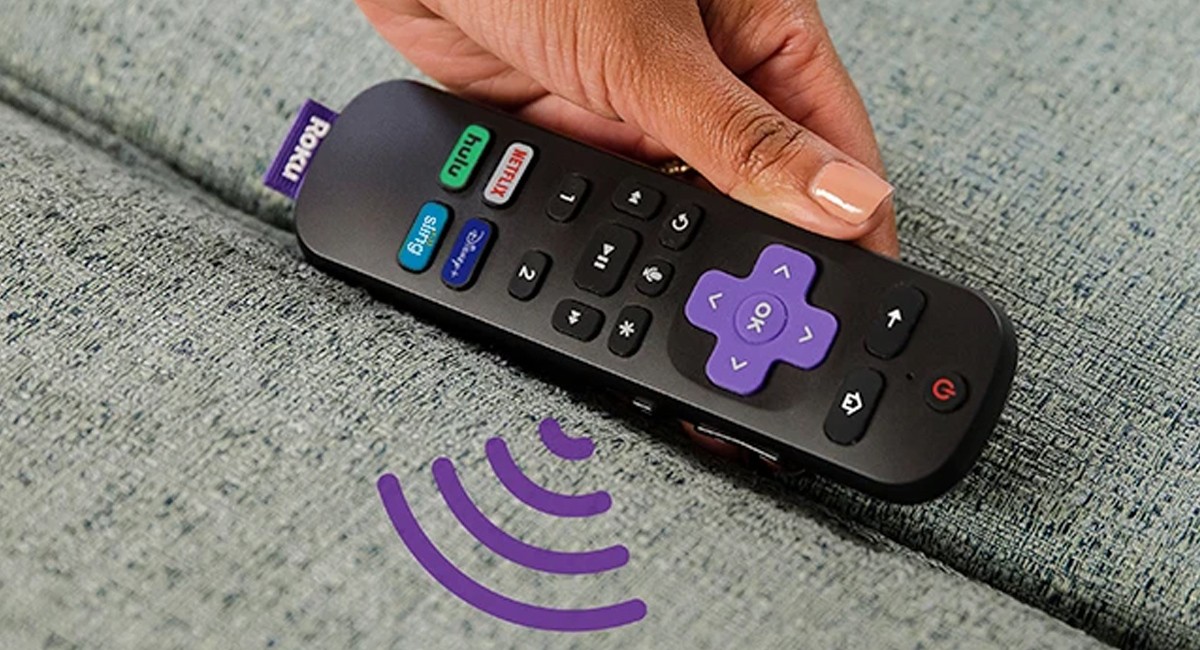
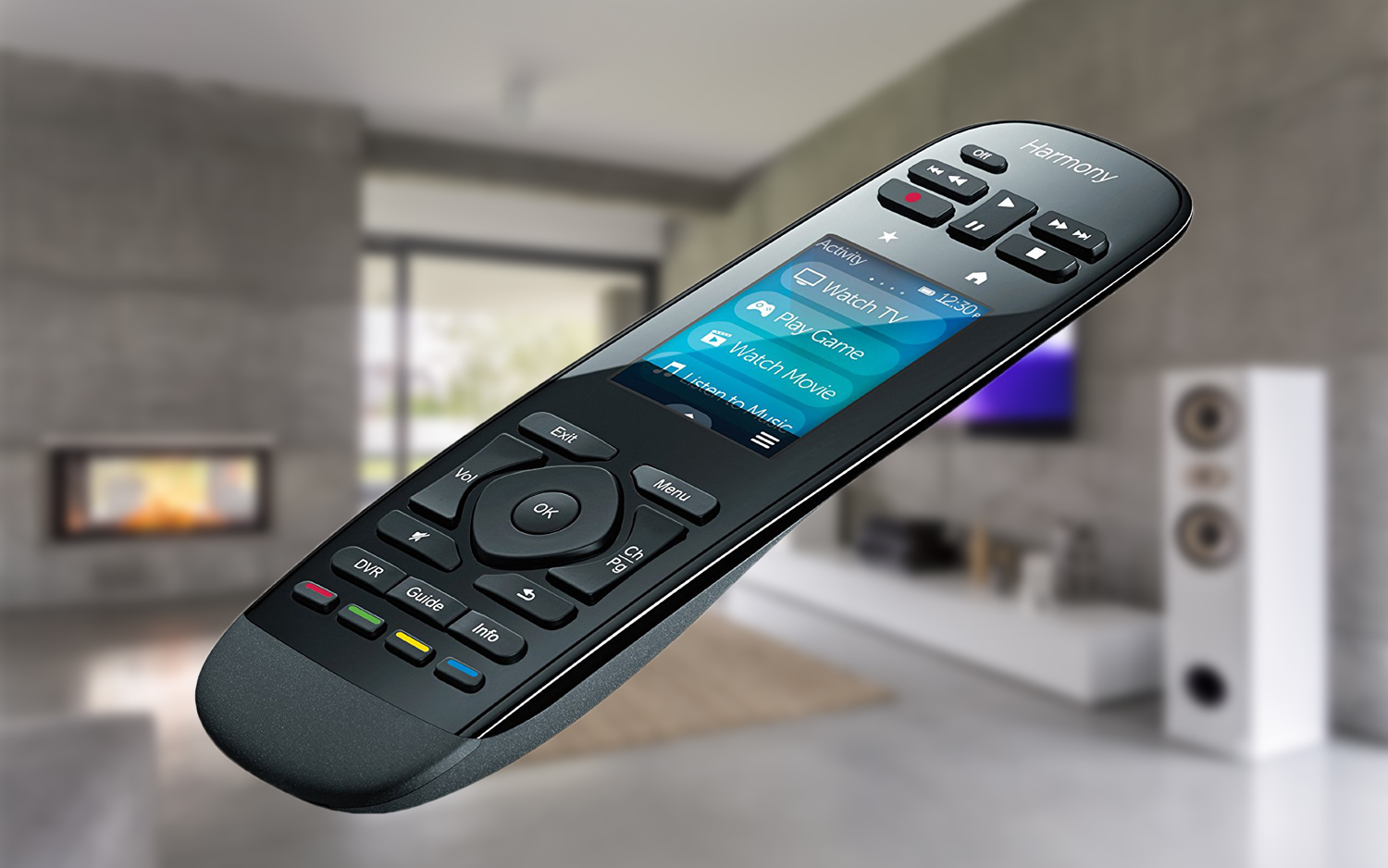
This tag collects practical, step-by-step guides for anyone who uses a television remote, whether it’s the one that came with their Roku, Samsung, LG, Vizio, or TCL set, or a universal replacement like a Logitech or Spectrum remote. The articles are written for everyday viewers who want to fix a small problem themselves, without calling a technician or digging through a dense manual. If you’ve ever pressed a button and gotten the wrong result, or lost a function after a software update, these pages are meant to get you back to normal viewing quickly.
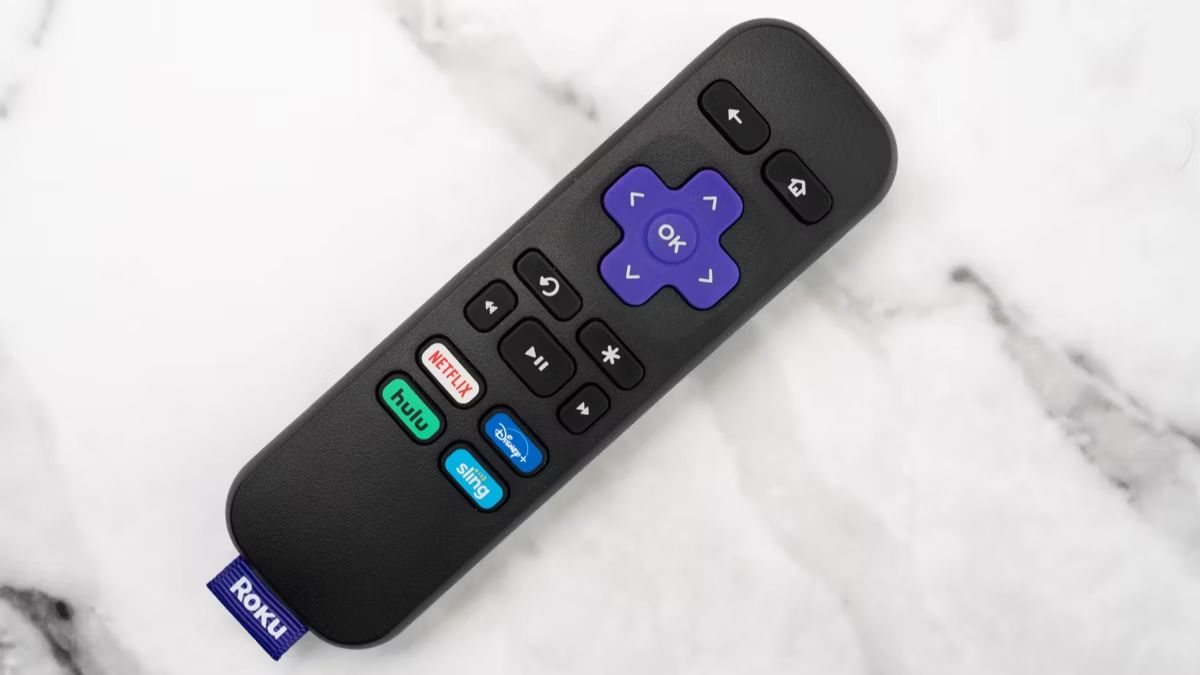
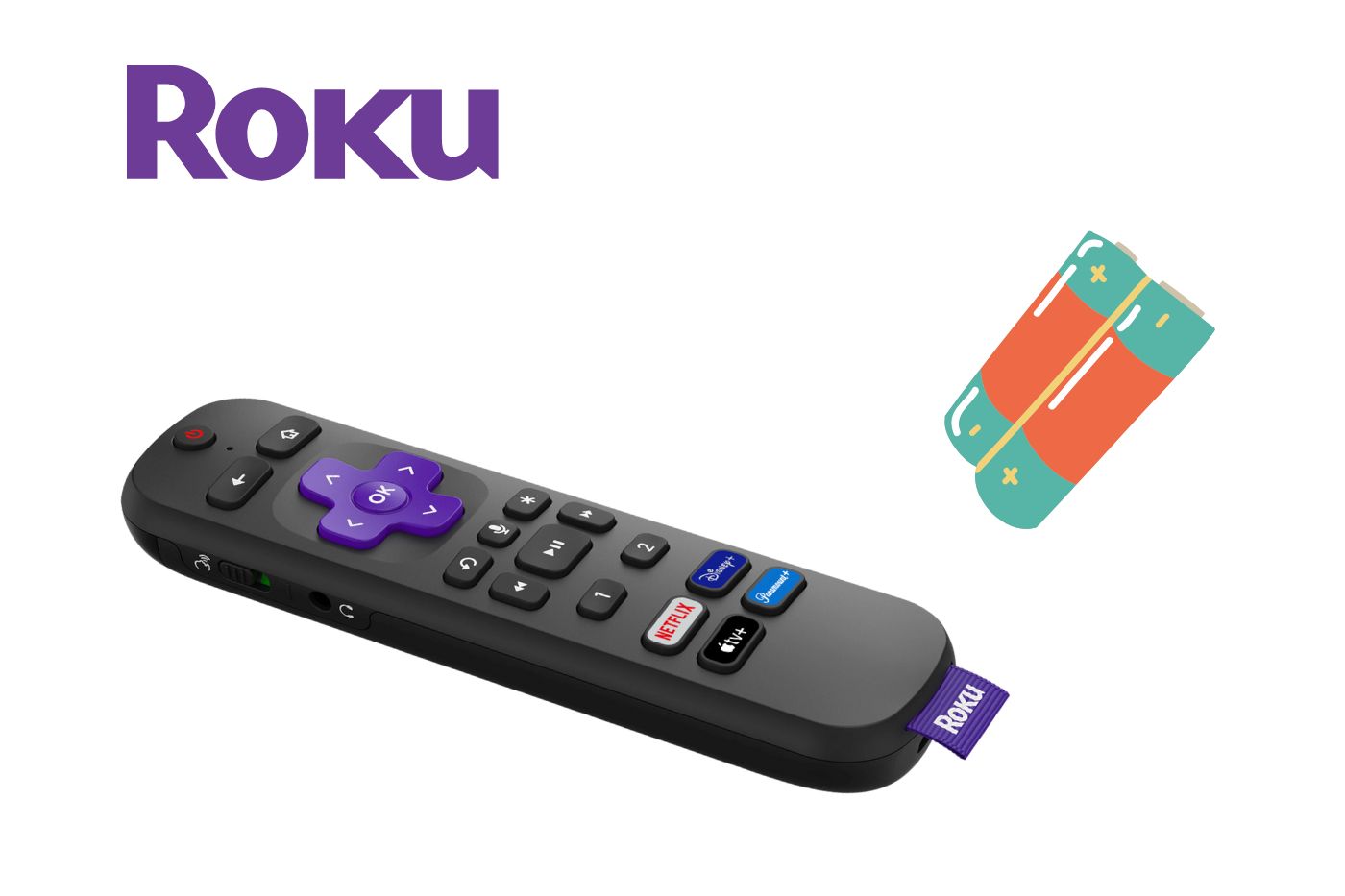
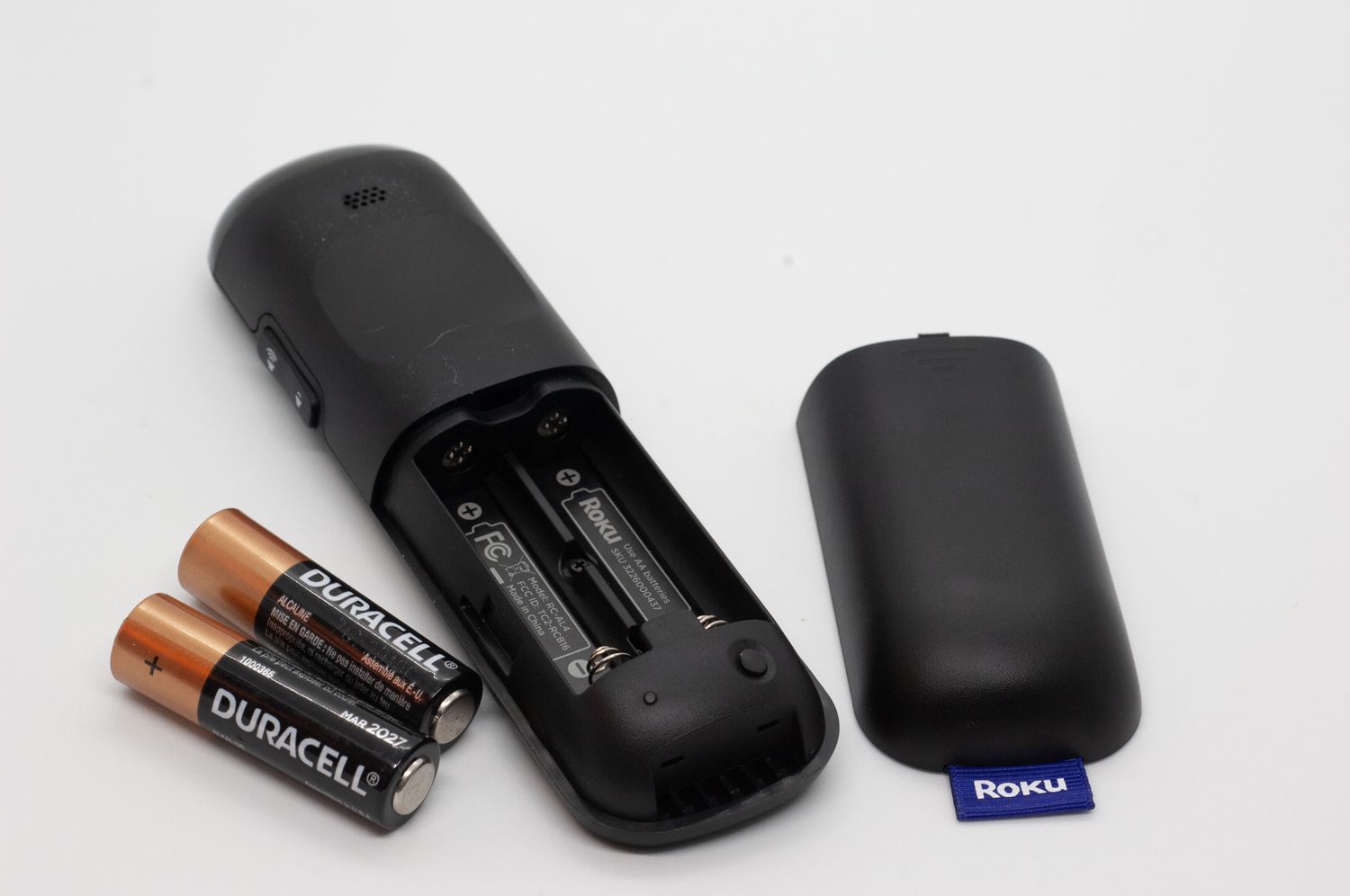
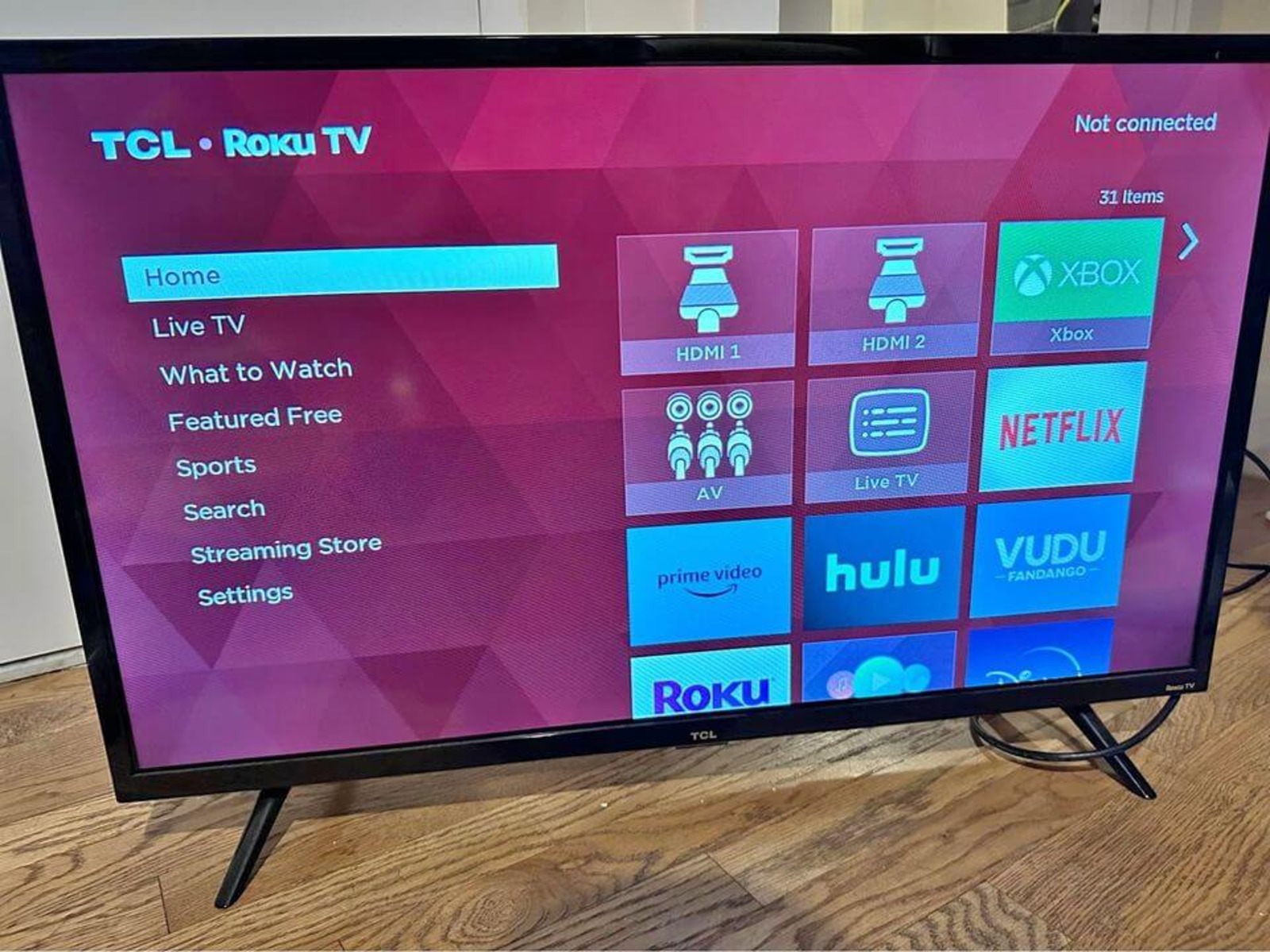
The articles group into a few clear themes. One is troubleshooting hardware and connectivity: resetting a Logitech remote, pairing a new Roku remote when the pairing button is missing, syncing a Samsung remote, or figuring out what batteries a Roku remote takes. Another theme is adjusting on-screen settings that confuse or annoy, turning off subtitles on a Philips or Dish, disabling the voice guide on a Vizio, or getting capital letters on an LG remote. A third theme covers everyday navigation and setup, such as connecting an Insignia TV to Wi‑Fi without a remote, switching HDMI inputs on a TCL Roku TV, or rearranging apps on a Vizio Smart TV.
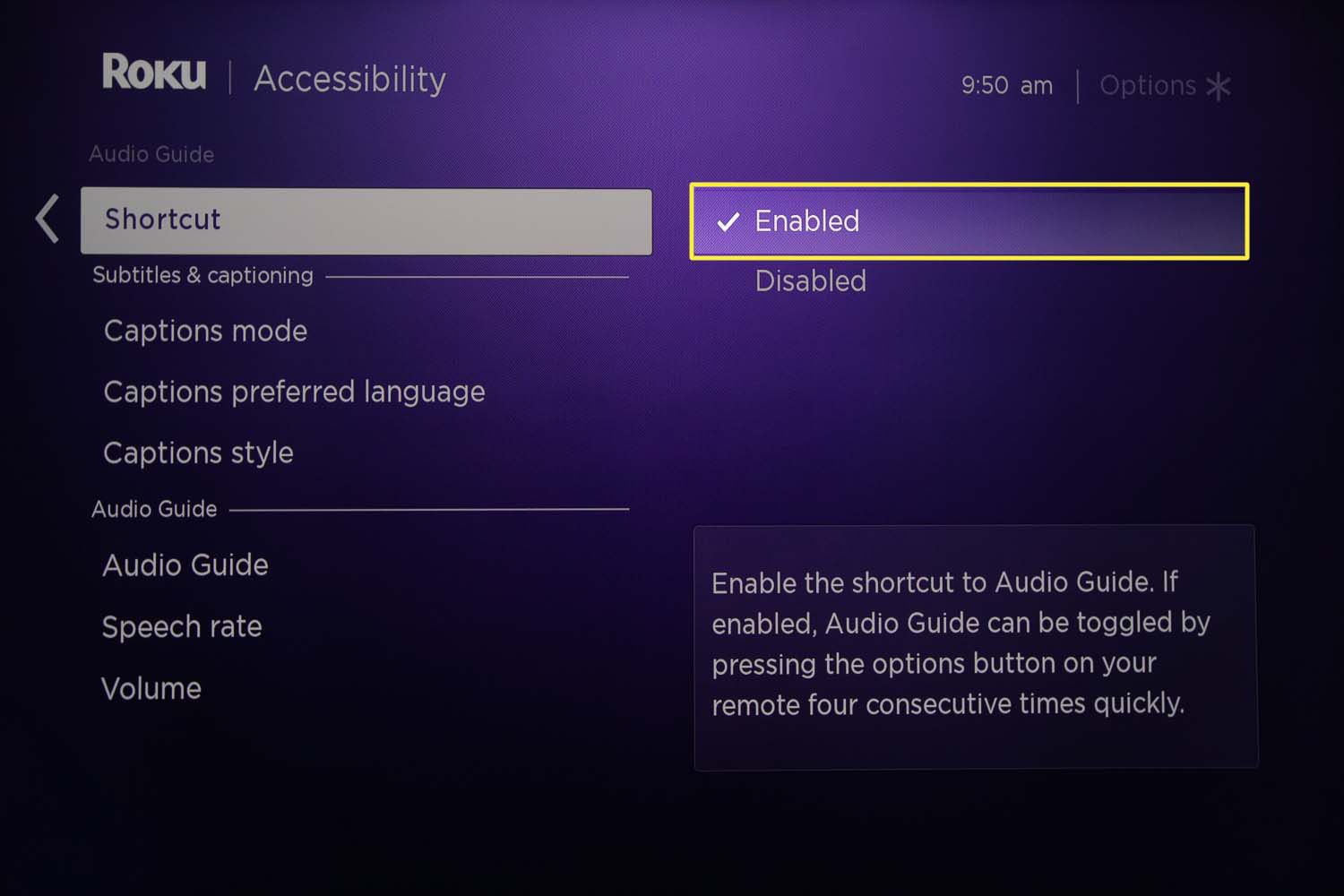
Several articles also help you handle accessibility and account features safely. For example, you can learn how to turn off the narrator on Roku or exit Live TV on an LG Smart TV. Others explain how to sign out of Netflix on a Samsung Smart TV or browse the internet on a Samsung, all described as legitimate menu options, not workarounds. The goal throughout is simple: help you use the remote you already have to control your TV the way you intend, with clear, safe instructions.