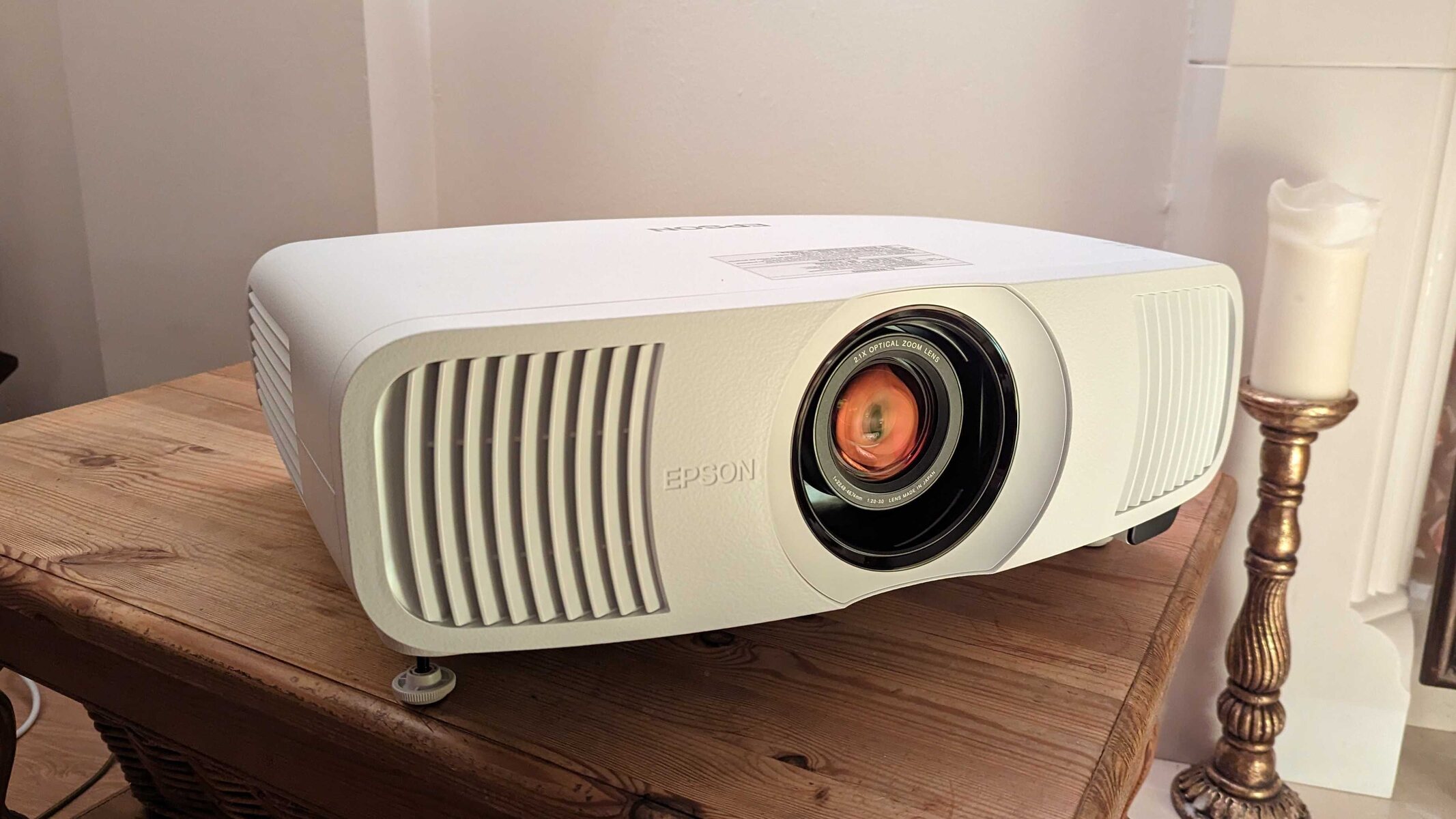
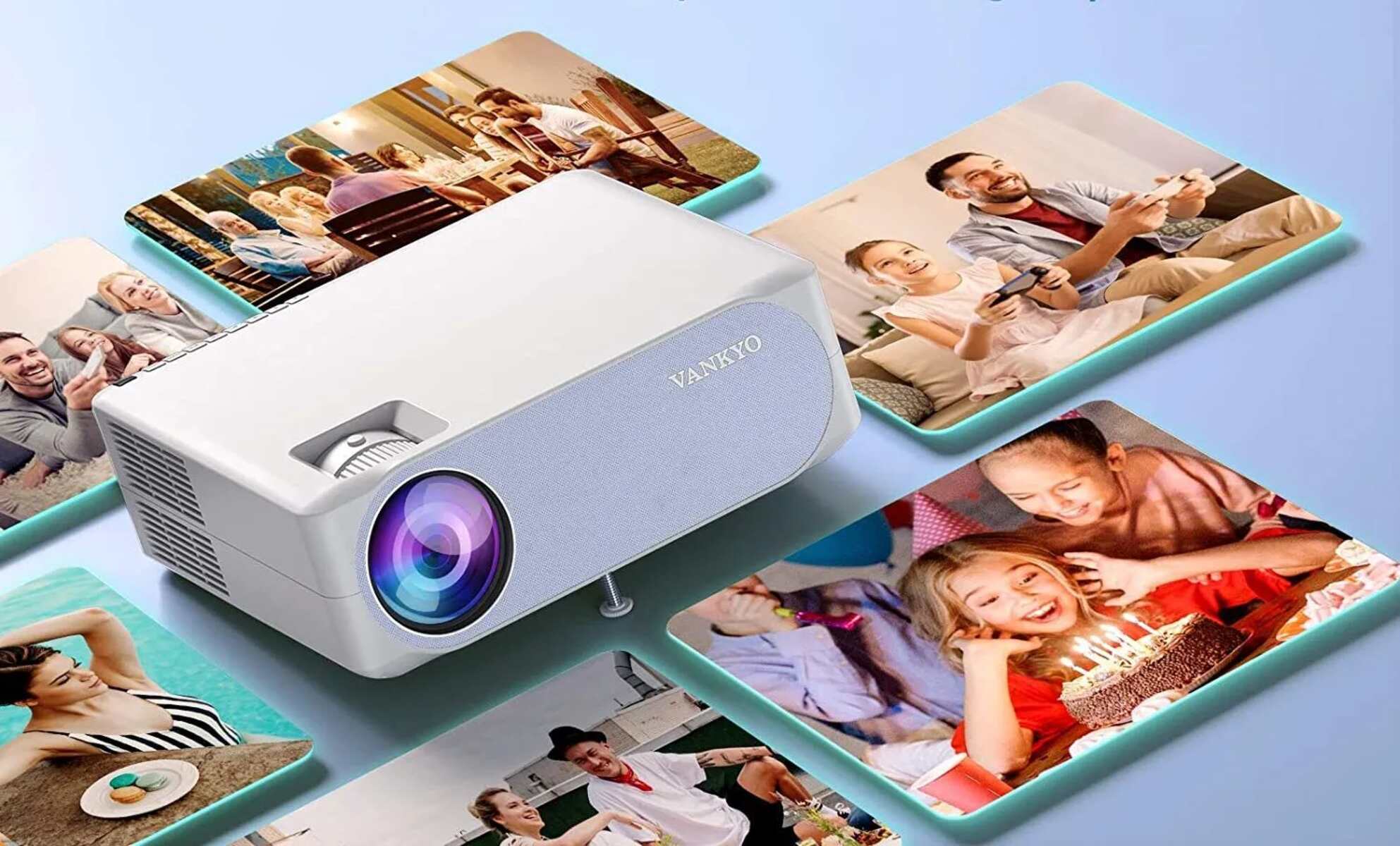
How To Zoom Out On Projector To zoom out on a projector, you have three primary options: rotate the optical zoom ring on the lens, use the digital zoom buttons...
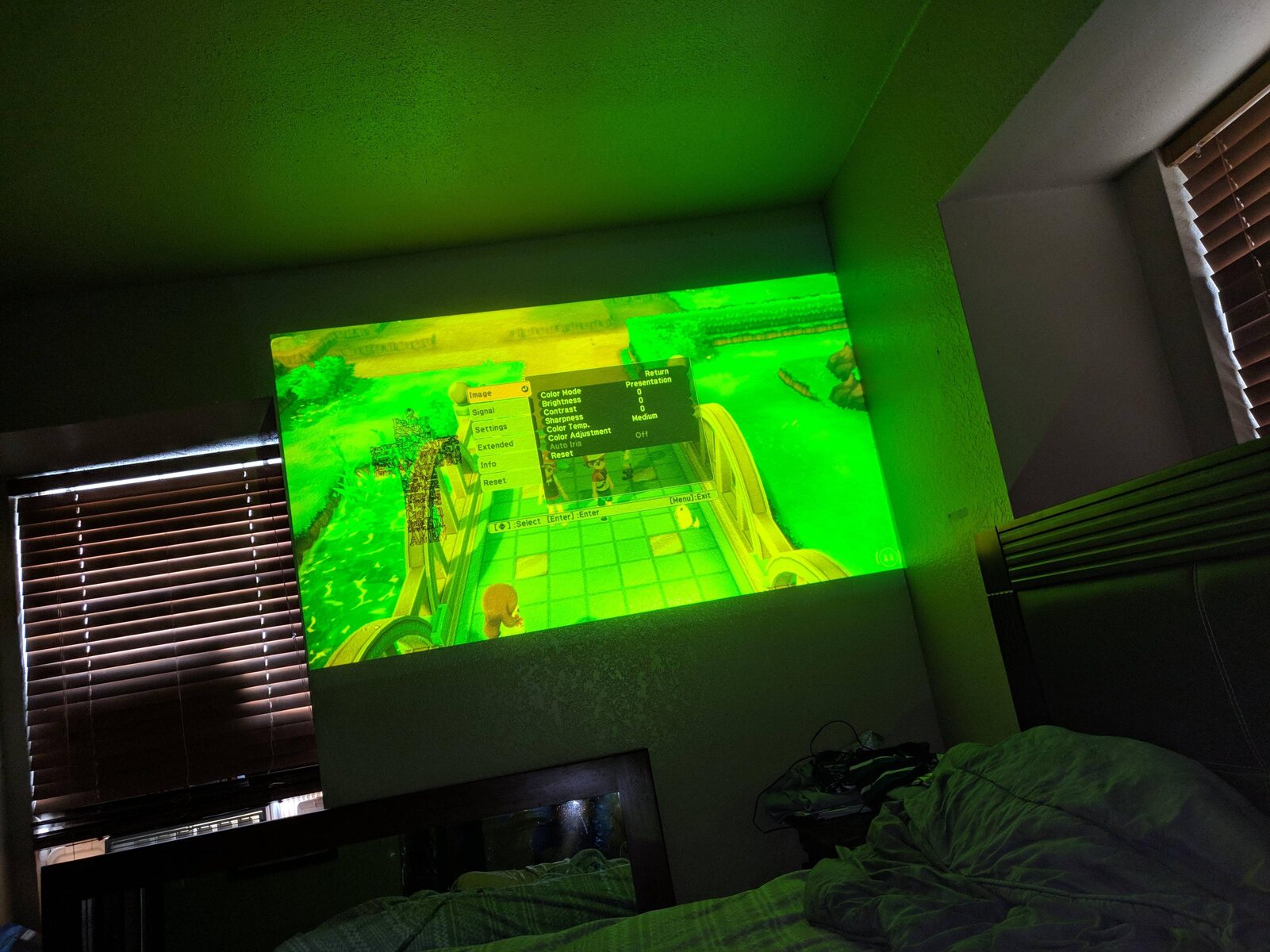
Why Is My Projector Projecting Yellow If your projector is projecting yellow, the most common causes are loose cables or incorrect color settings, and both are quick fixes you can...
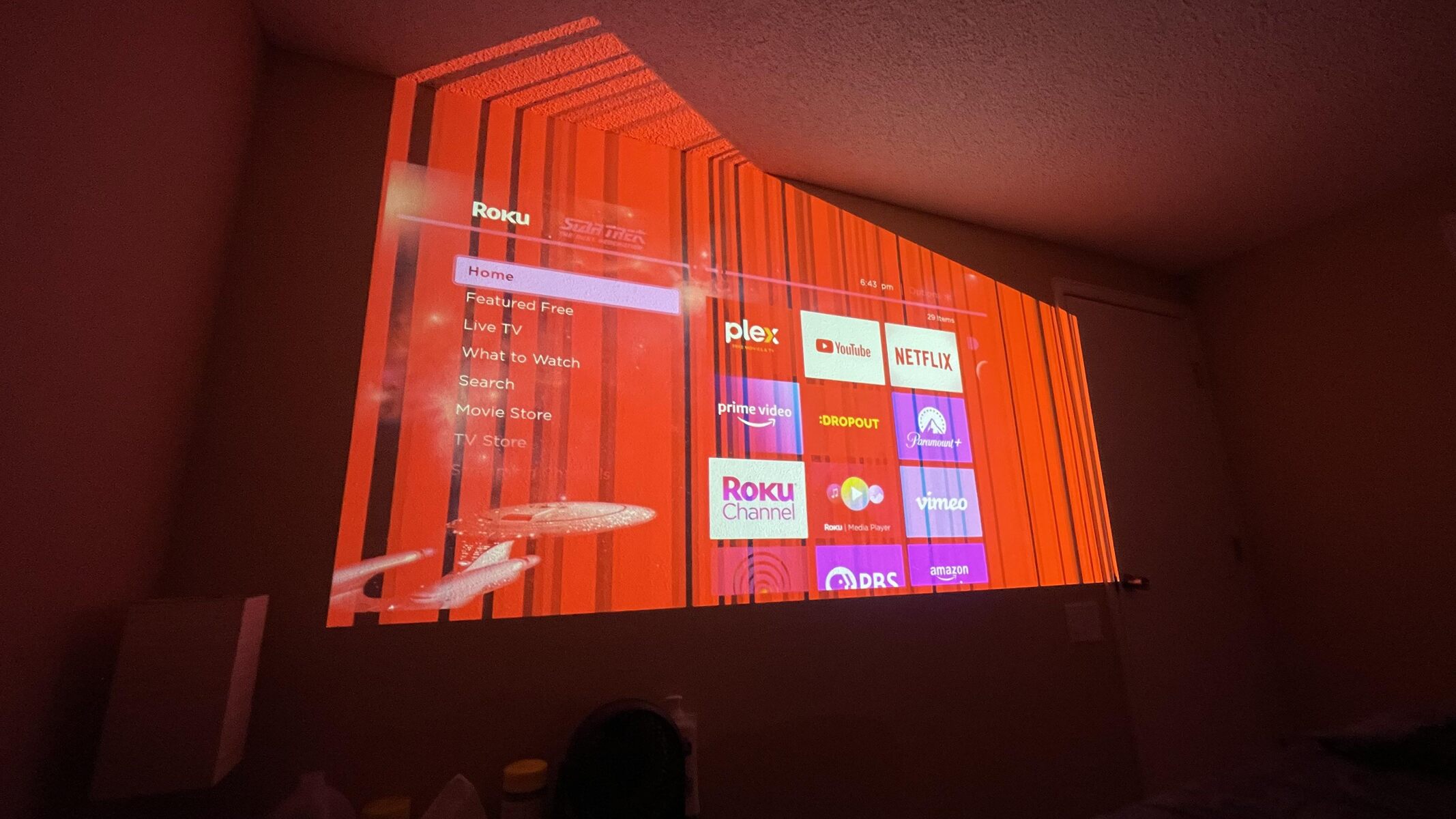
Why Your Projector Is Showing Red If your projector is showing red as the dominant color across the entire image, the most common cause is incorrect color settings, specifically an...
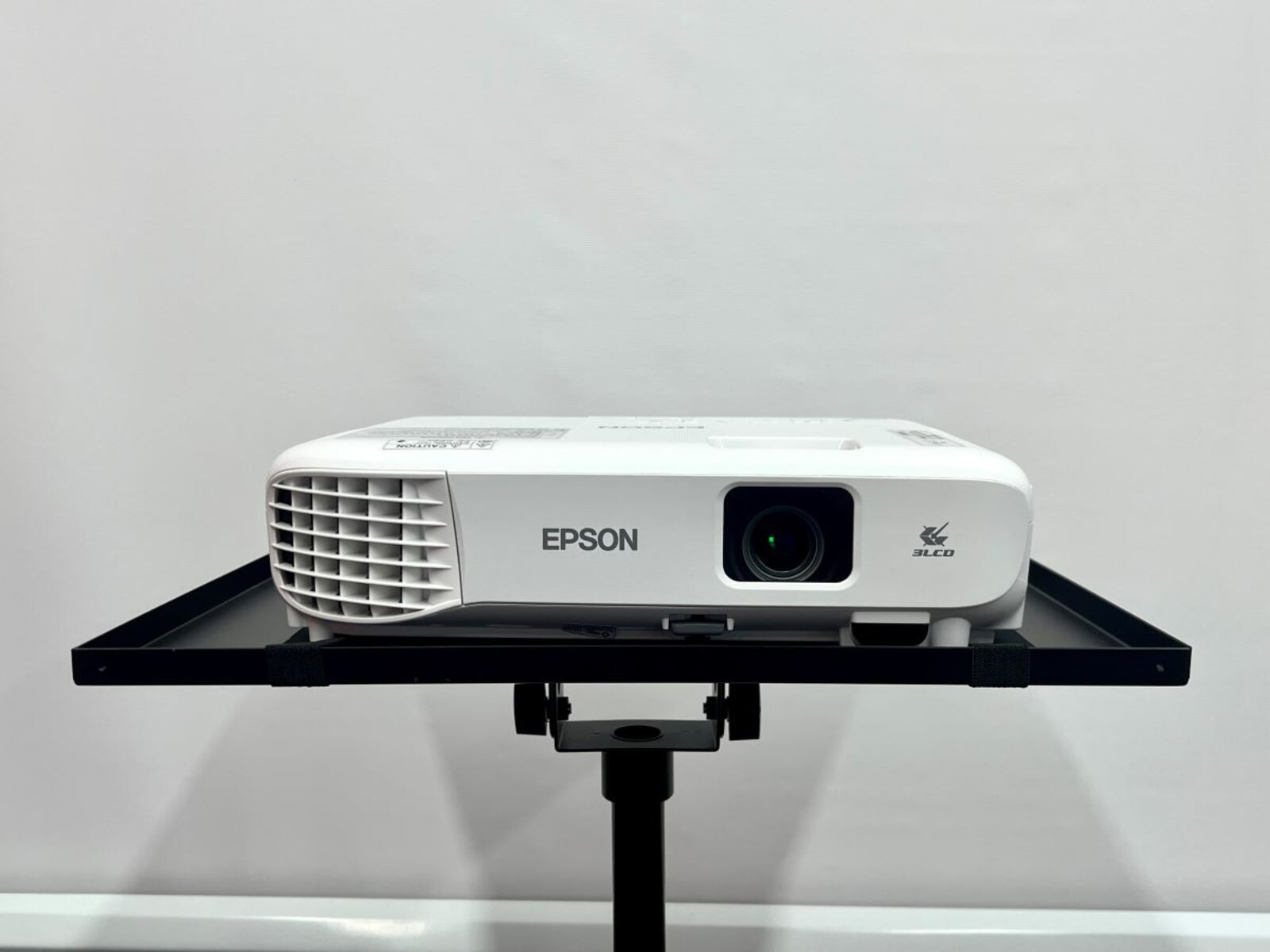
To connect to an Epson projector wirelessly, you'll use the free Epson iProjection app or a built-in screen mirroring standard like Miracast or AirPlay, depending on your device. The quickest...
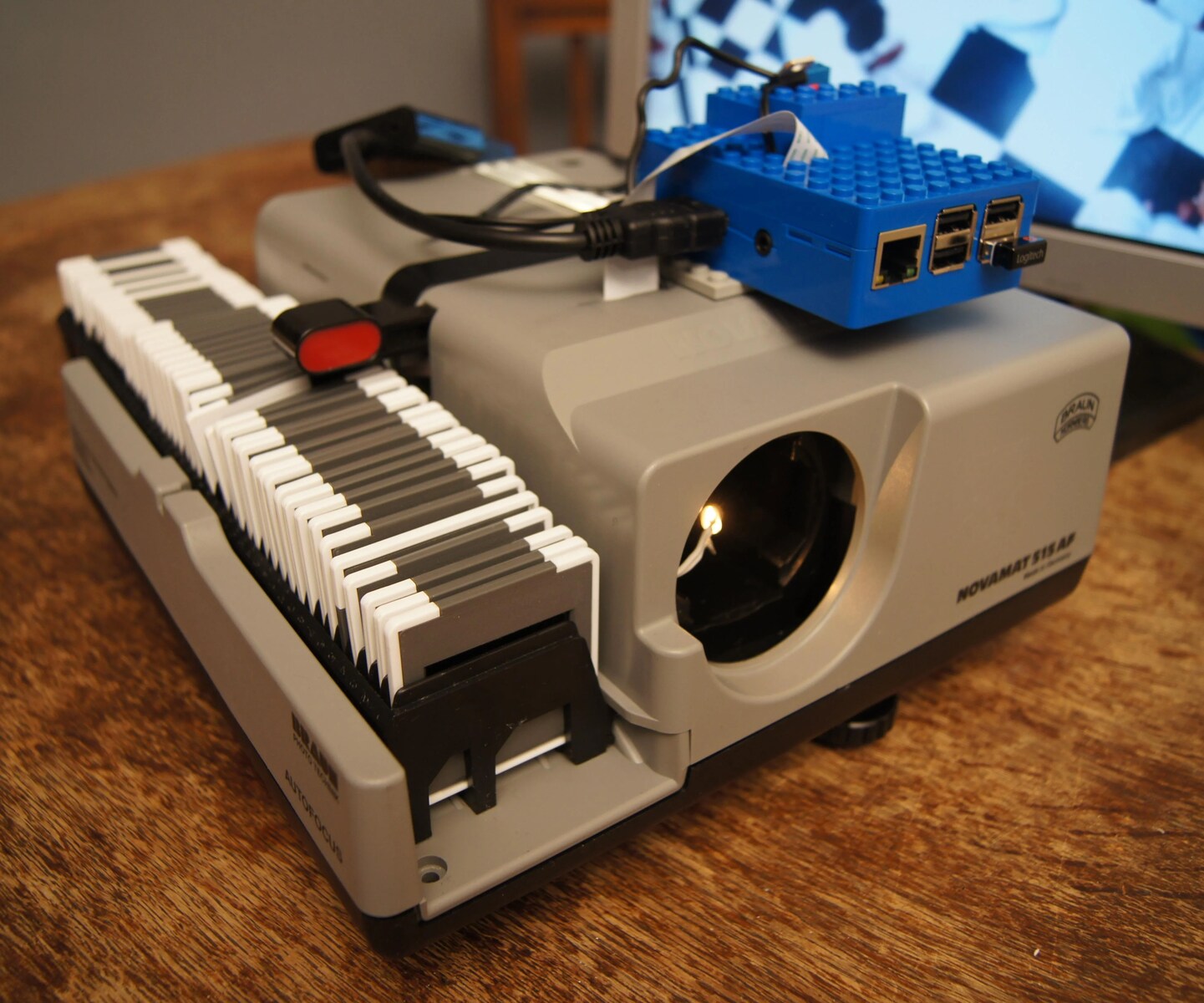
To make slides for a slide projector, you must create physical 35mm transparencies. Today, the two practical methods are converting digital images to slide film through a specialized lab, or...
To “hack” a projector legitimately means to unlock its advanced network control features, like web-based management, wireless mirroring, and remote commands, using the official tools and interfaces the manufacturer already...
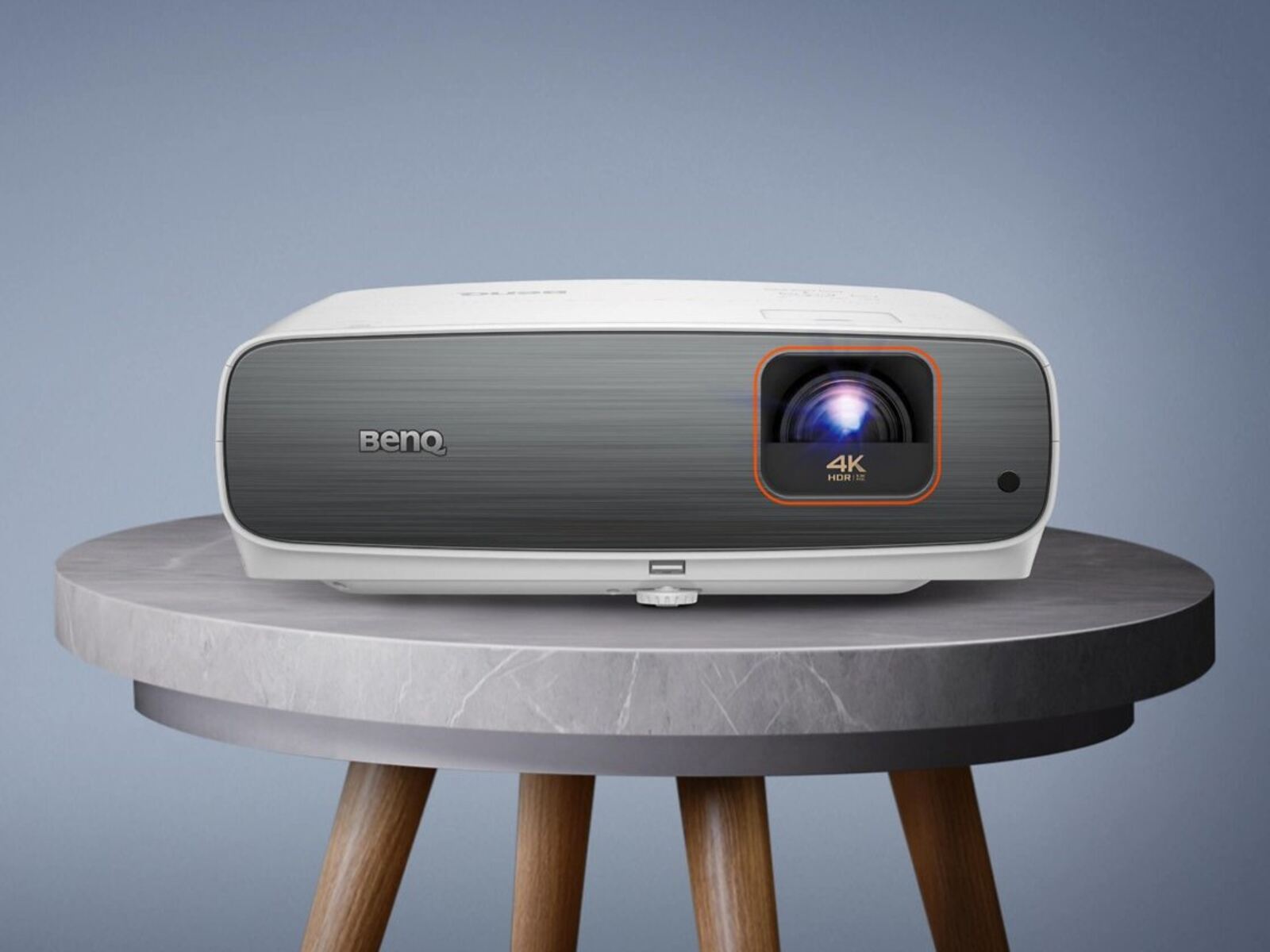
To use a BenQ projector, you connect a video source, like a laptop, streaming stick, or phone, to one of its inputs, power both devices on, select that input with...
To adjust a BenQ projector to fit screen, start by activating the built-in test pattern and then use optical lens shift and zoom to align the image before touching any...
To turn up volume on projector, start with the remote control: press the Volume Up (+) button and watch for the on-screen volume gauge to appear, confirming the adjustment. If...
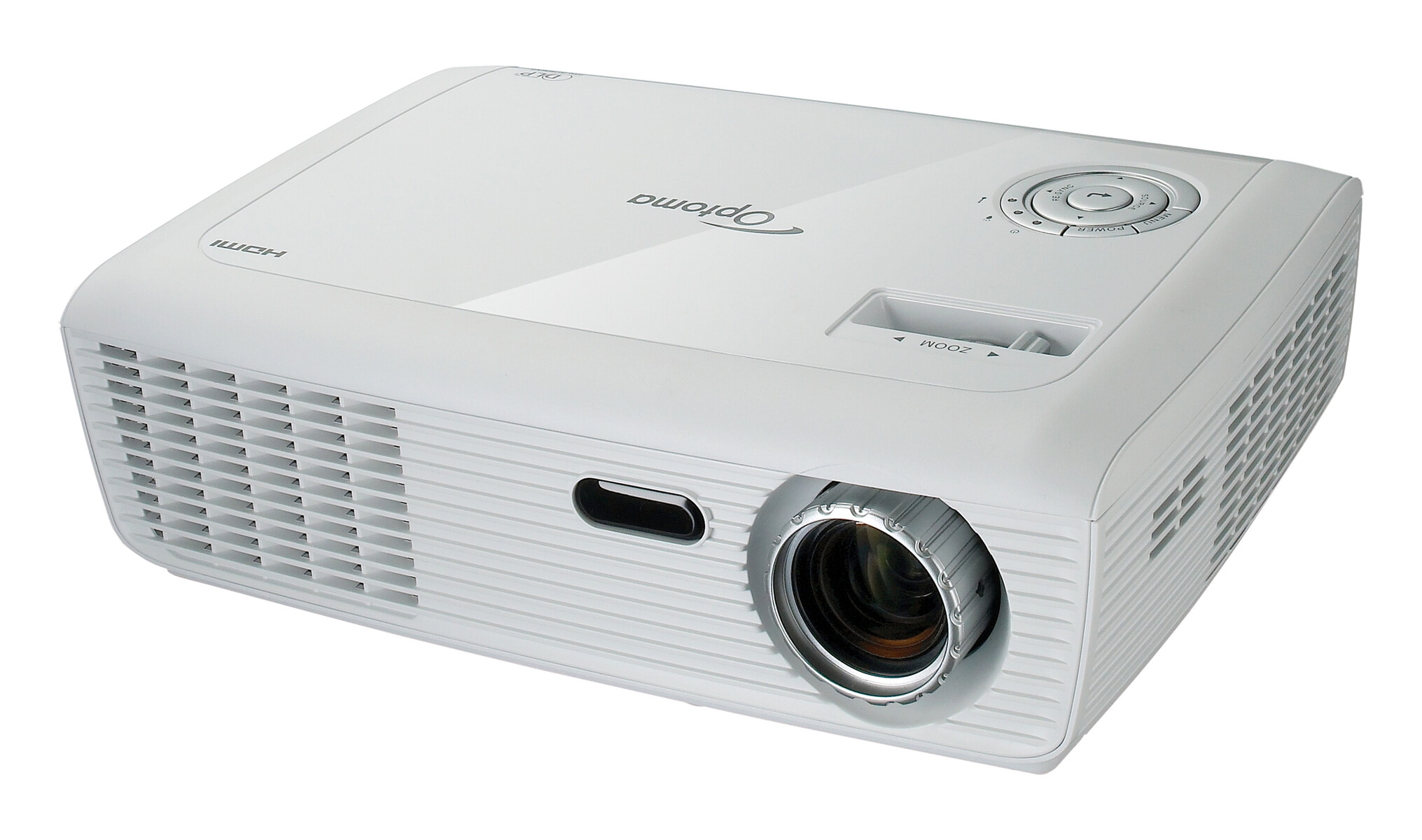
To change Optoma projector bulb safely, you must first power down the unit, unplug it, and wait for the lamp to cool completely before opening the lamp compartment. The entire...
To set up SkyTrak with a projector, you’ll connect your launch monitor to a PC or iPad, then send that video signal to the projector using the correct cable for...
To reset a Vankyo projector, you need to use the on-screen menu, there is no physical reset button to press. The factory reset is performed by navigating to Menu, then...
This website uses cookies so that we can provide you with the best user experience possible. Cookie information is stored in your browser and performs functions such as recognising you when you return to our website and helping our team to understand which sections of the website you find most interesting and useful.
Strictly Necessary Cookies
Strictly Necessary Cookie should be enabled at all times so that we can save your preferences for cookie settings.
If you disable this cookie, we will not be able to save your preferences. This means that every time you visit this website you will need to enable or disable cookies again.