Practical, hands-on guides written for everyday computer users, people who want to get more done on their desktops or laptops without wading through jargon. Whether you’re a beginner setting up software, a gamer tweaking performance, or someone just trying to fix a common annoyance, these articles are meant to be followed step by step. The tag is for anyone who owns a PC and prefers clear instructions over trial and error.
Many of the articles solve configuration and maintenance problems. For example, guides explain how to update NVIDIA drivers, format a hard drive, clean a keyboard safely, and fix the black screen of death. Others focus on media and file management: you can learn how to edit a PDF, resume interrupted downloads, or record audio with Audacity. A second clear theme is gaming, both getting into specific titles and understanding their systems. You’ll find beginner tips for Warframe, a guide to Genshin Impact on PC, and reviews of Cyberpunk 2077 and Godfall. A third theme covers software choices and legal alternatives. Articles about downloading videos from Instagram or Twitter, or installing apps like BeeTV, are framed around using official or legitimate channels, while reviews of Discord and Spotify Premium explain what those services offer and how to use them properly.
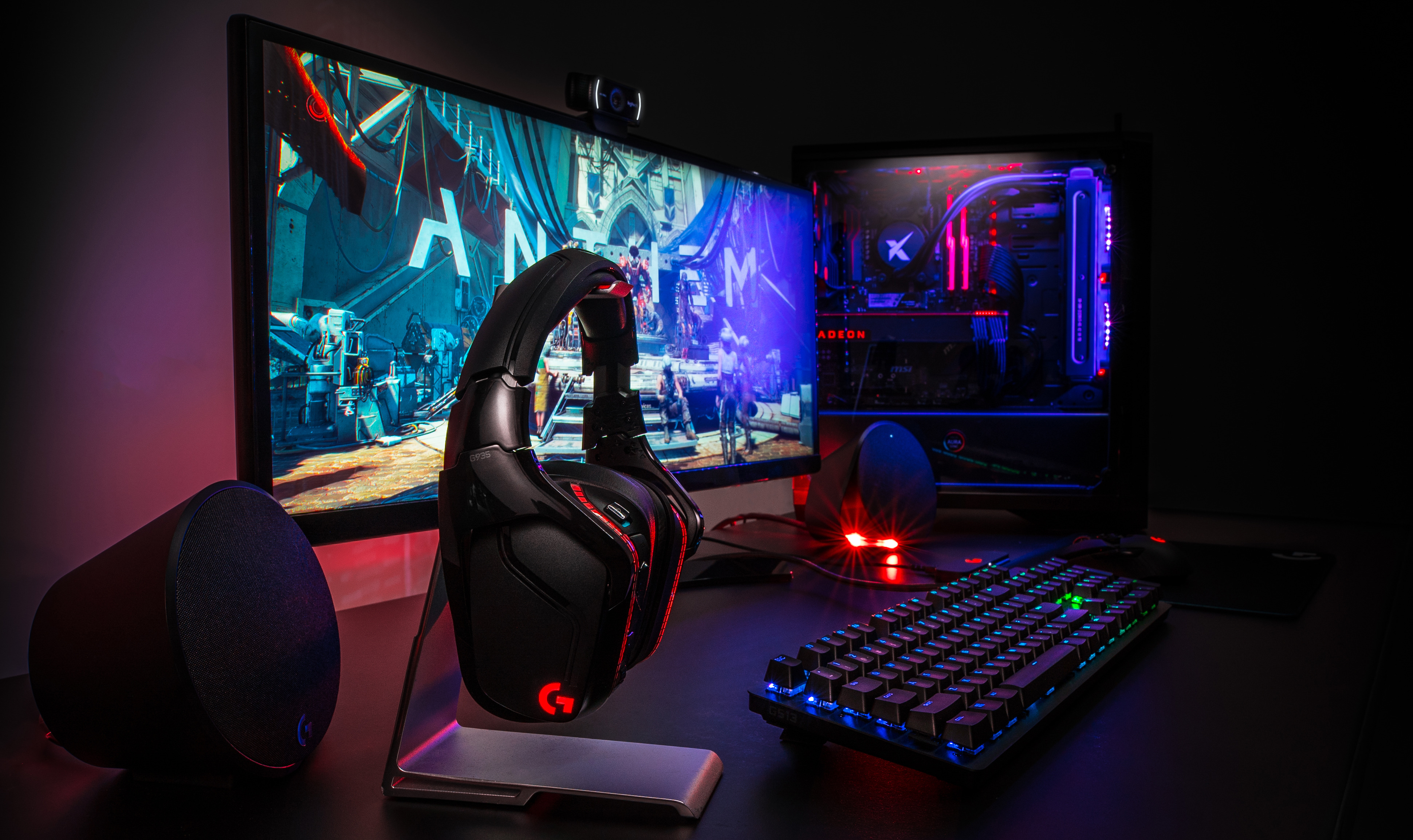
Across these pieces, the focus is on what you can do safely and effectively: install media centers, manage RAM for gaming, create characters in Elder Scrolls Online, or decide whether a subscription like Dota Plus is worth paying for. The tag is a resource for building skills, avoiding common pitfalls, and making informed choices about your PC setup.