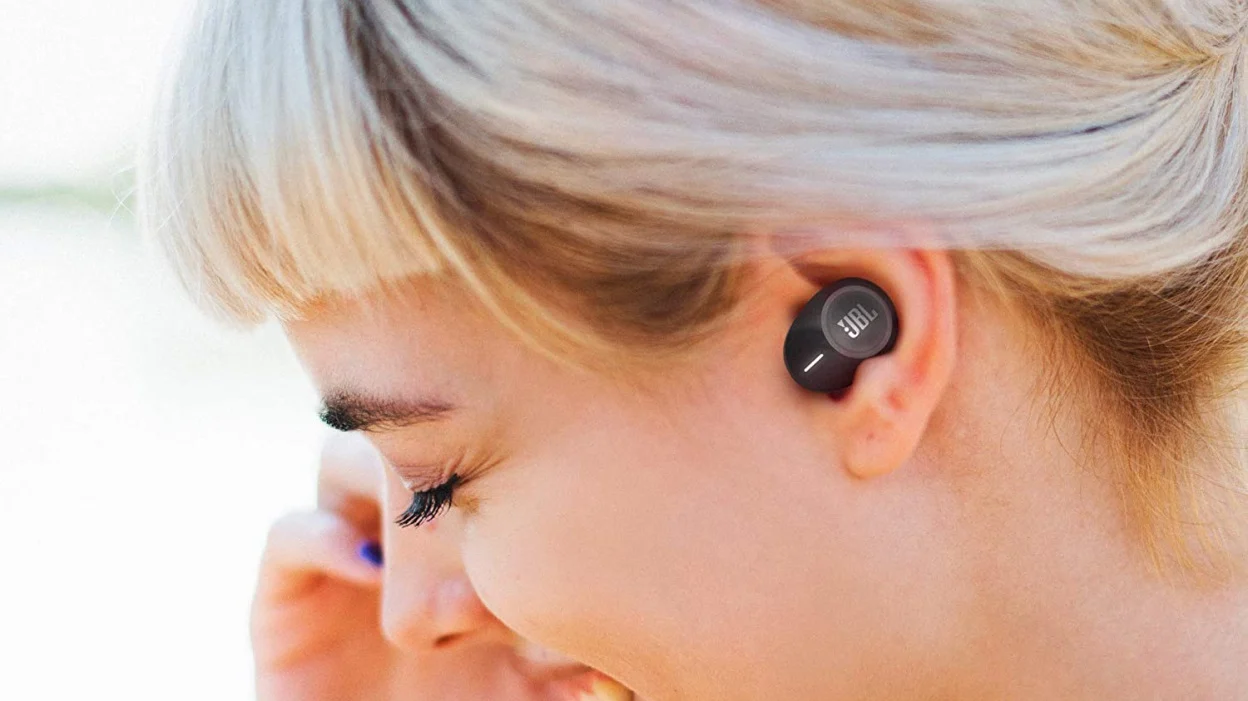
This tag collects articles about connecting wireless devices, keyboards, mice, earbuds, speakers, remotes, and game controllers, to the gadgets you use every day. It is written for anyone who has ever stared at a blinking light or a “no device found” message and wondered what to do next. The guides are practical and troubleshooting-focused, aimed at getting your gear working without jargon or guesswork.

The articles solve two main kinds of problems. First, they cover the initial setup and everyday pairing: how to enter pairing mode, where to find the button, and how to make two devices recognize each other. You will see this in titles like “How To Connect A Bluetooth Keyboard,” “How To Pair JBL Wireless Earbuds,” and “How To Program A Roku Remote.” Second, they address recovery and reconnection issues, when a device that worked before suddenly drops, forgets its memory, or refuses to link. Examples include clearing Bluetooth memory on a car stereo, resetting a Logitech wireless keyboard, and figuring out why a PS5 controller is not connecting. A few articles also take a careful, security-conscious angle, such as explaining how to find a PIN for an Apple wireless keyboard or how to unlock a Logitech keyboard, these are framed as legitimate recovery steps for your own hardware, not as ways to bypass anyone else’s protections.

Specific topics you will find here include pairing a Roku remote to a Roku TV, connecting AirPods to a Chromebook, syncing a Kenwood car radio with your phone, and linking a Microsoft wireless keyboard to a new computer. Whether you are setting up a brand-new device or reviving an old one, these articles walk you through the click-by-click steps to make the connection stick.
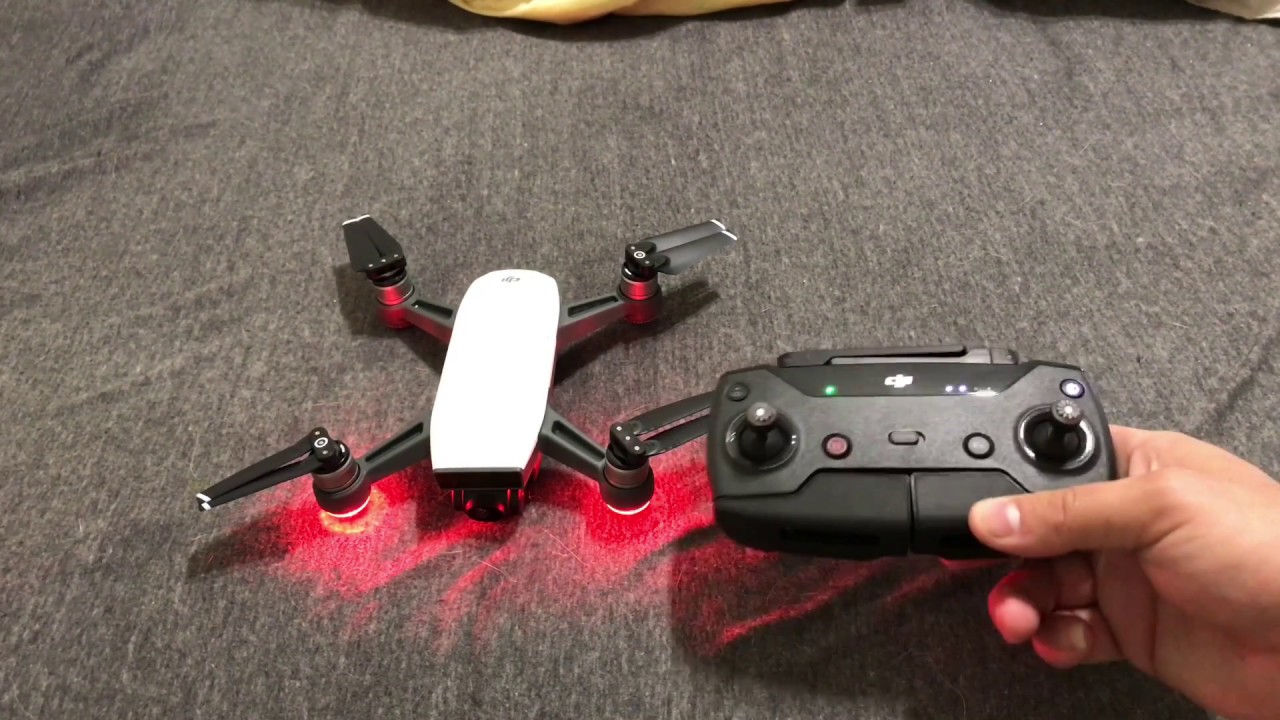
How To Pair A Drone With Controller

To pair a drone with a controller, you need to re-establish the wireless link between the two devices, which is usually a straightforward process that varies by brand and model....

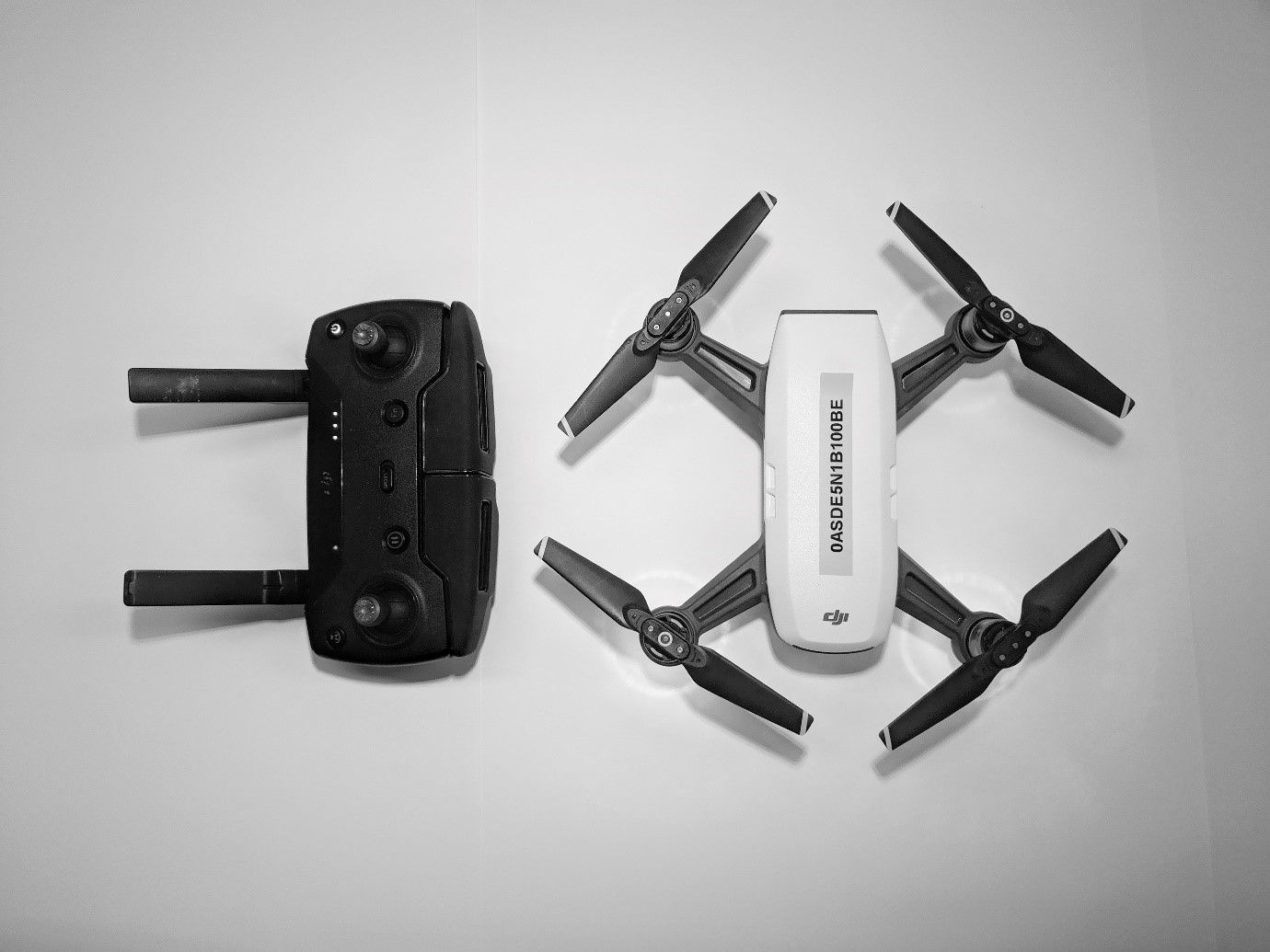
How To Pair Drone With Remote Controller

To pair a drone with a remote controller, you must initiate a re-linking process that connects the two devices wirelessly. This guide explains how to pair drone with remote controller...

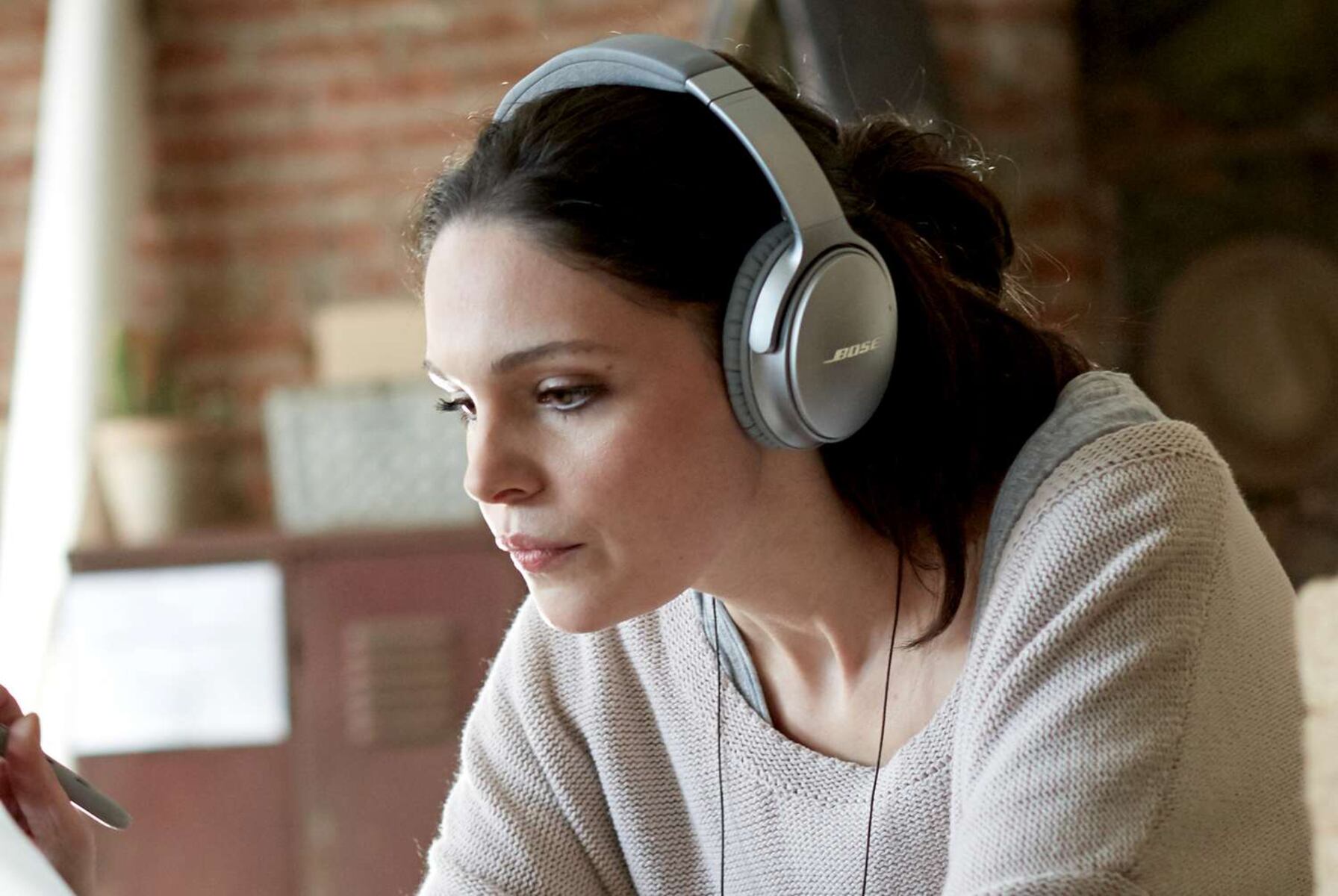
How To Pair Bose Noise Cancelling Headphones

To pair Bose noise cancelling headphones, put them into pairing mode, enable Bluetooth on your phone, tablet, or computer, and select your Bose headphones from the device's Bluetooth settings. Most...

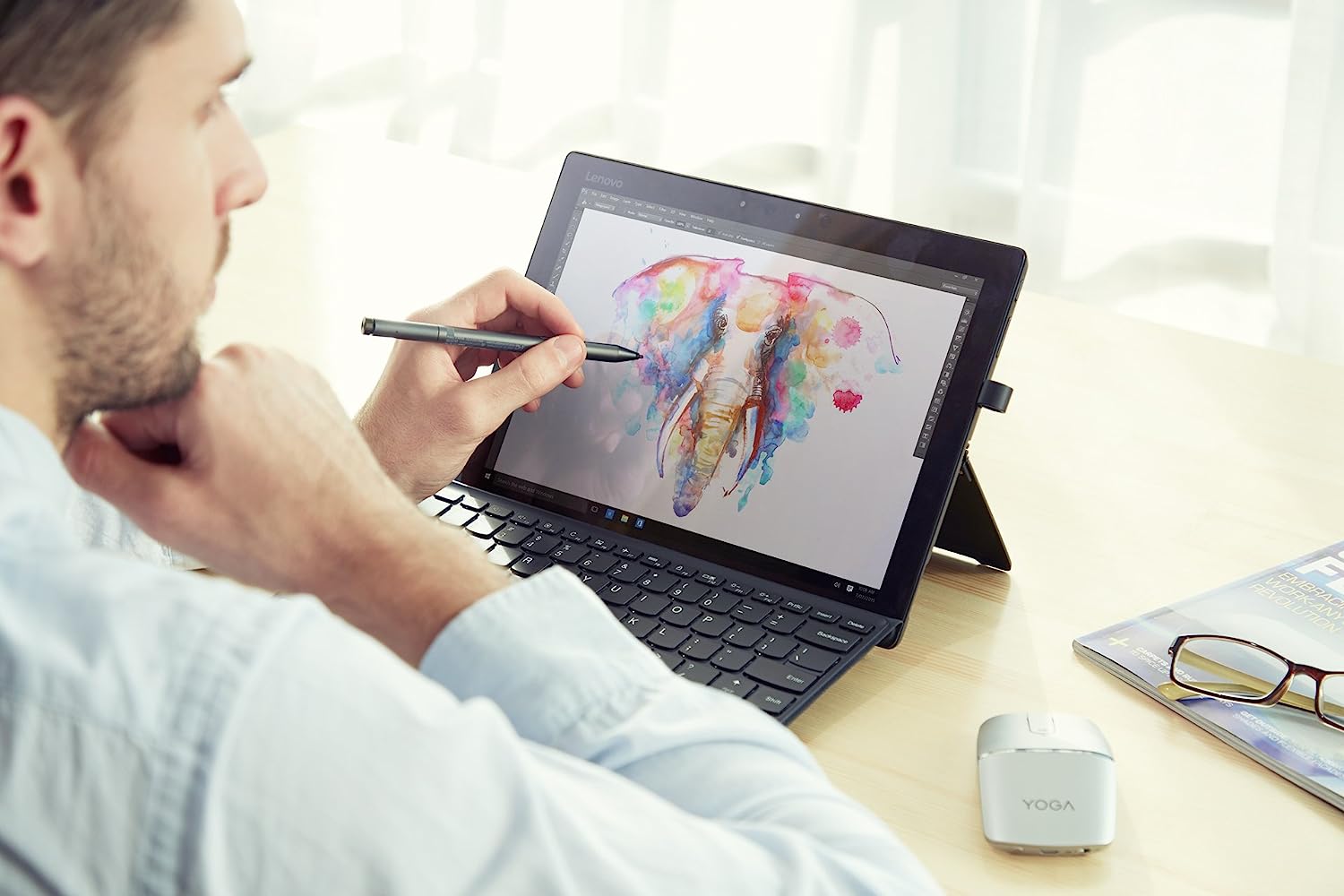
How To Connect Lenovo Pen To Tablet

To connect Lenovo pen to tablet, first ensure your tablet supports an active stylus, then enable Bluetooth and put the pen into pairing mode to establish a wireless connection. This...

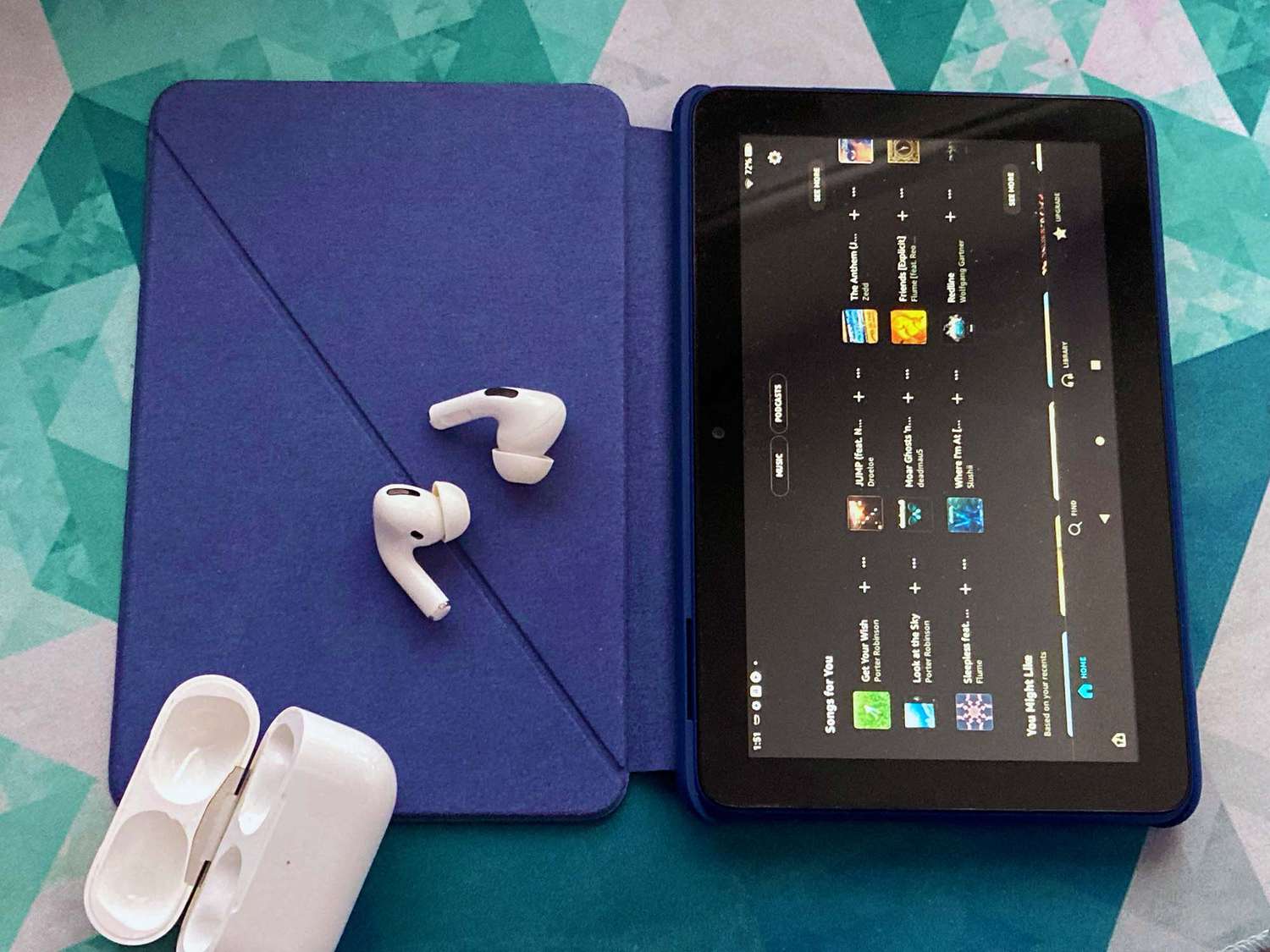
How To Pair Airpods With Fire Tablet

To pair AirPods with a Fire tablet, turn on Bluetooth in the tablet's settings and put the AirPods into pairing mode by holding the setup button on the case until...

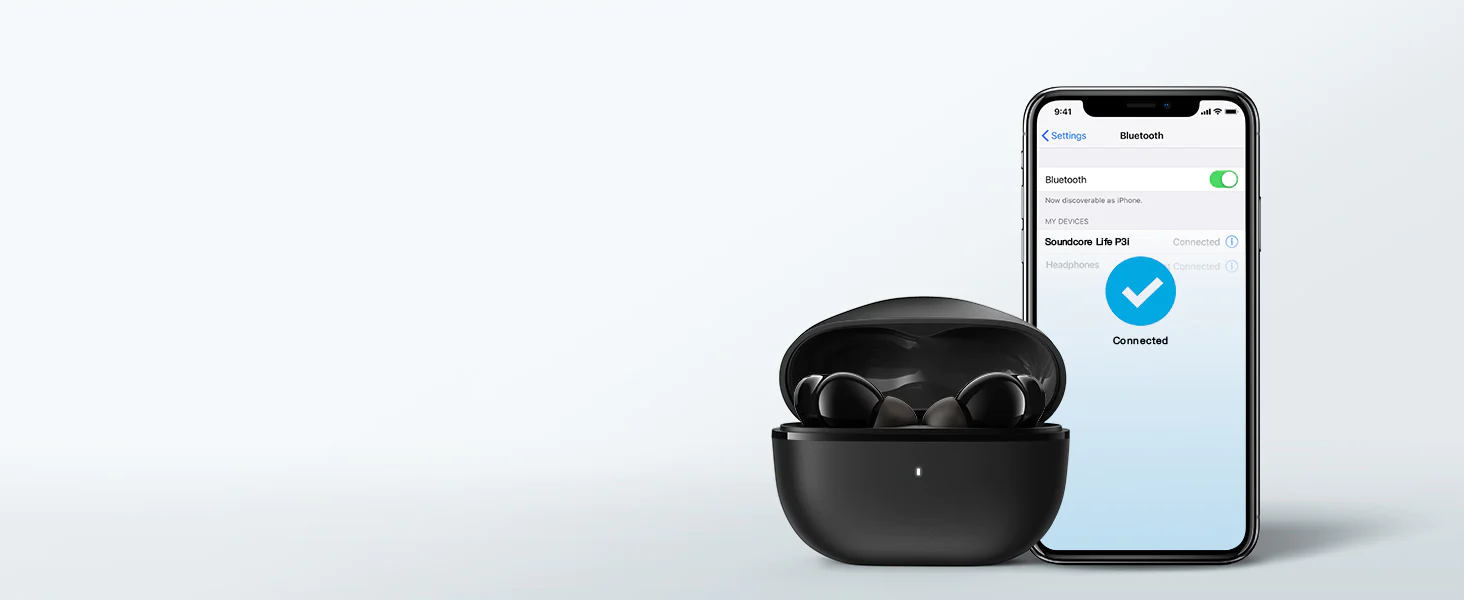
How To Pair Soundcore Wireless Earbuds

To pair Soundcore wireless earbuds, open the charging case with the earbuds inside and keep it near your phone, they’ll enter pairing mode automatically. If nothing happens, press and hold...

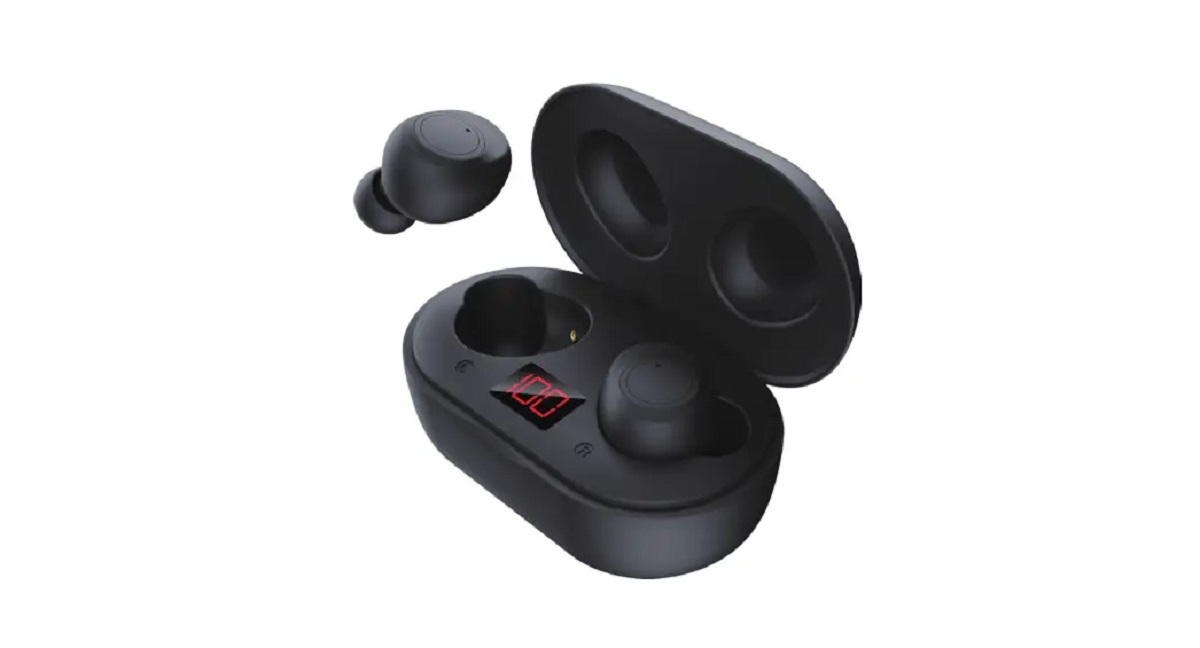
How To Pair Bytech Wireless Earbuds

To pair Bytech wireless earbuds, remove both earbuds from the charging case, they power on automatically and enter pairing mode, which is the fastest way to connect them to your...

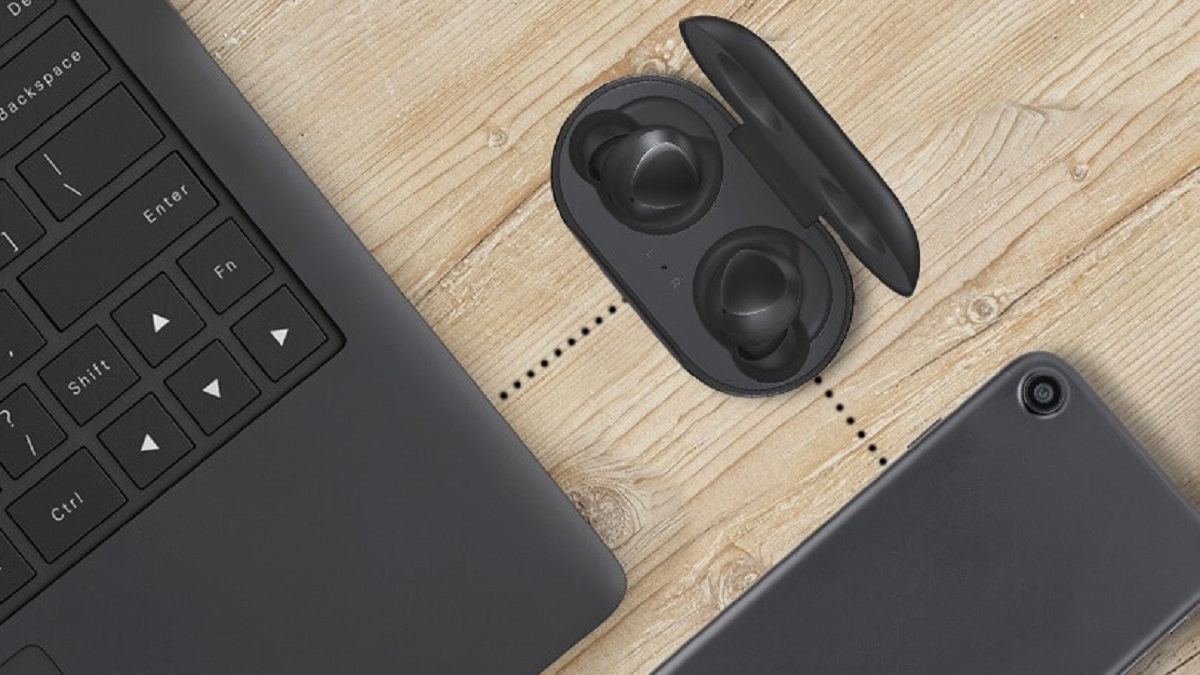
How To Connect Wireless Earbuds To Laptop

To connect wireless earbuds to a laptop, you must first enable Bluetooth on your computer, put the earbuds into pairing mode, and then select them from the list of discovered...

How To Use JBL Wireless Earbuds

First-time setup and pairing your JBL earbuds To use JBL wireless earbuds, start by taking both earbuds out of the charging case and removing any plastic stickers covering the charging...

How To Connect Biconic Wireless Earbuds

To connect Biconic wireless earbuds, ensure they are charged and inside the charging case, then open the lid to automatically enter pairing mode. On your phone or tablet, enable Bluetooth...