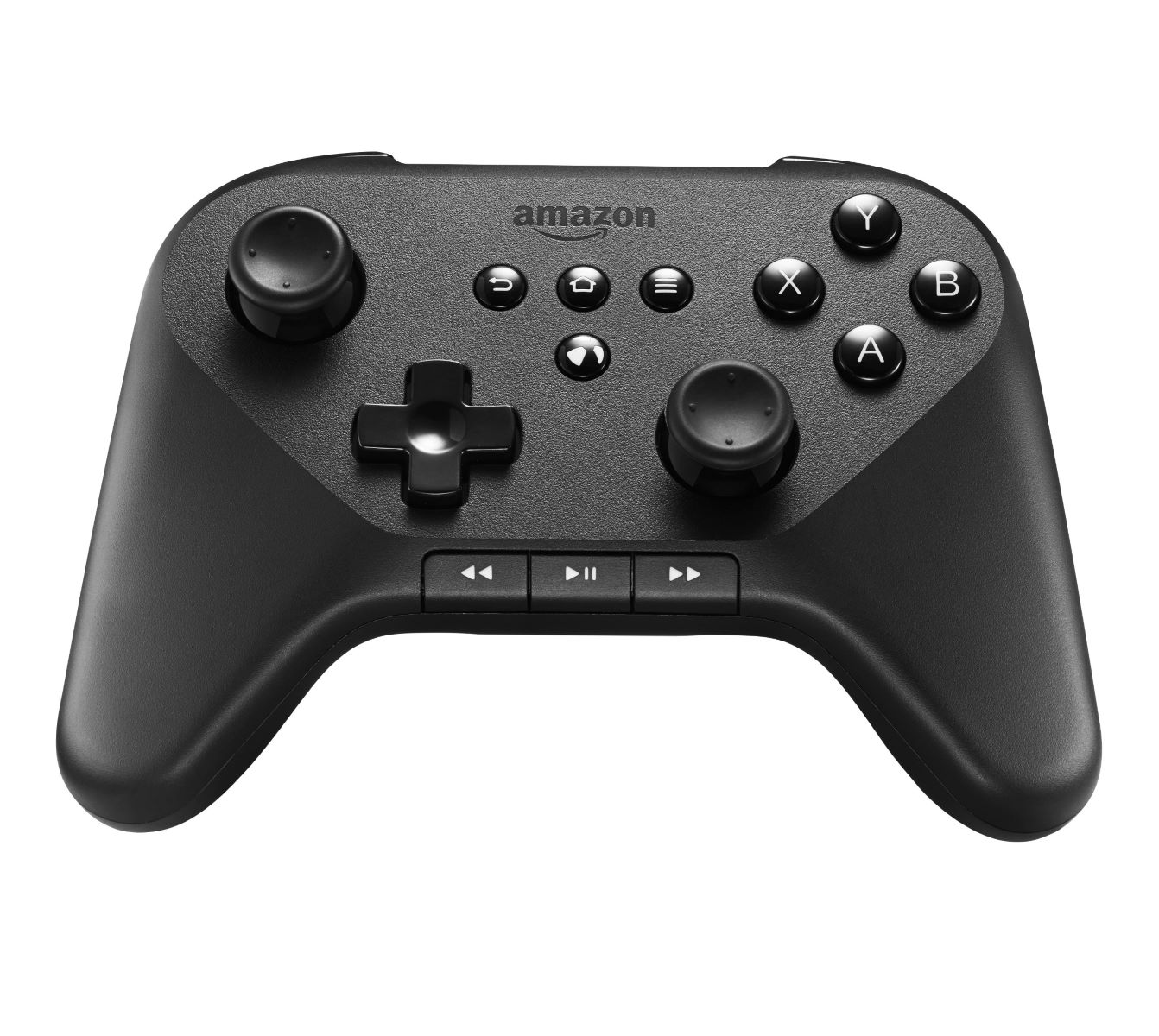
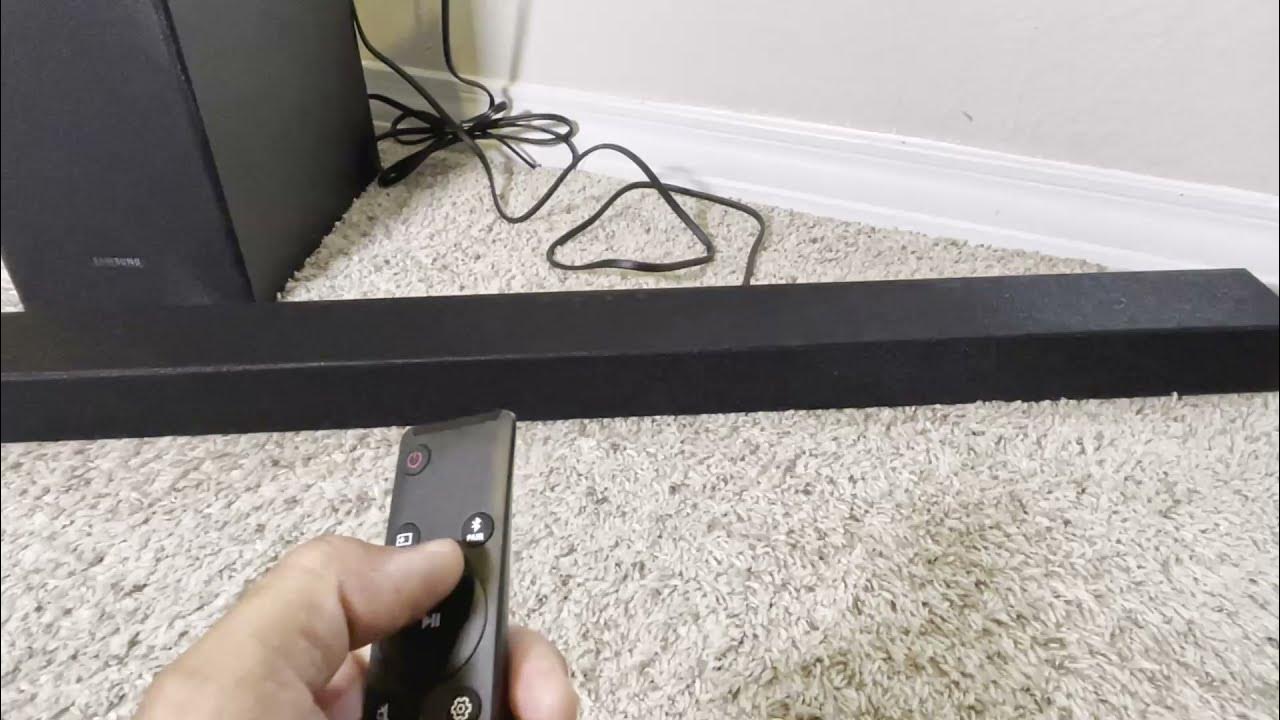
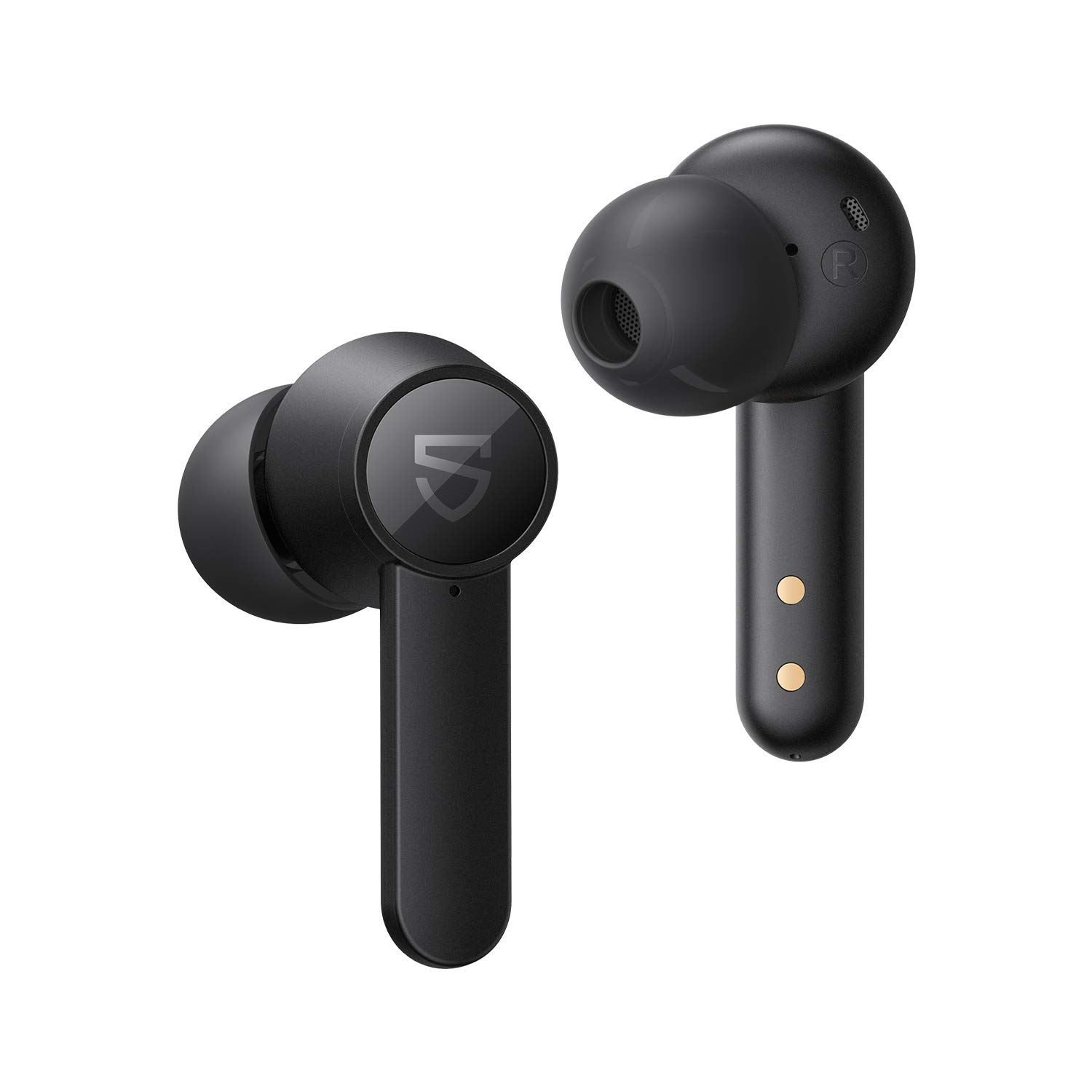
This tag collects articles about connecting wireless devices, keyboards, mice, earbuds, speakers, remotes, and game controllers, to the gadgets you use every day. It is written for anyone who has ever stared at a blinking light or a “no device found” message and wondered what to do next. The guides are practical and troubleshooting-focused, aimed at getting your gear working without jargon or guesswork.
The articles solve two main kinds of problems. First, they cover the initial setup and everyday pairing: how to enter pairing mode, where to find the button, and how to make two devices recognize each other. You will see this in titles like “How To Connect A Bluetooth Keyboard,” “How To Pair JBL Wireless Earbuds,” and “How To Program A Roku Remote.” Second, they address recovery and reconnection issues, when a device that worked before suddenly drops, forgets its memory, or refuses to link. Examples include clearing Bluetooth memory on a car stereo, resetting a Logitech wireless keyboard, and figuring out why a PS5 controller is not connecting. A few articles also take a careful, security-conscious angle, such as explaining how to find a PIN for an Apple wireless keyboard or how to unlock a Logitech keyboard, these are framed as legitimate recovery steps for your own hardware, not as ways to bypass anyone else’s protections.
Specific topics you will find here include pairing a Roku remote to a Roku TV, connecting AirPods to a Chromebook, syncing a Kenwood car radio with your phone, and linking a Microsoft wireless keyboard to a new computer. Whether you are setting up a brand-new device or reviving an old one, these articles walk you through the click-by-click steps to make the connection stick.