This tag collects 59 practical guides for anyone who uses a smartphone, tablet, or streaming device and wants to get more control over their apps and accounts. It is written for everyday consumers, not IT professionals, who need clear, step-by-step instructions for common tasks like managing subscriptions, adjusting playback settings, or recovering access to a service. If you have ever wondered how to change a profile picture on Venmo, turn off video on Spotify, or check your Afterpay balance, these articles are meant for you.
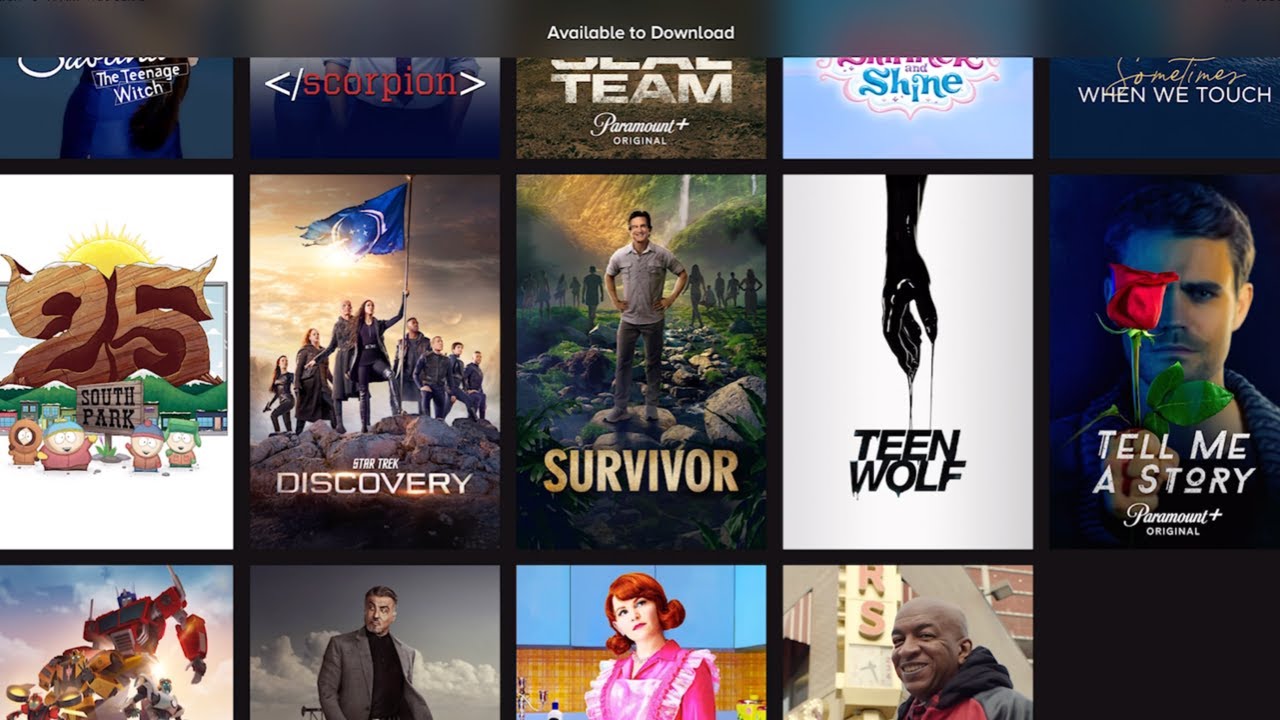
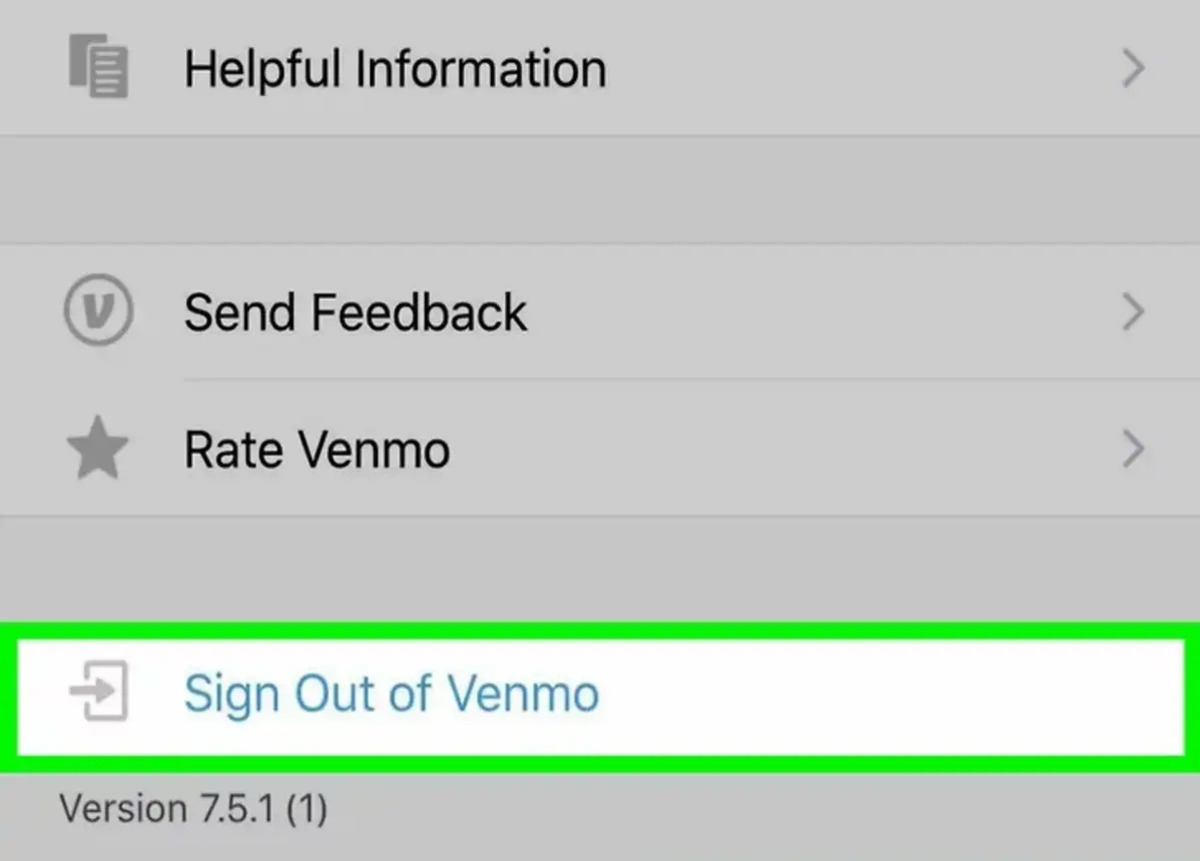
The articles fall into two broad themes. The first is account and security management: several pieces explain how to delete accounts (Venmo, Google Authenticator, Kahoot), how to log out of services on all devices (Netflix, Spotify), and how to find or use authentication codes for platforms like PlayStation and Google. These are written to help you protect your privacy and keep your data safe, not to bypass any protections. The second theme is content and playback control: you can learn how to download movies on HBO Max, set a timer on Spotify, turn off incognito mode on YouTube, or add Spotify music to an Instagram Story. A third, smaller group covers data and organization, such as mass-deleting photos in Google Photos, seeing Amazon Music stats, and checking how long Google Calendar keeps past events.
Specific topics mentioned by name include Roku IP address lookup, Xfinity Wi-Fi box setup, Discord friend adding, Instagram password recovery and pinning posts, and accessing Google Workspace email. Whether you are troubleshooting a streaming device or tidying up your photo library, these guides focus on the “how” of everyday app tasks, with an emphasis on legitimate, safe, and supported methods.