To download from Rumble, you have two main options: use the official Rumble Premium app for a built-in download feature, or rely on a free third-party online downloader tool. The key difference is that the app method requires a paid subscription and a Wi-Fi connection, while the web-based tool works on any device without cost but may involve legal considerations.
How to download from rumble: your options
Rumble offers two primary ways to save videos to your device for offline viewing. The first is through the Rumble Premium subscription, which provides a direct download button inside the mobile app. The second is using a free third-party online downloader website, which works by pasting the video’s URL. If you need a similar workflow for other platforms, you can also download YouTube videos ss using comparable browser-based tools. Each method has its own requirements, limitations, and trade-offs, so choose the one that best fits your needs.
Download rumble videos with the official Premium app
If you are a Rumble Premium subscriber, you can download videos directly within the Rumble app on iOS and Android devices. This offline download feature is a benefit exclusively for Premium subscribers. To begin, ensure you are logged into an account with an active Premium subscription. Then, follow these steps:
- Open the Rumble app and navigate to the video you want to save.
- Click the options drop-down (three dots) next to the video title, and select "Download Video."
- Alternatively, while watching a video (not a live stream), scroll right on the section containing the "Like" button, and click the "Download" option located after the "Save" button.
- The download will begin automatically, but note that it currently requires a Wi-Fi connection.
- Videos downloaded via Rumble Premium are typically saved at 720p quality; if 720p is unavailable, the app defaults to the next highest quality, and you cannot manually choose the download quality.
- To access your downloads, click the "Account" button in the bottom navigation bar and scroll down to the "Downloads" section.
Keep in mind that live streams are not available for download through the Premium feature. Additionally, if your Premium subscription is canceled or expires, or if you uninstall and reinstall the Rumble app, all previously downloaded videos will be removed and must be re-downloaded if access is restored.
Download rumble videos using a third-party online tool
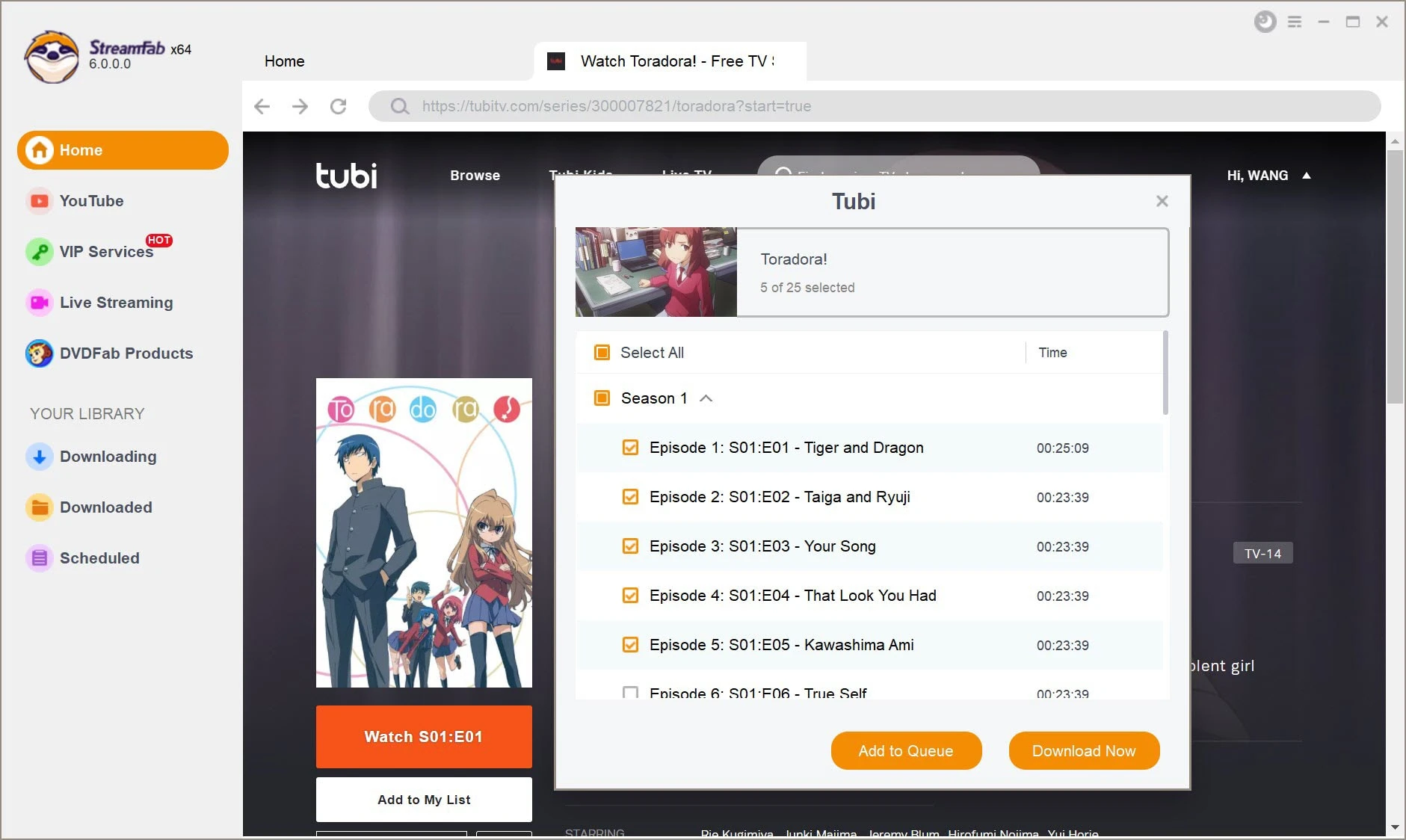
For users who do not have a Premium subscription, a free web-based method is available using third-party online downloaders. This approach works on any device with a browser and does not require an app installation. To use this method, follow these steps:
- Find the video you want to download on Rumble.com. Navigate to the video page using the search bar or by entering its unique URL.
- Copy the video’s URL from the browser’s address bar.
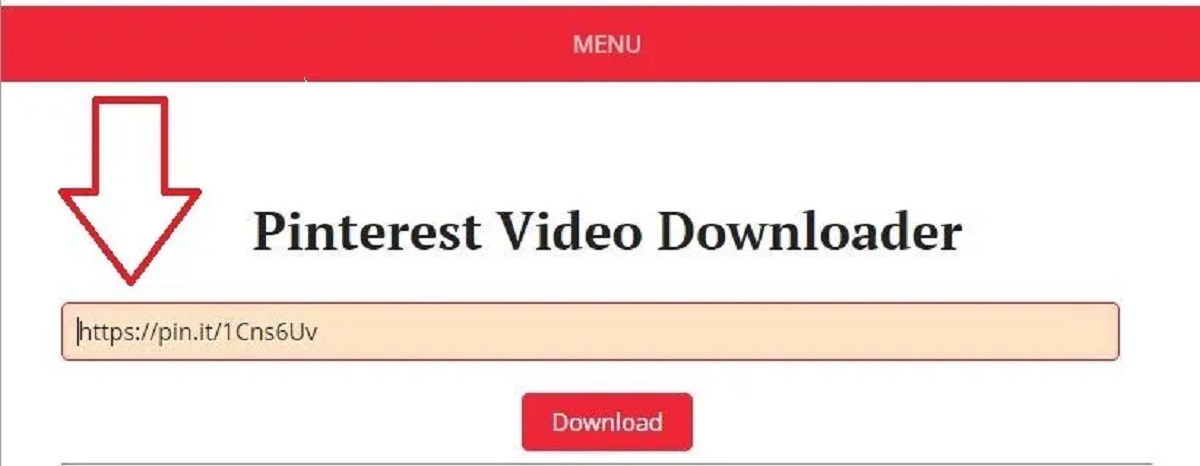
- Choose a reliable online video downloader. Look for a reputable tool that supports Rumble and has a user-friendly interface. Paste the copied URL into the downloader’s input field.
- Select your desired format and quality from the available options. Common formats include MP4, and quality options may range from low to high resolution. Higher quality results in larger file sizes.
- Initiate the download by clicking the download button. The file will save to your device, ready for offline viewing.
Disclaimer: The legality of downloading Rumble videos via third-party tools depends on local laws and how the content is used. Users must always respect copyright laws and Rumble's terms of service. Only use downloaded videos for personal viewing, and never redistribute or use them commercially without permission.
What to know before you download
Before you start, understand the key limitations of each method. The official app requires a Premium subscription and a Wi-Fi connection, and downloads are removed if the subscription ends. Third-party tools are free and flexible, but their legality varies by jurisdiction, and they may violate Rumble’s terms of service. Always respect copyright and use downloads for personal viewing only. To get started, you can use one of the many online video downloaders available to download videos safely and efficiently.




![Top 4 Ways to Download YouTube Videos [For PC/Mac/Android/iOS]](https://robots.net/wp-content/uploads/2023/12/How-to-download-YouTube-videos.png)