The macOS tag on robots.net collects practical, straight-talking guides for everyday computer users, whether you’ve just switched to a Mac, help a family member with theirs, or simply want to stop fighting with your keyboard and webcam. These articles assume you’re not a technician, but you do want clear steps to get things working now. The focus is on common tasks and fixes you’ll actually run into, not abstract theory.

One clear theme is connecting and configuring hardware: you’ll find walkthroughs for joining Wi‑Fi, finding an Ethernet IP address, pairing a Logitech MX Keys Mini or M310 mouse, and setting up a NexiGo or Logitech Brio webcam. A second theme centers on keyboard and display basics, from typing a squared symbol or euro sign, to understanding the Command key on a Windows keyboard, to changing your desktop background or troubleshooting an HDMI cable that only shows the wallpaper. A third, smaller group covers software and communication tools: installing Zoom, making Edge your default browser, unsending a photo in iMessage, or downloading movies from Amazon Prime to your laptop.

Several articles also address security and permission concerns from a safe, responsible angle. For example, the piece on granting webcam permission explains how to manage app access, while the article about “hacking” a webcam is framed around protecting yourself from unauthorized access, not exploiting it. Similarly, antivirus recommendations and browser-uninstall guides focus on maintaining control and privacy. Across all these, the goal is to help you do the task at hand without guesswork, and to make safe, informed choices with your own devices.
How To Download Garageband On Windows

There is no official version of GarageBand for Windows, so you cannot download it directly to a PC. The search for "GarageBand for Windows" leads to a dead end because...

How To Download App From Github

To download an app from GitHub, the fastest and most reliable method is to use the repository's Releases section, where developers publish pre-built installers and executables. Instead of dealing with...

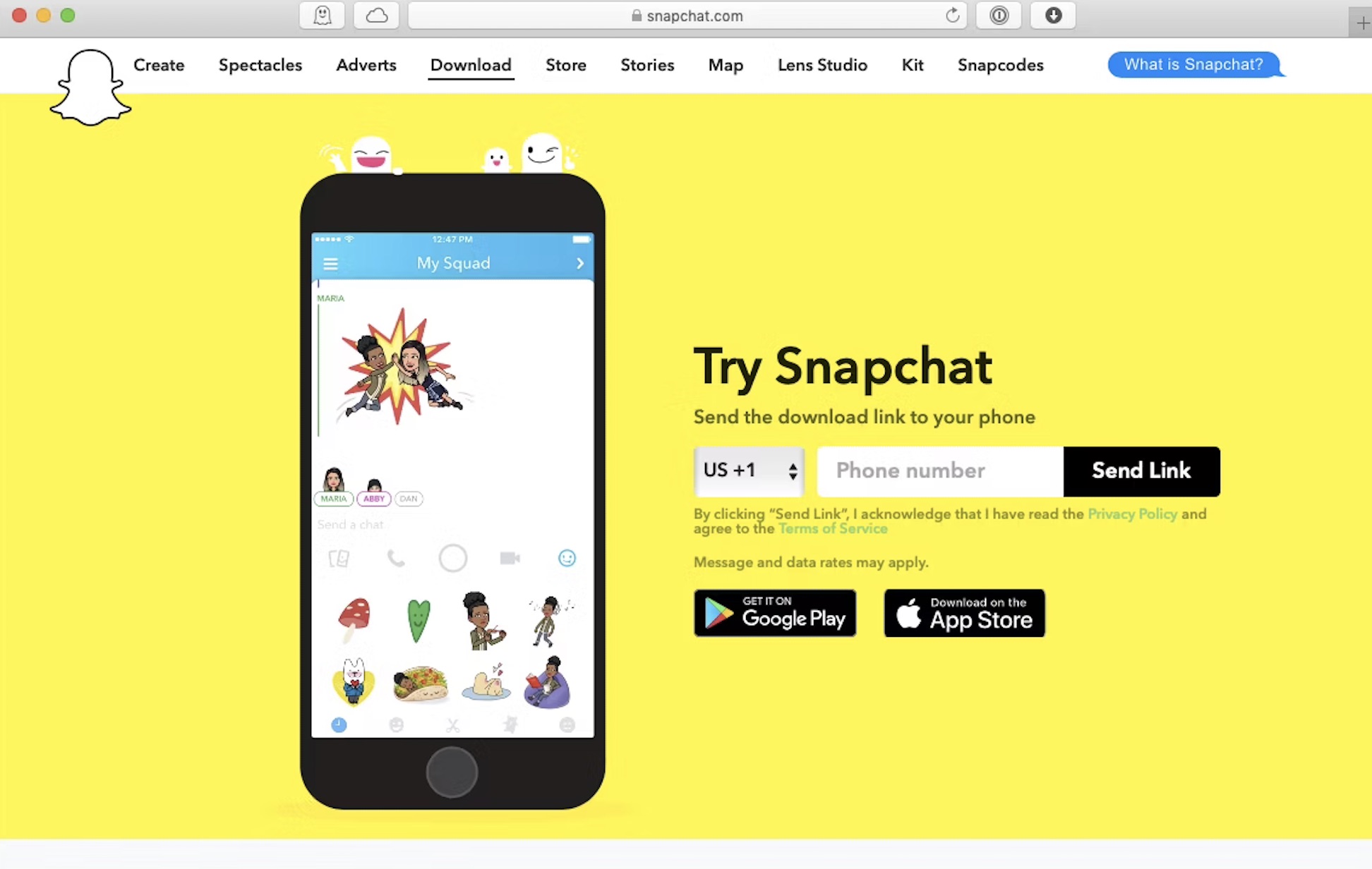
How To Download Snapchat On A Computer

To download Snapchat on a computer, the official and safest method is to use Snapchat for Web, a progressive web app that runs directly in your browser. This allows you...

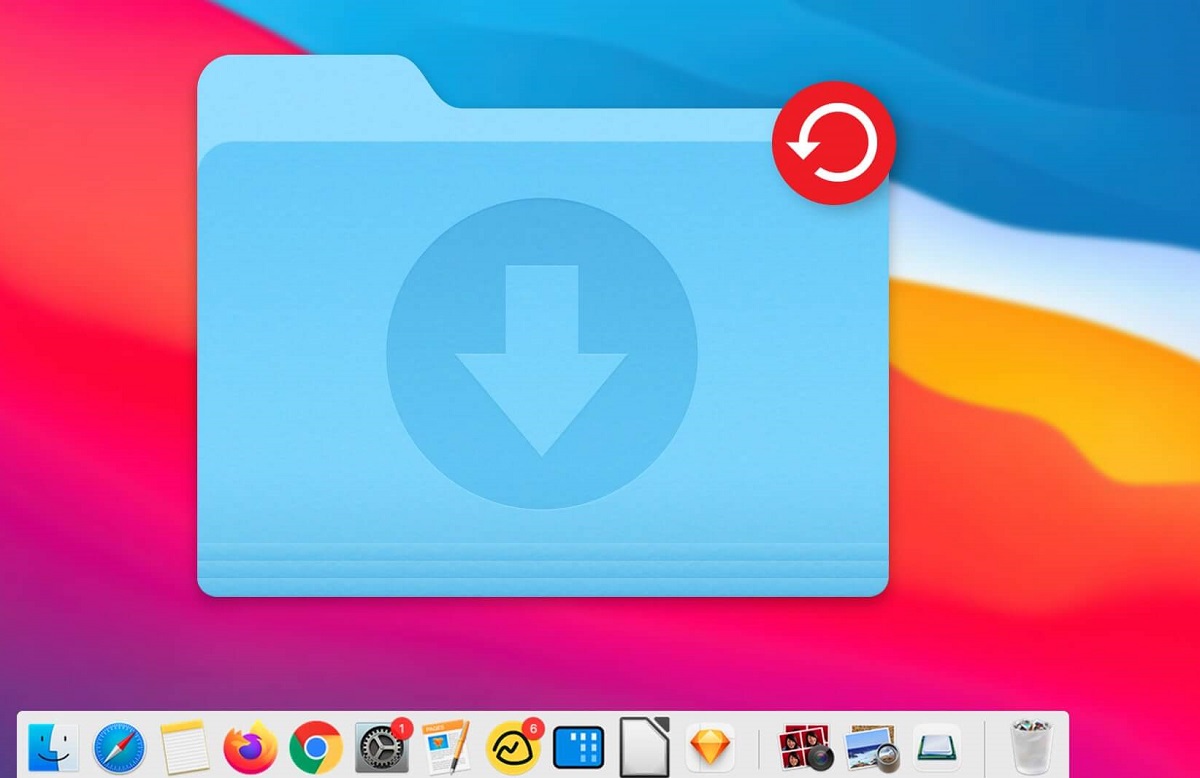
How To Add Download Folder To Dock

To add download folder to dock on your Mac, simply drag the Downloads folder from a Finder window onto the right side of your Dock, next to the Trash icon....

How To Download A File From A Link

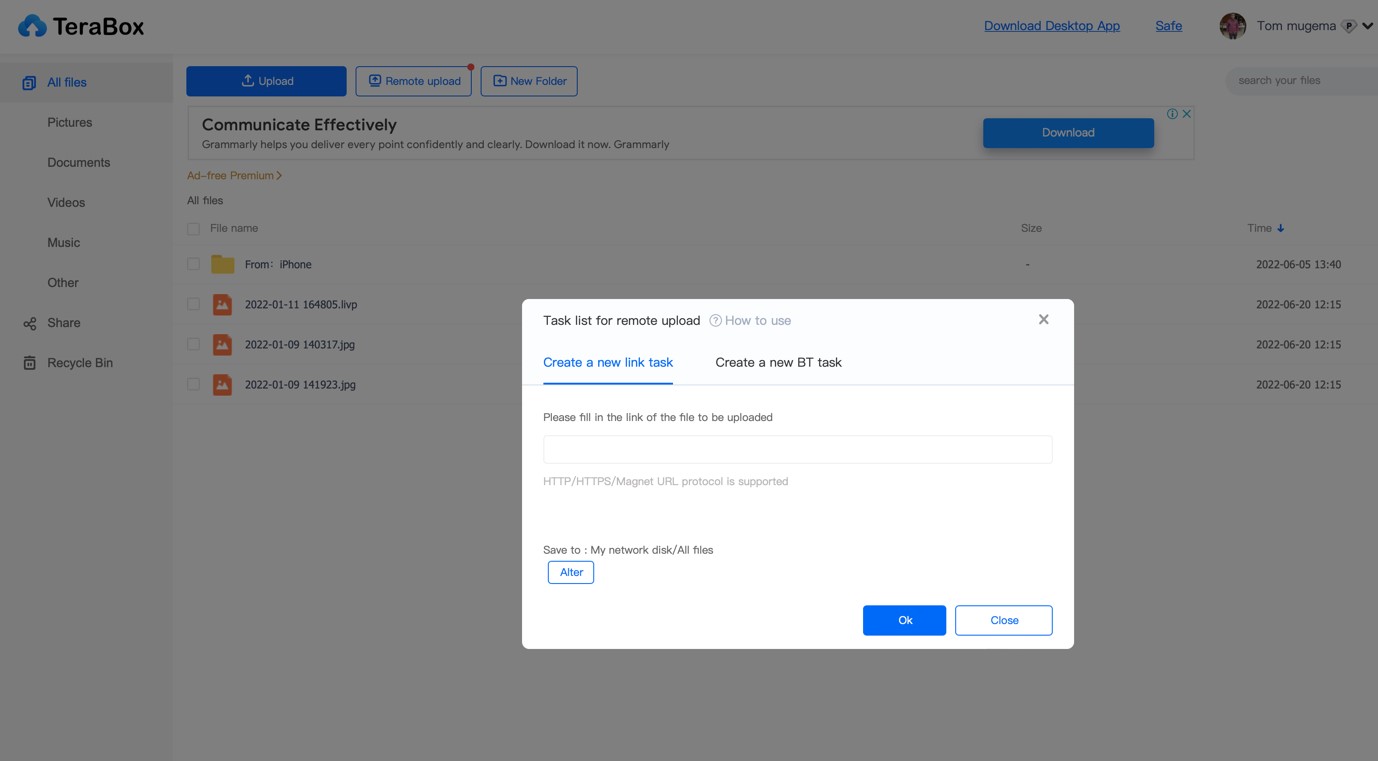
To how to download a file from a link, you have two reliable options that work across all major desktop browsers. A single left-click will save the file automatically to...

How To Download Games On A School Computer

To download games on a school computer, you need to bypass administrative restrictions without installing software in the traditional sense. The three methods that actually work are playing browser-based games,...

How To Install Zoom On Laptop

To install Zoom on a laptop, download the Zoom Workplace desktop application from the official Zoom Download Center. Whether you use Windows or macOS, the process takes just a few...

How Do I Download Zoom

Download Zoom on your device To download zoom safely, visit the official Zoom website from your browser and avoid third-party download sites. On the download center page, you will see...

15 Best Kaspersky Antivirus

15 Best Kaspersky Antivirus for 2024 body { font-family: -apple-system, BlinkMacSystemFont, "Segoe UI", Roboto, Helvetica, Arial, sans-serif; line-height: 1.6; color: #222; max-width: 900px; margin: 0 auto; padding: 20px; background-color: #fff;...