Practical, straight-talking guides for everyday computer users, whether you’ve just switched to a Mac, help a family member with theirs, or simply want to stop fighting with your keyboard and webcam. These articles assume you’re not a technician, but you do want clear steps to get things working now. The focus is on common tasks and fixes you’ll actually run into, not abstract theory.
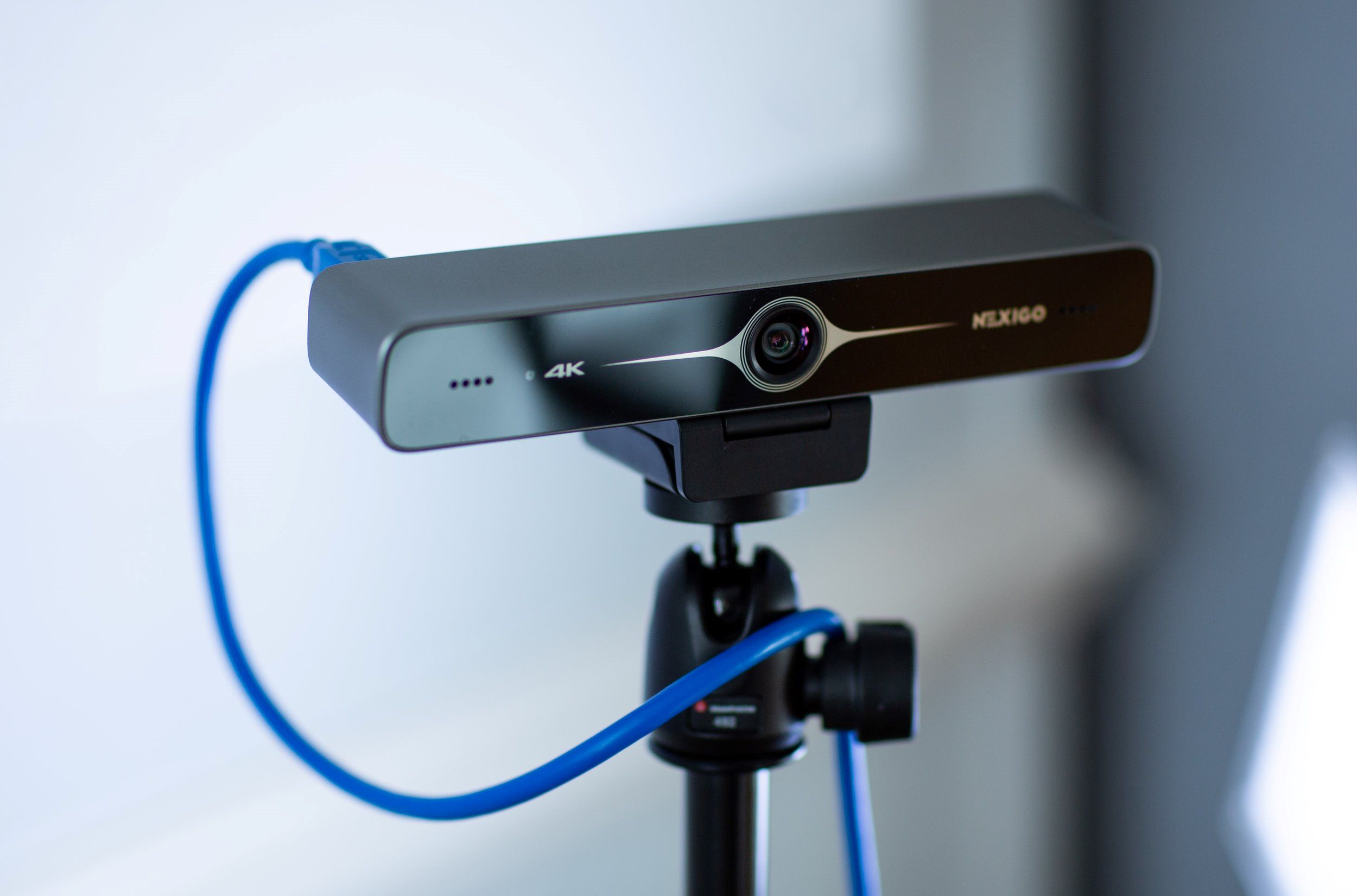
One clear theme is connecting and configuring hardware: you’ll find walkthroughs for joining Wi‑Fi, finding an Ethernet IP address, pairing a Logitech MX Keys Mini or M310 mouse, and setting up a NexiGo or Logitech Brio webcam. A second theme centers on keyboard and display basics, from typing a squared symbol or euro sign, to understanding the Command key on a Windows keyboard, to changing your desktop background or troubleshooting an HDMI cable that only shows the wallpaper. A third, smaller group covers software and communication tools: installing Zoom, making Edge your default browser, unsending a photo in iMessage, or downloading movies from Amazon Prime to your laptop.
Several articles also address security and permission concerns from a safe, responsible angle. For example, the piece on granting webcam permission explains how to manage app access, while the article about “hacking” a webcam is framed around protecting yourself from unauthorized access, not exploiting it. Similarly, antivirus recommendations and browser-uninstall guides focus on maintaining control and privacy. Across all these, the goal is to help you do the task at hand without guesswork, and to make safe, informed choices with your own devices.