The Onion Browser is a privacy-focused web browser for iOS devices that connects to the Tor network, enabling anonymous mobile browsing by routing your traffic through multiple encrypted relays. Developed...
To stop AirPods from connecting to other phones, you must either remove them from the specific device that keeps hijacking the connection or disable automatic switching on your own Apple...
AirPods Live Listen is the official Apple accessibility feature that turns your iPhone or iPad into a remote microphone, streaming sound directly to your connected AirPods or Beats headphones. It’s...
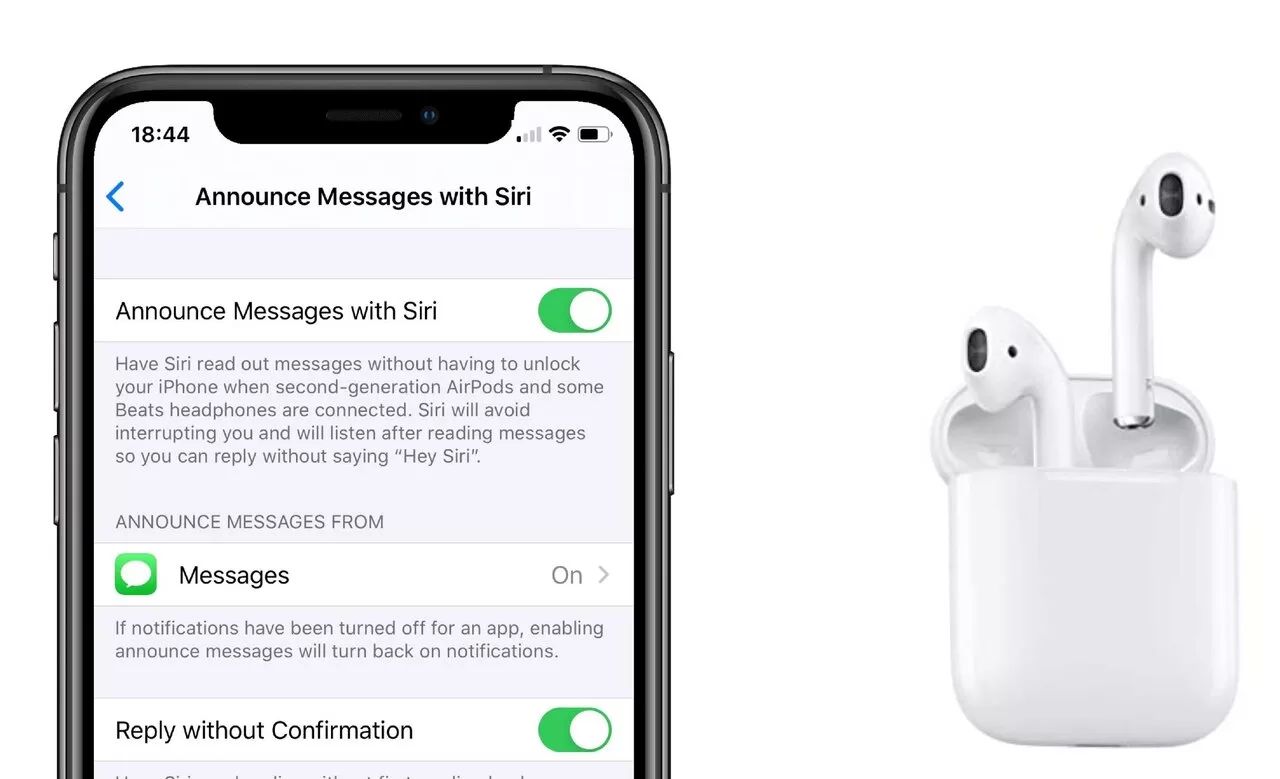
To turn off announcements on AirPods, open your iPhone or iPad's Settings app, tap Notifications, then tap Announce Notifications and toggle the switch off. This is the primary method to...
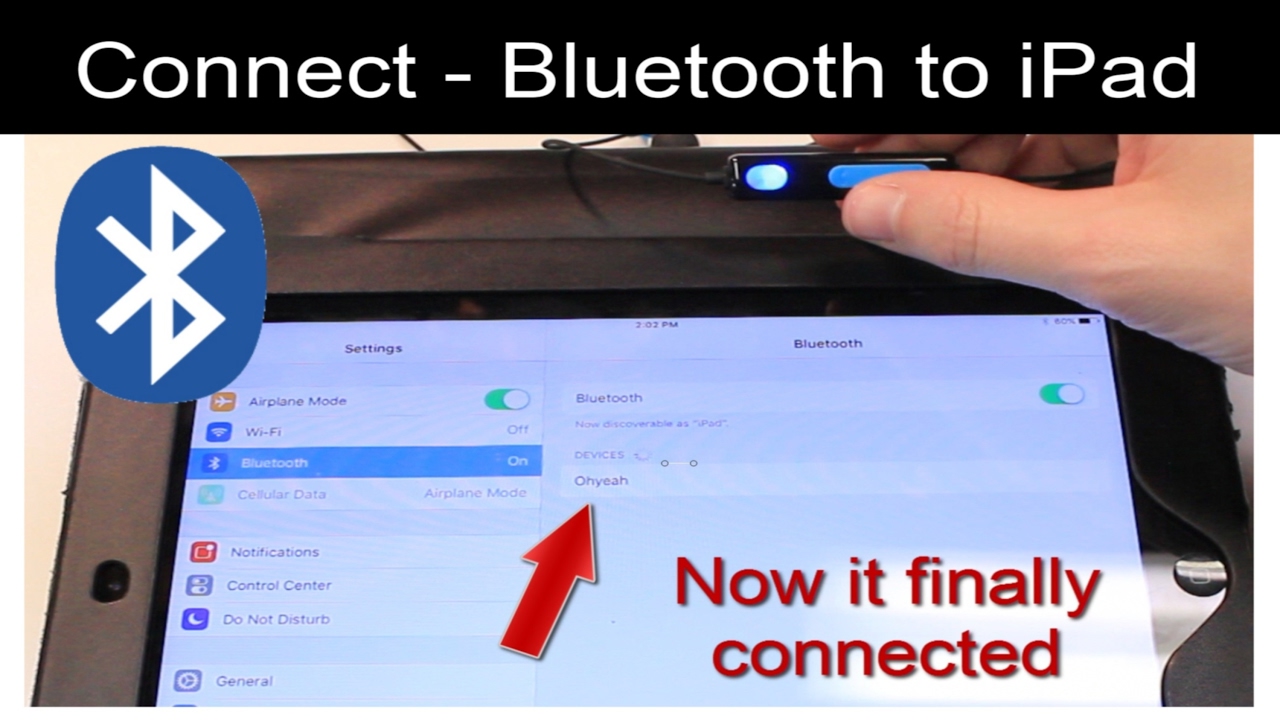
You can connect two Bluetooth headphones to an iPad using Apple's Audio Sharing feature, allowing two people to listen to the same audio from a single device. This works with...
To use your Logitech Combo Touch keyboard, simply align the Smart Connector on the keyboard’s back edge with the Smart Connector on your iPad’s side, it snaps into place, draws...
How to connect Logitech Crayon to iPad: the instant method To connect Logitech Crayon to iPad, simply turn the Crayon on and start using it immediately, no Bluetooth pairing, menus,...
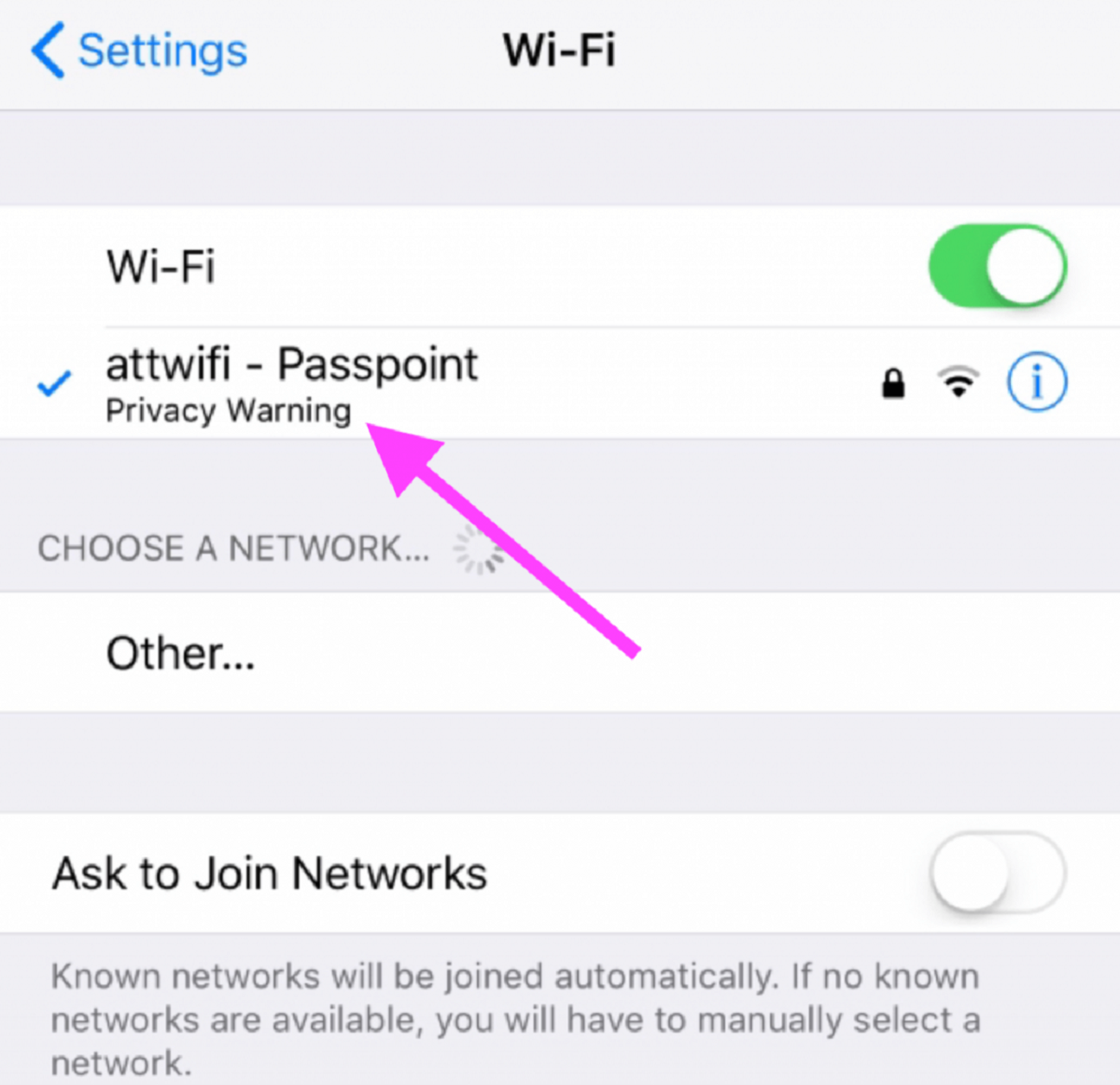
If you see a wifi privacy warning on your iPhone, iPad, or Mac, it means your device is using its permanent, hardware-based MAC address instead of a randomized one, which...
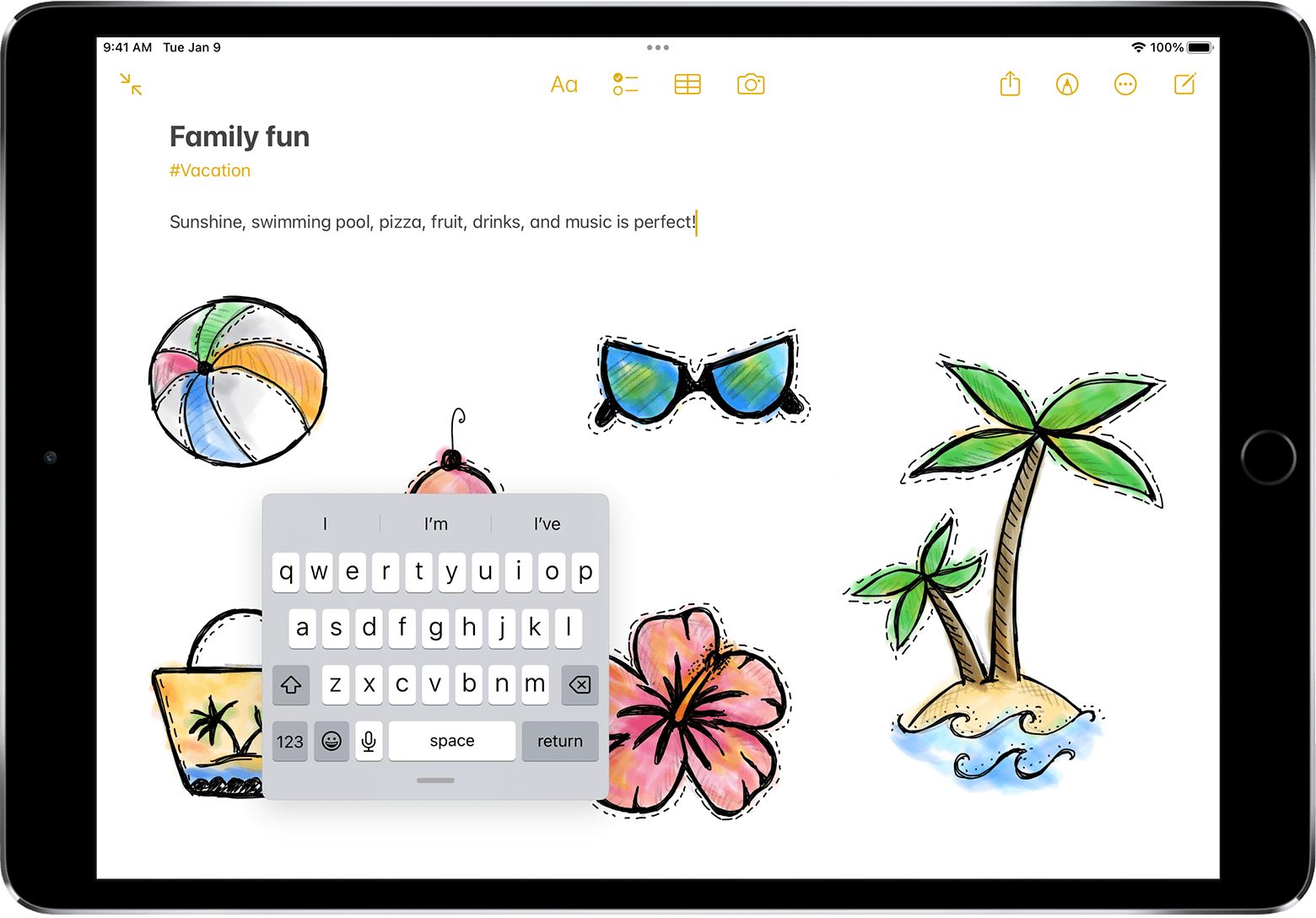
To make the keyboard appear on your iPad, tap any text field in an app like Notes, Messages, or Safari. This is the primary method to make the keyboard appear...
You cannot pair an Apple Watch to an iPad directly, as Apple does not support pairing these two devices for full management and functionality. The only way to pair an...
This website uses cookies so that we can provide you with the best user experience possible. Cookie information is stored in your browser and performs functions such as recognising you when you return to our website and helping our team to understand which sections of the website you find most interesting and useful.
Strictly Necessary Cookies
Strictly Necessary Cookie should be enabled at all times so that we can save your preferences for cookie settings.
If you disable this cookie, we will not be able to save your preferences. This means that every time you visit this website you will need to enable or disable cookies again.