Keep the screen on longer or turn off tablet display Open Settings and go to Display > Screen timeout (Android) or Display & Brightness > Auto-Lock (iPad) to manage how...
You can block adult content by changing your device's private DNS to a family-safe provider like CleanBrowsing or AdGuard DNS, which filters explicit sites at the network level without installing...
To update Minecraft Education Edition, you need to know which device you’re using, because the process differs between Windows, Mac, Chromebook, and iPad. On some platforms the game updates itself...
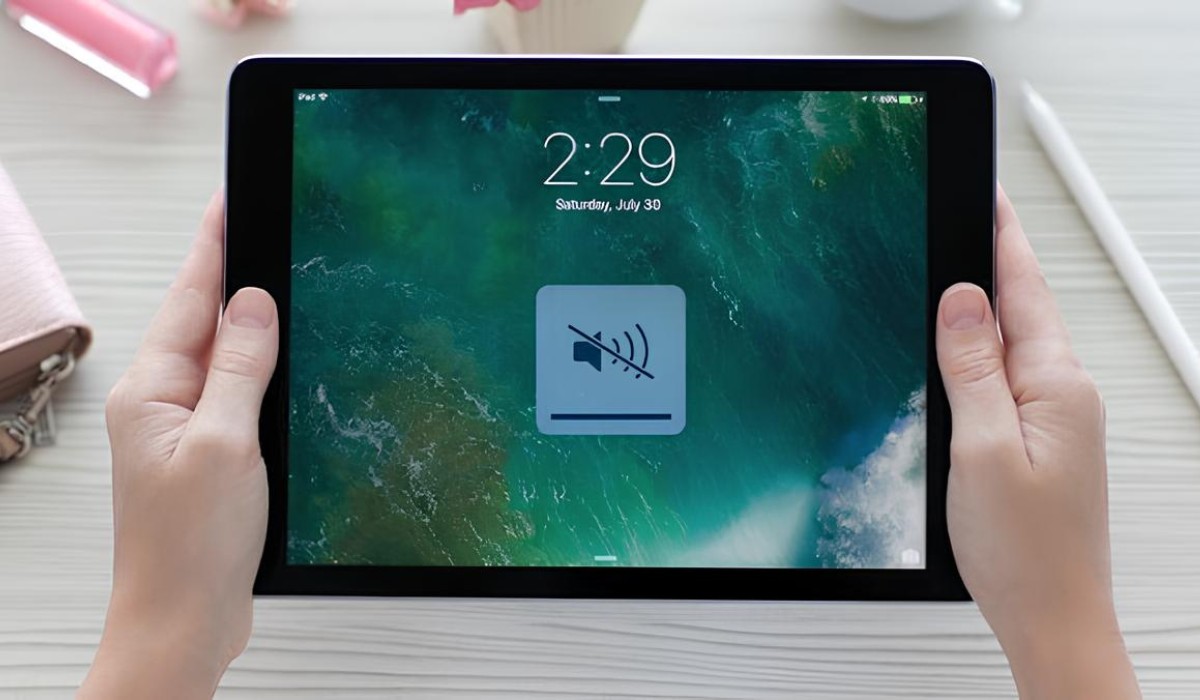
If you can't hear sound on some websites in Safari on your iPad, the issue is usually a muted tab or a simple device setting. To fix sound not working...
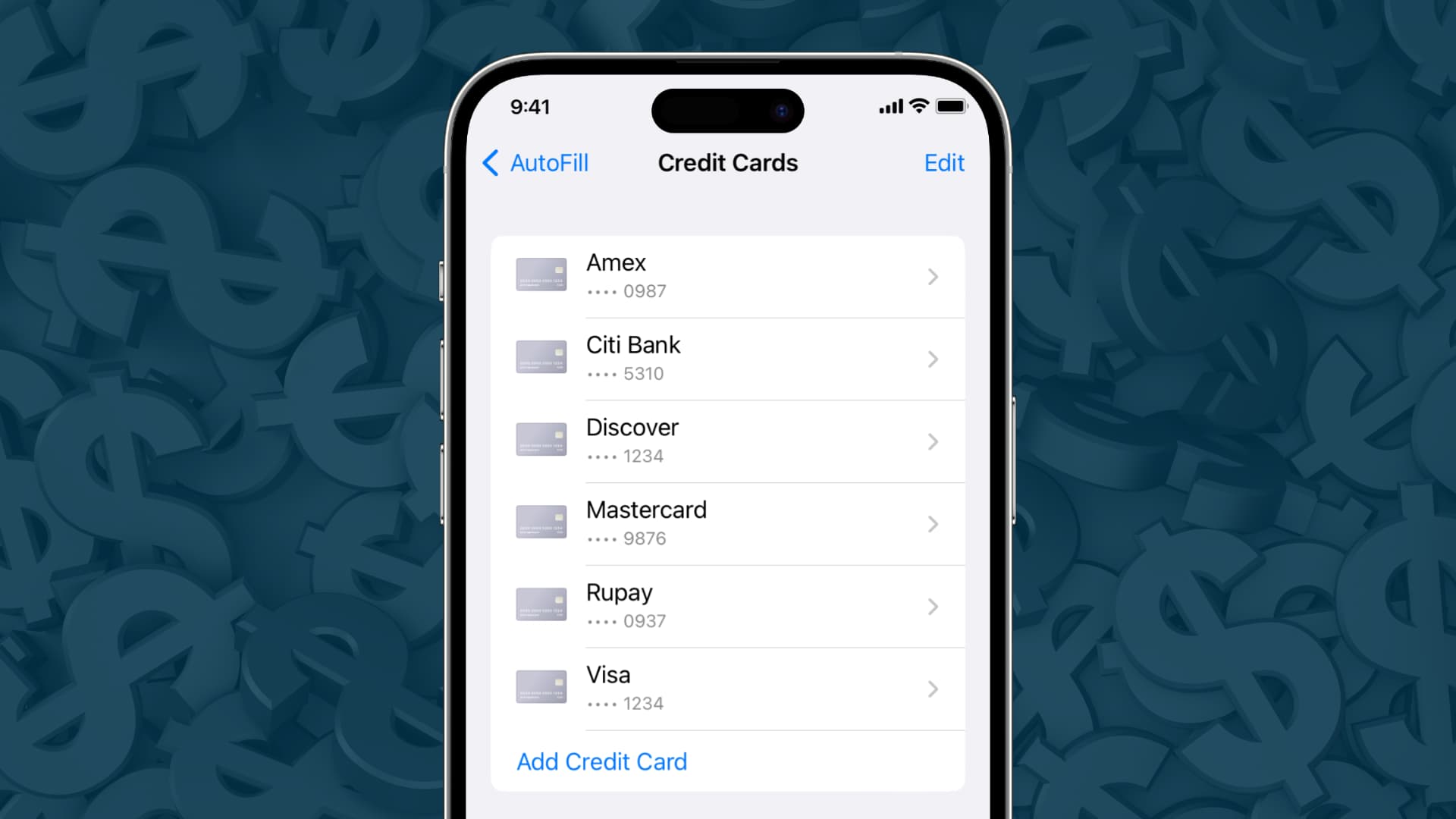
To view stored credit cards in Safari on your iPhone, iPad, or Mac, you need to access the browser's AutoFill settings where your payment information is securely saved. This allows...
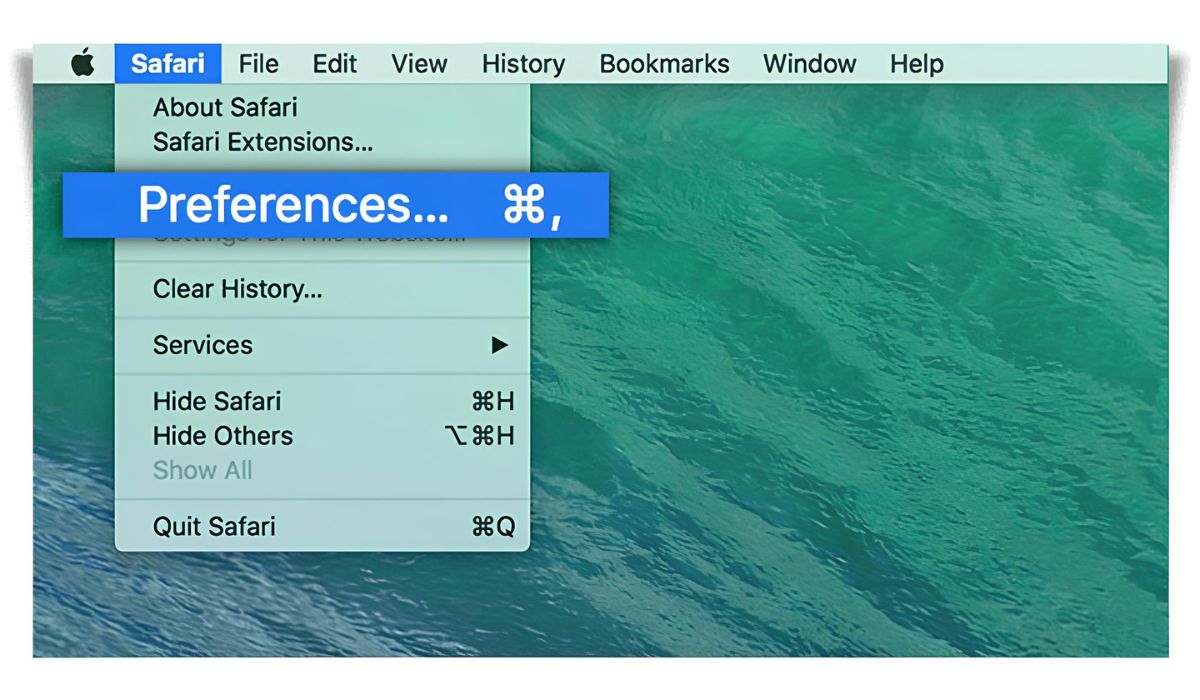
On a Mac, Safari Preferences live in the Safari menu as “Settings” (formerly “Preferences”), and on an iPhone or iPad they are inside the system Settings app under “Safari.” To...
To turn off safe search on Safari, you need to change a setting in Apple's Screen Time, not in Safari itself. This is because Safari's content filtering is managed system-wide...
If you want to hide the Safari toolbar on iPad, the built-in "Hide Toolbar" option is the direct way to remove the address bar and tab bar for a full-content...
To limit adult websites in Safari on an iPhone or iPad, use the Screen Time content restrictions in the Settings app, this is not a search engine setting but a...
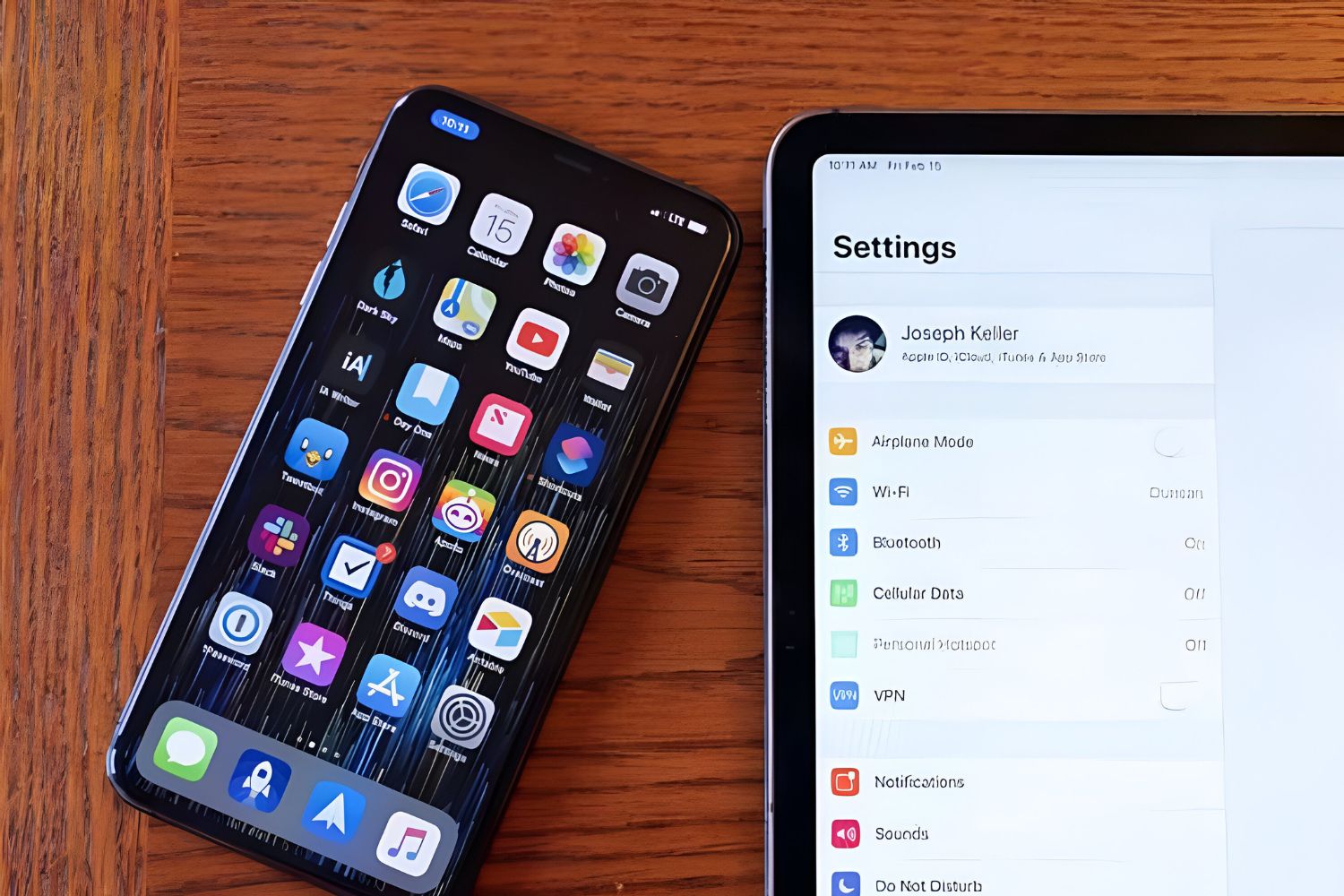
To find Safari settings on an iPhone or iPad, open the Settings app and tap Safari; on a Mac, open Safari and choose Settings from the Safari menu. The exact...
To connect Apple Watch to hotspot, you need to understand that the watch itself cannot create a hotspot, but it can connect to one provided by your paired iPhone or...
Linking iPad to iPhone hotspot is the fastest way to get your tablet online when no Wi‑Fi is available. If you and your iPhone are signed into the same Apple...
This website uses cookies so that we can provide you with the best user experience possible. Cookie information is stored in your browser and performs functions such as recognising you when you return to our website and helping our team to understand which sections of the website you find most interesting and useful.
Strictly Necessary Cookies
Strictly Necessary Cookie should be enabled at all times so that we can save your preferences for cookie settings.
If you disable this cookie, we will not be able to save your preferences. This means that every time you visit this website you will need to enable or disable cookies again.