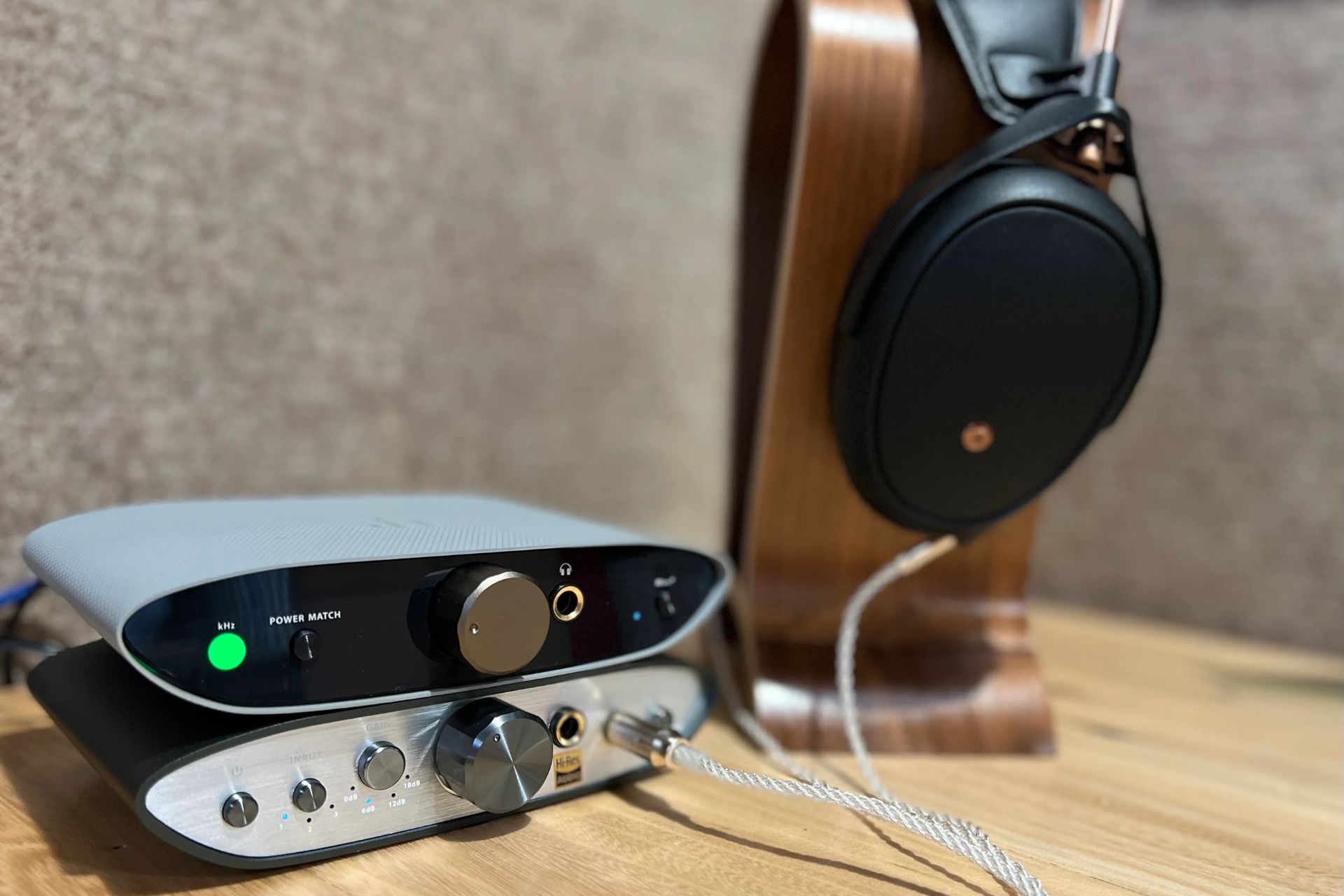
To connect an iPad to a DAC, you need to identify your iPad's port type, Lightning or USB-C, and then use the correct adapter or cable. This guide covers the...
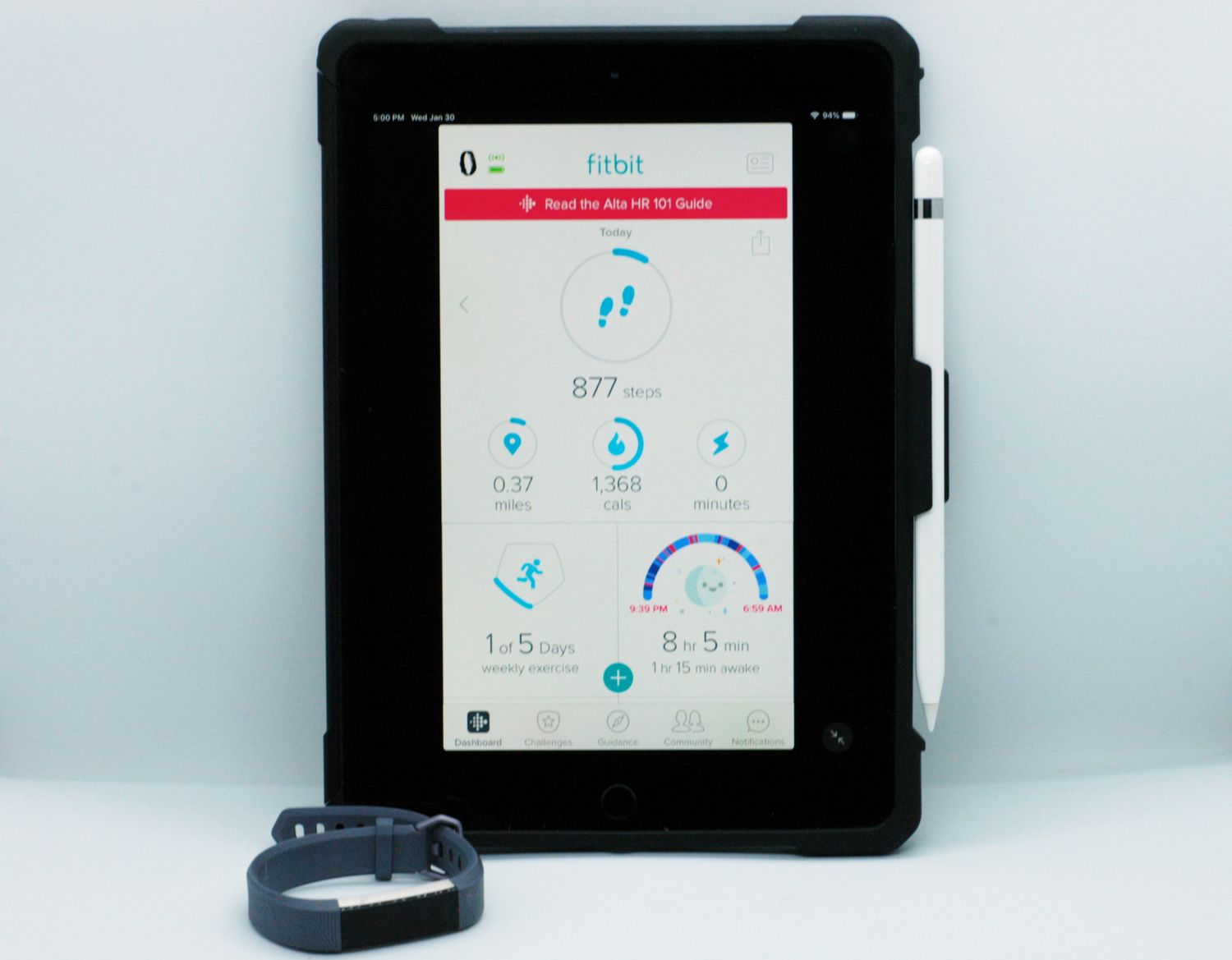
To sync Fitbit with iPad, download the Google Health app (the successor to the Fitbit app) from the App Store, log in with your Google account, and follow the in-app...
Turning off blue light on your iPad To turn off blue light on your iPad, you need to enable Night Shift, which shifts your screen’s colors to the warmer end...
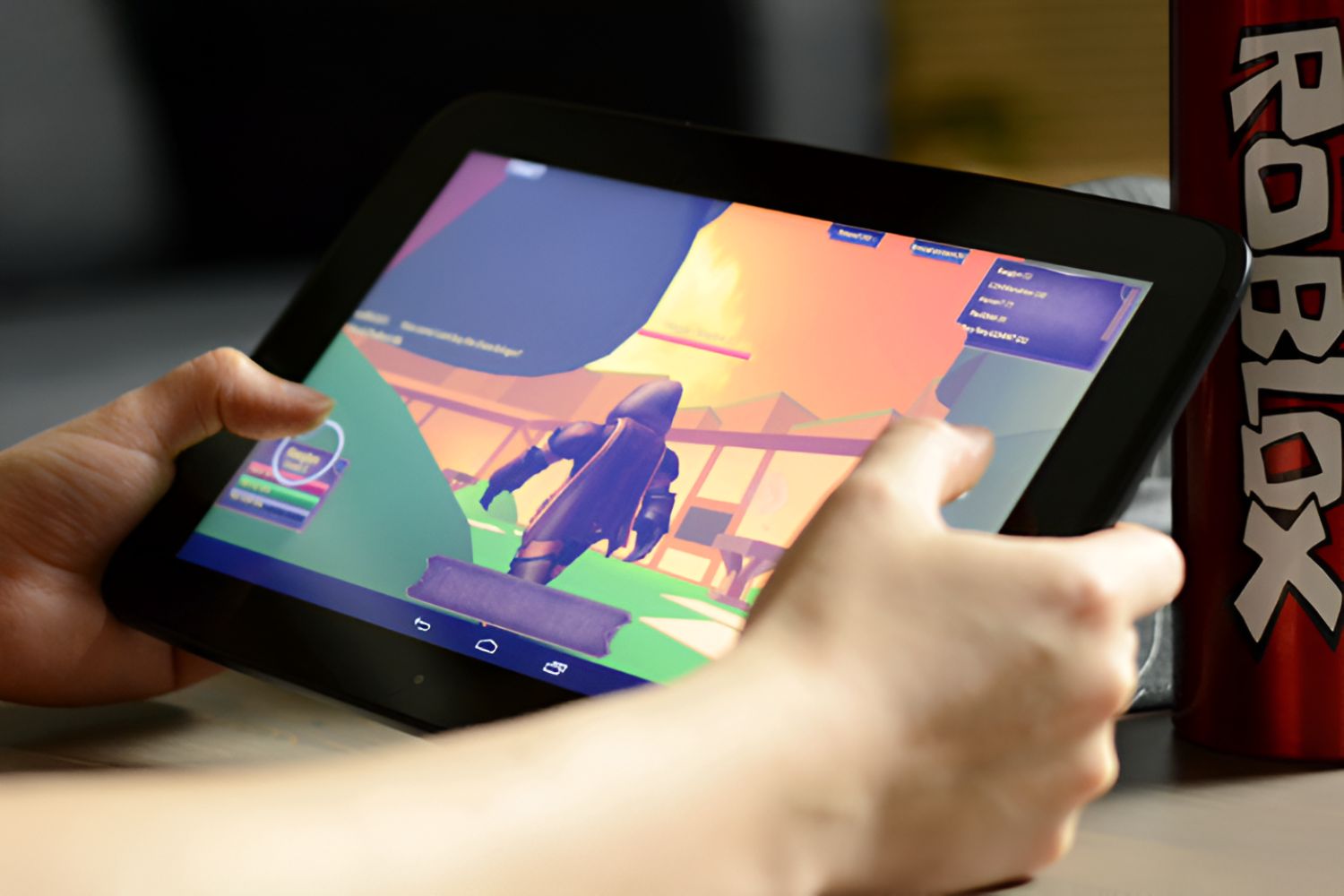
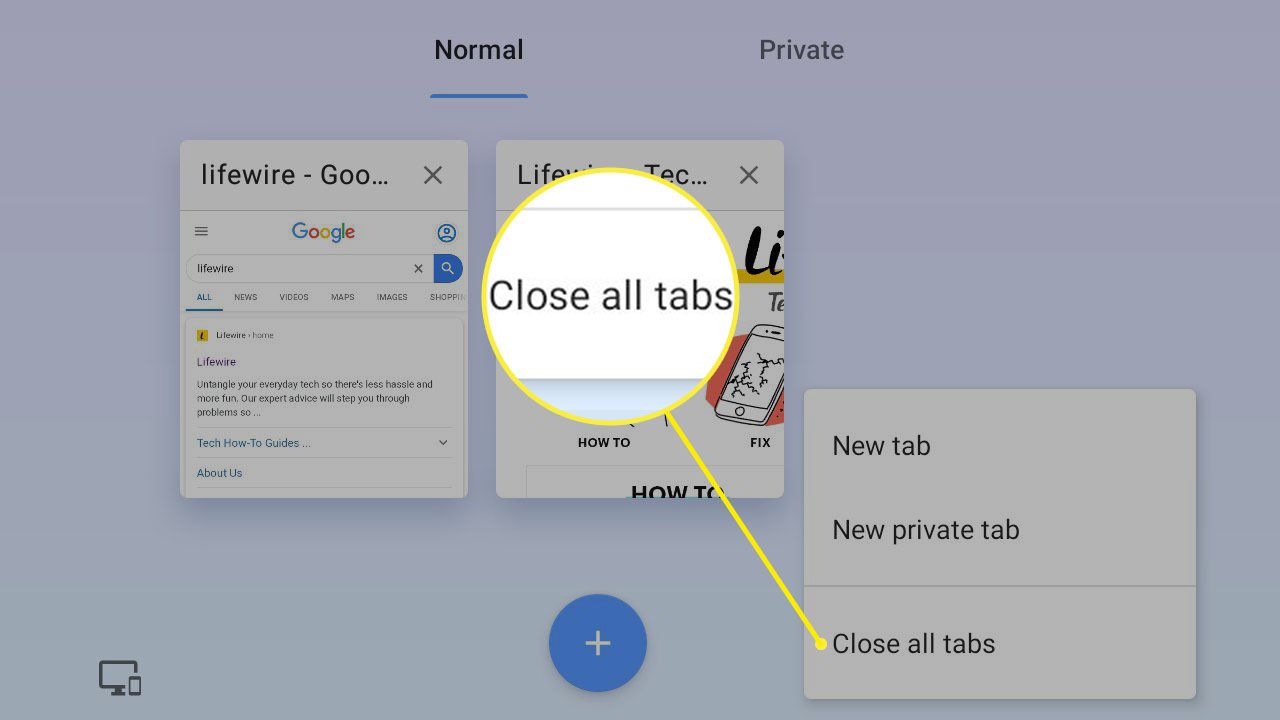
To stop lag on Roblox tablet, you need to lower your in-game graphics quality, close background apps, and ensure a stable internet connection. These three fixes address the most common...
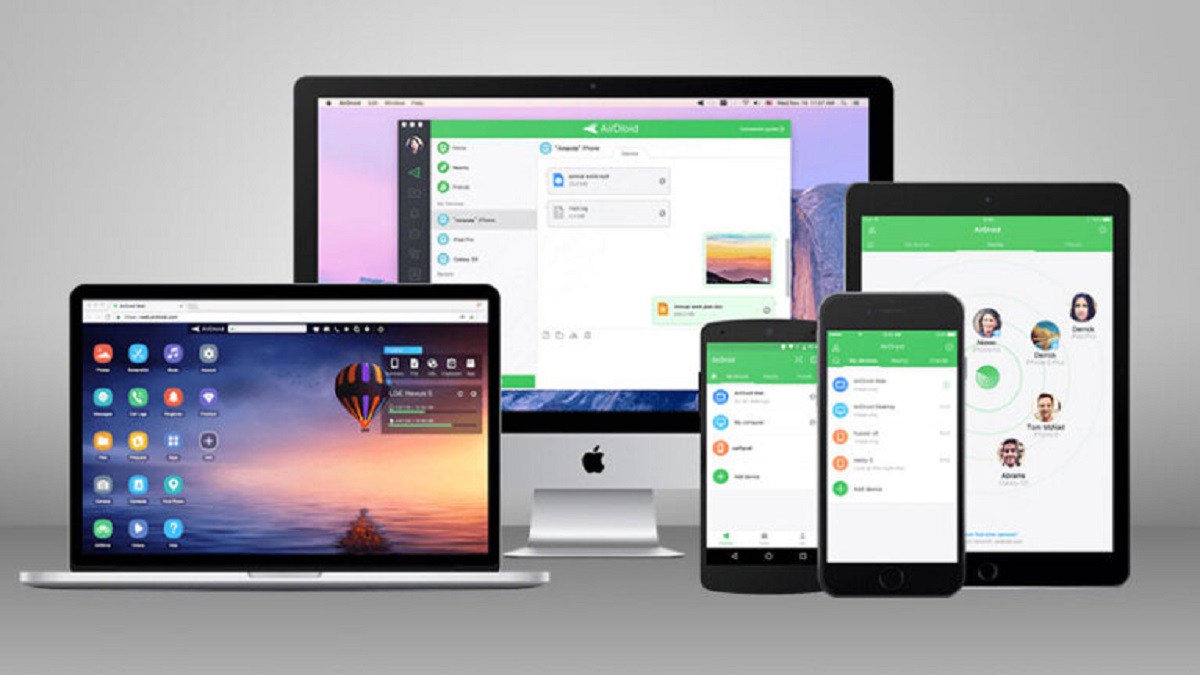
To transfer photos from tablet to computer, connect your tablet via a data-capable USB cable, unlock it, and use your computer's file manager or photo app to copy the images...
To find RAM on iPad, you must look up the specific model number of your device, as iOS does not display a direct RAM readout in its settings. This is...
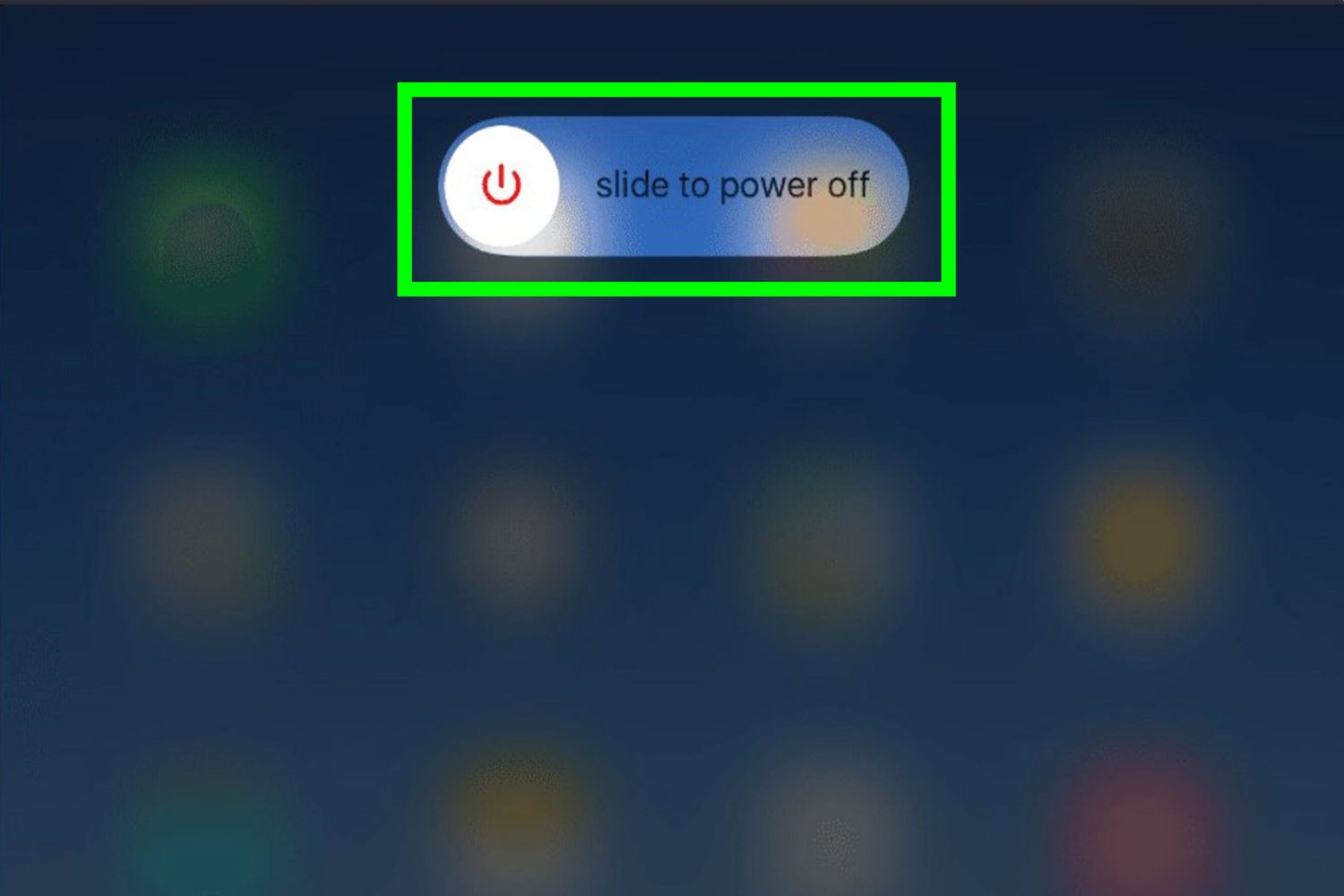
To shut down a tablet, press and hold the physical power button (or the power button plus a volume button on many Android models) until the power menu appears, then...
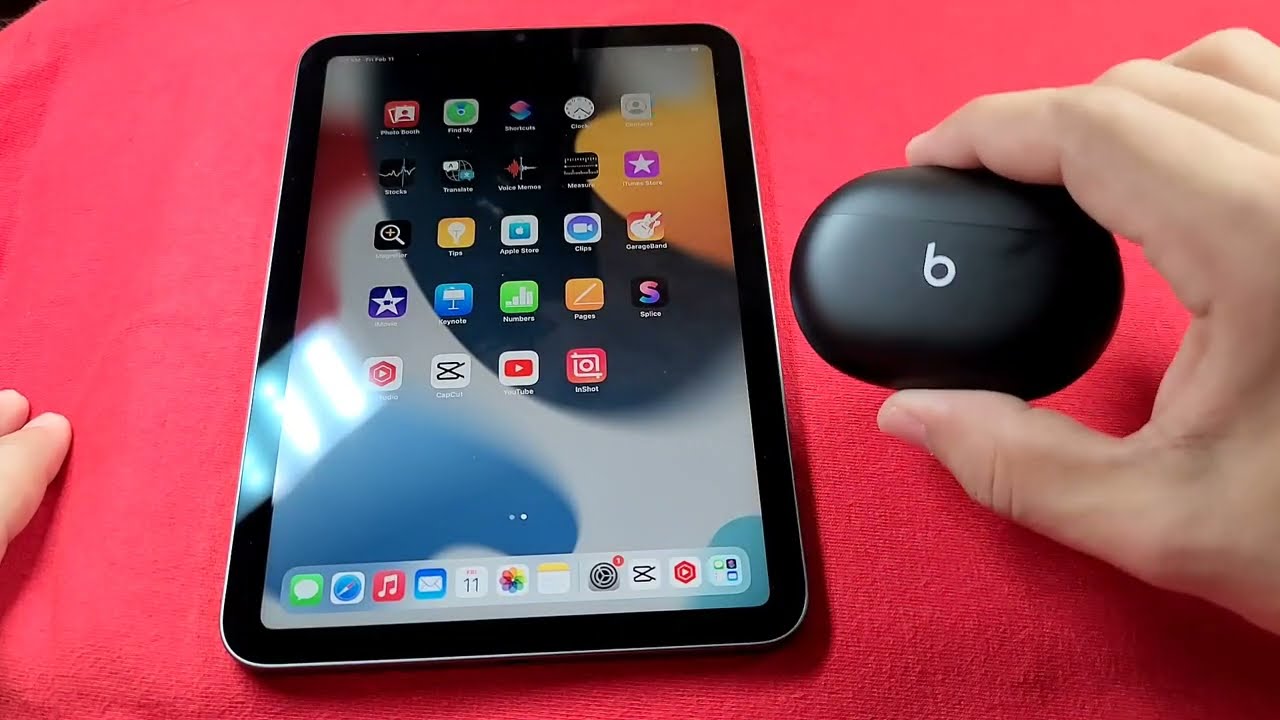
To pair earbuds to tablet, the process is the same across iPad, Android, and Fire devices: turn on Bluetooth on the tablet, put the earbuds in pairing mode, then tap...
To rotate tablet screen, the quickest path is to disable Rotation Lock or enable Auto-rotate from the quick settings panel. Swipe down from the top-right corner of the screen (on...
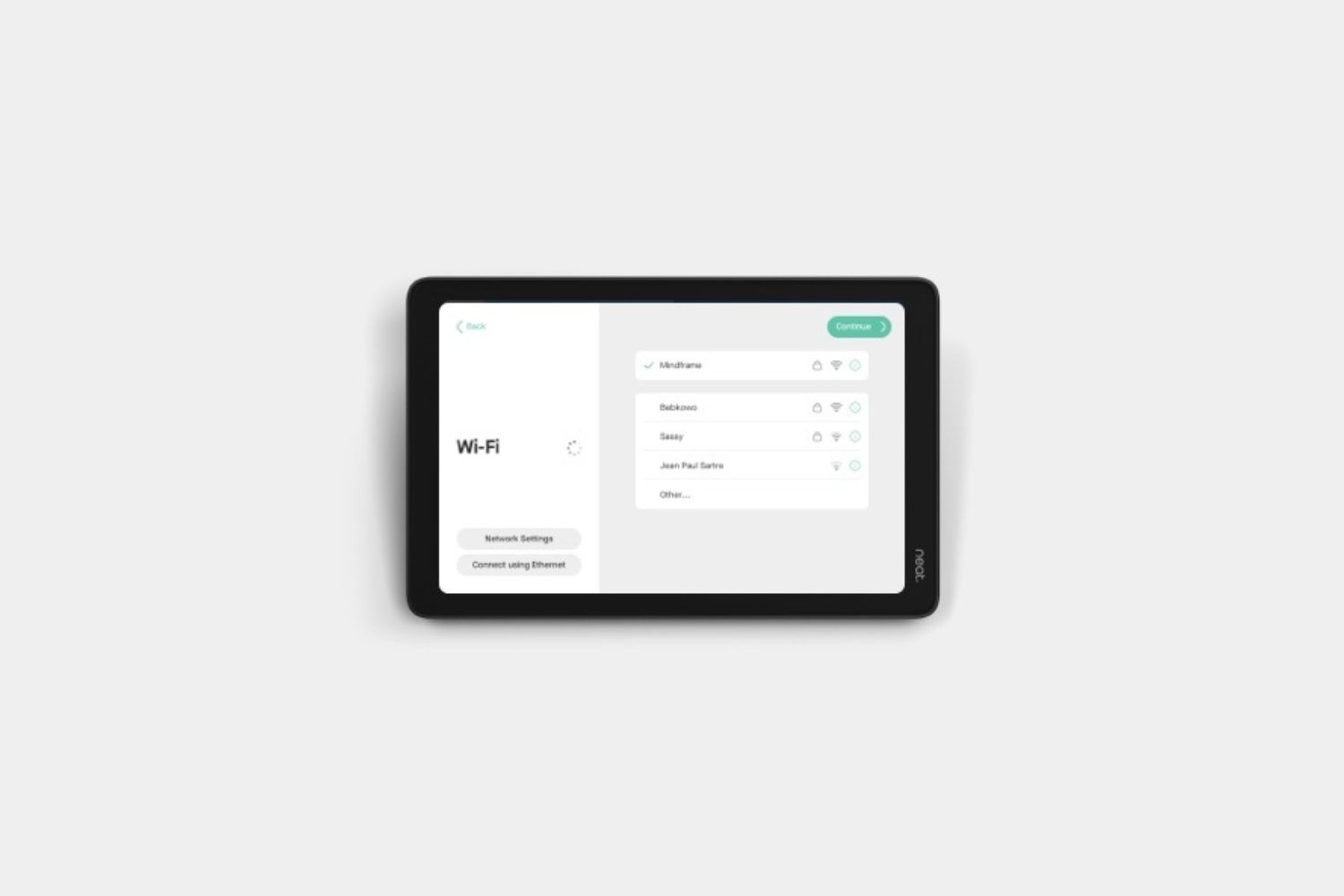
To connect a tablet to the internet, the simplest method is to use Wi-Fi: open your tablet's settings, find the Wi-Fi menu, select your home network, and enter the password....
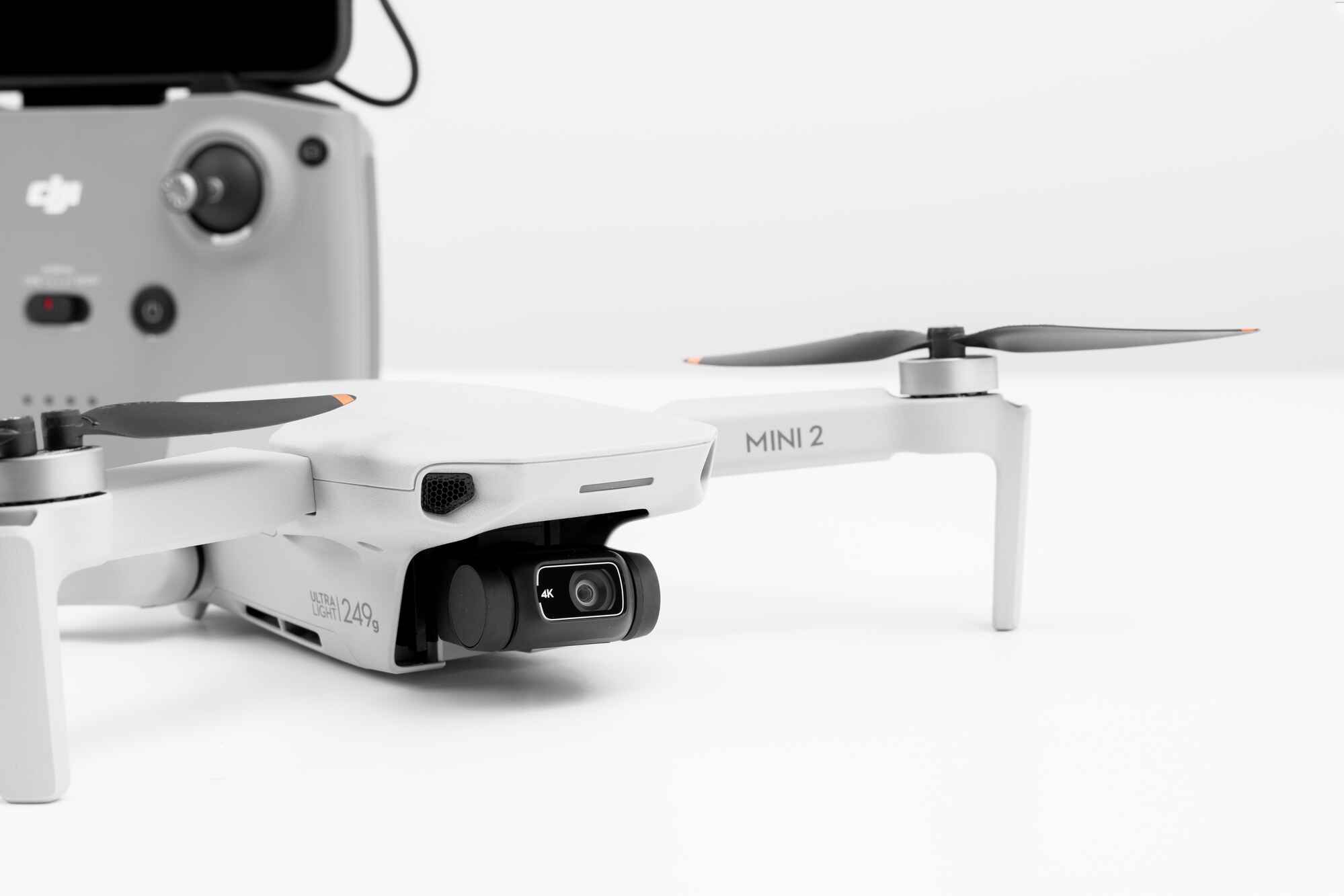
Several tablets are compatible with the DJI Fly app, including Apple iPads and select Android models from Samsung and Amazon. The most reliable choices are officially supported devices that have...
This website uses cookies so that we can provide you with the best user experience possible. Cookie information is stored in your browser and performs functions such as recognising you when you return to our website and helping our team to understand which sections of the website you find most interesting and useful.
Strictly Necessary Cookies
Strictly Necessary Cookie should be enabled at all times so that we can save your preferences for cookie settings.
If you disable this cookie, we will not be able to save your preferences. This means that every time you visit this website you will need to enable or disable cookies again.