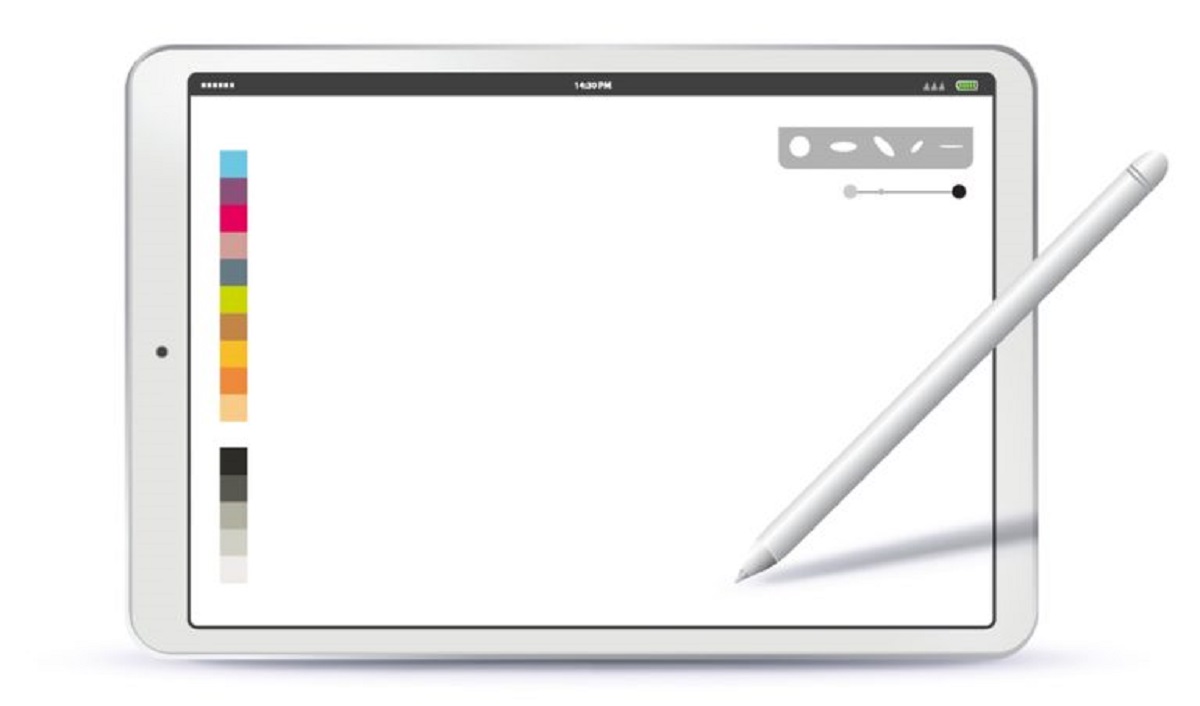
To download Procreate brushes, you first acquire a brush file (typically .brush, .brushset, .brushlibrary, or .abr) and then import it into the Procreate app on your iPad. This two-part process...
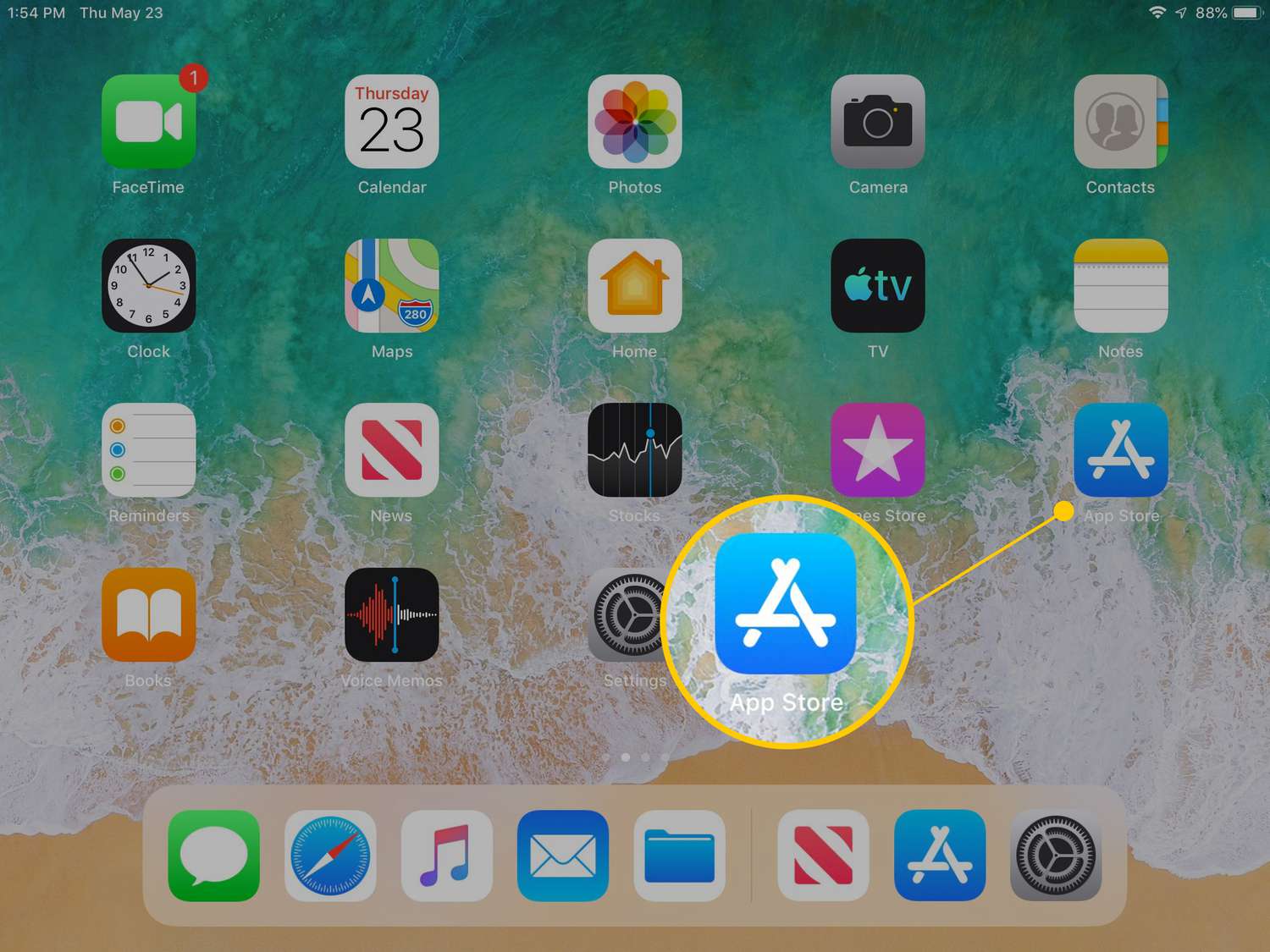
You can download older versions of apps on iPad, but only for apps you have previously downloaded with your Apple ID. This is a critical limitation: if you have never...
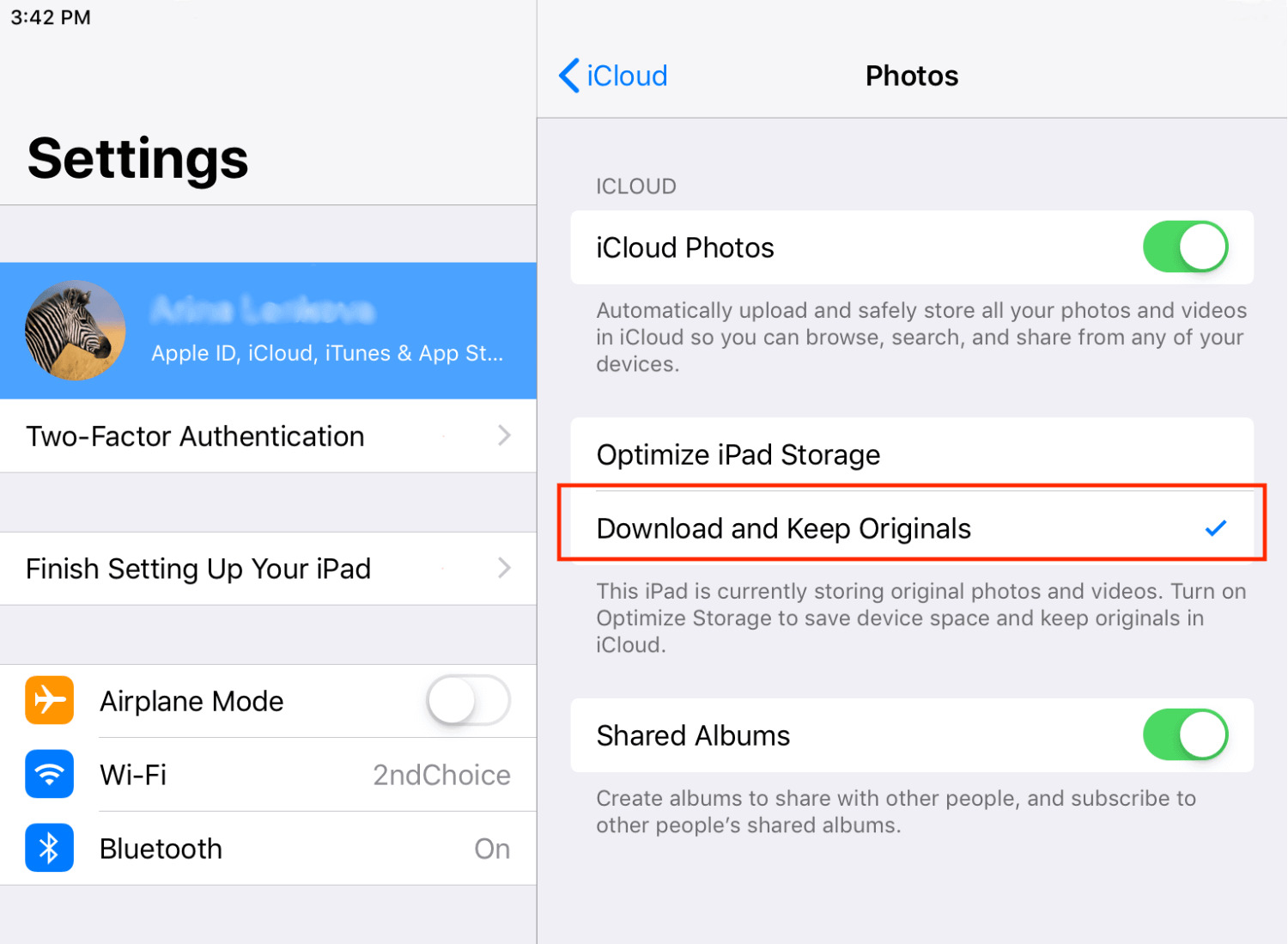
Why your iCloud photos download faster with the right settings By default, iCloud Photos uses the “Optimize [Device] Storage” setting, which saves space by keeping small, space-saving versions locally while...
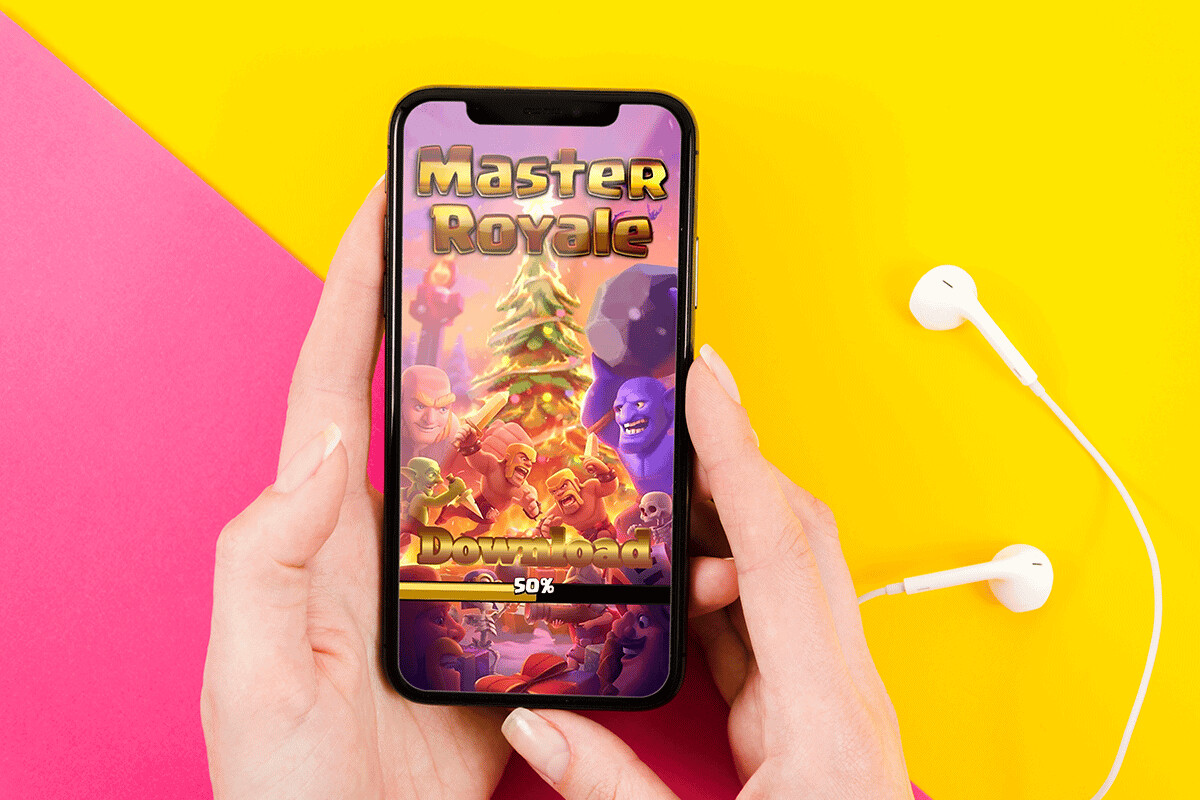
To download Master Royale on iOS, you’ll need to use an unofficial configuration profile method because the private server isn’t in the App Store. This guide walks you through the...
To download movies to your iPad for offline viewing, open the streaming app you subscribe to, such as Netflix, Disney+, Amazon Prime Video, or YouTube Premium, and look for the...
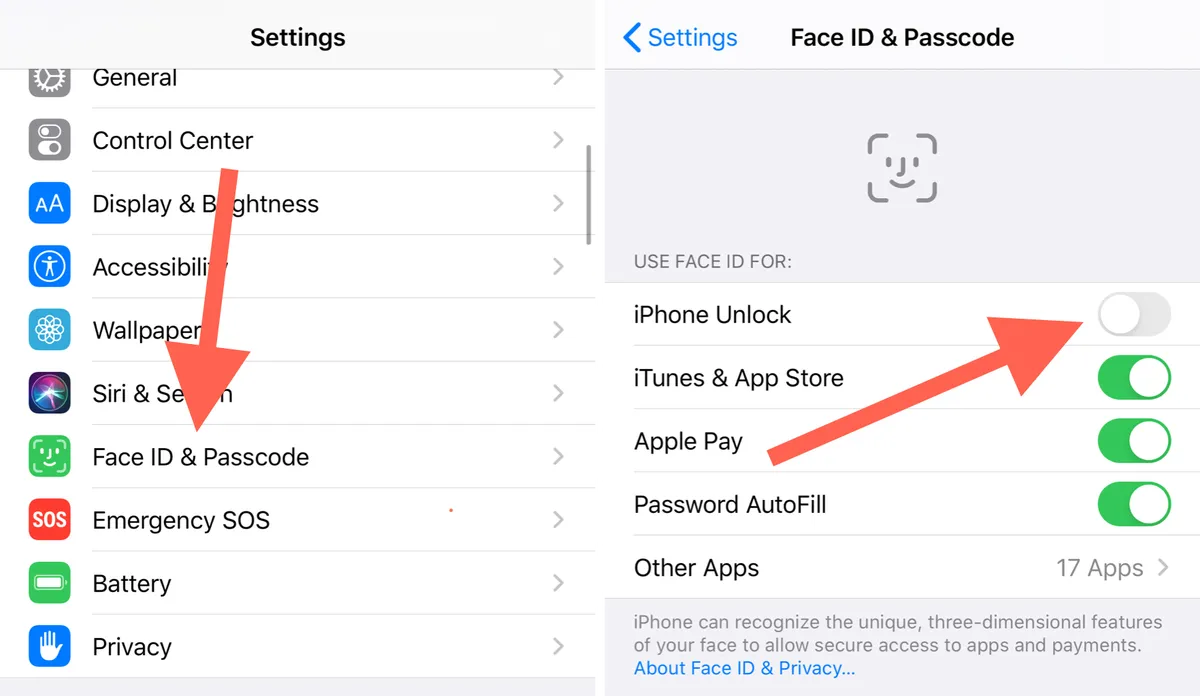
To use Face ID instead of passcode, first set up Face ID in your device's Settings app. Once enrolled, your face replaces your passcode for unlocking your iPhone or iPad,...
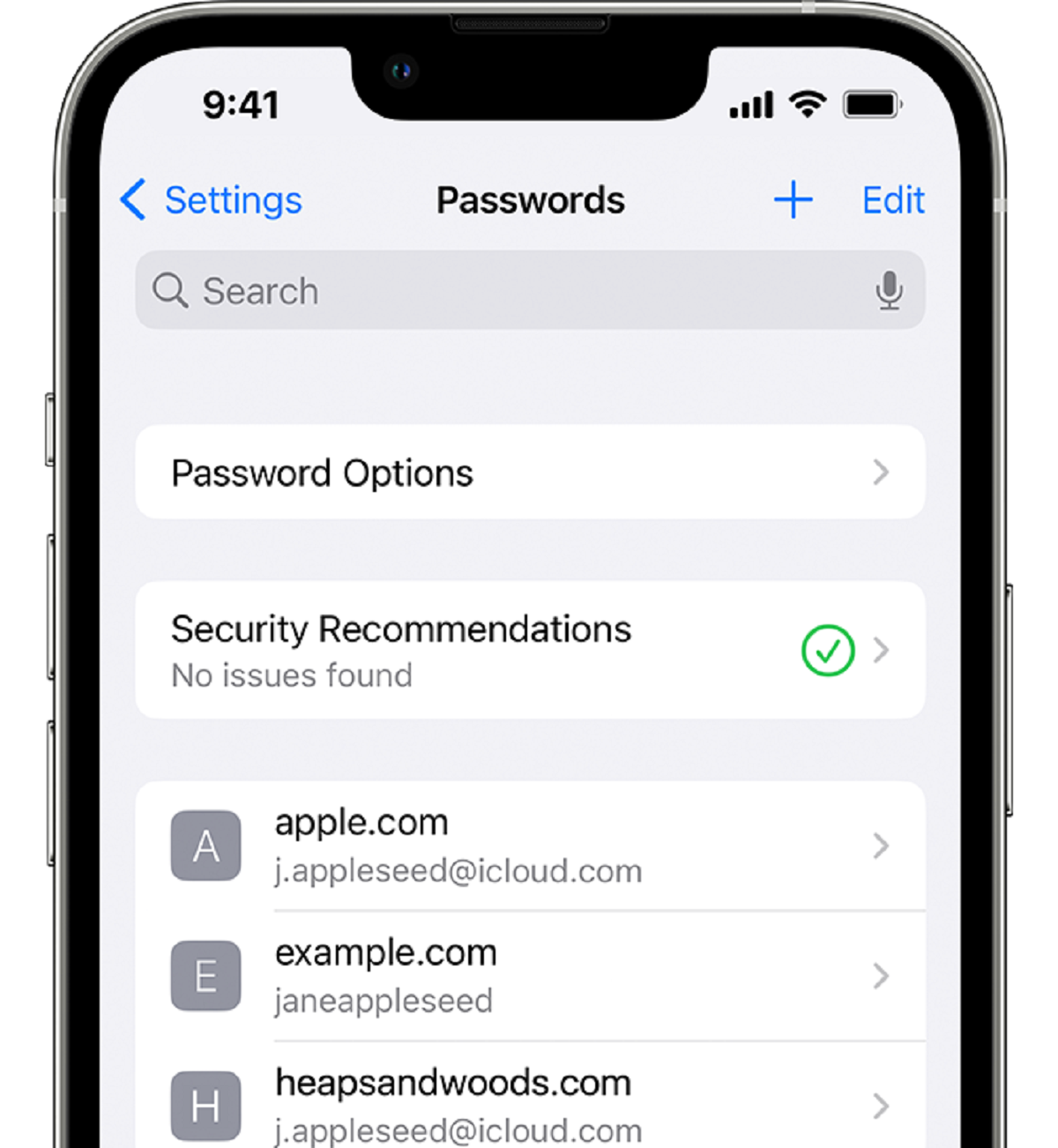
There is no separate Face ID password to find. The "face id passcode" is simply your device passcode, the same numeric or alphanumeric code you use to unlock your iPhone...
To tell if your Apple Pencil is dead, start by checking its battery level in the iPad’s Settings app or via the Batteries widget, if it shows 0% or won’t...
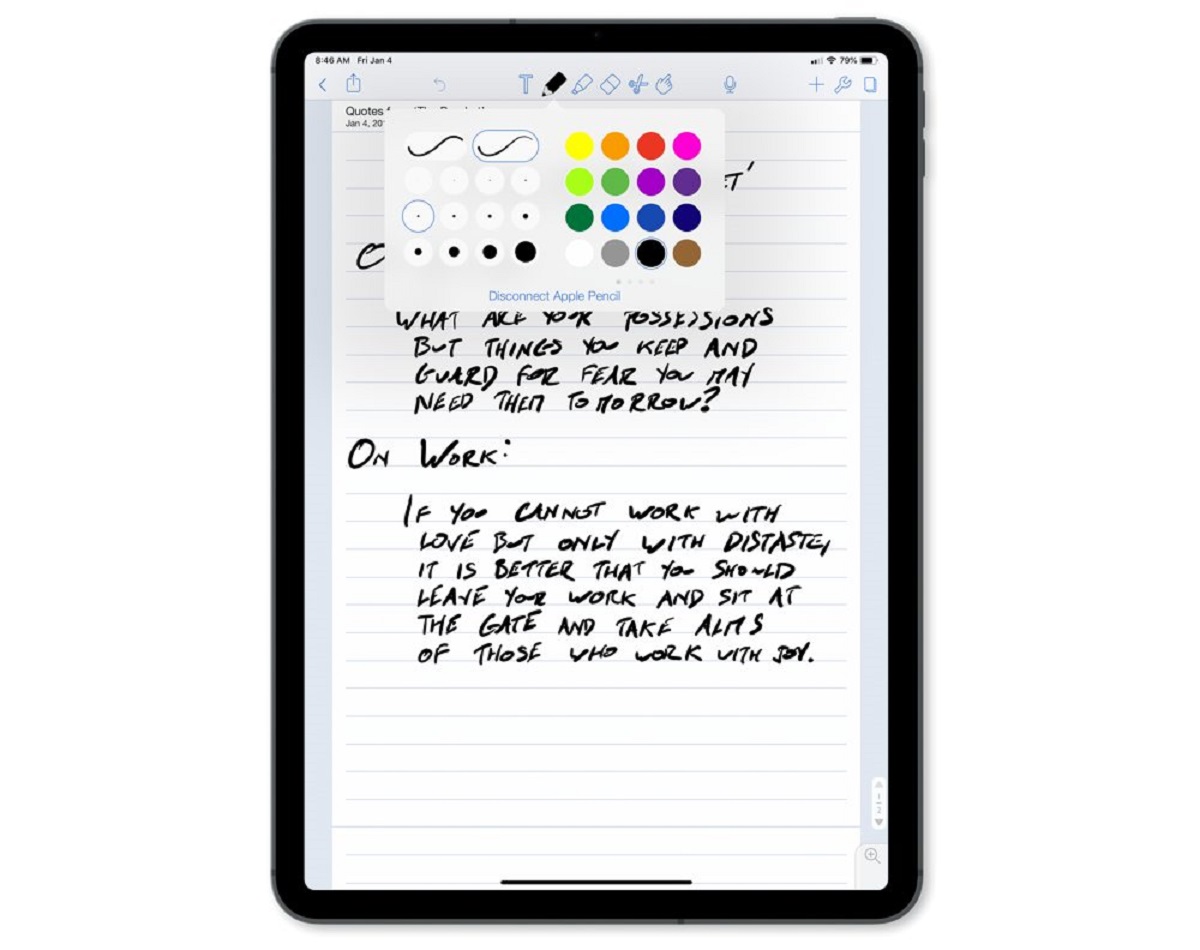
You can write in Notability without Apple Pencil by using your finger, a third-party stylus, or a Bluetooth keyboard. Here is exactly how to write in Notability without Apple Pencil...
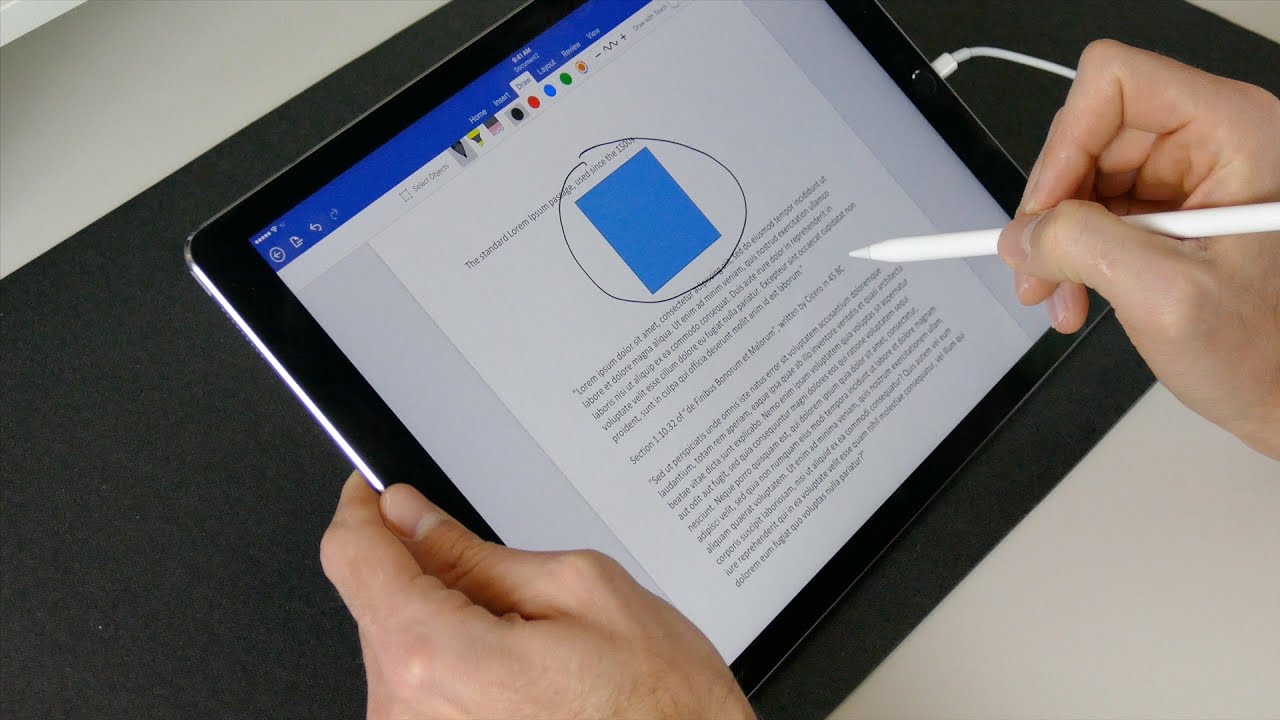
The blunt truth is that you cannot use Apple Pencil handwriting-to-text (Scribble) directly inside Google Docs on an iPad. While you can use the Apple Pencil as a stylus to...
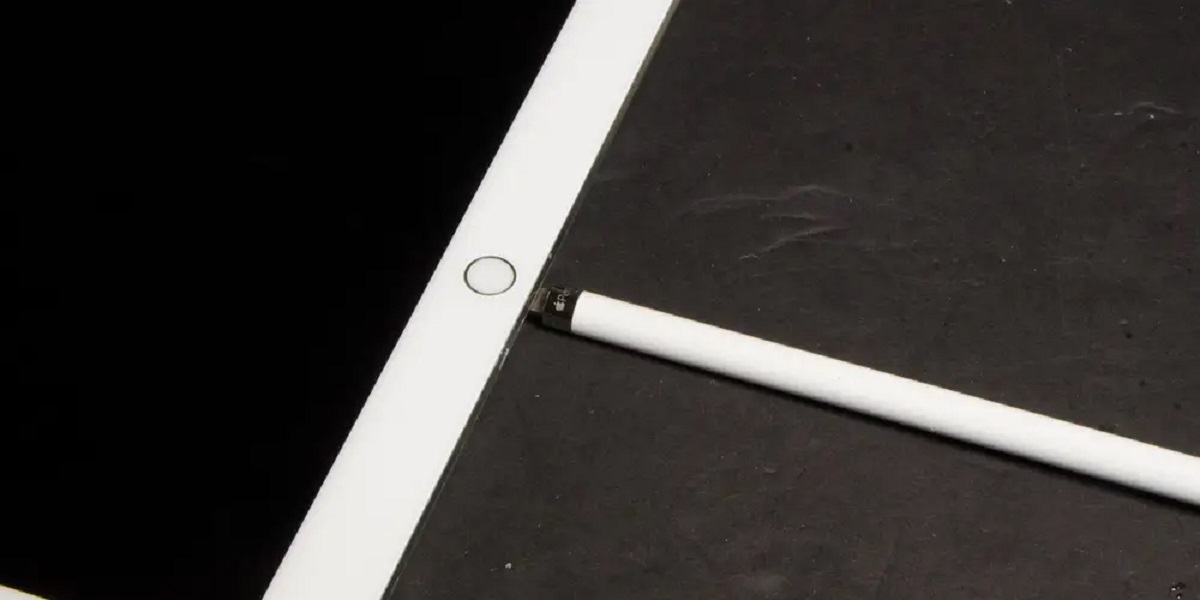
Identify your gear and calibrate Apple Pencil limits To calibrate Apple Pencil properly, start by physically inspecting your hardware. The first generation has a removable cap that reveals a Lightning...
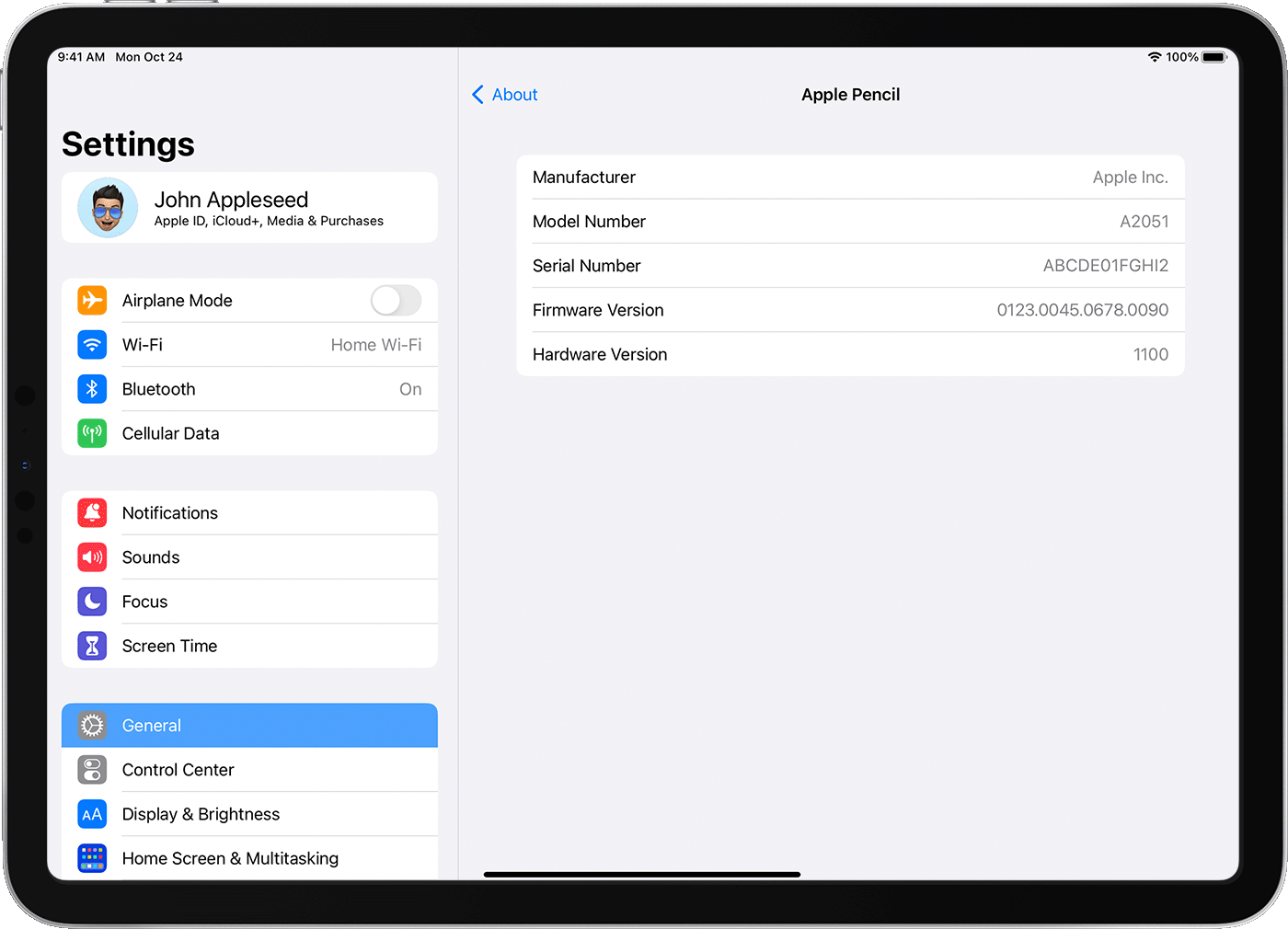
The fastest way to tell which Apple Pencil you have is to check the model number in your iPad's settings. Pair your Apple Pencil, then go to Settings > General...
This website uses cookies so that we can provide you with the best user experience possible. Cookie information is stored in your browser and performs functions such as recognising you when you return to our website and helping our team to understand which sections of the website you find most interesting and useful.
Strictly Necessary Cookies
Strictly Necessary Cookie should be enabled at all times so that we can save your preferences for cookie settings.
If you disable this cookie, we will not be able to save your preferences. This means that every time you visit this website you will need to enable or disable cookies again.